How to change size in Canva Artboard


Easily resize your Canva artboard to create visually stunning designs that fit any platform perfectly
Canva’s intuitive interface makes it simple to adjust the size of your artboard to fit your design needs.
Whether you're creating a social media post, flyer, or custom graphic, resizing the artboard ensures your content looks perfect on any platform.
Follow these steps to easily change the size of an artboard in Canva.
How to Change the Size of an Artboard in Canva | Steps to Change the Size of an Artboard in Canva
Step 1: Open Your Canva Design
Log in to your Canva account and open the design you want to resize.
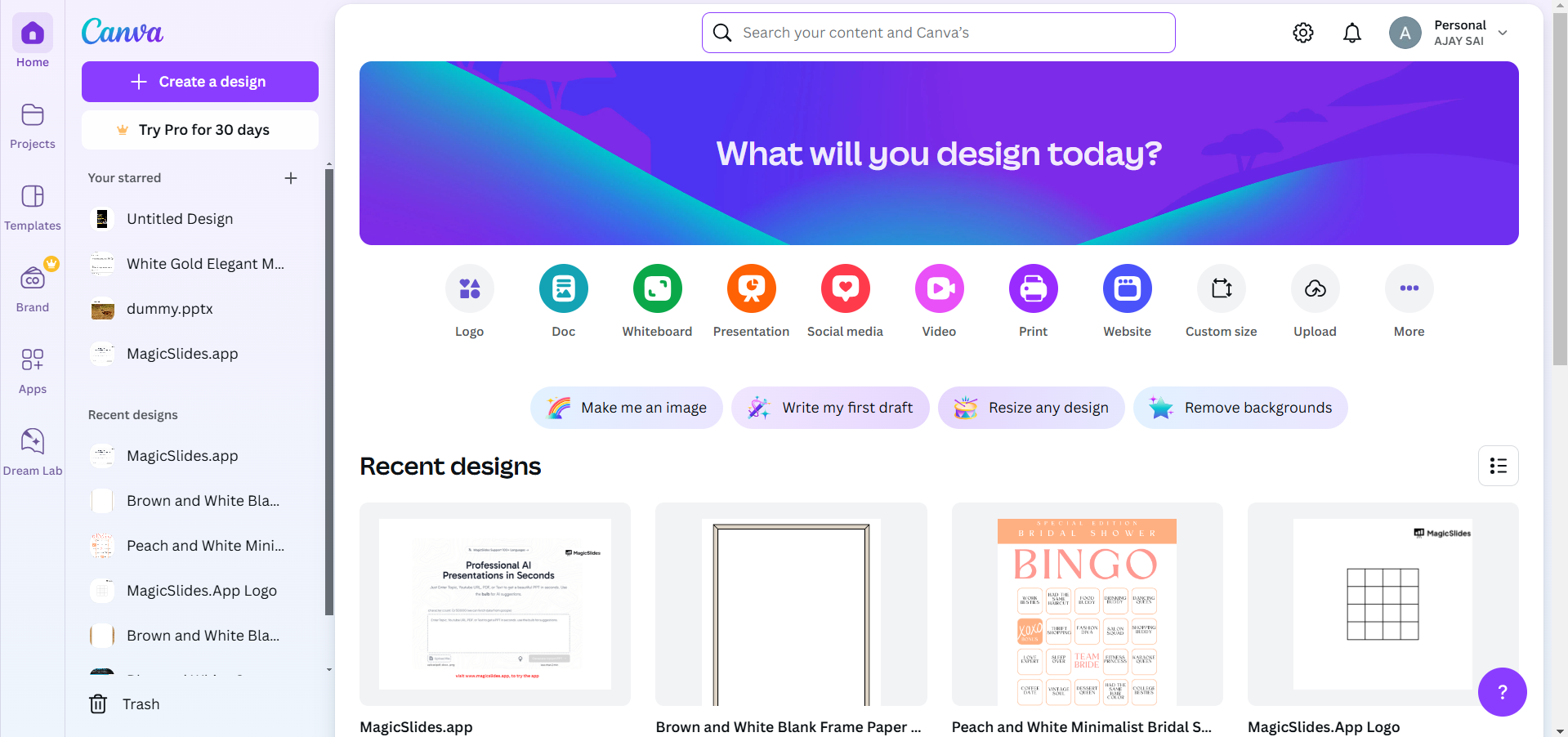
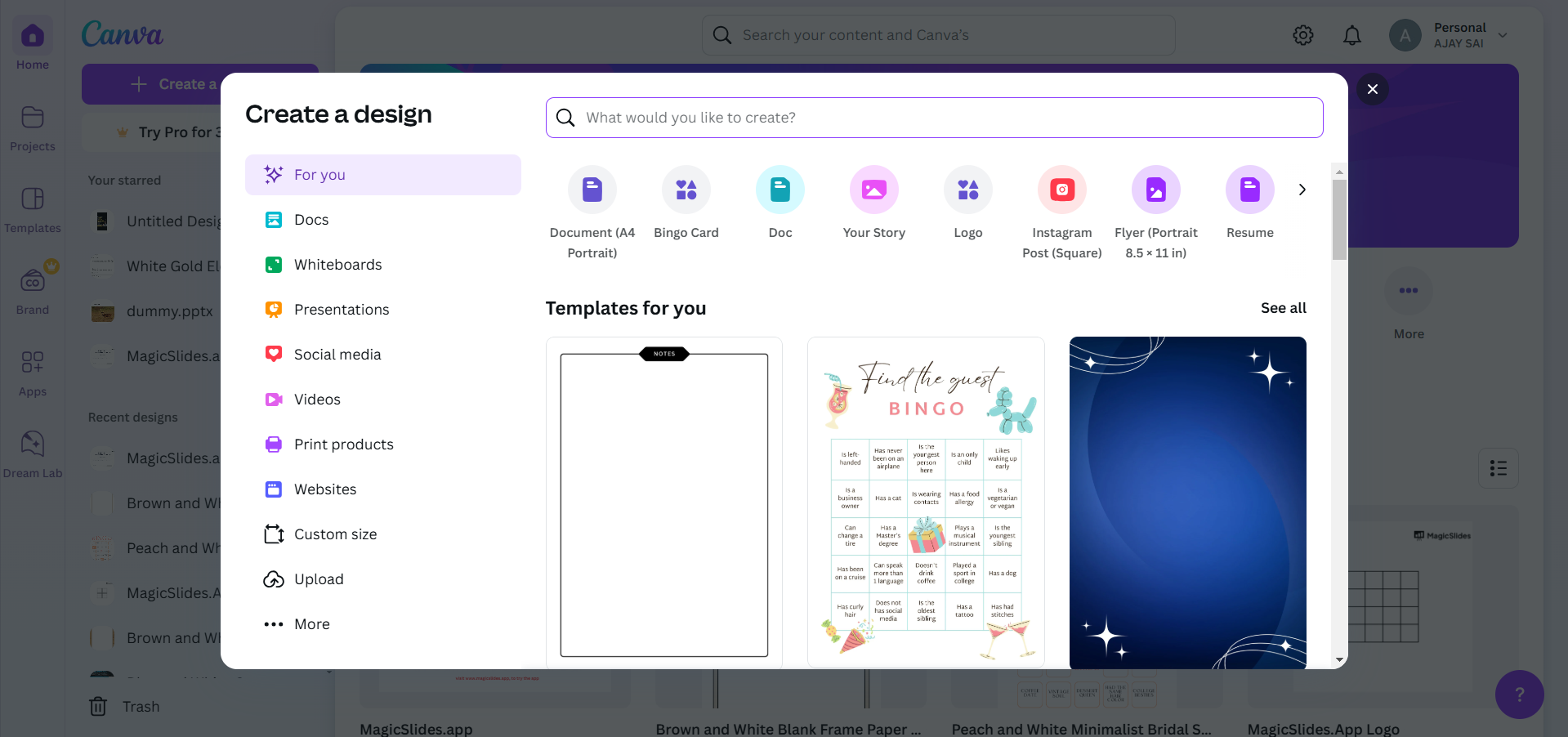
If starting a new design, click on the Create a Design button and select a template size.
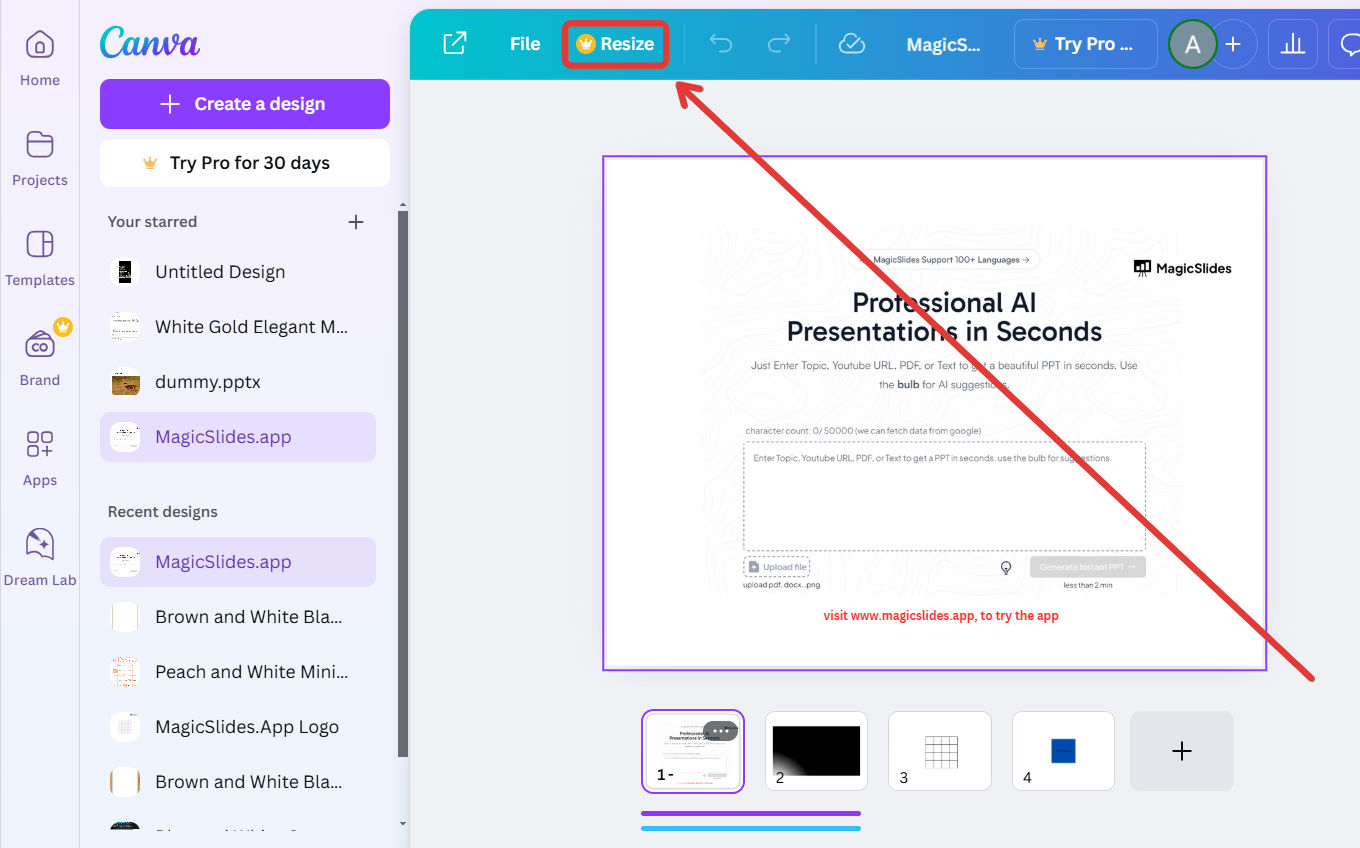
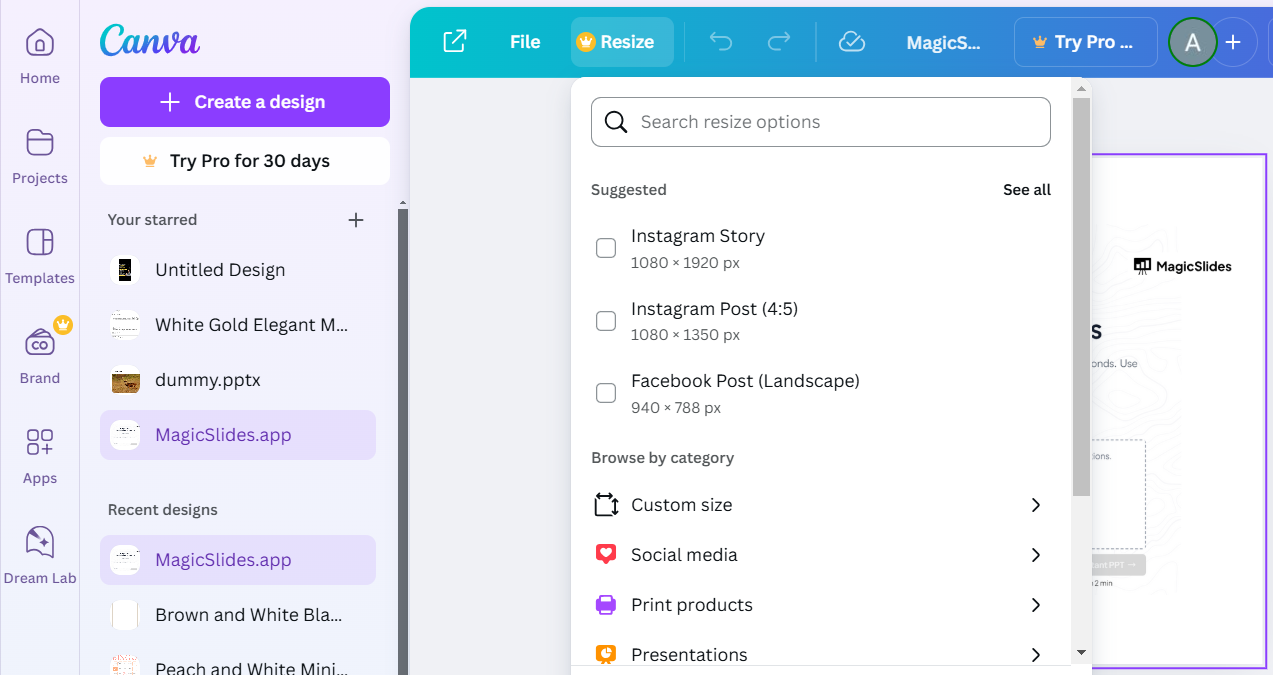
Step 2: Locate the Resize Option
In the toolbar at the top of the Canva interface, look for the Resize button.
Note: The resize feature is only available for Canva Pro users. If you don’t see this option, you can manually create a new design with the desired dimensions.
Step 3: Input New Dimensions
Click on the Resize button to open the dimension settings.
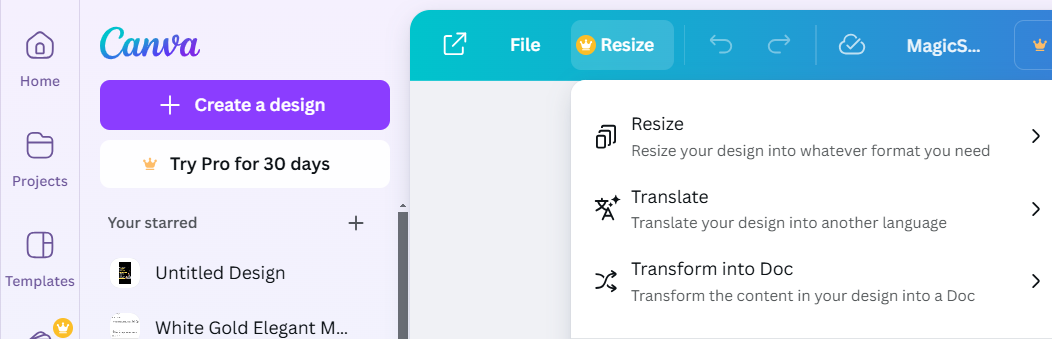
Enter the desired width and height in pixels, inches, millimeters, or centimeters, depending on your preference.
Step 4: Apply the Resize
Choose whether to resize the current design or copy the design into a new resized file:
- Resize will adjust your current artboard dimensions.
- Copy & Resize will create a duplicate design with the new dimensions.
Canva will automatically adjust the design elements to fit the new artboard size.
Step 5: Save Your Resized Design
Once satisfied with your resized artboard, click the Share button and choose Download to save your design.
Select your preferred file format (e.g., PNG, JPEG, PDF) and download the resized design.
Conclusion
Resizing the artboard in Canva allows you to adapt your designs for various platforms and purposes.
Whether for social media, print, or custom dimensions, this feature ensures your content always fits perfectly.
With these easy steps, you can resize your artboard like a pro and create stunning visuals effortlessly.
FAQs on Changing Artboard Size in Canva
Can I resize designs for free in Canva?
The resize tool is exclusive to Canva Pro. Free users can manually create new designs with the desired dimensions.
Will resizing distort my design elements?
Canva automatically adjusts elements to fit the new size, but you may need to reposition them for perfection.
Can I resize my design to multiple dimensions at once?
Yes, Canva Pro allows you to resize a design to multiple dimensions simultaneously using the Resize tool.
By mastering artboard resizing in Canva, you can ensure your designs are perfectly tailored to any platform or purpose!


