How to Create Investor Pitch Decks with AI


Learn how to create investor pitch decks with AI. Use MagicSlides to generate professional, investor-ready presentations quickly and efficiently for funding success.
Over the past three years, I’ve worked with startups, founders, and business teams, and if there’s one thing I know, it’s that raising capital isn’t easy.
A great pitch deck can open doors. A weak one can shut them fast, even if you have a brilliant idea.
As someone who's helped craft presentations for founders looking to secure funding, I know firsthand that building a compelling investor deck isn’t just about pretty slides, it’s about telling a story investors actually want to hear.
Today, I’m sharing what I’ve learned from real projects, and how AI tools like MagicSlides.app have made the process faster (and a lot less stressful).
Why a Strong Pitch Deck Really Matters
When I started working with early-stage startups, I thought investors only cared about the idea.
But the truth is, it’s how you present the idea that makes the difference.
A solid pitch deck helps you:
- Grab investors' attention quickly (you usually have just a few minutes).
- Explain your business clearly, without confusing or boring them.
- Prove your potential with real data and traction.
- Stand out from other startups competing for the same money.
The best decks feel effortless to read, but behind them is smart storytelling, clear design, and strategic structure.
What Every Good Investor Pitch Deck Should Include (From My Experience)
Here’s the basic flow I’ve seen work time and again:
1. Title Slide
Make it clean and professional:
- Startup name
- Logo
- Tagline or mission
- Your contact info
First impressions matter.
2. Problem Slide
Spell out the pain point clearly.
If your audience can’t immediately see why your startup matters, you’ll lose them fast.
3. Solution Slide
Explain how you solve the problem, simply and visually.
Real screenshots, product mockups, or diagrams can help a lot here.
4. Market Opportunity
Investors need to know there’s a big enough market:
- TAM (Total Addressable Market)
- SAM (Serviceable Addressable Market)
- SOM (Serviceable Obtainable Market)
Tip: Graphs and charts make this slide much stronger than paragraphs of text.
5. Business Model
How do you make money?
Spell out your revenue streams, pricing plans, and growth potential clearly.
6. Competitive Landscape
Show you’ve done your homework.
A simple comparison chart can show why your solution is better.
7. Traction & Milestones
This builds trust.
Share any user growth, revenue numbers, partnerships, or achievements, even if small. Investors want to see momentum.
8. Financials
Keep it high-level but data-driven:
- Revenue projections (next 3–5 years)
- Expected profit margins
- Key costs
Again, charts > spreadsheets.
9. Funding Ask
Be super clear:
- How much are you raising?
- What will you spend it on?
- What milestones will it help you reach?
10. The Team
Investors invest in people as much as ideas.
Highlight the key team members and why they’re the right people to win.
11. Final Slide
Wrap with a strong Call-to-Action.
Example: “We’d love to discuss how you can be part of our journey.”
How I Speed Up Pitch Deck Creation (Without Compromising Quality)
Honestly? Building a pitch deck from scratch used to take me days.
Then I discovered MagicSlides.app, and it’s been a huge time-saver.
How to Create an Investor Pitch Deck with AI Using MagicSlides
Instead of manually designing a pitch deck, MagicSlides automates the process using AI, allowing you to generate a structured, investor-ready presentation in minutes.
Step-by-Step Guide to Using MagicSlides
- Visit MagicSlides.app
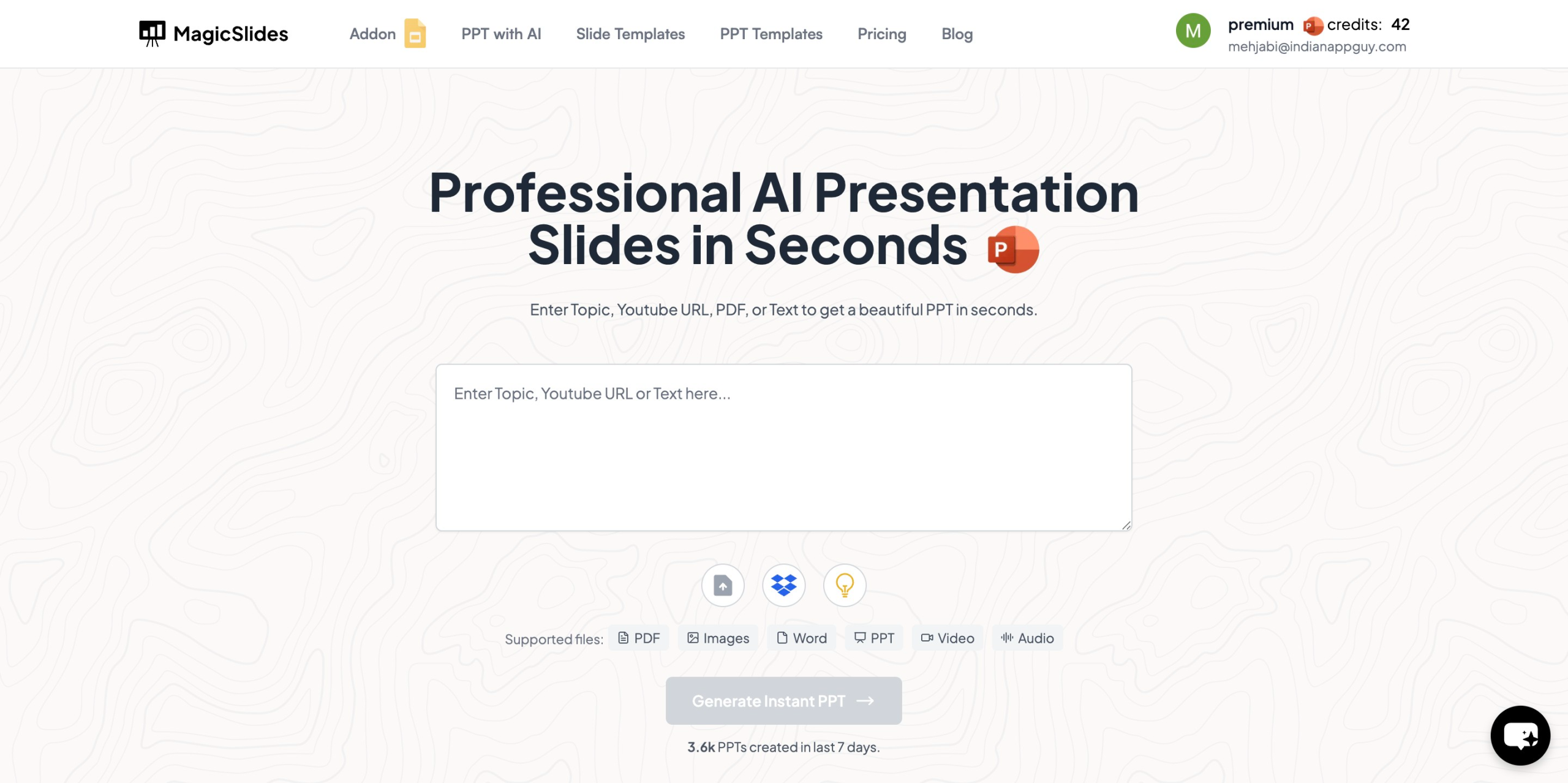
- Enter your topic in the given space (e.g., "AI Startup Investor Pitch Deck")
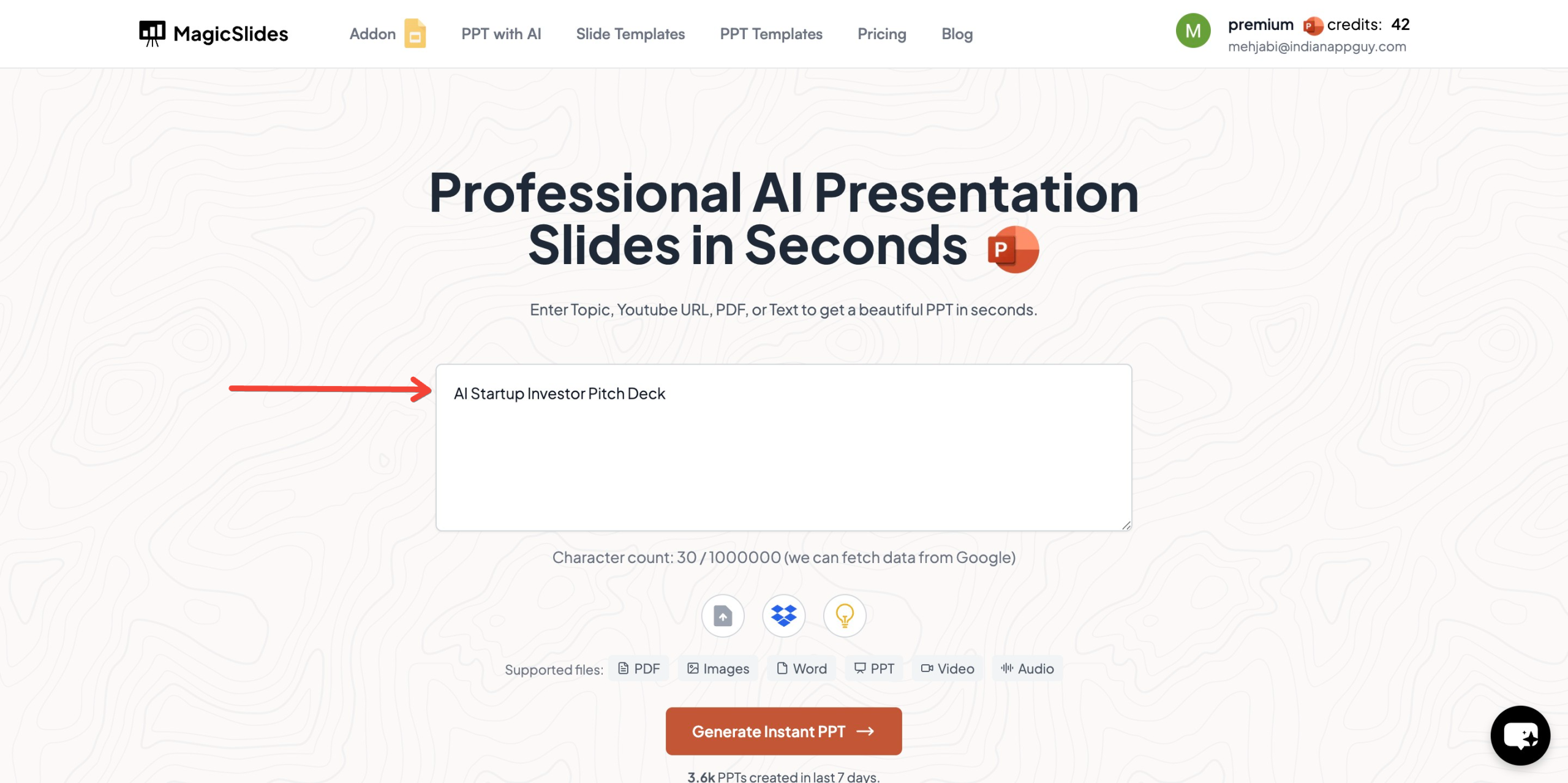
- Click "Generate Instant PPT"
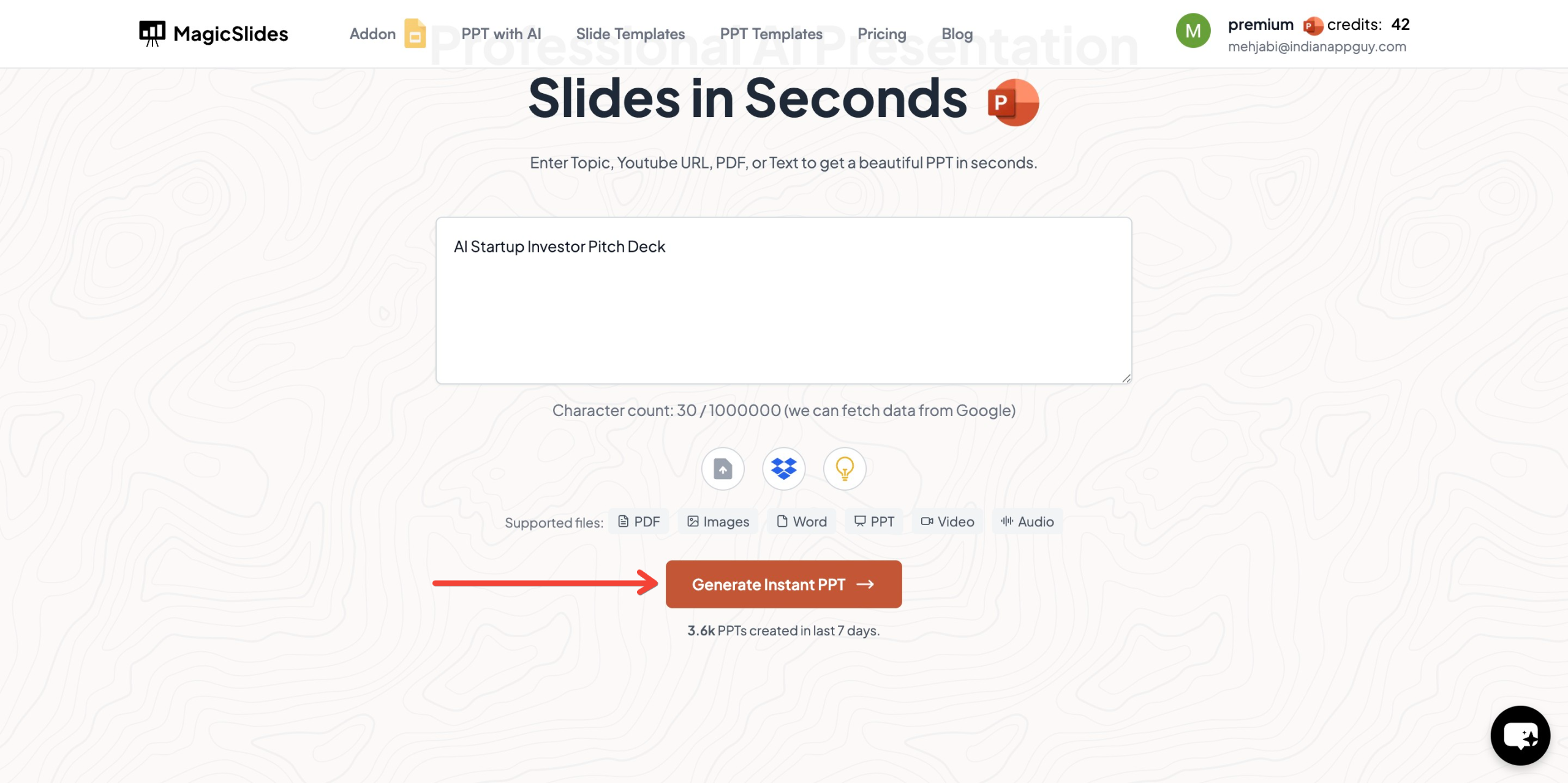
- Choose your template and number of slides as prompted
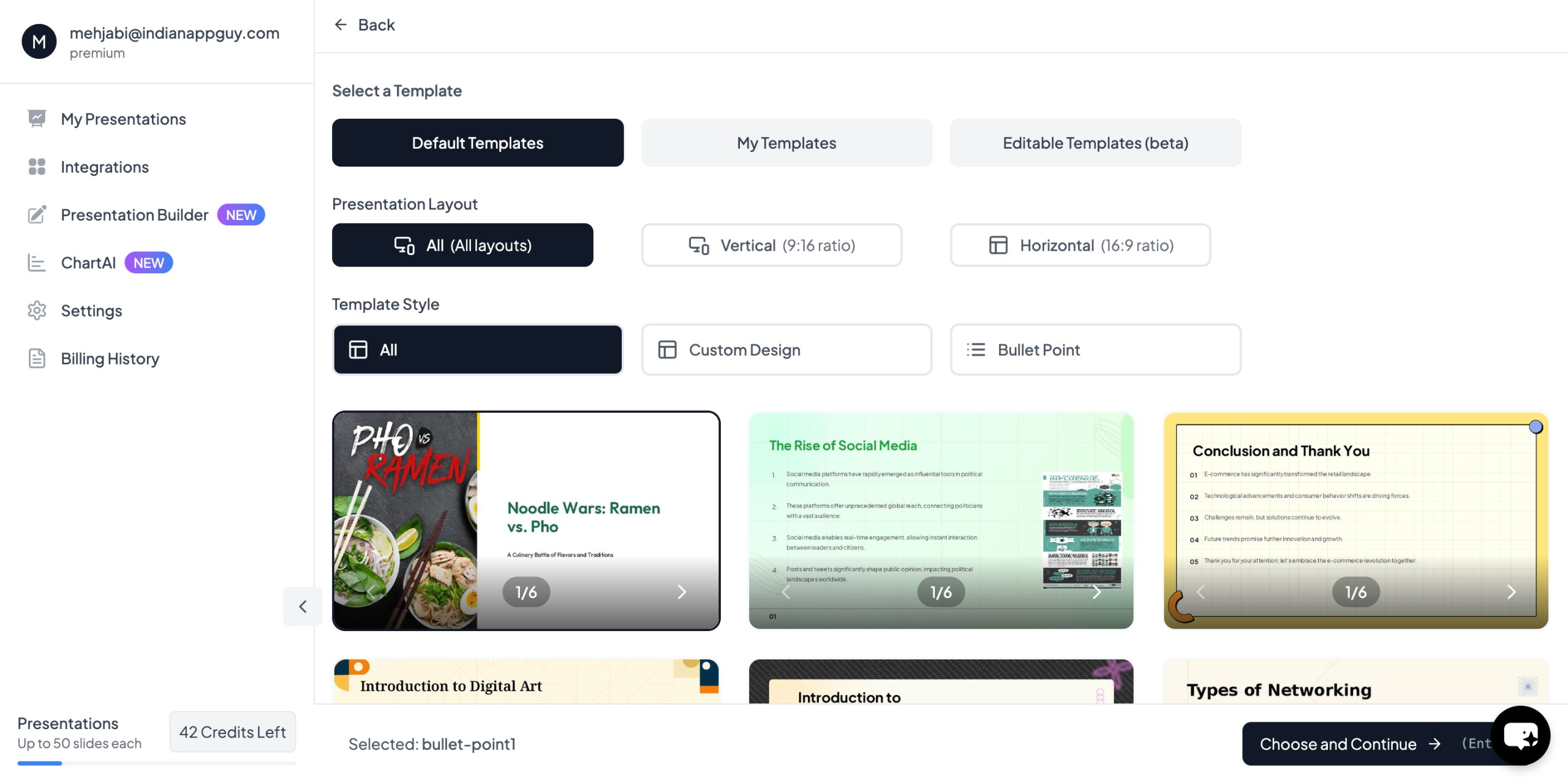
- Click "Start Generation" and wait for your slides to be created
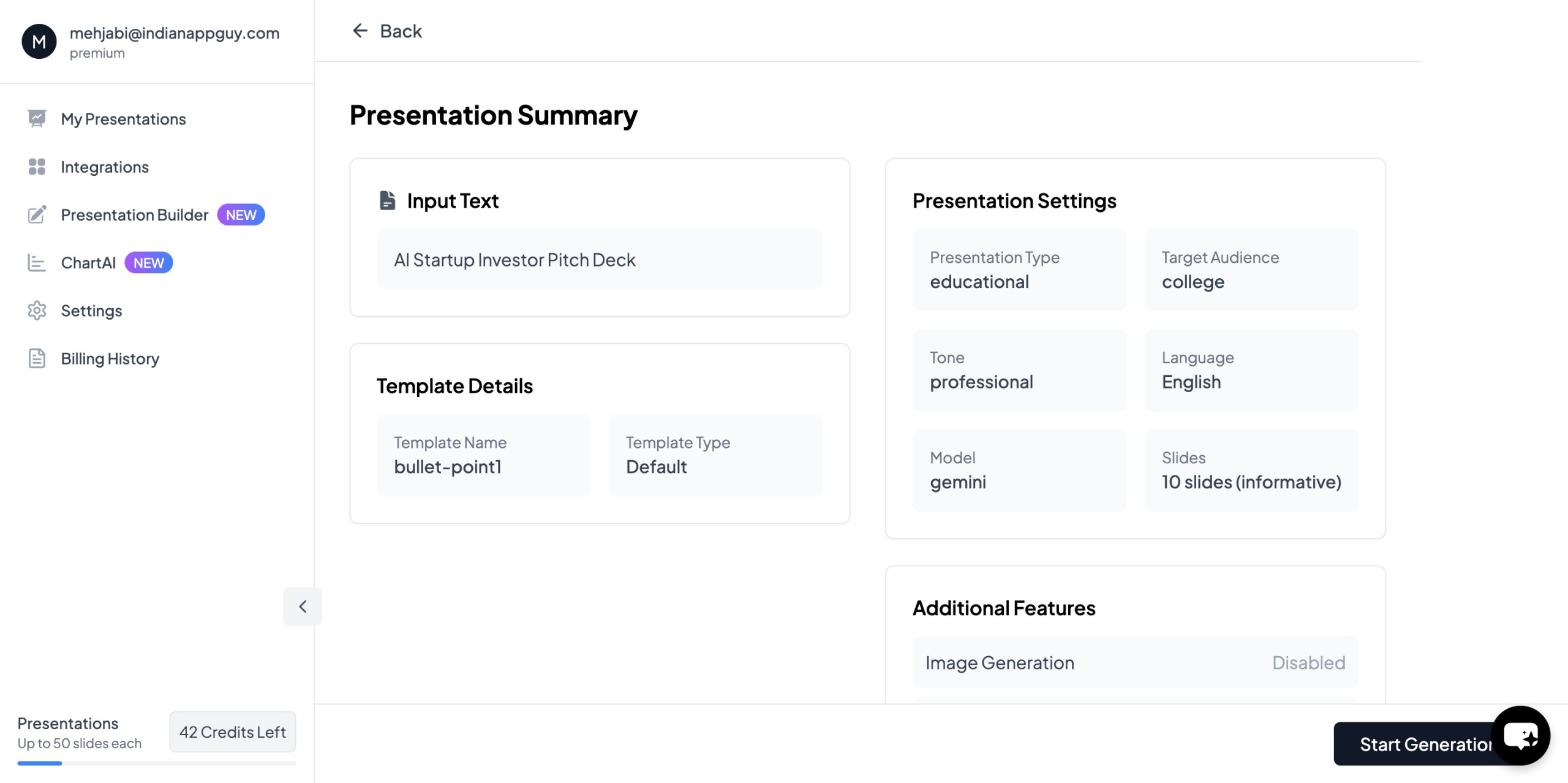
- Your presentation will be ready in seconds, complete with AI-generated content and images
MagicSlides ensures that your pitch deck is professionally designed, well-structured, and optimized for investors.
Why MagicSlides Works So Well for Investor Decks
From my experience, MagicSlides hits the sweet spot because it:
- Creates a logical flow for the presentation
- Suggests investor-ready content based on your topic
- Offers clean, minimal templates (perfect for business pitches)
- Saves tons of time while still giving you full control
If you’re a founder juggling 50 things at once (which, let’s be real, you probably are), this tool can be a game-changer.
MagicSlides Pricing Plans
MagicSlides provides flexible pricing for startups and entrepreneurs:
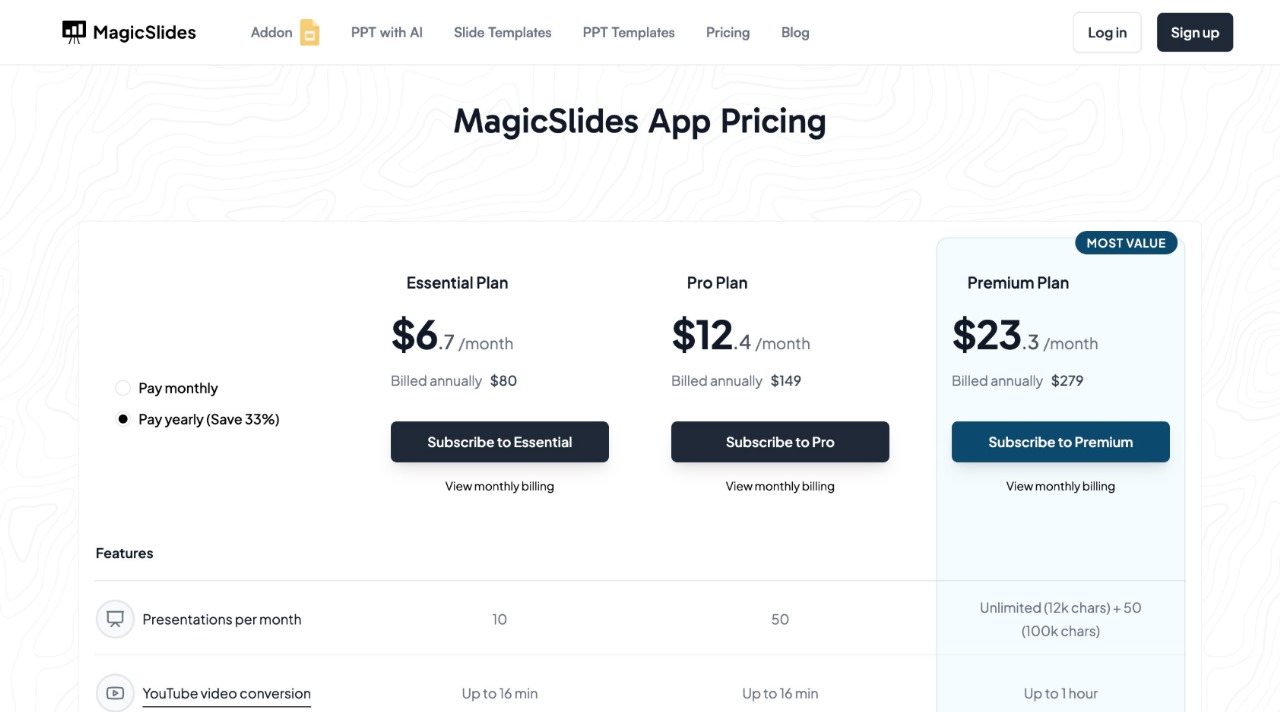
Essential Plan – $6.7/month (Billed Annually – $80)
- 10 presentations per month
- YouTube video conversion (up to 16 min)
- PDF conversion (5 pages)
- Up to 10 slides per presentation
Pro Plan – $12.4/month (Billed Annually – $149)
- 50 presentations per month
- YouTube video conversion (up to 16 min)
- PDF conversion (5 pages)
- Up to 15 slides per presentation
- AI-generated images
Premium Plan – Contact for Pricing
- Unlimited presentations
- YouTube video conversion (up to 1 hour)
- PDF conversion (20 pages)
- Up to 50 slides per presentation
With MagicSlides, startups can create high-quality investor pitch decks without hiring a designer or spending hours formatting slides.
Final Thoughts: Creating Investor Pitch Decks with AI
An investor pitch deck is a crucial tool for securing funding. Using AI-powered tools like MagicSlides, entrepreneurs can instantly generate professional pitch decks, making it easier to impress investors and win funding rounds.
To create your investor pitch deck in minutes, visit MagicSlides.app and leverage AI to streamline your fundraising process.


