How to Decorate Google Slides for a Professional and Creative Look


Learn how to decorate Google Slides professionally with tips for blue slide decor. Discover MagicSlides.app for effortless, stunning presentations in minutes.
Decorating your Google Slides presentation can significantly impact how your audience perceives your work. A well-decorated slide deck not only keeps your audience engaged but also ensures your message is delivered effectively. If you’re specifically looking for tips on “blue slide decor,” you’re in the right place.
This blog will provide practical, easy-to-follow steps for enhancing your Google Slides and introduce MagicSlides.app—an incredible tool for creating professional presentations effortlessly.
Why Decorating Your Google Slides Matters
Your slides are more than just a visual aid; they are a representation of your ideas. A well-decorated presentation:
- Captures your audience’s attention.
- Communicates your ideas more effectively.
- Makes you appear polished and professional.
Decor doesn’t mean overloading your slides with elements; instead, it’s about achieving a clean, attractive, and cohesive design.
How to Decorate Your Google Slides Like a Pro
1. Start with a Consistent Theme
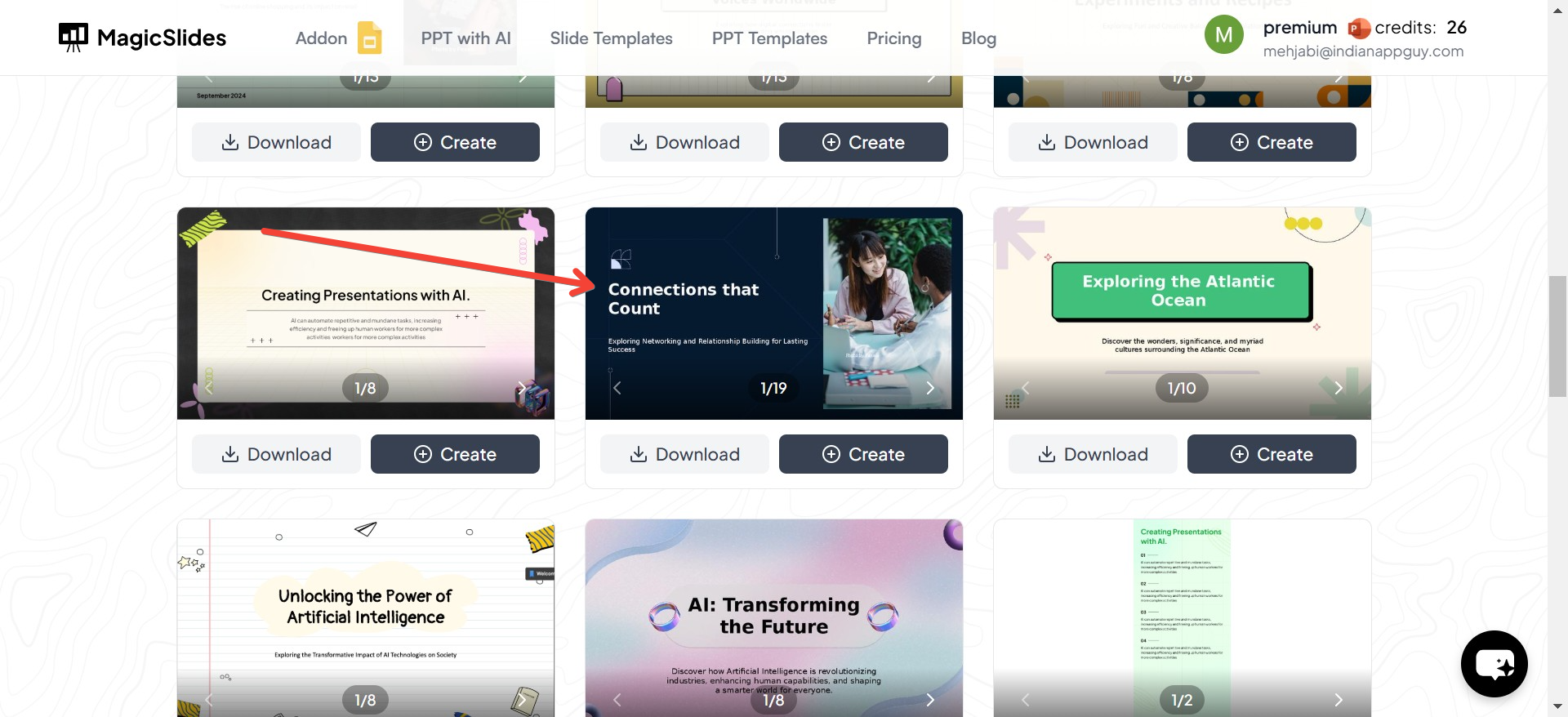
Google Slides offers several built-in themes, but if you’re looking for specific themes like “blue slide decor,” these might feel limiting. To achieve a truly unique and customized design, consider using third-party tools like MagicSlides.app.
2. Focus on Color Schemes
Blue is a calming and professional color, making it an excellent choice for presentations. Use different shades of blue for variety while keeping a consistent color scheme throughout your slides. Combine blue with neutral tones like white, gray, or black for a sleek look.
3. Add Visual Elements
Incorporate:
- Icons to illustrate your points.
- Charts and graphs for data-heavy slides.
- Images and illustrations that align with your theme.
4. Use Fonts Strategically
Choose readable fonts like Arial or Roboto. For titles, you can use bold styles to make them stand out, and pair them with a lighter font for body text. If your theme is “blue slide decor,” you can apply blue accents to headlines or important keywords.
MagicSlides.app: The Best Presentation Maker for Themes and Templates
While decorating your Google Slides manually is an option, it can be time-consuming and overwhelming—especially when perfection is your goal. This is where MagicSlides.app can make your life easier. It’s a powerful, user-friendly tool designed to create stunning presentations in just a few clicks.
How to Use MagicSlides.app to Create a Presentation
1. Visit MagicSlides.app
Head over to MagicSlides.app to get started.
2. Enter Your Topic
Once on the homepage, you’ll find an input field to describe your presentation. Enter your topic—whether it’s a school project, business pitch, or creative idea.
3. Click “Generate Instant Presentation”
With just one click, MagicSlides begins crafting a presentation tailored to your needs.
4. Select Your Slide Theme and Number of Slides
You’ll be presented with a variety of themes and templates, including options for “blue slide decor.” Choose your preferred theme, adjust the number of slides you need, and ensure everything looks perfect.
5. Click “Generate”
Once you’re satisfied with your selections, click “Generate.”
6. Your PowerPoint Is Ready!
In seconds, your fully customized presentation is generated and ready to download. You can open it in Google Slides or PowerPoint for final tweaks or to present right away.
Benefits of Using MagicSlides.app
- Wide Variety of Themes: From professional to creative, including stunning blue-themed designs.
- Saves Time: Skip hours of manual decoration and focus on your content.
- Customizable: Choose your number of slides and specific templates.
- User-Friendly: Designed for beginners and experts alike.
Final Thoughts
Decorating Google Slides doesn’t have to be a chore. With tools like MagicSlides.app, you can create professional presentations in minutes without sacrificing creativity or quality. If you’re aiming for a theme like “blue slide decor,” MagicSlides has you covered with a wide range of beautiful, ready-to-use templates.
So, the next time you’re preparing a presentation, skip the hassle of manual designing and let MagicSlides.app do the work for you. Not only will you save time, but you’ll also impress your audience with stunning visuals and a polished design.


