How to Enter SuperScript in PowerPoint


Easily add superscript in PowerPoint for mathematical expressions, chemical formulas, and footnotes with these steps
How to Enter Superscript in PowerPoint
Superscript is a formatting feature in PowerPoint that allows you to position text slightly above the normal line.
It is commonly used for mathematical expressions, chemical formulas, and footnotes. If you need to add superscript text in PowerPoint, follow this step-by-step guide.
Step-by-Step Guide to Enter Superscript in PowerPoint
Step 1: Open PowerPoint and Select Your Slide
Launch Microsoft PowerPoint on your computer. Open an existing presentation or create a new one.
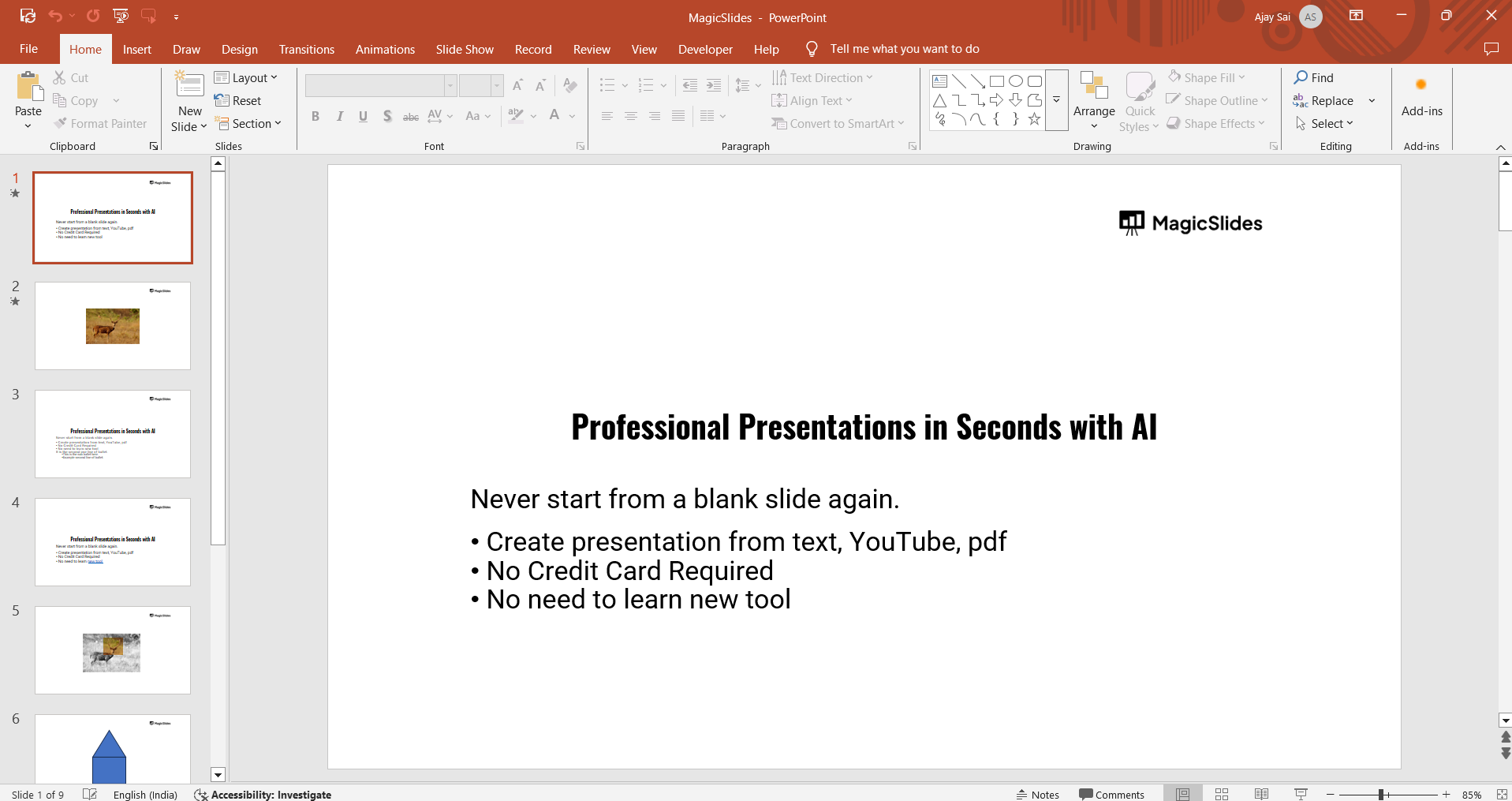
Click on the text box where you want to insert superscript text.
Step 2: Type the Text You Want to Format
Enter the text as you normally would in a text box.
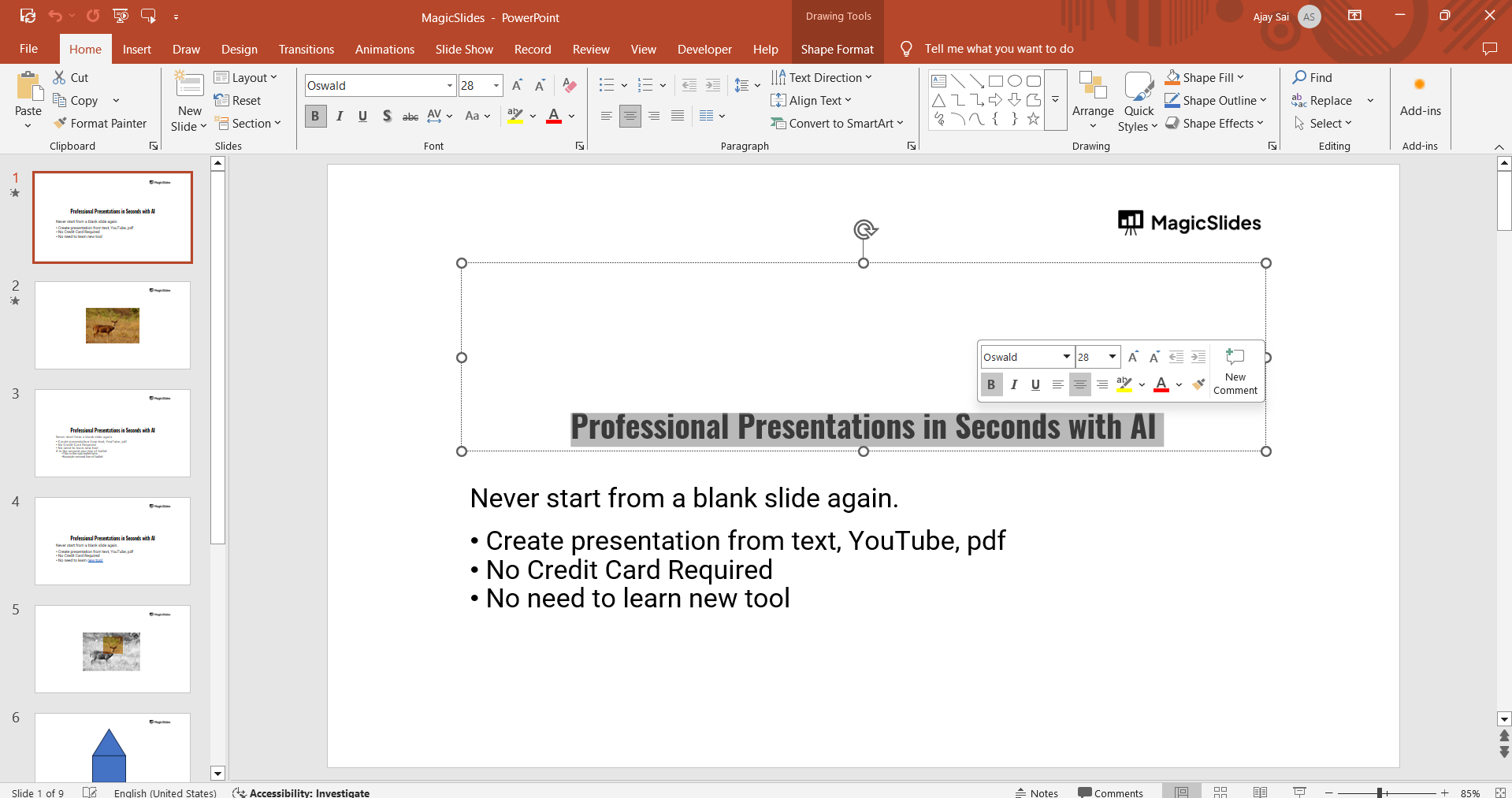
If you're adding a mathematical expression (e.g., x²), type the full text first (e.g., x2).
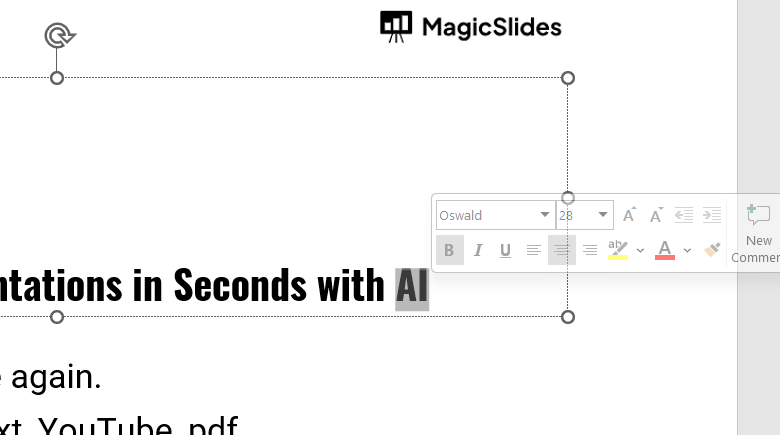
Step 3: Select the Text to Superscript
Highlight the character or number that needs to be superscripted.
For example, if you typed "x2," select only the "2."
Step 4: Apply Superscript Formatting
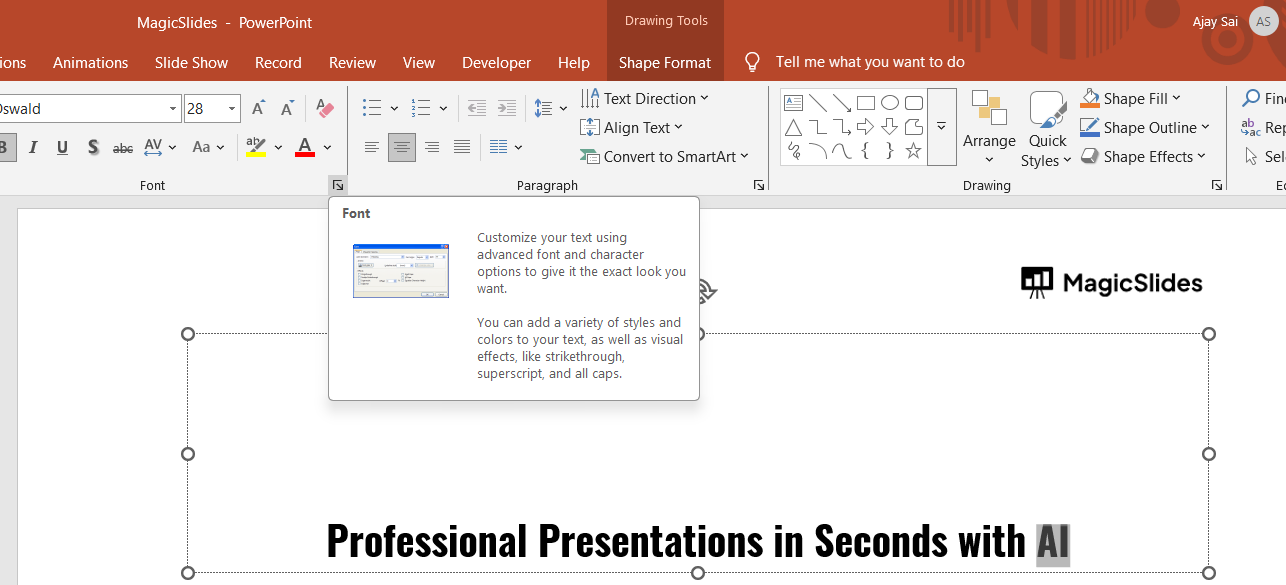
Method 1: Using the Font Settings
Click on the Home tab in the PowerPoint ribbon. In the Font section, click the small Font Dialog Box Launcher (a tiny arrow in the bottom-right corner).
In the Font window, check the box next to Superscript under "Effects." Click OK, and the selected text will now be in superscript.
Method 2: Using the Keyboard Shortcut
Select the text you want to superscript. Press Ctrl + Shift + + (Plus key) on your keyboard.
The text will instantly change to superscript format.
Step 5: Adjust Font Size (If Needed)
If the superscript text appears too small, increase its size using the Font Size option in the toolbar.
Step 6: Save and Preview Your Changes
Click File > Save to save your presentation.
Run the Slide Show (F5) to check if the superscript formatting looks correct.
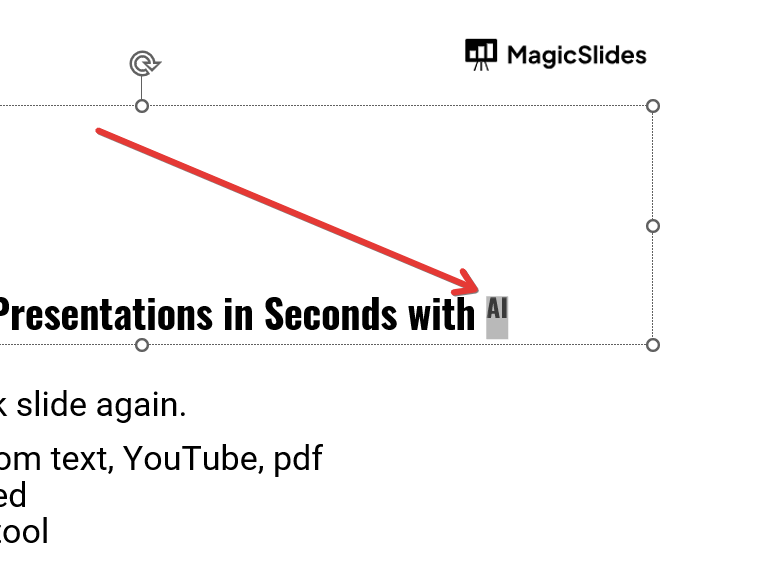
Now that you know how to add superscripts in PowerPoint, why not speed up your entire slide creation process? With MagicSlides.app you can generate AI-powered presentations in seconds just enter your topic, and let it do the work!
Conclusion
Using superscript in PowerPoint is essential for formatting mathematical notations, chemical formulas, and footnotes.
You can apply it easily using the Font settings or a keyboard shortcut.
By following these steps, you can ensure your slides look professional and well-structured.
FAQs About Superscript in PowerPoint
Why is the superscript option greyed out in PowerPoint?
Ensure you have selected a text box and highlighted the text before trying to apply superscript formatting.
Can I use superscript in PowerPoint for all fonts?
Most fonts support superscript, but some decorative or custom fonts may not have this feature.
How do I remove superscript formatting in PowerPoint?
Select the superscripted text and press Ctrl + Shift + + (Plus key) again, or uncheck Superscript in the Font dialog box.
Now you know how to use superscript in PowerPoint for a more polished and professional presentation! 🚀


