How to Find Free Slides for Any Presentation Need


Discover how to find high-quality free slides for any presentation need, with tips and tools like MagicSlides.app for stunning designs.
Creating a visually appealing and professional presentation can feel like a daunting task, especially if you’re starting from scratch. However, finding high-quality free slides can make the process easier and more efficient. Whether you’re a student, a professional, or a creative looking to wow your audience, there are plenty of resources available to help you design stunning presentations without spending a dime.
In this guide, we’ll walk you through how to find free slides for any presentation need and share tips to ensure your slides stand out. Let’s dive in!
Why Use Free Slides for Presentations?
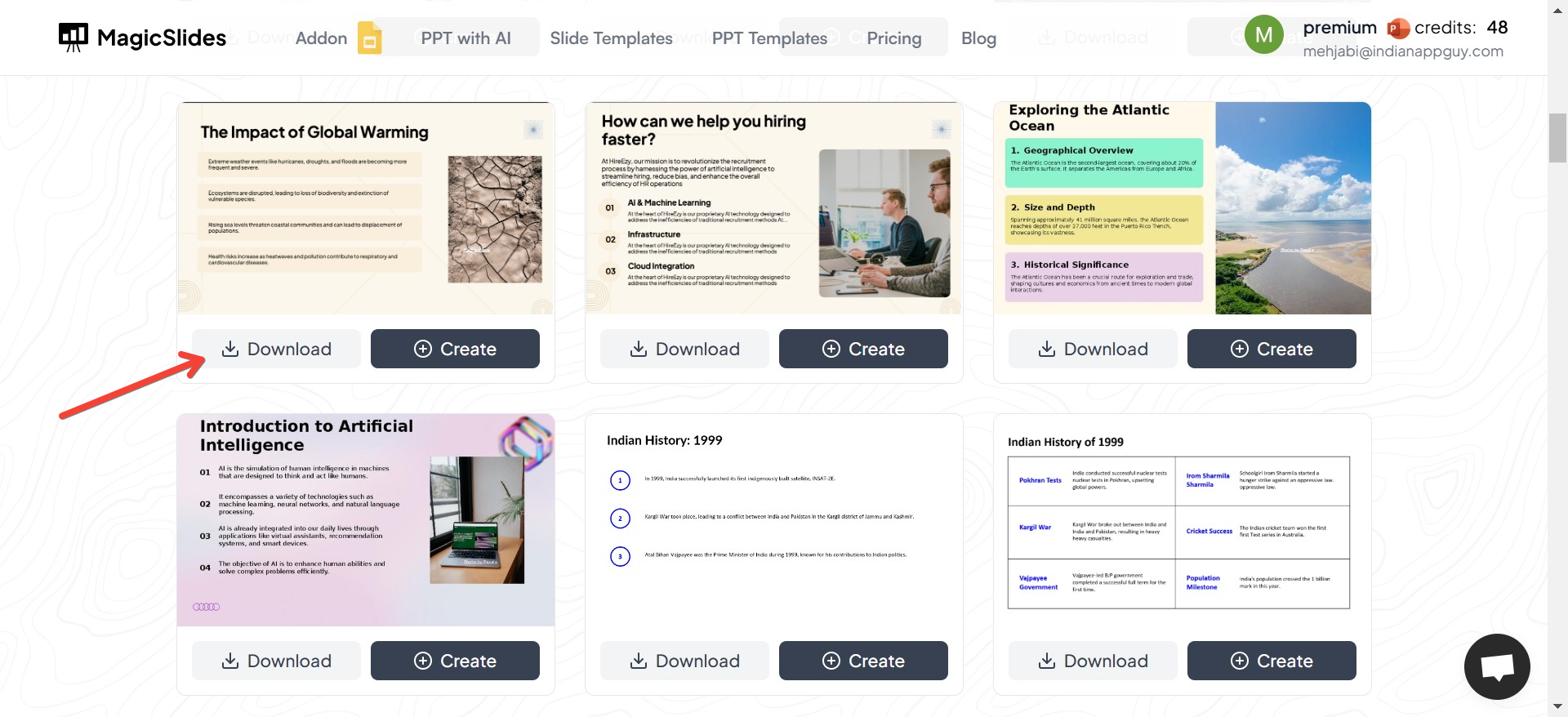
Free slides are a game-changer for anyone who needs to create a presentation quickly without compromising on quality. Here’s why:
- Cost-effective: As the name suggests, free slides save you money.
- Time-saving: Ready-made slides reduce the time needed for design.
- Professional designs: Many free slide templates are crafted by skilled designers, ensuring your presentation looks polished.
- Customizable: These templates are often highly editable, allowing you to tailor them to your specific needs.
Top Sources for Free Slides
1. Online Slide Template Libraries
Many websites specialize in offering free slide templates for PowerPoint, Google Slides, and Keynote. These platforms categorize their slides based on themes such as business, education, creative, and more, making it easier to find exactly what you need.
- Popular Options: Websites like SlidesCarnival, SlideModel, and Canva have extensive libraries of free slides.
2. Google Slides Template Galleries
Google Slides provides a built-in template gallery with free slides you can customize. Simply open Google Slides, browse the gallery, and select a template that fits your theme.
3. Free Tools Like MagicSlides.app
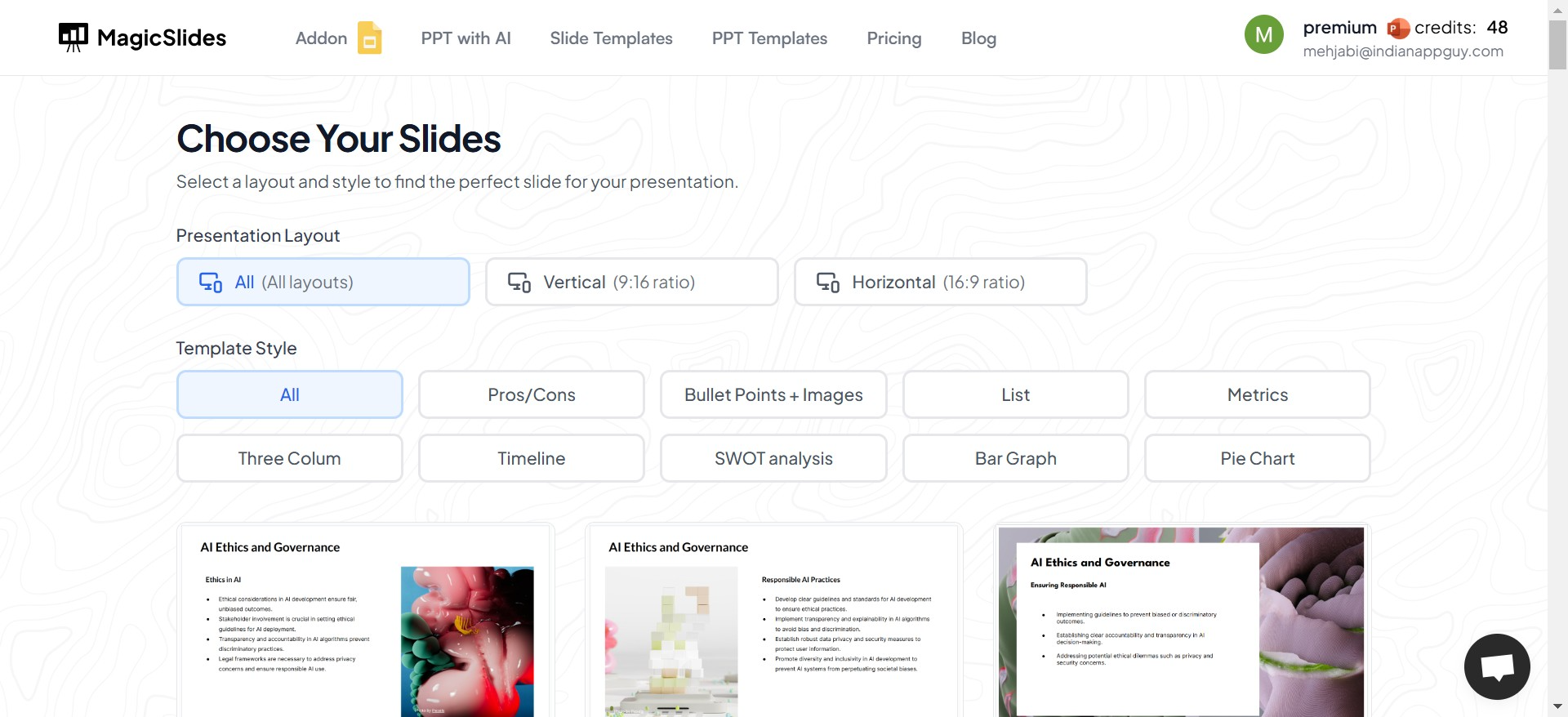
MagicSlides.app offers an innovative way to quickly generate free slide templates tailored to your content. With its AI-powered functionality, you can create engaging and professional-looking slides in minutes. It’s perfect for users who want to skip the hassle of searching and focus on delivering impactful presentations.
Tips for Finding the Right Free Slides
Finding free slides is about more than just picking the first template you see. Follow these tips to ensure your slides align with your presentation goals:
1. Understand Your Audience
Are you presenting to colleagues, clients, or students? The design and tone of your slides should match your audience's expectations.
2. Look for Versatility
Choose templates that are easy to adapt. For example, slides with clean layouts and multiple content placeholders give you the flexibility to add text, images, or graphs.
3. Check for Compatibility
Ensure the template is compatible with the platform you’re using (e.g., PowerPoint, Google Slides, Keynote). Many free slides are available in multiple formats, so choose one that works seamlessly with your software.
4. Focus on Simplicity
While creative designs are eye-catching, overly complex slides can distract from your message. Prioritize templates with simple yet professional aesthetics.
How to Customize Free Slides
Once you’ve downloaded a free slide template, the real work begins: making it your own. Here’s how to customize your slides for maximum impact:
- Replace placeholder content: Swap out the sample text and images with your own information.
- Adjust colors and fonts: Match the design to your branding or theme.
- Add animations sparingly: Enhance your presentation with subtle animations, but avoid overdoing it.
Pro Tip: Using tools like MagicSlides.app can make this process even faster. Their templates are designed to be user-friendly, ensuring you spend less time editing and more time presenting.
Benefits of Using MagicSlides.app for Free Slides
While there are numerous platforms offering free slides, MagicSlides.app stands out for its ease of use and AI-driven features. Here’s what makes it a great choice:
- Fast Results: Simply input your content, and MagicSlides.app generates tailored slide templates in seconds.
- Diverse Options: Choose from various designs and layouts to fit your topic and audience.
- Completely Free: Yes, you can access many templates without spending a dime.
Conclusion
Finding free slides for your presentations doesn’t have to be challenging. With a wealth of resources available online, you can easily find templates that suit your style and needs. Platforms like MagicSlides.app make the process even smoother by offering ready-to-use, customizable templates designed to save time and enhance your presentations.
So, the next time you’re preparing a presentation, skip the stress and explore free slide options to wow your audience effortlessly. Happy presenting!


