How to make a Chrome color Gradient Canva


Create a stunning chrome color gradient in Canva using gradient elements, metallic shades, and effects
How to Make a Chrome Color Gradient in Canva
Chrome color gradients add a sleek, metallic look to designs, making them visually appealing and modern.
In Canva, you can create a chrome effect by using gradient elements and adjusting colors effectively.
Follow these simple steps to achieve a chrome gradient in Canva.
Steps to Create a Chrome Color Gradient in Canva
Step 1: Open Canva and Create a New Design
Go to Canva.com and log in to your account.
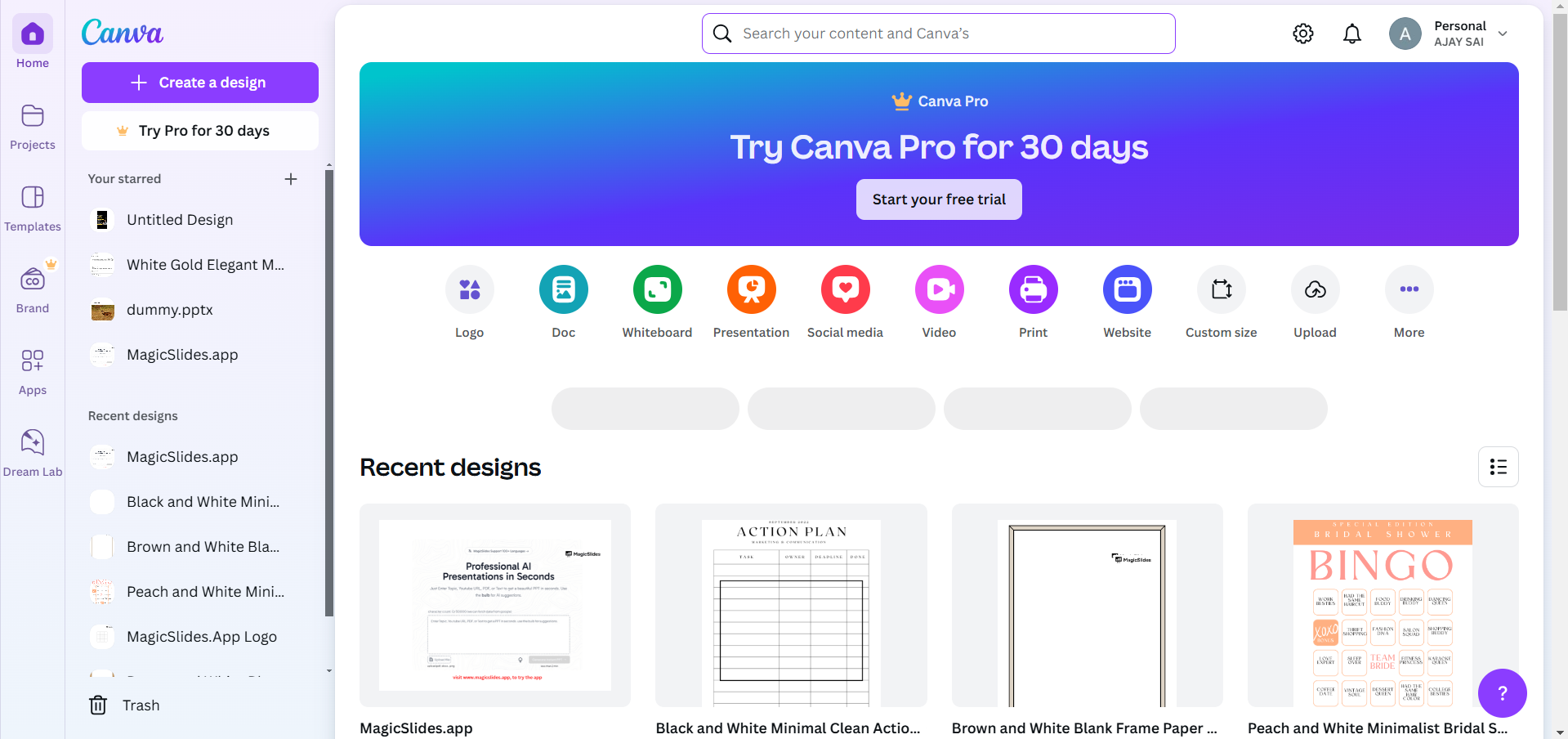
Click on Create a design and select the preferred size for your project (e.g., Instagram post, presentation, or custom dimensions).
Step 2: Add a Gradient Element
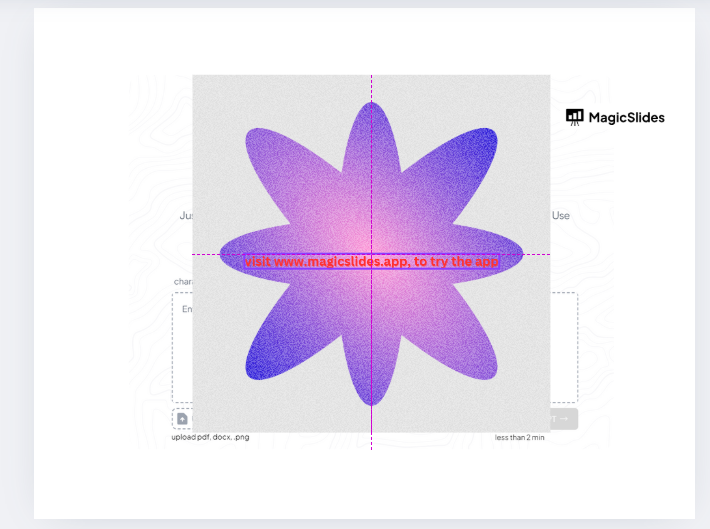
In the Elements tab, search for "gradient" in the search bar. Scroll through the available gradient options and select a suitable one.
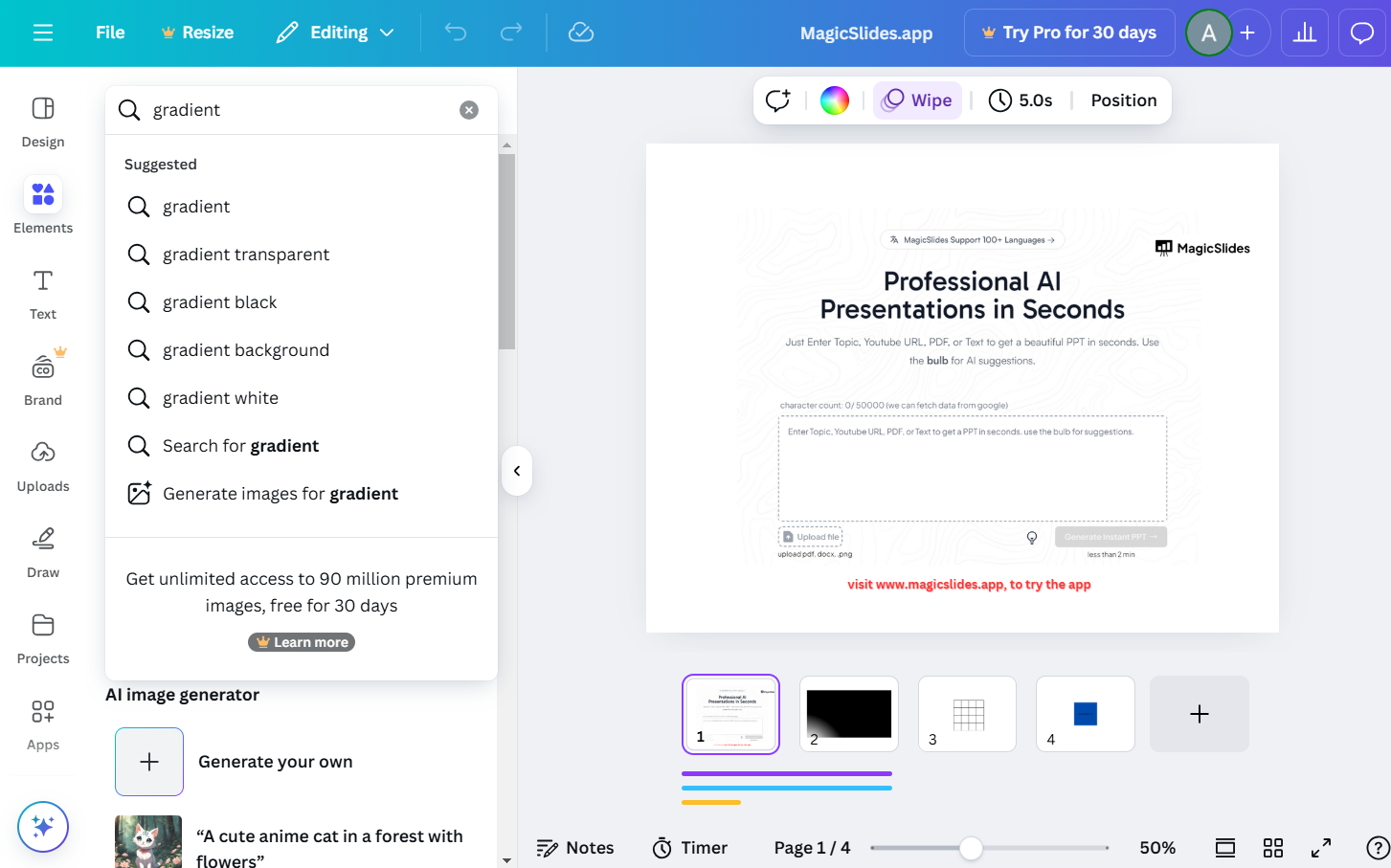
Drag and resize it to fit your design.
Step 3: Adjust the Colors to Create a Chrome Effect
Click on the gradient element to bring up the color picker. Choose metallic shades such as silver, dark gray, light gray, and white.
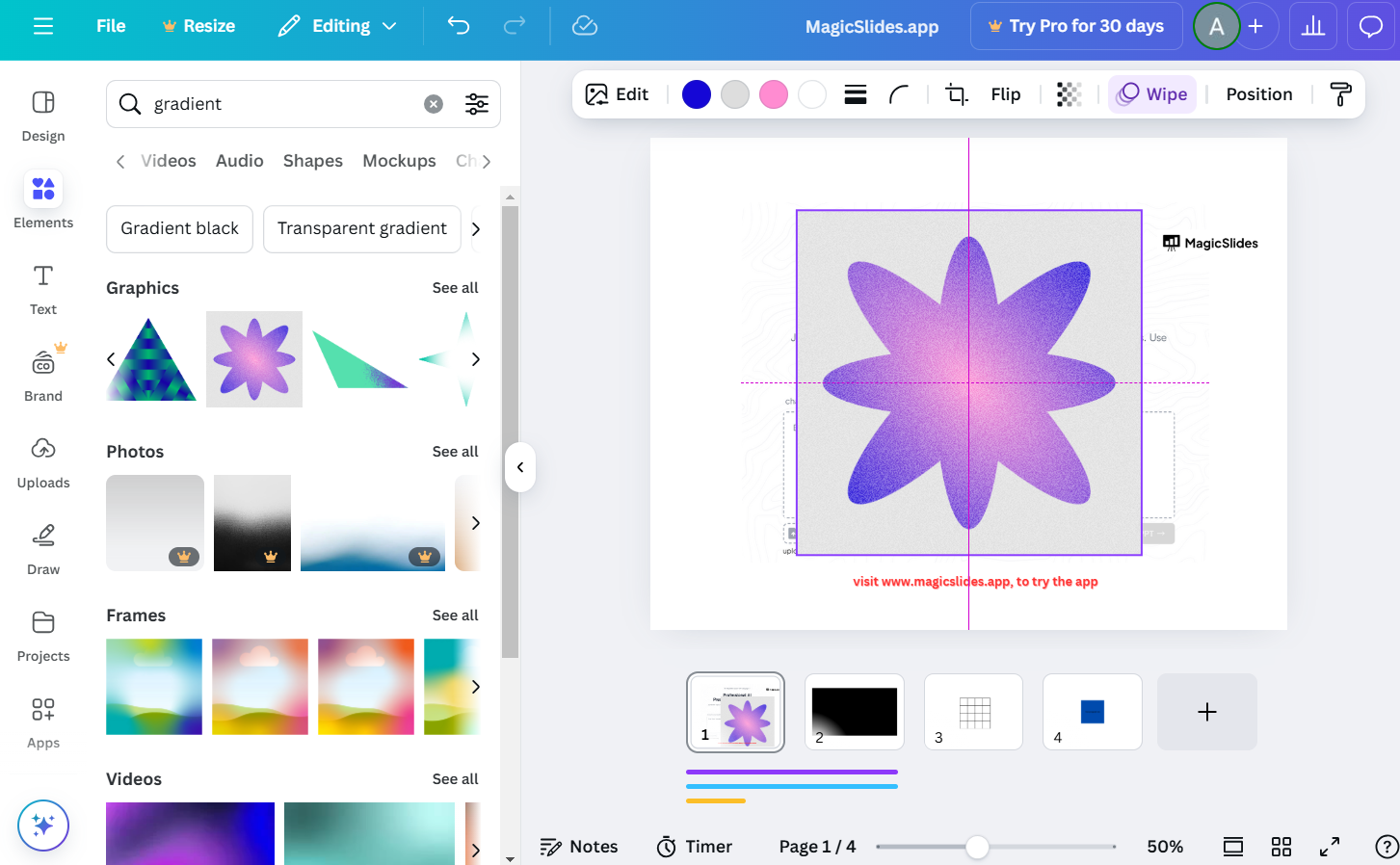
Adjust the gradient direction and intensity to resemble a chrome finish.
Step 4: Enhance with Effects (Optional)
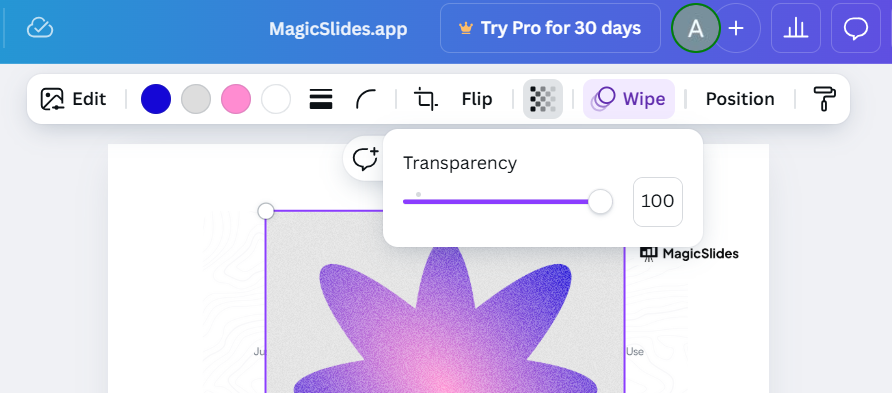
To make the chrome effect more realistic, add a blurred highlight or shiny overlay using white and light gray elements.
Experiment with transparency to create a reflective look.
Step 5: Add Text or Elements Over the Gradient
If adding text, choose bold fonts that contrast well against the chrome background.
Use outline or shadow effects to enhance readability.
Step 6: Download and Use Your Chrome Gradient Design
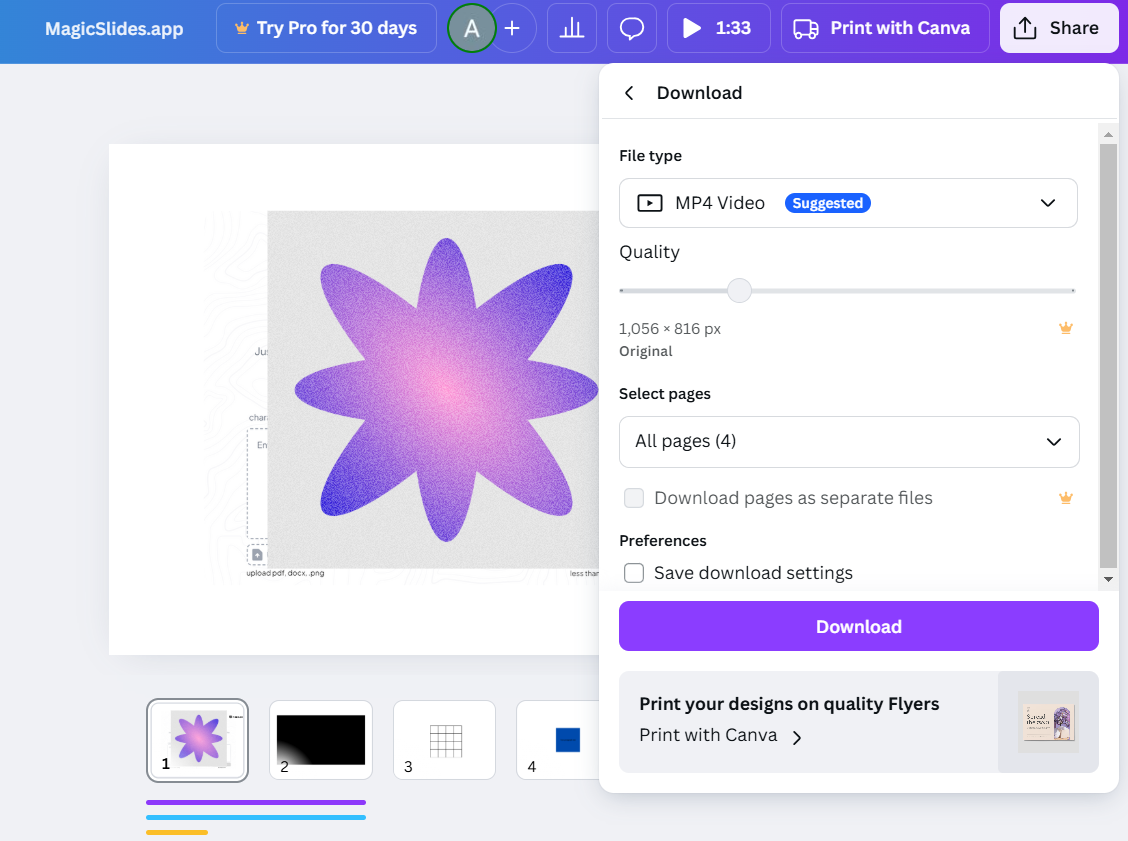
Once satisfied with your design, click Share > Download. Select PNG or JPG format for images or PDF for print.
Creating a chrome color gradient in Canva adds a sleek look to your designs. But if you’re looking for a faster way to generate polished presentations with stunning visuals, check out MagicSlides.app AI-powered slides in just a few clicks!
Conclusion
Creating a chrome color gradient in Canva is simple with the right gradient elements and color adjustments.
By following these steps, you can achieve a polished, metallic look to enhance your designs.
FAQs on Chrome Color Gradients in Canva
Can I create a custom gradient in Canva?
Yes, Canva allows you to customize gradients by selecting colors and adjusting transparency levels.
How do I make the gradient look more realistic?
Use multiple shades of gray, add highlights, and adjust the transparency to create a shiny effect.
Can I use a chrome gradient for text in Canva?
Yes! Apply the gradient as a background and use clipping mask effects to overlay text.
Now, you can design sleek chrome gradients effortlessly in Canva! 🚀


