How to make PDF fillable Canva


Create interactive and professional fillable PDFs using Canva designs and a PDF editor in simple steps
Creating a fillable PDF allows users to interact with your document by entering information directly into designated fields.
Canva, combined with third-party tools, makes it simple to design and transform your PDFs into fillable forms.
This guide walks you through the process step by step, enabling you to craft engaging, professional, and interactive PDFs effortlessly.
How to Make a PDF Fillable in Canva | Steps to Make a PDF Fillable Using Canva
Step 1: Design Your Document in Canva
Log in to your Canva account and start a new project or open an existing one.
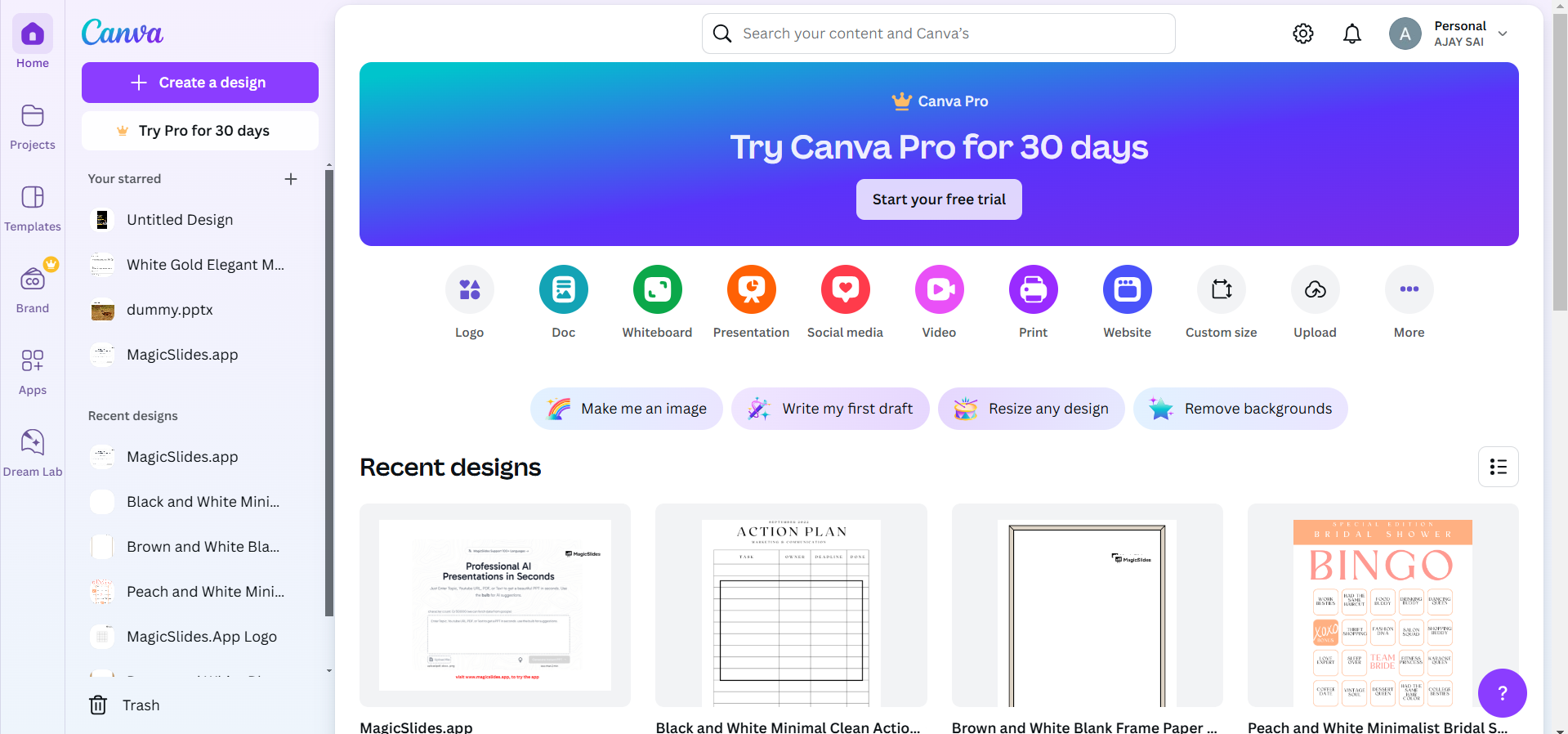
Use Canva's design tools to create a visually appealing layout for your PDF.
- Add text, images, and placeholders for fields like name, email, or responses.
Ensure all areas requiring user input are clearly marked.
Step 2: Download Your Canva Design as a PDF
Once your design is complete, click the “Share” button in the top-right corner.
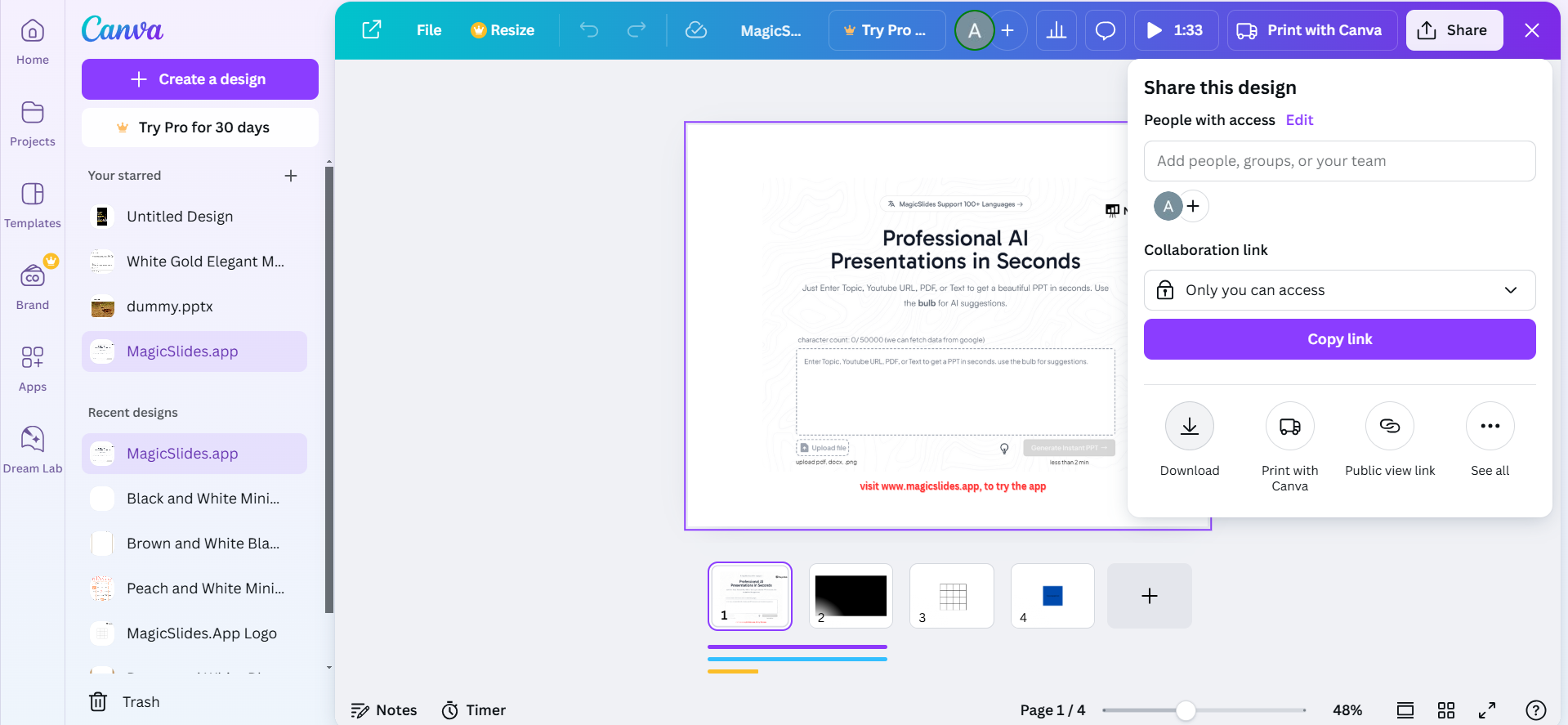
Select “Download” and choose PDF Standard or PDF Print format. Save the file to your computer.
Step 3: Use a PDF Editor to Add Fillable Fields
Open a PDF editor like Adobe Acrobat, PDFescape, or DocHub.
Upload the PDF you downloaded from Canva.
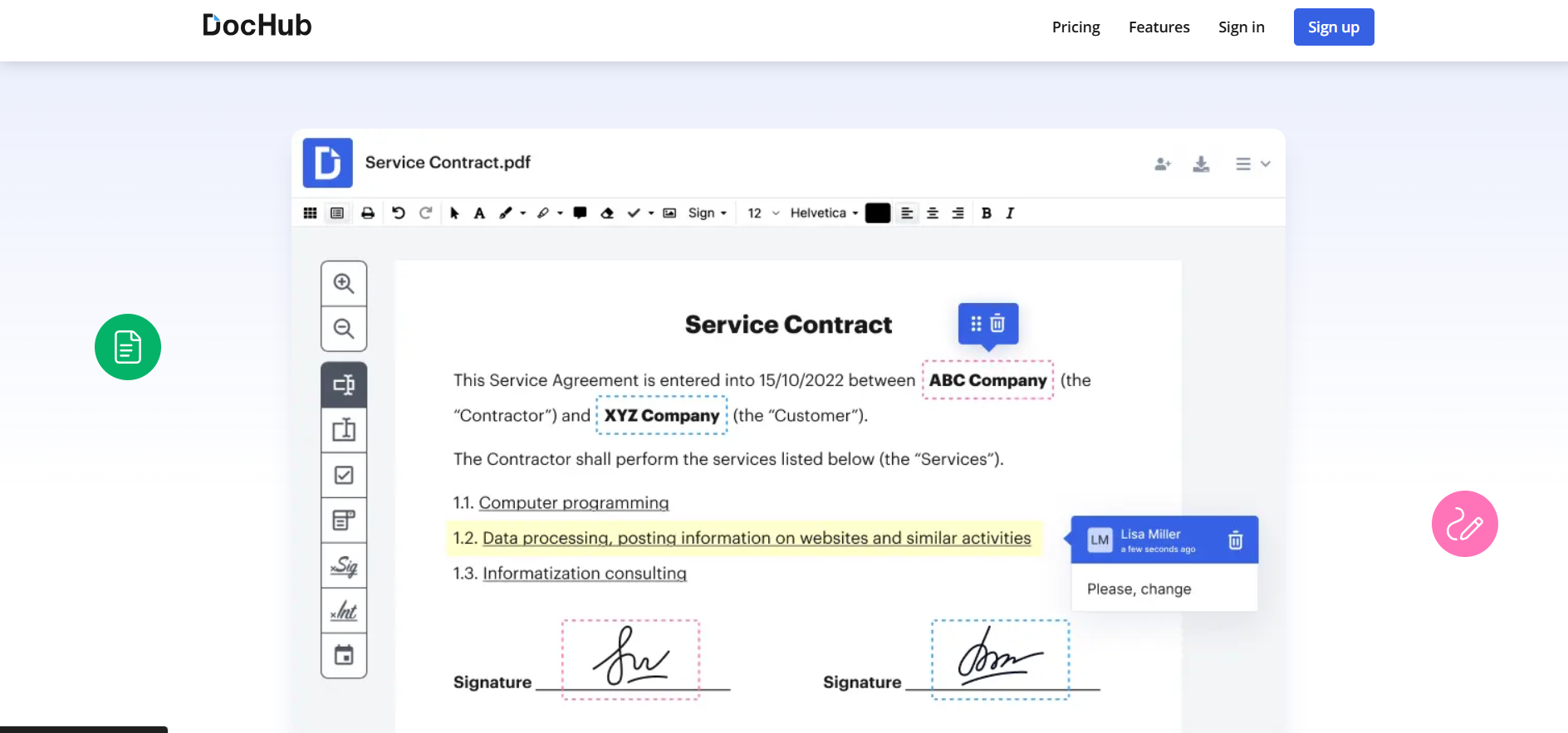
Add interactive fields for user input:
- Text fields for names and comments.
- Checkbox options for selections.
- Dropdown menus if applicable.
Adjust field size and placement to match your Canva design.
Step 4: Share or Distribute Your Fillable PDF
Save the final version of your PDF.
Share it via email, website uploads, or platforms where users can access and complete the form. Now that you know how to make a PDF fillable in Canva, dive into how to add a link in Canva to make your designs more interactive and engaging.
Making a PDF fillable in Canva is a useful trick, but what if you could instantly transform your PDFs into polished presentations? With MagicSlides.app , you can convert PDFs into ready-to-use PowerPoint decks in seconds. Save time and impress your audience by exploring MagicSlides.app now!
Conclusion
Turning a PDF into a fillable form is a fantastic way to create interactive documents for surveys, applications, or feedback forms.
Canva provides an excellent design platform, and with the help of PDF editors, you can easily transform your designs into fillable forms that are both functional and visually appealing.
FAQs on Making a PDF Fillable in Canva
Can Canva create fillable PDFs directly?
No, Canva does not support creating interactive fields. Use a PDF editor to add fillable fields.
Which PDF editor is best for creating fillable PDFs?
Adobe Acrobat is a reliable choice, but free tools like PDFescape and DocHub also work well.
How do I ensure my fillable PDF works correctly?
Test the PDF in a reader by filling out every field to confirm its functionality and accuracy.
Now you’re ready to create stunning and functional fillable PDFs using Canva and a PDF editor!


