How to Present Technical Knowledge to a Non-Technical Audience


Simplify technical topics for non-technical audiences with proven strategies and MagicSlides.app. Learn how to create engaging, professional presentations effortlessly.
Presenting technical knowledge to a non-technical audience can be challenging. Whether you're a data scientist, engineer, or developer, simplifying complex information without diluting its essence requires skill, patience, and the right tools.
In this post, we'll discuss strategies to bridge the gap between technical and non-technical audiences, ensuring clarity and engagement.
We'll also introduce MagicSlides.app, an AI-powered tool designed to transform complex topics into clear, professional presentations.
Why Is It Important to Simplify Technical Information?
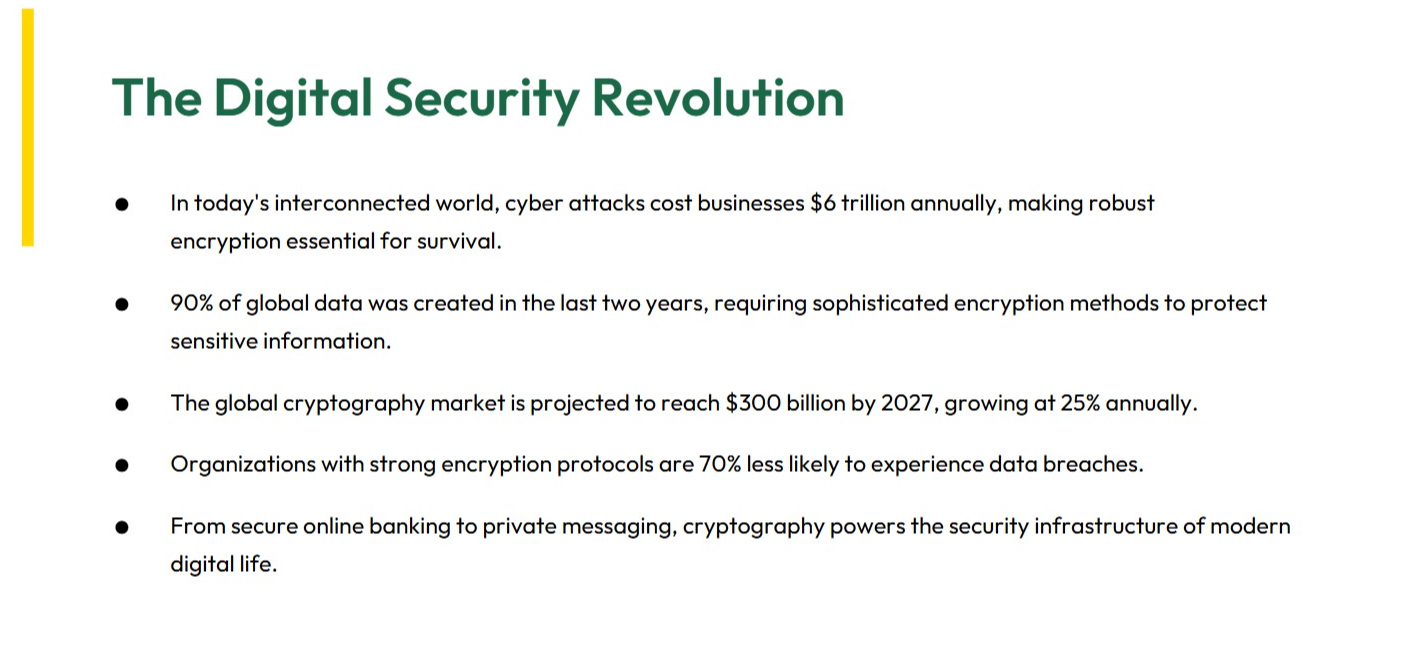
Non-technical audiences may lack the background to fully grasp complex jargon, equations, or methodologies. However, they often need to understand your key points to make decisions, approve budgets, or appreciate your work. Simplifying information ensures:
- Increased understanding: Clear communication builds trust and reduces misunderstandings.
- Better engagement: When people understand, they're more likely to stay engaged.
- Effective decision-making: Providing the right context and insights enables informed choices.
Strategies to Present Technical Knowledge Effectively
1. Understand Your Audience
Before diving into explanations, ask yourself:
- Who is my audience?
- What is their level of familiarity with the topic?
- What do they need to know, and why?
Understanding your audience helps tailor your language, visuals, and examples.
2. Use Simple Language
Avoid technical jargon or acronyms unless you're confident your audience is familiar with them. Replace complex terms with simple, everyday language. For example:
- Instead of “low-latency networking,” say “faster internet response times.”
- Instead of “machine learning algorithms,” say “systems that learn from data.”
3. Tell a Story
People remember stories better than raw data. Frame your presentation around a narrative:
- Problem: Start with the challenge.
- Solution: Introduce the technical solution.
- Impact: Explain how it benefits the audience.
4. Visualize the Data
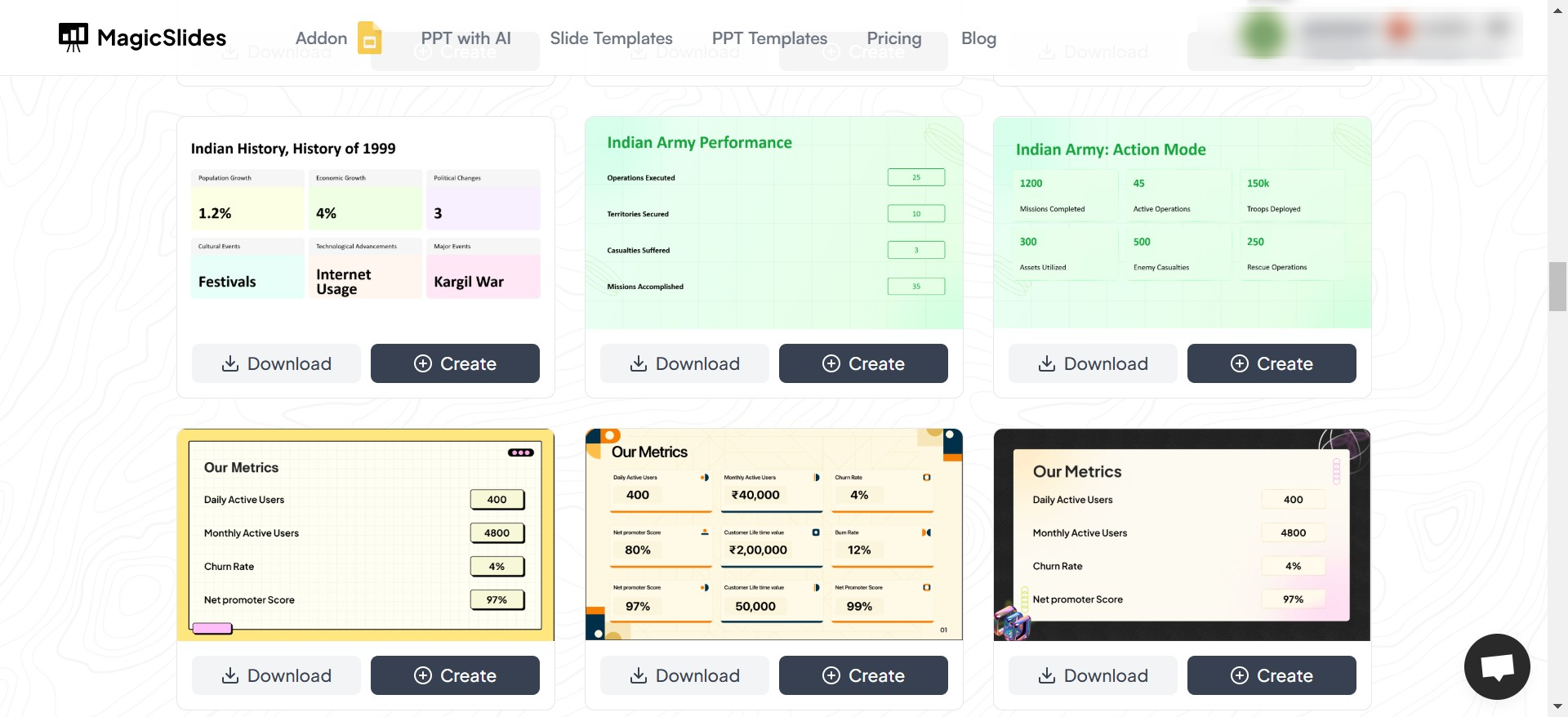
💡 Above screenshot is from Magicslides, where a variety of templates are available which can help visualize complex data into simpler slides.
Graphs, charts, and images simplify dense information. Avoid overloading slides with text. Use visuals to explain trends, comparisons, or processes in a way that’s easy to digest.
5. Use Tools to Simplify Presentations
Creating an engaging presentation can be time-consuming, especially if you're trying to simplify a technical topic. This is where MagicSlides.app comes in handy. It helps generate professional presentations with just a few clicks.
How to Use MagicSlides.app for Simplified Presentations
Creating a professional presentation with MagicSlides.app is effortless. Here’s how you can do it:
1. Visit MagicSlides.app
Go to MagicSlides.app and start by signing in or creating a free account.
2. Enter Your Topic
Type your presentation topic in simple terms. For example, “The Basics of Artificial Intelligence” or “How Solar Panels Work.”
3. Click 'Generate Instant Presentation'
With just one click, MagicSlides will draft a presentation outline tailored to your topic.
4. Select Slide Theme and Number of Slides
Customize the look and feel of your presentation by choosing a theme that matches your audience and purpose. You can also specify how many slides you want.
5. Click 'Generate'
Let the AI work its magic. In seconds, you'll have a complete presentation with structured content and professional visuals.
6. Download or Edit Your PPT
You can download the presentation as is or tweak it further to align with your personal style.
Why Choose MagicSlides.app?
- Saves time: No more starting from scratch.
- Professional design: Impress your audience with polished slides.
- Simplifies complex topics: AI ensures your message is clear and concise.
6 Tips for a Winning Presentation
Once you’ve prepared your slides, keep these tips in mind while presenting:
- Start with a hook: Begin with an interesting fact, statistic, or question to grab attention.
- Focus on key takeaways: Highlight what matters most to your audience.
- Keep slides uncluttered: Use bullet points and limit text.
- Engage the audience: Ask questions or encourage participation.
- Practice, practice, practice: Rehearse to build confidence.
- End with a strong conclusion: Summarize your points and leave a memorable final thought.
Conclusion
Presenting technical knowledge to a non-technical audience is an art. By simplifying language, using stories, and leveraging tools like MagicSlides.app, you can ensure your message is clear, engaging, and impactful.
So, the next time you're preparing a presentation, remember these strategies—and let MagicSlides.app do the heavy lifting. It's the easiest way to turn complex ideas into simple, beautiful presentations. Try it today and see the difference!


