Add a YouTube Video to Google Slides: Step-by-Step Guide


Learn how to add a YouTube video to Google Slides in minutes. Follow this step-by-step guide to insert, resize, and customize video playback easily.
Adding a YouTube video to Google Slides is one of the easiest ways to make your presentation more engaging. Whether you’re creating a classroom lesson, a business presentation, a training session, or a product demo, videos help explain ideas faster than text alone.
Google Slides lets you insert YouTube videos directly into your presentation without downloading them. During your presentation, the video can play inside the slide itself.
In this guide, I’ll show you exactly how to add a YouTube video to Google Slides, customize playback settings, and fix common issues.
Why Add a YouTube Video to Google Slides?
Adding a YouTube video to Google Slides can make your presentation more engaging and informative. Instead of relying only on text and images, videos help explain complex ideas, demonstrate products, and keep your audience interested.
Some benefits include:
- Improve audience engagement
- Explain concepts visually
- Demonstrate products or software
- Make classroom lessons more interactive
- Break up text-heavy slides
Before You Add a YouTube Video
Before inserting a YouTube video into Google Slides, make sure:
- You have a Google account.
- The YouTube video is public or unlisted.
- You’re connected to the internet during your presentation.
- You have editing access to the presentation.
How to Insert a YouTube Video in Google Slides
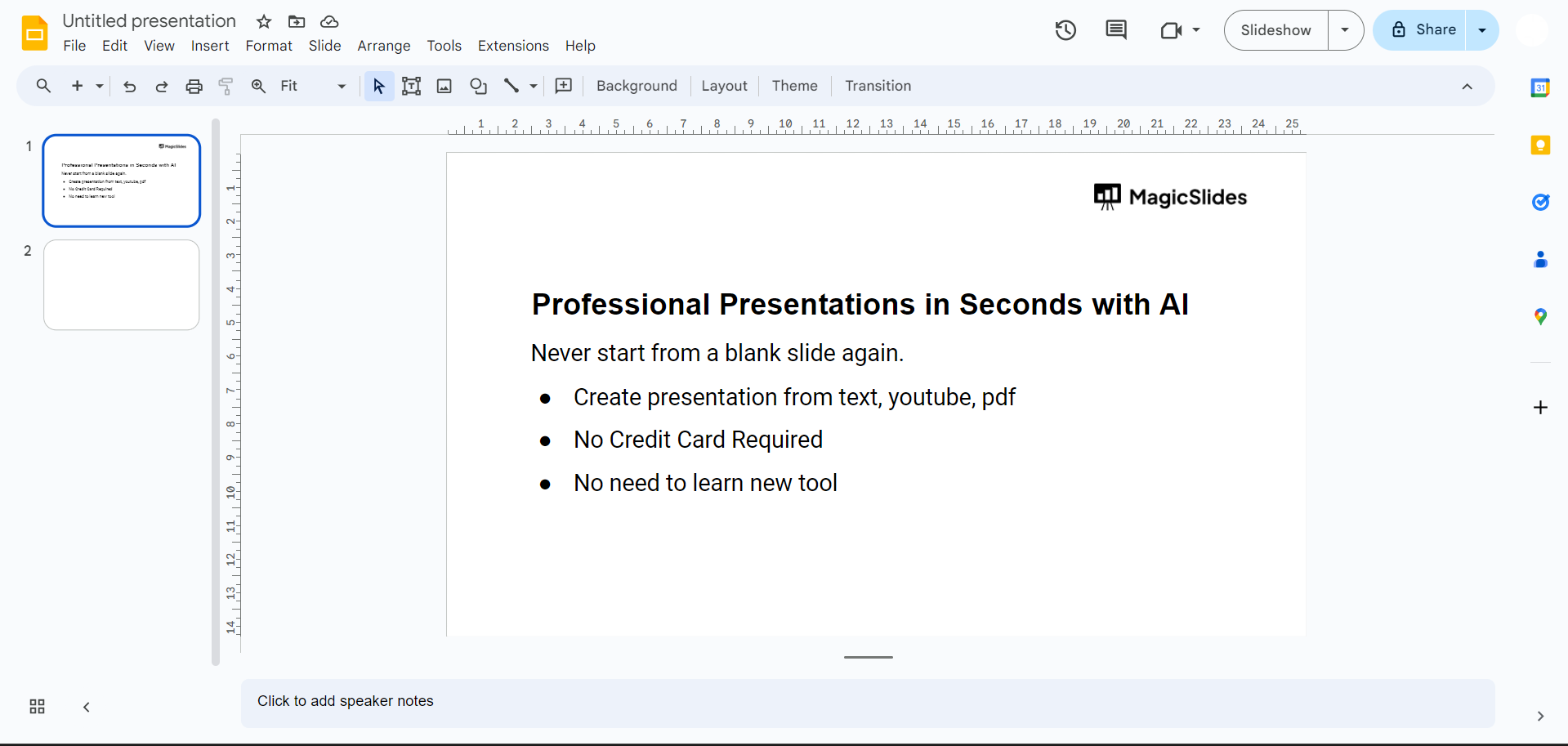
Step 1: Open Your Presentation
Open Google Slides and select the presentation where you want to add a YouTube video.
Step 2: Select the Slide
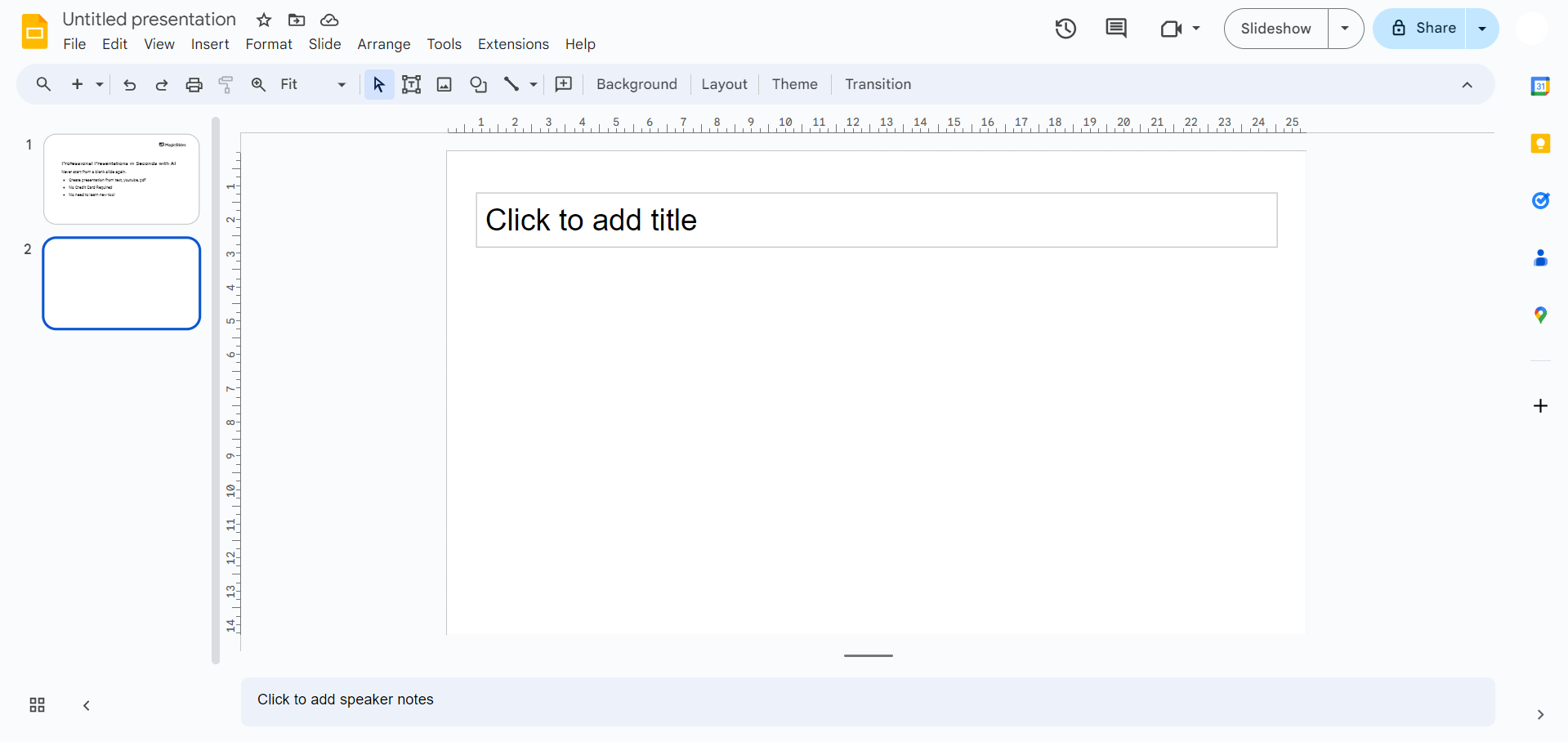
Click the slide where you want the video to appear.
It’s usually best to dedicate an entire slide to the video for better visibility.
Step 3: Click Insert → Video
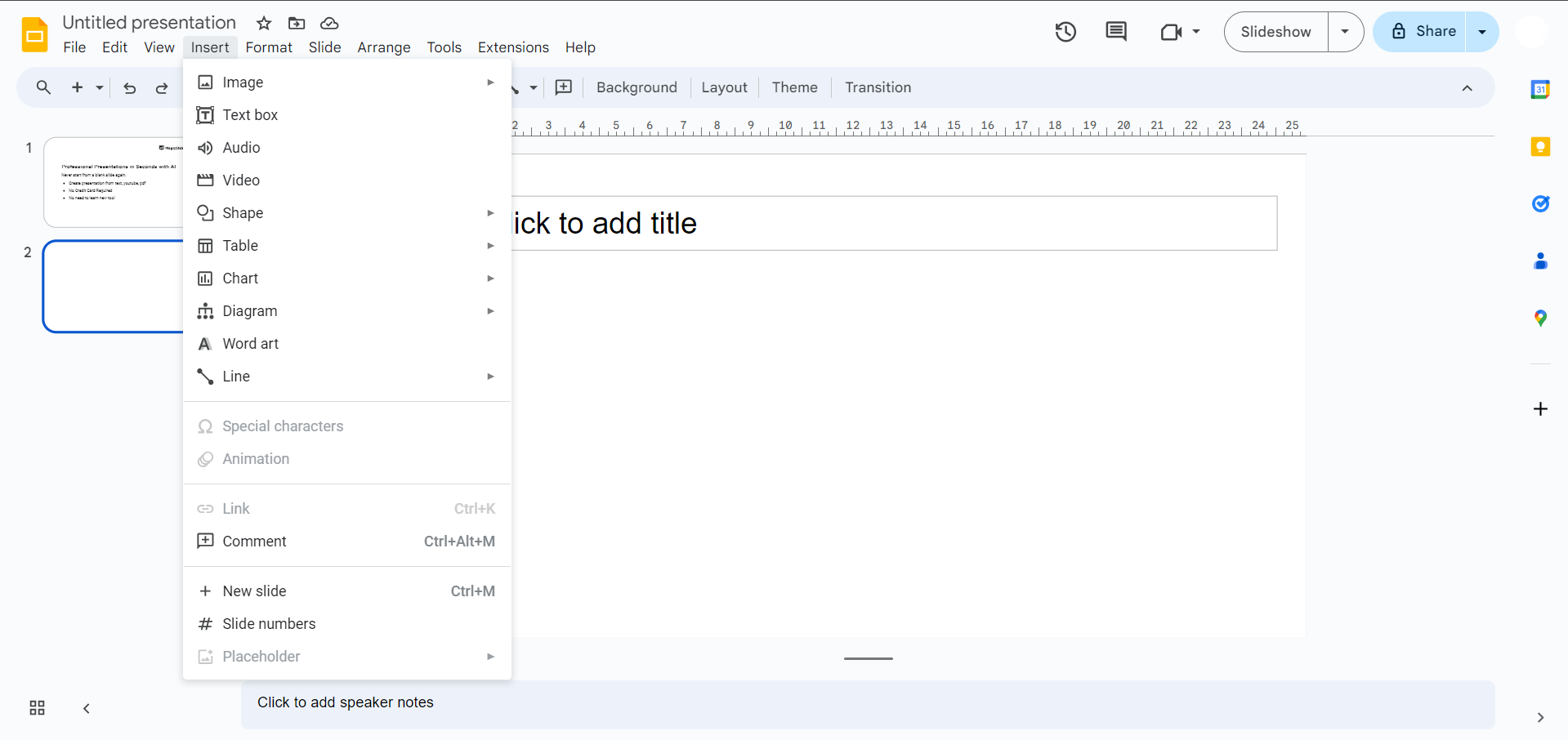
From the top menu, select:
Insert → Video
A dialog box will open with multiple ways to add a video.
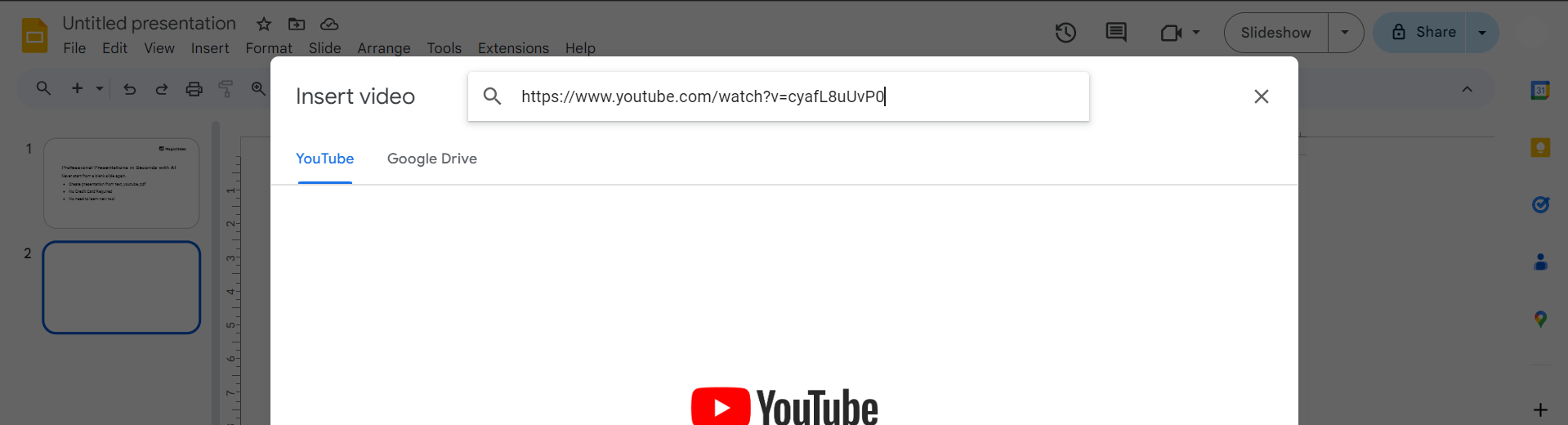
Step 4: Search or Paste the YouTube Link
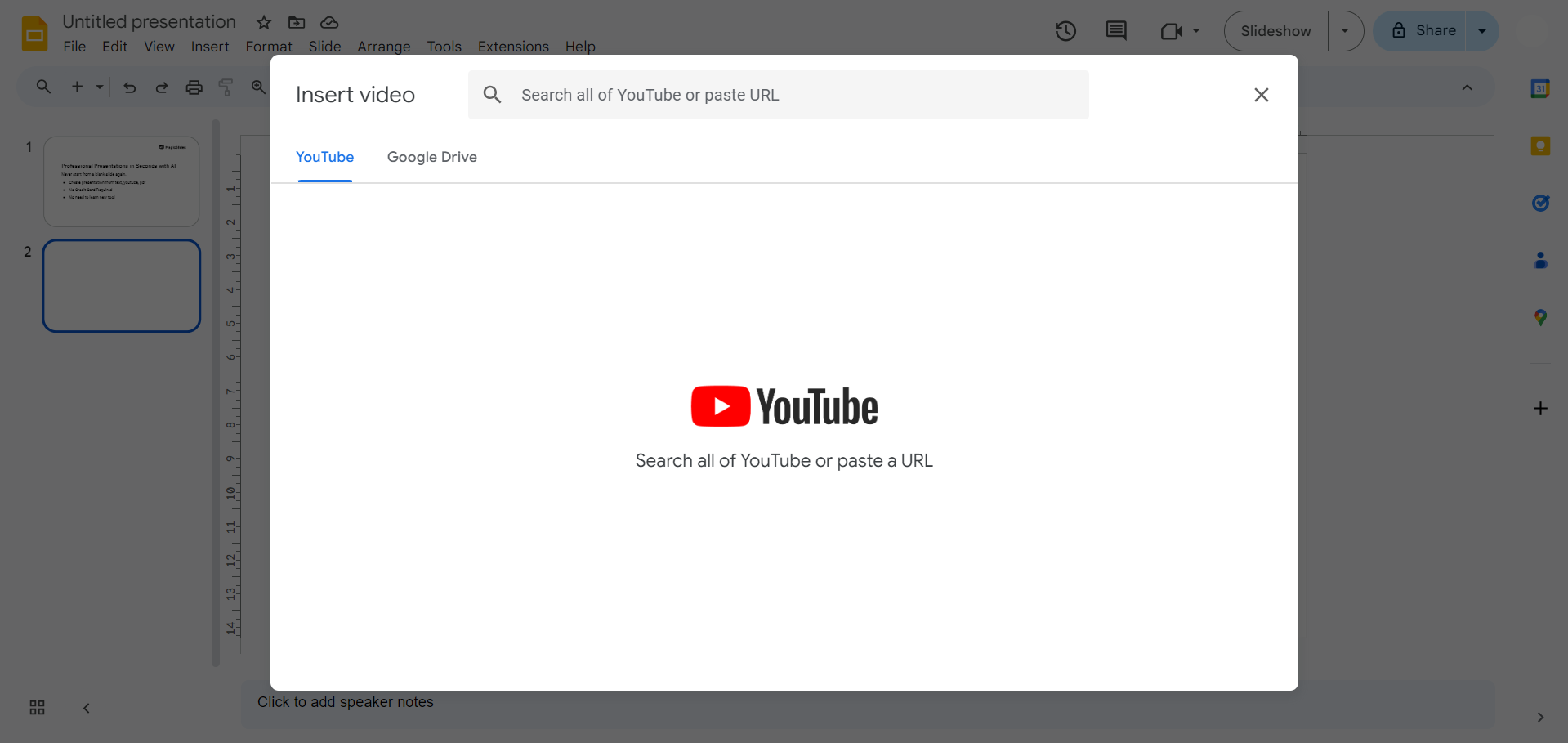
Google Slides gives you two easy options:
Search YouTube directly inside Google Slides
Paste a YouTube URL
If you’re using a URL:
- Copy the YouTube video’s link.
- Paste it into the URL field.
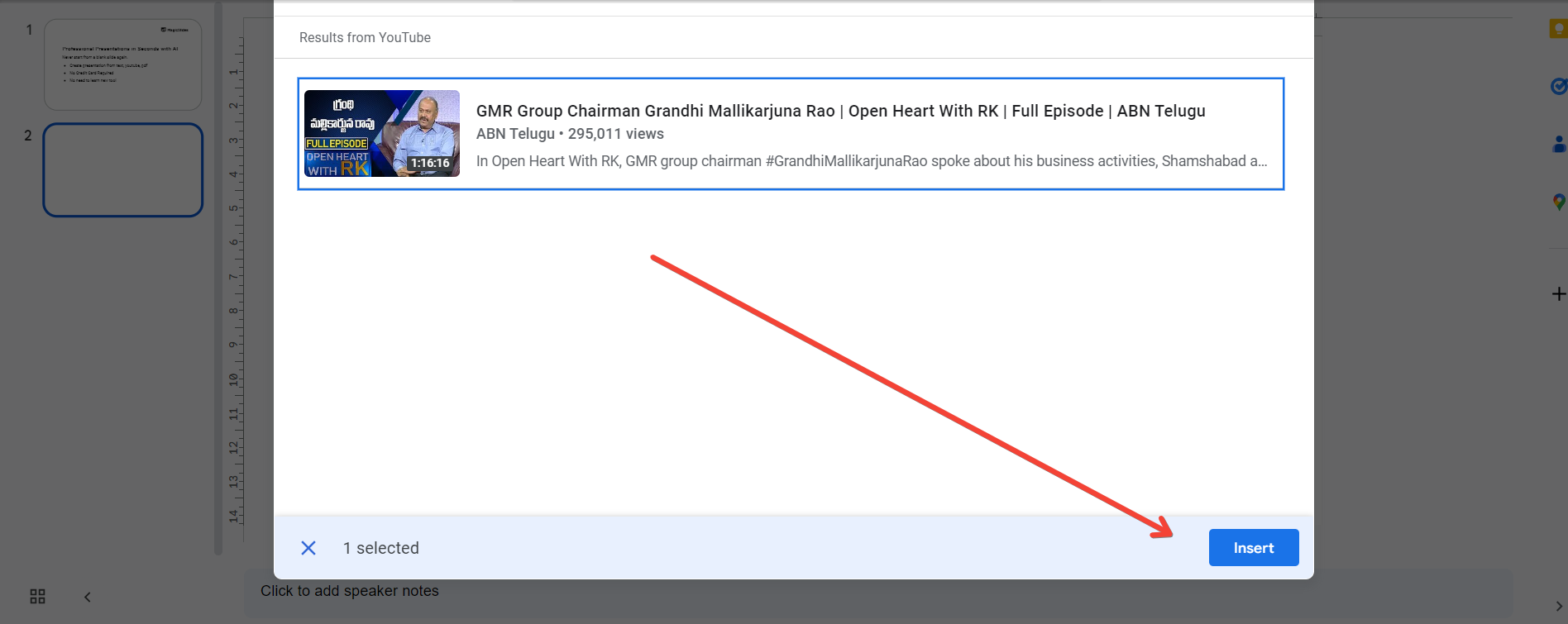
- Click Select.
The video will instantly appear on your slide.
Step 5: Customize Playback Settings
Select the video and open Format options from the toolbar or right-click the video.
You can customize:
- Start at a specific timestamp
- End at a specific timestamp
- Autoplay when presenting
- Mute audio
- Play on click
These settings are useful when you only want to show a particular section of a longer video.
Can You Play a YouTube Video During Presentation Mode?
Yes.
When you present your slideshow, simply click the video to start playback. If you’ve enabled autoplay, it will begin automatically when that slide appears.
Keep in mind that you’ll need an internet connection because Google Slides streams the video directly from YouTube.
Common Problems and Solutions
1. Video Won’t Play
Possible reasons include:
- No internet connection
- Restricted YouTube video
- Private or deleted video
Try opening the YouTube link separately to verify it’s still available.
2. Video Doesn’t Autoplay
Check your playback settings under Format options and make sure autoplay is enabled.
3. Video Looks Blurry
Resize the video proportionally using the corner handles instead of stretching it horizontally or vertically.
Create Better Presentations Faster
If you’re spending too much time building presentations manually, AI tools can save hours of work.
If you’re creating presentations regularly, manually building slides can take hours. MagicSlides AI PPT Maker helps you generate complete presentations from YouTube videos, PDFs, Word documents, web pages, or even a simple topic. Instead of designing each slide yourself, you get a presentation draft in minutes that you can customize further.
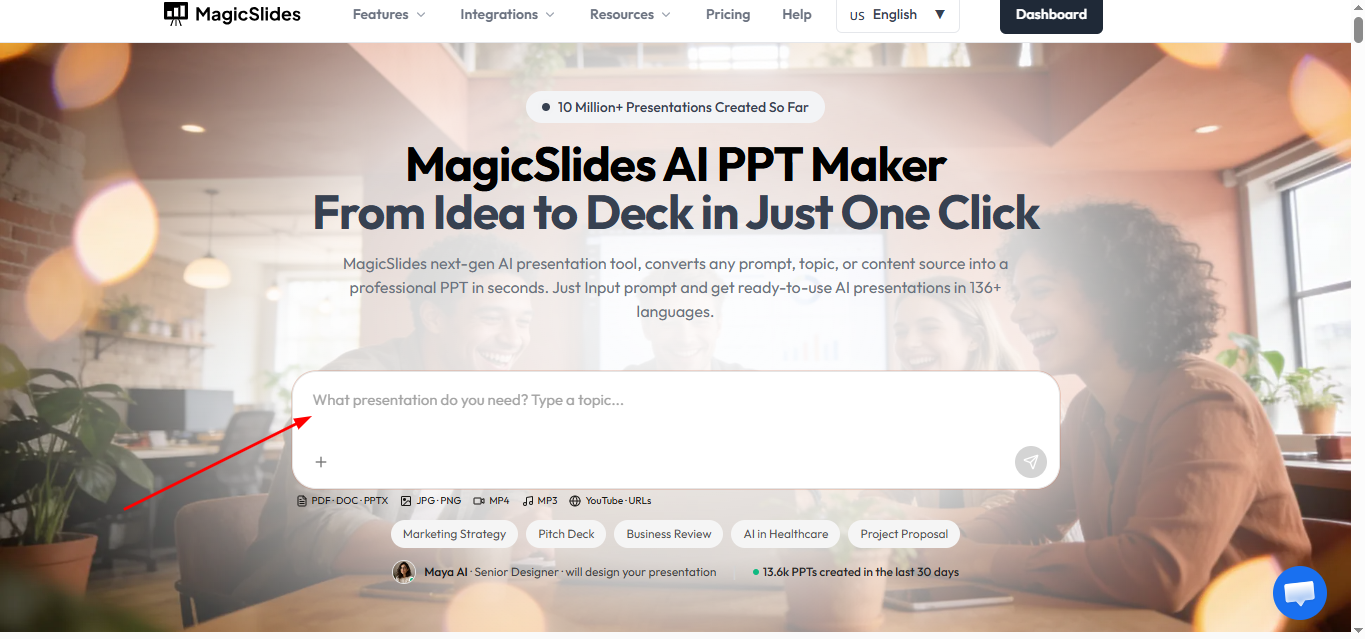
You can create a PPT from:
- A topic
- YouTube videos
- PDFs
- Word documents
- Web pages
- Images
Instead of creating every slide manually, MagicSlides automatically generates a polished presentation in minutes, helping you focus on your content rather than slide design.
Conclusion
Adding a YouTube video to Google Slides takes only a few clicks and can significantly improve audience engagement. Whether you’re teaching, presenting research, or pitching a product, videos help explain concepts more effectively than static slides.
If you regularly create presentations, consider using MagicSlides to turn YouTube videos, documents, and other content into professional presentations automatically, saving time while producing polished, presentation-ready slides.
Frequently Asked Questions:
Q1. Can I add any YouTube video to Google Slides?
Yes, as long as the video is public or accessible through its URL.
Q2. Can I search YouTube without leaving Google Slides?
Yes. Google Slides includes a built-in YouTube search inside the Insert → Video window.
Q3. Can I play only part of a YouTube video?
Yes. You can specify custom start and end times using the video’s playback settings.
Q4. Do viewers need a YouTube account?
No. They only need internet access. A YouTube account isn’t required to watch embedded public videos.
Q5. Can I use YouTube videos offline?
No. Since the video streams directly from YouTube, an internet connection is required during your presentation.


