How to Transform resumes in PDF into creative PPT Slides


Revamp your professional story: Convert static resumes into dynamic PowerPoint slides with MagicSlides. Elevate your presentation!
In the competitive job market, your resume needs to be more than just a list of qualifications. What if you could turn your static PDF resume into a visually compelling presentation? With MagicSlides, a remarkable Google Slides extension, you can do just that. Join us on a step-by-step journey to transform your resumes in PDF into dynamic and creative PowerPoint slides, giving your professional story a new, engaging narrative.
How to Transform resumes in PDF into creative PPT Slides
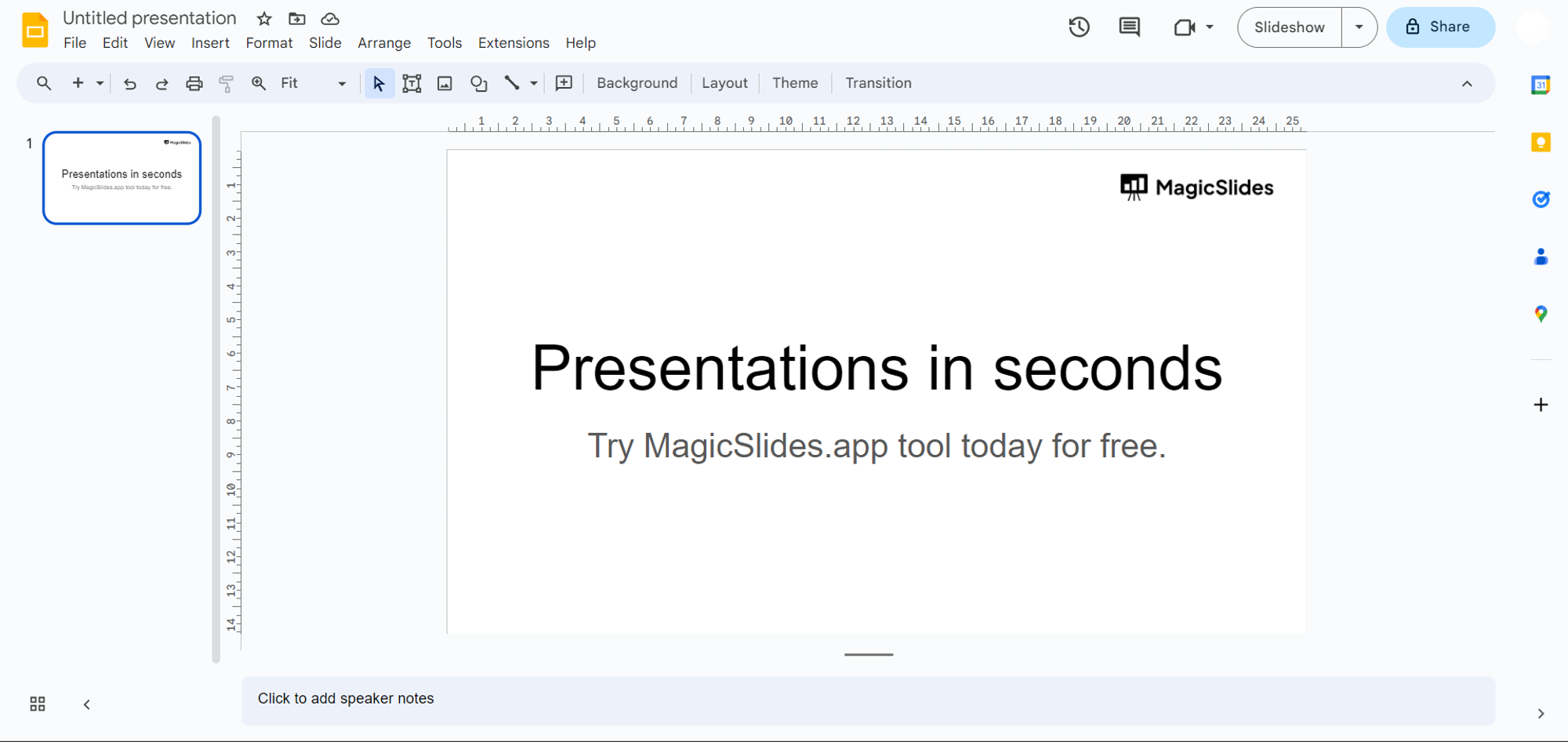
Step 1: Access Google Slides
Begin your transformation by visiting slides.google.com and sign in to your Google account. If you don't have an account, it's a quick and easy process to create one.
Step 2: Download MagicSlides Extension
Check if MagicSlides is already part of your Google Slides toolkit.
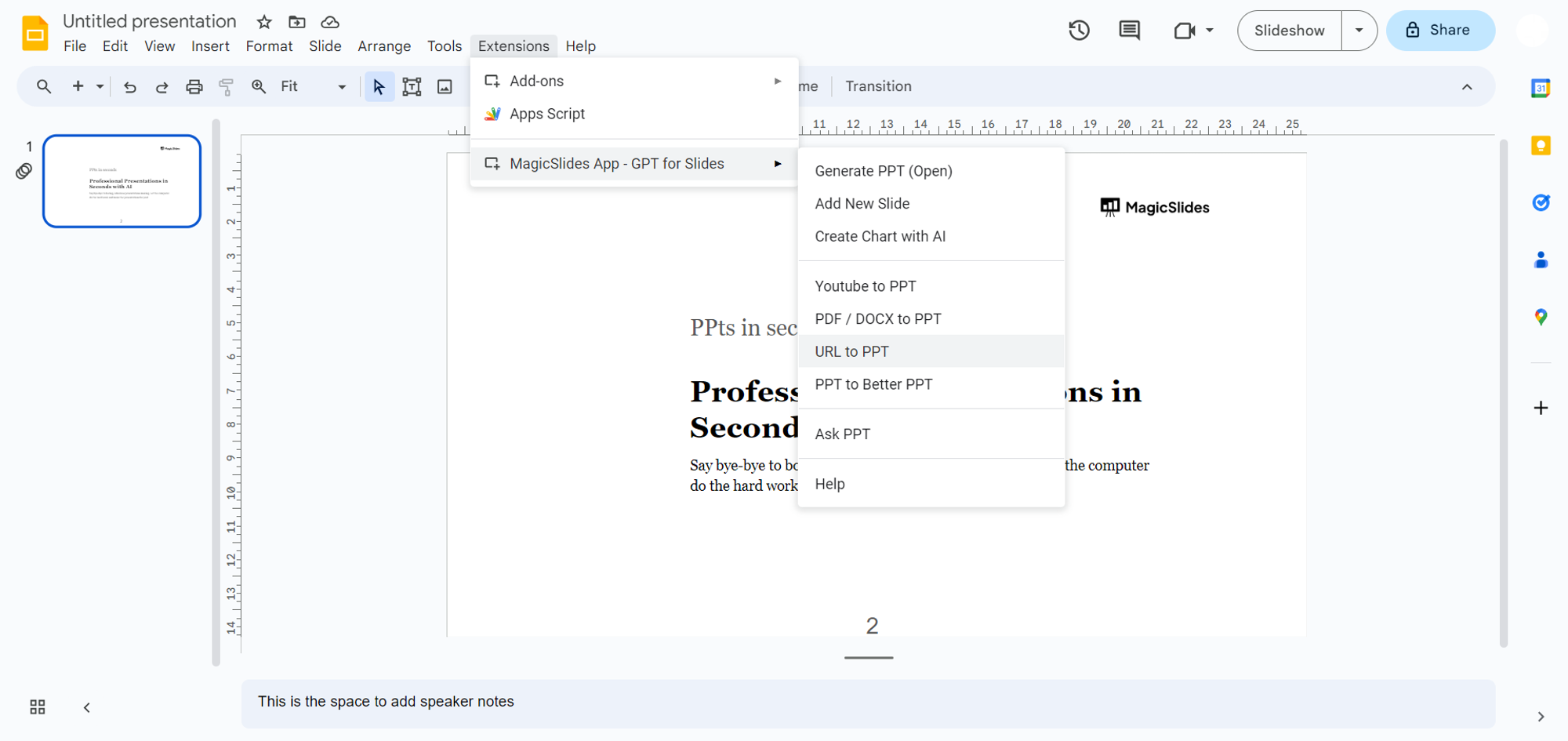
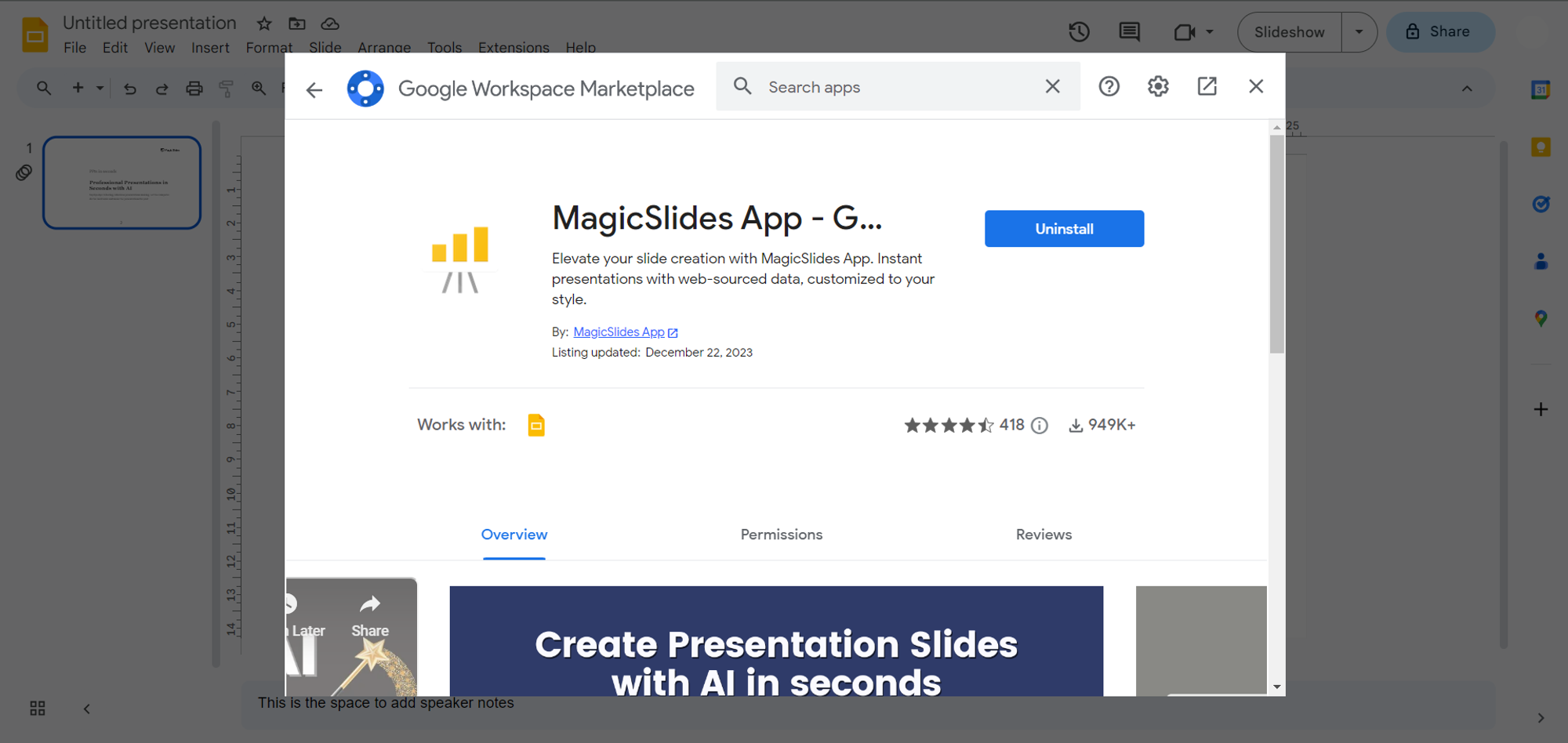
If not, head to the Extensions Marketplace within Google Slides. Search for "magicslides.app" and download the extension to enhance your presentation capabilities.
Step 3: Choose Your PDF Resume
Locate the PDF version of your resume that you wish to transform. You can either copy the URL or download the file to your device for the upcoming steps.
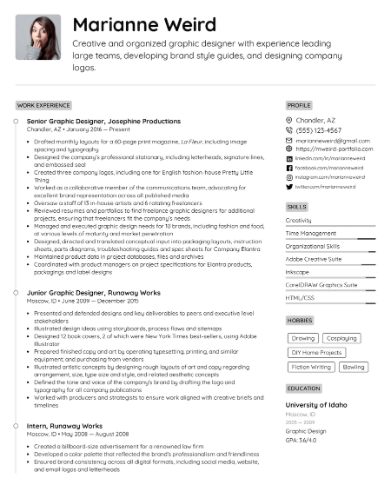
Step 4: Enter URL or Upload PDF of Resume
Paste the URL of your online resume or upload the downloaded PDF directly into MagicSlides. This step ensures the extension knows which content to convert into a captivating presentation.
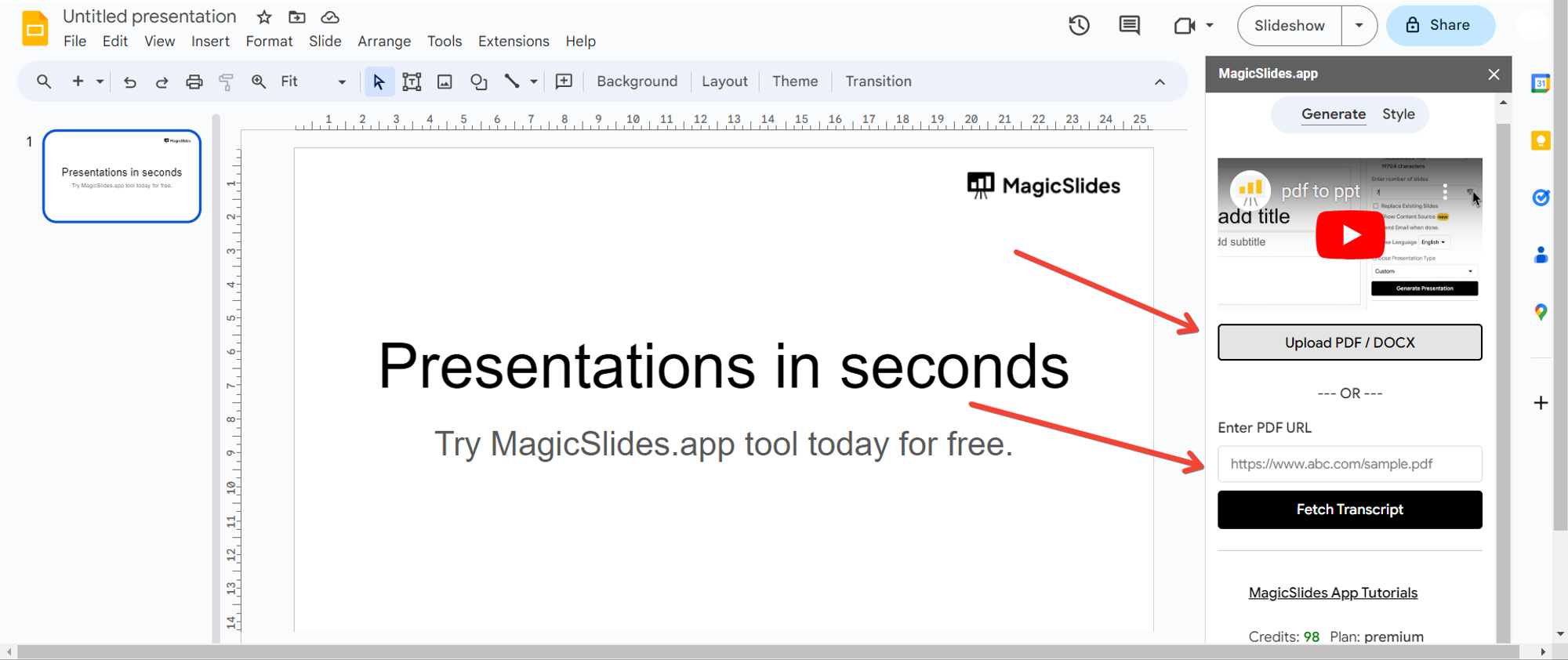
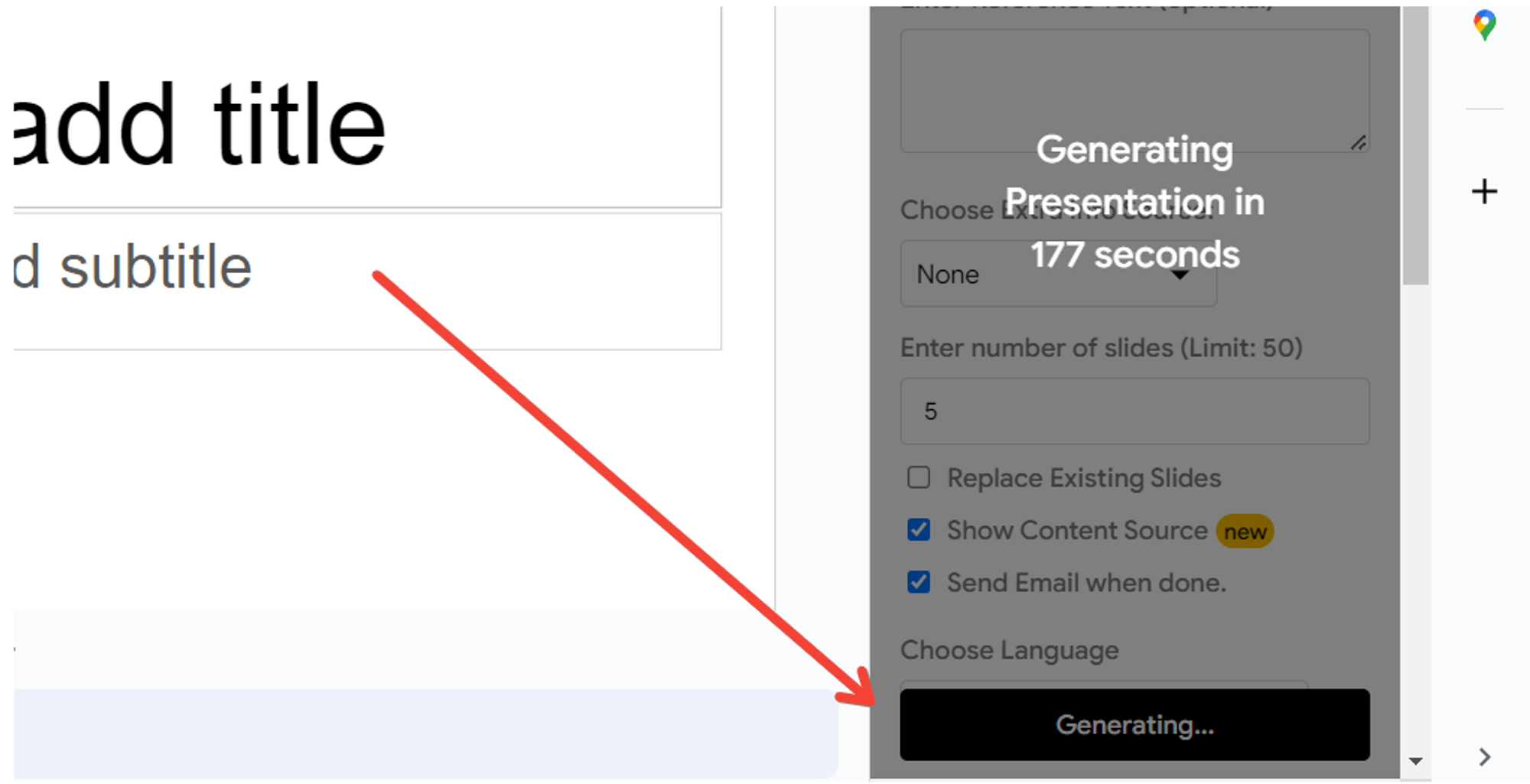
Step 5: Click "Generate to Presentation"
With your resume loaded, click on the "Generate to Presentation" button. Let MagicSlides work its magic, transforming your static resume into a visually appealing and creative presentation.
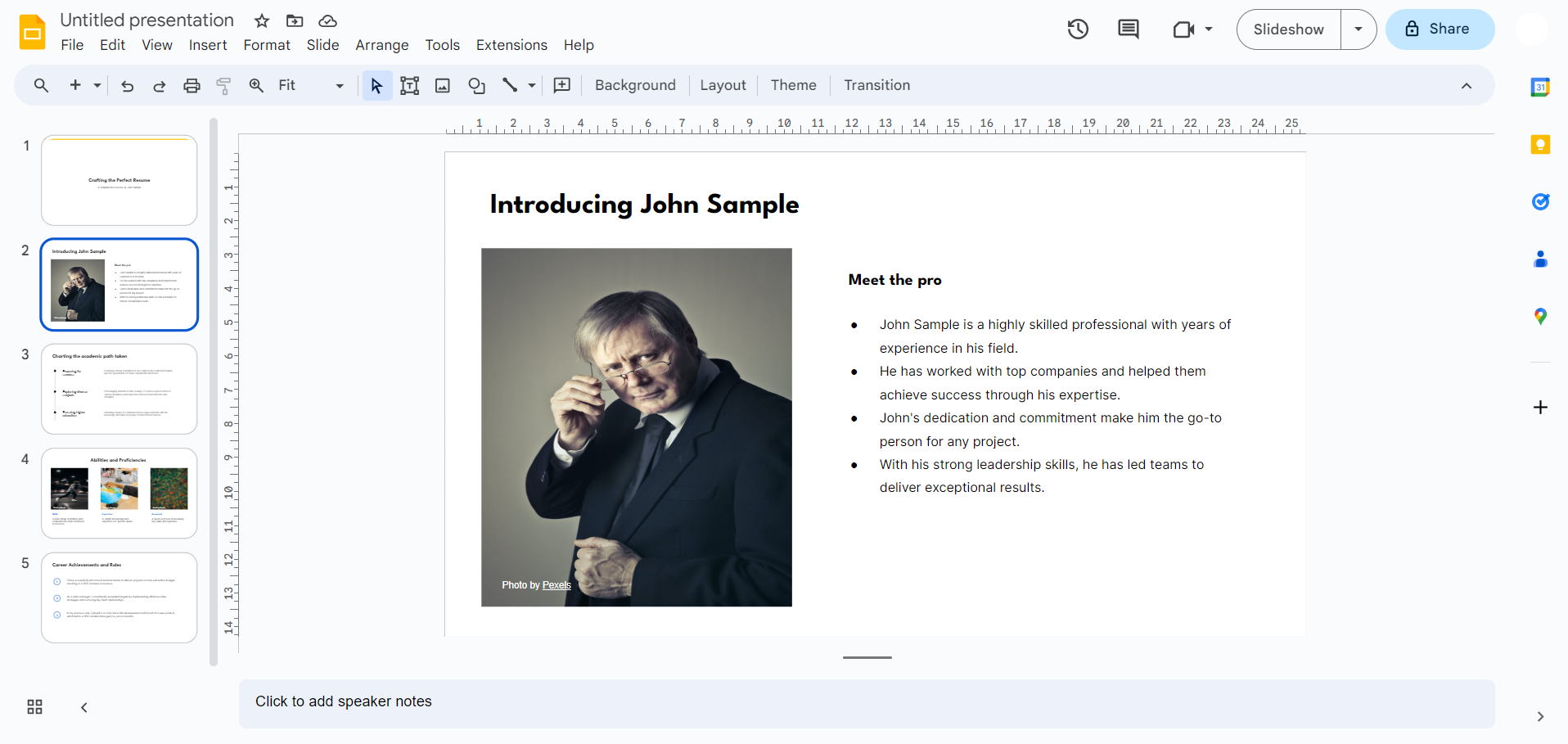
Step 6: Your Creative Presentation is Ready!
Sit back and witness the transformation. Your once-static resume is now a dynamic presentation, ready to showcase your professional journey in a visually compelling way.
Conclusion:
MagicSlides empowers professionals to stand out in a crowded job market by turning traditional resumes into visually engaging presentations. Following these simple steps can elevate your professional story, making it memorable and impactful. Step into the future of resume presentations with MagicSlides, and let your career narrative shine in a whole new light. Happy presenting!
Frequently Asked Questions:
Can MagicSlides incorporate different resume formats, such as chronological or functional resumes?
Yes, MagicSlides is versatile and accommodates various resume formats, ensuring flexibility for different career narratives.
Are the interactive slides suitable for sharing on professional networking platforms like LinkedIn?
Absolutely, the presentations created with MagicSlides can be easily shared on platforms like LinkedIn to enhance your professional presence.
Can I customize the design and layout of the slides to match my personal branding?
Yes, MagicSlides allows for easy customization, enabling users to tailor the design and layout to align with their personal branding.
Is MagicSlides suitable for entry-level resumes as well as those with extensive professional experience?
Yes, MagicSlides caters to resumes at all career levels, ensuring that both entry-level and experienced professionals can create impactful presentations.


