How to Use an AI Presentation Maker from PDF for Effortless Slideshows


Effortlessly create professional slides with an AI presentation maker from PDF. Learn how Magicslides.app transforms PDFs into stunning presentations instantly.
Creating presentations can be time-consuming, especially when working from detailed PDFs. Thankfully, tools like AI presentation makers from PDFs are transforming how we prepare slides, making the process faster, easier, and more efficient. In this blog post, we’ll discuss how you can seamlessly turn your PDF documents into professional presentations using Magicslides.app—one of the best presentation generators available today.
What Is an AI Presentation Maker from PDF?
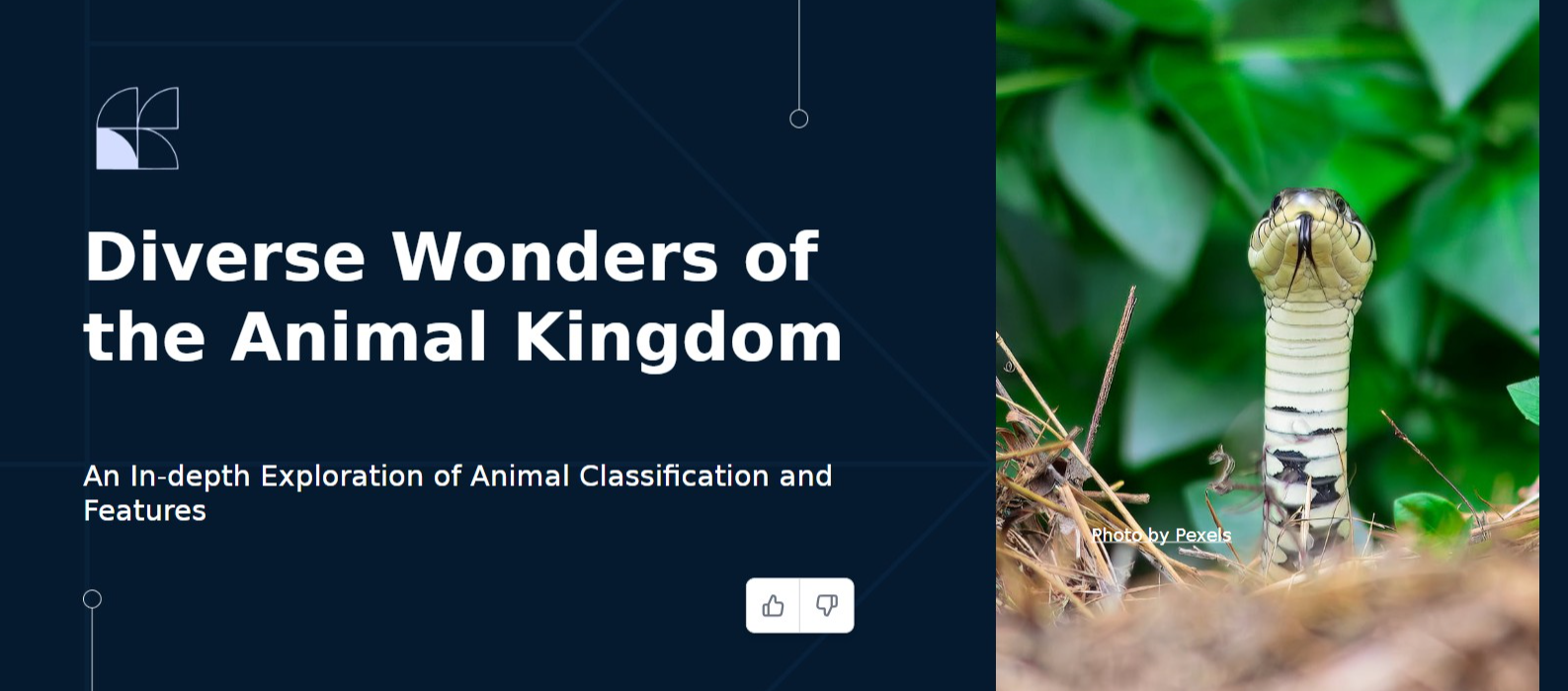
An AI presentation maker from PDF is a tool that uses advanced artificial intelligence to transform the content of your PDFs into visually engaging PowerPoint slides. Instead of manually extracting information and designing slides, these tools automate the entire process, saving you time and effort while delivering impressive results.
Why Choose Magicslides.app?
When it comes to generating presentations quickly and effectively, Magicslides.app stands out as a top choice. This platform is designed to simplify the process while giving you complete control over the look and feel of your slides. With its intuitive interface and smart AI features, creating presentations has never been this effortless.
Step-by-Step Guide: How to Use Magicslides.app
Follow these simple steps to create a presentation from a PDF using Magicslides.app:
1. Visit Magicslides.app
Begin by navigating to the website Magicslides.app in your browser. The homepage is user-friendly and provides a clear overview of its features.
2. Upload Your PDF
Click on the “Upload File” button on the website and select the PDF document you want to convert into a presentation. Magicslides.app supports a wide range of PDF formats, ensuring smooth processing of your files.
3. Click on "Generate Instant PPT"
Once your PDF is uploaded, click on the “Generate Instant PPT” button. The AI will automatically analyze your document and extract the key points to include in the slides.
4. Choose Slide Theme and Number of Slides
Magicslides.app offers customization options to suit your needs. You can:
- Select a slide theme to match your desired design style.
- Adjust the number of slides to control the depth of information presented.
5. Click "Generate"
After setting your preferences, click on the “Generate” button. The AI will create your PowerPoint presentation within seconds.
6. Download Your Presentation
Once the presentation is ready, you can download it directly to your computer. The slides will be polished and ready for immediate use, but you can always make further edits if needed.
Benefits of Using Magicslides.app
- Time-Saving: Generate a professional presentation in minutes.
- Customization: Tailor the slides to your specific requirements with theme and slide count options.
- User-Friendly: The simple interface makes it accessible to users of all skill levels.
- Quality Results: AI ensures that the slides are visually appealing and well-structured.
- Flexibility: Ideal for business, academic, and creative projects.
Use Cases for an AI Presentation Maker
- Business Proposals: Quickly turn lengthy reports into concise and compelling slideshows.
- Educational Materials: Convert lecture notes or research papers into visually engaging presentations.
- Creative Projects: Create polished slides for storytelling, marketing campaigns, and more.
Final Thoughts
Using an AI presentation maker from PDF, like Magicslides.app, is a game-changer for anyone who needs to create professional slides in no time. Its seamless process and high-quality output make it a must-have tool for professionals, educators, and students alike.
So why wait? Visit Magicslides.app today and experience the magic of automated presentation creation. Whether you’re working on a business proposal or preparing for a class lecture, Magicslides.app will make your life easier and your presentations stand out.


