How to use presenter view in PowerPoint


Unlock the power of Presenter View in PowerPoint with this step-by-step guide for seamless presentations.
Presenter View in PowerPoint is a powerful tool that allows speakers to deliver presentations seamlessly while having access to additional features that enhance the presentation experience. Whether you're presenting in a professional setting or educating a group, mastering Presenter View can significantly elevate your presentation delivery. In this guide, we'll walk you through each step of using Presenter View in PowerPoint, helping you make the most out of this feature.
How to use presenter view in PowerPoint
Start the slideshow:
Open your PowerPoint presentation.
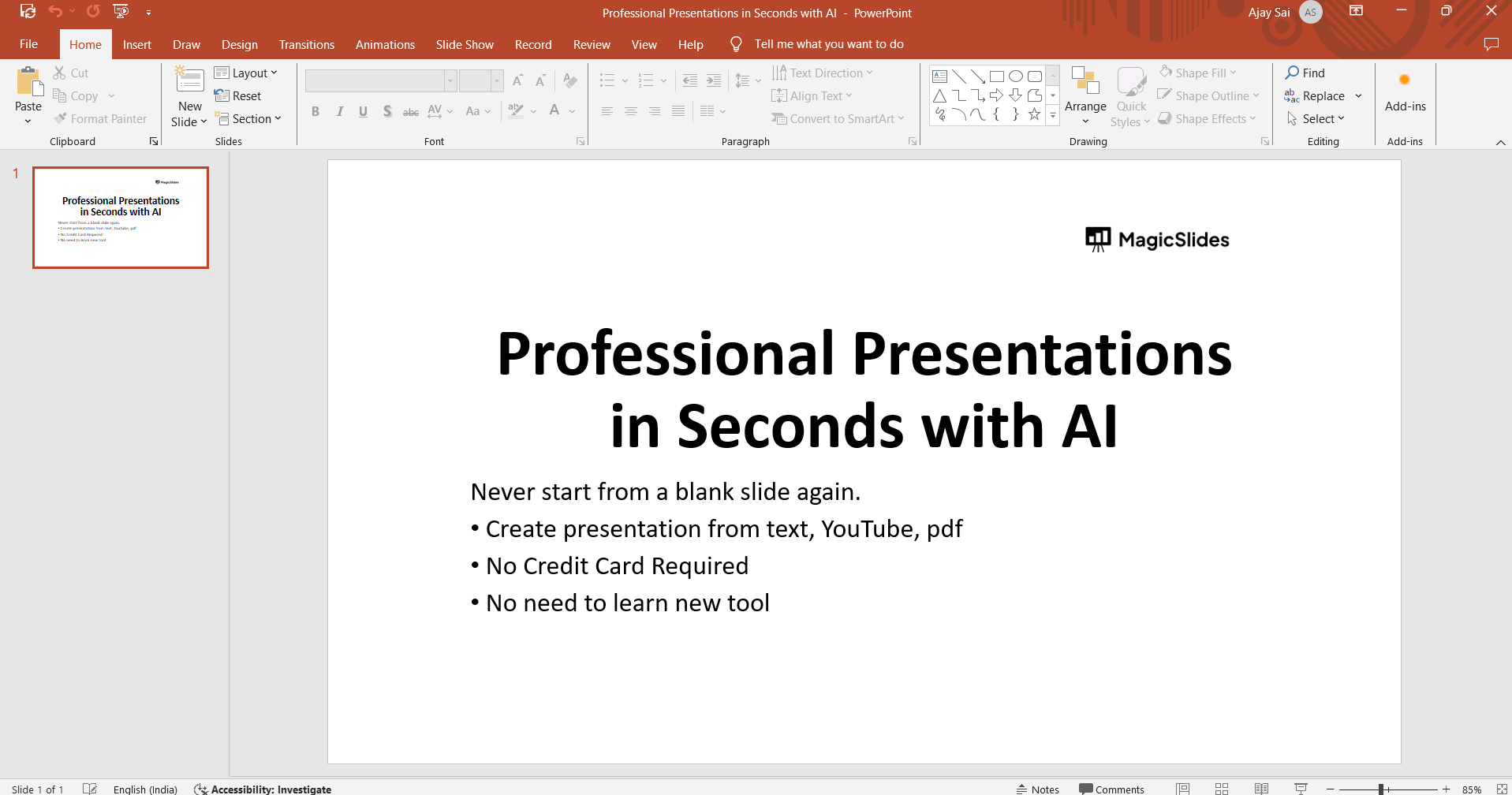
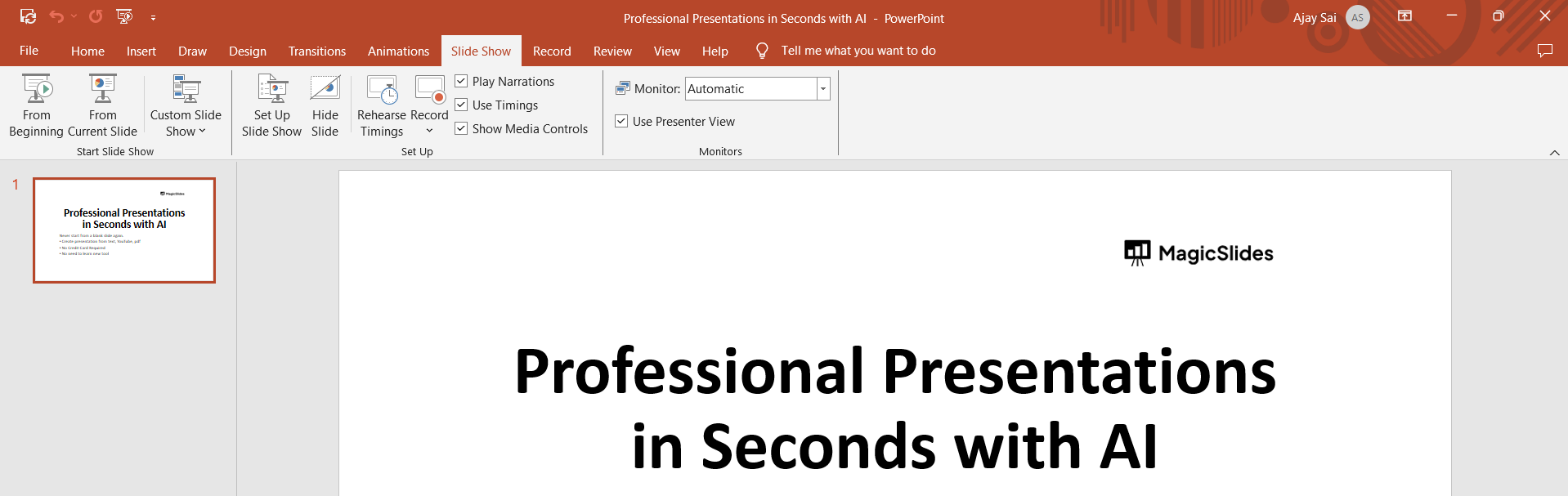
Go to the "Slide Show" tab. Click on the "From Beginning" button to start your slideshow.
Enter Presenter View:
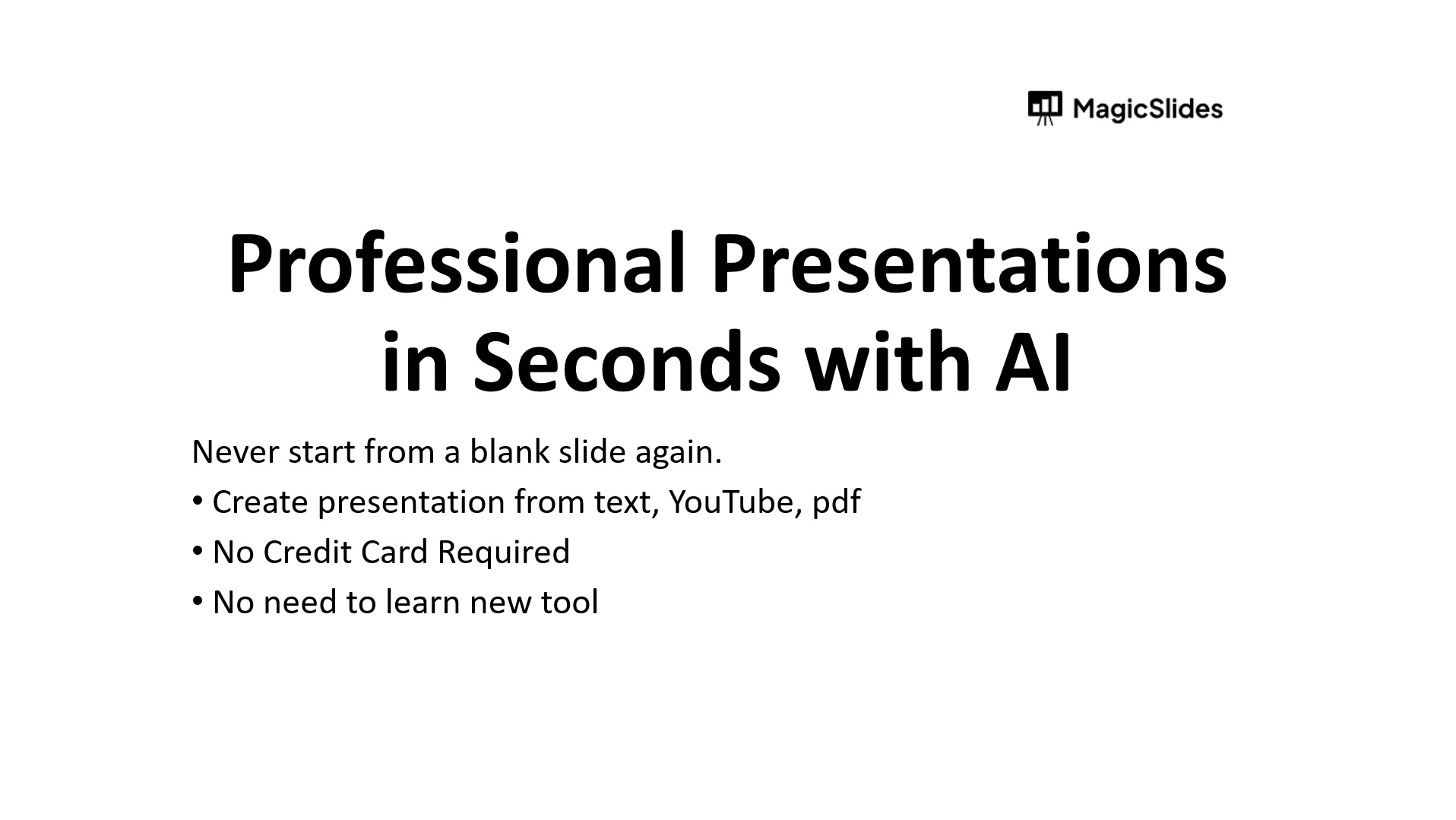
With your slideshow running, press the "Alt" and "F5" keys simultaneously on your keyboard. This action will switch your display to Presenter View.
Navigate through slides:
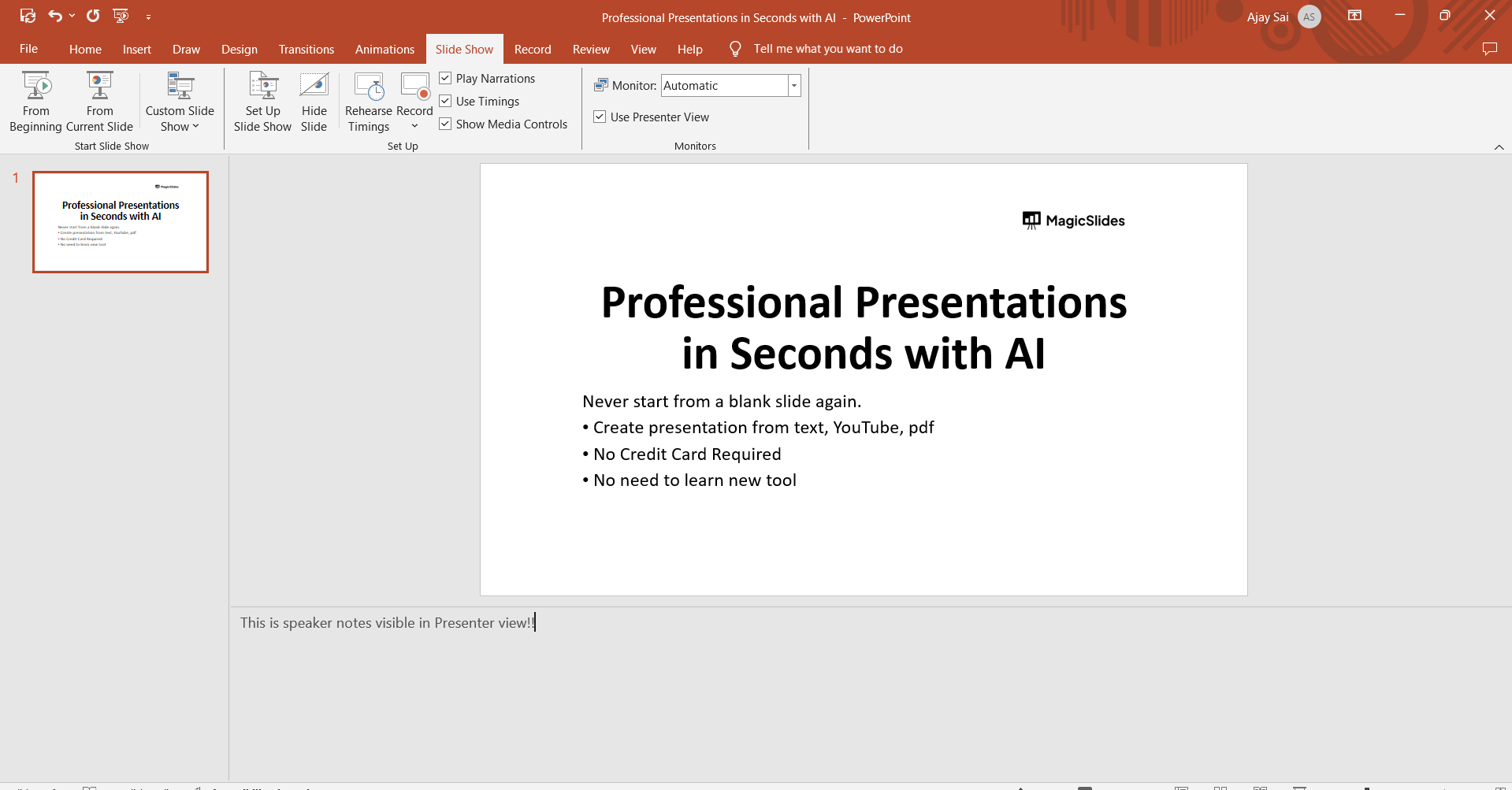
In Presenter View, you'll see your current slide, next slide, speaker notes, and other options. Use the arrow keys or click on the navigation buttons to move between slides.

Utilize speaker notes:
Presenter View allows you to view your speaker notes while presenting. Refer to your notes for reminders, key points, or additional information to enhance your presentation.
Engage with audience tools:
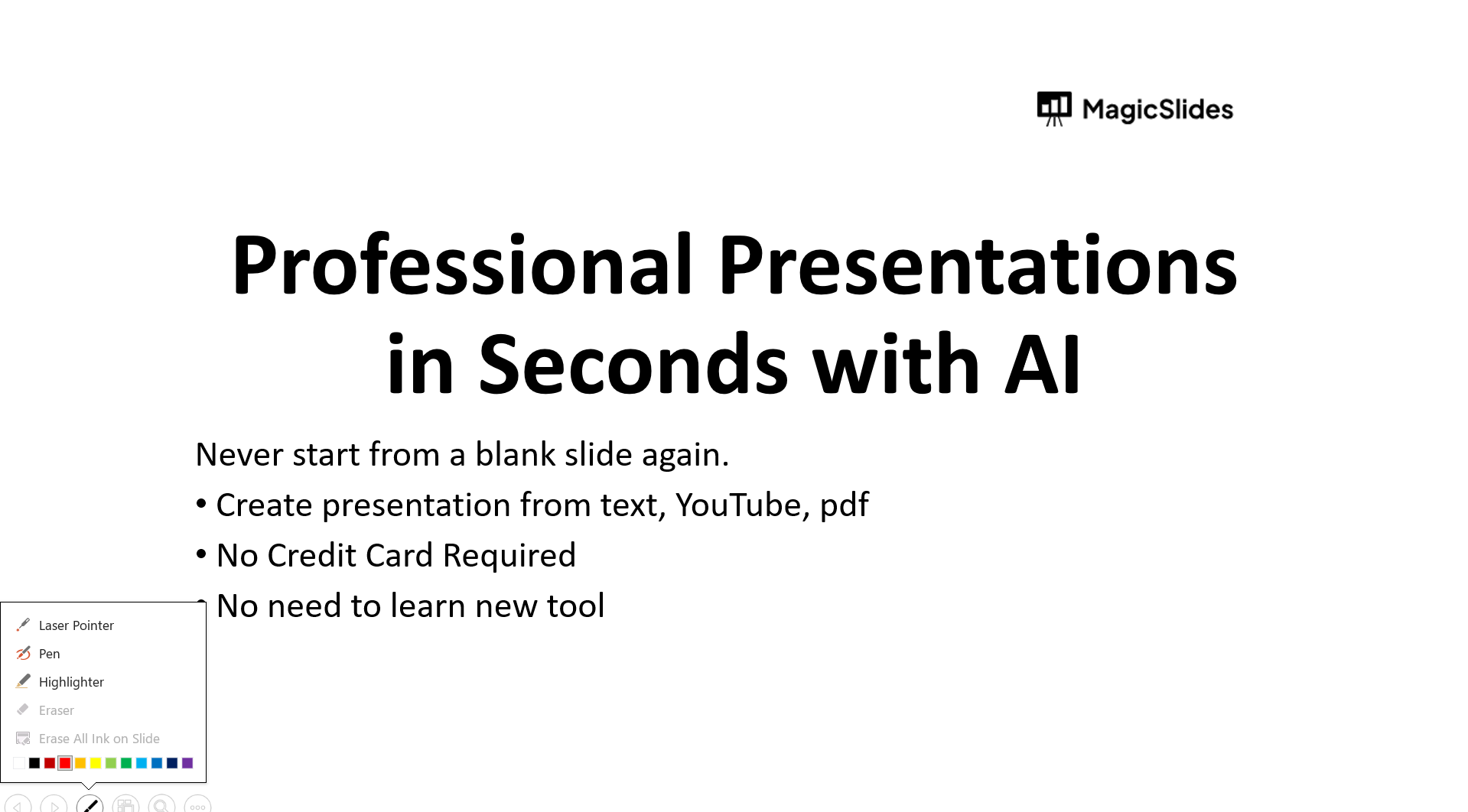
Take advantage of audience tools such as the laser pointer, pen, highlighter, and eraser to emphasize key points during your presentation.
Manage time efficiently:
Keep track of time with the built-in timer in Presenter View, helping you pace your presentation effectively.
Conclusion:
By following these simple steps, you can seamlessly navigate through your slides, access speaker notes, engage with your audience, and manage your time effectively. Incorporating Presenter View into your presentation workflow will undoubtedly elevate your delivery and leave a lasting impression on your audience. With these steps, you're now equipped to leverage Presenter View to its full potential, ensuring your presentations are not only informative but also engaging and impactful.
Frequently Asked Questions:
What is Presenter View in PowerPoint?
Presenter View is a feature in PowerPoint that allows speakers to view additional presentation details.
How do I access Presenter View during my presentation?
You can access Presenter View by pressing the "Alt" and "F5" keys simultaneously on your keyboard.
What can I do in Presenter View?
In Presenter View, you can navigate through slides, view speaker notes, utilize audience tools, and manage time efficiently.
Can Presenter View be used with multiple monitors?
Yes, Presenter View is compatible with multiple monitors, providing flexibility for presenters during their presentations.


