How to use Smart Guides in PowerPoint


Align and organize your PowerPoint slides effortlessly with Smart Guides, ensuring professional and precise designs
Smart Guides in PowerPoint are a handy feature that helps align and distribute objects evenly on your slides.
These guides appear automatically when you move objects, showing alignment suggestions with other elements on the slide.
Using Smart Guides can enhance the precision and professionalism of your presentation. Here’s a detailed guide to mastering this feature.
How to Use Smart Guides in PowerPoint | Steps to Use Smart Guides in PowerPoint
Step 1: Enable Smart Guides
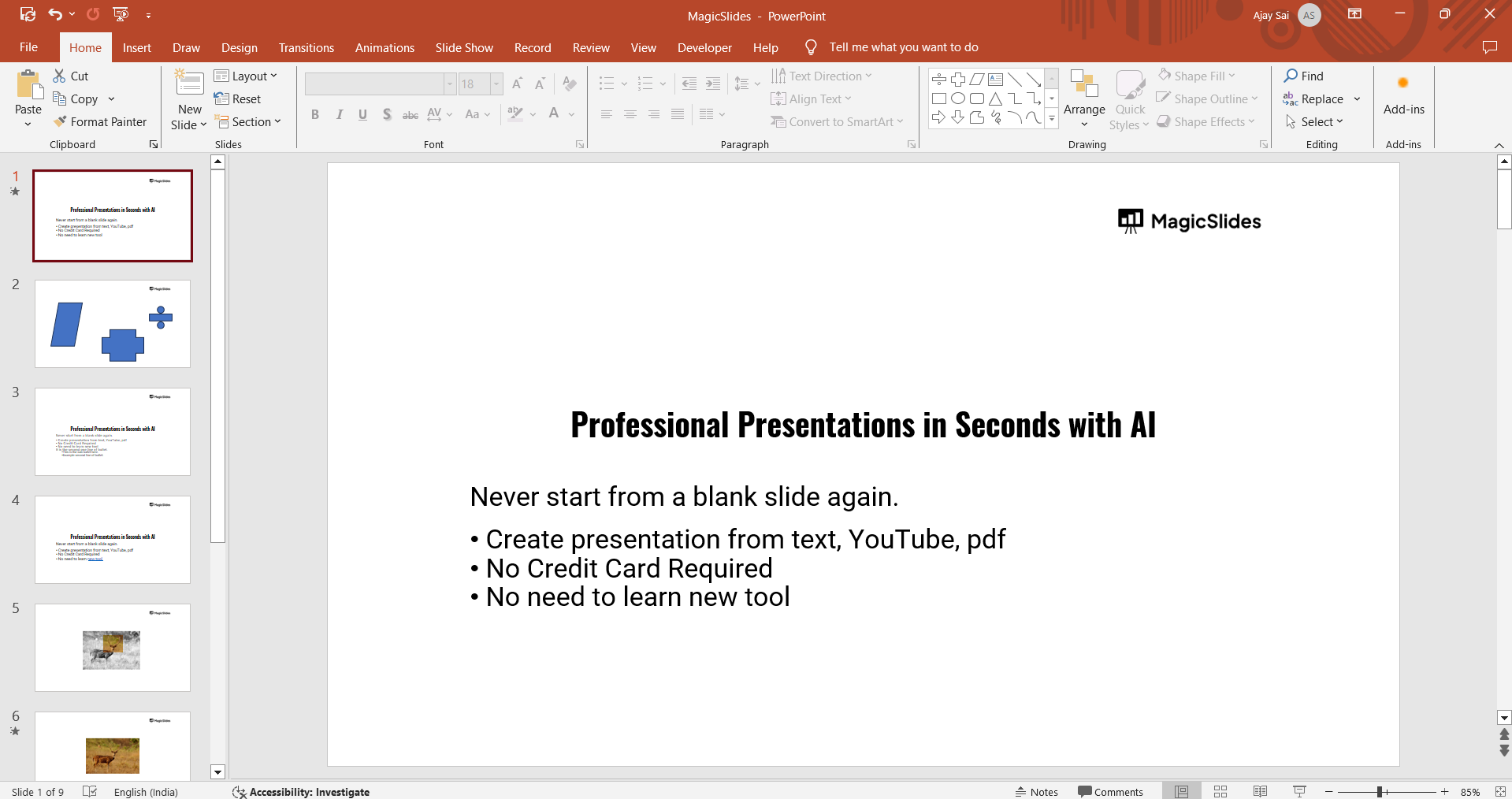
Open PowerPoint and navigate to the slide where you want to use Smart Guides.
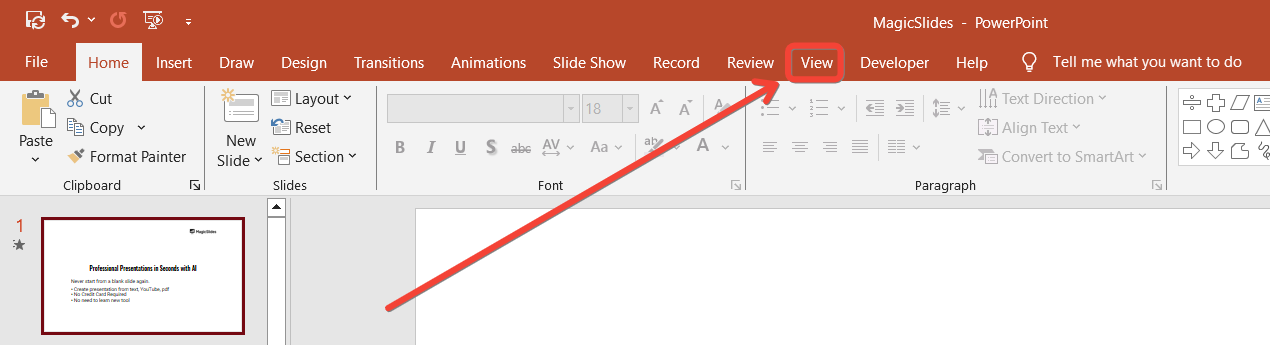
Click on the “View” tab in the ribbon.
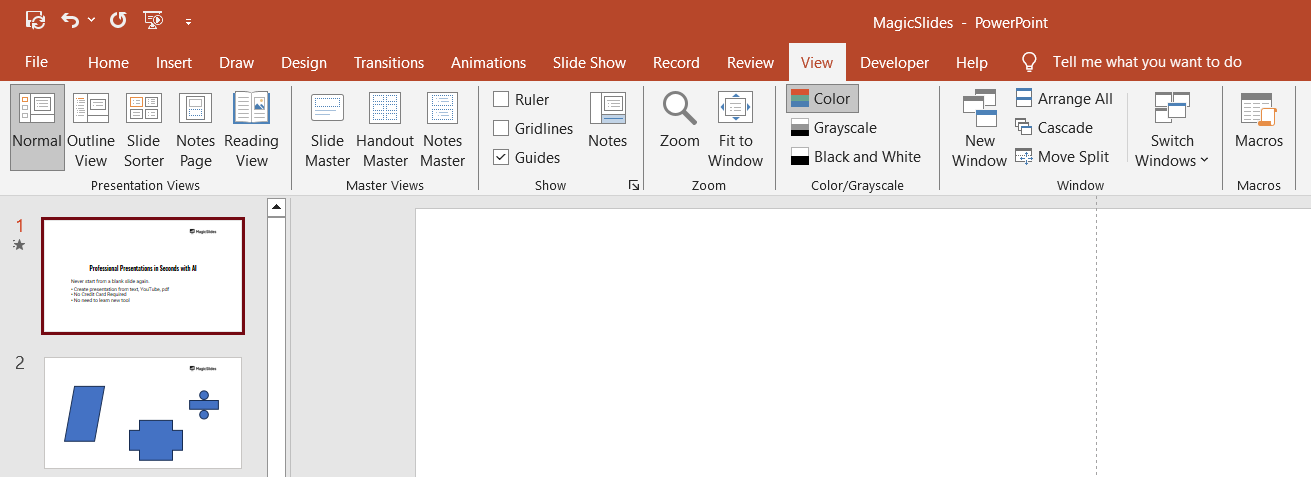
Ensure the “Guides” checkbox is ticked. Smart Guides are enabled by default, but checking this ensures they’re active.
Step 2: Add Objects to Your Slide
Insert shapes, text boxes, images, or other objects onto your slide.
Place these elements in your desired approximate locations.
Step 3: Move Objects to Trigger Smart Guides
Select an object by clicking on it.
Drag the object around the slide.
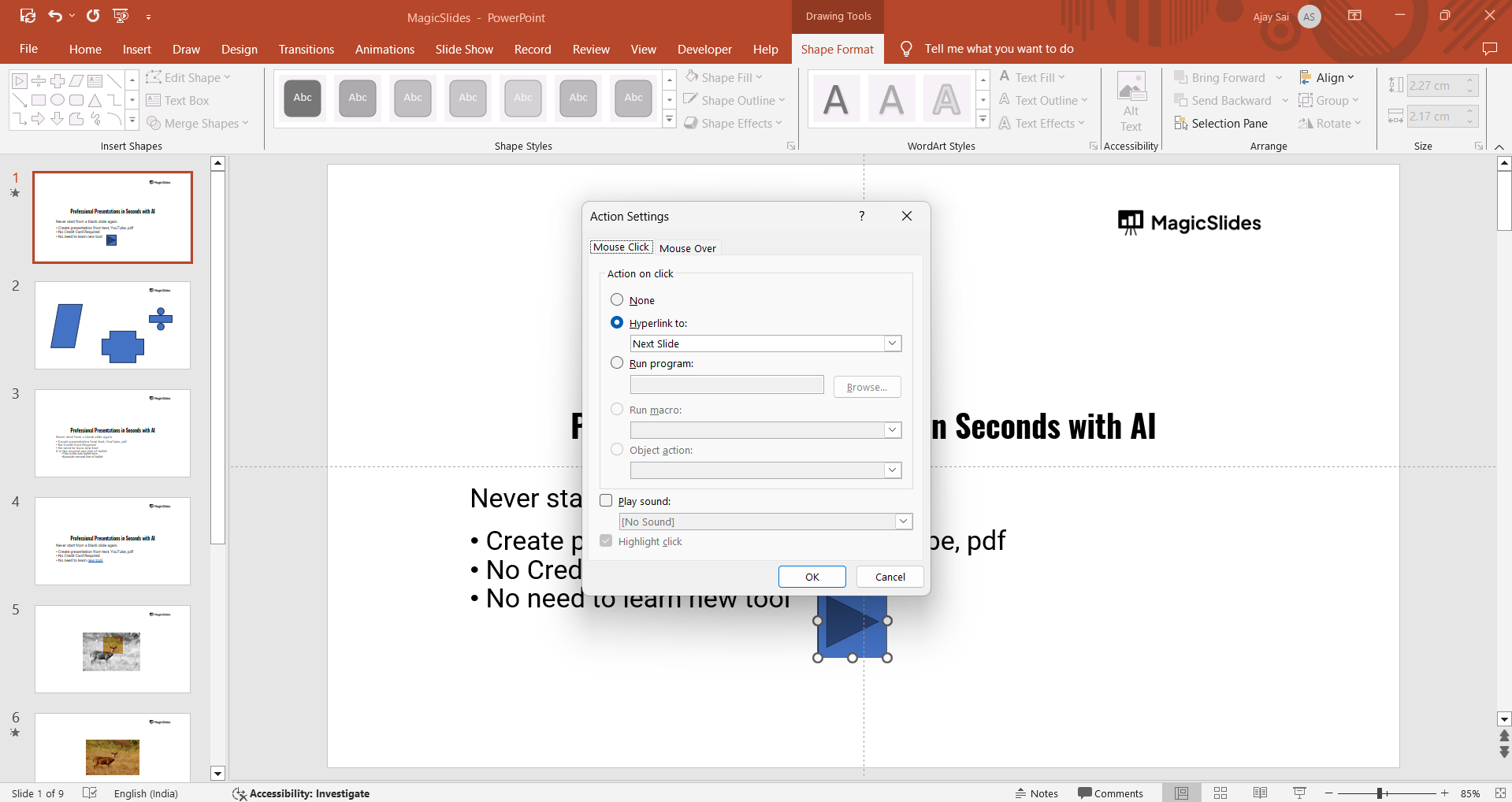
Smart Guides (dotted red lines) will appear, helping you align the object with other elements.
- Vertical and horizontal guides ensure objects are perfectly aligned.
- Spacing guides appear when multiple objects are evenly spaced.
Step 4: Align Objects Precisely
Use the guides to snap your object into alignment with other elements.
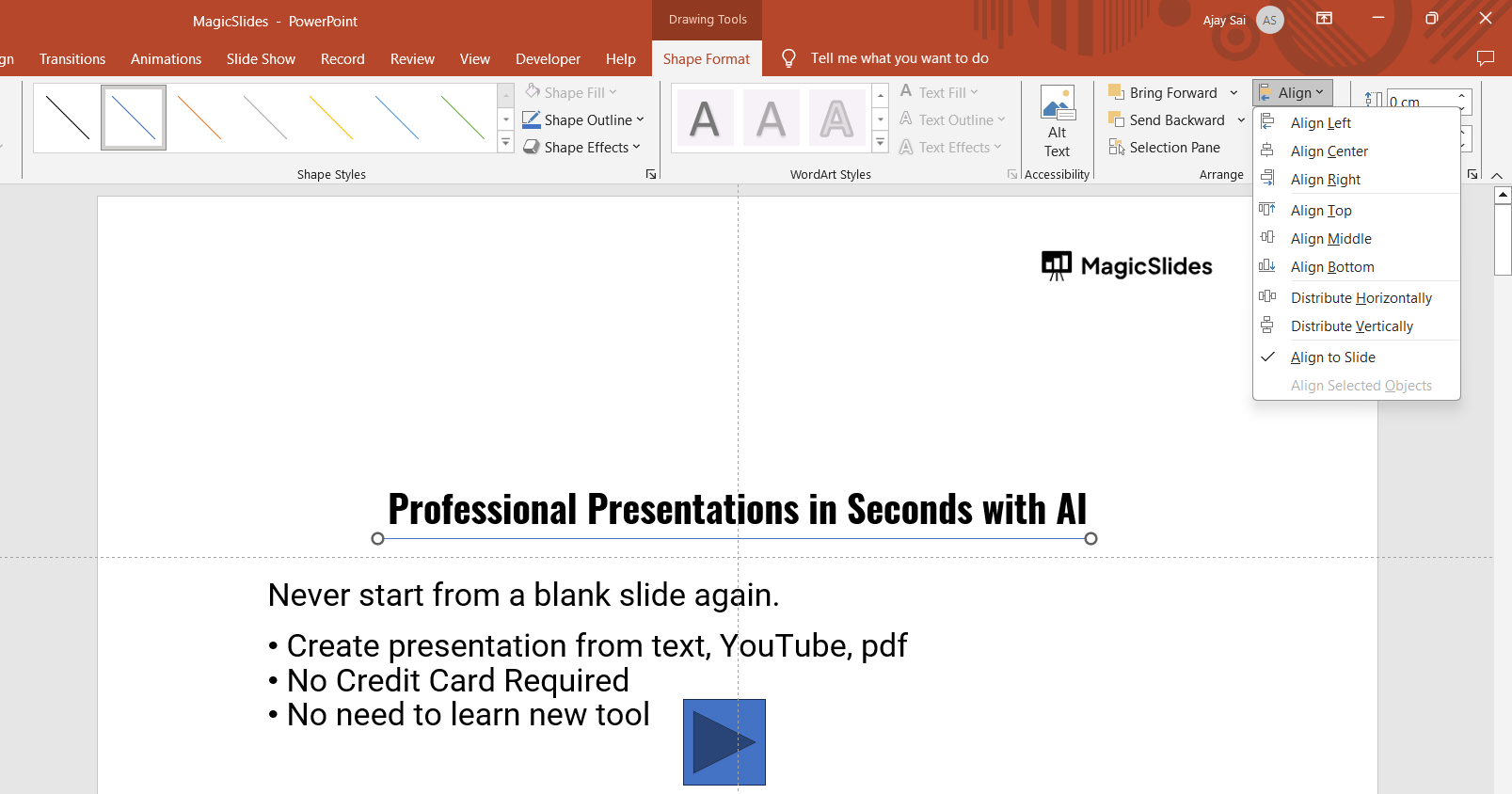
Release the object when the desired alignment or spacing is achieved.
Step 5: Combine with Other Alignment Tools (Optional)
For advanced alignment, use the “Align” option in the “Format” tab.
Combine this with Smart Guides for optimal accuracy and consistency.
Conclusion
Smart Guides in PowerPoint are an intuitive tool for creating well-aligned and visually appealing slides.
By leveraging this feature, you can save time and ensure precision without manually adjusting each element.
Whether you’re designing professional presentations or creative slides, Smart Guides simplify the process and enhance the final result.
FAQs on Using Smart Guides in PowerPoint
Can I turn off Smart Guides in PowerPoint?
Yes, you can disable Smart Guides by unchecking the “Guides” option under the “View” tab.
Do Smart Guides work for all objects in PowerPoint?
Yes, Smart Guides work with shapes, text boxes, images, charts, and most objects you add to your slides.
Are Smart Guides available in all versions of PowerPoint?
Smart Guides are available in most modern versions of PowerPoint, including Microsoft 365 and PowerPoint 2016 and later.
By mastering Smart Guides, you’ll enhance the visual balance and alignment of your presentations effortlessly.


