Mentimeter vs MagicSlides Presentation Maker: Which is Better?


Compare Mentimeter and MagicSlides to find the best presentation tool. Explore features, pros, and cons for engaging, professional presentations with ease.
Presentation tools have revolutionized how ideas are communicated, offering a mix of interactivity, visual appeal, and collaboration features. Among the popular options, Mentimeter and MagicSlides stand out for their unique strengths. But which one suits your needs best? Let’s take a closer look at these two platforms.
What is Mentimeter?
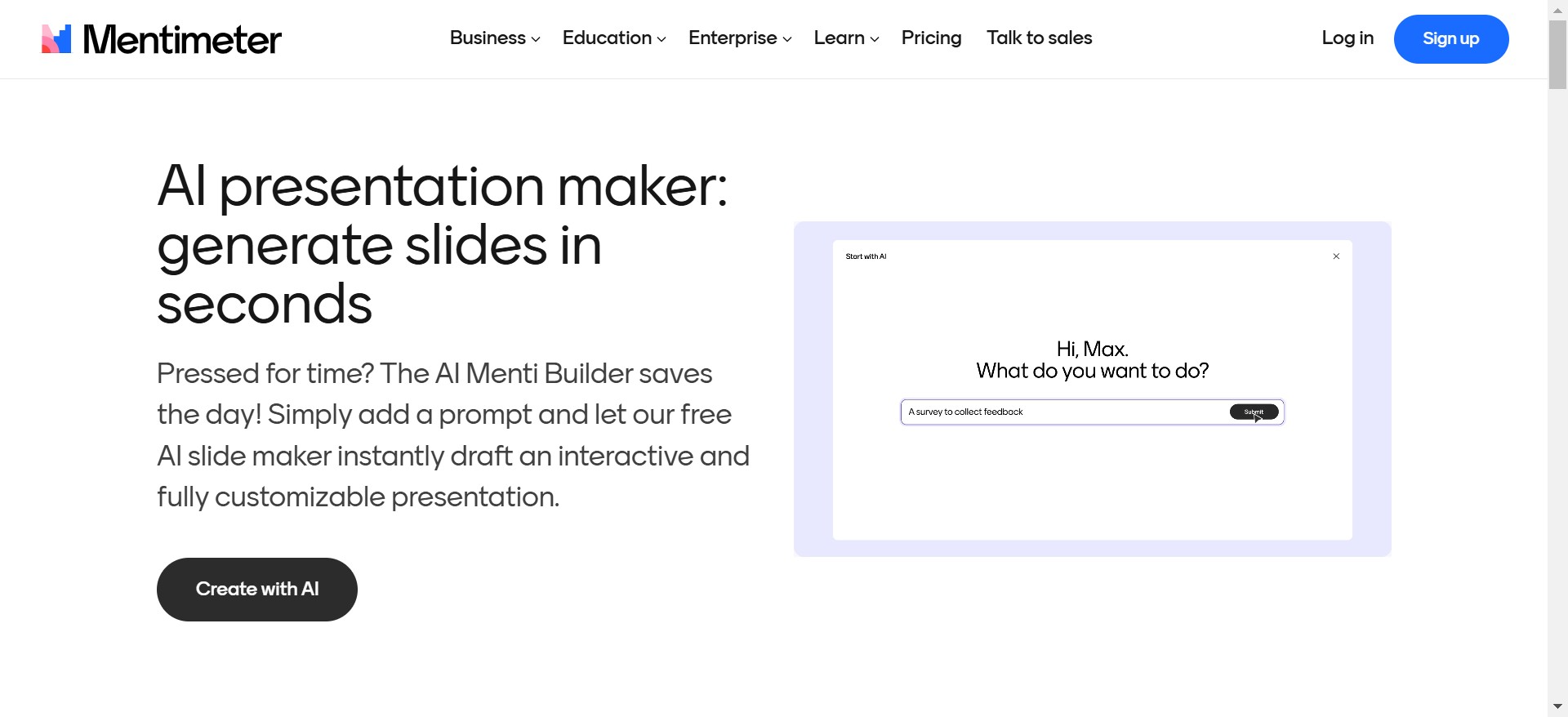
Mentimeter is a versatile platform designed to elevate audience engagement through interactivity. Widely used by educators, corporate trainers, and event organizers, it offers tools that foster participation, including real-time polls, quizzes, and visually engaging word clouds.
Key Features of Mentimeter
- Interactive Polling and Surveys: Collect audience feedback and opinions during your presentation seamlessly.
- Quiz Competitions: Add a gamified element with timed quizzes that engage and challenge participants.
- Multilingual Support: Present in multiple languages, making it accessible to diverse audiences.
- Browser-Based Access: No software installation is required—audiences can join instantly using a simple code.
Advantages of Mentimeter
- Boosted Engagement: Interactive features like polls and quizzes make sessions more dynamic and participatory.
- User-Friendly Interface: Simple codes enable easy access for participants, reducing technical barriers.
- Real-Time Feedback: Presenters can adapt presentations based on immediate audience responses.
Limitations of Mentimeter
- Limited Slide Customization: While interactive elements are robust, the platform offers fewer options for visually customizing non-interactive slides.
- Free Tier Restrictions: Some advanced features are only available in the paid plans, potentially limiting functionality for free users.
- Internet Reliance: Presentations require a stable internet connection, as offline mode is not supported.
What is MagicSlides?
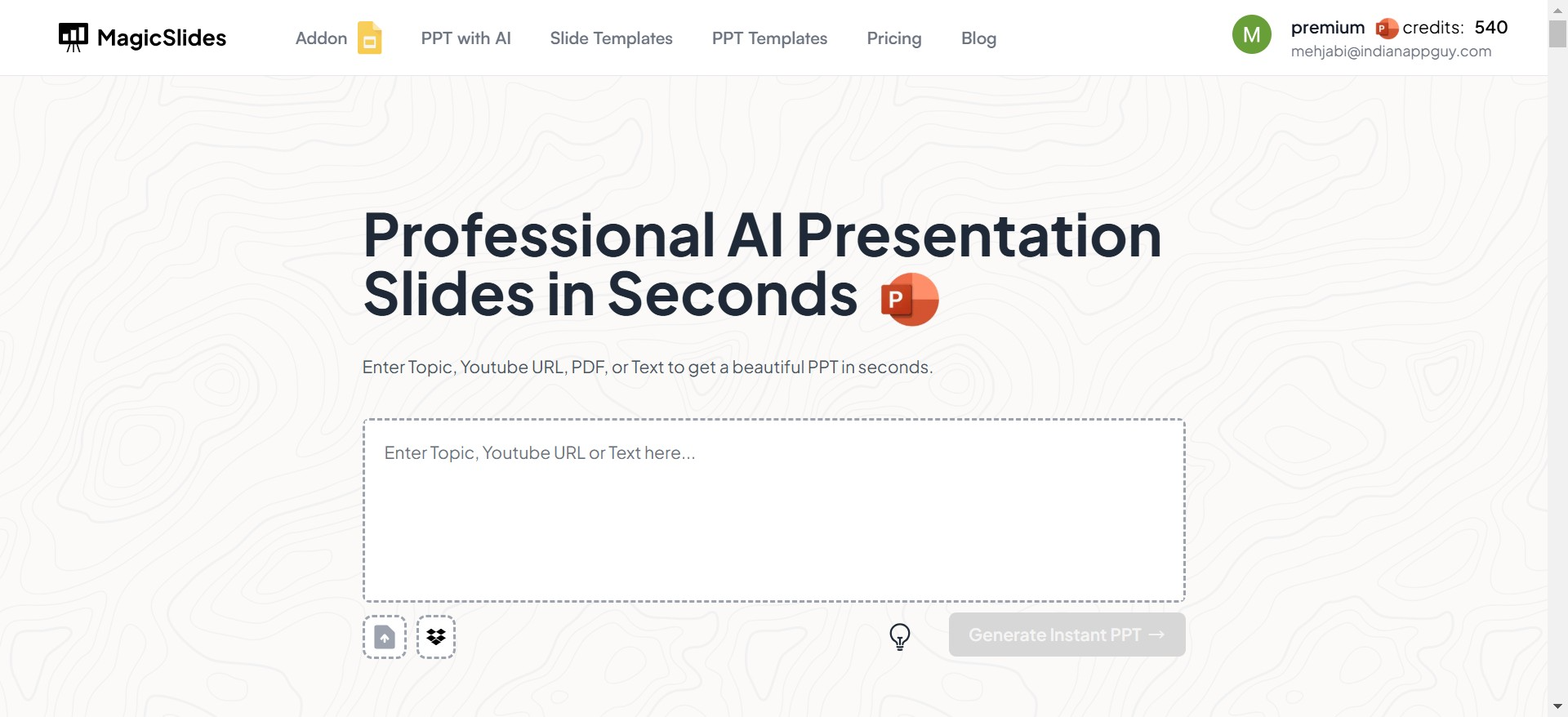
MagicSlides is an AI-powered presentation tool designed to simplify the slide creation process while maintaining professional quality. It combines intelligent automation with a wide array of design options, making it a versatile choice for business professionals, educators, and students.
Key Features of MagicSlides
- AI-Driven Slide Creation: Generate presentations quickly by providing content or an outline.
- Customizable Templates: Access an extensive library of themes to match your purpose.
- Offline Editing Support: Prepare your presentation without relying on the internet.
- Real-Time Collaboration: Work with teams seamlessly on shared presentations.
Pros of MagicSlides
- Streamlined Workflow: AI reduces the time needed to design slides.
- Professional Designs: Templates ensure that presentations are polished and visually appealing.
- Cost-Effective Plans: Offers affordable pricing without sacrificing functionality.
- Balanced Features: Combines interactivity with exceptional design flexibility.
- Integration-Friendly: Works with popular tools like PowerPoint and Google Slides.
Limitations of MagicSlides
- Interactive Features Are Simpler: While it includes Q&A and polls, its interactive tools are not as extensive as Mentimeter’s.
- Newer in the Market: A growing user base means community forums and resources are still expanding.
Detailed Comparison: Mentimeter vs MagicSlides
Here’s a side-by-side comparison to help you make an informed decision:
| Feature | Mentimeter | MagicSlides |
|---|---|---|
| Ease of Use | Simple setup for interactive presentations. | AI simplifies design creation. |
| Interactivity | Advanced tools like polls and word clouds. | Basic Q&A and polls for engagement. |
| Design Flexibility | Minimal customization options. | Fully customizable designs and layouts. |
| Offline Access | Not available. | Available for preparation anytime. |
| Cost Efficiency | Higher cost for premium features. | Affordable plans with robust features. |
Which Tool is Right for You?
Choose Mentimeter if…
- Your primary goal is audience interaction and engagement during live presentations.
- You need tools like word clouds and real-time quizzes to enhance participation.
- Internet access during presentations is not an issue.
Choose MagicSlides if…
- You want a balance of interactive features and professional-quality design.
- You need a cost-effective solution that offers offline access and team collaboration.
- Saving time with AI-driven slide creation is important to you.
Why MagicSlides Stands Out
While both tools offer unique benefits, MagicSlides emerges as a well-rounded choice for professionals who value time efficiency and design quality. Its AI-powered features enable users to generate complete presentations in minutes, which is especially beneficial for busy professionals and teams. Additionally, MagicSlides allows offline work, making it a reliable option for users who frequently travel or present in areas with limited connectivity.
MagicSlides’ affordability is another compelling reason to choose it. Unlike Mentimeter, where premium features come at a high cost, MagicSlides provides advanced functionality at a fraction of the price.
Conclusion: The Verdict
Both Mentimeter and MagicSlides are excellent tools in their respective domains. However, if you’re looking for a tool that combines effortless creation, professional design, and reasonable pricing, MagicSlides is the clear winner. It bridges the gap between visual storytelling and interactivity, ensuring your presentations stand out while meeting diverse needs.
Whether you’re presenting to clients, teaching a class, or pitching a business idea, MagicSlides empowers you to focus on delivering your message—without getting bogged down in the technicalities of slide design.


