PowerPoint Presentation Graphics: Creating Stunning Slides with Ease


Create stunning PowerPoint presentations effortlessly with MagicSlides.app. Instantly generate professional slides with high-quality graphics, templates, and AI-powered automation. Try now!
PowerPoint presentations are an essential tool for professionals, educators, and businesses. A well-designed presentation enhances communication, engages the audience, and makes complex information easier to understand. However, designing an effective PowerPoint presentation from scratch can be time-consuming.
This is where PowerPoint presentation graphics come into play. Graphics, such as charts, infographics, and high-quality images, transform plain slides into visually appealing and impactful presentations.
In this article, we will explore how to create high-quality PowerPoint presentation graphics effortlessly and introduce MagicSlides.app, a tool that can instantly generate professional presentations with a variety of templates.
Why PowerPoint Presentation Graphics Matter
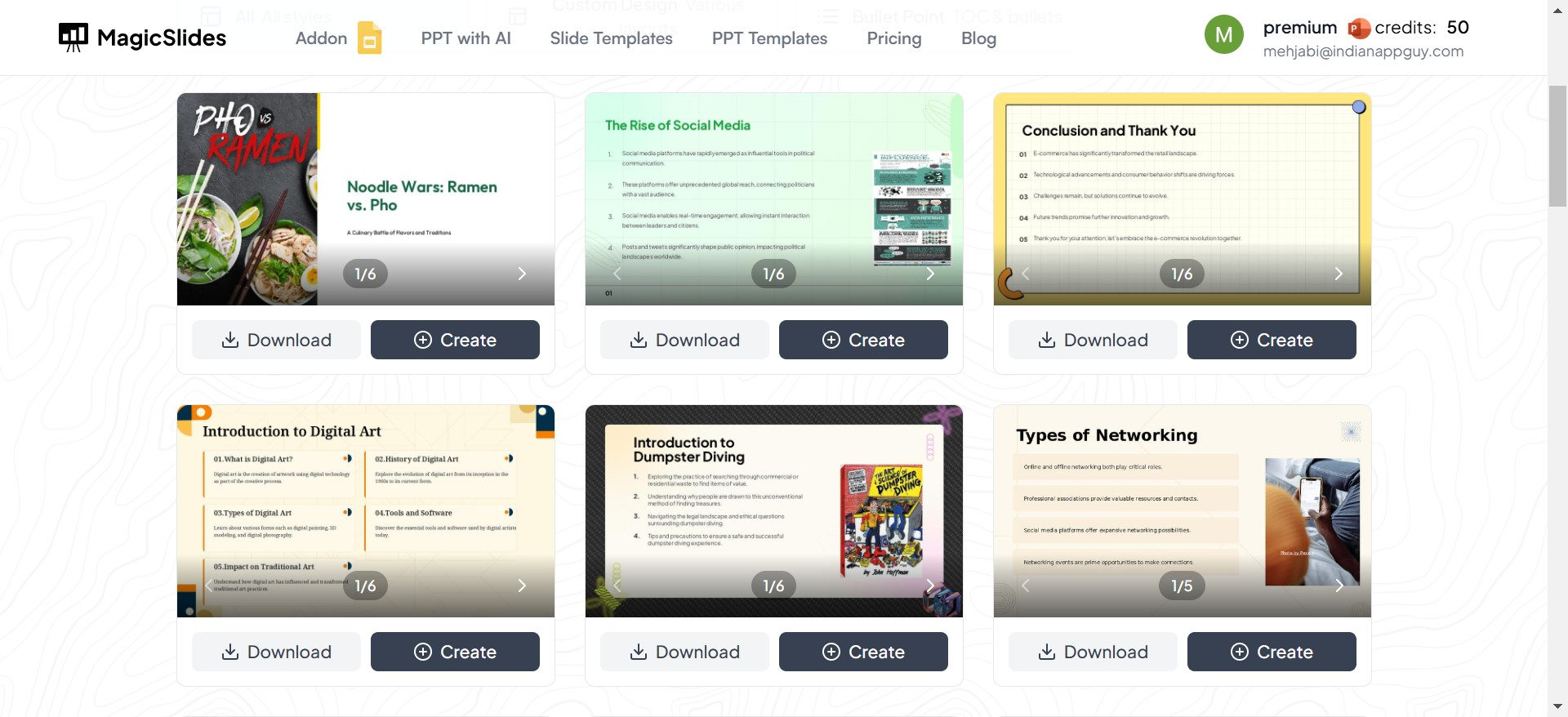
Good visuals are the backbone of any engaging PowerPoint presentation. They help:
- Enhance Understanding: Well-placed graphics break down complex data into digestible visuals.
- Increase Engagement: Visuals grab attention, keeping the audience focused.
- Boost Retention: Studies show that people remember information better when it is presented visually.
- Save Time: Instead of lengthy explanations, a single well-designed slide can convey key points effectively.
Despite their importance, many people struggle with choosing the right graphics and formatting their slides effectively. Instead of spending hours designing slides manually, MagicSlides.app offers a simple and fast solution.
How to Create Stunning PowerPoint Presentation Graphics with MagicSlides.app
MagicSlides.app is an AI-powered presentation generator that allows you to create professional slides in seconds. Whether you need business slides, educational presentations, or marketing decks, MagicSlides offers a range of templates and designs to suit your needs.
Follow these simple steps to generate your PowerPoint presentation effortlessly:
1. Visit MagicSlides.app
Start by going to MagicSlides.app in your web browser. The website offers a clean and easy-to-use interface, making it simple to generate presentations without any prior design experience.
2. Enter Your Topic
Once on the platform, enter your presentation topic in the provided text box. The AI will analyze your topic and generate relevant content and graphics accordingly.
3. Click ‘Generate Instant PPT’
After entering your topic, click the ‘Generate Instant PPT’ button. MagicSlides will start processing your input and create a structured PowerPoint presentation.
4. Select Slide Theme and Number of Slides
MagicSlides provides a variety of professionally designed themes. Choose a theme that matches your purpose—whether it’s corporate, creative, or educational. You can also select the number of slides to ensure your presentation fits your needs.
5. Click ‘Generate’
After selecting the theme and slide count, hit the ‘Generate’ button. In seconds, MagicSlides will generate a well-structured PowerPoint presentation with high-quality graphics, text, and layouts.
6. Download Your Presentation
Once the slides are ready, download the PowerPoint file and make any final customizations if needed. Your professionally designed presentation is now ready to be used.
Why Use MagicSlides for PowerPoint Presentation Graphics?
MagicSlides.app simplifies the entire presentation creation process. Here’s why it stands out:
1. Time-Saving Automation
Instead of manually designing slides, MagicSlides generates presentations in seconds, freeing up time for more important tasks.
2. Variety of Professional Templates
MagicSlides offers a wide range of templates, from corporate to creative designs. Whether you're making a business proposal or an academic presentation, there's a template for you.
3. High-Quality Graphics and Visuals
The AI-powered tool ensures that each slide includes professionally formatted text, charts, and images, eliminating the need for manual adjustments.
4. Customization Options
Even after generating your PowerPoint, you can edit the content, change themes, and tweak layouts to match your personal style or branding.
5. User-Friendly Interface
The platform is designed for anyone to use—no prior graphic design experience required. With just a few clicks, you can generate a polished presentation.
Conclusion
Creating high-quality PowerPoint presentation graphics doesn’t have to be a challenge. Instead of spending hours designing slides manually, MagicSlides.app lets you generate stunning presentations in seconds with professional templates, high-quality visuals, and a seamless user experience.
Whether you’re a student, teacher, business professional, or entrepreneur, MagicSlides.app is the perfect tool for creating engaging and visually appealing PowerPoint presentations effortlessly.
Try it today at MagicSlides.app and transform the way you create presentations!


