Which of the following Presentation Types is used to convince an Audience to Accept a Proposal?


Use a persuasive presentation when you need to convince your audience to accept your proposal effectively
Why is a Persuasive Presentation the Right Fit?
A persuasive presentation is specifically designed to influence the audience’s thoughts, beliefs, or actions.
When you’re trying to get approval for a proposal, such as funding, support for a project, or a strategic change, it’s not just about informing it's about motivating action.
Here’s why a persuasive presentation is effective:
- Clear objective – It focuses on a specific goal: getting buy-in.
- Emotional and logical appeal – It combines data with storytelling to connect on both rational and emotional levels.
- Call to action – It ends with a strong suggestion or request, encouraging the audience to act in favor of the proposal.
- Anticipates objections – It addresses potential concerns and provides counterarguments, which helps in building trust and credibility
When you're seeking approval for a project, funding, or a new idea, it's not enough to simply inform you must persuade.
That's where persuasive presentations come in. These presentations are structured to influence the audience's attitudes or actions and are particularly useful when your goal is to get a "yes" from your listeners.
Why Persuasive Presentations Work:
A persuasive presentation taps into both logic and emotion. It’s strategically crafted to:
- Clearly present your idea or proposal.
- Back it up with compelling evidence.
- Anticipate objections.
- Conclude with a clear call to action.
How to Create a Persuasive Presentation – Step by Step:
Step 1: Define Your Goal
Clearly outline what you want the audience to do approve a budget, accept a strategy, etc.
🎯 Example: “I want the board to approve the new marketing campaign plan.”
Step 2: Know Your Audience
Research your audience's pain points, preferences, and what motivates them. Tailor your content accordingly.
✅ Tip: Use language and examples that resonate with their values or business goals.
Tired of spending hours crafting a presentation? Here’s a smarter solution MagicSlides.
Whether it’s for work, school, or a pitch deck, building a presentation from scratch can take hours from researching and organizing content to designing each slide. But what if you could skip all that and have your presentation ready in under a minute? That’s exactly what MagicSlides does for you.
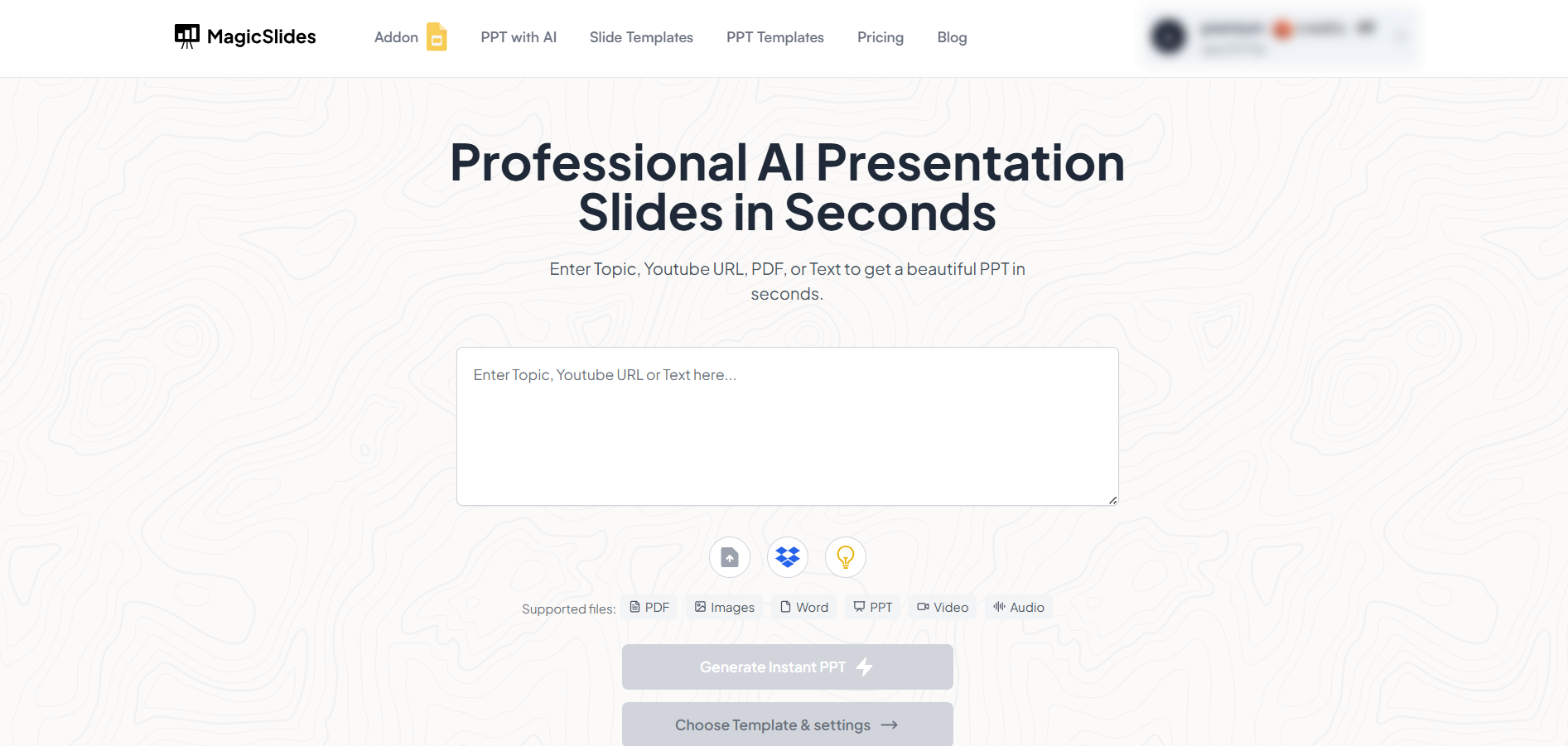
MagicSlides is an AI-powered tool that creates professional, engaging presentations with just one prompt. Simply enter your topic, and the platform will generate a full deck complete with structured content, design elements, and suggested visuals.
Here’s what you’ll love about MagicSlides:
- Instant slide generation with just one prompt
- Smart content organization and bullet points
- Visually polished designs, no design skills needed
- Multiple formats: Download as PowerPoint, use in Google Slides
- Supports customization, edits, and re-generation
- Converts YouTube videos, URLs, or text into full presentations
- Perfect for business, education, content creation, and more
Want to try it yourself? Click here to start creating your first presentation for free!
Step 3: Start with a Strong Hook
Open with a story, a powerful question, or a surprising statistic that grabs attention.
Example: “Did you know 70% of our leads drop off due to slow response time?”
Step 4: Present Your Proposal Clearly
Outline the problem, propose your solution, and explain how it benefits the audience.
Use slides to visually support your points and avoid information overload.
Step 5: Support with Evidence
Use data, testimonials, case studies, and visuals to validate your proposal and boost credibility.
📊 Charts, graphs, or real-world success stories work best here.
Step 6: Address Potential Objections
Acknowledge doubts your audience may have and counter them logically and respectfully.
Example: “You may think the budget is too high, but here’s how it saves us money long-term.”
Step 7: Include a Call to Action
End with a specific, actionable next step. Be confident and direct.
Example: “Let’s approve the proposal today and begin execution next Monday.”
Step 8: Practice Delivery
Rehearse your presentation to deliver it with clarity, confidence, and enthusiasm.
🎤 Tip: Practice in front of a friend or record yourself to fine-tune delivery.
Conclusion:
A persuasive presentation is the most effective way to gain approval for a proposal.
By presenting a well-researched case, emotionally connecting with your audience, and ending with a strong call to action, you significantly increase your chances of a successful outcome.
FAQs are here to help!:
What is the goal of a persuasive presentation?
To influence the audience’s beliefs or actions, often to accept a proposal or idea.
How is a persuasive presentation different from an informative one?
An informative presentation shares facts, while a persuasive one aims to convince and inspire action.
Can I use storytelling in a persuasive presentation?
Absolutely! Stories are powerful tools to emotionally engage your audience and strengthen your message.


