SWOT Analysis: Definition, Examples & How To?


Explore SWOT Analysis with detailed templates and examples to enhance strategic planning and decision-making.
A SWOT analysis is a powerful strategic planning tool used to evaluate the Strengths, Weaknesses, Opportunities, and Threats involved in a project or business venture.
At its core, SWOT aims to identify the internal and external factors that are favorable and unfavorable to achieving an objective.
This method is particularly useful for organizations looking to improve their overall performance, launch new initiatives, or adjust strategic direction.
In this blog post, we will delve into the essence of SWOT analysis, discuss its importance, and explore its four key components.
Additionally, we will provide practical examples and guidelines on how to effectively conduct a SWOT analysis, supported by useful templates.
What is SWOT Analysis?
SWOT analysis is a conceptual framework that assesses four critical dimensions of a business or project: Strengths, Weaknesses, Opportunities, and Threats.
Developed in the 1960s by Albert Humphrey at the Stanford Research Institute, SWOT has become an essential part of strategic planning in various organizational contexts.
The technique helps decision-makers fully understand their business, identify strategic opportunities, and mitigate against potential threats.
Strengths and Weaknesses are typically internal factors, inherent to the organization, which could include resources, capabilities, and financial advantages or disadvantages. Opportunities and Threats, on the other hand, generally relate to external factors, such as market trends, economic conditions, and competitive dynamics.
By systematically analyzing these components, an organization can craft strategies that capitalize on its strengths, address its weaknesses, seize opportunities, and defend against threats. The outcome is a strategic perspective that contributes to more effective and forward-thinking decision-making.
Importance of SWOT Analysis
SWOT analysis serves as a cornerstone for strategic planning by illuminating the key factors that directly influence success or failure. Its importance can be observed in several dimensions:
- Decision-Making: SWOT provides a clear and concise overview of all critical aspects of a situation, allowing managers to make more informed decisions.
- Problem-Solving: It helps identify the root causes of problems within an organization and prompts ideas for solutions by examining internal and external factors.
- Resource Allocation: Understanding strengths and weaknesses helps organizations allocate resources more effectively, prioritizing areas that require the most attention or can generate the most significant return.
- Strategic Positioning: By recognizing opportunities and threats, businesses can strategically position themselves within the market to capitalize on trends and mitigate risks.
In strategic planning, the importance of SWOT analysis cannot be overstated as it empowers organizations to leverage their advantageous positions, counteract vulnerabilities, and navigate the competitive landscape efficiently.
4 Parts of SWOT Analysis
1. Strengths
Strengths are the qualities that enable us to accomplish the organization’s mission. These are the features of our business which are likely to make us a strong competitor in the market.
Strengths could be the advantages of the company, the uniqueness of your product, human competencies, financial resources, culture, and customer goodwill.
A firm's strengths are its resources and capabilities that can be used as a basis for developing a competitive advantage.
2. Weaknesses
The absence of certain strengths may be viewed as a weakness. For example, each of the following could be considered weaknesses:
- Lack of patent protection
- A weak brand name
- Poor reputation among customers
- High cost structure
- Lack of access to the best natural resources
- Lack of access to key distribution channels
In some cases, a weakness may be the flip side of a strength. Take the case in which a firm has a large amount of manufacturing capacity.
While this capacity may be considered a strength that competitors do not share, it also may be a weakness if the large investment in manufacturing capacity prevents the firm from reacting quickly to changes in the strategic environment.
3. Opportunities
The external environmental analysis may reveal certain new opportunities for profit and growth. Some examples of such opportunities include:
- An unfulfilled customer need
- Arrival of new technologies
- Loosening of regulations
- Removal of international trade barriers
4. Threats
Changes in the external environmental also may present threats to the firm. Some examples of such threats include:
- Shifts in consumer tastes away from the firm’s products
- Emergence of substitute products
- New regulations
- Increased trade barriers
Steps To Do A SWOT Analysis
Performing a SWOT analysis can be streamlined using digital tools like MagicSlides.app, which leverages AI to assist in generating comprehensive SWOT analysis slides. Here’s how you can use MagicSlides.app to perform a SWOT analysis:
- Visit MagicSlides.app: Start by opening your web browser and navigating to MagicSlides.app.
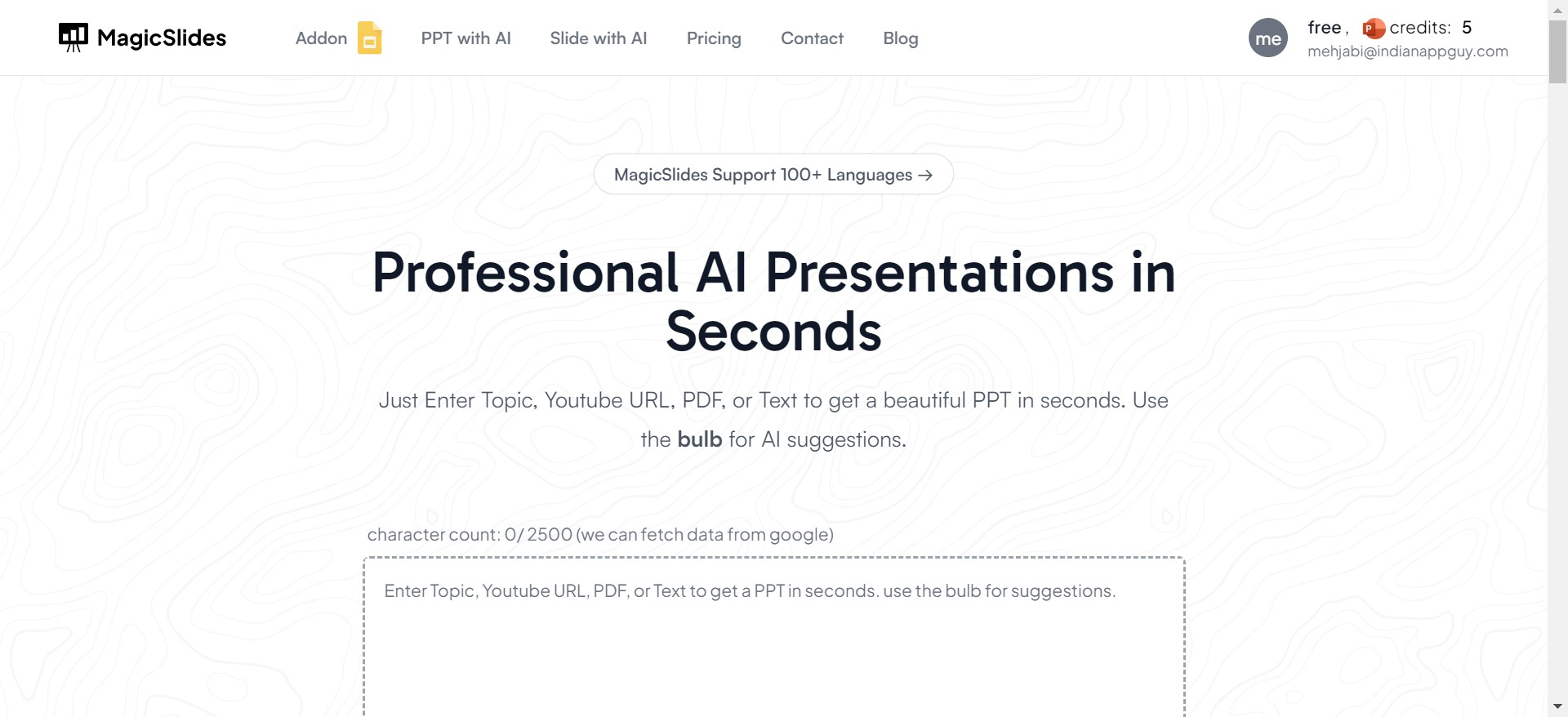
- Click on “Slide with AI”: Once you're on the homepage, look for the option or tab that says “Slide with AI” and click on it.
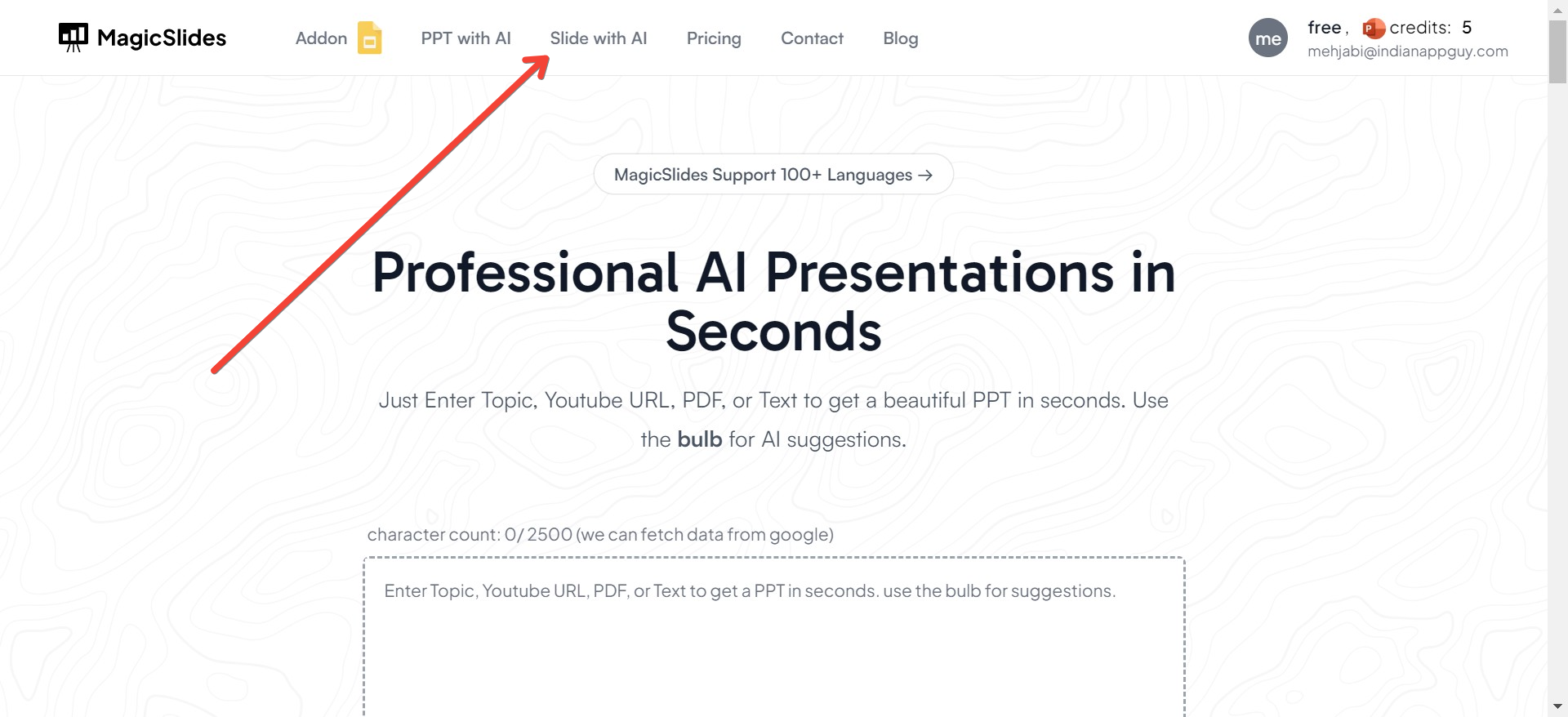
- Select the “SWOT Analysis Slide with AI”: In the “Slide with AI” section, you’ll find various types of slides tailored for different business needs. Click on the “SWOT Analysis Slide with AI” option to specifically focus on creating a slide for your SWOT analysis.
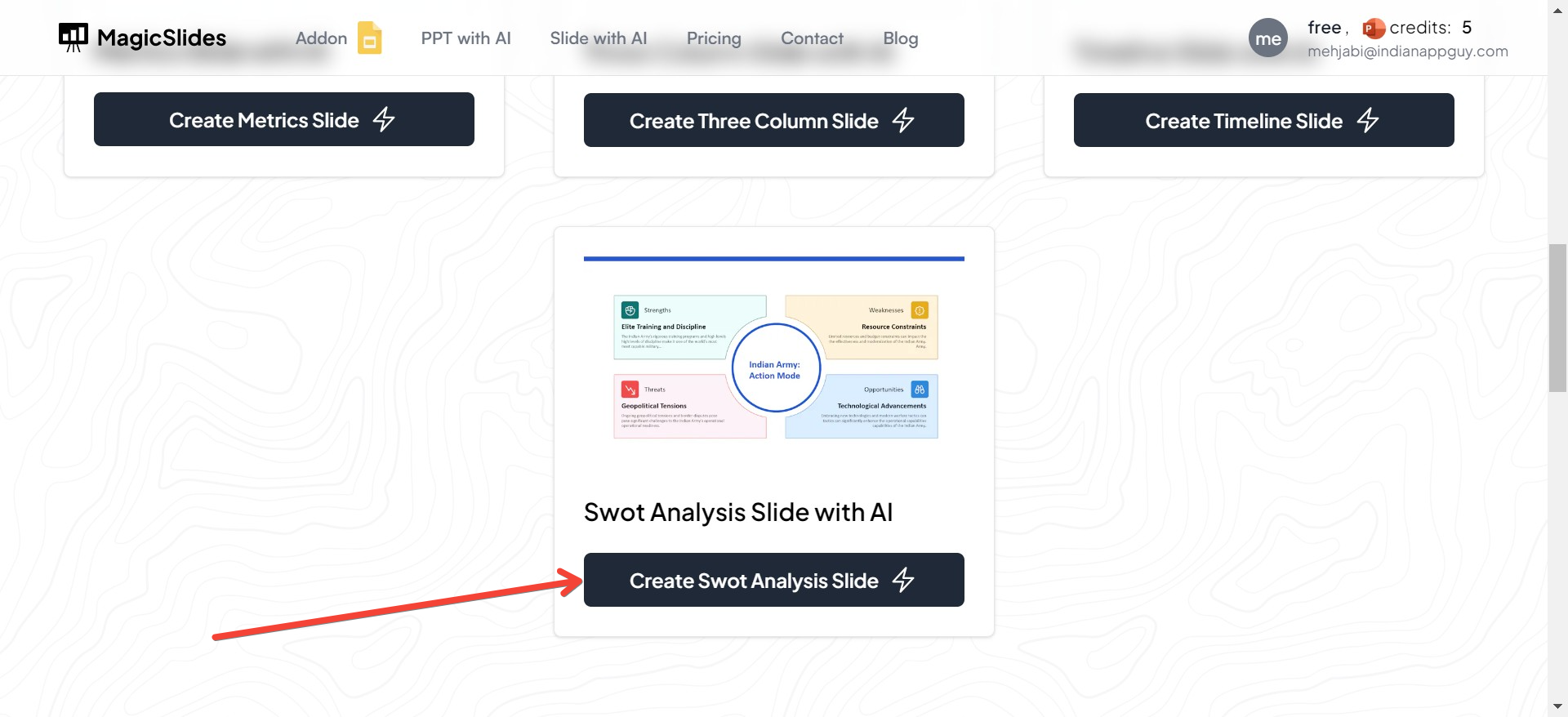
- Enter the Topic: After selecting the SWOT analysis slide option, you'll be prompted to enter the topic or subject of your SWOT analysis. This could be your business name, a specific project, or any venture you're evaluating. Inputting this topic helps the AI tailor the SWOT analysis to your specific needs.
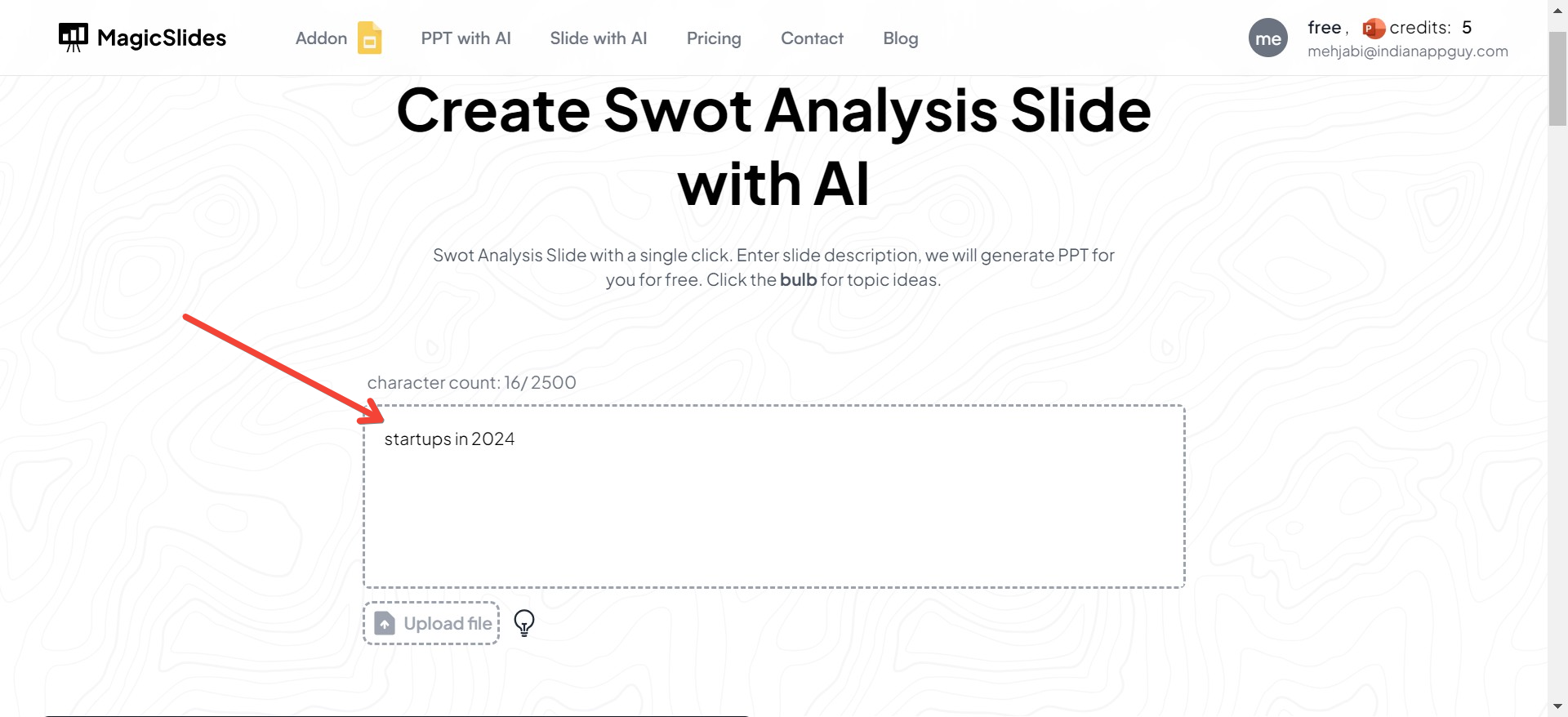
- Choose a template for SWOT Analysis: There are different templates provided on the website for SWOT analysis, choose the one you like.
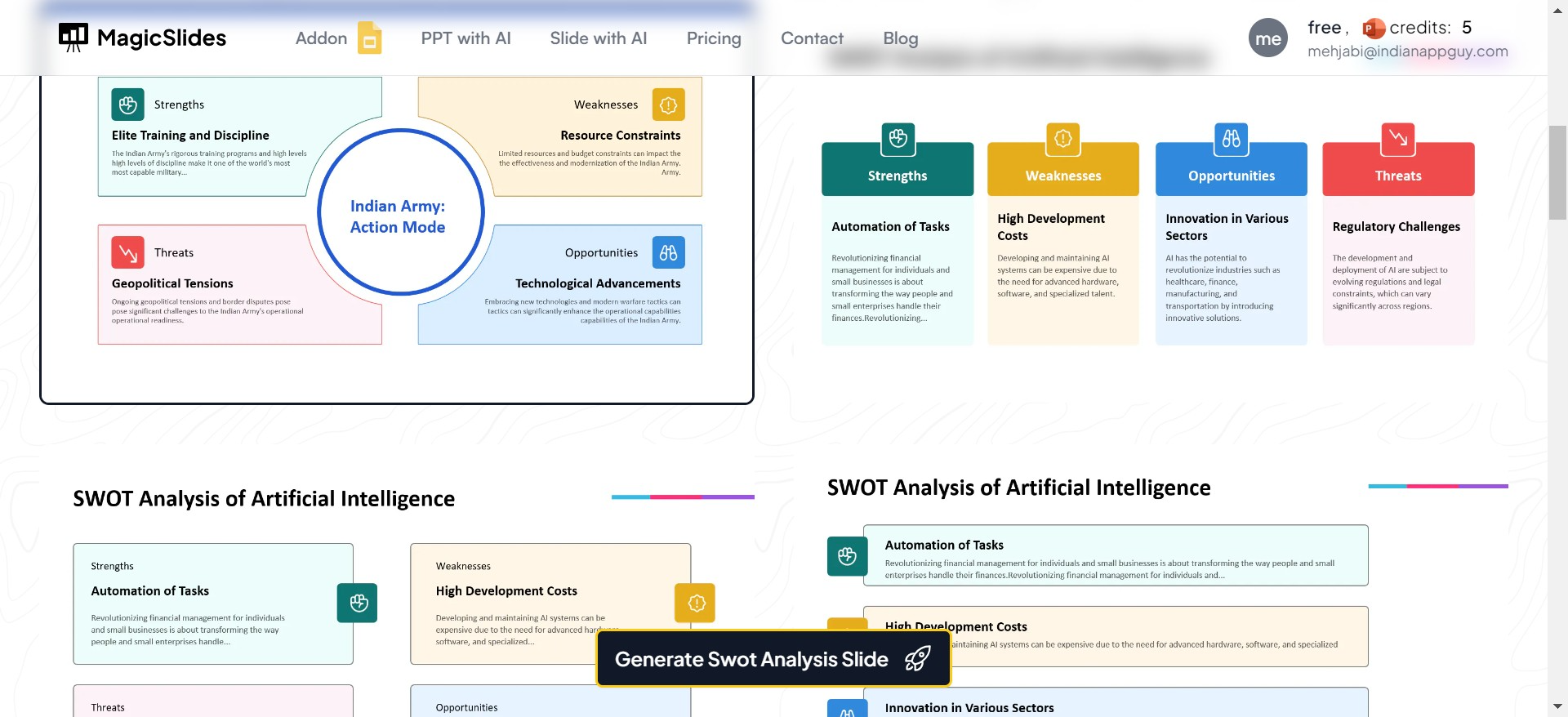
- Click on “Generate”: With the topic entered, and the template chosen click the “Generate” button.
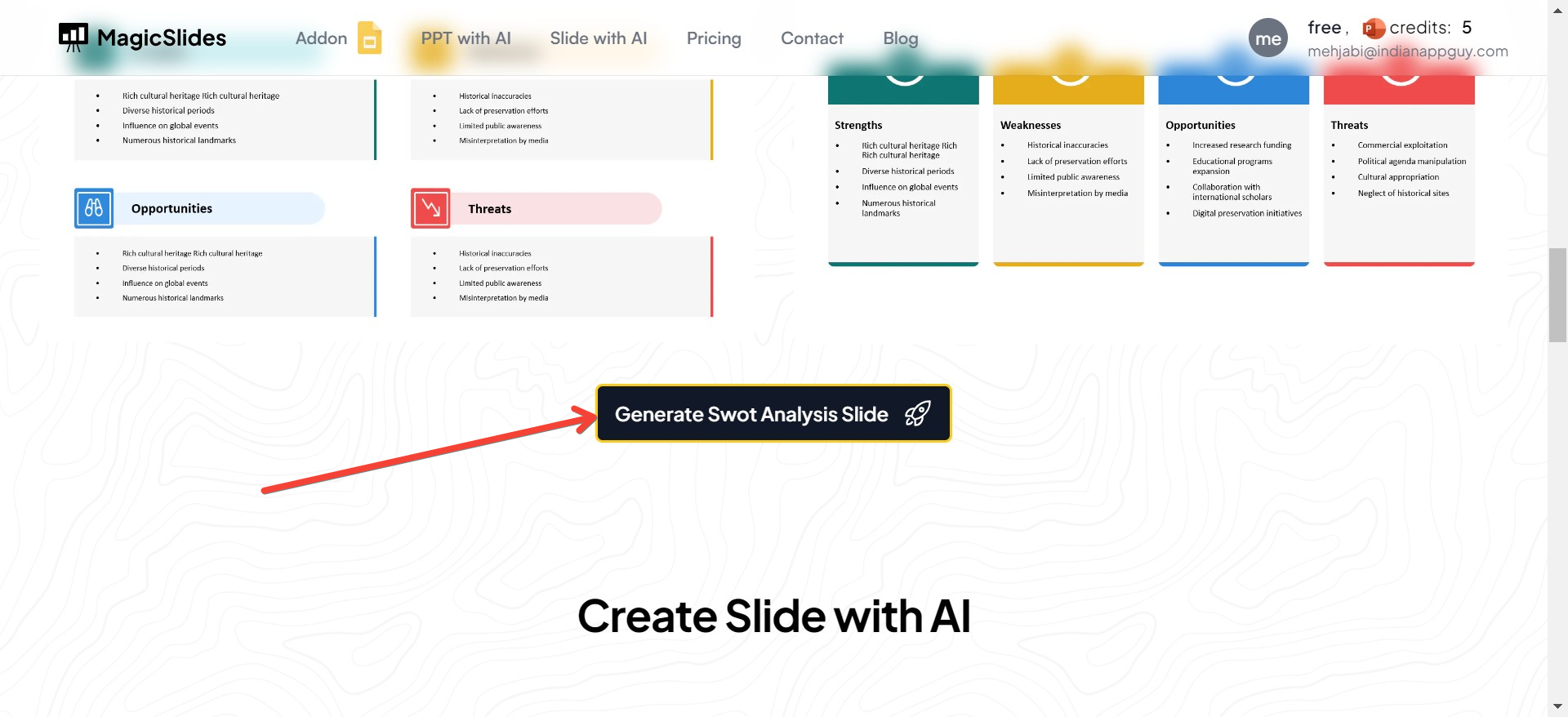
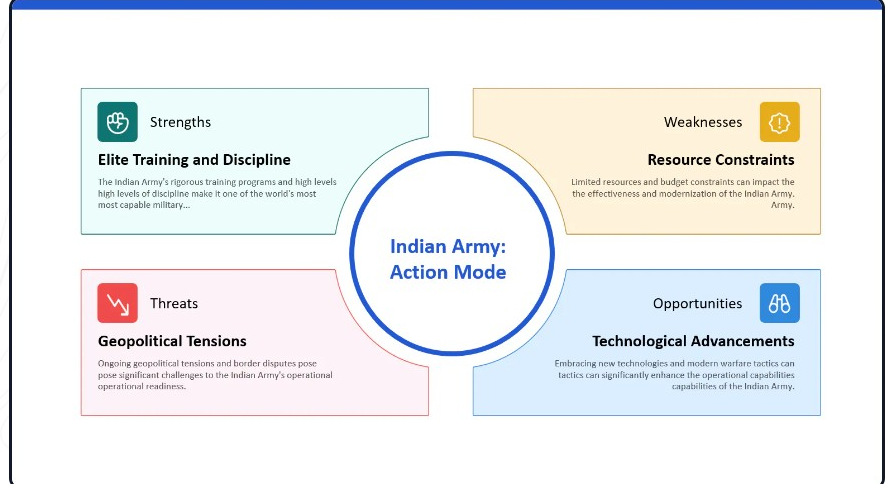
- Your Slide with SWOT Analysis Will Be Generated: After a short processing time, your SWOT analysis slide will be ready. This slide will include organized sections for Strengths, Weaknesses, Opportunities, and Threats related to your entered topic. You can review, edit, and refine the content as needed to better fit your analysis and presentation needs.
Examples of SWOT Analysis
Let’s consider a practical example to understand how SWOT analysis might look in a real-world scenario.
Suppose a technology startup is looking to enter the market with a new app that helps small businesses manage their finances. A SWOT analysis might reveal:
- Strengths: Innovative software solution, strong technical team, and initial venture capital funding.
- Weaknesses: Brand is not yet recognized, limited market presence, and small customer base.
- Opportunities: Growing demand for business automation tools, potential partnerships with financial institutions, and expanding online marketplaces.
- Threats: Established competitors with similar offerings, potential regulatory changes affecting financial data, and economic downturn affecting customers’ spending power.
How to Do SWOT Analysis
Conducting a SWOT analysis involves several steps:
- Preparation: Assemble a diverse team from various parts of your organization to ensure multiple perspectives.
- Identification: List down all strengths, weaknesses, opportunities, and threats relevant to your objective. Use brainstorming tools or methodologies to capture comprehensive inputs.
- Organization: Categorize the listed factors under their respective SWOT categories.
- Analysis: Evaluate how the strengths can counterbalance weaknesses, how opportunities can be seized, and how threats can be managed.
- Strategic Planning: Develop actionable strategies based on the insights derived from the SWOT analysis. Ensure these strategies are aimed at achieving the overall objectives of the organization.
Conclusion
SWOT analysis is a simple but powerful tool for understanding your company's strategic position in the context of the market and for maximizing potential for success.
By examining internal strengths and weaknesses as well as external opportunities and threats, businesses can craft strategies that are uniquely suited to their capabilities and circumstances, ensuring sustained growth and competitiveness.
Utilizing SWOT templates and following structured guidelines can help streamline this process, leading to clearer and more effective strategic planning.


