The Role of Body Language in Effective Presentations


Learn how body language enhances presentations and discover how MagicSlides can help you create professional PowerPoint slides effortlessly. Boost engagement and confidence today.
Body language is a powerful communication tool, especially in presentations. While your words convey your message, your body language reinforces it, helping to engage your audience and build trust. A great presenter knows how to use gestures, facial expressions, posture, and movement to enhance their speech.
In this blog, we’ll explore the role of body language in effective presentations, provide actionable tips to improve your non-verbal communication, and introduce MagicSlides, an AI-powered tool that helps you create impactful presentations effortlessly.
Why is Body Language Important in Presentations?
Your audience will not only listen to your words but also observe your body language. Studies suggest that over 55% of communication is non-verbal—meaning how you present yourself matters just as much as what you say.
The Impact of Body Language on Presentations
- Builds Credibility – Confident body language establishes you as an authority.
- Engages the Audience – Expressive gestures and eye contact keep your audience interested.
- Reinforces Your Message – Effective use of movements makes key points more memorable.
- Controls Nervousness – Proper posture and breathing help manage anxiety.
- Encourages Interaction – Open gestures make the audience feel involved.
Key Aspects of Effective Body Language in Presentations
To ensure your presentation is engaging and impactful, pay attention to the following non-verbal cues:
1. Posture
- Stand tall with a straight back and relaxed shoulders.
- Avoid slouching, crossing your arms, or looking stiff.
- A balanced stance (feet shoulder-width apart) exudes confidence.
2. Eye Contact
- Maintain eye contact with your audience to establish connection and trust.
- Avoid staring at a single person or looking down at notes too often.
- Aim for 3–5 seconds per person before shifting your gaze.
3. Gestures
- Use natural hand movements to emphasize important points.
- Avoid excessive gestures that may distract your audience.
- Keep your hands open and above waist level for better engagement.
4. Facial Expressions
- Your face should reflect the tone of your speech (smiling for positive messages, serious for critical points).
- Avoid a blank or overly rigid expression.
- Raise your eyebrows slightly to show interest and engagement.
5. Movement
- Move purposefully—don’t pace nervously.
- Step forward when making a strong point.
- Avoid rocking back and forth or shifting weight too often.
6. Voice Modulation
- Vary your tone, pitch, and pace to maintain interest.
- Avoid speaking in a monotonous voice.
- Pause strategically for emphasis.
7. Handshake & Personal Space
- If greeting someone before your presentation, use a firm handshake.
- Maintain a respectful distance—don’t invade personal space.
How to Practice & Improve Your Body Language
- Record yourself and analyze your gestures and expressions.
- Practice in front of a mirror to observe how you look while speaking.
- Use feedback from friends, colleagues, or mentors.
- Watch expert speakers (e.g., TED Talks) and learn from their body language.
Creating Impactful Presentations with MagicSlides
While mastering body language is crucial, a well-structured presentation is equally important. This is where MagicSlides comes in—a powerful AI tool that helps you create professional presentations instantly.
How to Use MagicSlides to Create a Presentation
- Visit MagicSlides.app.
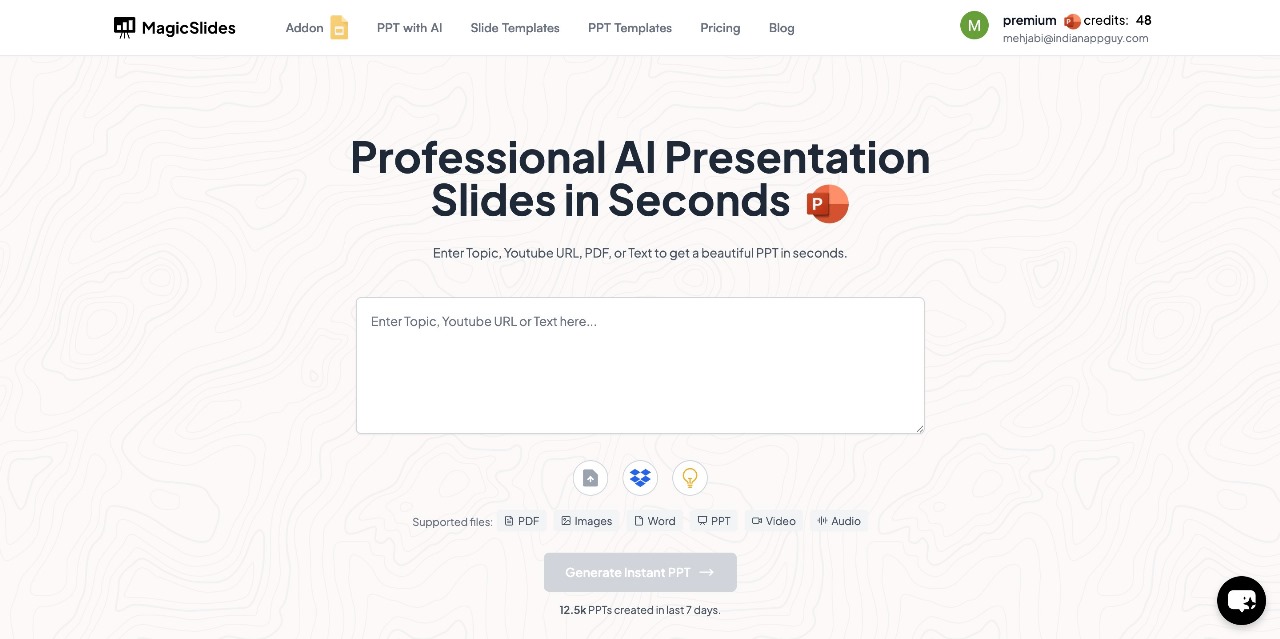
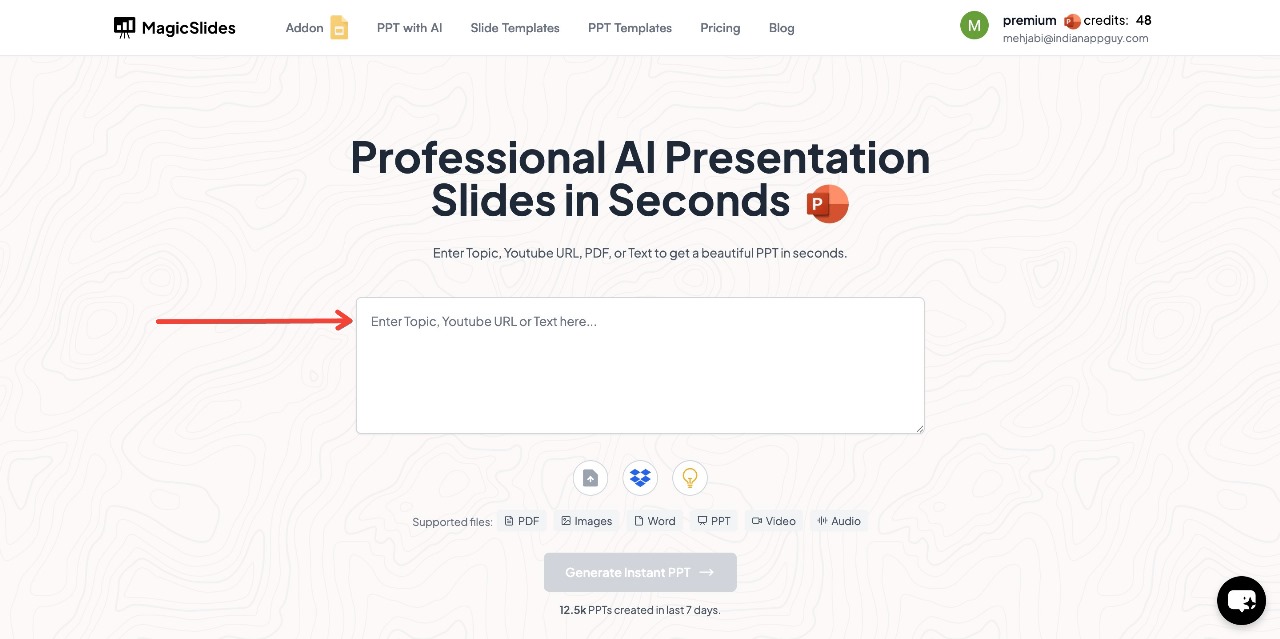
- Enter your topic in the provided space.
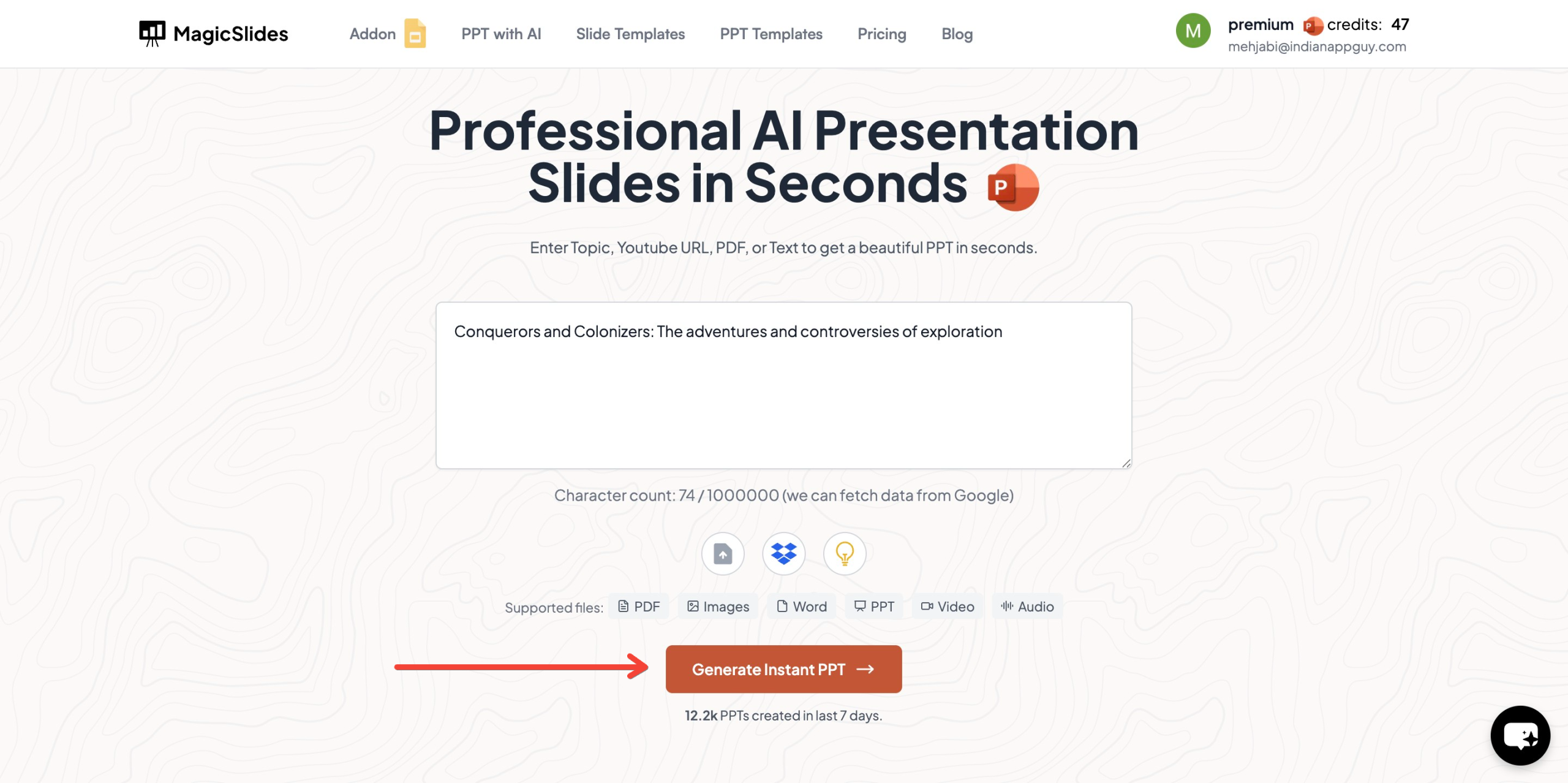
- Click "Generate Instant PPT" to start the process.
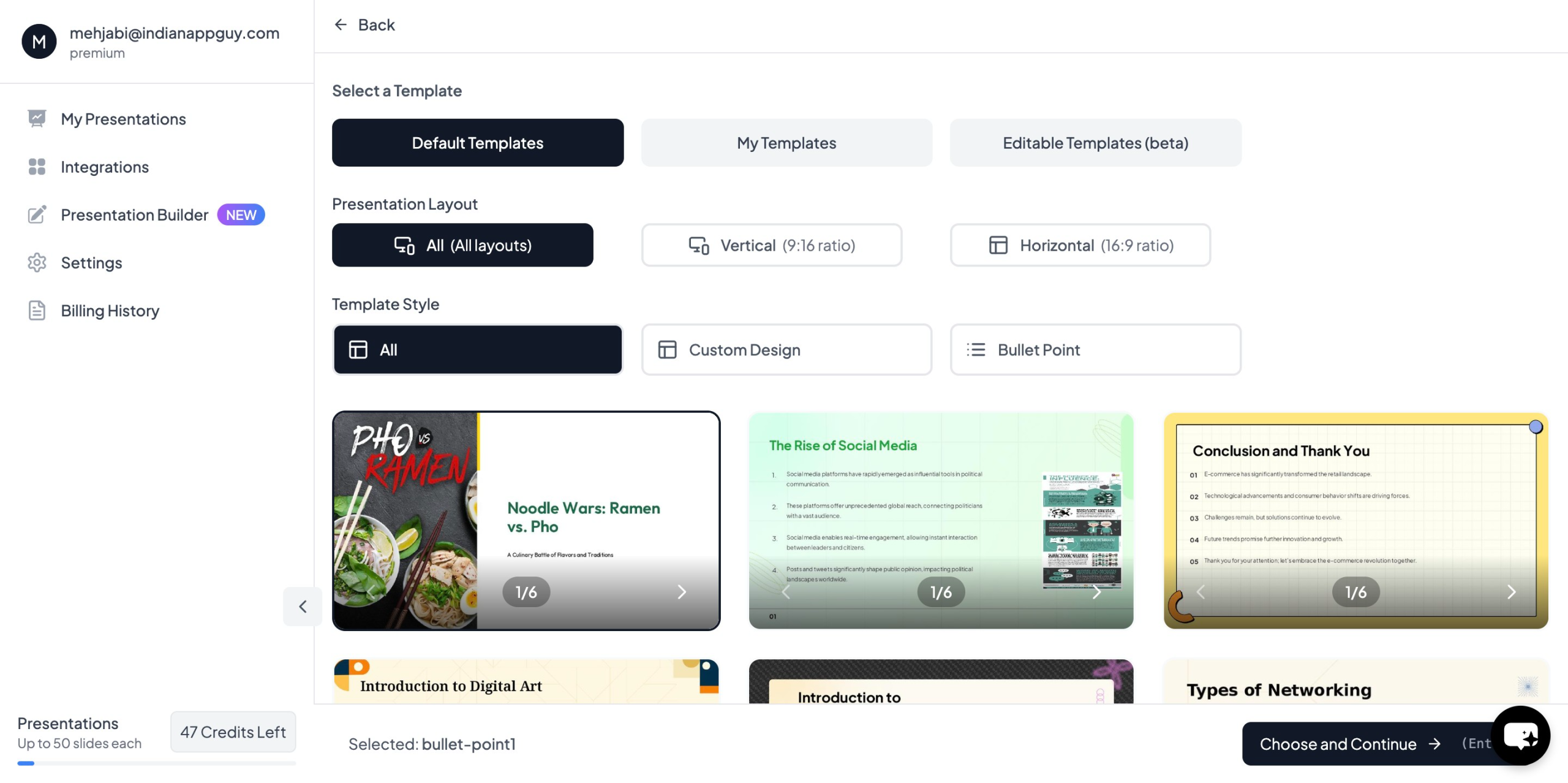
- Choose your template and the number of slides as prompted.
- Fill in all necessary details Click "Start Generation"
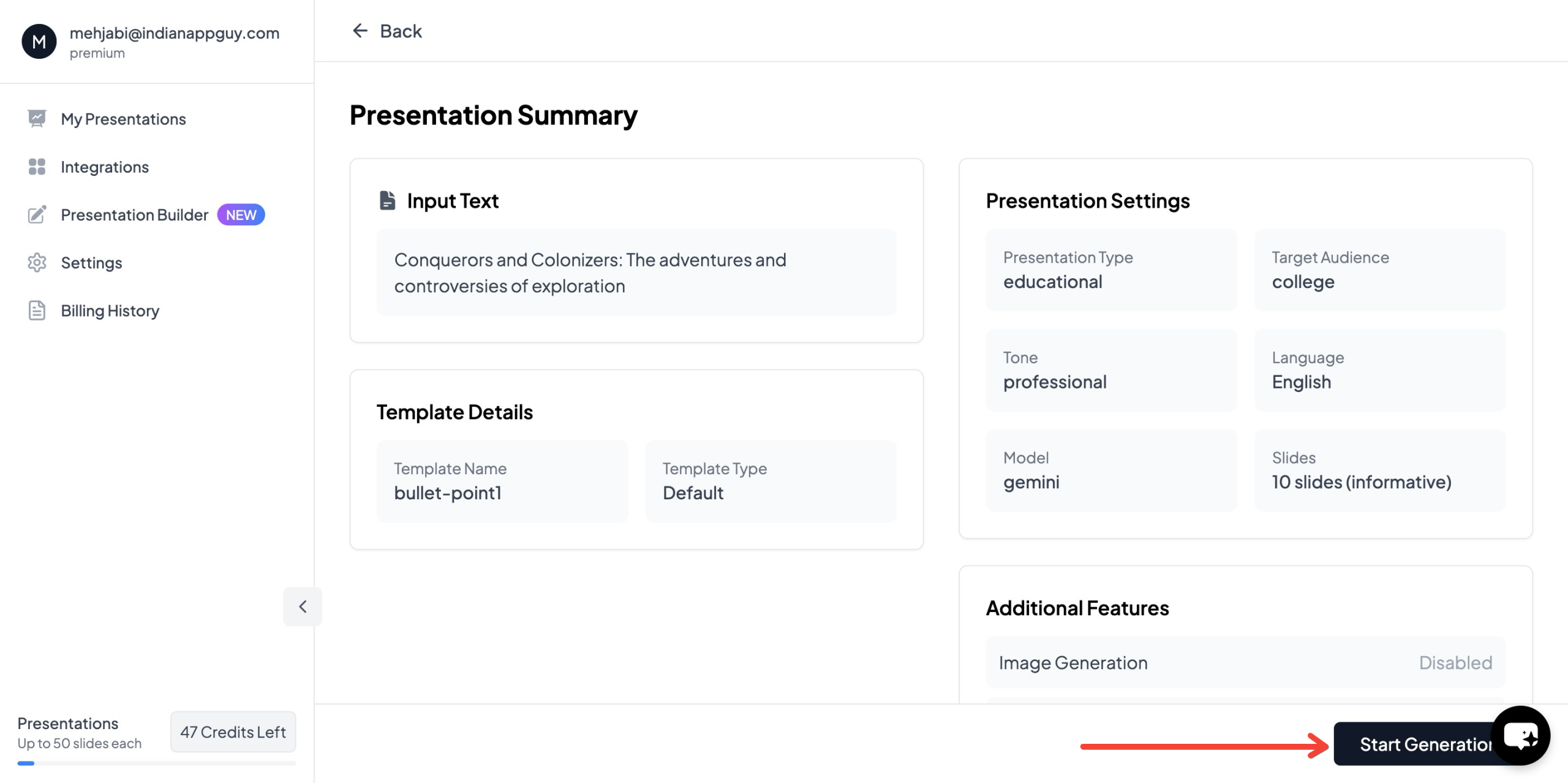
- Your professionally designed presentation will be ready in seconds

MagicSlides integrates with Google Slides and supports multiple formats, including PDF and video conversion, making it a comprehensive tool for preparing presentations.
MagicSlides Pricing & Features
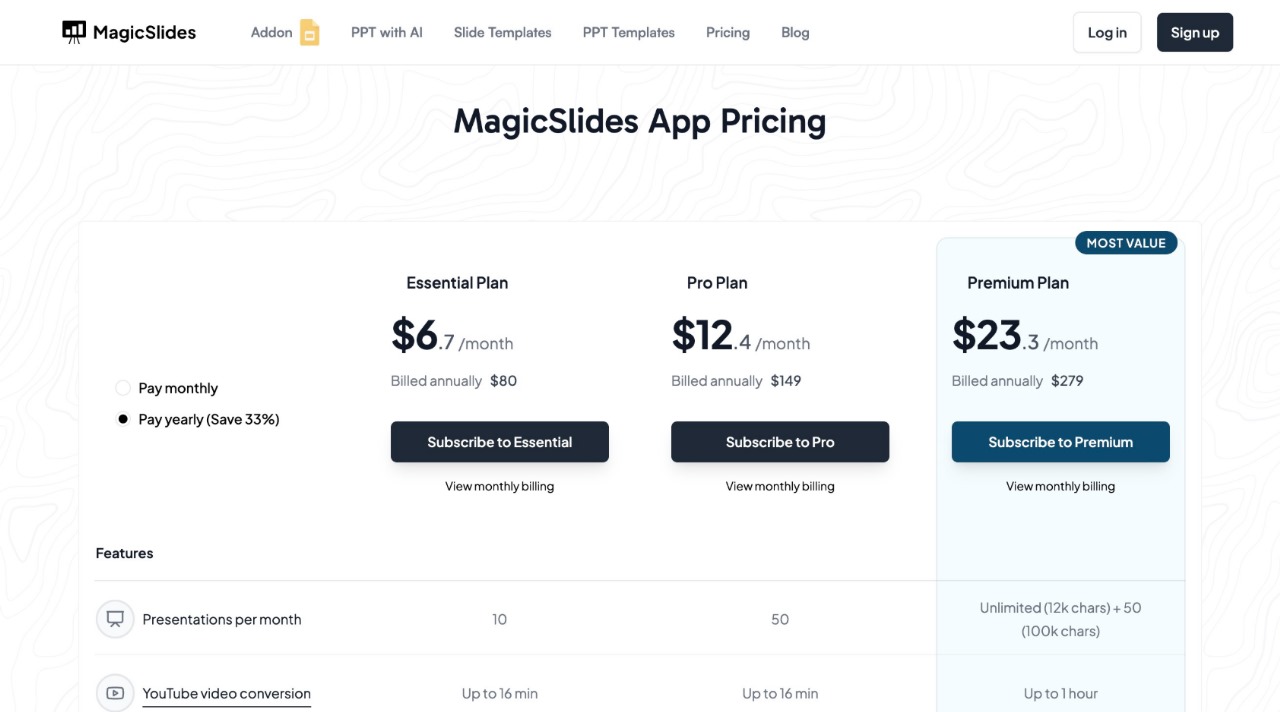
MagicSlides offers flexible pricing based on your needs.
Why Use MagicSlides?
- Saves Time – No need to design slides manually.
- AI-Powered – Automatically generates high-quality slides.
- Customizable – Choose templates, fonts, and layouts.
- Easy Integration – Works with Google Slides, Figma, and Zapier.
Confused about which plan suits you best? Use our pricing calculator on the website to choose the perfect plan.
Final Thoughts
Mastering the role of body language in effective presentations is essential for engaging and persuading your audience. By improving posture, eye contact, gestures, and movement, you can boost confidence and audience engagement.
At the same time, using tools like MagicSlides ensures that your content is well-structured and visually appealing. If you're looking to create professional presentations effortlessly, give MagicSlides a try and enhance your public speaking impact.
Do you have any tips for using body language effectively in presentations? Share your thoughts in the comments below.


