what are the three main parts to a slide presentation structure


Clear structure ensures audience engagement, enhancing the overall impact and success of your presentation.
A typical slide presentation structure consists of three main parts:
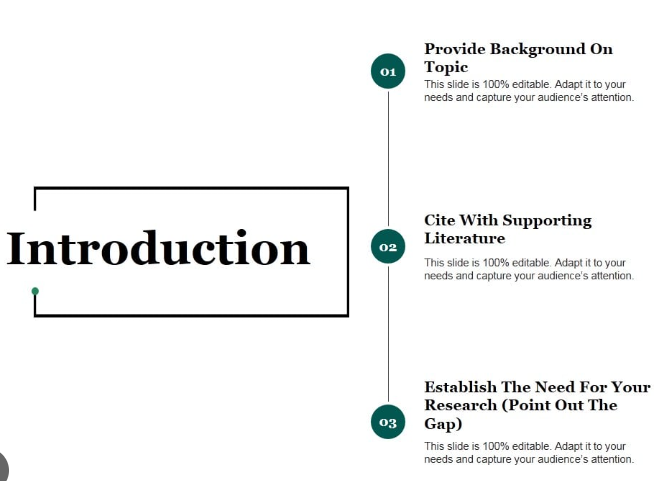
Introduction:
- This is where you establish the context and purpose of your presentation.
- It includes an attention-grabbing opening, an overview of what you'll cover, and often, a thesis statement or main objective.
credit: slidesgeek
Body:
- The body of the presentation is where you present your main content and arguments.
- It's divided into sections or slides, each covering a specific topic or point.
- This is where you provide information, examples, data, and supporting evidence to convey your message.

credit: freepik
Conclusion:
- The conclusion wraps up your presentation.
- It summarizes the key points made in the body, restates the main message, and provides a memorable closing statement.
- You may also include a call to action, questions for the audience, or an invitation for discussion.

credit: freepik
These three parts form a coherent and structured presentation, guiding your audience through your content and helping them understand and retain the information effectively.


