Top 4 Examples of Presentation Applications


Explore the top 4 great presentation software tools, including MagicSlides.app, for creating professional, stunning, and time-saving presentations effortlessly.
When it comes to creating stunning and professional presentations, choosing the right application can make all the difference. Whether you’re pitching to clients, teaching a class, or delivering an important business update, using the right tools can help you communicate your message effectively.
In this article, we’ll explore examples of presentation application that stand out for their features and ease of use. We’ll also introduce you to an innovative tool, Magicslides.app, which makes creating presentations simpler than ever.
1. Magicslides.app – The Ultimate Time-Saver
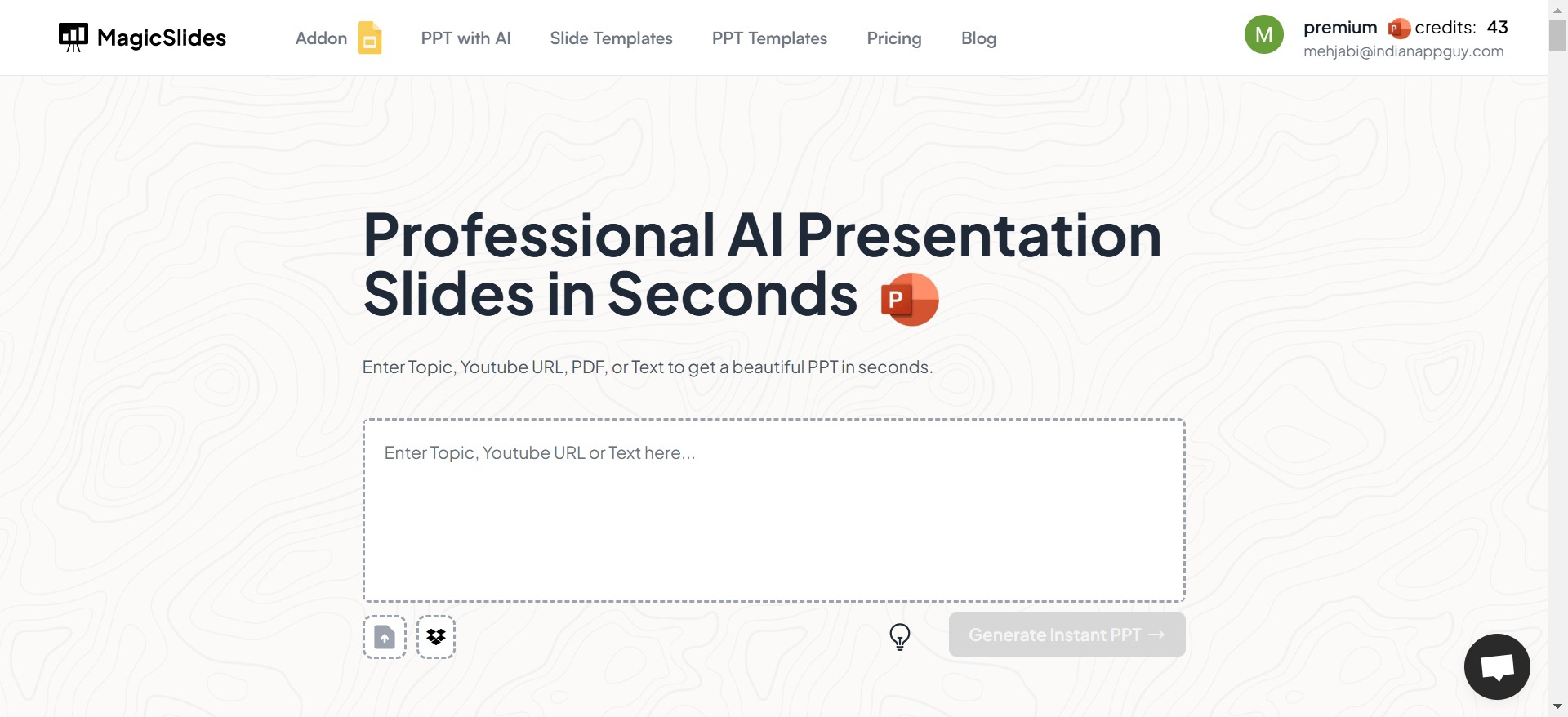
Magicslides.app is a revolutionary tool designed to create professional presentations in seconds. It’s perfect for anyone looking to save time without compromising on quality.
Key Features:
- Instantly generates PowerPoint & Google slides from a simple topic input.
- Offers customizable themes and slide counts.
- Easy-to-use interface that even beginners can master.
Why Use It?
Magicslides.app eliminates the hassle of slide design and content formatting. With just a few clicks, you can create a polished presentation, making it ideal for busy professionals, students, and entrepreneurs.
| Feature | Pros | Cons |
|---|---|---|
| Ease of Use | Extremely simple and user-friendly. | May require tweaks for specific needs. |
| Speed | Generates presentations in seconds. | |
| Customization Options | Offers slide themes and adjustable slide count. | |
| AI-Driven Automation | Automatically generates content-rich slides. |
2. Google Slides
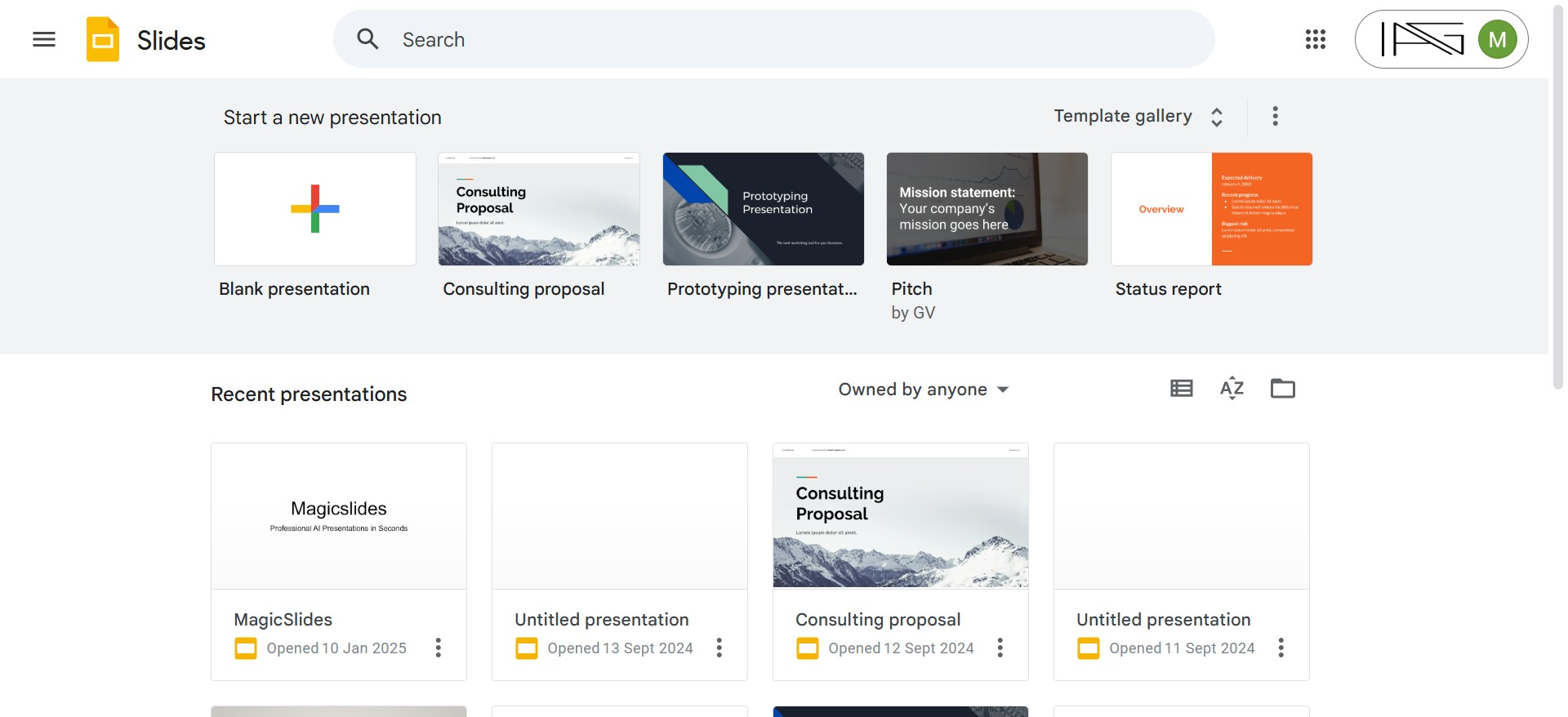
Google Slides is a cloud-based application that enables easy collaboration and real-time editing. It’s ideal for teams working on presentations remotely.
Key Features:
- Collaborative editing with multiple users.
- Accessible from any device with internet access.
- Seamless integration with Google Workspace (Docs, Sheets, Drive).
Why Use It?
Google Slides is perfect for collaborative projects and presentations that require frequent updates and team input.
| Feature | Pros | Cons |
|---|---|---|
| Collaboration | Real-time editing with multiple users. | Requires a Google account. |
| Cloud-Based | Accessible from any device with internet. | Limited offline functionality. |
| Ease of Sharing | Simple sharing via links. | Fewer advanced features than PowerPoint. |
| Cost | Free to use. | Fewer design options compared to other tools. |
3. Canva
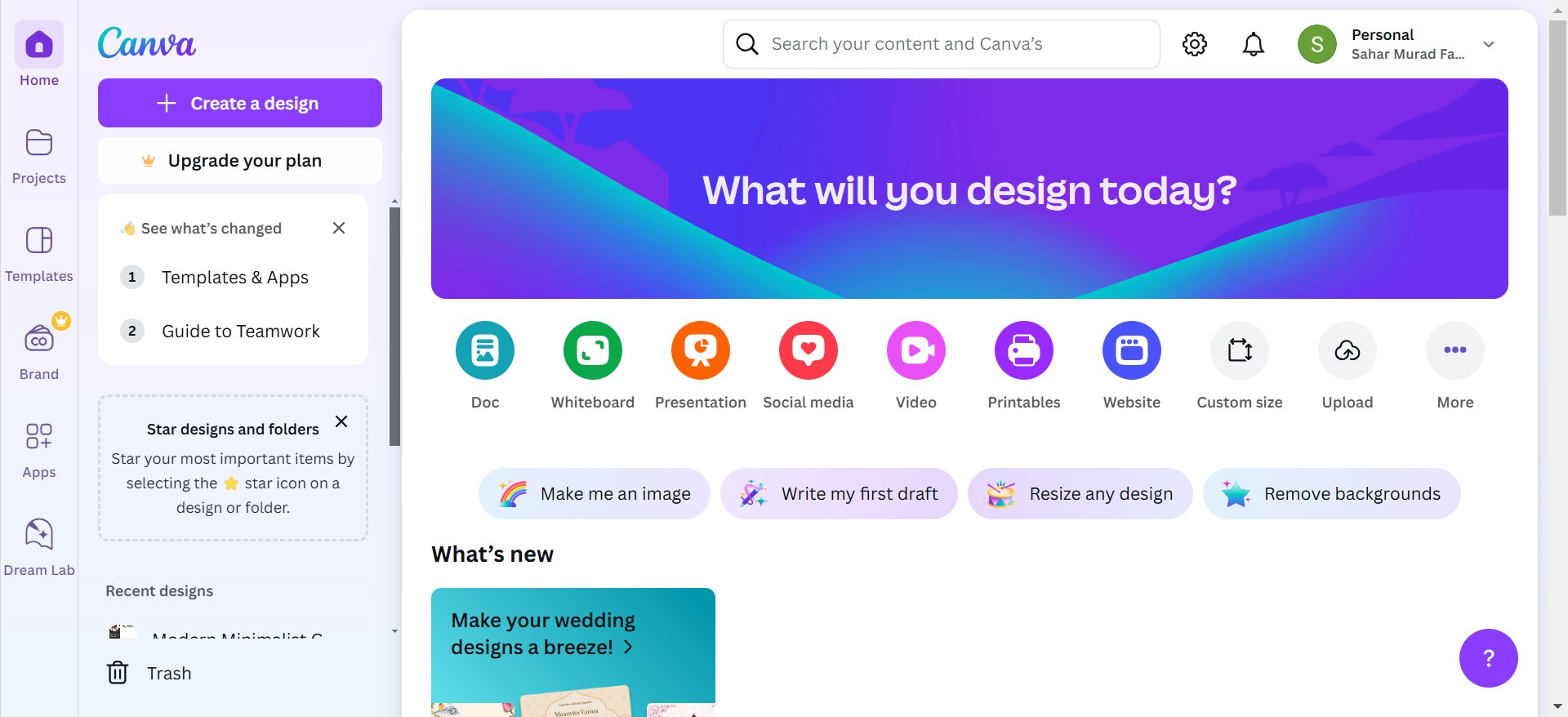
Canva is a graphic design platform that simplifies the creation of visually stunning presentations. It’s especially popular among creative professionals and small businesses.
Key Features:
- Drag-and-drop interface.
- Vast library of customizable templates.
- Built-in stock images, fonts, and design elements.
Why Use It?
If you’re focused on aesthetics and visual storytelling, Canva makes it easy to create beautiful slides without needing advanced design skills.
| Feature | Pros | Cons |
|---|---|---|
| Design Quality | Stunning, modern templates available. | Limited to Canva’s design framework. |
| Ease of Use | Drag-and-drop functionality is very intuitive. | Some advanced features require a paid plan. |
| Customization | Easy to add graphics, photos, and videos. | Presentation export options are limited. |
| Cost | Free plan available with many features. | Premium templates require payment. |
4. Microsoft PowerPoint
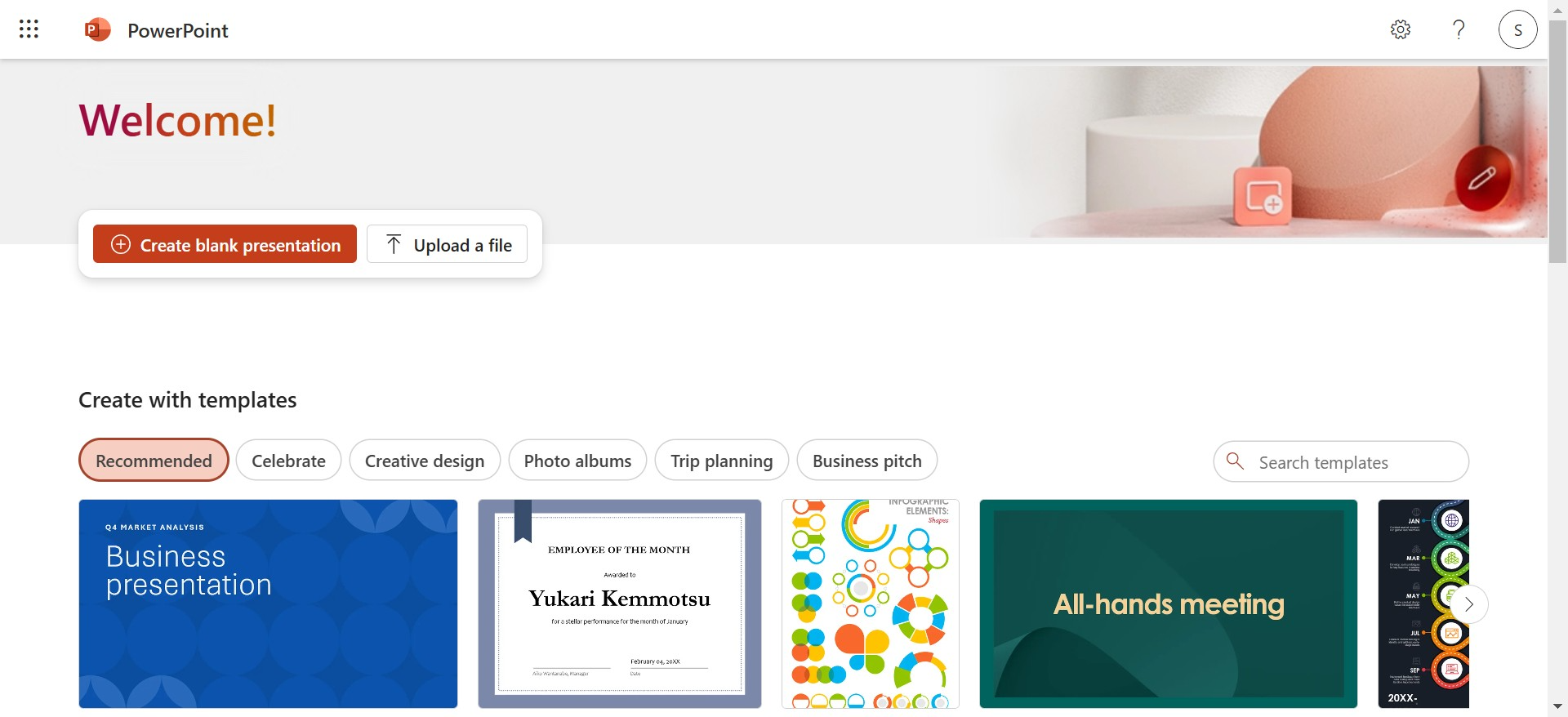
One of the most widely used presentation applications, Microsoft PowerPoint has been a cornerstone of presentations for decades. With its robust features and intuitive interface, it allows users to create highly customized slideshows.
Key Features:
- Wide range of templates and themes.
- Advanced animation and transition options.
- Easy integration with Microsoft Office suite.
Why Use It?
PowerPoint is a versatile tool suitable for both beginners and advanced users. It’s perfect for creating detailed, data-driven presentations.
| Feature | Pros | Cons |
|---|---|---|
| Flexibility | Highly customizable. | Steeper learning curve for beginners. |
| Templates | Large variety of built-in templates. | Can feel outdated without custom design. |
| Integration | Works seamlessly with other Microsoft tools. | Requires a subscription for full features. |
| Offline Access | Can work without an internet connection. | Desktop app may need regular updates. |
How to Use Magicslides.app to Create Presentations Instantly
Creating presentations has never been easier! Follow these steps to generate a professional slideshow in no time:
1. Visit Magicslides.app
Open your browser and go to Magicslides.app. No downloads or installations required.
2. Enter Your Topic
Input the topic or subject of your presentation. For example, “Digital Marketing Strategies” or “Team Building Tips.”
3. Click “Generate Instant PPT”
Hit the generate button, and let the app work its magic.
4. Select Slide Theme and Number of Slides
Customize the look and feel of your presentation by selecting a theme and specifying the number of slides you need.
5. Click Generate
Once you’re happy with your settings, click the generate button to create your presentation.
6. Your PPT Will Be Ready in Seconds
Download the file and you’re ready to present!
Why Magicslides.app is the Best Choice
Magicslides.app stands out among examples of presentation application because of its simplicity, speed, and quality. Whether you’re a student preparing for a school project or a professional preparing for an important pitch, this tool helps you create presentations effortlessly. By automating the process, it allows you to focus on the content instead of worrying about design.
Conclusion
Choosing the right tool for your presentation needs can save you time, reduce stress, and improve the overall quality of your slides. While tools like Microsoft PowerPoint, Google Slides, and Canva are excellent options, Magicslides.app takes convenience to the next level. With its instant slide generation feature, it’s a game-changer in the world of presentation applications.
Try Magicslides.app today and experience the ease of creating stunning presentations!


