What makes a Good Presentation


Learn how to create powerful, engaging presentations that capture attention and communicate your message effectively
What Makes a Good Presentation
Delivering a good presentation is more than just putting together a few slides. It’s about effectively communicating your message, engaging your audience, and leaving a lasting impression.
Whether you're presenting in a classroom, boardroom, or virtual meeting, mastering the fundamentals can set you apart and make your presentation truly memorable.
Here are the key elements that contribute to a great presentation and how you can apply them.
Step-by-Step: Key Elements of a Good Presentation
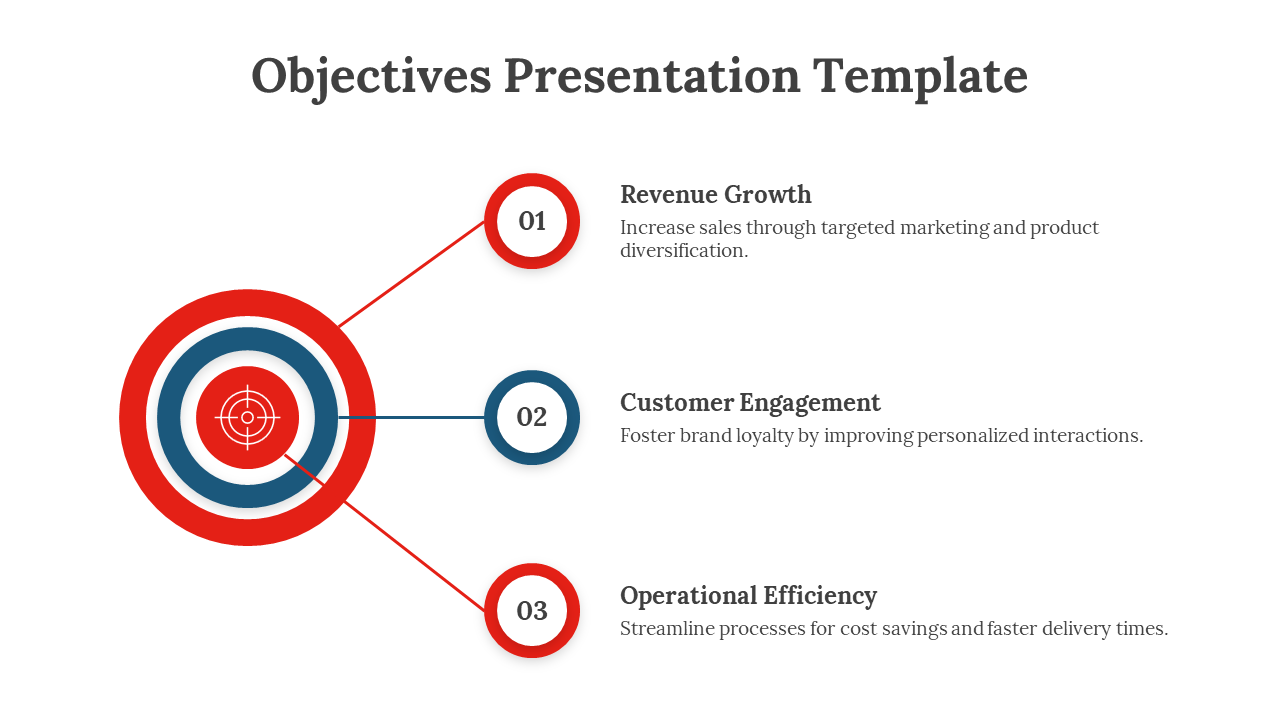
1. Clear Objective
Start by defining the goal of your presentation. What do you want your audience to learn, feel, or do by the end? credit: slideegg.com
- Identify your main message.
- Outline 2–3 key takeaways.
- Structure your content to support your objective.
Having a clear purpose helps guide every slide and spoken word you deliver.
2. Engaging Opening
First impressions matter. Capture attention in the first 30 seconds. credit: powerpointschool
- Use a powerful quote, question, story, or statistic.
- Relate the opening to your topic.
- Set the tone and energy for the rest of the talk.
This helps in connecting with your audience right from the beginning.
Tired of spending hours crafting a presentation? Here’s a smarter solution MagicSlides.
Whether it’s for work, school, or a pitch deck, building a presentation from scratch can take hours from researching and organizing content to designing each slide. But what if you could skip all that and have your presentation ready in under a minute? That’s exactly what MagicSlides does for you.
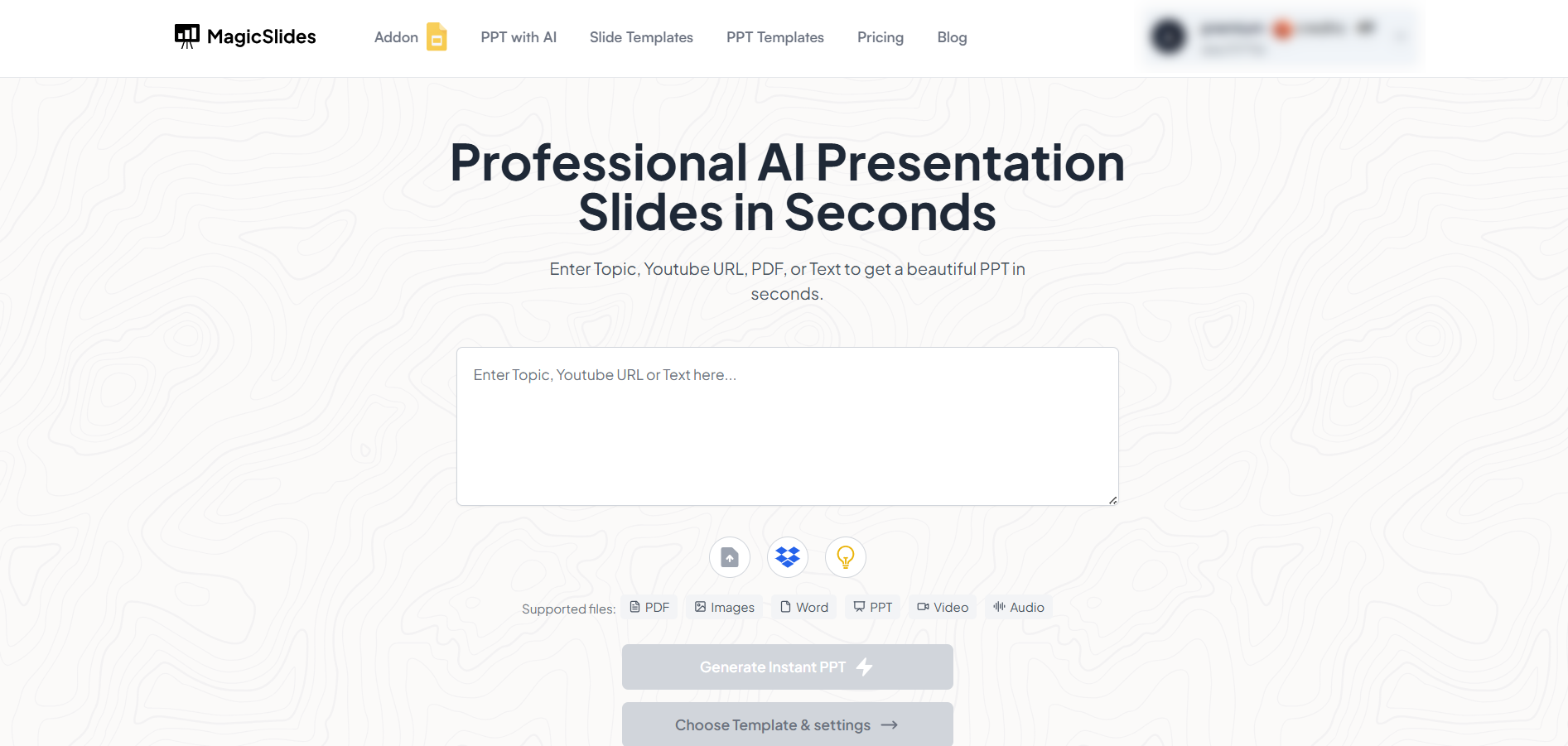
MagicSlides is an AI-powered tool that creates professional, engaging presentations with just one prompt. Simply enter your topic, and the platform will generate a full deck complete with structured content, design elements, and suggested visuals.
Here’s what you’ll love about MagicSlides:
- Instant slide generation with just one prompt
- Smart content organization and bullet points
- Visually polished designs, no design skills needed
- Multiple formats: Download as PowerPoint, use in Google Slides
- Supports customization, edits, and re-generation
- Converts YouTube videos, URLs, or text into full presentations
- Perfect for business, education, content creation, and more
Want to try it yourself? Click here to start creating your first presentation for free!
3. Visual Design Matters
Good design enhances communication, while clutter can confuse.
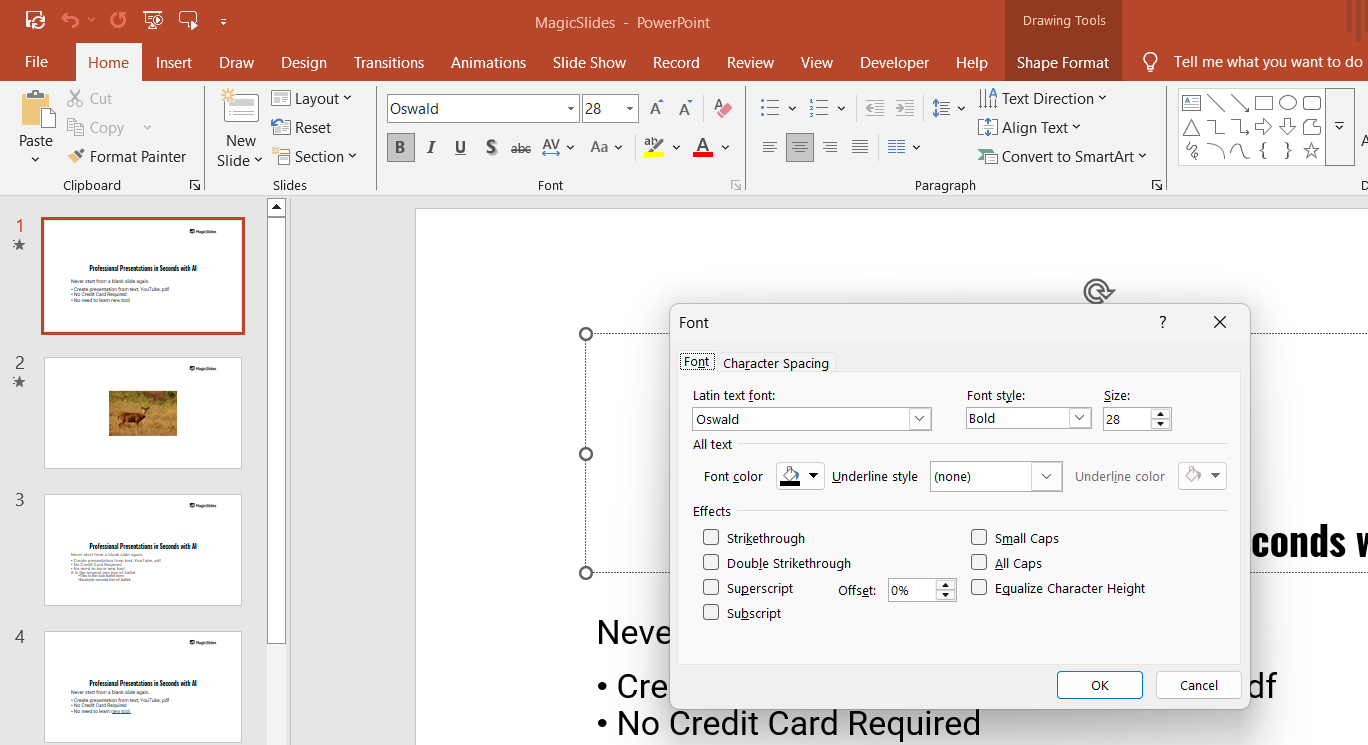
- Use consistent fonts, colors, and styles.
- Limit text per slide (aim for 6-6 rule: 6 words per line, 6 lines per slide).
- Use visuals (images, graphs, charts) to support key points.
Clean and professional design ensures your audience stays focused on your message.
4. Structured Content Flow
Your presentation should tell a story — with a beginning, middle, and end.
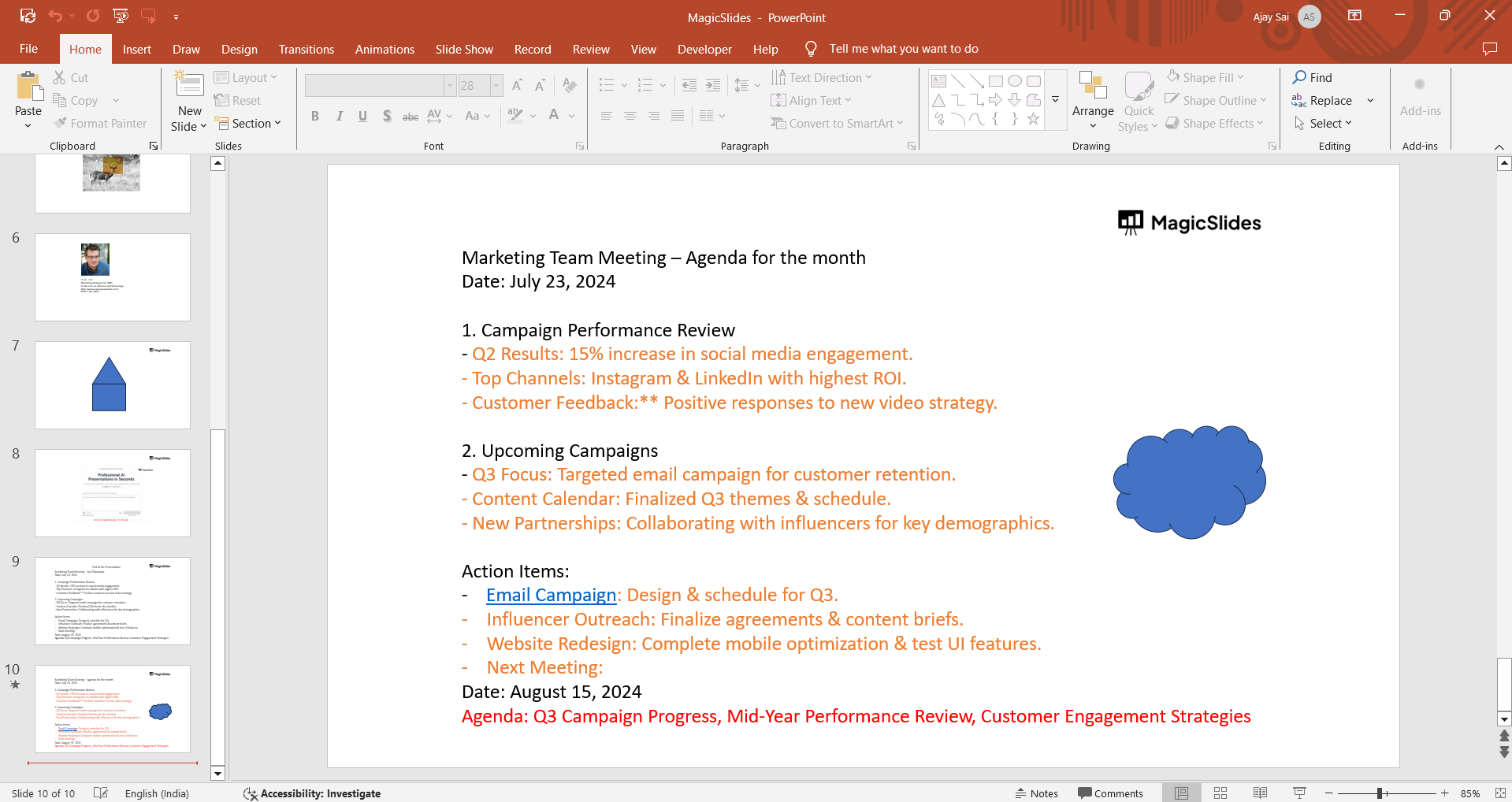
- Start with an introduction of what’s to come.
- Dive into your main points one by one.
- Conclude with a summary and call-to-action or thought-provoking remark.
This logical flow keeps your audience engaged and helps them follow along easily.
5. Confident and Clear Delivery
Your words matter — but so does how you say them.
- Practice good posture, eye contact, and controlled gestures.
- Speak clearly and at a moderate pace.
- Use pauses for emphasis and breathing.
Confidence comes with practice, and it significantly influences how your message is received.
6. Audience Interaction
Make it a two-way conversation when possible.
- Ask questions or encourage discussion.
- Use polls or real-time feedback tools.
- Acknowledge reactions and adjust accordingly.
This keeps your audience actively involved and invested in what you’re sharing.
7. Strong Conclusion
End powerfully to reinforce your message. credit: slideuplift
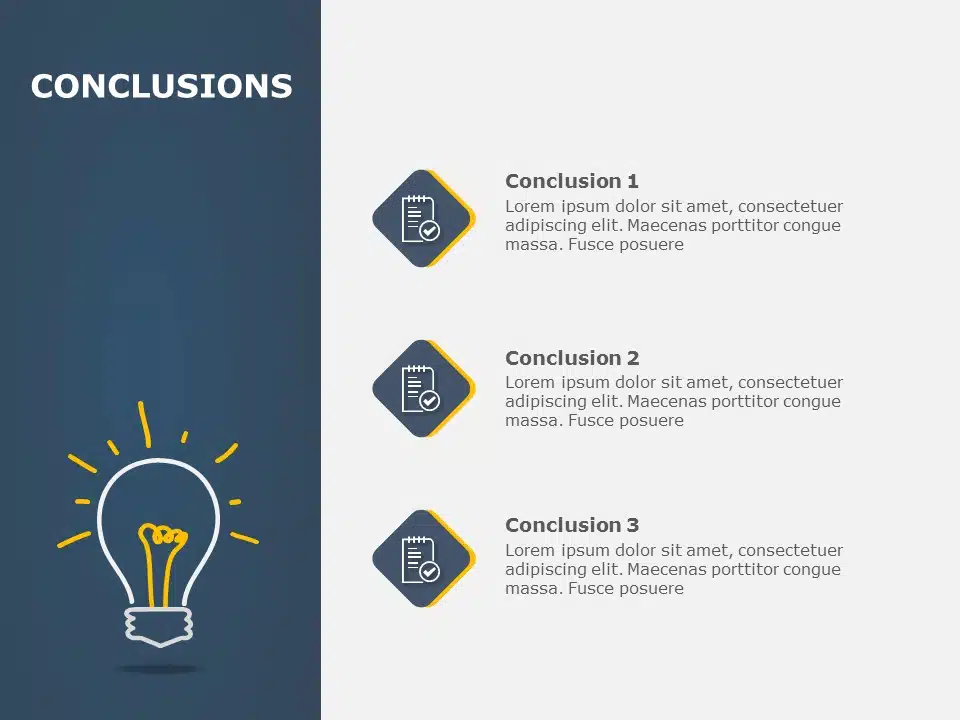
- Recap key points.
- Leave the audience with a question, quote, or action step.
- Thank the audience and open the floor for Q&A (if applicable).
A strong closing gives your presentation a lasting impact.
Conclusion
A good presentation blends clarity, creativity, and connection.
By setting a clear objective, designing with intention, and delivering with confidence, you can ensure your message resonates with your audience.
Whether you’re pitching an idea, teaching a topic, or inspiring change, mastering these elements will help you create presentations that not only inform but also inspire.
FAQs are here to help!
How long should a good presentation be?
It depends on the context, but typically 10–20 minutes is ideal for keeping attention. Always aim for concise, impactful content.
Do I need to memorize my presentation?
Not necessarily. Understand your material deeply and practice enough to speak naturally without reading every word.
What are the most common mistakes in presentations?
Overloading slides with text, reading slides word-for-word, lacking preparation, and not engaging the audience are frequent issues to avoid.


