What to add in typical slide deck presentations


“Slide deck presentations visually, engaging audiences, and aiding in effective communication.”
Title Slide:
- Include a clear and attention-grabbing title that encapsulates your presentation's main message.
- Add your name and any relevant affiliations, job titles, or credentials.
- Include the date and occasion of the presentation, if applicable, to provide context.
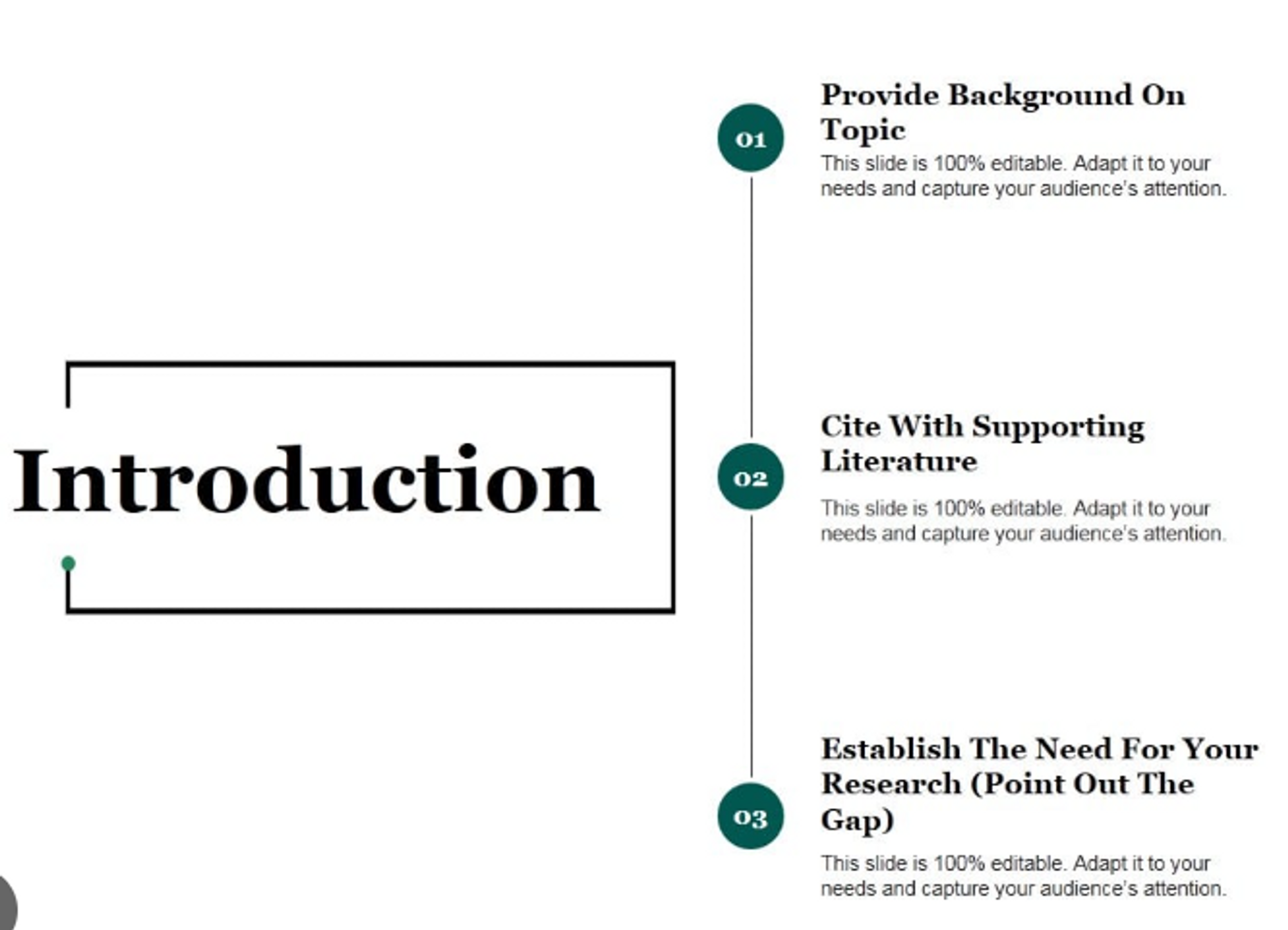
credit: slidesgeek
Main Content Slides:
- Structure your content logically, using a clear and coherent outline.
- Each main point should have its slide or section, introduced by a concise and informative title.
- Use visuals such as images, diagrams, or infographics to enhance understanding.
- Accompany text with bullet points or short sentences for clarity.
- Maintain consistency in design, fonts, and color schemes for a polished look.
- Keep slides uncluttered to prevent information overload.

credit: freepik
Visuals and Graphics:
- Choose visuals that align with your content and enhance comprehension.
- Use charts and graphs to illustrate data and trends.
- Ensure images are high-quality and relevant.
- Add captions or brief explanations for context.
- Avoid overwhelming slides with too many visuals; use them strategically to support your message.
Conclusion:
- Summarize the main takeaways from your presentation.
- Restate your key message or thesis to reinforce it in the audience's mind.
- Emphasize the significance or implications of your presentation's content.
- End with a memorable closing statement or thought-provoking question to leave a lasting impression.

credit: freepik
Questions and Discussion:
- Encourage audience engagement by inviting questions and discussions.
- Provide clear instructions on how and when to ask questions.
- Be prepared to address a variety of inquiries and facilitate a constructive discussion.
- Encourage participation from the audience, fostering a dynamic and interactive session.
Thank You Slide:
- Express appreciation for the audience's time and attention.
- Reiterate your contact information if you want to invite further communication.
- End on a positive note, leaving the audience with a sense of closure and gratitude.

credit: freepik
These elaborations enhance the effectiveness of each key point in your slide deck presentation, ensuring clarity, engagement, and a polished presentation.


