Where is the Adjustments Menu in Google Slides


Easily adjust brightness, contrast, and transparency in Google Slides using the Format Options panel
Where is the Adjustments Menu in Google Slides?
Google Slides allows users to adjust images using built-in editing tools.
However, there is no direct "Adjustments Menu" like in PowerPoint. Instead, image adjustments such as brightness, contrast, and transparency can be found under the Format Options panel.
This guide will help you locate and use these adjustment tools effectively.
Steps to Find the Adjustments Menu in Google Slides
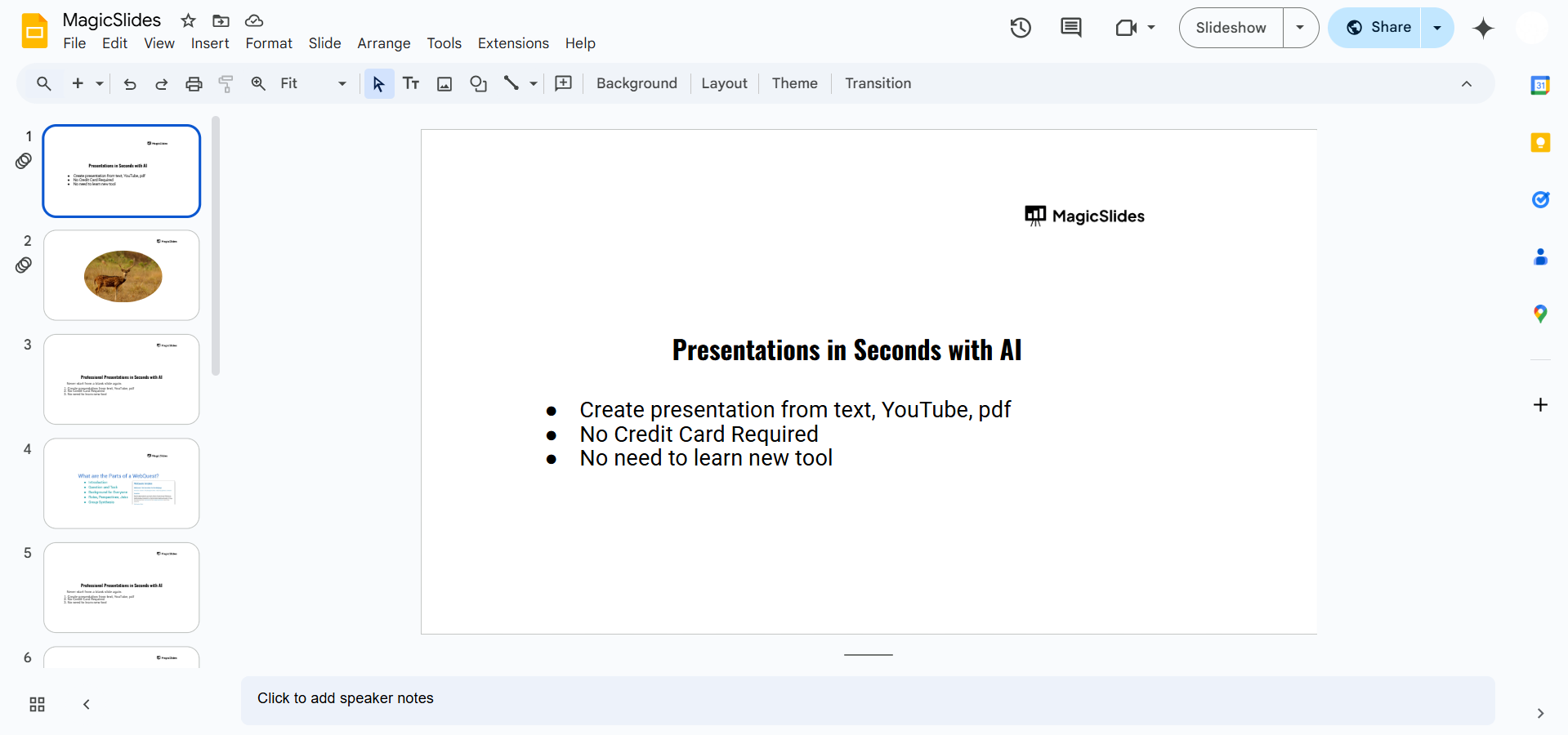
Step 1: Open Your Google Slides Presentation
Go to Google Slides. Open an existing presentation or create a new one by typing slide.new in your browser.
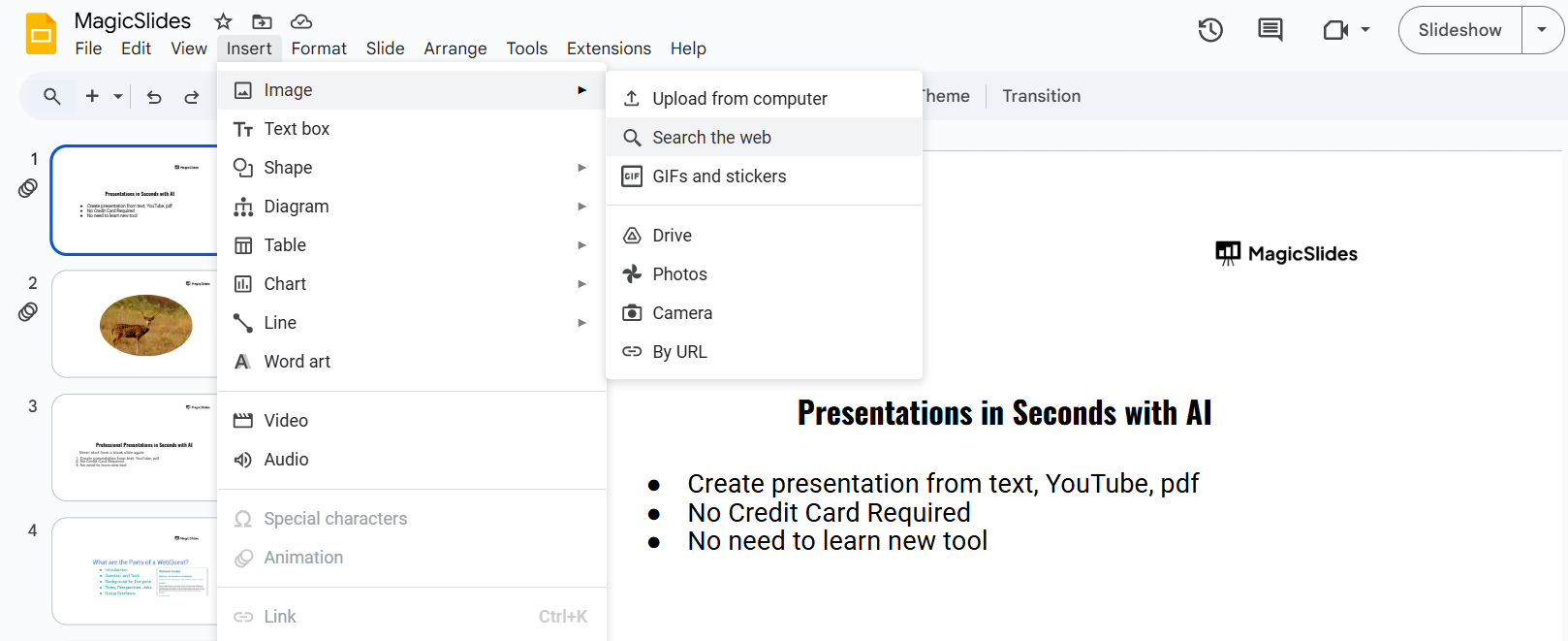
Step 2: Insert an Image (If Not Already Added)
Click on Insert > Image and select an image from your computer, Google Drive, or the web.
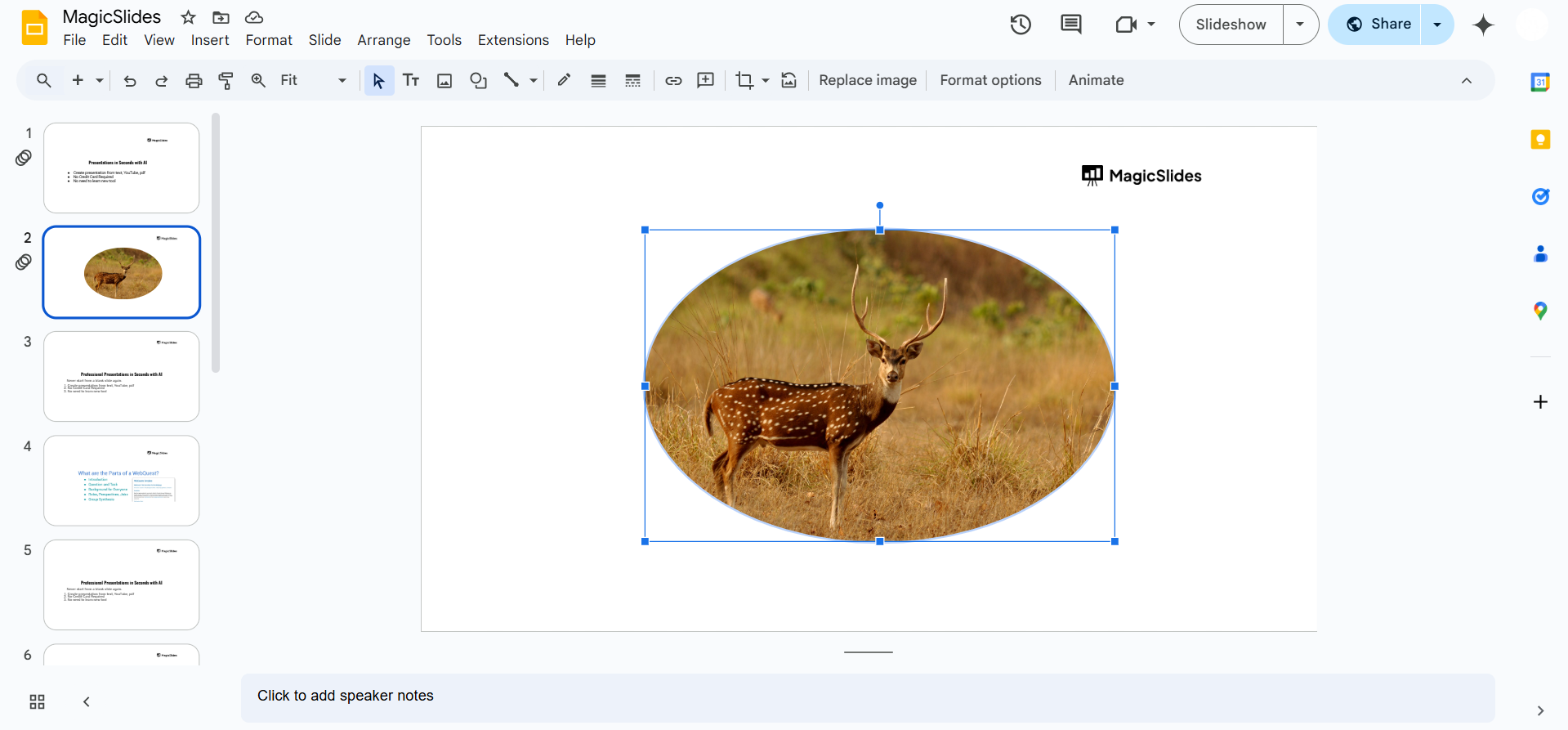
Step 3: Select the Image
Click on the image you want to adjust. A blue border will appear around it, indicating it is selected.
Step 4: Open the Format Options Panel
Click on Format in the top menu. Select Format Options from the dropdown menu.
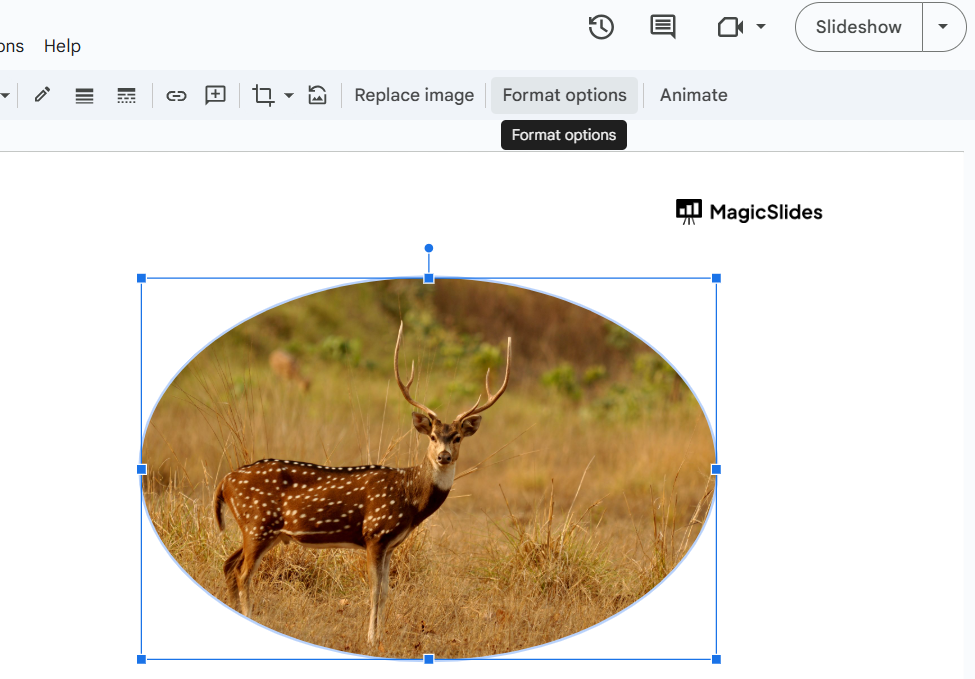
A side panel will appear on the right side of the screen.
Step 5: Find the Image Adjustments Section
In the Format Options panel, locate the Adjustments section. Click the small arrow next to "Adjustments" to expand the menu.
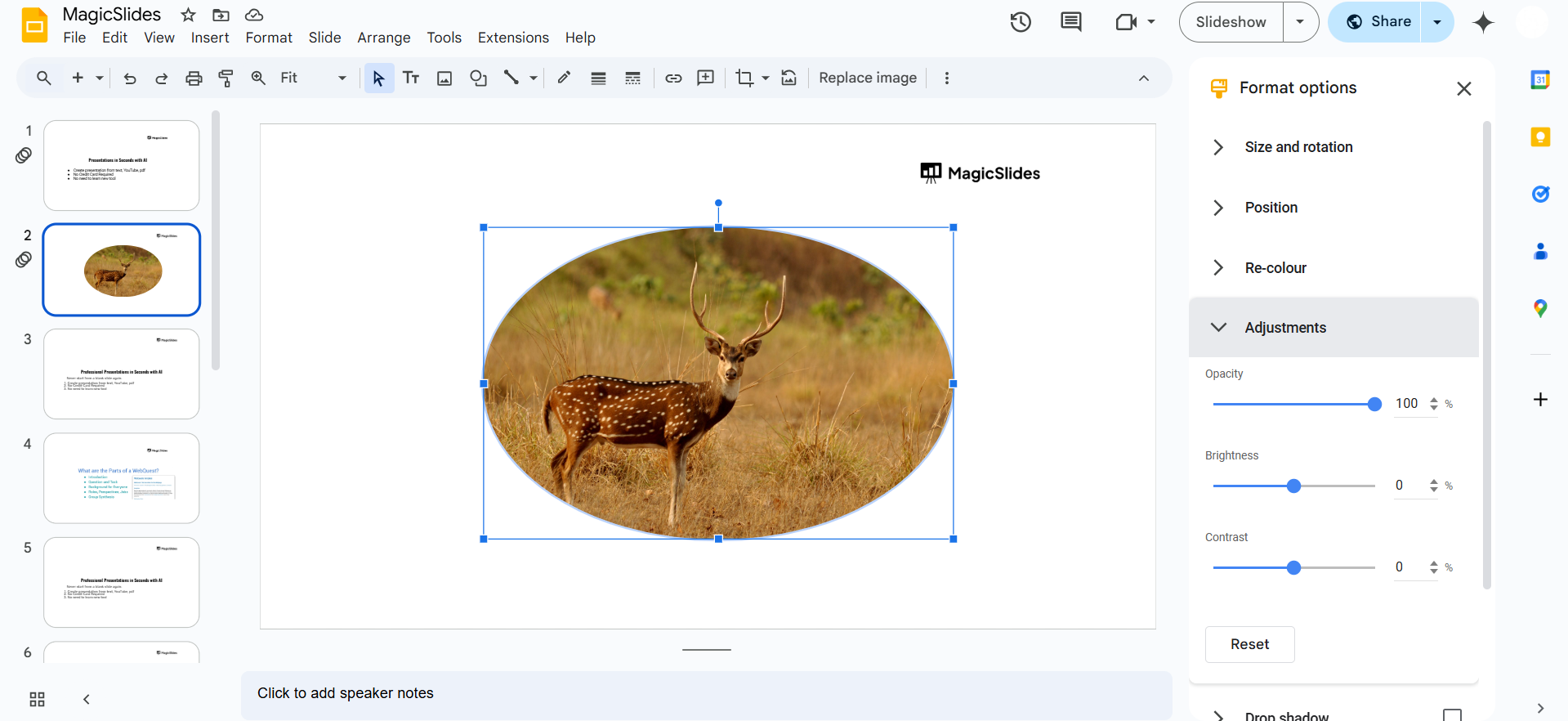
Step 6: Adjust Brightness, Contrast, and Transparency
Transparency: Move the slider to make the image more or less transparent.
Brightness: Increase or decrease the brightness of the image.
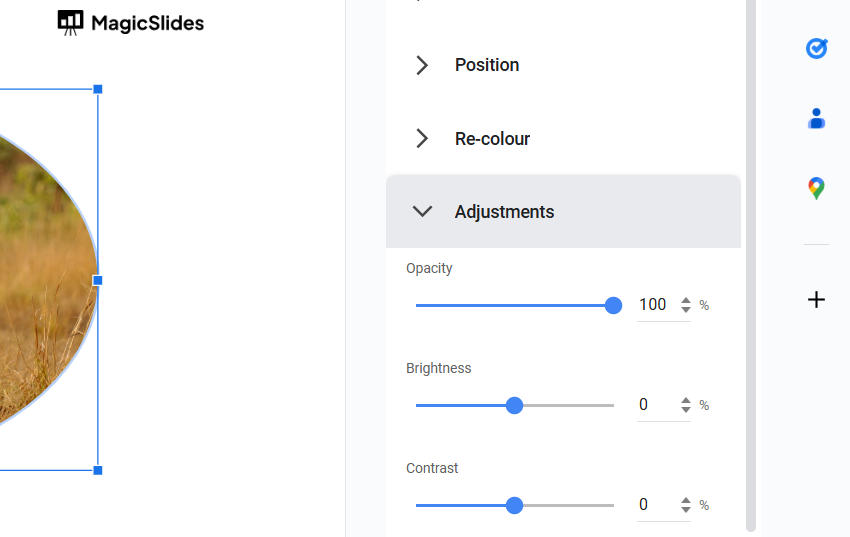
Contrast: Adjust the contrast to make the image pop.
Step 7: Close the Panel and Save Changes
Once satisfied with your adjustments, close the Format Options panel. The changes will be automatically saved in Google Slides.
The Adjustments menu in Google Slides helps you tweak images, but if you’re looking for a smarter way to create entire presentations effortlessly, try MagicSlides.app AI-powered slides in just a few clicks!
Conclusion
While Google Slides does not have a dedicated "Adjustments Menu," its Format Options panel provides essential image editing tools like brightness, contrast, and transparency adjustments.
By following these steps, you can easily modify images to enhance your presentations.
FAQs are here to guide!
Why can't I find the Adjustments option in Google Slides?
Ensure that you have selected an image. The Format Options panel will only appear when an image is selected.
Can I apply filters or color corrections in Google Slides?
Google Slides does not offer advanced filters, but you can adjust colors using the Recolor option in Format Options.
Will my adjustments be saved automatically?
Yes, all changes in Google Slides are saved automatically in real-time. No need to save manually.


