Where to Find Cute Slides Wallpaper for Your Presentations


Discover the best places to find cute slides wallpaper and learn how Magicslides.app simplifies creating stunning PowerPoint templates in minutes!
Looking for adorable and eye-catching wallpapers for your presentation slides? Whether you're preparing a school project, business pitch, or creative showcase, adding cute and visually appealing wallpapers can make a big difference.
This blog post explores the best places to find cute slides wallpaper and introduces you to a game-changing tool, Magicslides.app, for creating professional and attractive PowerPoint templates effortlessly.
Why Use Cute Slides Wallpaper?
Cute slide wallpapers add a personal and engaging touch to your presentations. They’re perfect for:
- Capturing Attention: A visually appealing design immediately draws the audience's focus.
- Setting the Mood: Cute designs can evoke positive emotions, making your presentation more memorable.
- Enhancing Aesthetics: They elevate the overall look and feel of your slides, making them stand out.
Best Places to Find Cute Slides Wallpaper
1. Free Online Image Libraries
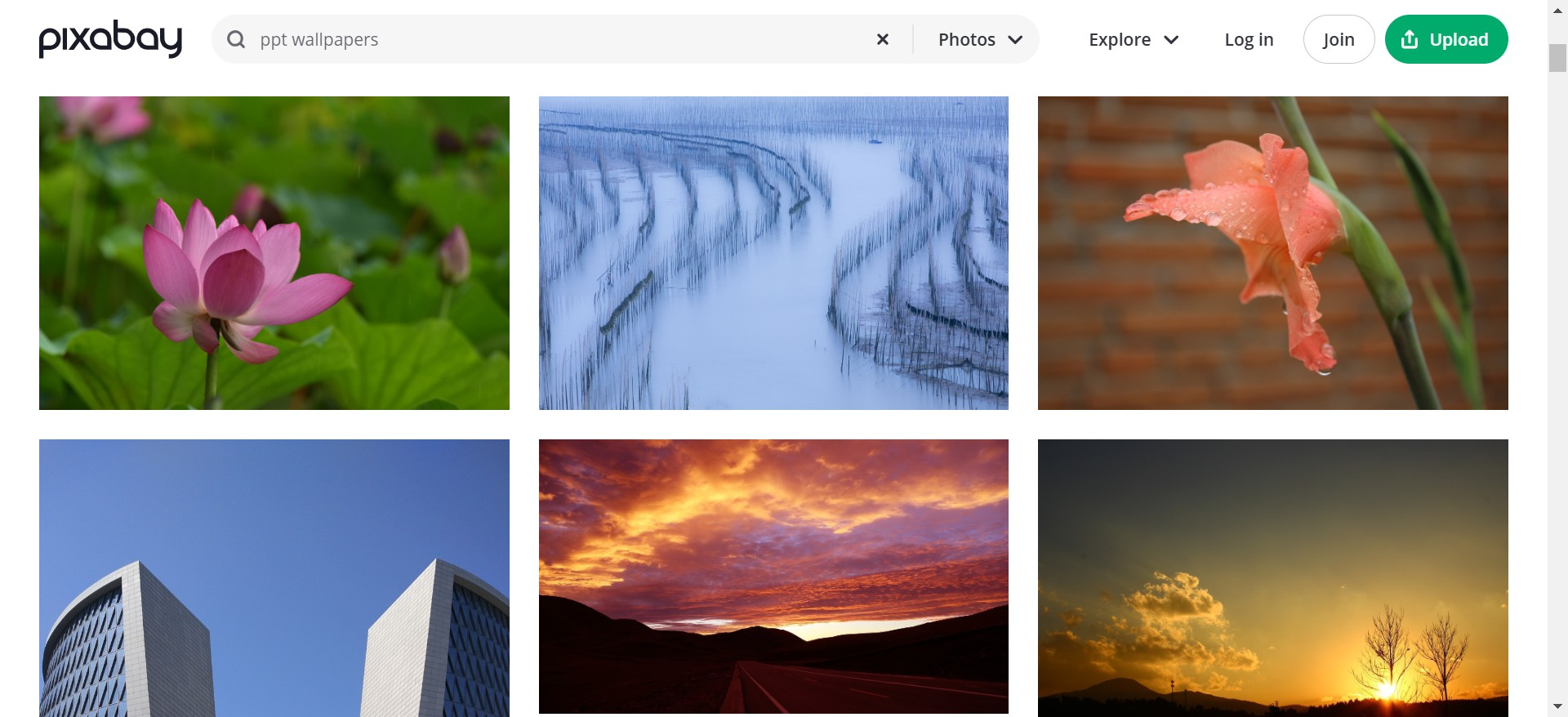
Platforms like Unsplash, Pexels, and Pixabay offer high-quality images for free. Simply search for “cute wallpapers” to find a variety of options.
2. Canva
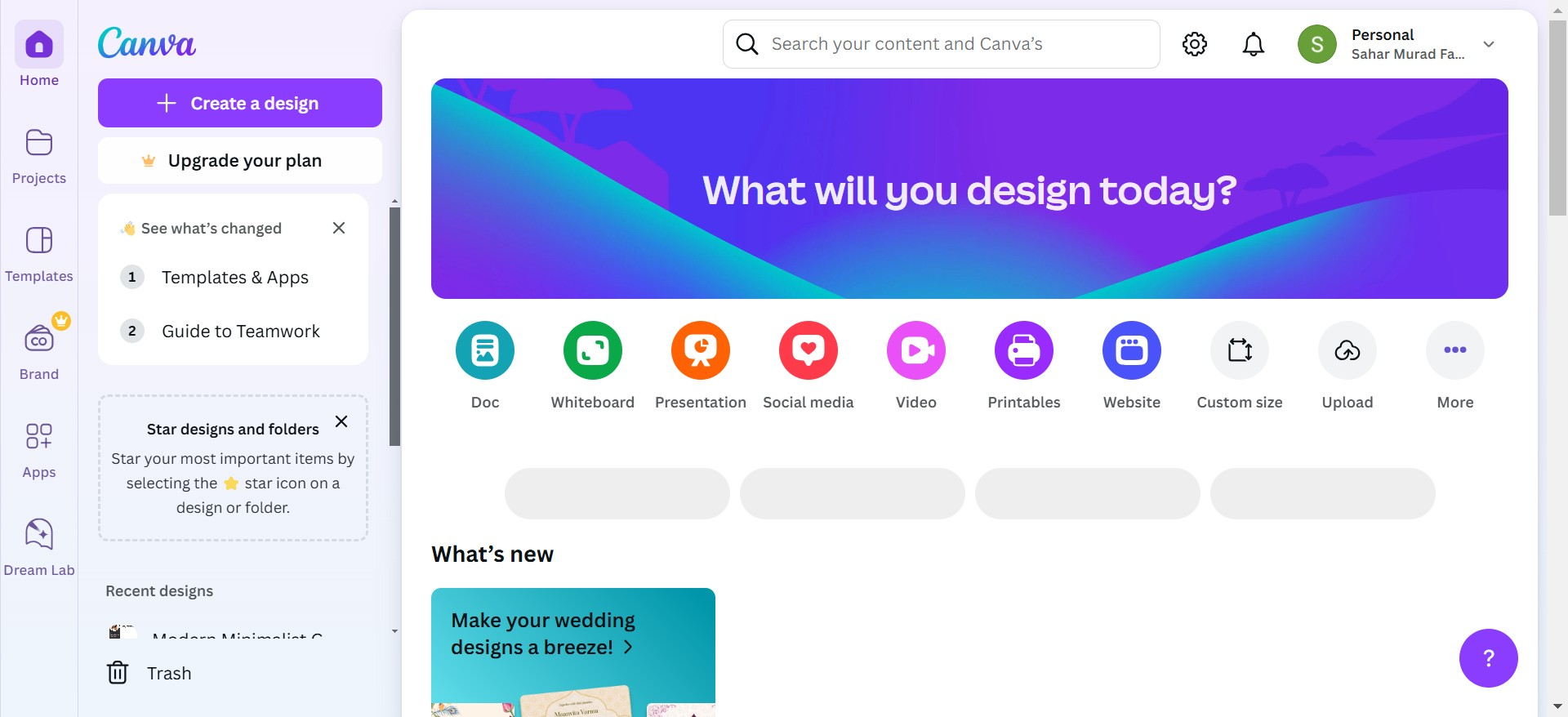
Canva offers pre-designed templates and backgrounds, many of which feature adorable illustrations and patterns. You can customize them easily to match your presentation's tone.
3. Pinterest
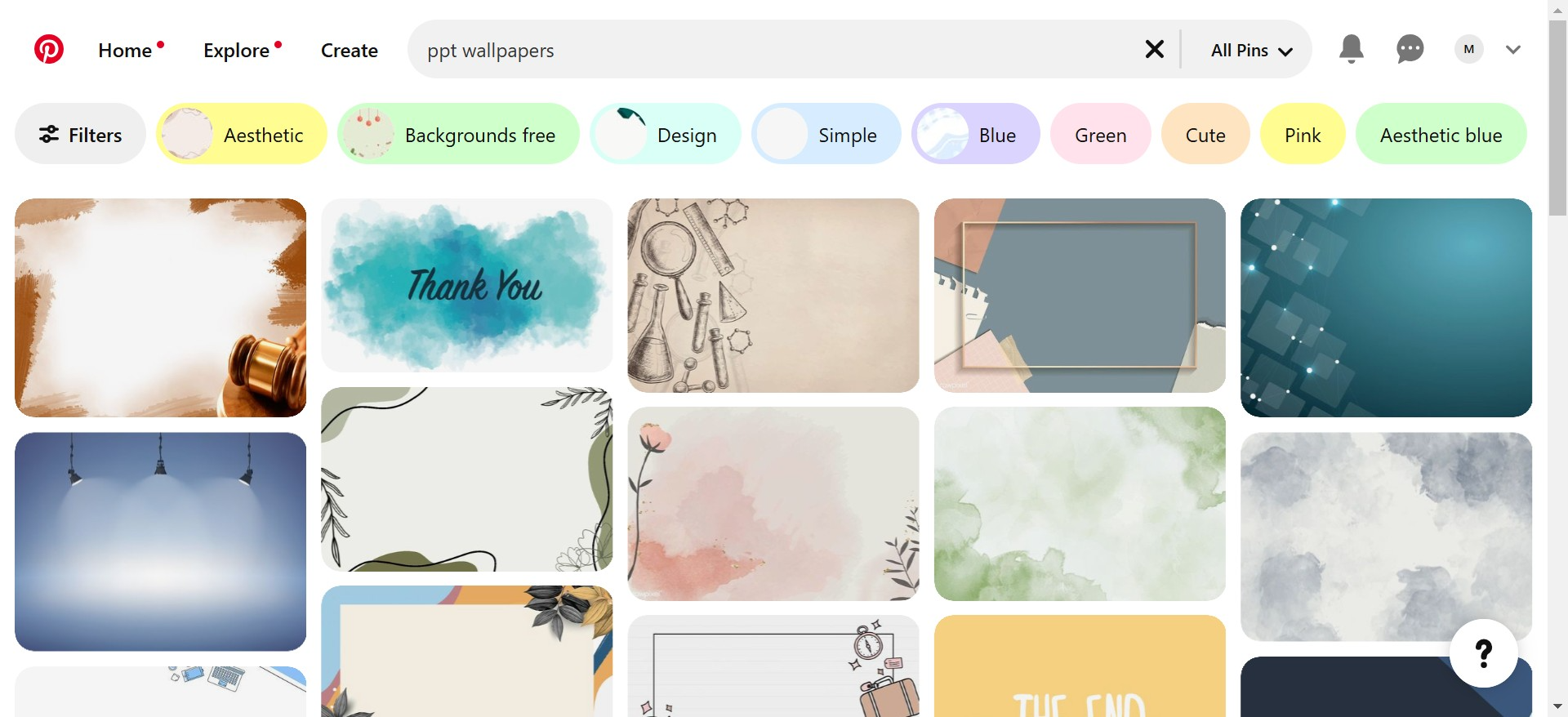
Pinterest is a treasure trove of design inspiration. Search for “cute slides wallpaper,” and you’ll find countless ideas shared by creative professionals.
4. Magicslides.app
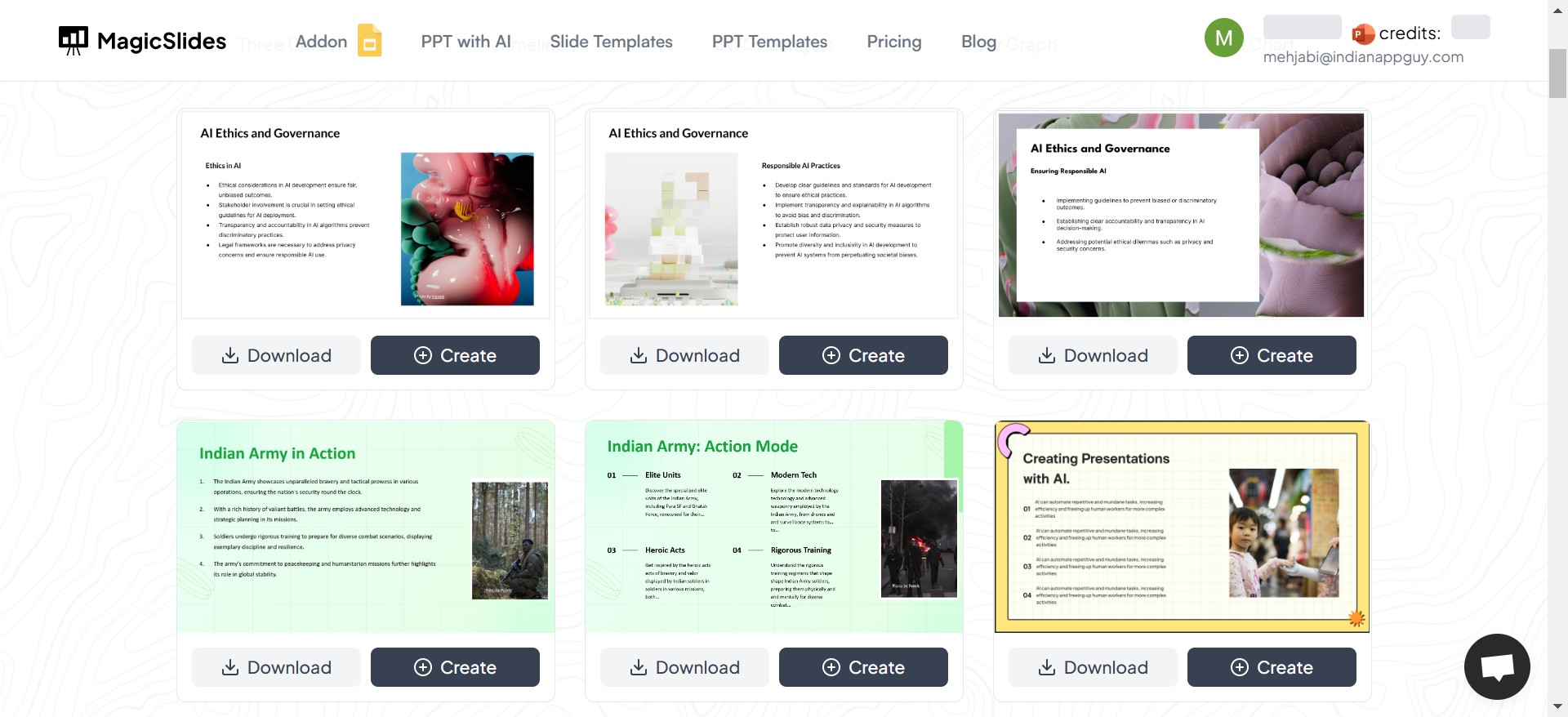
Magicslides.app is a one-stop solution for creating stunning presentations. It not only provides a wide selection of templates but also lets you generate an entire PowerPoint with just a few clicks.
Why Choose Magicslides.app?
Magicslides.app is a revolutionary tool designed to simplify the presentation-making process. It’s perfect for anyone who wants professionally designed templates and doesn’t have the time to create slides from scratch. Here’s why you’ll love it:
- Variety of Templates: Access hundreds of templates, including cute and creative designs.
- Ease of Use: Generate complete PowerPoint presentations in minutes.
- Customization: Download templates or edit them directly on the platform.
How to Use Magicslides.app to Create Stunning Presentations
Step 1: Visit Magicslides
Go to www.magicslides.app on your browser.
Step 2: Navigate to Slide Templates
Browse the collection of templates, including cute slides wallpapers and themes.
Step 3: Choose Your Template
Pick a template that matches the vibe of your presentation.
Step 4: Click on "Create"
Want to build an entire presentation with the template? Click on the Create button.
Step 5: Enter Your Topic
Type in the topic of your presentation, such as “Adorable Animal Facts” or “My Summer Vacation.”
Step 6: Click "Generate Instant PPT"
This feature will quickly build your slides based on the input topic.
Step 7: Select Number of Slides
Choose how many slides you want, depending on the length of your presentation.
Step 8: Click "Generate"
Let the tool work its magic and generate your complete presentation.
Step 9: Download or Present Directly
Download the PowerPoint or use Magicslides to present directly.
Benefits of Using Magicslides for Cute Slide Templates
- Saves Time: No need to search endlessly for images or manually design slides.
- Professional Results: Get beautifully crafted presentations that look like a design expert created them.
- Easy Customization: Tailor slides to your liking with minimal effort.
Final Thoughts
When it comes to finding cute slides wallpaper, there’s no shortage of resources online. However, if you’re looking for a fast, reliable, and professional tool to create stunning presentations effortlessly, Magicslides.app is the ultimate choice. It combines ease of use with exceptional design, ensuring your slides are always presentation-ready.
Try Magicslides.app today and experience the magic of hassle-free presentation creation!


