How to Check Word Count in Google Slides (Step-by-Step)


Learn how to see the word count in Google Slides using Google Docs and simple workarounds. Follow this step-by-step guide in minutes.
If you’re wondering how to see the word count in Google Slides, you’re not alone. Whether you’re creating a class presentation, business pitch, research report, or sales deck, knowing how many words are on your slides can help you stay within your speaking time and keep your presentation easy to read.
Unlike Google Docs or Microsoft Word, Google Slides doesn’t include a built-in word count feature. However, there are several simple ways to check the word count of your presentation using free Google tools and browser extensions.
In this guide, I’ll walk you through the easiest methods to check the Google Slides word count, along with tips to create cleaner, more effective presentations.
Can You See Word Count in Google Slides?
The short answer is no. Google Slides doesn’t have a built-in word count feature like Google Docs or Microsoft Word.
If you need to check how many words are in your presentation, you’ll have to use a workaround. The easiest and most accurate method is to copy your slide text into Google Docs and use its Word Count feature. If you frequently create presentations, you can also use a Chrome extension that estimates the word count directly in Google Slides.
How to Check the Word Count in Google Slides?
Since Google Slides doesn’t have a built-in word counter, the easiest way to check your presentation’s word count is by using Google Docs.
Step 1: Copy Slide Text:
- Select all the text on a slide by clicking and dragging your cursor over the text.
- Copy the selected text using Ctrl+C (Windows/Linux) or Command+C (Mac).
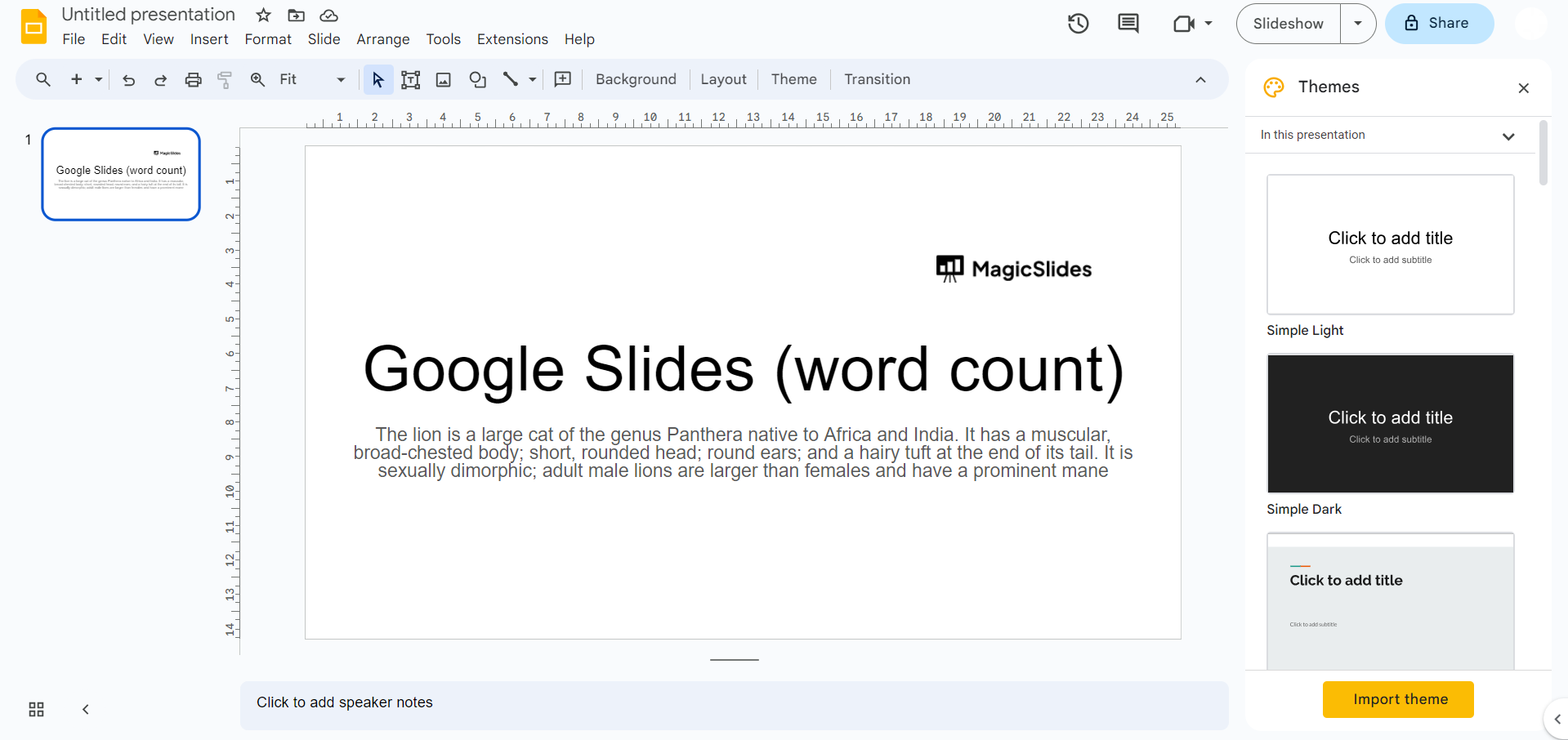
Step 2: Paste into Google Docs:
- Open a new Google Docs document.
- Paste the copied text using Ctrl+V (Windows/Linux) or Command+V (Mac).
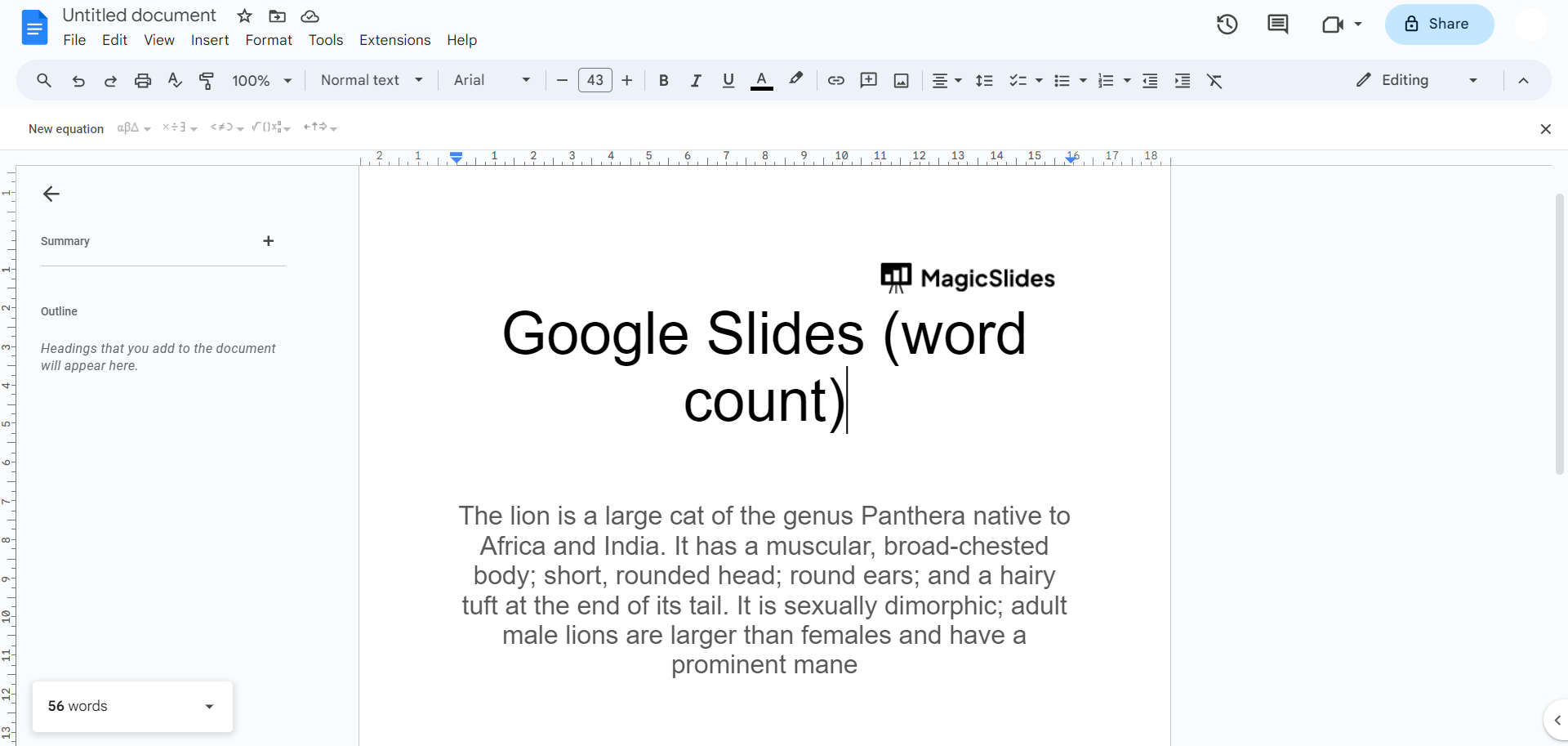
Step 3: View Word Count in Google Docs:
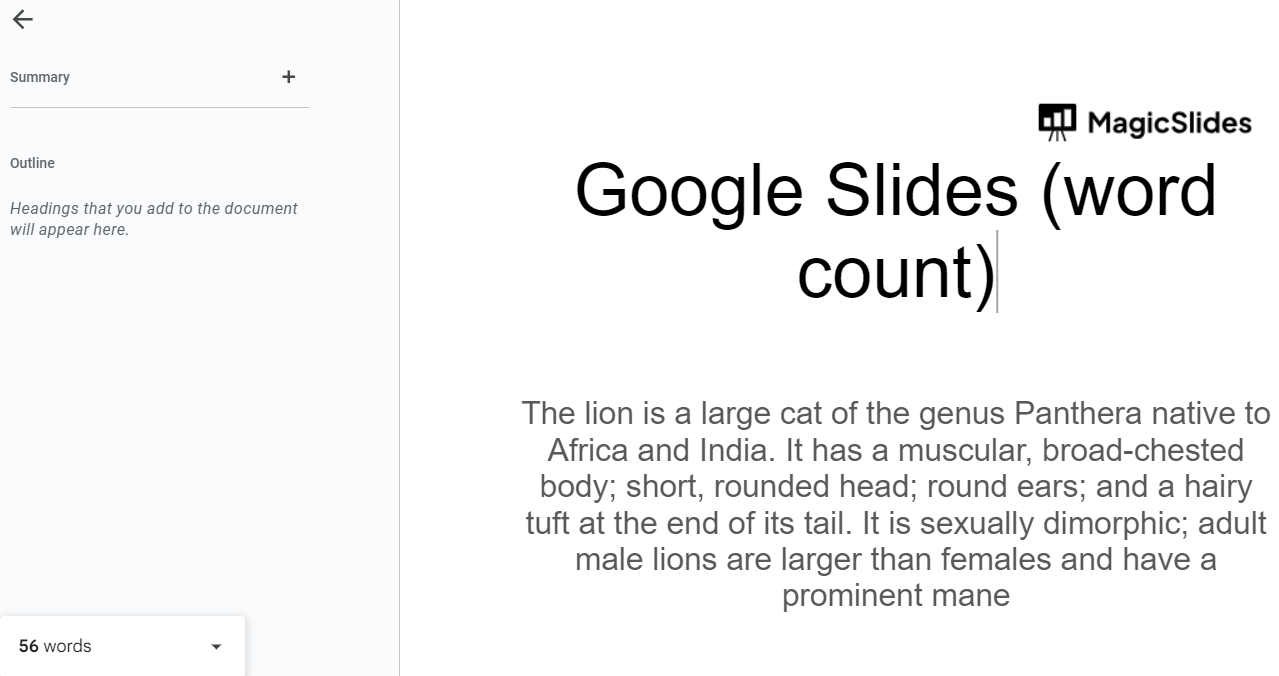
- Go to Tools → Word count or press Ctrl + Shift + C (Windows/ChromeOS) or ⌘ + Shift + C (Mac). Google Docs will display the total number of words, characters, and pages.
Step 4: Repeat for Other Slides:
- Repeat the process for each slide you want to count the words for.
Pro Tip: If you’re checking the word count for an entire presentation, paste the text from every slide into the same Google Docs document before opening Tools → Word count. This gives you the total word count for your presentation in one place.
When Should You Check the Word Count?
Checking the word count isn’t always necessary, but it can be useful in several situations. For example, if you’re preparing a timed presentation, knowing the total number of words helps you estimate how long it will take to present. It can also help students meet assignment requirements, researchers keep presentations concise, and professionals create cleaner business presentations.
If your slides contain too much text, reducing the word count can improve readability and help your audience focus on the key points instead of reading long paragraphs.
Common Mistakes When Checking Word Count
When counting words in Google Slides, keep these points in mind:
- Images, charts, and diagrams are not included in the word count.
- Speaker notes are counted only if you copy them separately into Google Docs.
- Hidden slides won’t be included unless you copy their text as well.
- Browser extensions may provide an estimated word count, which can differ slightly from Google Docs.
Using Google Docs remains the most accurate way to check the total number of words in your presentation.
Create Presentation-Ready Slides Faster with MagicSlides
If you’re spending more time writing slide content than designing your presentation, MagicSlides AI PPT Maker can help.

Instead of creating every slide manually, you can generate complete presentations from a topic, document, PDF, YouTube video, webpage, or even an image in just a few clicks. The AI organizes your content into well-structured slides with professional layouts, allowing you to focus on refining your message instead of formatting.
With MagicSlides, you can:
- Generate presentations from a single prompt
- Convert PDFs, Word documents, and URLs into slides
- Create presentations in multiple languages
- Export to PowerPoint or Google Slides
- Edit and customize every slide before presenting
Whether you’re a student, teacher, marketer, or business professional, MagicSlides helps you create polished presentations much faster than starting from a blank slide.
Also read: How to Add Audio to Google Slides?
Conclusion
Although Google Slides doesn’t include a built-in word count feature, it’s easy to check the total number of words using Google Docs or a browser extension. Both methods take only a few minutes and help you keep your presentations concise and easier to follow.
If you’re creating presentations regularly, keeping your slides clear and focused will improve readability and audience engagement. And if you want to save even more time, MagicSlides AI PPT Maker can generate professional presentations in minutes, helping you move from idea to finished deck much faster.
For most users, copying presentation text into Google Docs is the simplest and most accurate way to check the word count of a Google Slides presentation.
Frequently Asked Questions
Q1. Does Google Slides have a built-in word count feature?
No. Google Slides does not currently include a built-in word count tool. You’ll need to use Google Docs or a third-party extension to count the words in your presentation.
Q2. How can I check the word count of an entire Google Slides presentation?
Copy the text from all your slides into a Google Docs document, then open Tools → Word count to view the total number of words.
Q3. Can I count words on a single Google Slide?
Yes. Simply copy the text from that slide into Google Docs and use the Word count feature to see how many words it contains.
Q4. Why is word count important for presentations?
Word count helps you avoid overcrowded slides, stay within presentation time limits, and create slides that are easier for your audience to read and understand.
Q5. Is there a Google Slides extension for word count?
Yes. Some Chrome extensions and Google Workspace add-ons can estimate the word count in Google Slides. However, Google Docs remains the most reliable and accurate method.
Q6. Can MagicSlides generate presentations automatically?
Yes. MagicSlides uses AI to generate complete presentations from prompts, PDFs, Word documents, YouTube videos, webpages, and more, helping you create professional slides in just a few minutes.
Q7. What is the ideal word count for a presentation slide?
There isn’t a fixed limit, but most presentation experts recommend keeping each slide concise, typically around 20–40 words. Use short bullet points instead of long paragraphs whenever possible to improve readability and audience engagement.
Q8. Can I check the word count in Google Slides on mobile?
No. The Google Slides mobile app doesn’t include a word count feature. For the most accurate results, use Google Docs on a desktop browser.
Q9. Does Google Slides count speaker notes?
No. Speaker notes aren’t included automatically. If you want to count them, you’ll need to copy the notes into Google Docs separately and use its Word Count feature.


