Professional Presentations with AI inside Google Slides
MagicSlides.app helps teachers, students, and professionals to create professional presentations in seconds with AI.
~1M Installs, rated 4.5/5 ⭐️ by 424 reviews
Solar System and Planets
An overview of the planets in our neighbourhood
- Key insight number one explained briefly
- Supporting evidence with a clear example
- Conclusion that wraps it up neatly
Slides
Tone
Researching topic…
Character count:0/1000000
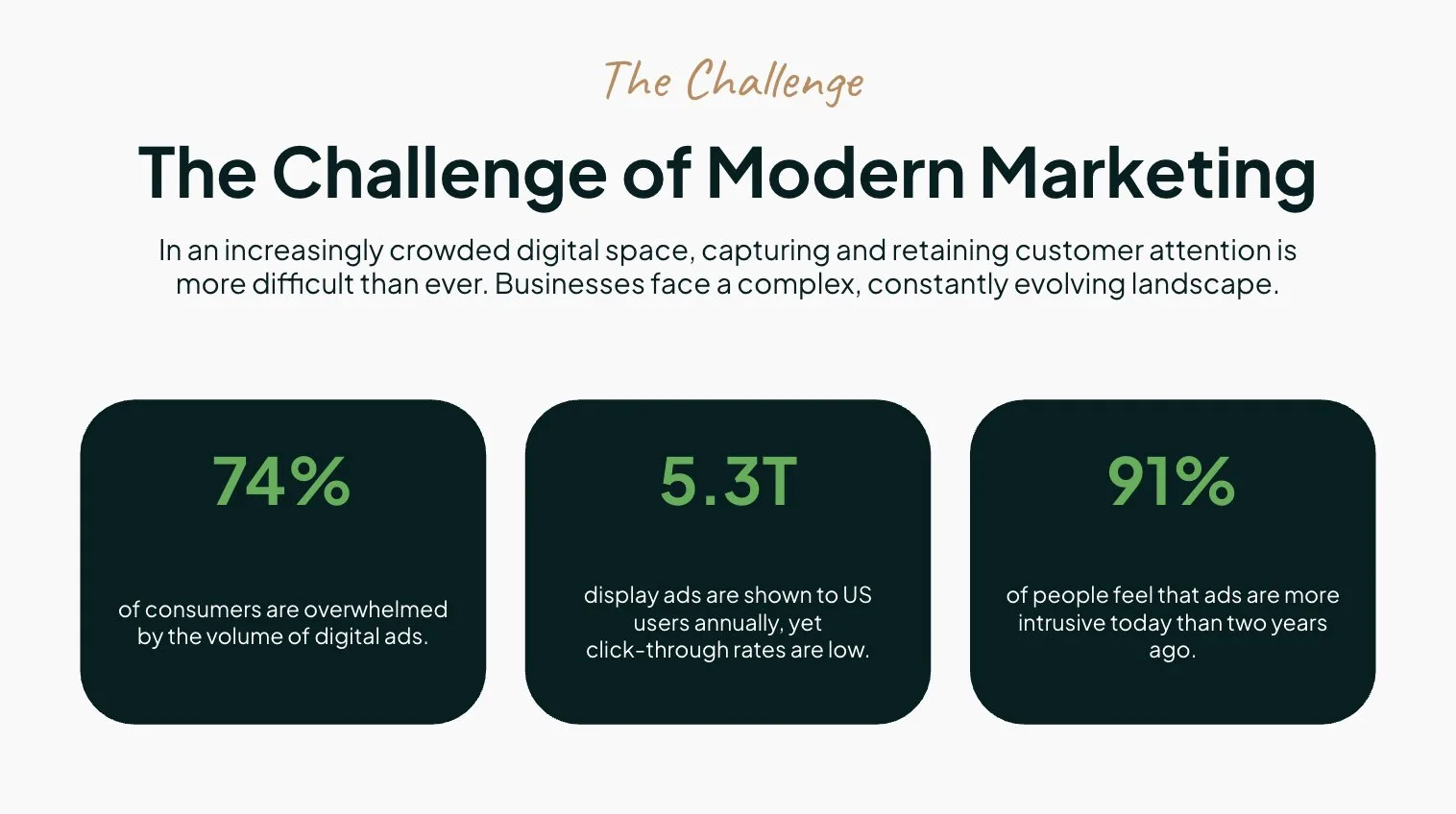
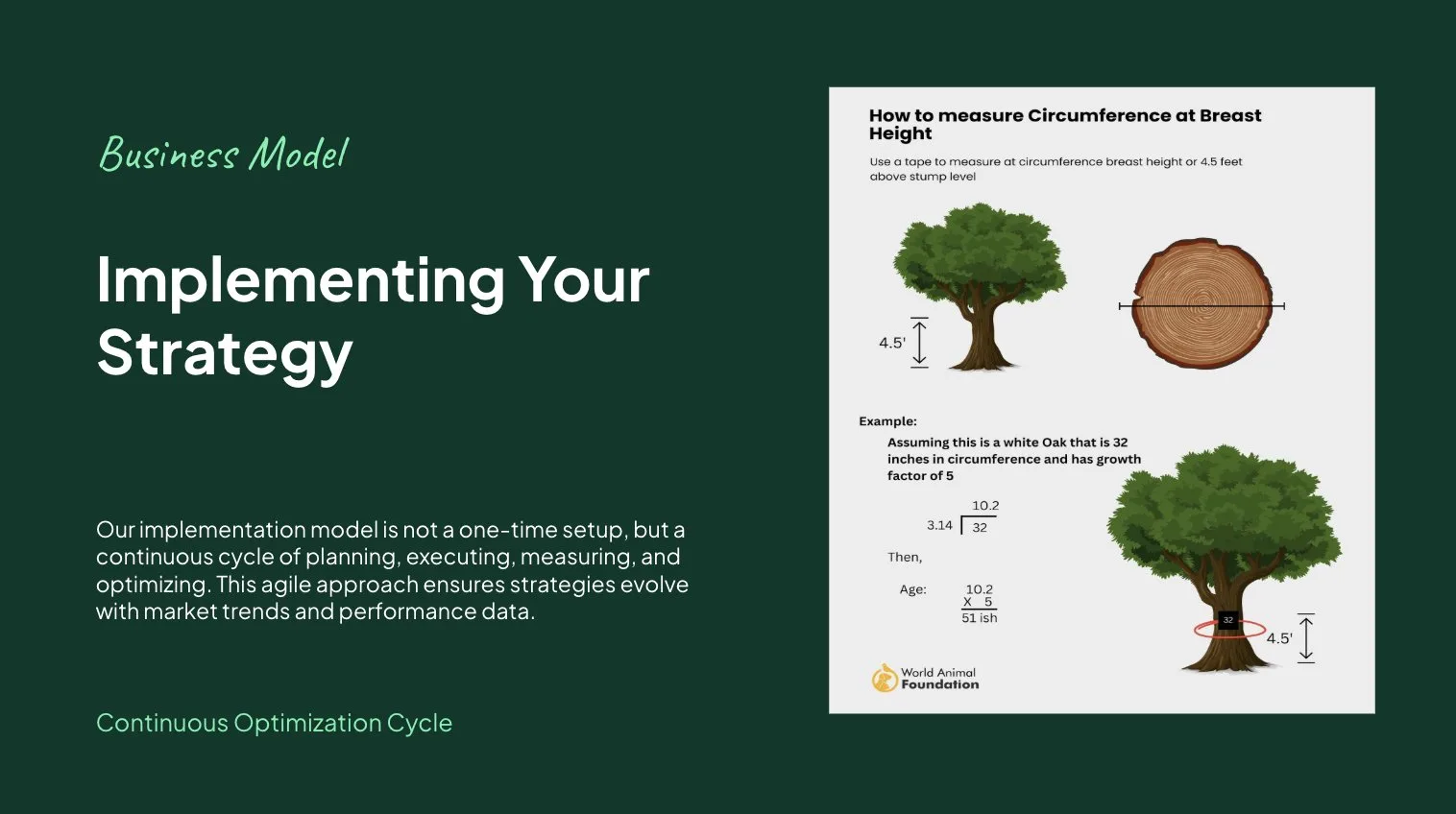
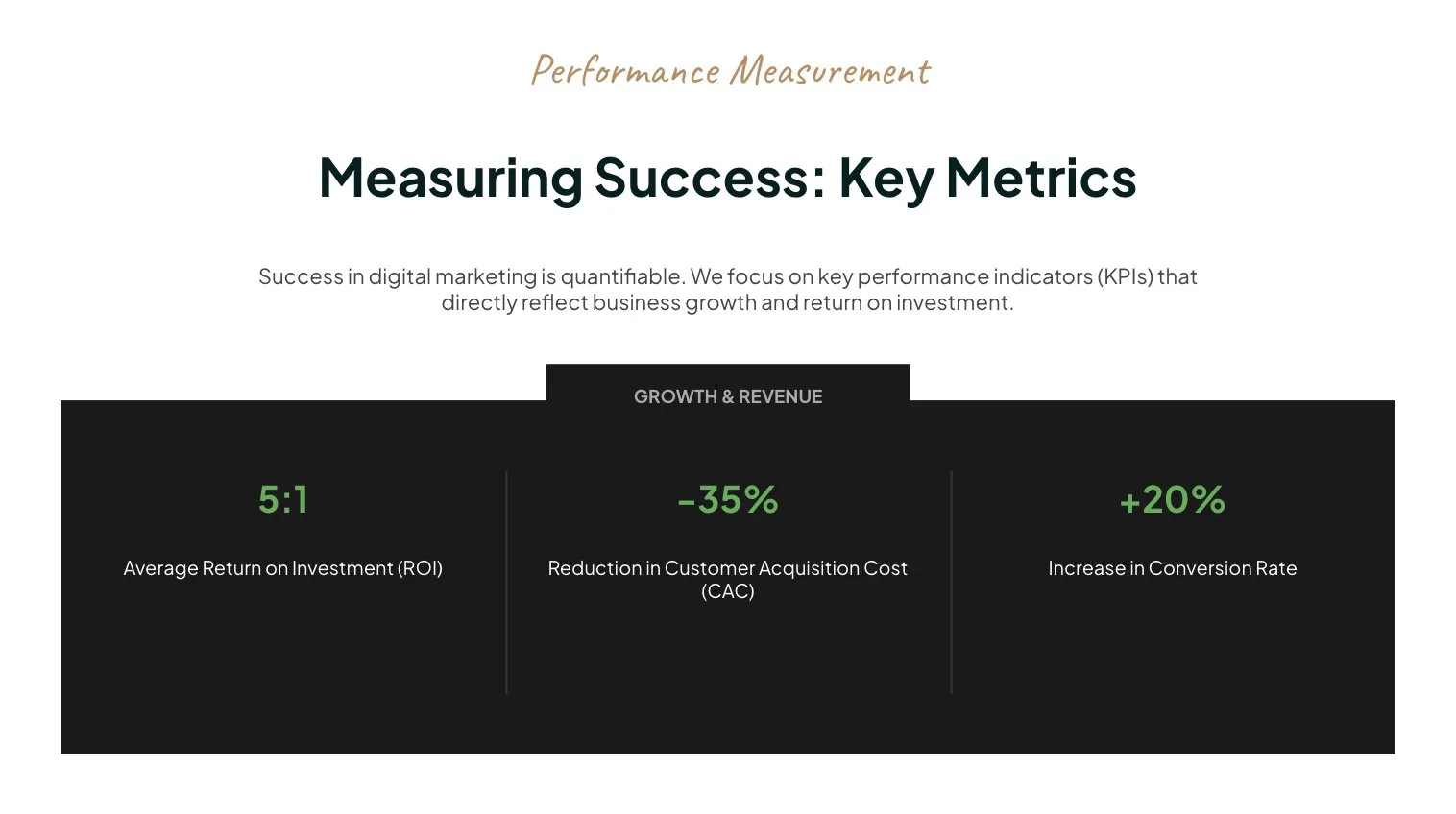
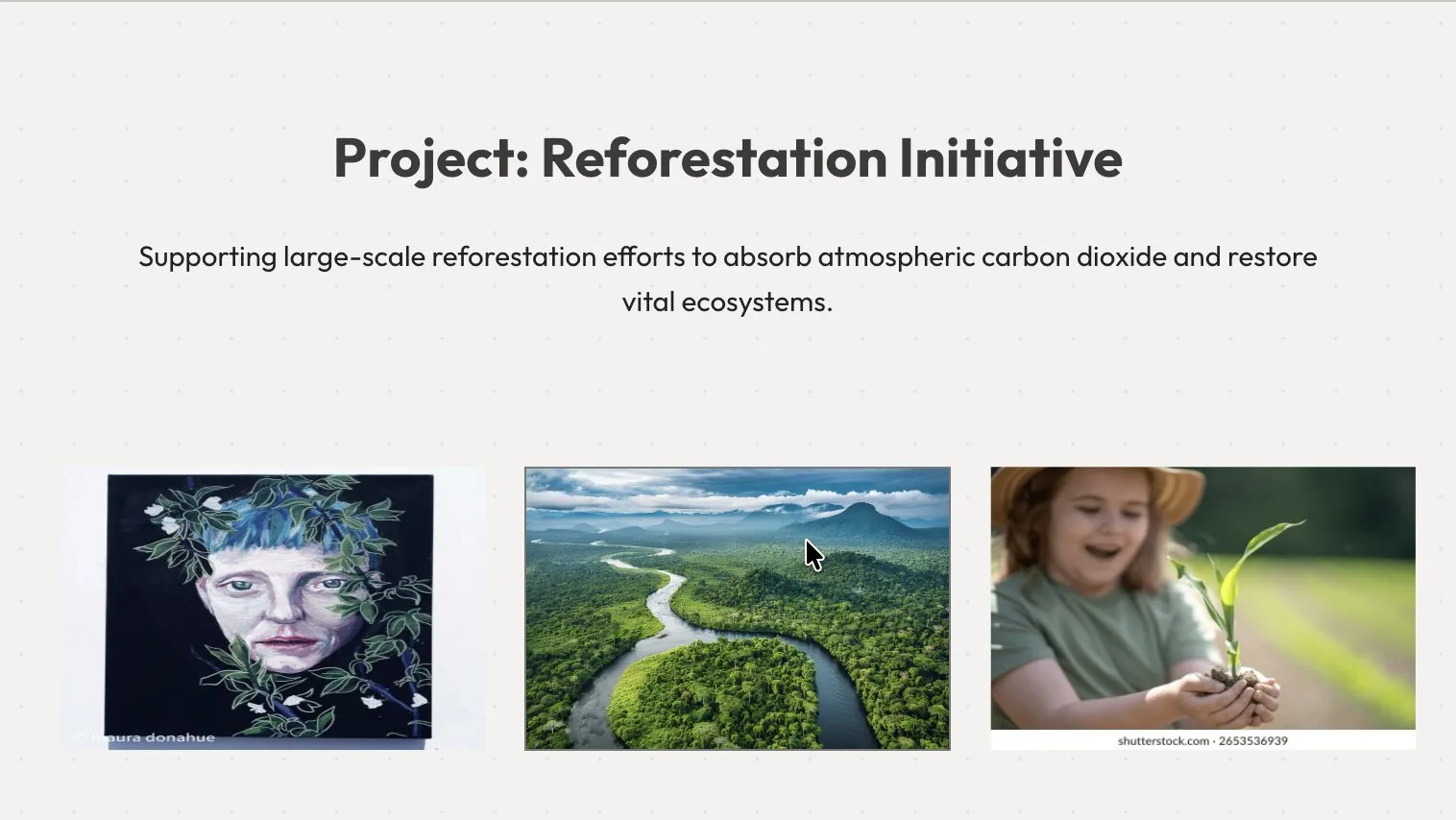
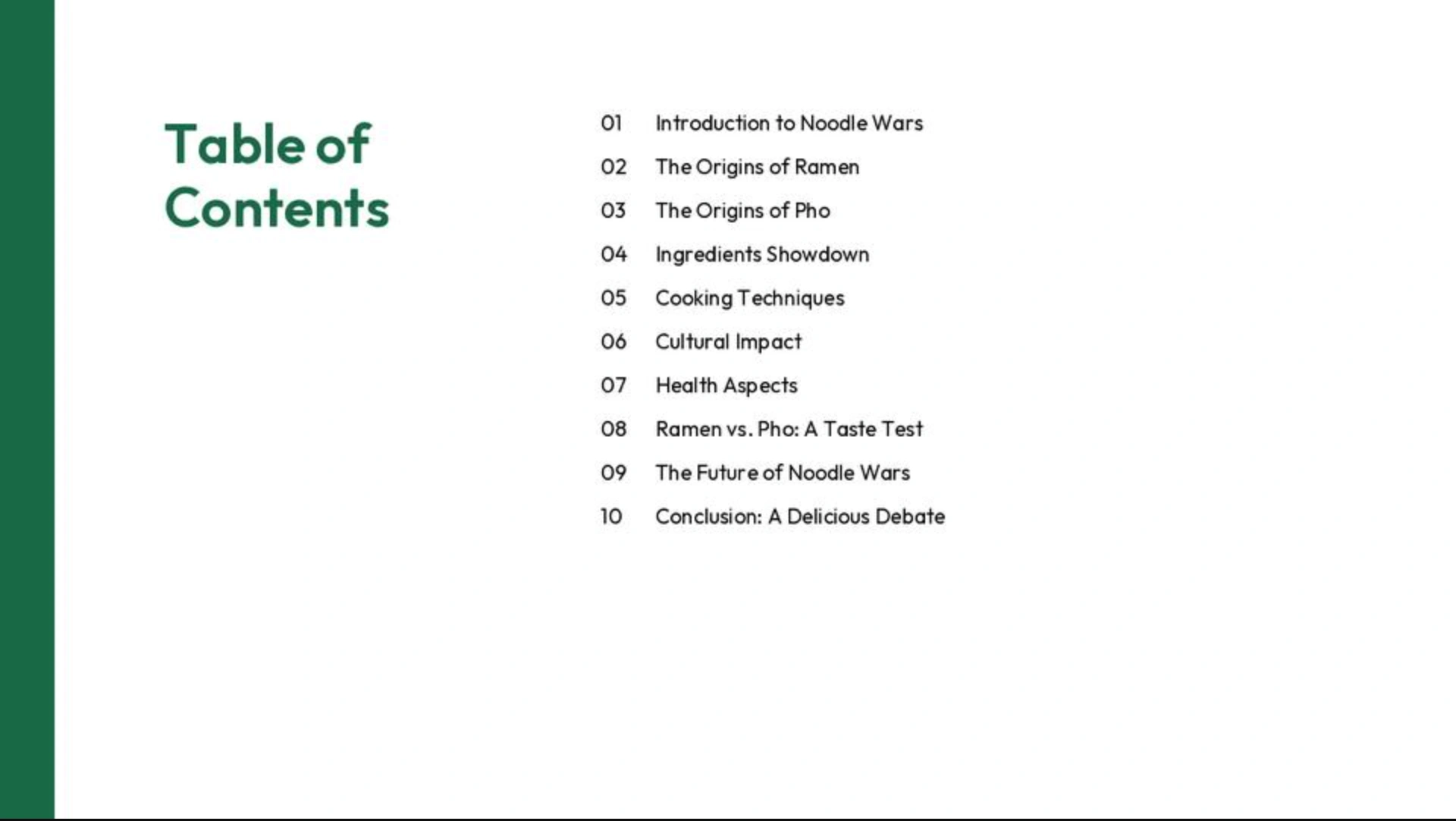
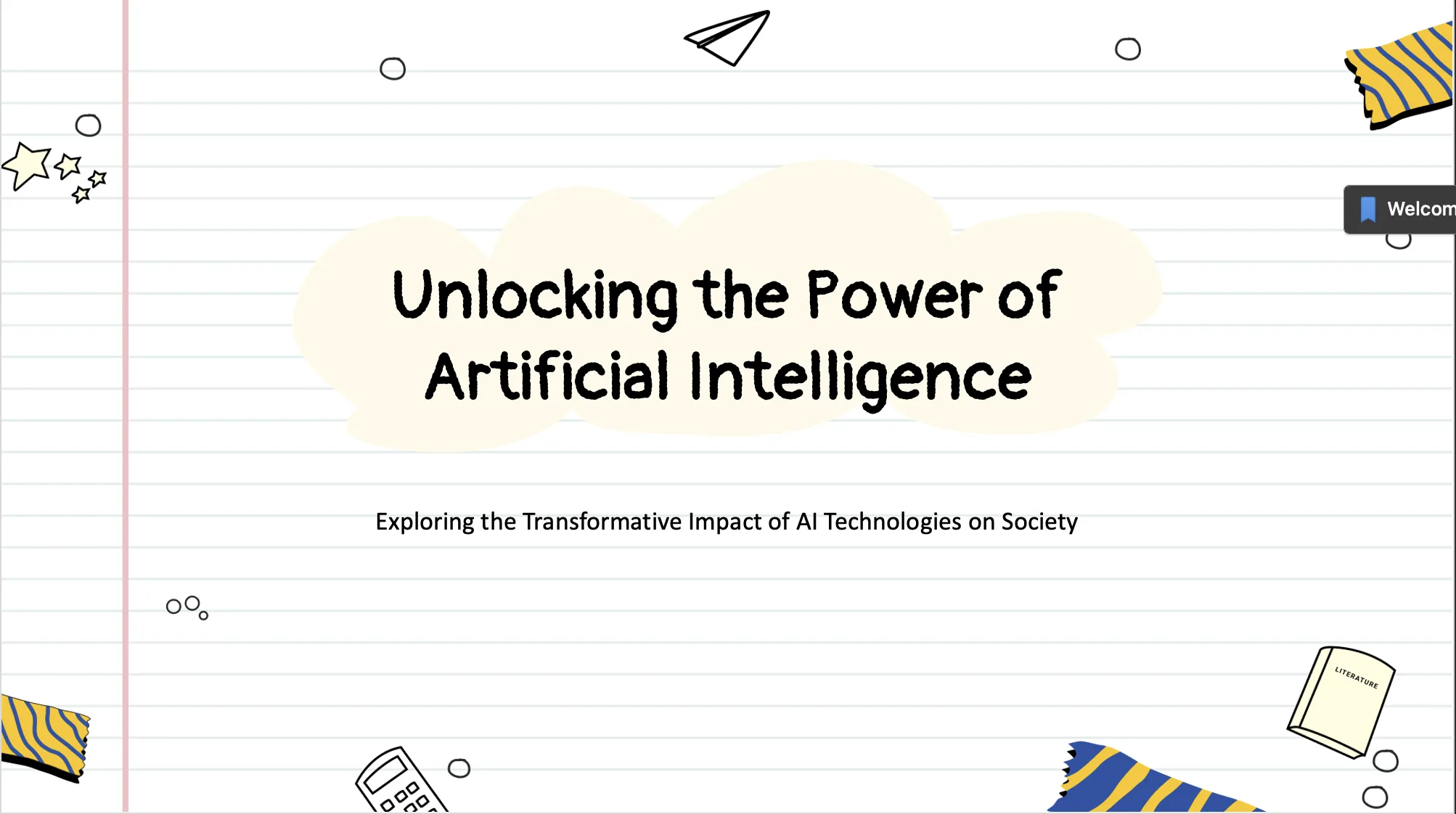
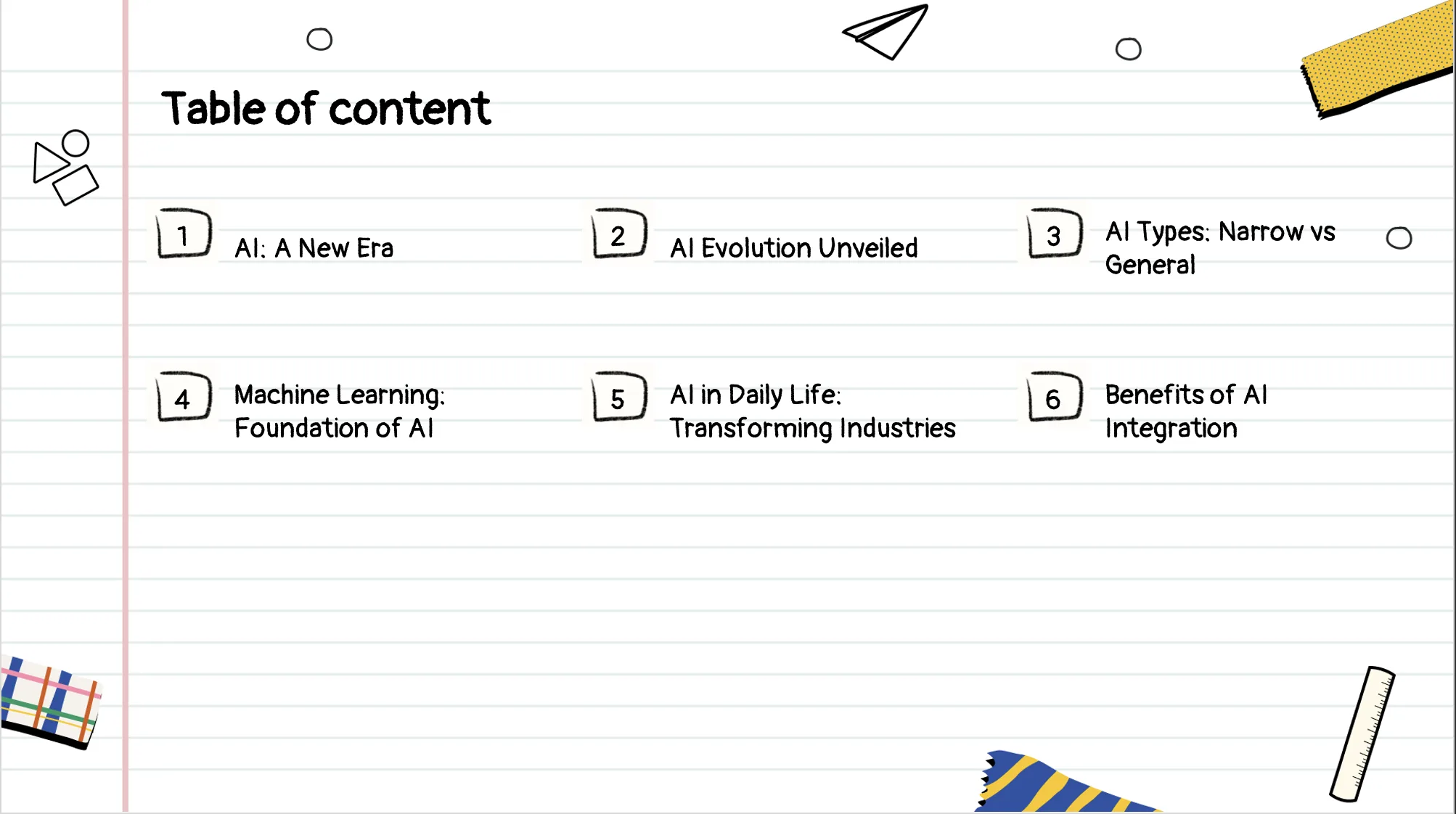
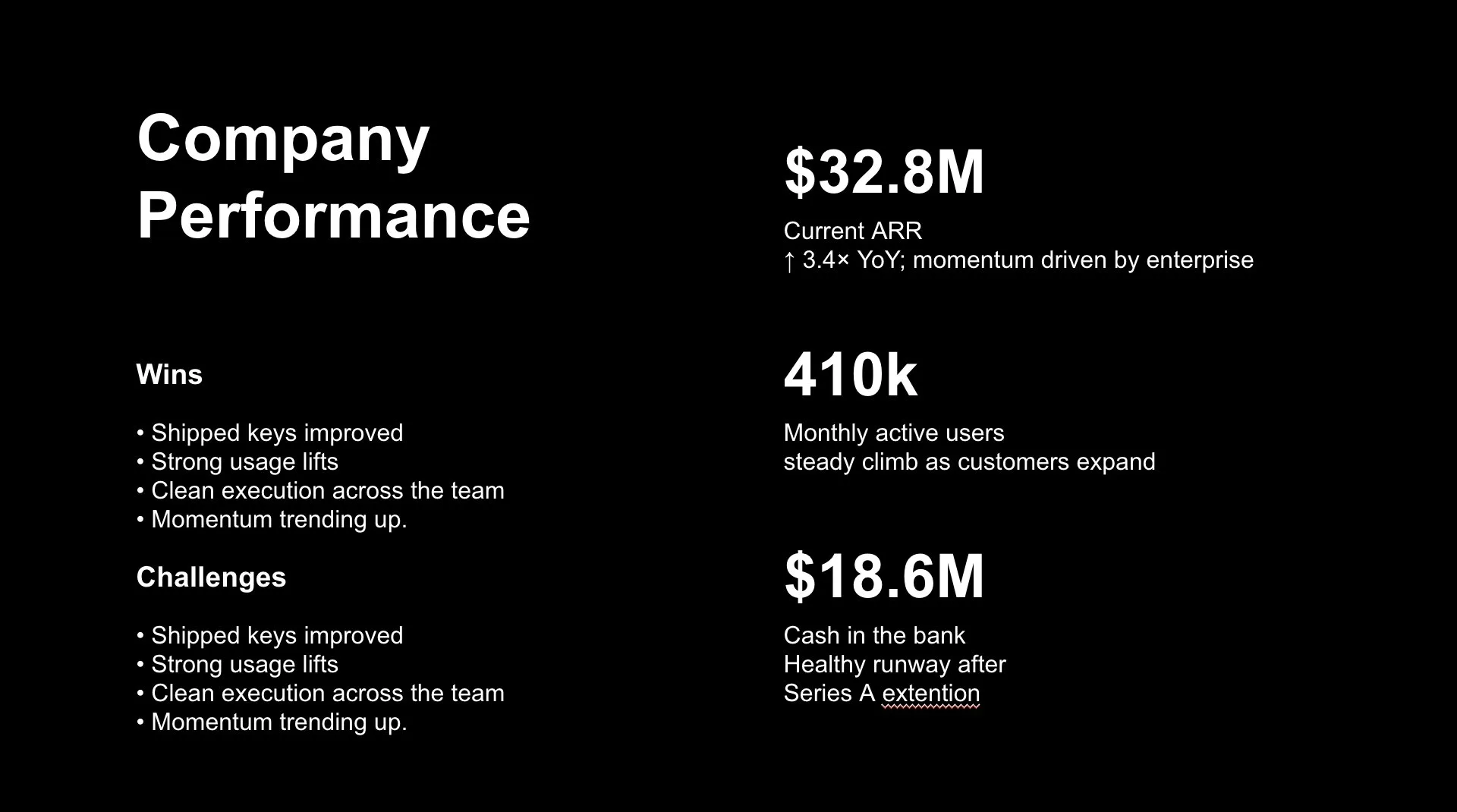
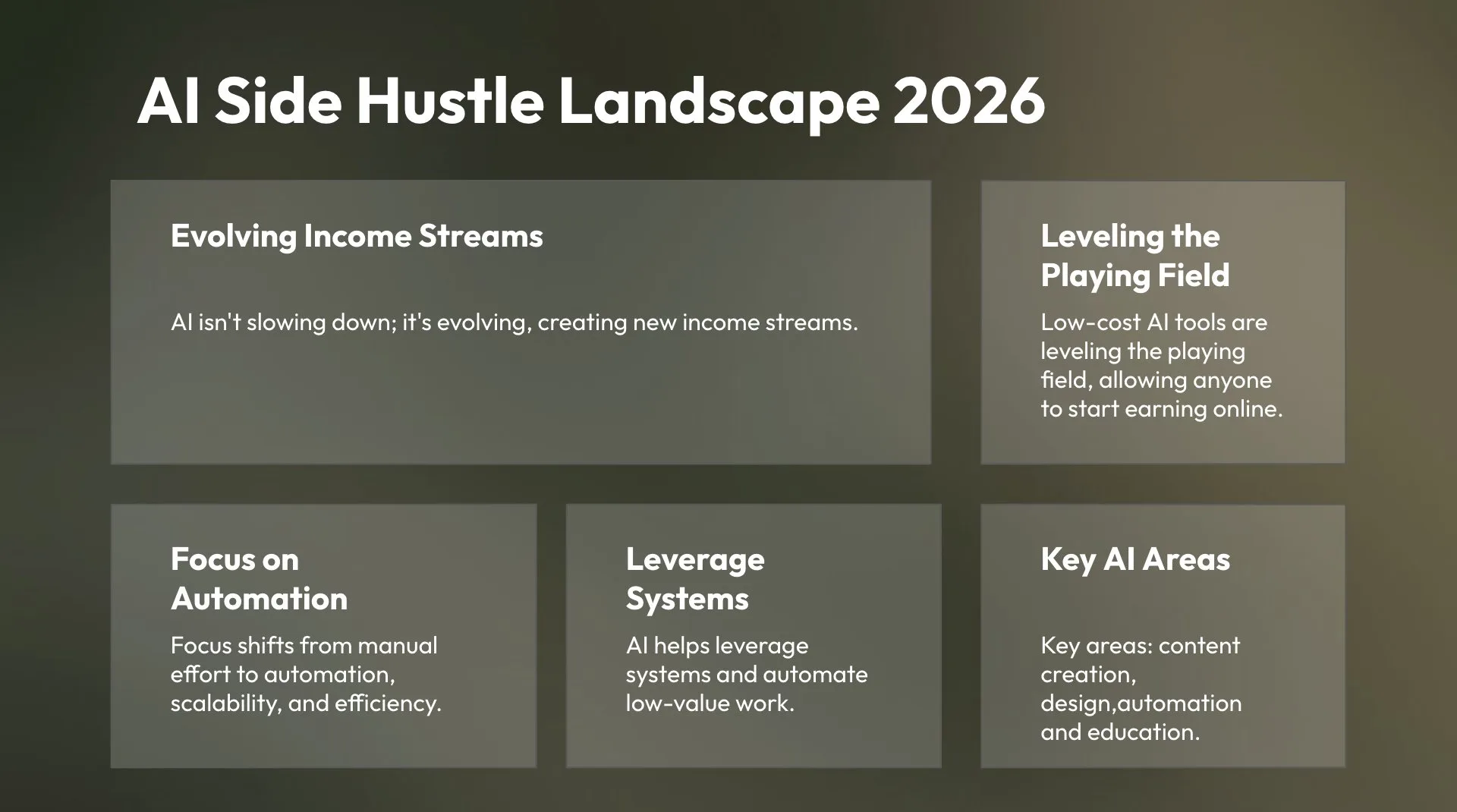
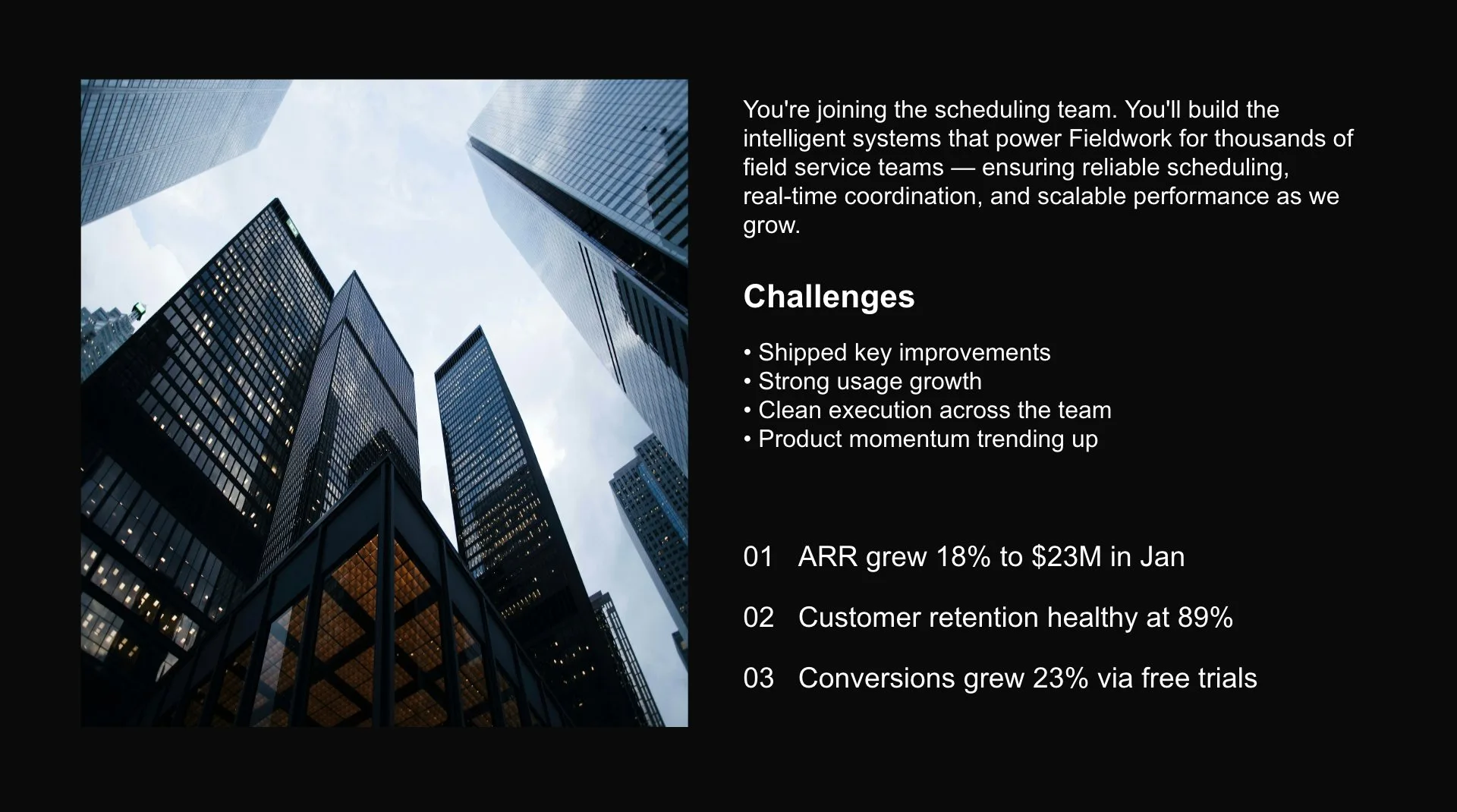
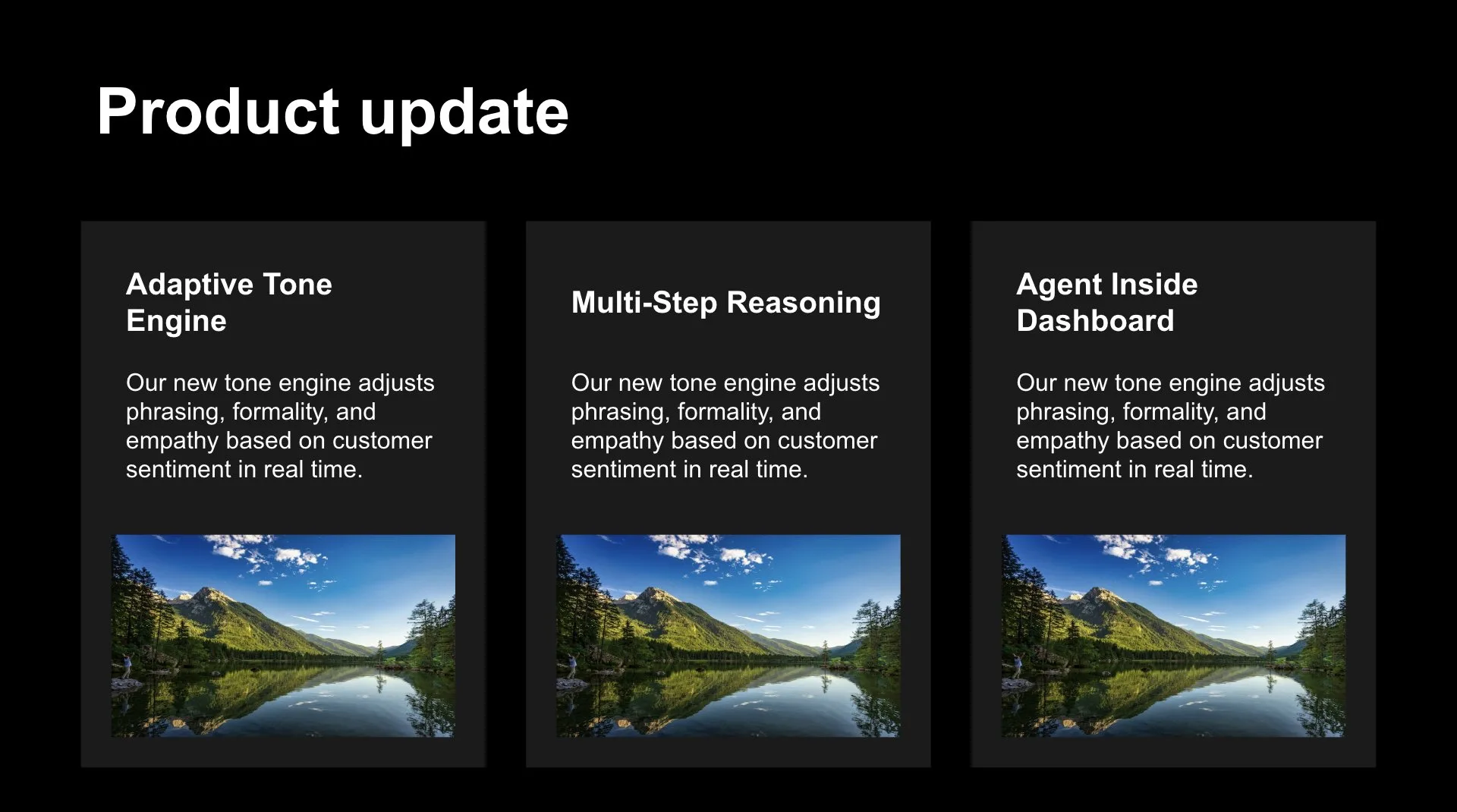
Slides Generated by MagicSlides Addon
From a topic, YouTube link, or PDF — MagicSlides creates complete, professional presentations in seconds.






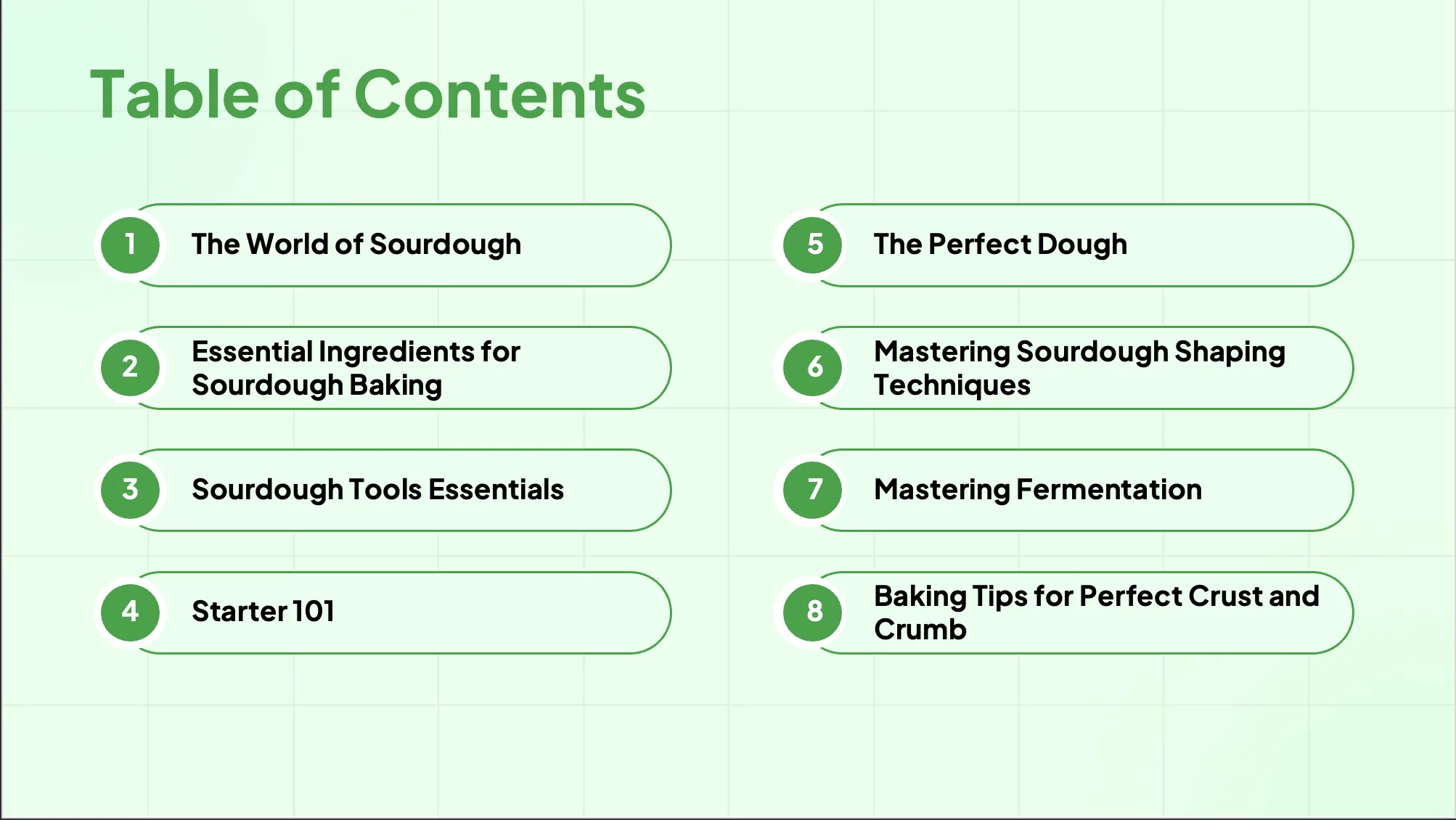
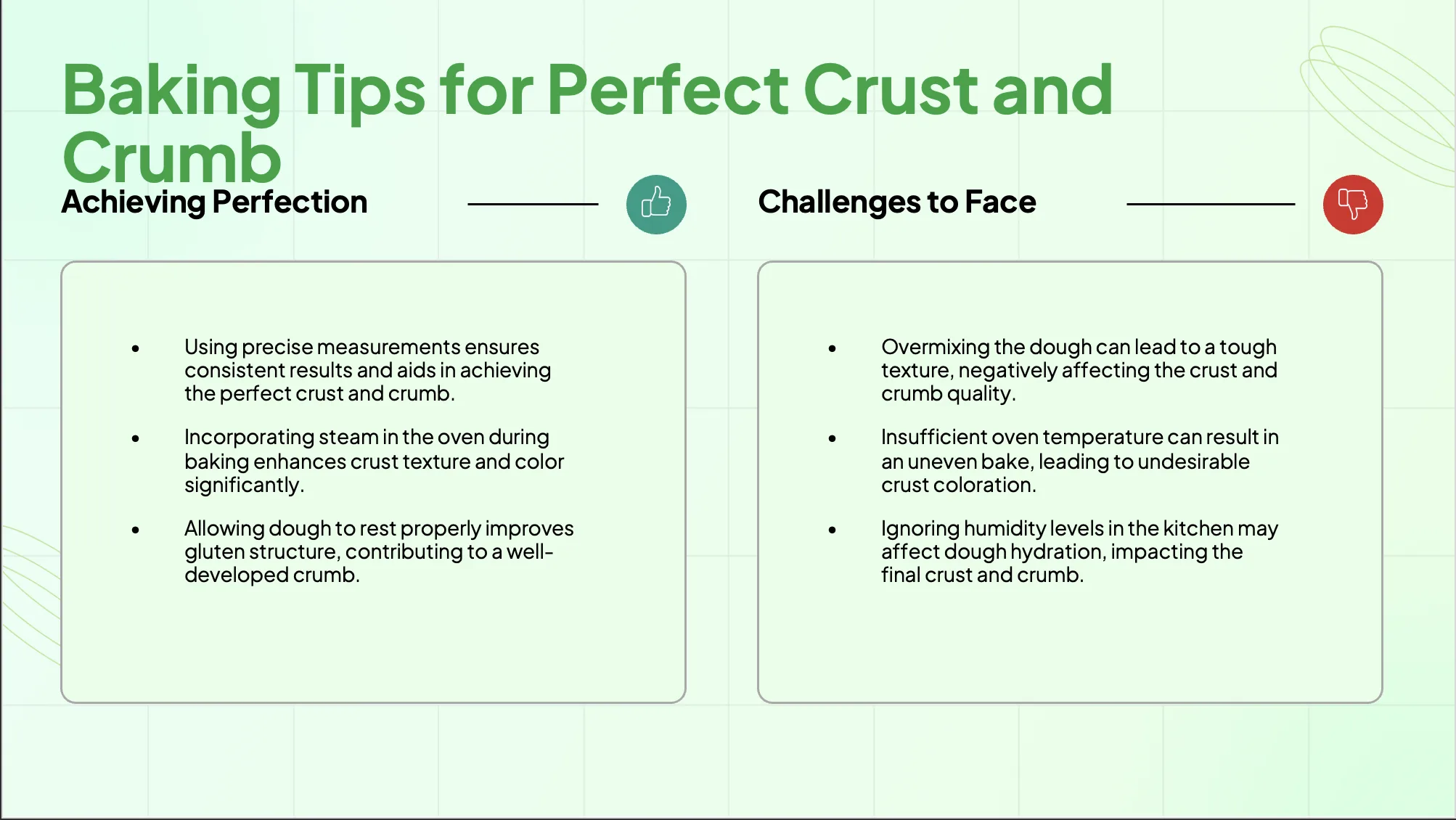
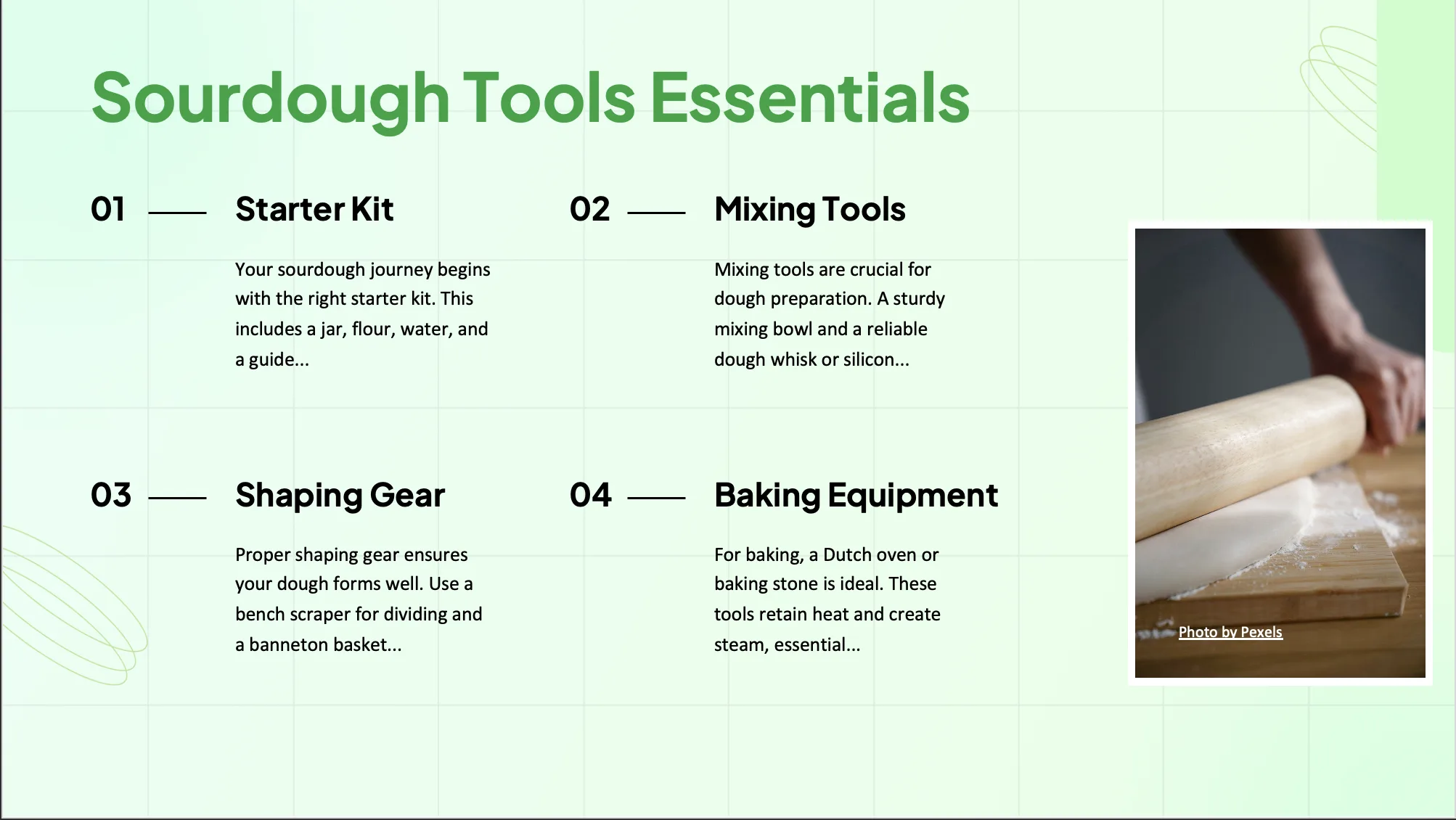
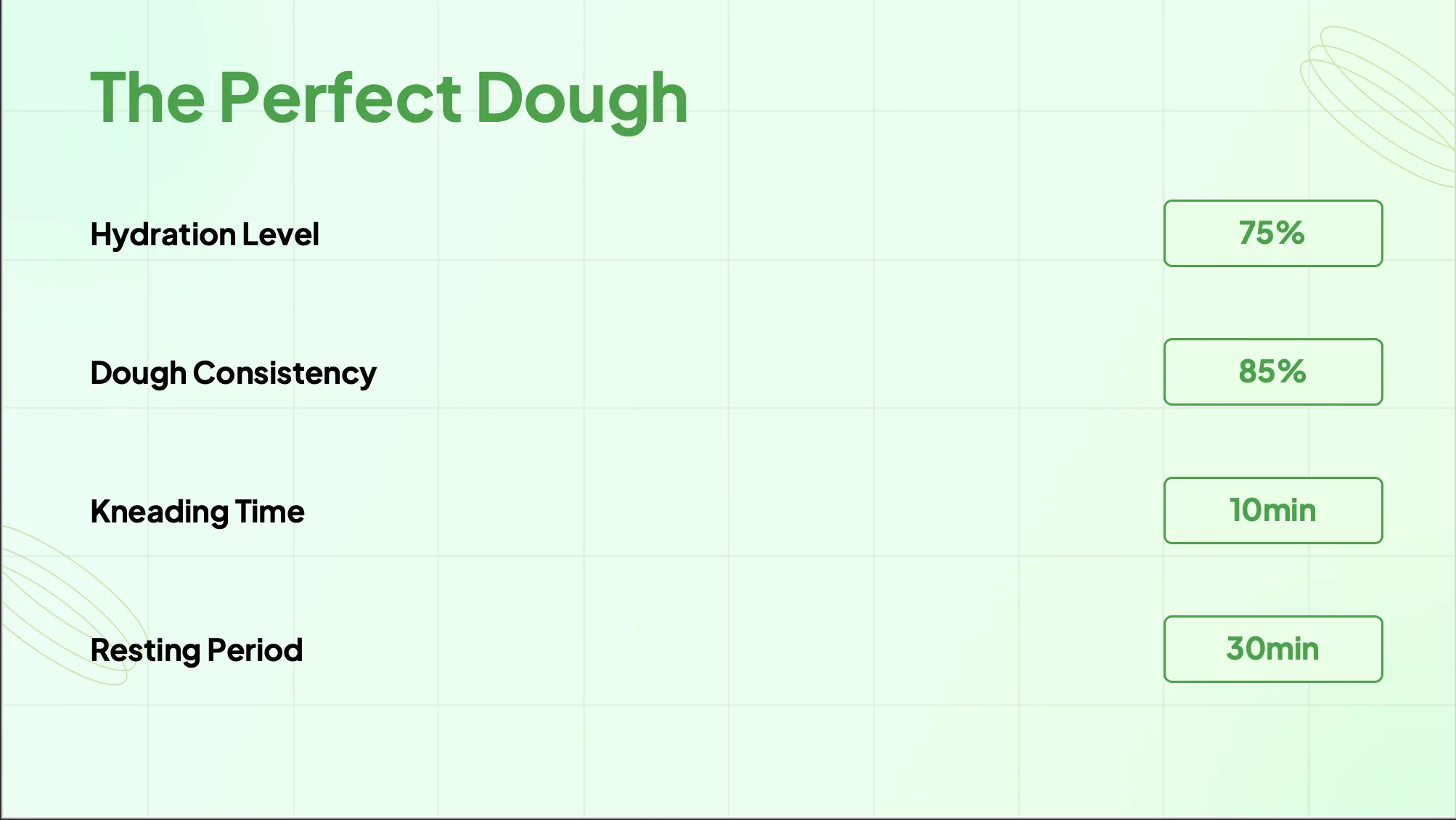
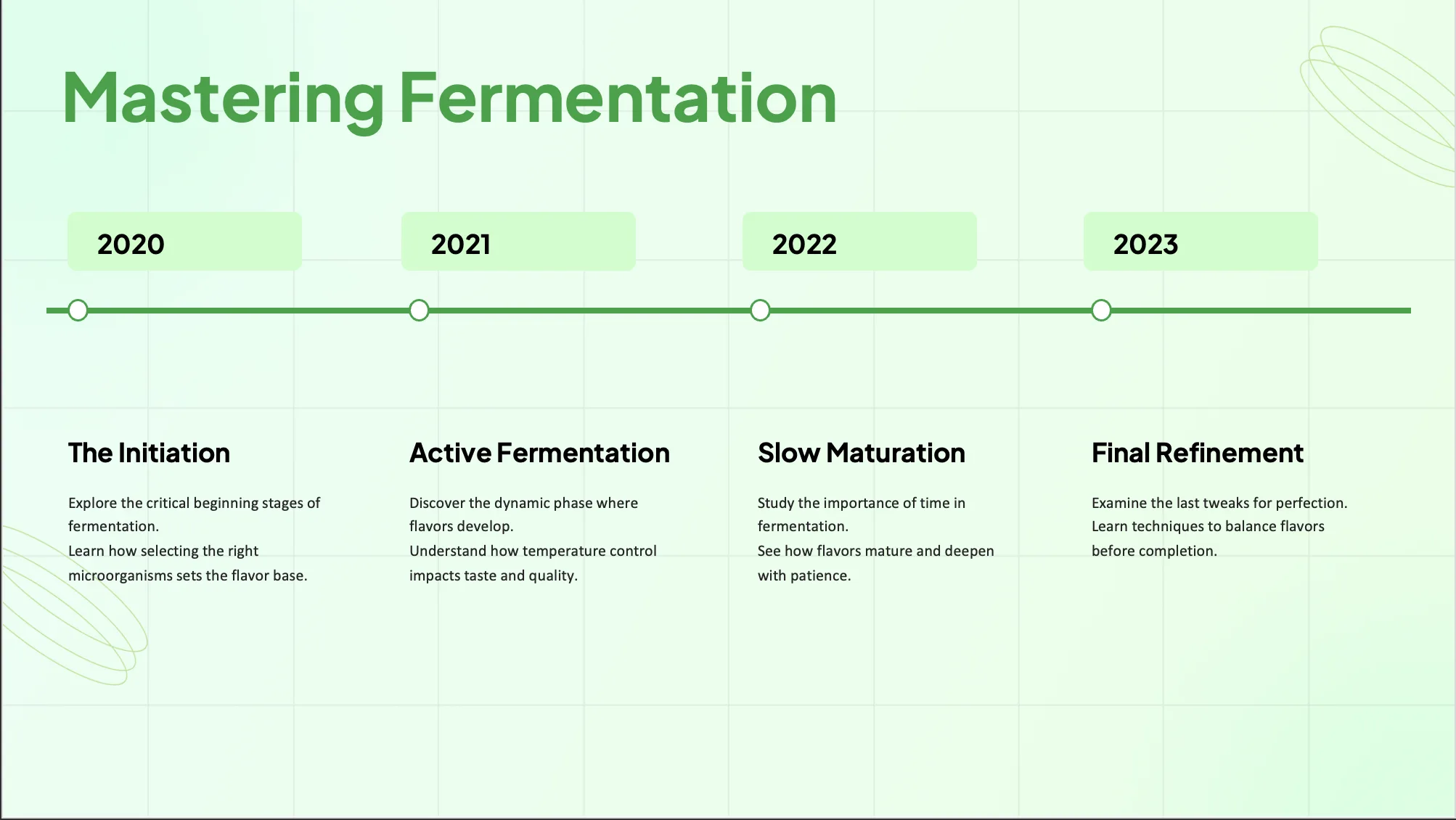
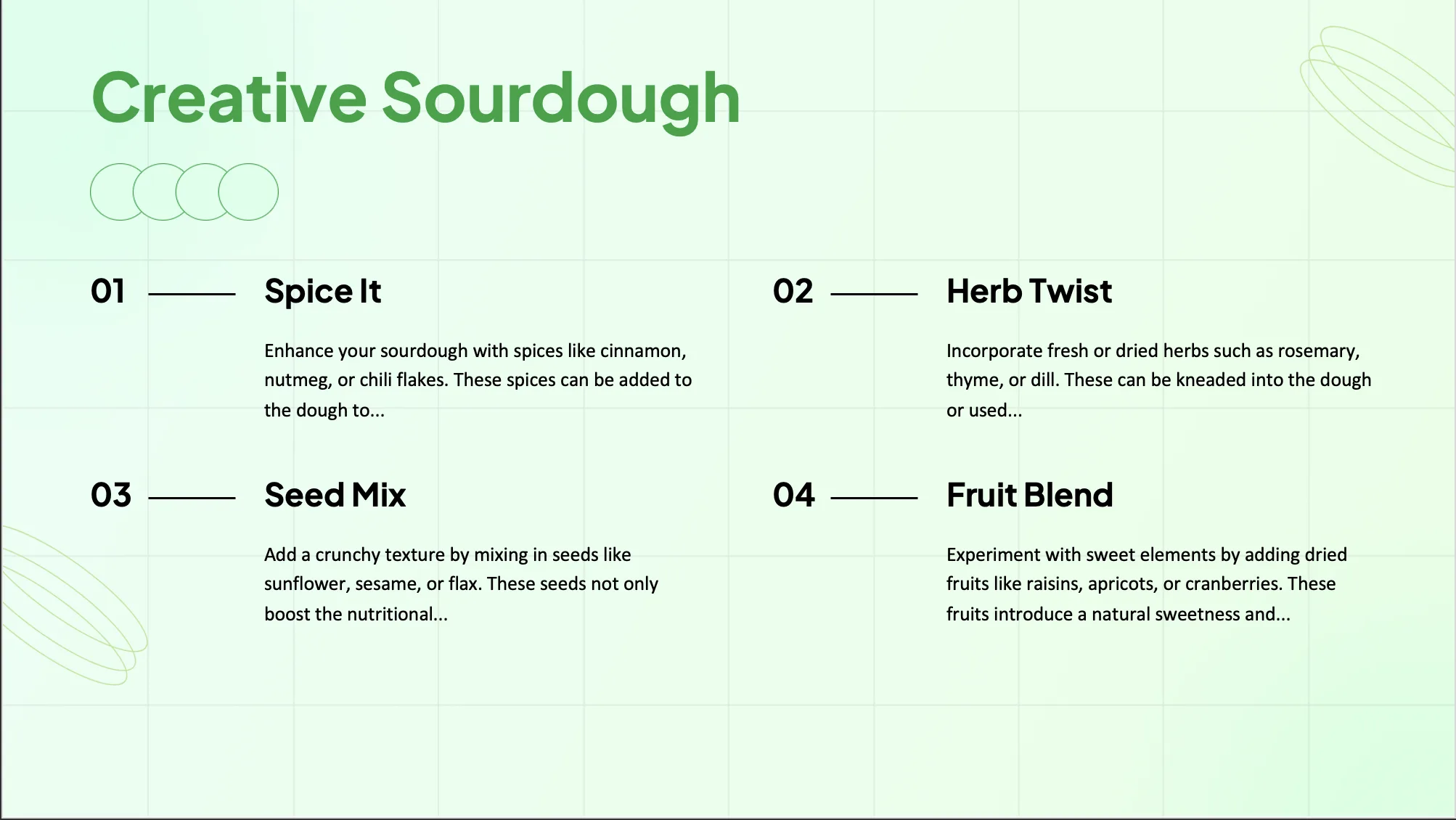


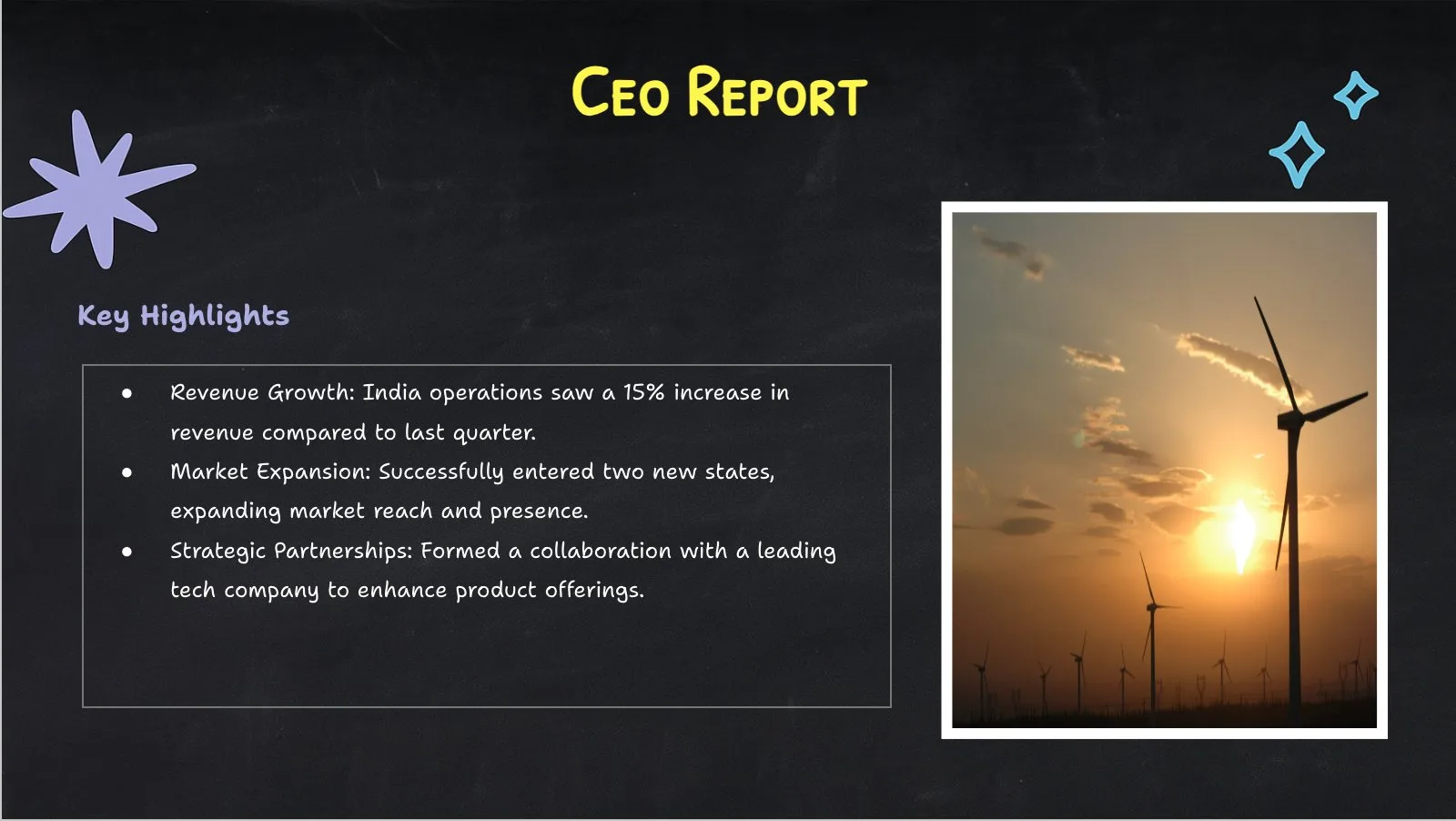
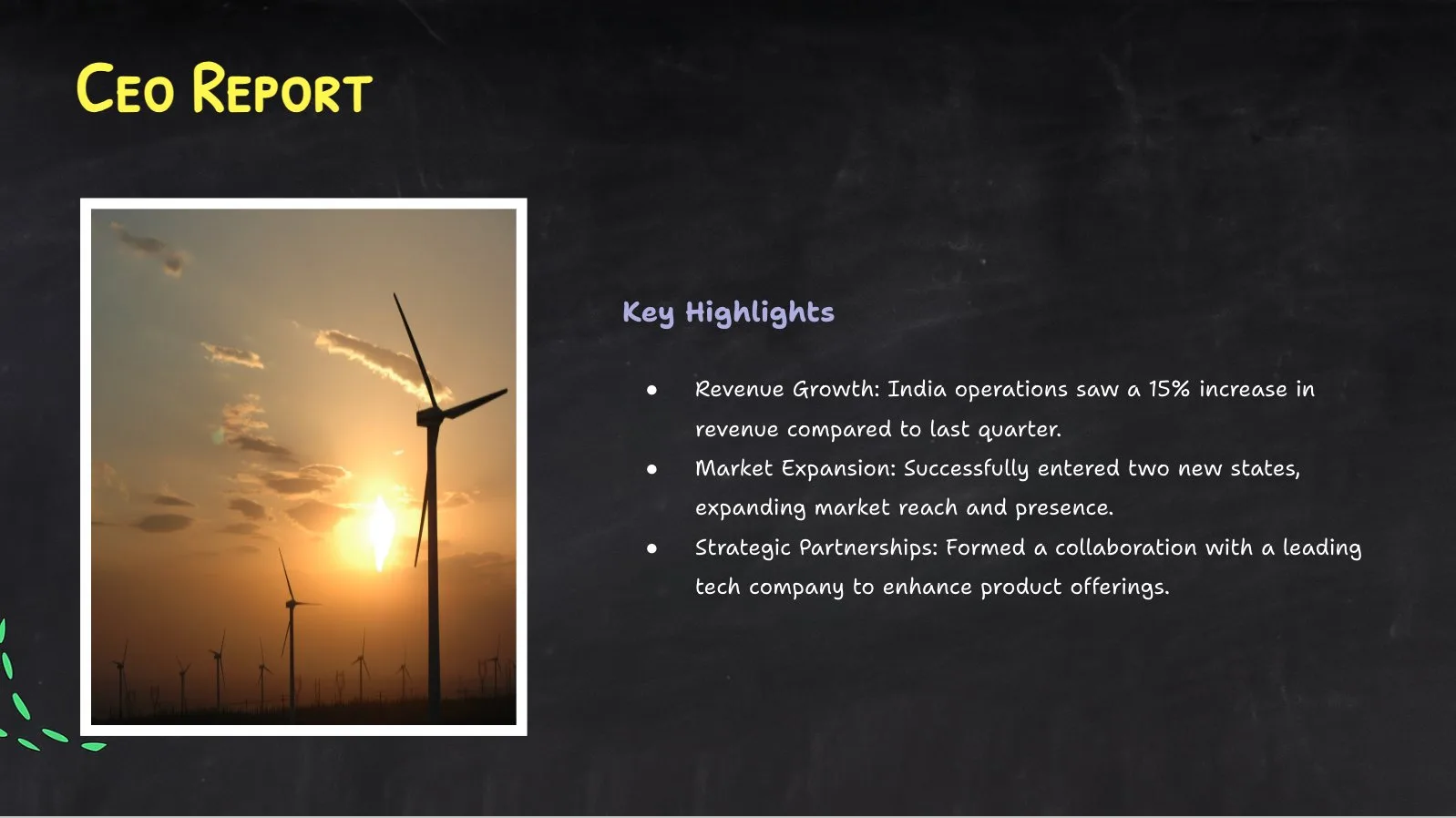
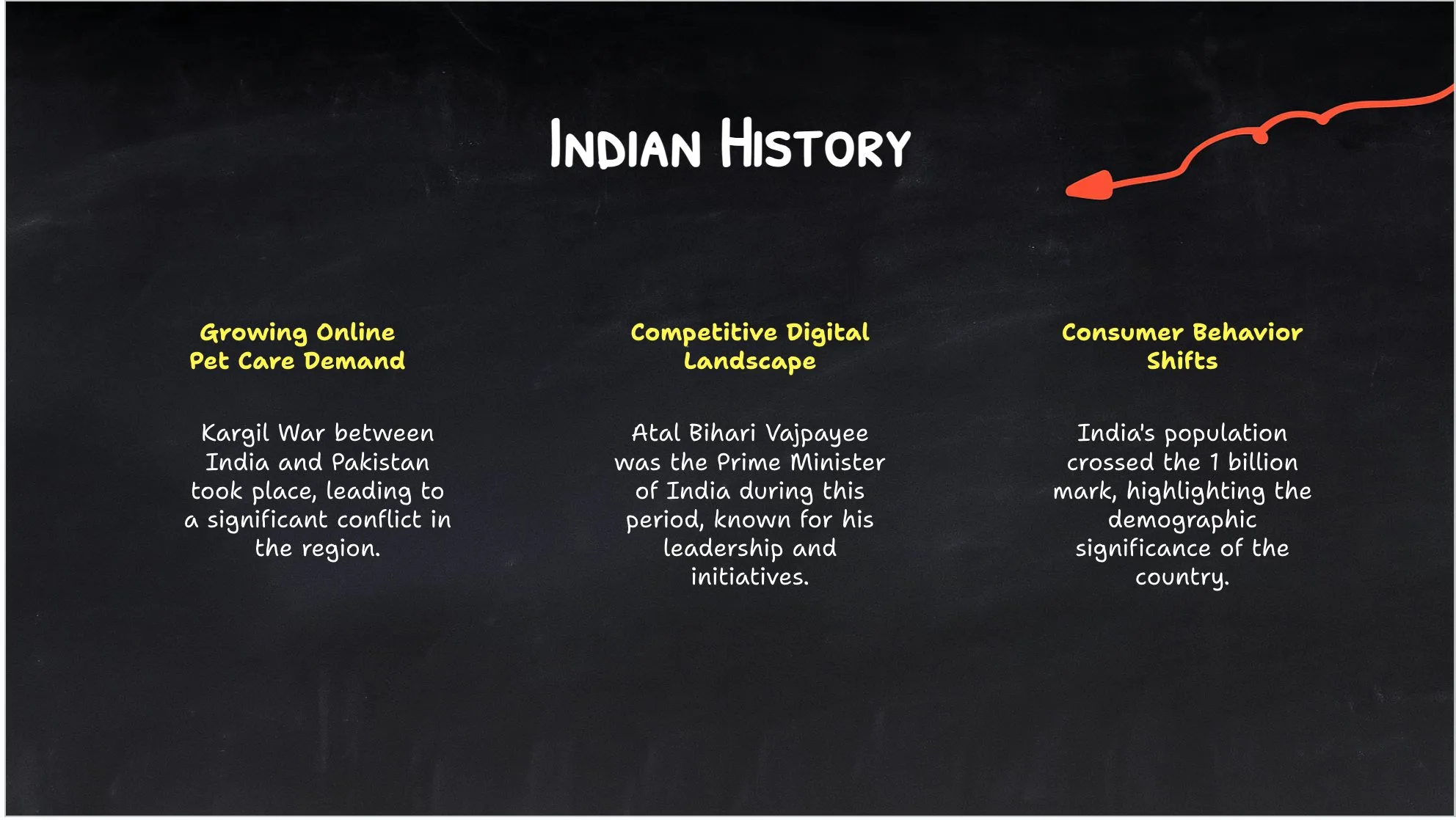
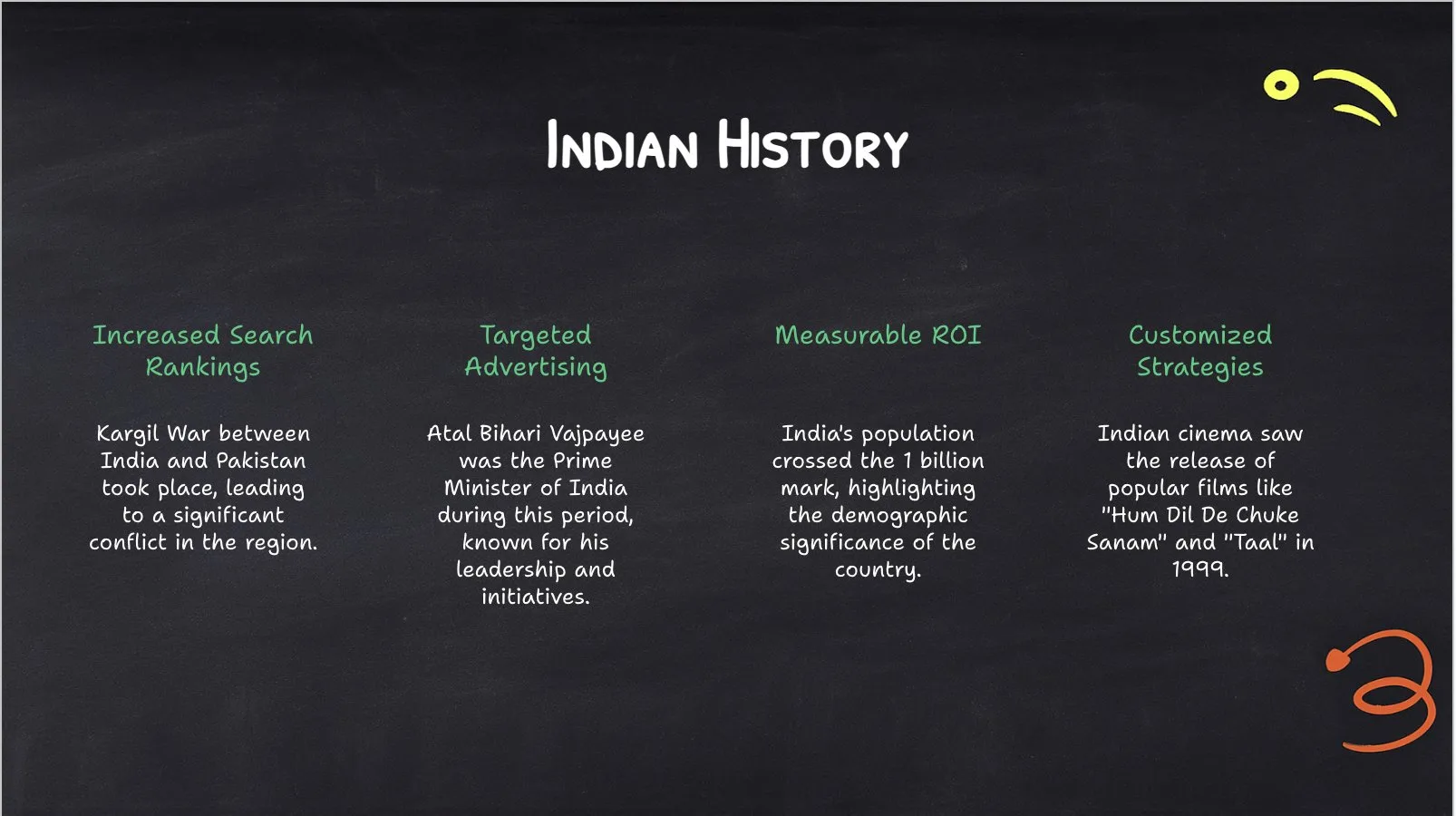
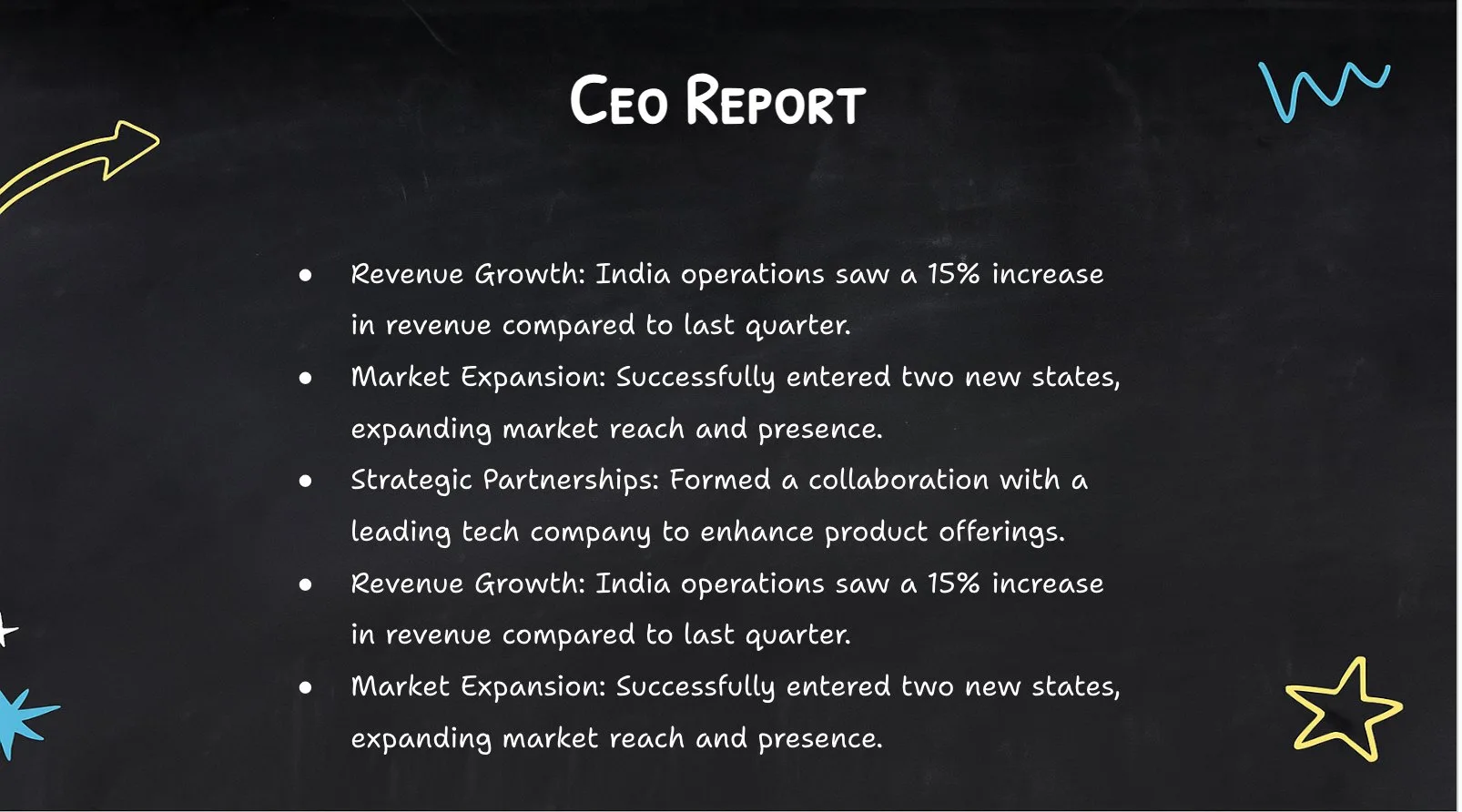


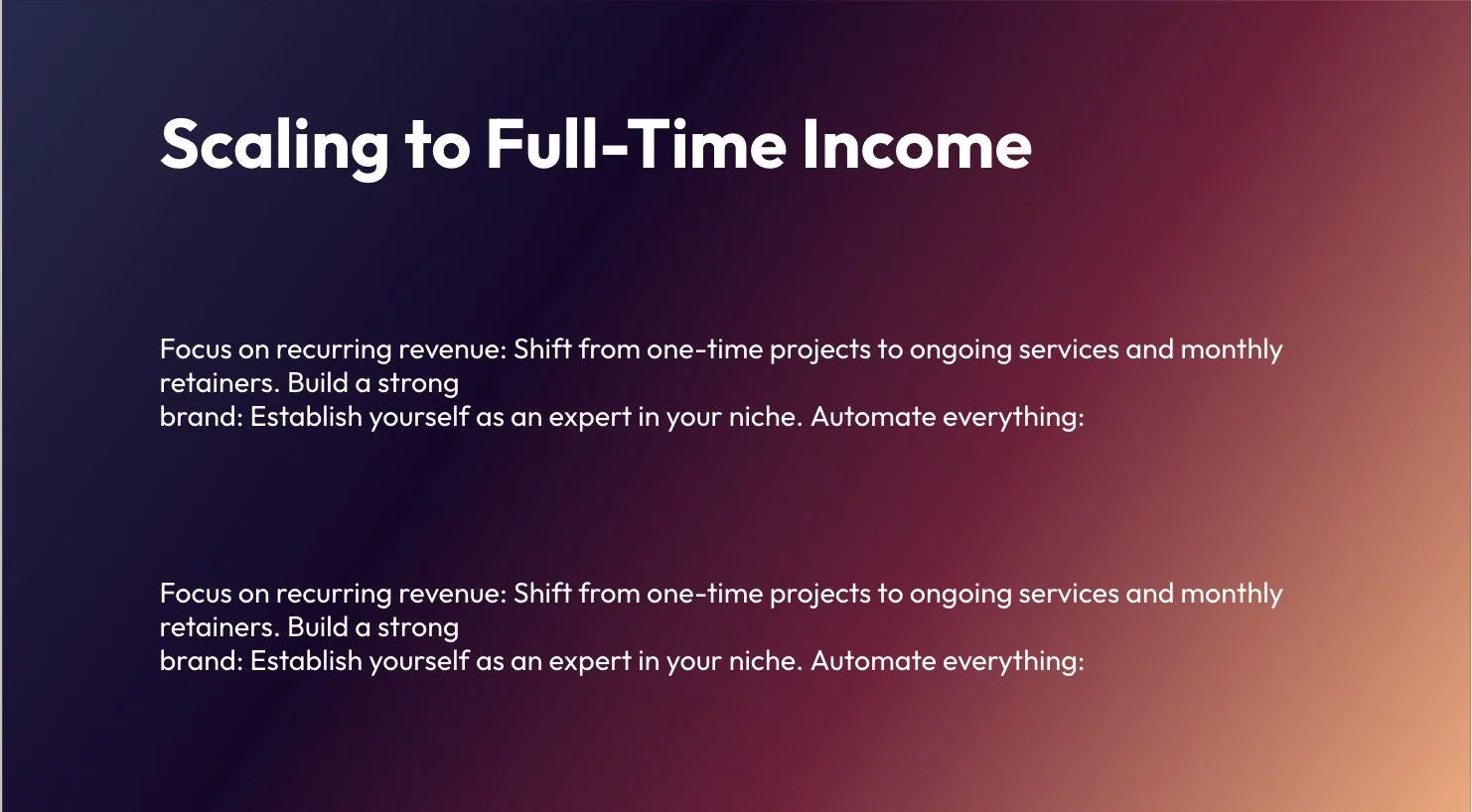






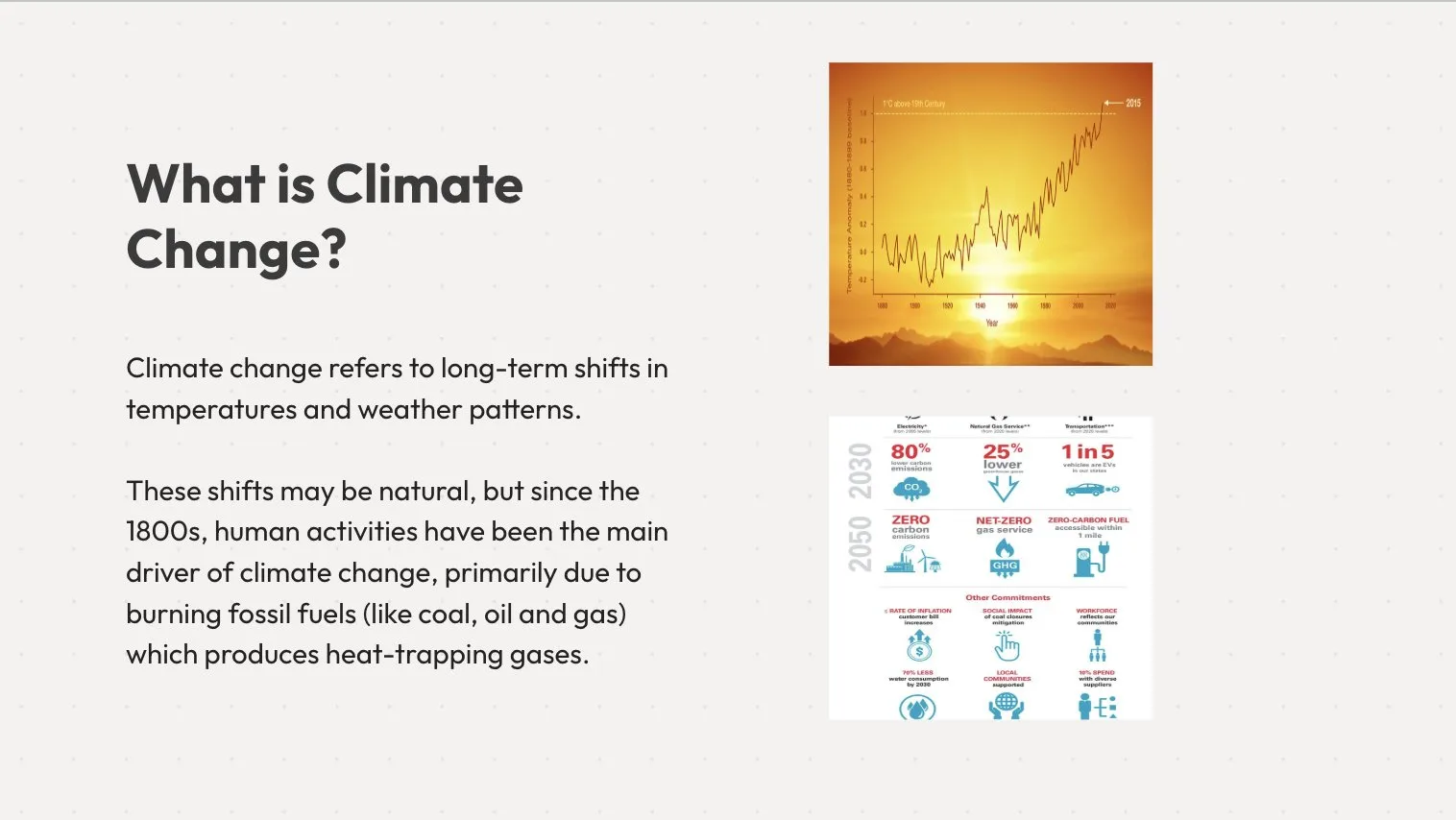
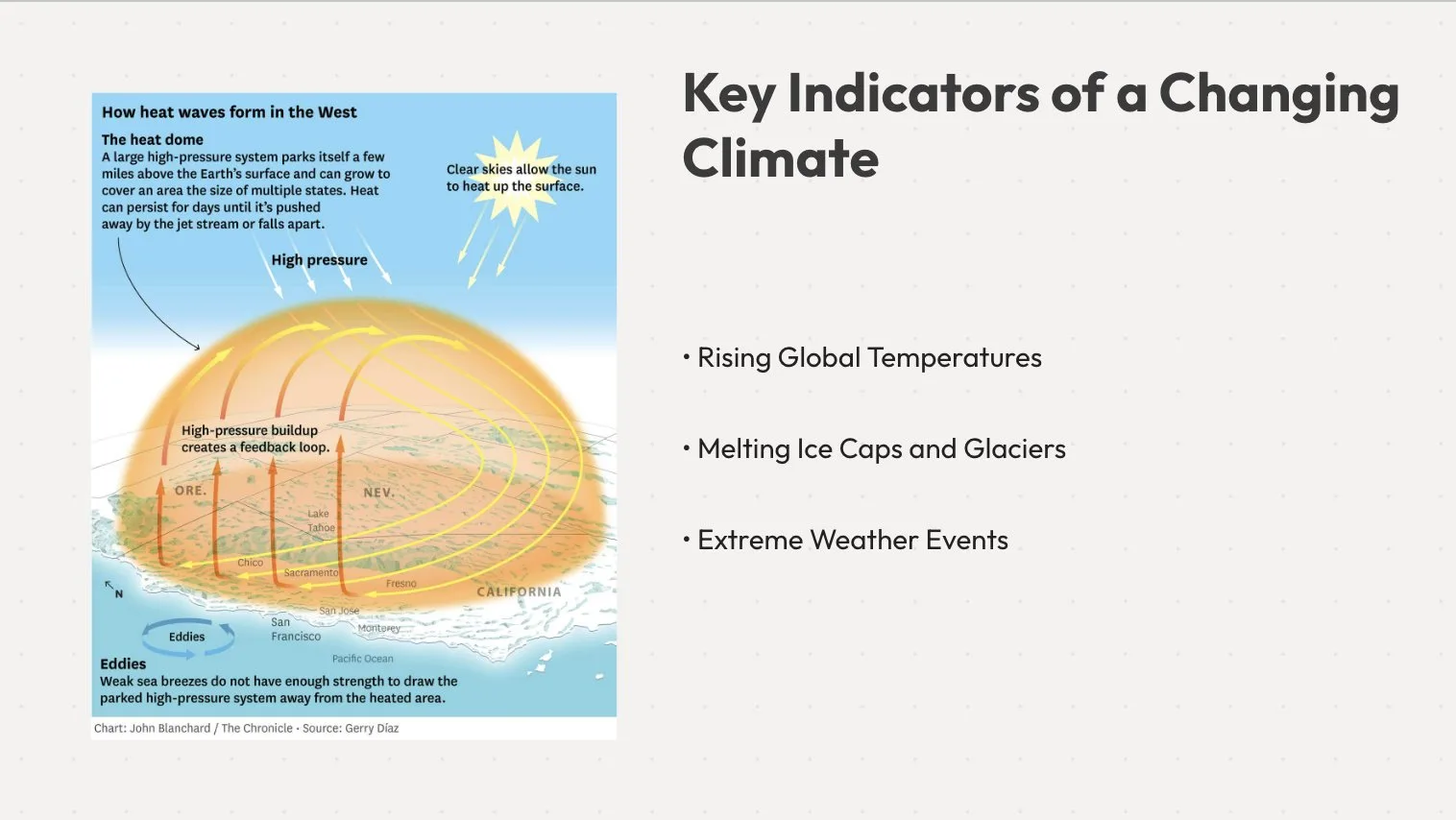






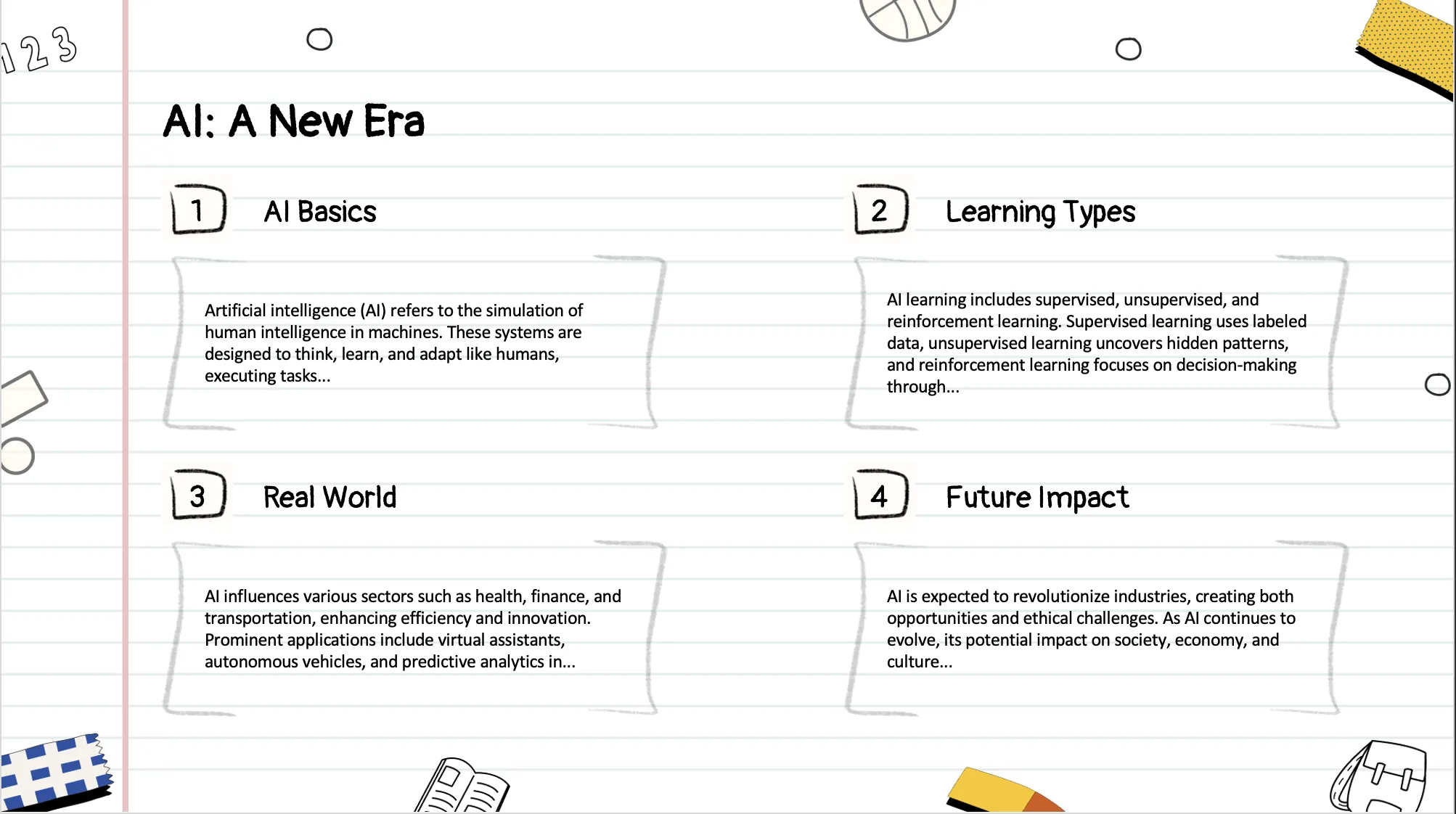
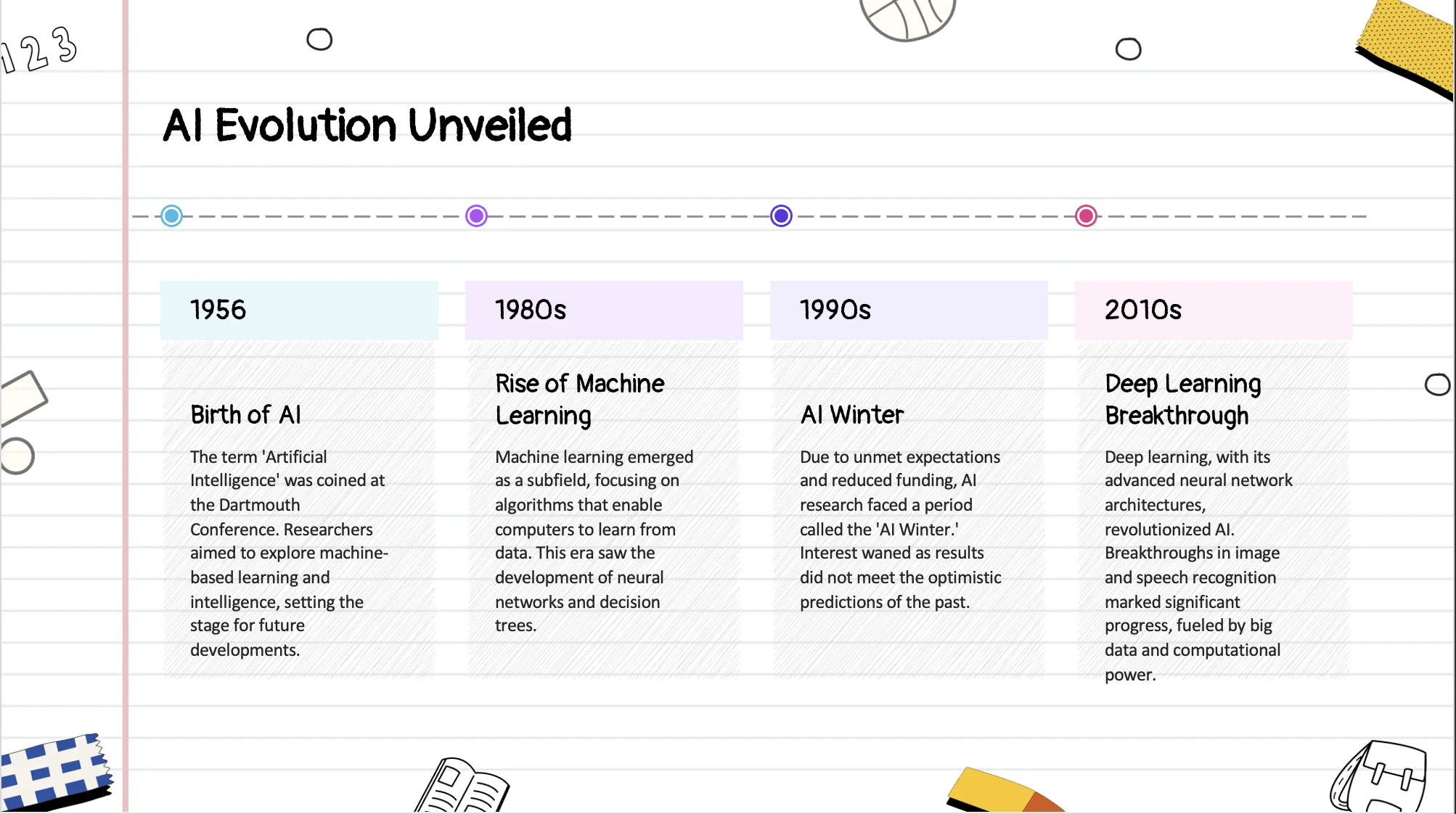

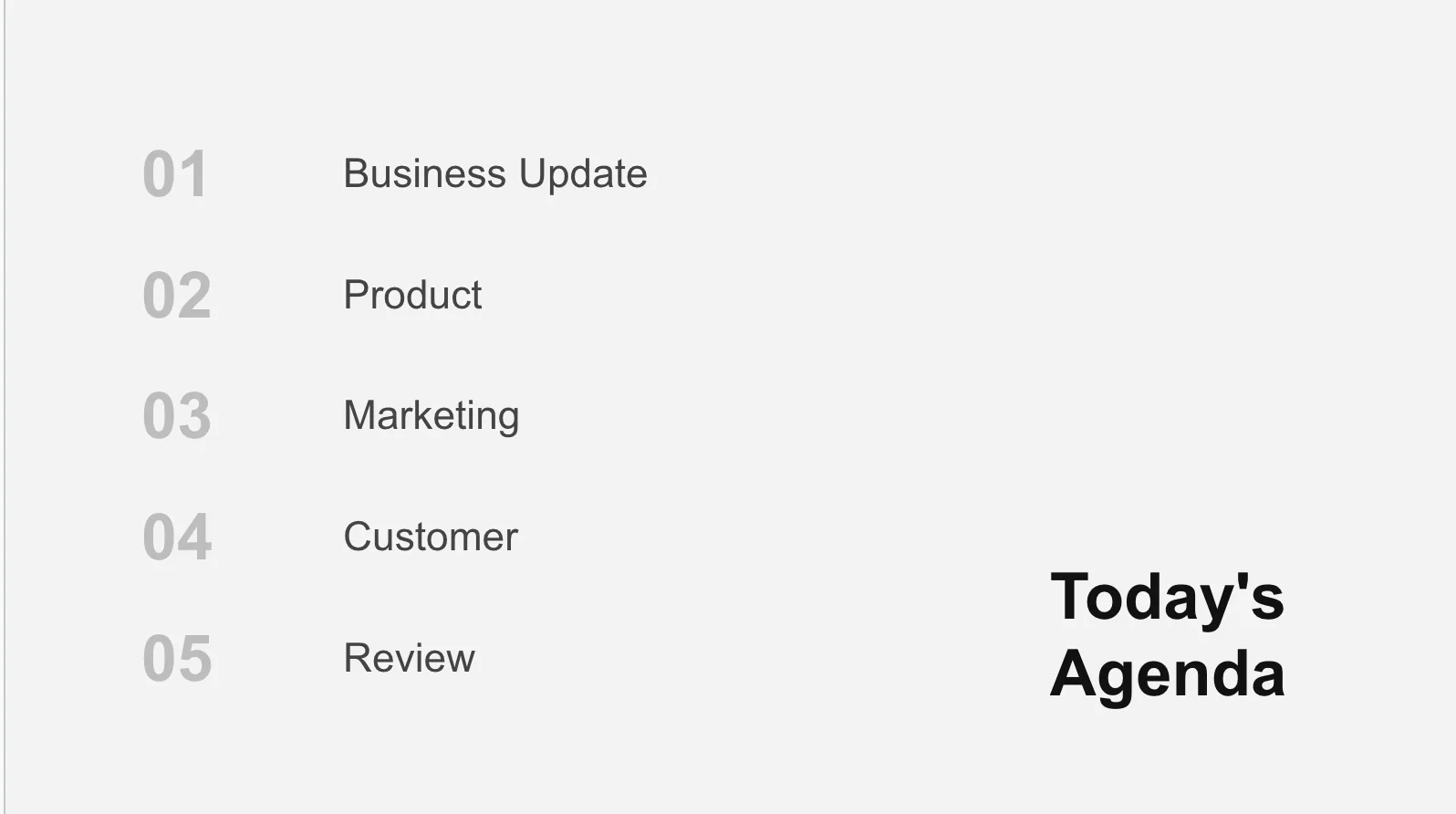

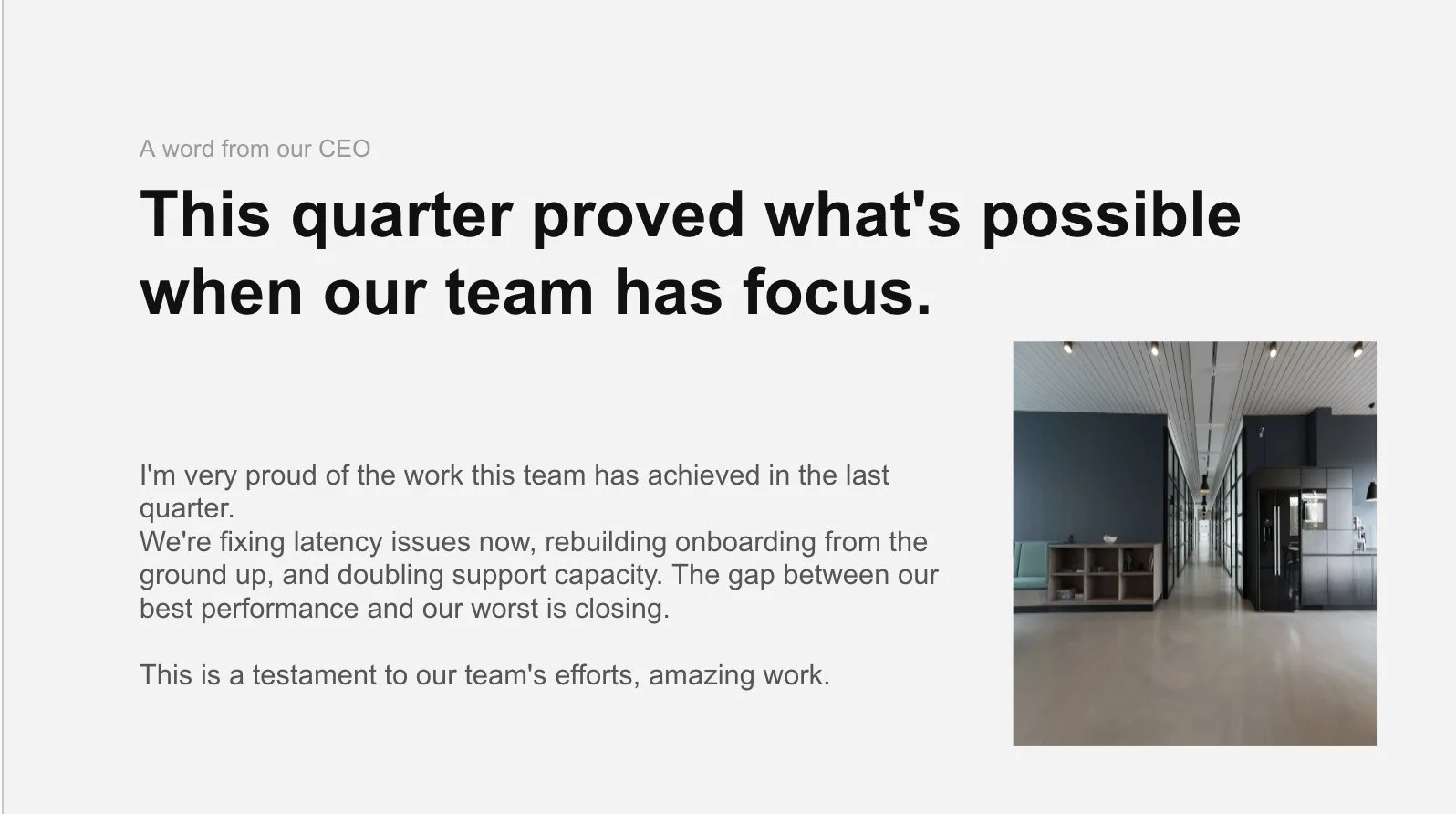

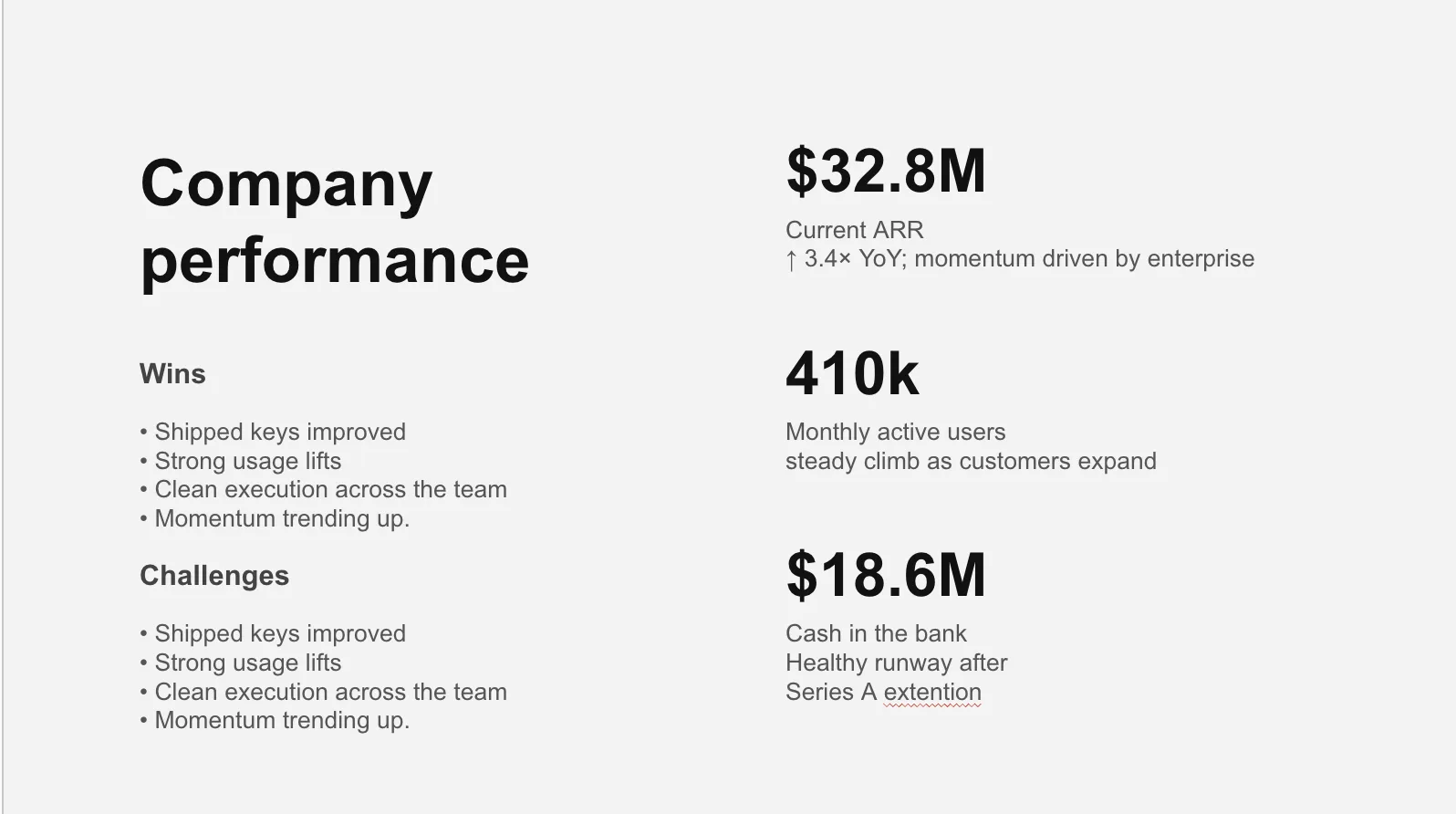
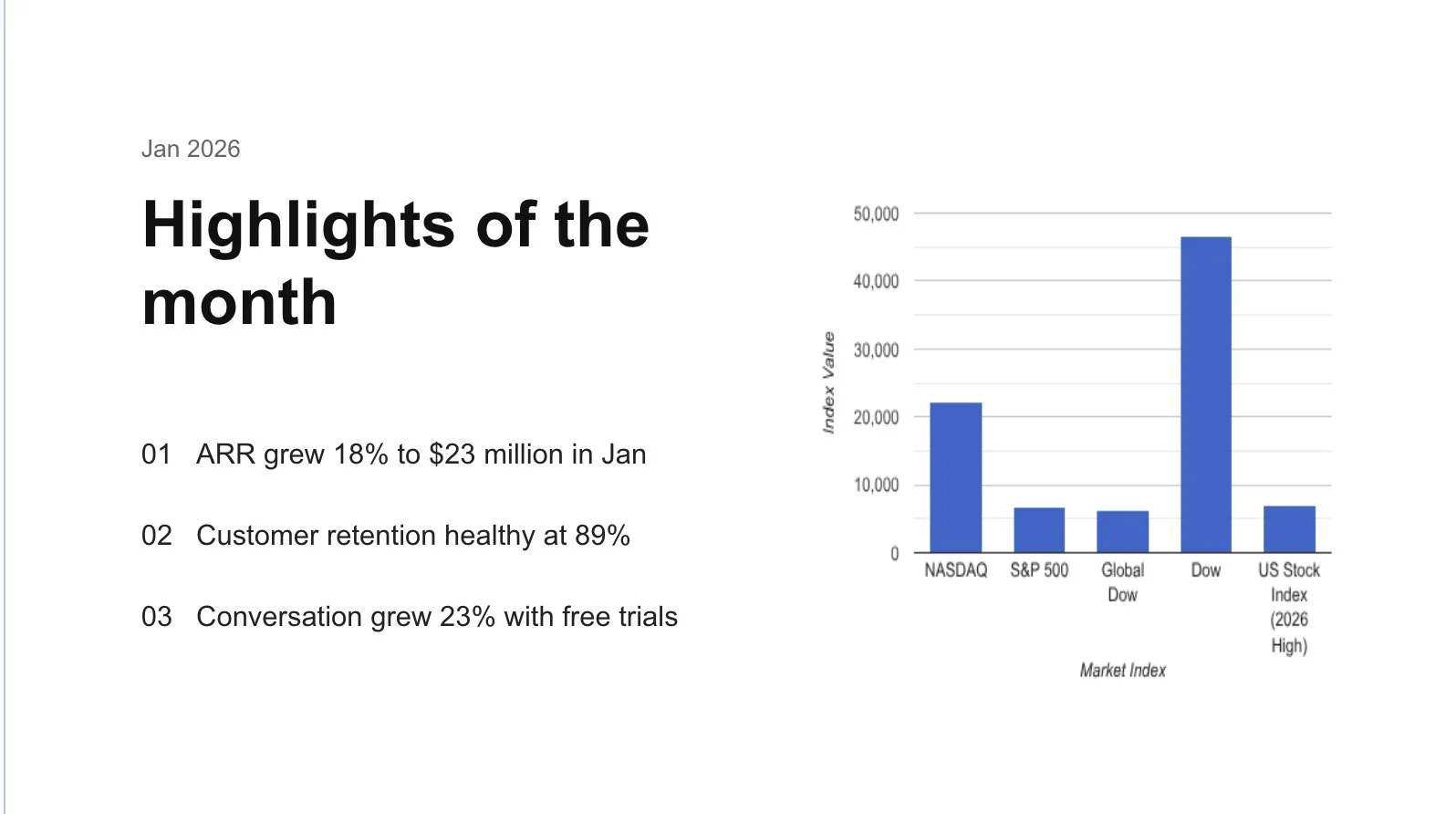
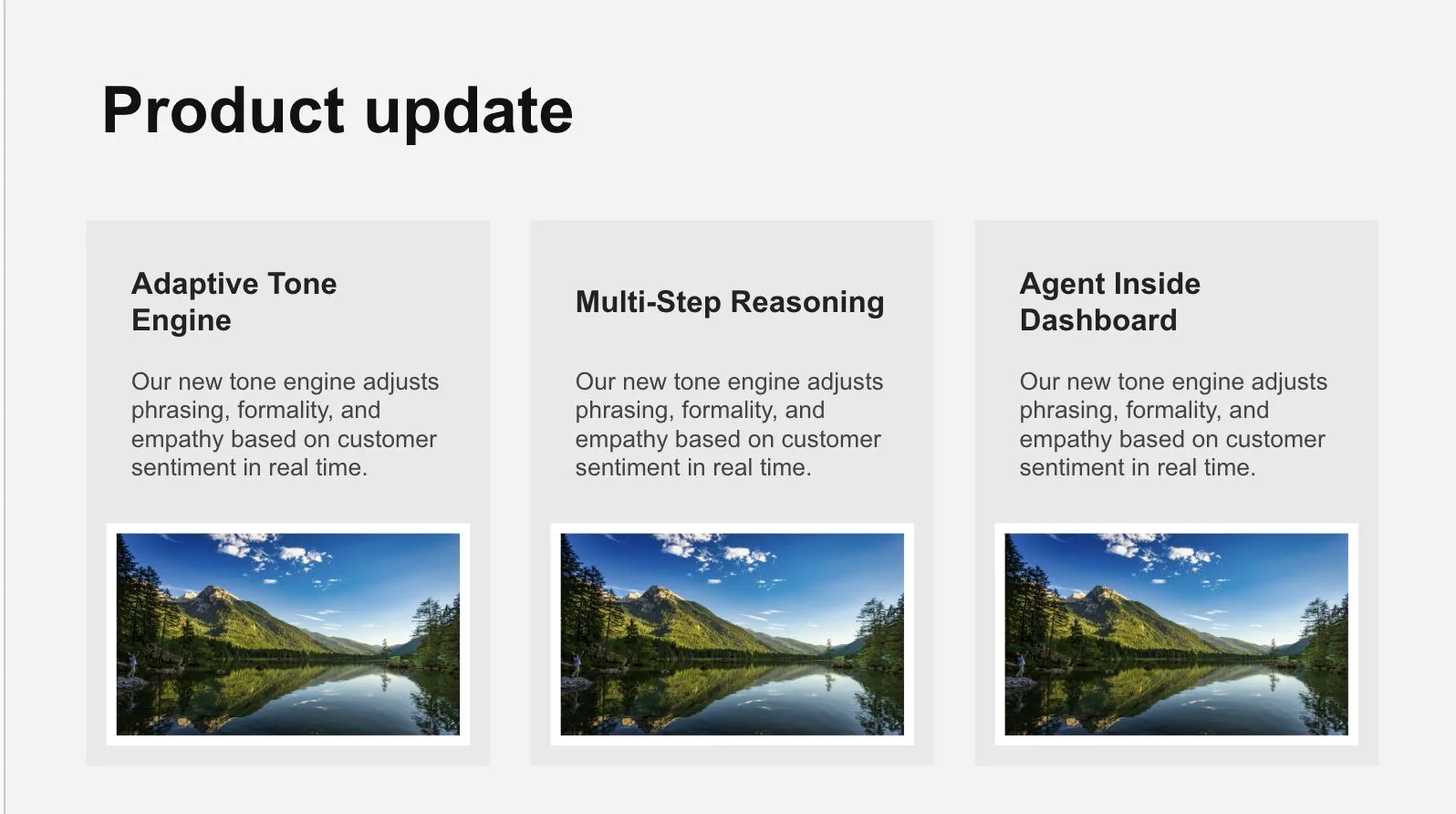
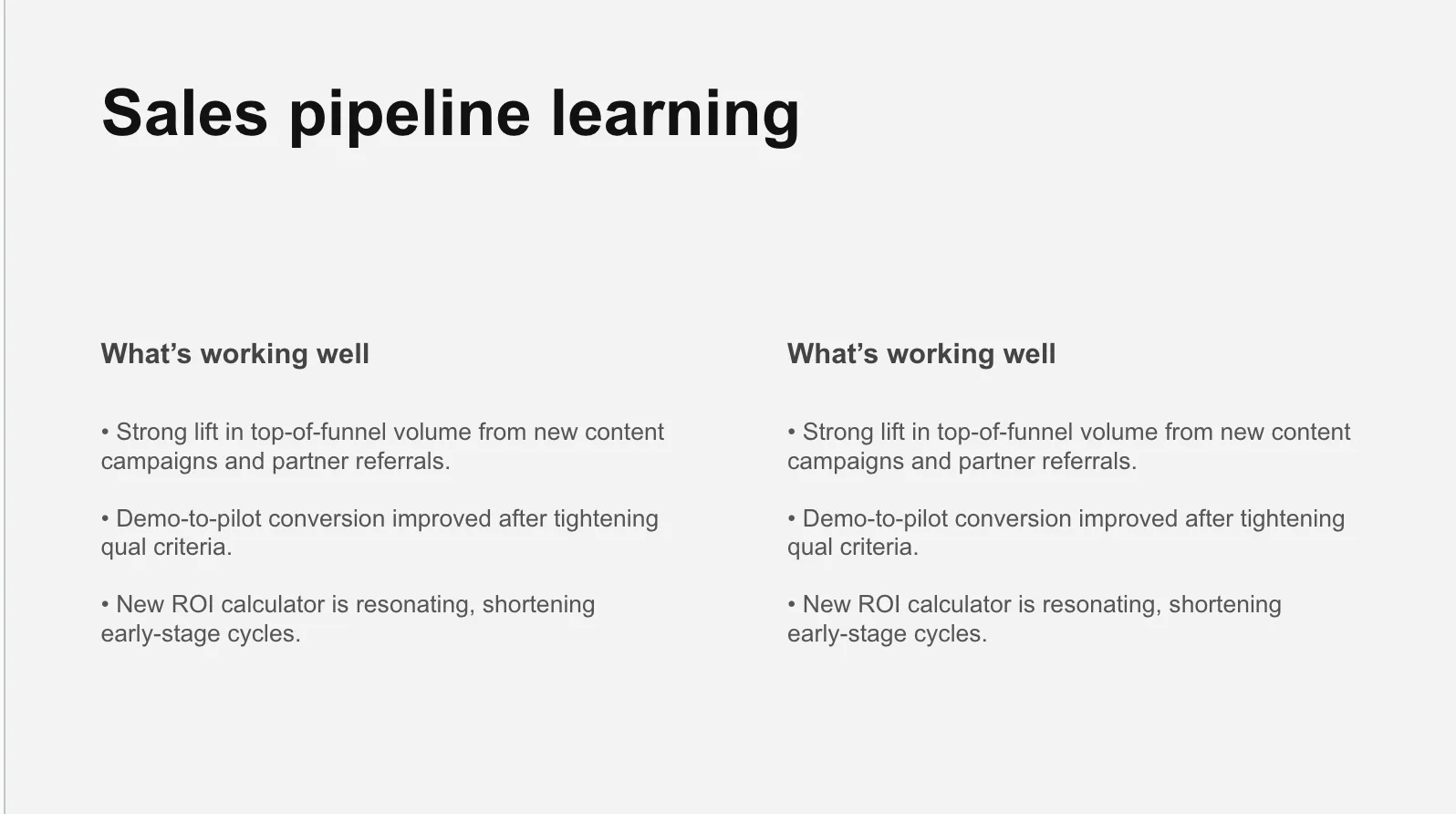
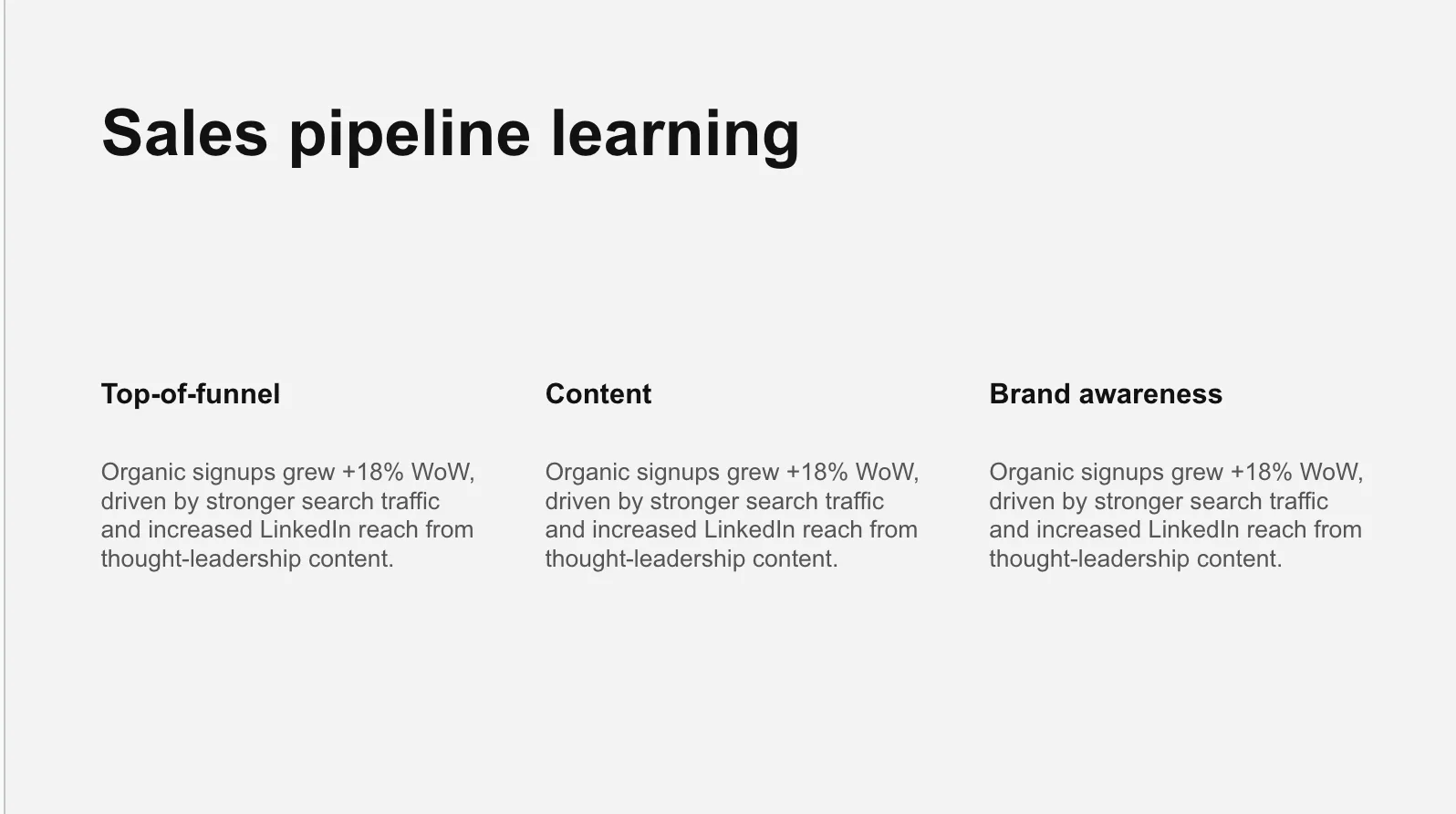
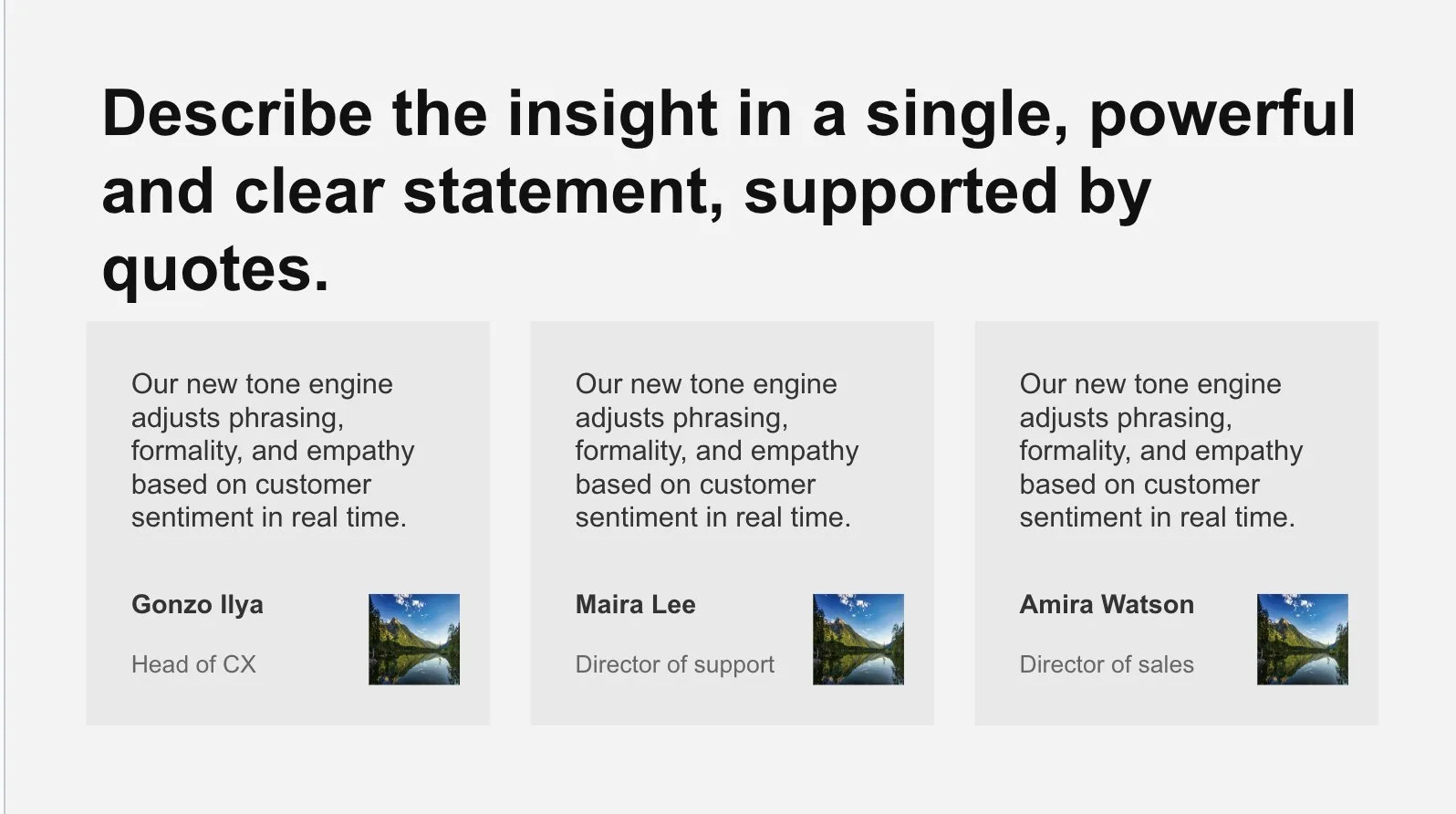
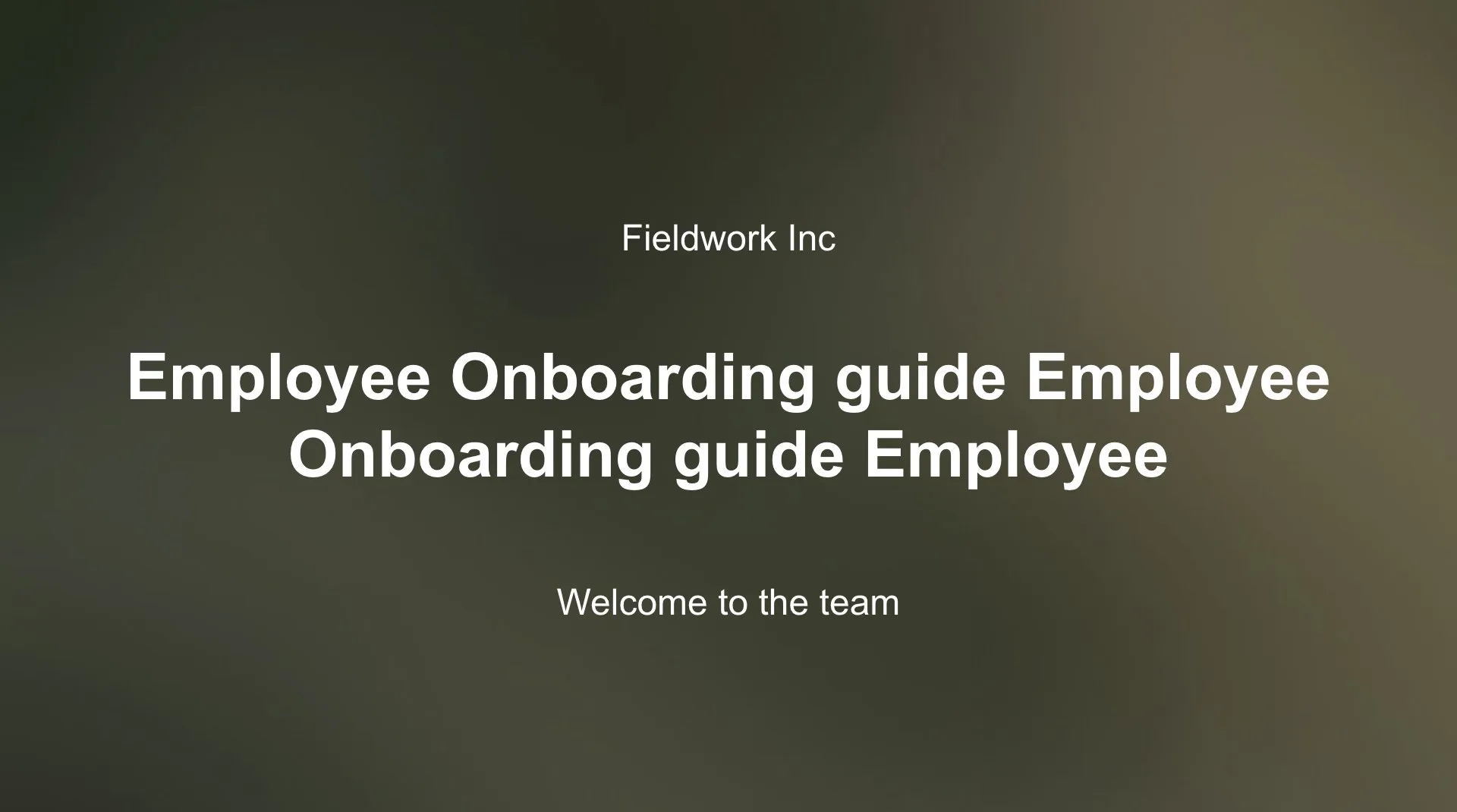
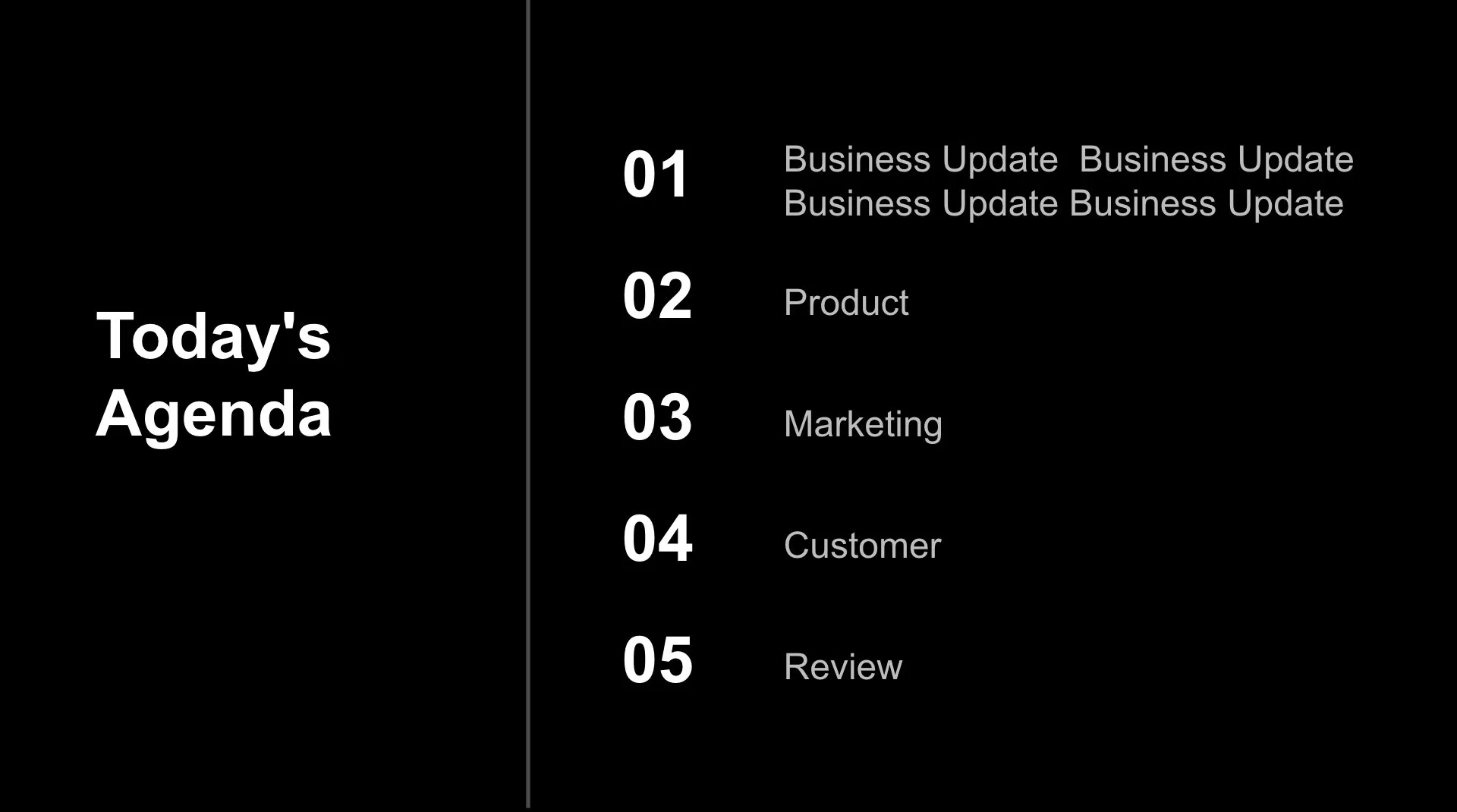













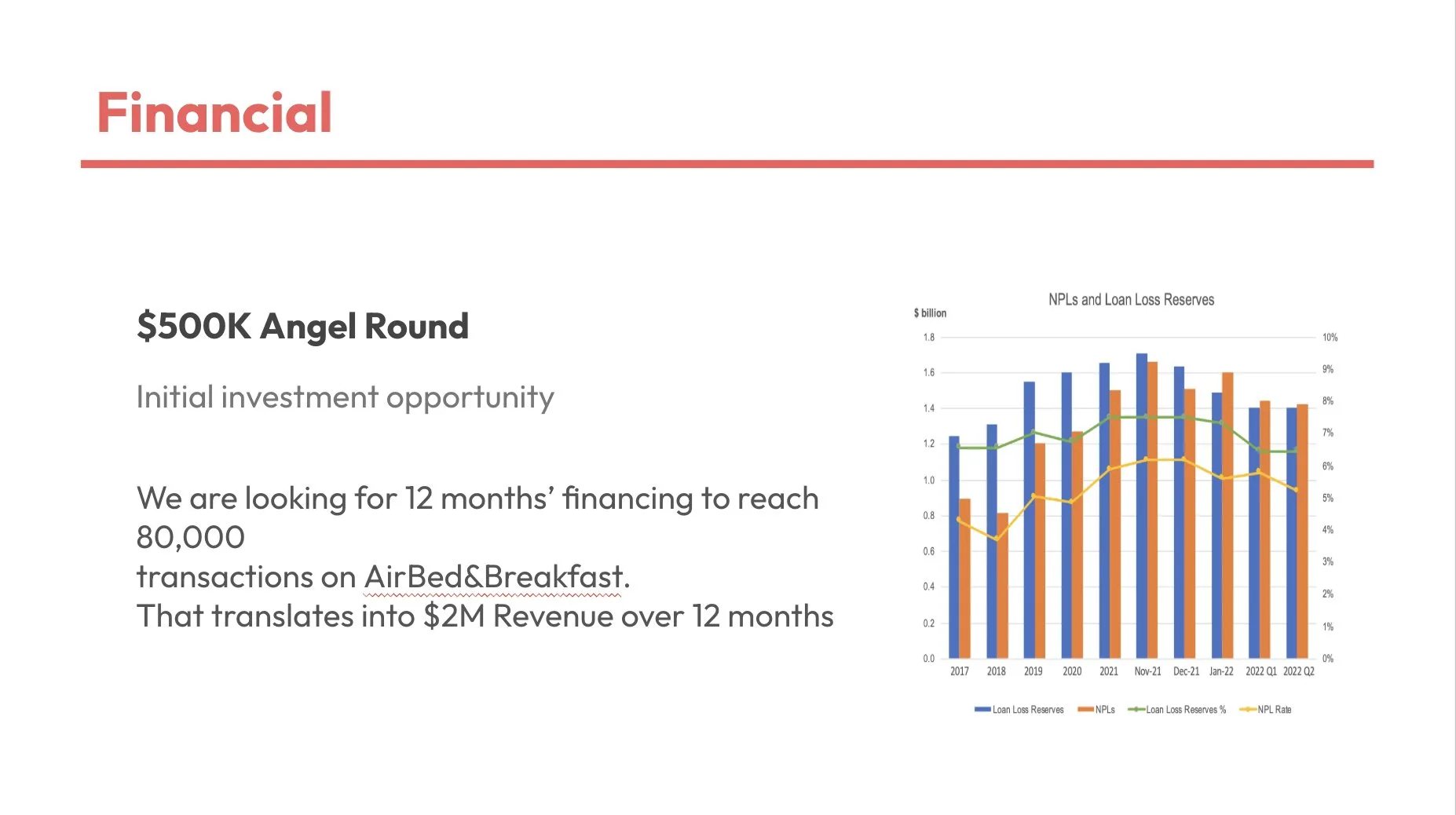

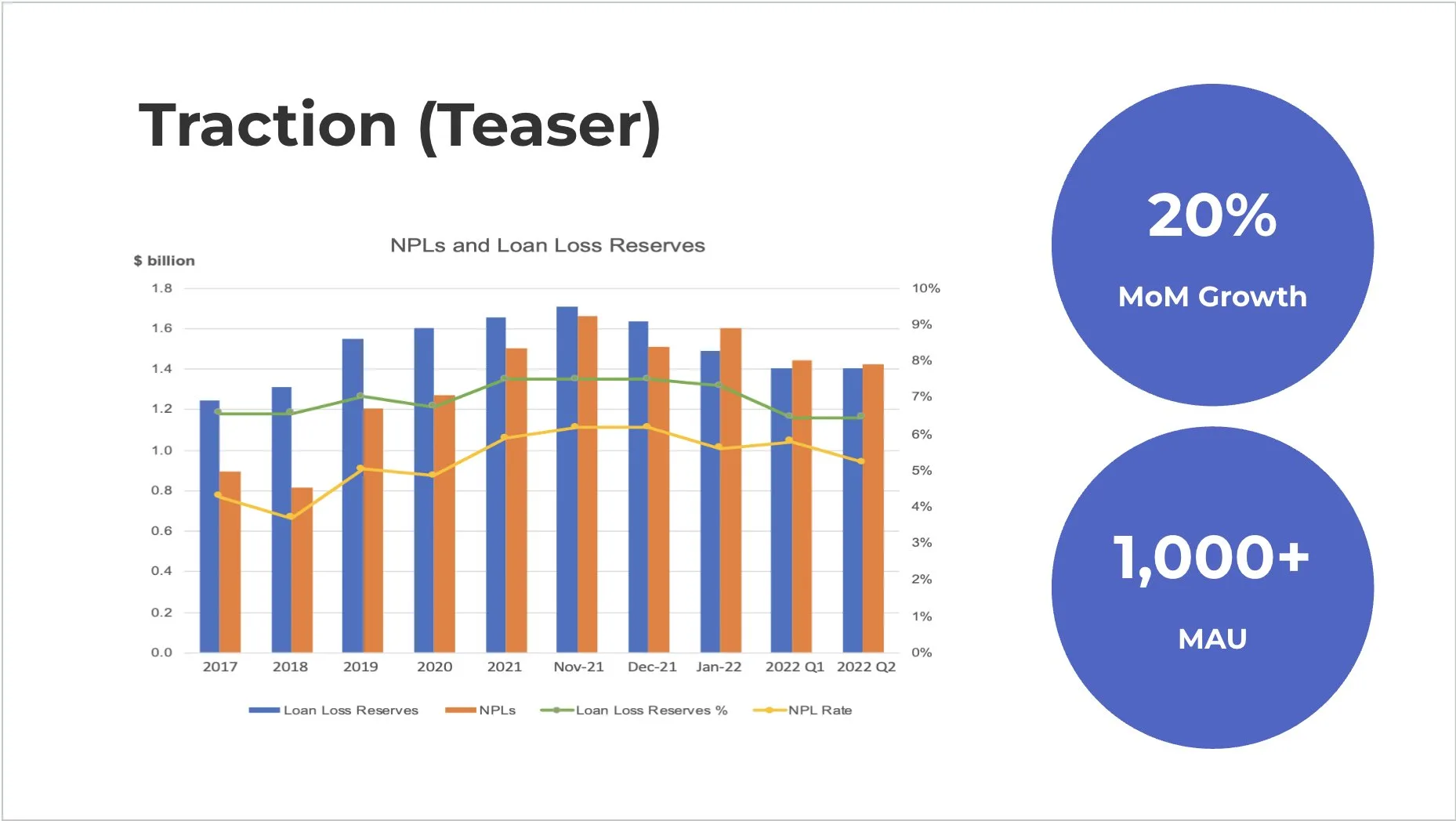

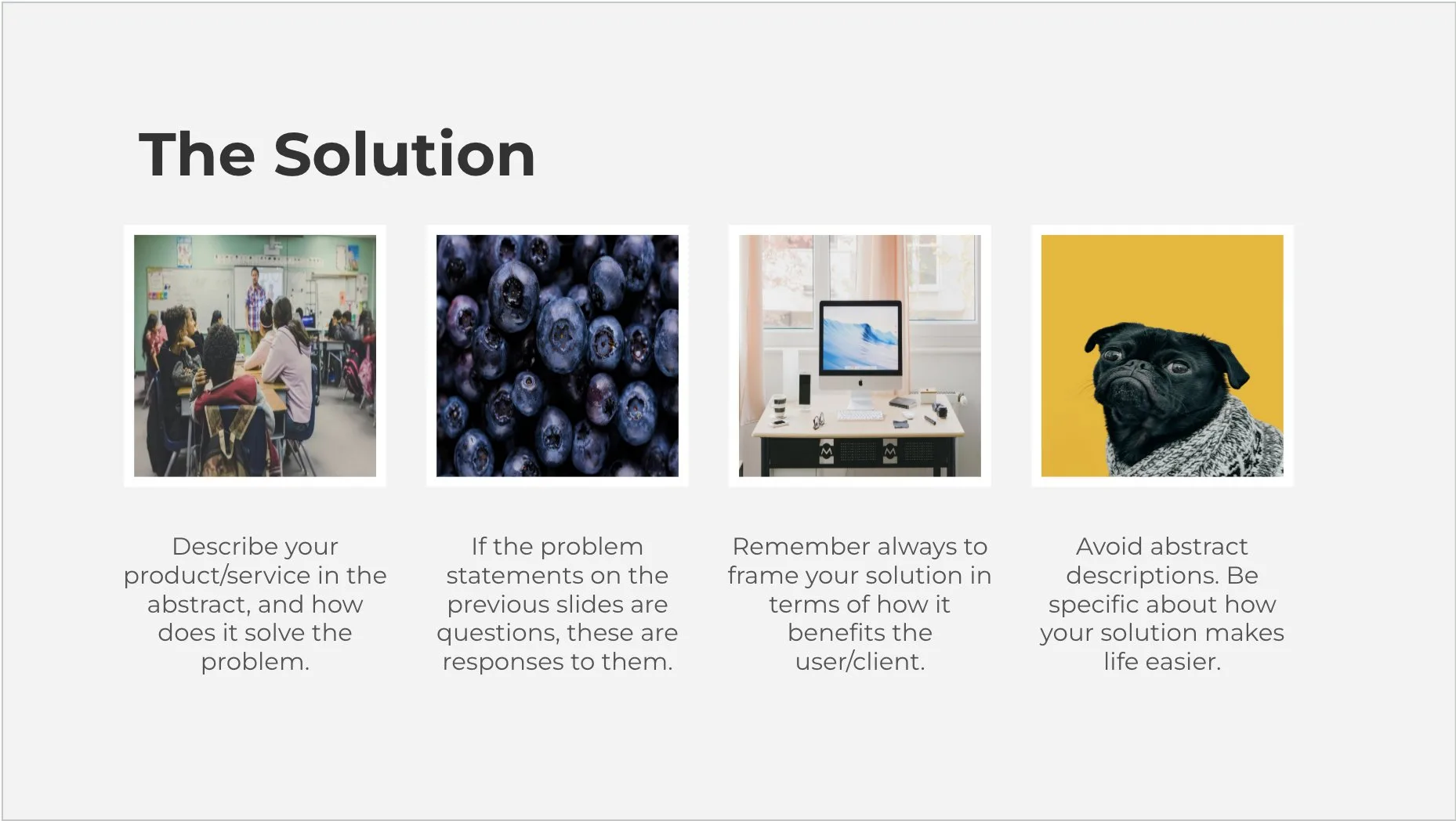
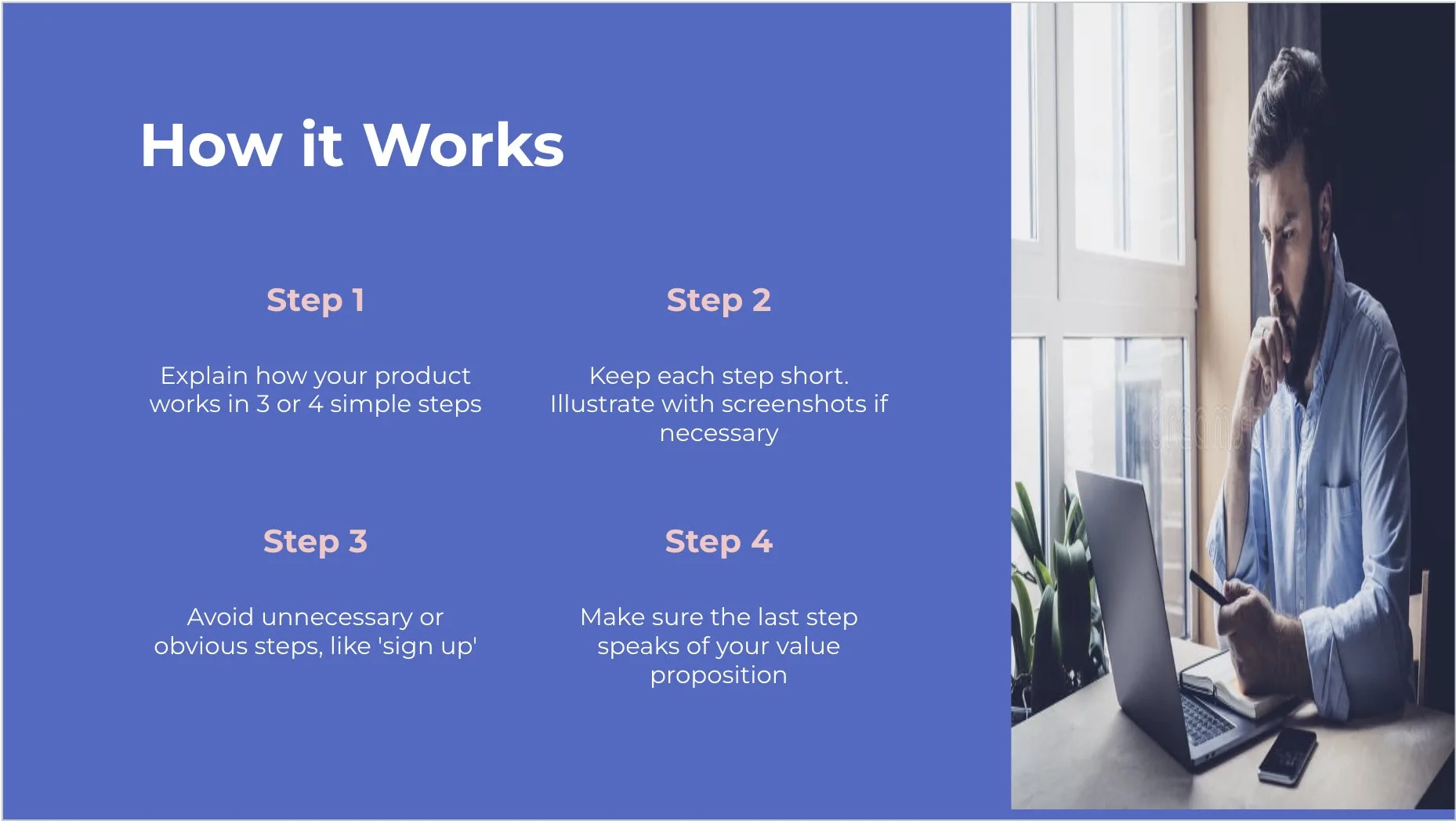

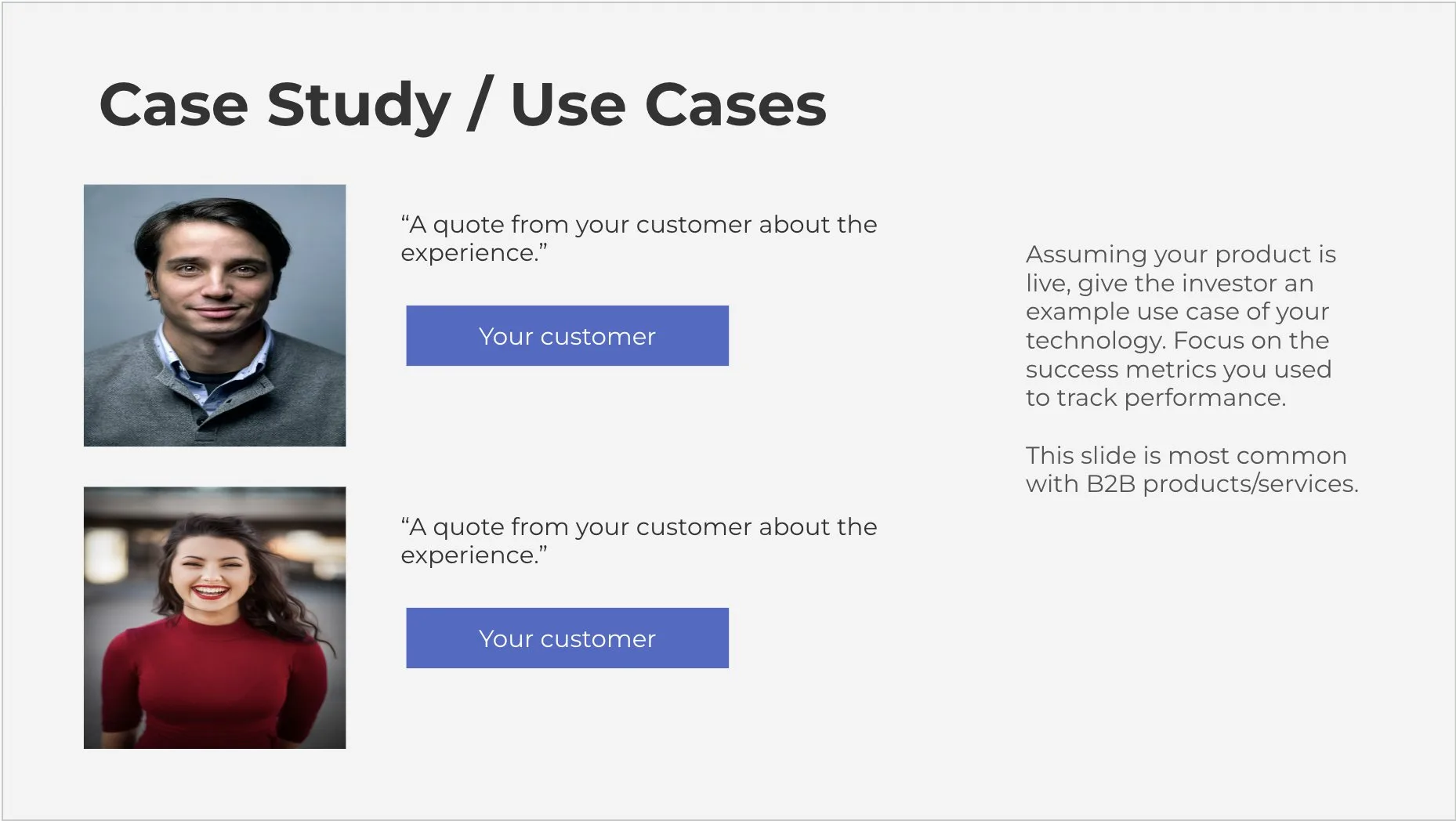
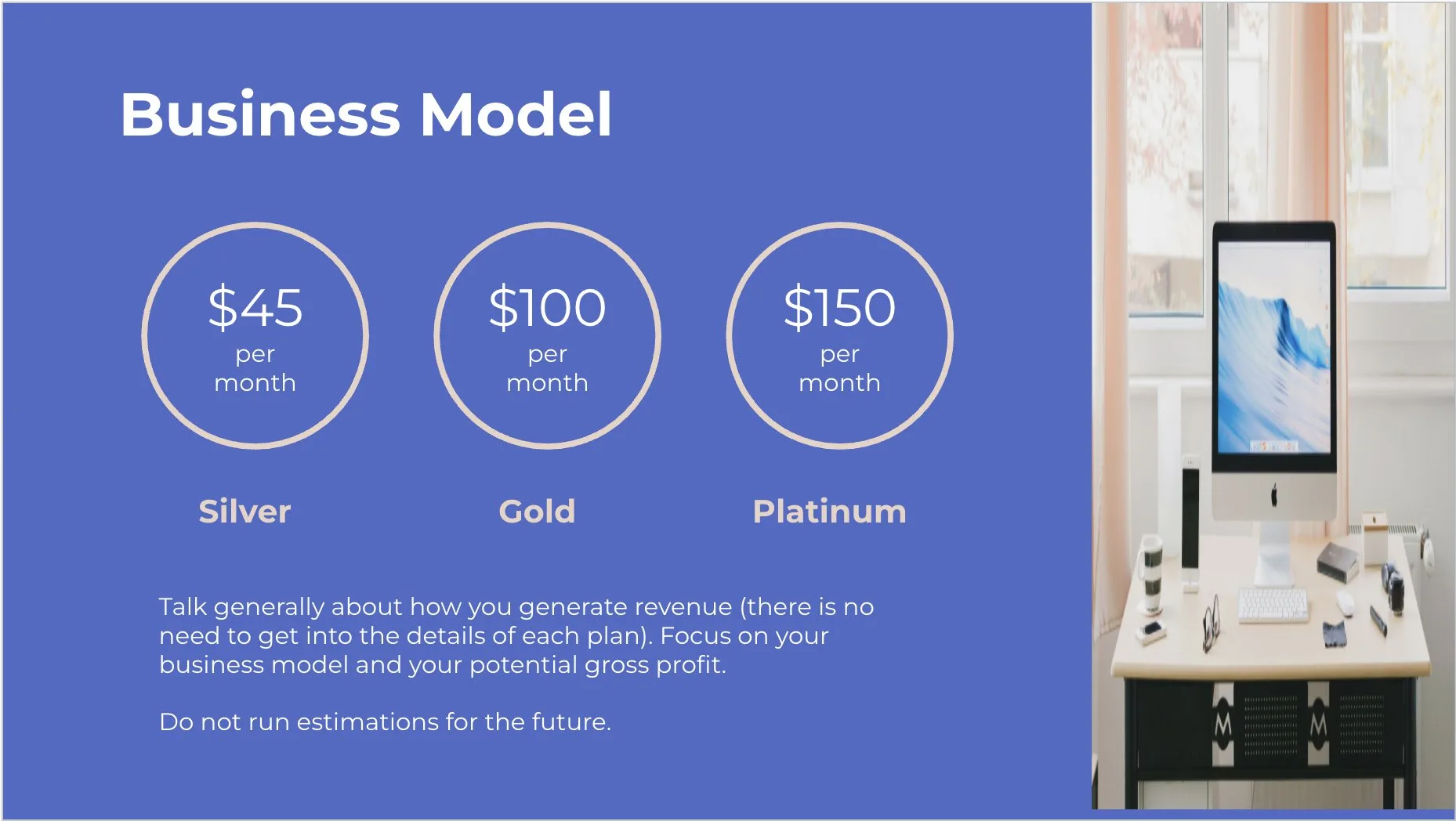
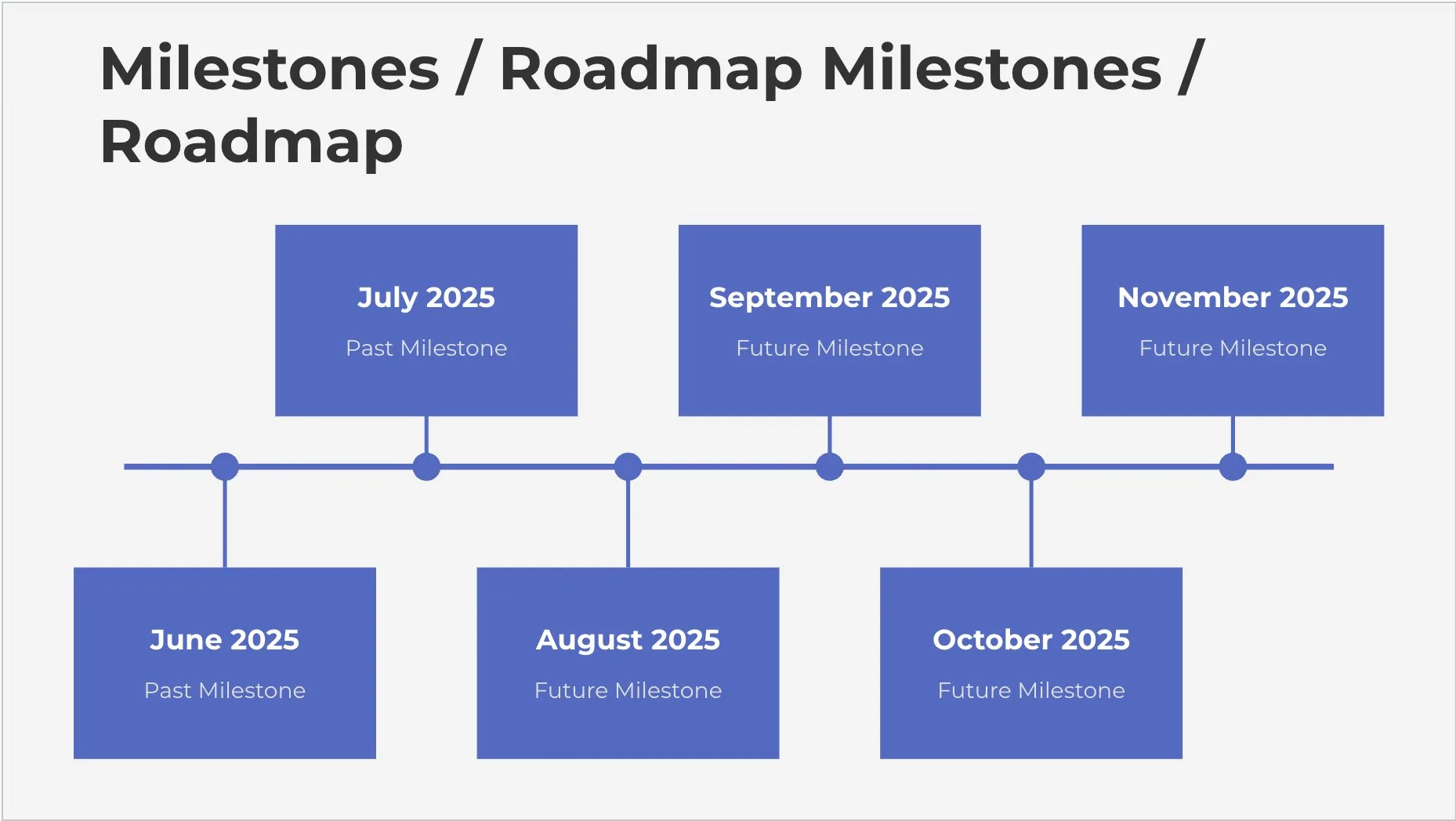





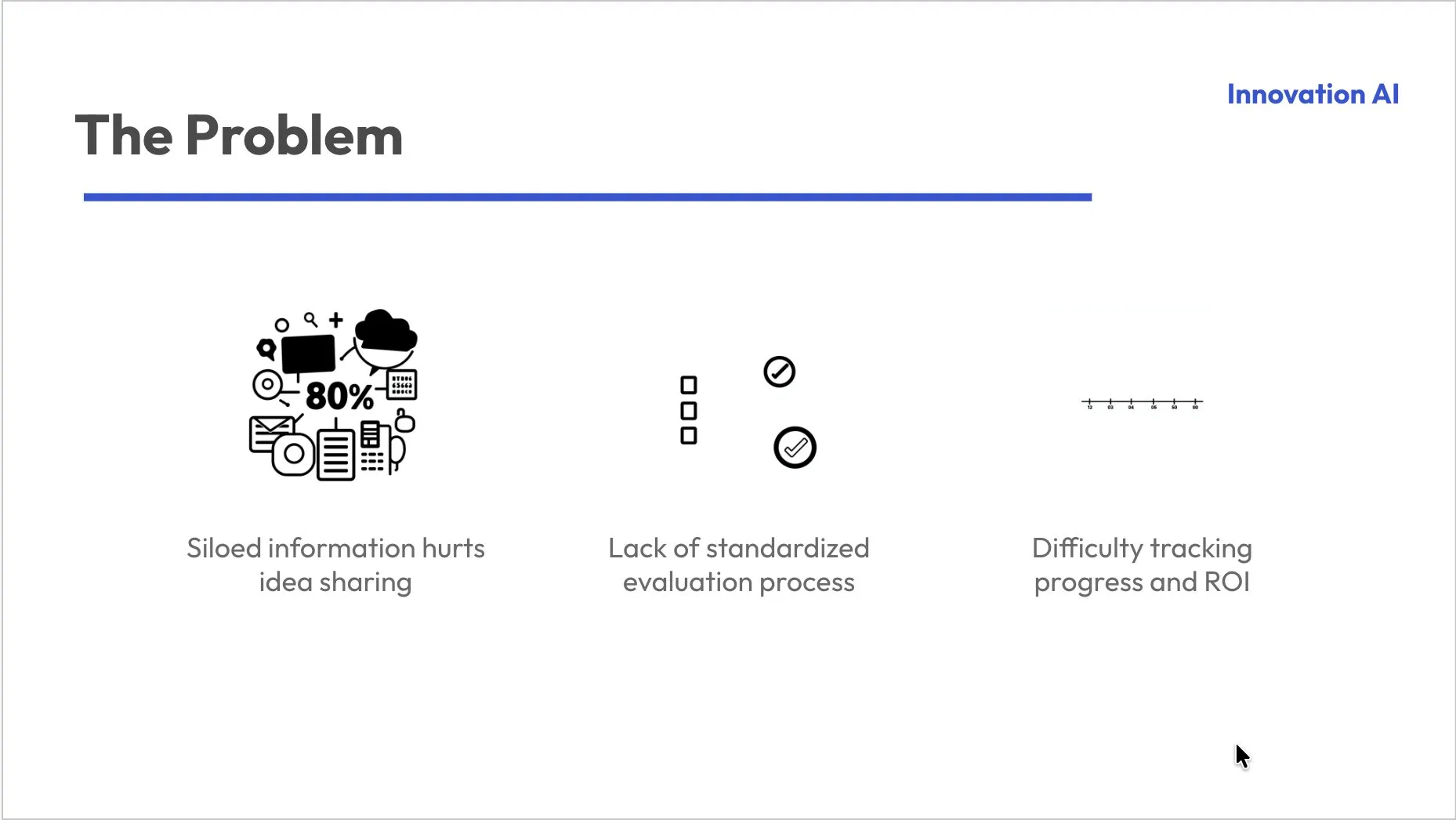


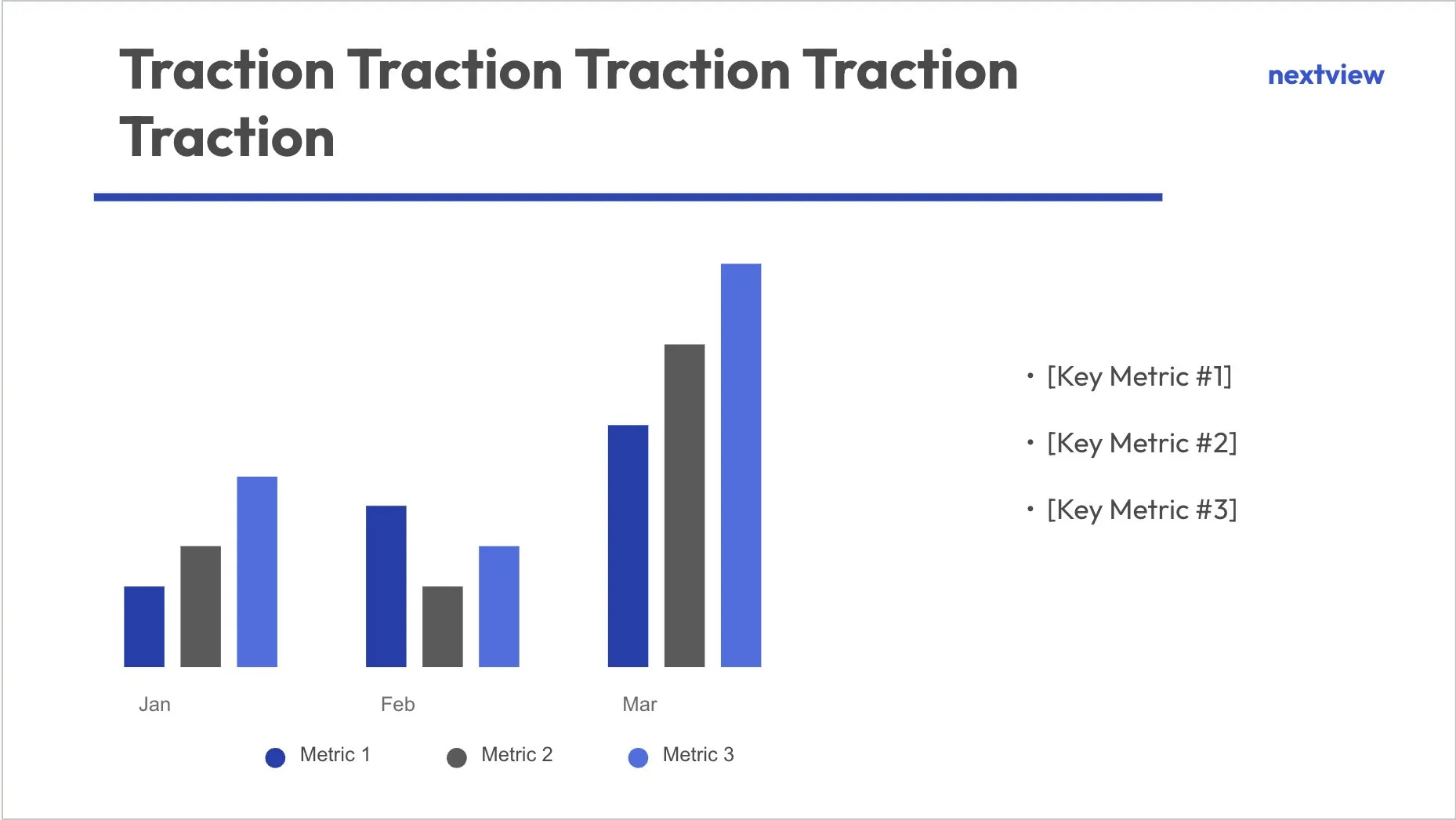
Trusted by 2.6M+ professionals and teams worldwide
- Google
- Amazon
- Netflix
- LinkedIn
- Salesforce
- HubSpot
- Shopify
- Stripe
- ByteDance
- Cisco
- IBM
- Red Hat
- NVIDIA
- SpaceX


Try Now! AI Presentation from Topic, YouTube URL, PDF.. in seconds for free.
Topic to PPT
Generate engaging presentations quickly from just a keyword. Ideal for students and educators needing fast, content-rich slides.
YouTube to PPT
Turn YouTube videos into informative slide presentations. Excellent for marketers and creators looking to expand their video content's reach.
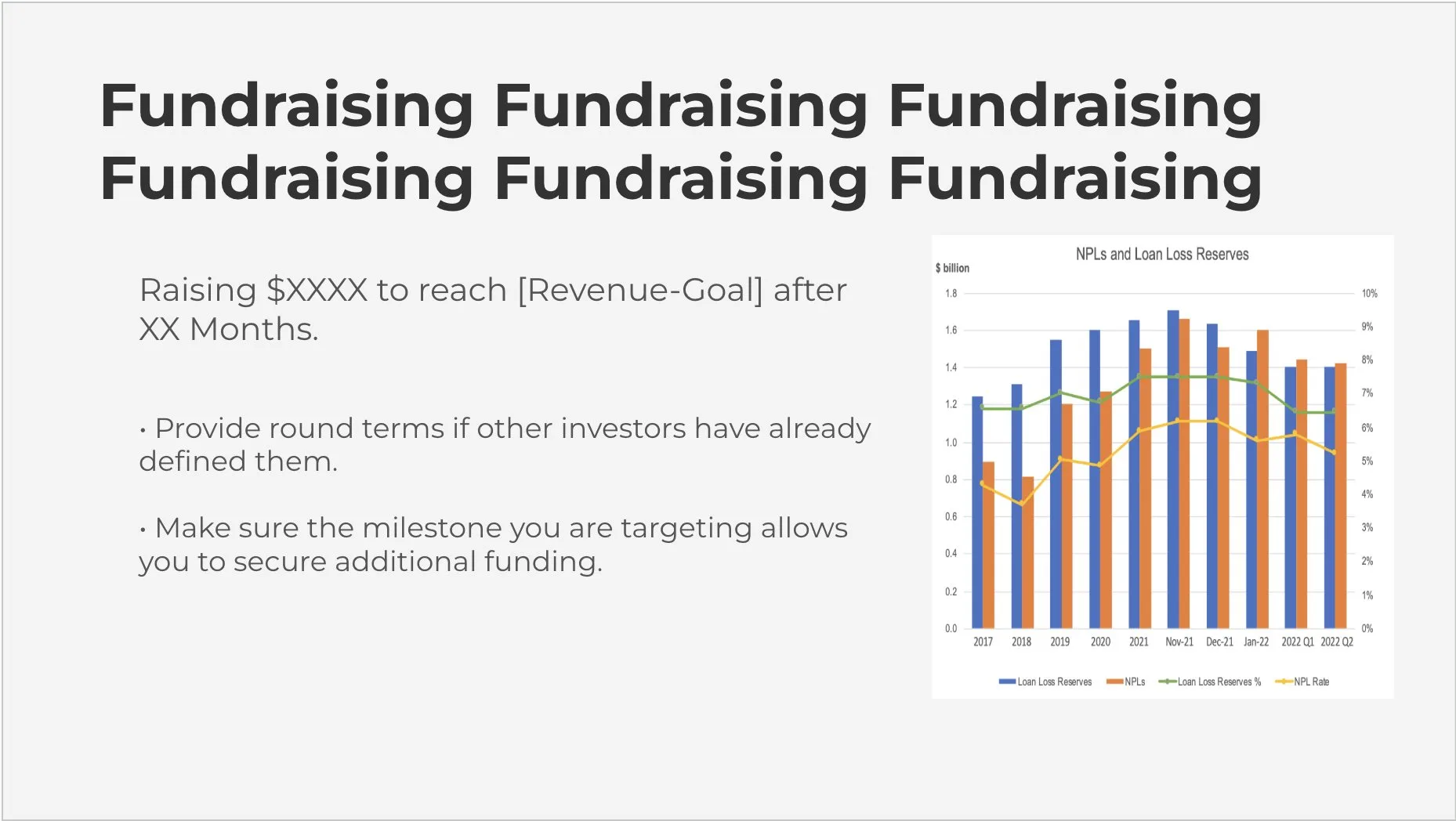
AI PitchDeck Generator
Turn Pitch Deck into informative slide presentations. Excellent for business and startup looking to present his business.
works where you do
Zero Learning Curve, with MagicSlides App you do not need to learn new tool,Use what you already know and love.






How the Google Slides Add-on Works
Go from a blank Google Slides file to a finished deck in four simple steps — without ever leaving the app.
⚡ No copy-paste, no switching tabs — AI builds your slides right inside Google Slides.

MagicSlides
Google Workspace Marketplace
Install the add-on
Find MagicSlides in the Google Workspace Marketplace and add it in one click.
Topic
The future of renewable energy
Enter your prompt
Type a topic, paste a URL or YouTube link, or upload a PDF — AI does the rest.
AI builds your deck
MagicSlides writes the content and designs every slide for you in seconds.
 Open in Google Slides
Edit & present
Tweak any slide right inside Google Slides, then present or download.
- Presentation Generated
- 818,465+
- Used by
- 451,793+
- Time saved (min)
- 16,369,300+
MagicSlides App Pricing
From an idea to a polished deck in one click. Pick the plan that fits how often you present — solo, team, or enterprise.


Frequently asked questions
What languages are supported?
MagicSlides supports 100+ languages. You can use any language you want.
Checkout Supported LanguagesWhat do I actually receive after I purchase a license?
We will find account with the gmail/gsuite id specified in purchase and upgrade it.
Can someone else order the license on my behalf?
Absolutely. When you make a purchase, the gmail address specified in the order will be automatically upgraded and the payer email is not tied to the account
How is support provided and what does it include?
You can send a mail to support@magicslides.app while your support period is still valid. Support is provided for issues with installation, licensing and usage. It does not include any customization or custom new features.
Contact UsWhat constitutes a user in terms of pricing?
A user is defined as one Google Account email address (yourname@domain). Our add-ons are licensed per user (Google Account) and you can use the license on any computer as long as you are signed in with the same email address.
Can't find an answer to your question?
Send a mail at support@magicslides.app and we'll be happy to help you 🙌
Contact Us
On your phone? Get the install link by email
The add-on installs from a desktop. Enter your email and we'll send you a link to add MagicSlides to Google Slides on your computer.


