
Docx Átalakítása PPT-vé
Alakítsa át a Docx-ot PPT-vé egyetlen kattintással. Adja meg a Docx URL-jét, és mi elvégezzük az átalakítást az Ön számára.
Click or drag a Word file here
Supports .doc and .docx — headings become slides


4.6 from 1,511 reviews on Trustpilot & Workspace
The Fastest Way to Convert DOCX to PPT
Creating presentations from Word documents can be time-consuming. Traditionally, you need to copy content manually, organize information into slides, format layouts, and add visuals. MagicSlides AI PPT Maker eliminates this process.
Our AI-powered DOCX to PPT converter analyzes your document, identifies headings and sections, extracts images, and automatically creates a professional PowerPoint presentation within seconds — whether you're converting business reports, research papers, lecture notes, training materials, proposals, or project documentation.
Works with any document
See Maya in Action
Watch how Maya turns your Word document into a polished, editable presentation

Magic Slides
Senior designer
Turn this Word doc into a pitch deck
Hey — Maya here. I've read through your document. Let me turn it into a clean, editable deck with the key highlights.
Designing your slides now...

Convert Word Documents into PowerPoint in 3 Simple Steps
From a Word file to a polished, editable presentation — no copy-pasting, no formatting headaches.
Upload Your DOCX File
Upload any Word document, including DOCX and DOC formats.
Maya is designing…Let AI Build Your Presentation
Maya analyzes the content structure, detects sections, extracts images, and generates presentation-ready slides.
Download Your PPT
Export a fully editable PowerPoint file that works in Microsoft PowerPoint and Google Slides.
Who Uses Our DOCX to PPT Converter?
From business teams to classrooms — see who turns documents into presentations with MagicSlides.
Q4 Performance Report
Business Reports
Convert reports, proposals, business plans, and executive summaries into client-ready presentations without manual slide creation.
Cell Biology 101
Academic Lectures
Turn lecture notes, assignments, research papers, and study material into engaging classroom presentations.
Employee Onboarding
Training Materials
Transform SOPs, onboarding guides, employee handbooks, and internal documentation into visual training decks.
Campaign Results
+48%
2.4x
92%
Marketing & Sales
Convert product briefs, case studies, campaign reports, and marketing documents into persuasive presentations.
Könnyű DOCX-ból PPT Konverzió
AI-alapú eszközünk leegyszerűsíti a Word dokumentumok professzionális PowerPoint prezentációkká történő átalakítását, időt és energiát takarítva meg Önnek.
Smart Content Analysis
Our AI understands document structure instead of simply copying text.
- Automatic heading detection
- Section-based slide generation
- Smart content grouping
- Improved slide organization
- Reduced text-heavy slides
Professional Presentation Templates
Every generated presentation comes with clean, modern, and visually appealing slide designs.
- Multiple presentation themes
- Consistent formatting
- Professional layouts
- Better visual hierarchy
- Presentation-ready styling
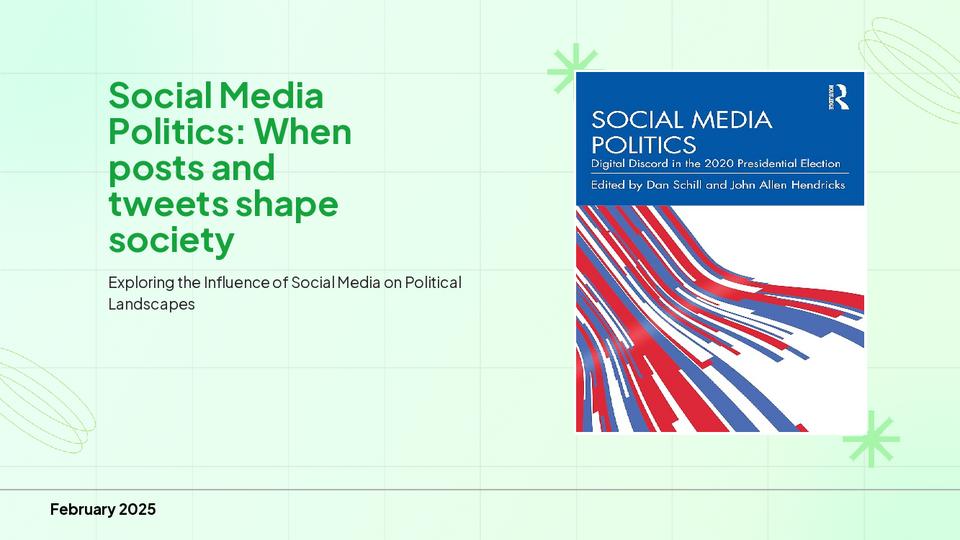
Automatic Image Extraction
Images embedded inside your Word document are automatically preserved during conversion.
- Extract images from DOCX files
- Preserve image quality
- Place visuals in relevant slides
- Support JPG, JPEG, and PNG files
Fully Editable PowerPoint Files
Unlike static converters, every generated presentation remains fully editable and compatible with Microsoft PowerPoint and Google Slides.
- Edit text and rearrange slides
- Change themes and replace images
- Add animations
- Apply company branding
Manual Word to PowerPoint vs MagicSlides
See why thousands skip the manual work and let AI do the heavy lifting.
Traditional Method
2–3 hours
of manual, repetitive work
Dozens of manual steps — every single time
- Copy and paste content manually
- Create the slide structure yourself
- Design every slide individually
- Move images manually
- Spend hours formatting
MagicSlides AI Converter
Under 60 sec
fully automated by AI
One step — upload & done
- Upload a DOCX file
- AI creates a slide structure automatically
- Images transferred instantly
- Professional designs included
- Presentation ready within minutes
Save hours every time you create a presentation.
More Than a Basic DOCX to PPT Converter
MagicSlides is designed for users who need more than a simple file conversion tool. Instead of converting a Word document into plain slides, our AI understands the content and transforms it into a presentation with clear structure, logical flow, and professional design.
The platform automatically converts headings into slide titles, groups related information together, and creates visually balanced slides that are easier to present and understand.
Whether you're looking for a DOCX-to-PPT converter, a Word-to-PowerPoint converter, or an AI presentation generator, MagicSlides helps you create presentations significantly faster while maintaining quality and consistency.
Executive Summary
Key Findings
Recommendations
Loved by Teams Worldwide
Rated 4.1/5 on Trustpilot · 4.5/5 on G2
The slides actually look like something a skilled designer would have made — minimalist, balanced, and visually engaging. It doesn’t replace creativity, it amplifies it.
Chirag P.
Trustpilot
Very helpful in creating presentations, inserting images and data with proper alignment. Very easy to implement on your data. The customer support is really good.
Gagan M.
MIS Analyst · G2
They turned my ideas into a polished, professional presentation that exceeded my expectations. The design was sleek, engaging, and perfectly aligned with my brand.
Abdulrhman A.
Trustpilot
The presentations created are very nice, creative, and feel quite special — not like a standard or generic presentation. The customer support took time to explain everything.
Laki A.
Trustpilot
Easy to implement, not much confusion. Just paste the text and presentation will get ready within minutes. Contains different fonts, themes, and layouts which make presentations look really good.
Akash H.
System Engineer · G2
A game changer for me. I can just choose a prompt or give any URL or YouTube video and it makes a PPT on it with my favorite template or LLM model of my choice.
Priyansh S.
Trustpilot
Egyéb Ingyenes PPT Eszközök
Diák klónozása AI-val
Másoljon bármilyen képet az internetről szerkeszthető .pptx fájlba kevesebb mint 2 perc alatt. Alakítsa át a vizuális inspirációt azonnal teljesen testreszabható prezentációkká.
Téma PPT-vé AI-val
Készítsen vonzó prezentációkat gyorsan, csupán egy kulcsszó alapján. Ideális diákoknak és oktatóknak, akiknek gyors, tartalomgazdag diákra van szükségük.
YouTube PPT-vé AI-val
Alakítsa át a YouTube-videókat informatív diavetítésekké. Kiváló marketingesek és tartalomkészítők számára, akik bővíteni szeretnék videós tartalmaik elérhetőségét.
AI Pitch Deck generátor
Alakítsa át a Pitch Decket informatív diavetítésekké. Kiváló vállalkozások és startupok számára, akik bemutatnák üzletüket.
Szöveg PPT-vé AI-val
Készítsen vonzó prezentációkat gyorsan, csupán egy kulcsszó alapján. Ideális diákoknak és oktatóknak, akiknek gyors, tartalomgazdag diákra van szükségük.
URL PPT-vé AI-val
Alakítson át bármilyen weboldalt könnyedén átfogó prezentációvá. Tökéletes szakemberek és kutatók számára, akik webes adatokat mutatnak be.
Related Reading
Guides on working between documents and presentations.
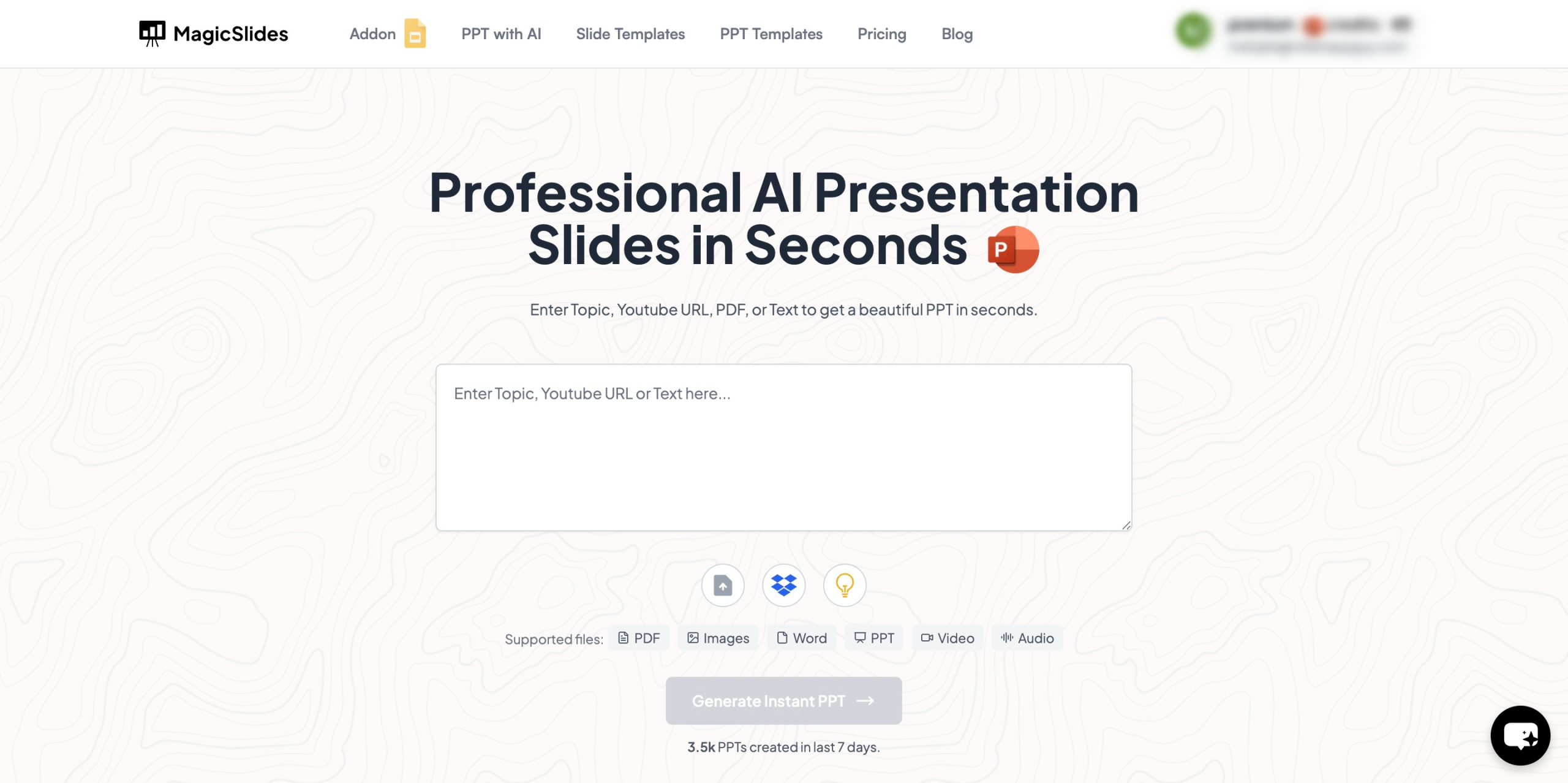
How to Turn a Presentation into a Doc Without Losing Impact
Easily convert presentations into documents without losing impact. Follow best practices and use MagicSlides to streamline your workflow.
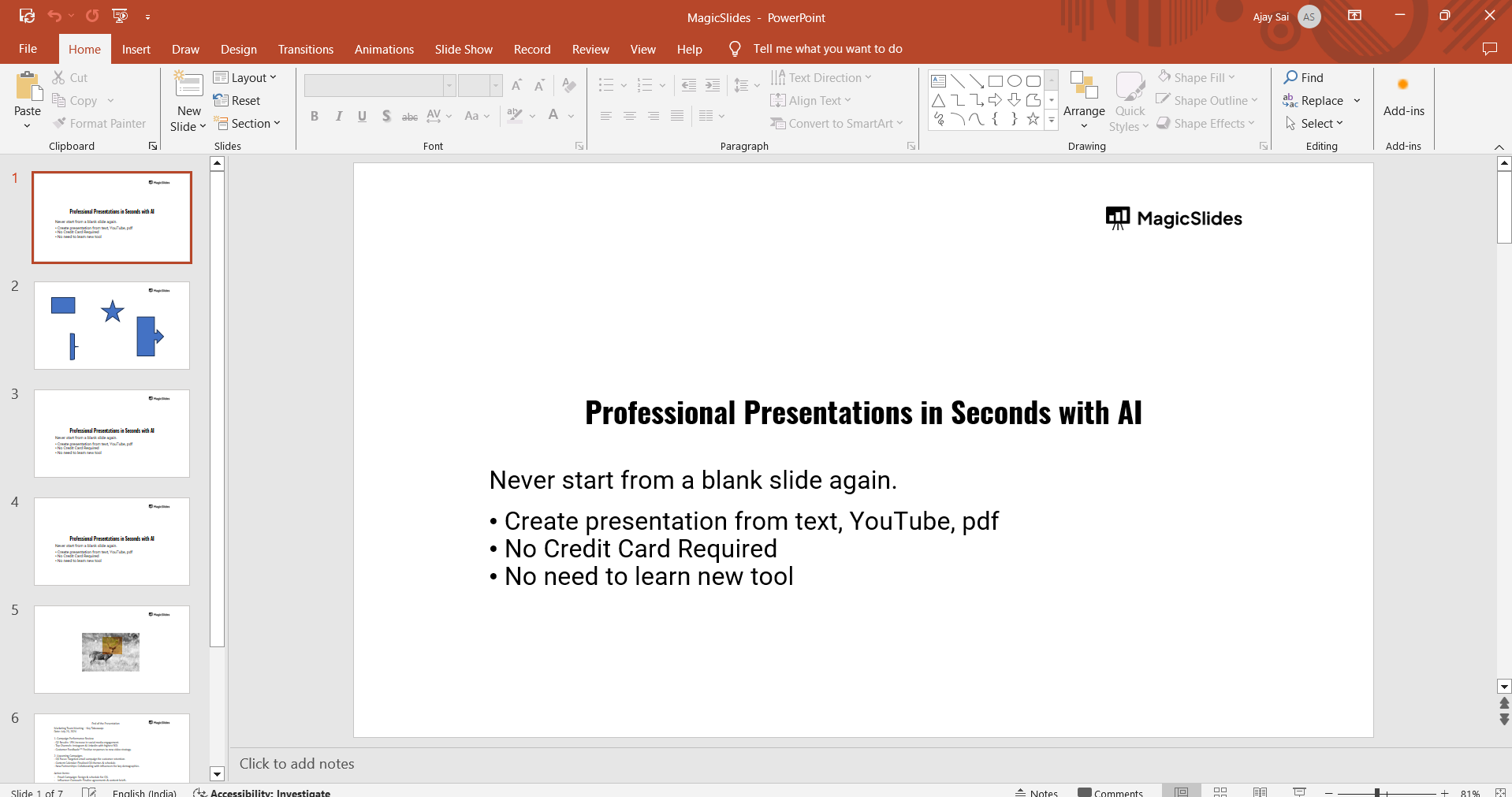
How to Convert PowerPoint to Word
Easily convert PowerPoint presentations to Word documents with this step-by-step guide for seamless content sharing.
Frequently Asked Questions
Everything you need to know about converting DOCX to PPT with MagicSlides.
Hogyan konvertálhatok egy DOCX fájlt PPT-vé?
Egyszerűen töltse fel a DOCX fájlját, vagy illessze be a tartalmat, és az AI automatikusan elemzi a dokumentum szerkezetét, majd jól szervezett PowerPoint prezentációvá alakítja azt.
A konverter megőrzi a dokumentum formázását?
Igen, az AI megőrzi a fejléceket, felsorolásjeleket, szövegstílusokat és a dokumentum szerkezetét a PowerPoint diákká való konvertáláskor.
Szerkeszthetem a prezentációt a konverzió után?
Természetesen! A konvertált prezentáció teljes mértékben szerkeszthető a PowerPointban vagy a Google Diákban, lehetővé téve minden elem testreszabását.
Milyen Word formátumok támogatottak?
Támogatjuk a .docx, .doc és más általános Word dokumentumformátumokat a PowerPointtá való konverzióhoz.
Mennyi ideig tart a konverzió?
A legtöbb dokumentum másodpercek alatt konvertálódik. A nagyobb dokumentumok a tartalom összetettsége függvényében kicsit tovább tarthatnak.
Biztonságos a dokumentumaim adatai?
Igen, minden dokumentumot biztonságosan dolgozunk fel, és a konverzió után automatikusan töröljük. Az Ön adatvédelmét komolyan vesszük.
Konvertálhatok egyszerre több dokumentumot?
Igen, eszközünk támogatja a kötegelt konverziót, amellyel egyszerre több DOCX fájlt alakíthat prezentációkká.
Kezeli a dokumentumban lévő képeket?
Igen, a Word dokumentumba ágyazott képek megmaradnak és megfelelően kerülnek elhelyezésre a konvertált prezentáció diáin.
Van fájlméret-korlát?
Kérjük, ellenőrizze az árképzési oldalt a fájlméret-korlátok és a konverziós kvóták részleteiért.

Ready to create your presentation?
Join thousands of professionals who save hours every week with AI-powered presentations.
1,511 reviews · Trustpilot & Workspace


