
MagicSlides AI PPT Maker
From Idea to Deck in Just One Click
MagicSlides, a next-gen AI presentation tool, converts any prompt, topic, or content source into a professional PPT in seconds. Just input a prompt and get ready-to-use AI presentations in 136+ languages.

Magic Slides · Senior Designer · will design your presentation
13.6k PPTs created in the last 30 days
Trusted by 1.5M+ professionals and teams worldwide
- Google
- Amazon
- Netflix
- LinkedIn
- Salesforce
- HubSpot
- Shopify
- Stripe
- ByteDance
- Cisco
- IBM
- Red Hat
- NVIDIA
- SpaceX


Get Started with AI PPT Maker in 3 Simple Steps
Try It Free — Create Your First Presentation1. Input Idea
Type the topic, paste the content, upload a file, or drop a YouTube link, select or customise a template, and let the AI PPT maker take over.
Generating 1 slides...
2. Let AI Work Its Magic
Watch as our AI presentation maker instantly generates polished, well-structured, and visually stunning slides.

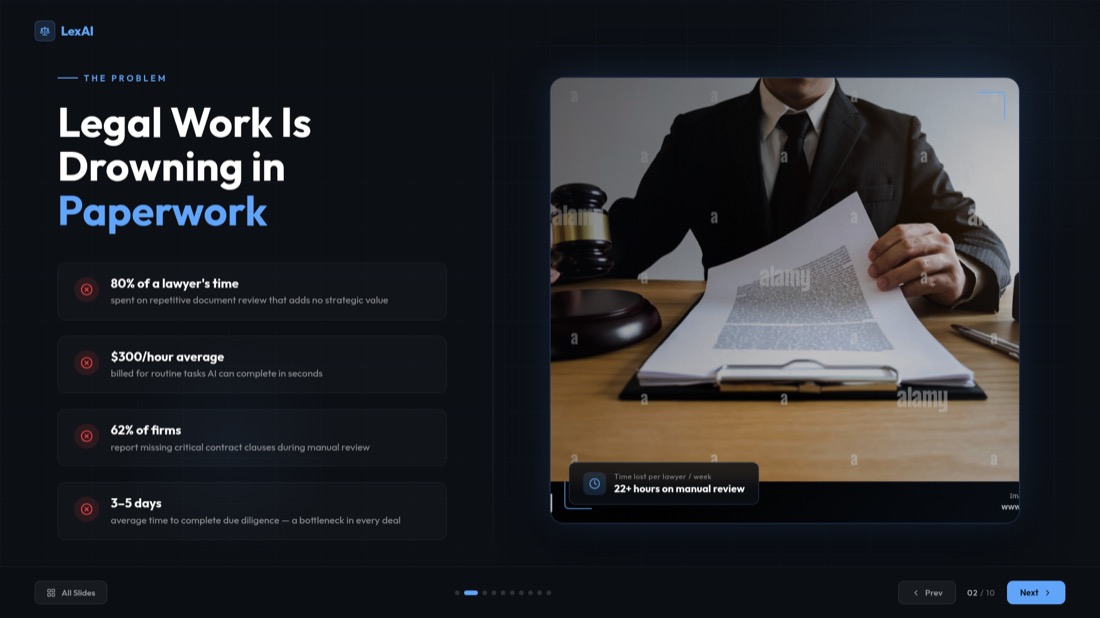
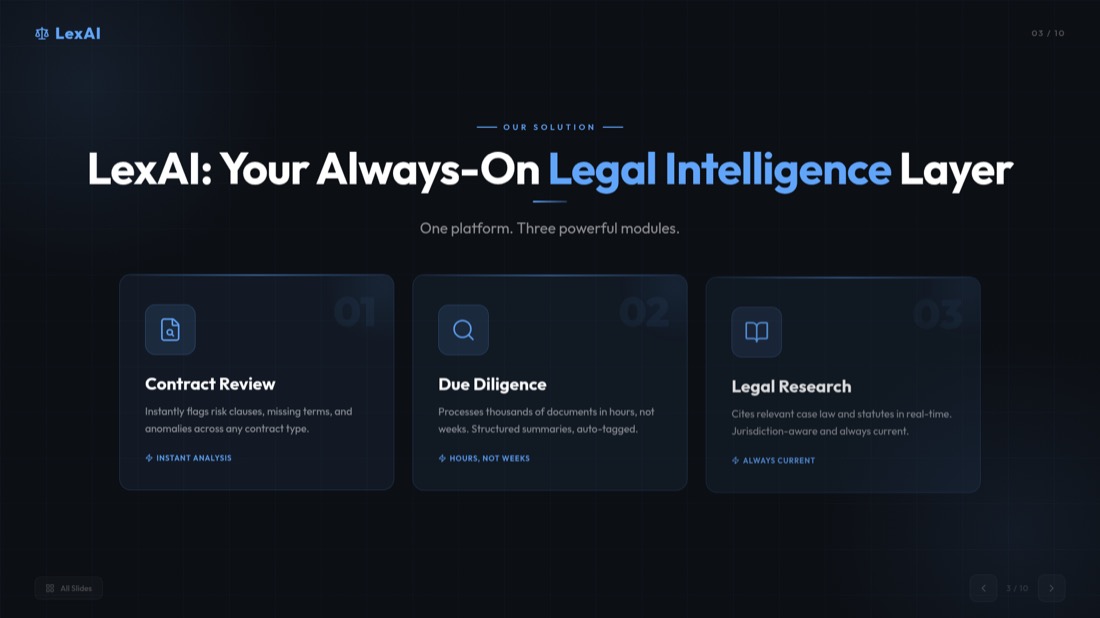
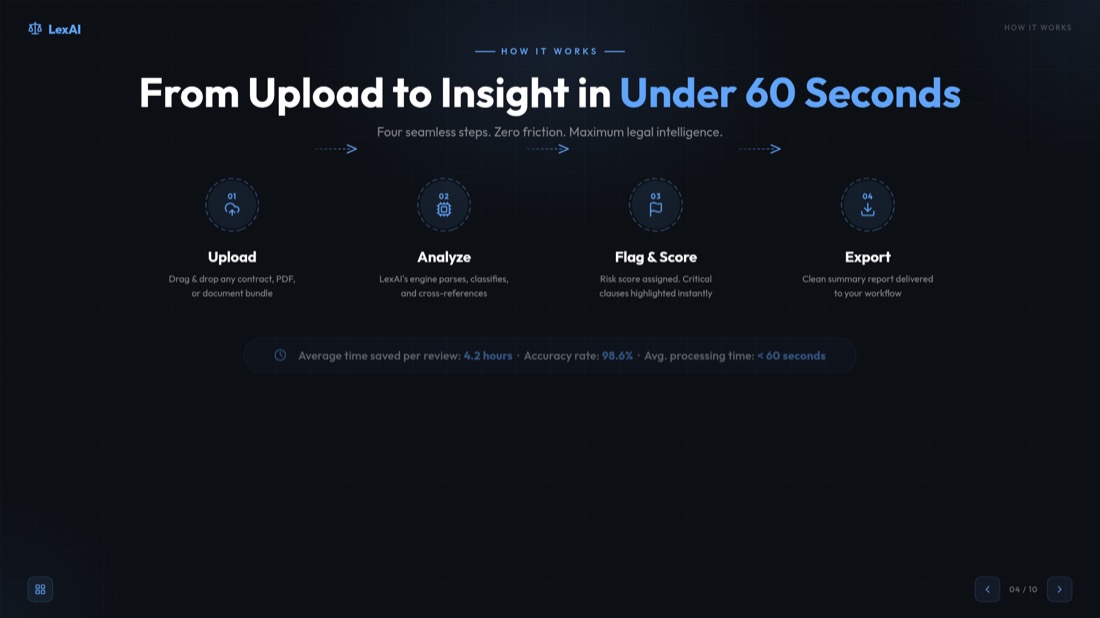

3. Download & Impress
Your presentation is ready to present or edit in PowerPoint, Google Slides, or directly in MagicSlides AI PPT maker.
AI Chat: Your AI Presentation Assistant
Create full presentations from scratch, add or edit slides, and duplicate existing slides, just by chatting with our AI-powered PPT maker.
Create from Scratch
Start with a blank canvas and build your entire PowerPoint presentation through natural chatting with AI.
Add Individual Slides
Seamlessly add new slides to your existing PowerPoint presentation with specific content and layouts.
Clone PowerPoint Slides
Duplicate and customize existing PowerPoint slides with AI assistance to maintain consistency.
Edit Content
Refine and modify your PowerPoint slides with AI suggestions for better clarity and impact.
Design Assistance
Get AI PPT maker design recommendations for colors, layouts, and image elements.
Lightning Fast
Generate professional slides in seconds, not hours, with Gemini AI's powerful processing.
Present Like a Pro In Just Seconds With AI PPT Maker
With MagicSlides AI PPT Maker, turn ideas, prompts, documents, or videos into ready-to-use AI PowerPoint slides instantly.
- Type/paste the prompt to generate the PPT.
- MagicSlides AI processes it instantly.
- Ready-to-use deck, just in a few seconds!
- Write/Paste the desired topic.
- AI PPT Maker generates a PPT as desired.
- Professional slides right away!
- Enter/Paste your pitch content.
- AI PowerPoint Slide Creator instantly designs pitch decks.
- Professional and investor-ready!
- Copy and paste any YouTube video link.
- AI converts it into a polished AI PowerPoint Slide.
- Get your desired PPT in less than a minute!
- Click and upload any PDF document.
- AI PPT Maker generates it into a presentation.
- Now you have your stunning slides!
Instantly Build Stunning PowerPoint Slides with AI PPT Maker
Impress any audience by turning your ideas into polished, professional presentations in seconds
Make balanced decision-making easy with AI-powered pros and cons PowerPoint slides. Our AI presentation tool automatically structures your arguments and produces expected results.
Create presentations that are both informative and visually appealing. MagicSlides AI PPT maker combines key points with images and generates professional slides instantly.
Easily create visually engaging timeline slides in the expected time. AI PPT Maker automatically organises events and designs polished slides.
Make a SWOT analysis slide fast. The AI PPT maker organises your strengths and weaknesses and designs a neat, professional slide for you.
Create Presentations in 136+ Languages Via AI Presentation Maker
Save hours and impress your audience by instantly turning ideas, documents, or videos into professional slides in the preferred language.
Popular Languages
Queries About Our AI PPT Generator? We've Got Answers
Accurate answers to help you succeed with AI-powered presentations
What languages are supported by MagicSlides AI PPT maker?
What do I actually receive after I purchase a license?
Can someone else order the license of AI Presentation Maker on my behalf?
How is support provided, and what does it include?
What constitutes a user in terms of pricing?
Does MagicSlides AI presentation maker work with both Google Slides and PowerPoint?
Is my data safe when I use the AI Presentation maker?
Can I customise the slides after the AI generates them?
Can I use AI PPT maker to update or improve an existing presentation?
Can't find an answer to your question related to AI Presentation Maker?
What's new on MagicSlides
See the latest articles, tutorials, and insights about AI presentation tools, development guides, and industry trends.
Easy Presentation Topics: 100+ Ideas
Discover 100+ easy presentation topics across various categories to inspire your next presentation. Perfect for students, professionals, and educators.
Your Topics, Multiple Stories: Writing Slides
Learn how to transform your topics into compelling stories and create engaging slides that captivate your audience from start to finish.
How can ChatGPT Make a PowerPoint? Step-by-Step
How to Create a PowerPoint Presentation in ChatGPT step by step. Learn how to ask ChatGPT for slides and save your presentation directly from it in PPTX.

Ready to Create Your Next Presentation?
Join over 2.3 million users. No credit card required.


