8 Tips For Virtual Presentations


Master virtual presentations with these 8 expert tips! Enhance your online communication skills for impactful and engaging presentations.
In today’s digital age, virtual presentations have become a staple in both the corporate and academic worlds. Whether you’re pitching to clients, sharing quarterly results with stakeholders, or delivering a lecture, mastering the art of virtual presentations is crucial. Here are eight essential tips to help you captivate and engage your audience from behind the screen.
How To Deliver Virtual Presentations?
1. Design a Compelling Slide Deck
Your slide deck is your visual backbone. Keep your slides clean, professional, and visually appealing. Use high-quality images and maintain a consistent theme with professional fonts and color schemes. Each slide should convey one main idea. Tools like Magicslides can enhance your presentation with aesthetically pleasing templates and dynamic elements that keep your audience focused.
2. Test Your Technology Beforehand
Nothing disrupts a presentation more than technical difficulties. Before your presentation, test your microphone, camera, and internet connection. Ensure that the presentation software and any other tools you plan to use are working correctly. This not only helps in delivering a smooth presentation but also minimizes stress, allowing you to focus on delivering your message effectively.
3. Engage Your Audience from the Start
The first few minutes of your presentation are crucial for capturing your audience's attention. Start with an interesting fact, a short story, or a provocative question that relates to your topic. This sets the tone for your presentation and piques the interest of your audience, encouraging them to listen closely to the rest of your presentation.
4. Use the Power of Storytelling
People resonate with stories more than plain facts. Incorporate storytelling into your presentation to make it more engaging. Share personal anecdotes, case studies, or hypothetical scenarios that relate to the core message of your presentation. This technique not only makes your content more relatable but also more memorable.
5. Master the Art of Pausing
Effective use of pauses can add a lot of weight to what you are saying. Pausing at key moments allows your audience to absorb important points and builds anticipation for what’s coming next. It also gives you a moment to gather your thoughts and control the pace of your delivery, which is crucial in maintaining audience engagement.
6. Interact with Your Audience
Interaction keeps the audience engaged and makes the experience more interactive. Use polls, Q&A sessions, or interactive quizzes to involve your audience actively. Encourage questions and comments, and address them throughout your presentation to create a two-way dialogue. This approach not only makes your presentation more dynamic but also allows you to gauge audience understanding and adjust your delivery as needed.
7. Utilize Visuals Wisely
Visuals are a powerful tool in maintaining the attention of your audience. Use graphs, charts, and infographics to explain complex data. Videos can be an excellent way to break up the monotony of a presentation and provide a different perspective on the topic. Ensure that each visual is clear, relevant, and adds value to your presentation.
8. Practice, Then Practice Some More
The key to a successful presentation is practice. Rehearse your presentation several times to get comfortable with the content and the flow. Try to anticipate questions and prepare your answers. The more familiar you are with the material, the more confident you’ll appear, which in turn makes your presentation more compelling.
How To Create A Presentation With AI?
Step 1: Visit the Magicslides.app Website
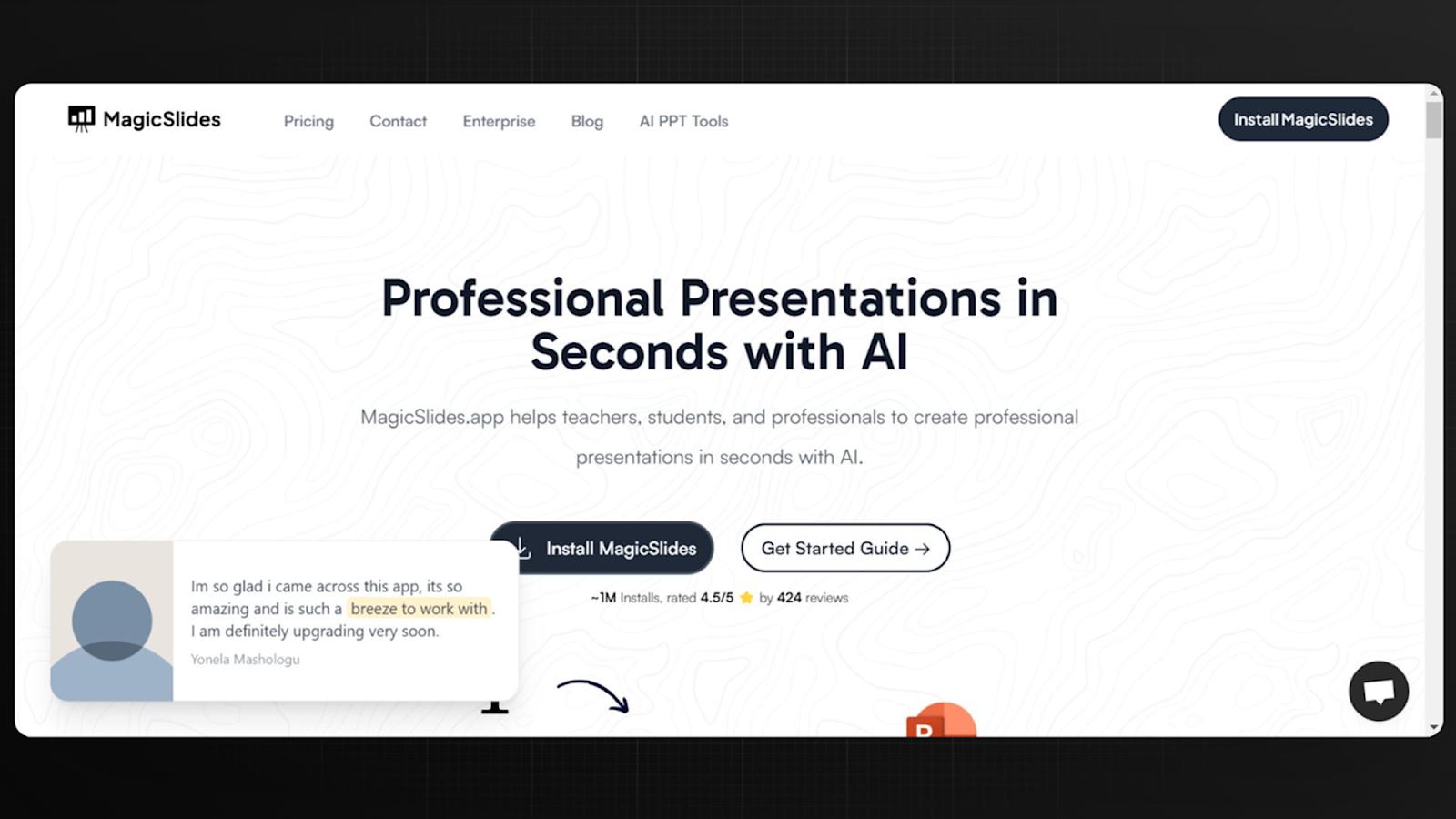
First, go to the Magicslides.app website. Here, you can check out all the cool features Magicslides offers. The website is easy to use, and you can quickly learn how Magicslides can help make your presentations better.
Step 2: Install the Magicslides Extension
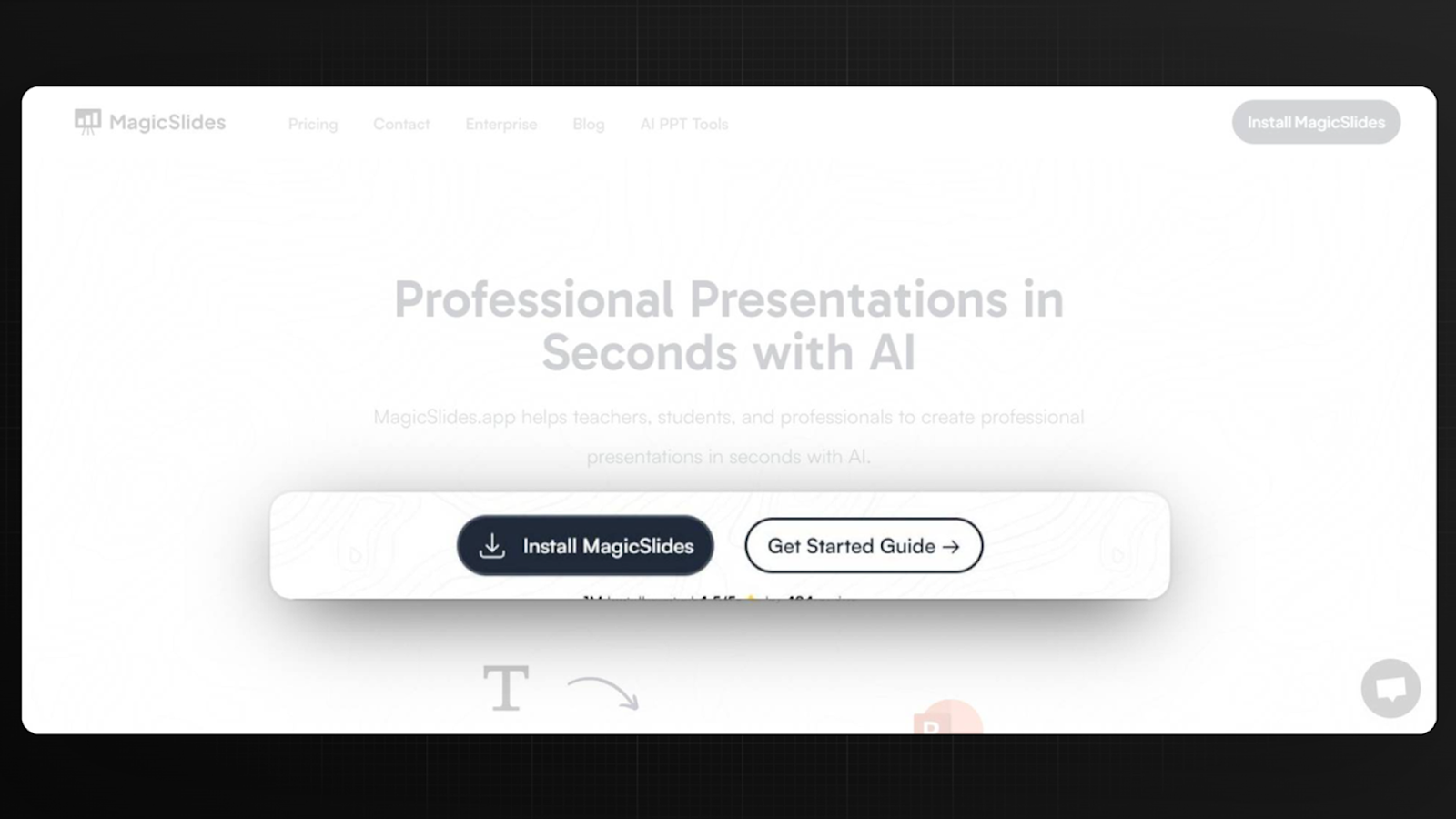
Next, add the Magicslides extension to your Google Slides. You can find this extension on the Magicslides website or on the Google Workspace Marketplace. Just follow the simple instructions on the site to get it set up.
Step 3: Open Google Slides
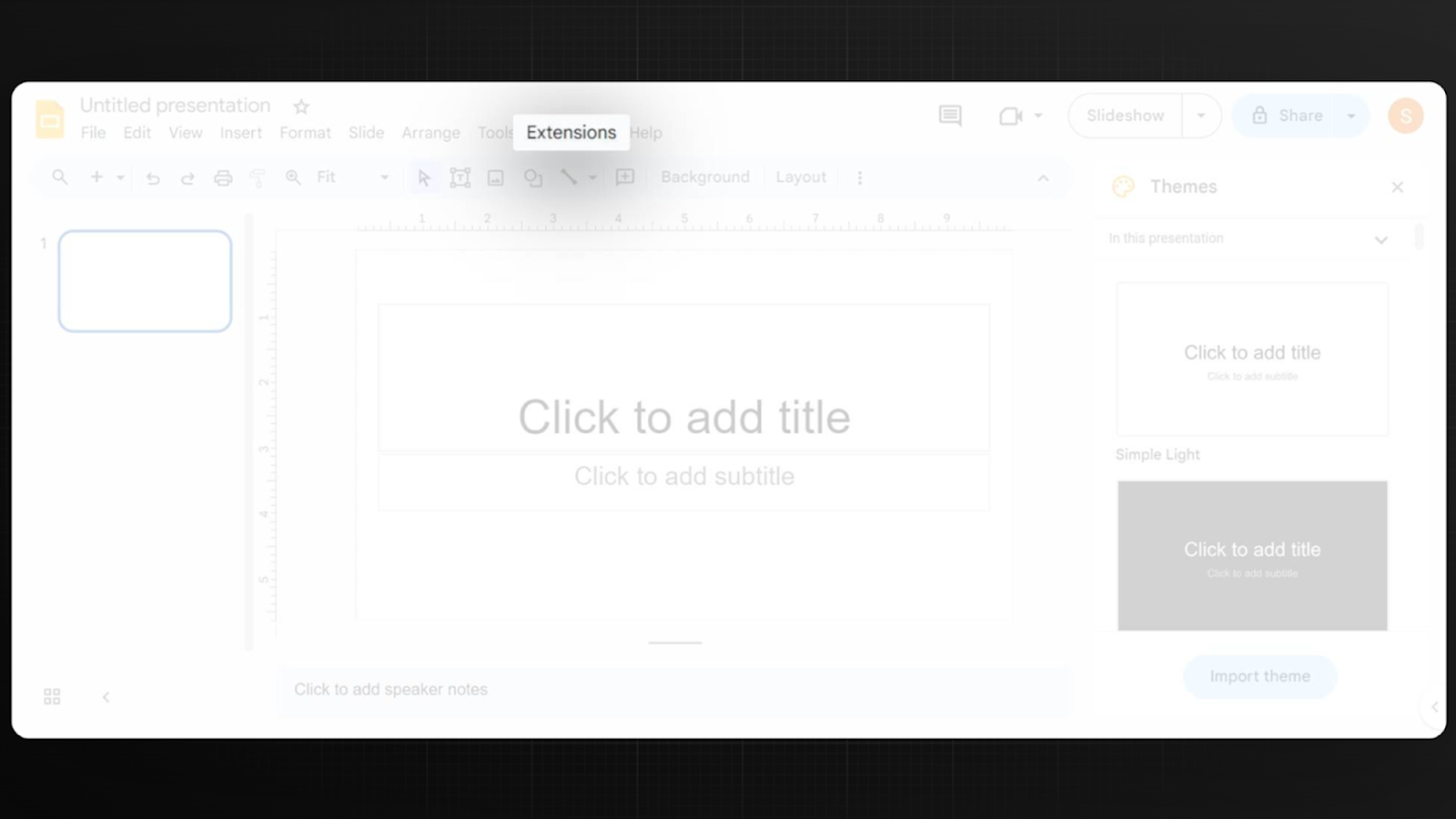
Once you have the extension installed, open up Google Slides. You'll see some new tools and menu options for Magicslides. This means you're all set to start using Magicslides with your presentations.
Step 4: Generate Your Presentation with Magicslides
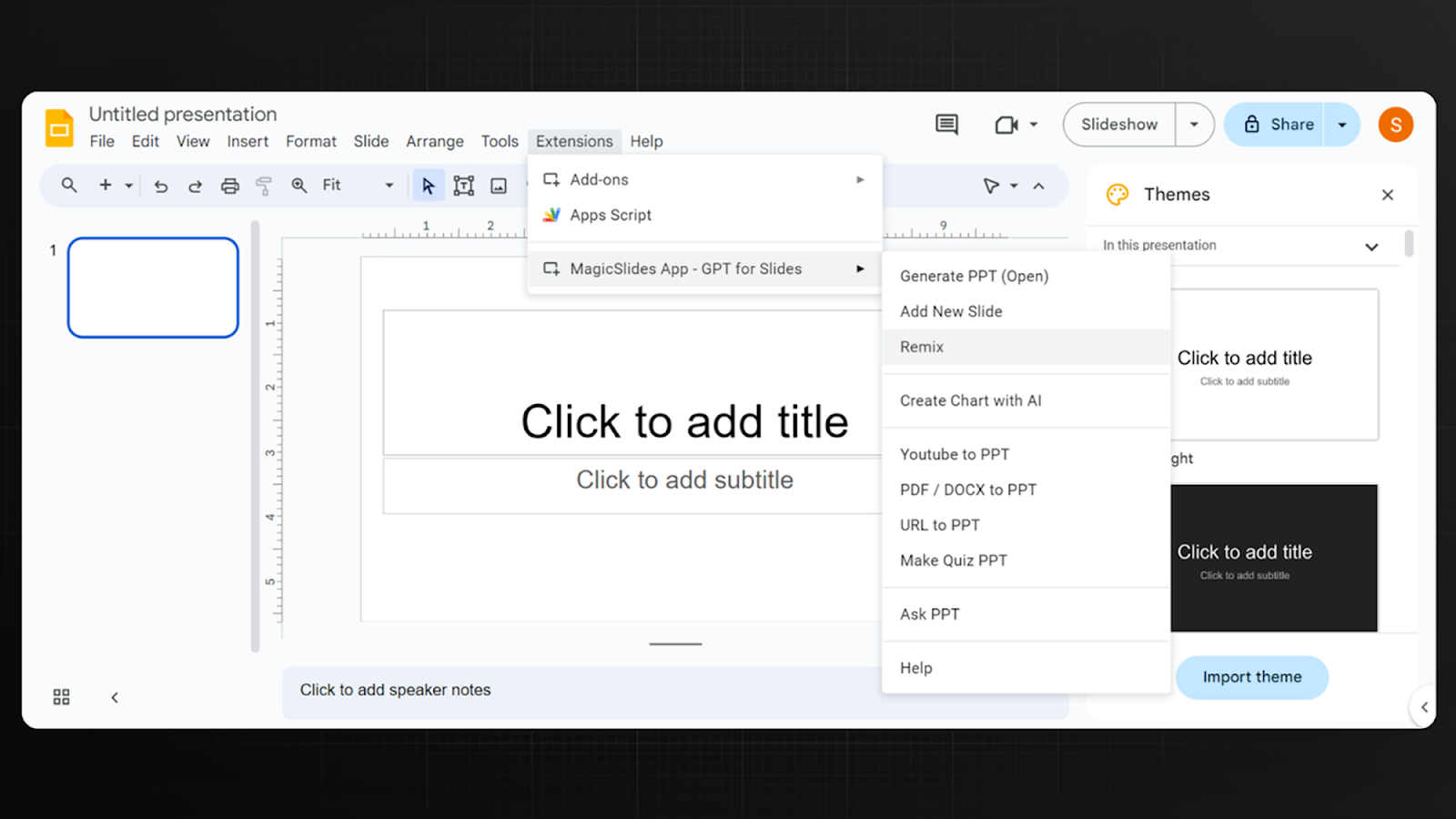
Now you're ready to create your presentation. In Google Slides, use the new Magicslides options to start making your slides. Just type in the main points of your presentation, and Magicslides will help by adding cool graphics, arranging your slides nicely, and suggesting what text to use. This makes your slides look professional and engaging.
With these easy steps, you can use AI to quickly make impressive presentations that will grab your audience’s attention.
Conclusion
Virtual presentations can be just as powerful as face-to-face meetings when done right. By following these eight tips, you can ensure that your virtual presentations are not only professional but also engaging and impactful. Remember, the goal is not just to share information but to connect with your audience and leave a lasting impression. Keep practicing, keep improving, and you’ll see the difference in your delivery and audience response.


