AI Educator Tools: The Future of Learning


AI educator tools are transformative assets, personalizing learning, reducing workload, and enhancing student engagement in education.
AI educator tools have emerged as transformative assets in modern education. These innovative technologies leverage artificial intelligence to personalize and enhance the learning experience for students.
This not only improves academic performance but also fosters independent learning, critical thinking, and engagement, paving the way for a more effective and inclusive educational environment. Let’s deep dive into few AI Educator tools in this blog post:
AI Educator Tools: The Future of Learning
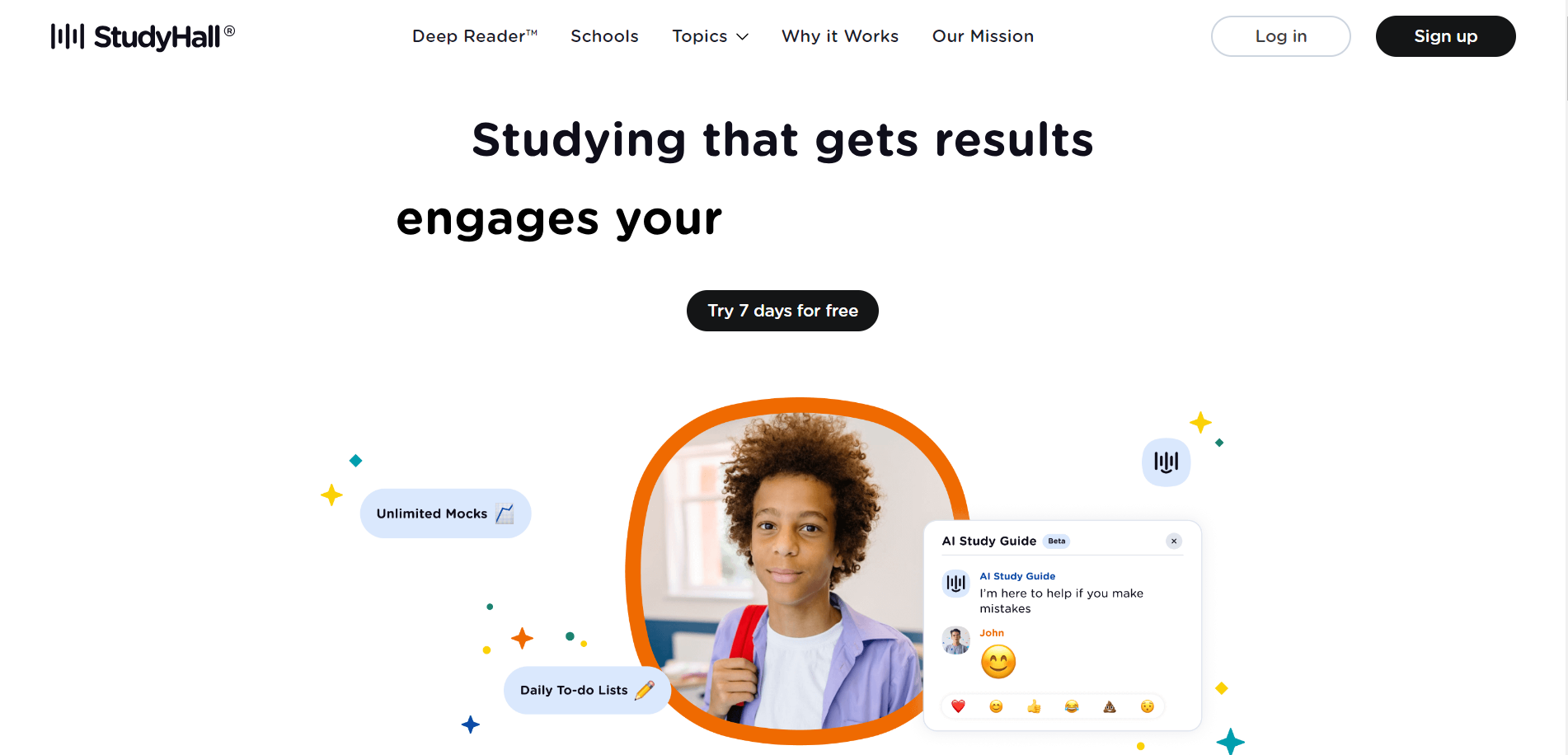
StudyHall
It is a free curriculum and assessment platform aimed at students in Year 4-7. Developed in collaboration with Dan Fitzpatrick, known as "The AI Educator," this platform offers several unique benefits:
Link: https://studyhall.ai/
Pros:
- Personalization: It provides one-click personalized homework and tailored content across various subjects, including reading, grammar, spelling, morphology, vocabulary, and mathematics.
- SATs and 11+ Preparation: It offers high-quality preparation for standardized tests, such as SATs, ISEB, Consortium 11+, GL 11+, and 13+ exams.
- AI Literacy Curriculum: StudyHall AI includes a curriculum focused on AI literacy, covering reading comprehension, data literacy, and computational thinking.
- Knowledge Tracing: The platform employs knowledge tracing and a conversational dashboard to identify and address knowledge gaps, enabling more effective learning.
- Engagement Features: A game board feature for quizzes enhances student engagement and fluency.
- GDPR Compliance: It ensures data security and compliance with GDPR regulations, prioritizing student privacy.
Cons:
- Dependence on Technology: As with any technology-based educational tool, StudyHall AI might face challenges if there are technical issues, internet connectivity problems, or lack of access to devices, which could disrupt learning.
- Teacher Training: Implementation may require teachers to be trained on using the platform effectively. Lack of adequate training could be a potential barrier to adoption.
Pricing:
Free 7 day trial and after that £10/month
Real Fast Reports
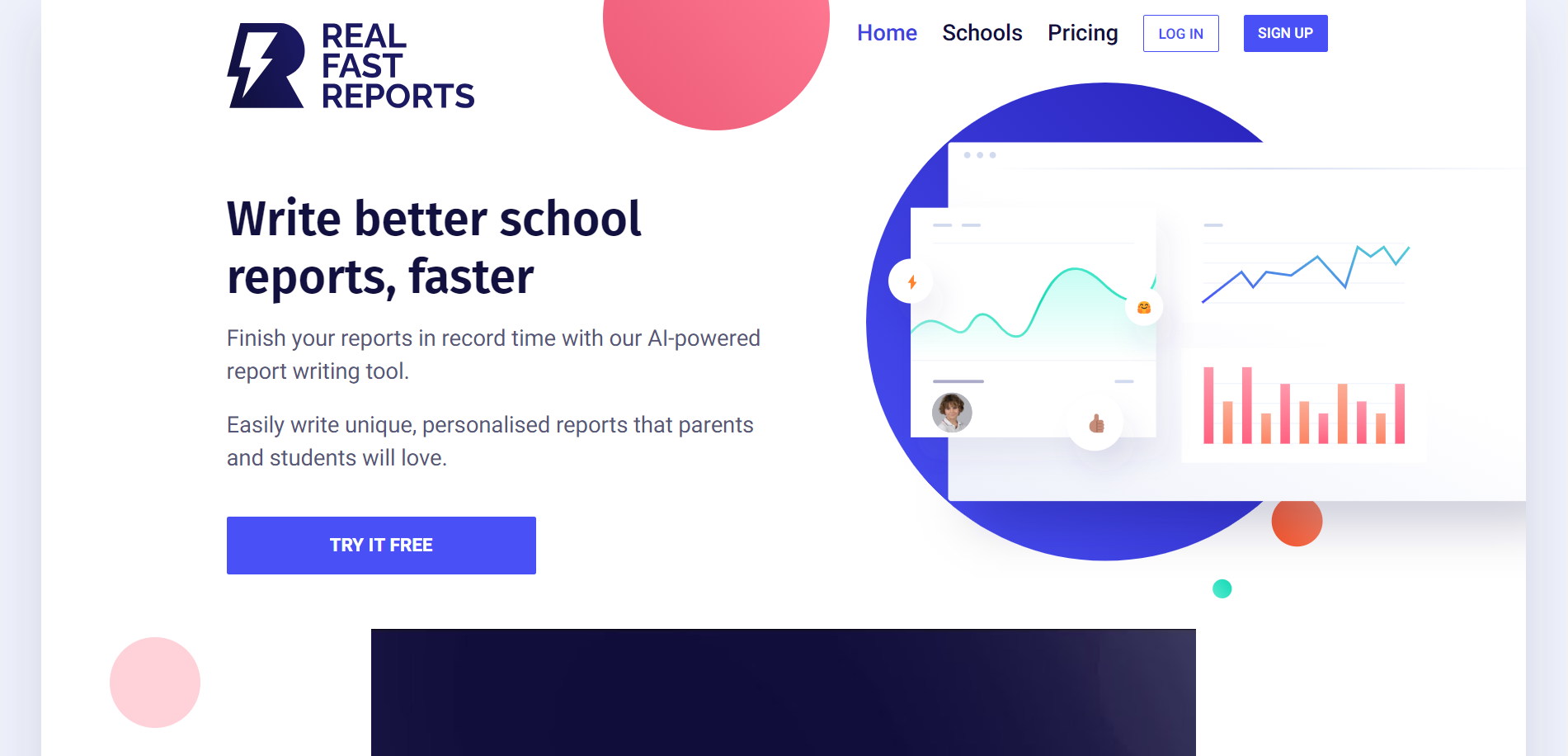
It is an AI-powered web-based application designed to streamline the process of writing school reports for teachers. Here are some potential pros and cons:
Link: https://realfastreports.com/
Pros:
- Time Savings: Real Fast Reports allows teachers to complete reports more quickly, reducing their workload and freeing up time for other tasks.
- Personalization: The AI generates personalized reports based on brief bullet points, making it easier to create unique, meaningful reports for each student.
- Accuracy: The AI is trained on a vast dataset of school reports, ensuring that the generated reports are both accurate and informative.
- Ease of Use: The application is user-friendly, with a simple input process, making it accessible for teachers with varying levels of tech-savviness.
- Flexibility: Teachers can customize the reports to meet their specific needs, from report format to length, and even add their own comments and feedback.
Cons:
- Dependence on AI: Teachers might become overly reliant on the AI, potentially impacting their own report-writing skills over time.
- Data Privacy: The tool should ensure the privacy and security of student data, considering the sensitivity of the information it handles.
- Content Quality: While the AI can generate reports quickly, there might be concerns about the quality and depth of the generated content, especially for more complex or nuanced student evaluations.
- Limited Personal Touch: Despite customization options, there may be concerns about the reports lacking a personal touch, as AI-generated reports might not capture the subtleties of teacher-student relationships.
Pricing:
You will get 10 reports for free when you sign up, then pay as you go from £2.50/month.
MagicSchool.ai
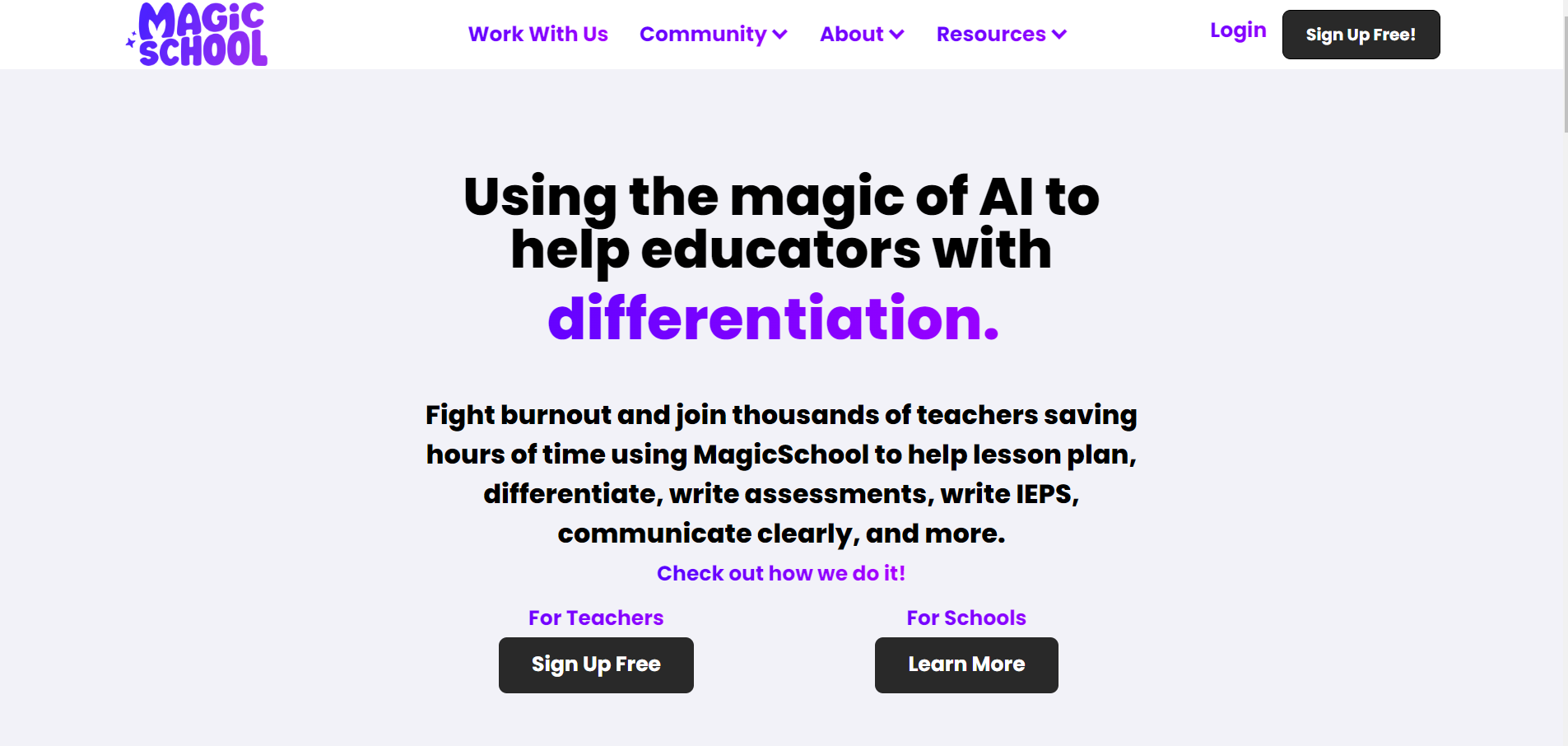
It is an AI tool designed to support educators in various aspects of their work. Check out some pros, cons and pricing for this amazing AI Tool. Link: https://www.magicschool.ai/
Pros:
- Time Savings: MagicSchool.ai can save teachers significant time by assisting with tasks like lesson planning, differentiation, assessment creation, and more.
- Ease of Use: The tool emphasizes user-friendliness, making it accessible to teachers without requiring extensive technical expertise.
- Customization: Educators can customize the tool to create unique materials tailored to their students' needs and the specific requirements of their school community.
- Expertise in Education: The tool is developed with input from educators, ensuring that it aligns with best practices and is designed to cater to the needs of teachers.
- High-Impact Tools: MagicSchool.ai offers tools that have been chosen for their effectiveness in lesson planning, differentiation, IEP development, and maintaining class relevance.
Cons:
- Quality Assurance: The tool's effectiveness depends on the quality of AI-generated content. There might be concerns about the accuracy and appropriateness of materials generated by the AI.
- Lack of Personalization: Despite customization options, AI-generated materials may lack a personal touch and the nuance that comes from a teacher's unique understanding of their students.
Pricing:
For teachers it is free, enterprise is not disclosed contact sales from their website.
ChatGPT,
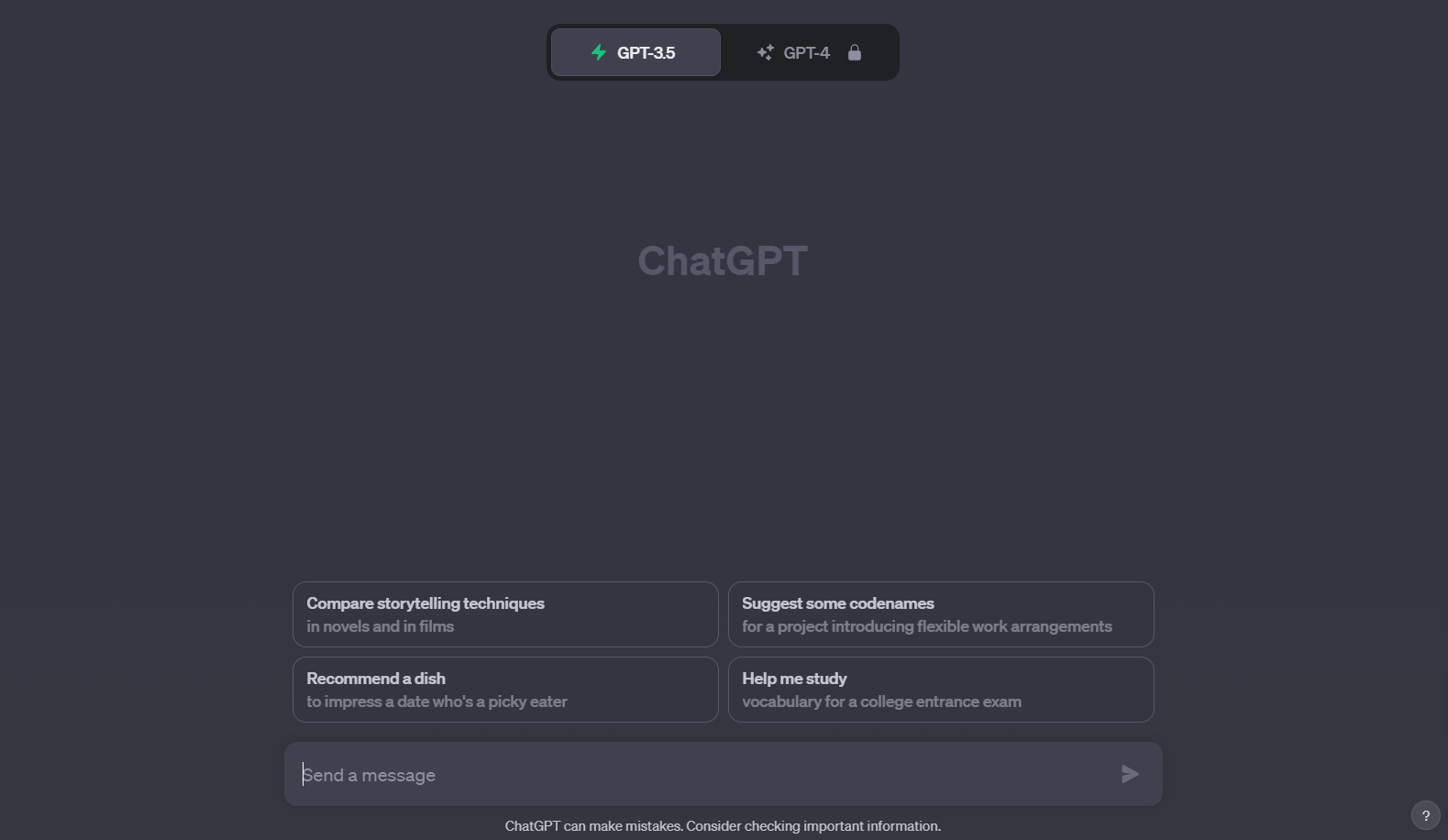
It is an OpenAI product, stands out as one of the most versatile and powerful natural language processing models in existence. This remarkable AI tool has revolutionized our interactions with technology, becoming an indispensable resource in various industries.
Link: https://chatgpt.com/
Key Features:
- Homework Assistance: ChatGPT can provide students with explanations, answers, or guidance on homework assignments, making it a valuable resource for clarifying concepts or solving problems.
- Tutoring: It can serve as a virtual tutor, offering explanations and support for various subjects, helping students with their studies.
- Writing Assistance: ChatGPT can assist students in improving their writing skills by providing feedback, suggesting improvements, and generating sample essays.
- Language Learning: It can aid language learners by engaging in conversations, providing translations, or explaining grammatical concepts.
- Research Aid: Students can use ChatGPT to gather information, explore topics, or ask questions related to their research projects.
- Knowledge Base: Customizable with domain-specific data, providing accurate responses.
Advantages:
- Fast responses
- Creative and thoughtful answers
- User-friendly
- Proficient in complex conversations
- Continuously learning and improving
Cons:
- Occasional inaccuracies or nonsensical responses
- Limited beyond 2021 training data
- Unable to access real-time data
- Vulnerable to biases
Pricing:
- Offers a free trial
- ChatGPT Plus at $20 per month
- API usage priced at $0.002 per 1,000 characters produced.
Conclusion:
AI tools for education have emerged as transformative assets, offering personalized learning experiences, reducing teacher workloads, and increasing student engagement. These tools provide immediate assistance with homework, tutoring, and writing improvement, enhancing the learning process.
Their applications extend to teacher support, research, and accessibility, fostering a more inclusive educational environment. While they hold great promise, it's essential to address potential challenges like data privacy and the need for effective human-AI collaboration to fully realize their educational potential.
Frequently Asked Questions:
What is the primary purpose of ChatGPT in education?
Answer: ChatGPT serves as a versatile AI tool in education, assisting with homework, tutoring, writing improvement, language learning, research, and teacher support. It enhances the learning experience and offers valuable resources for students and educators.
How can SecondBrain be applied in educational settings?
Answer: SecondBrain allows for the creation of customized knowledge chatbots tailored to educational needs. These chatbots can assist with answering student queries, providing resources, and supporting individualized education programs.
How can Real Fast Reports benefit teachers in education?
Answer: Real Fast Reports is an AI tool designed to help teachers write school reports more efficiently. It saves time, offers personalized content, and maintains accuracy, making the reporting process easier and more effective in educational contexts.
Other Blogs:
- Check Out how you can create Presentation inside chatGPT itself: https://www.magicslides.app/blog/create-presentation-right-inside-chatgpt
- Discover some of the Best AI Tools in the industry: https://www.magicslides.app/blog/The-best-AI-productivity-tools-in-2023
- Avid Social Media user? discover magical tools for your social handles: https://www.magicslides.app/blog/The-15-Best-AI-Tools-for-Social-Media-in-2023


