Addon google slides iconPPT with AISlide TemplatesPPT TemplatesPricingBlog
PPT with AISlide TemplatesPPT TemplatesPricingBlog
  1. Home
  2. Blog
  3. How to create PPT with just a topic name

How to create PPT with just a topic name

magicslides app

Published By

magicslides app
Mohit Kumar Jha

Approved By

Mohit Kumar Jha

Published On

July 23th, 2024

Reading Time

2 min read

Transform concepts into captivating presentations effortlessly, craft dynamic PPTs with MagicSlides.app using just a topic!

In the realm of rapid content creation, generating a PowerPoint presentation with just a topic name has never been easier. This article guides you through a streamlined process using MagicSlides.app, a cutting-edge online tool designed for creating dynamic presentations effortlessly.

How to create PPT with just a topic name

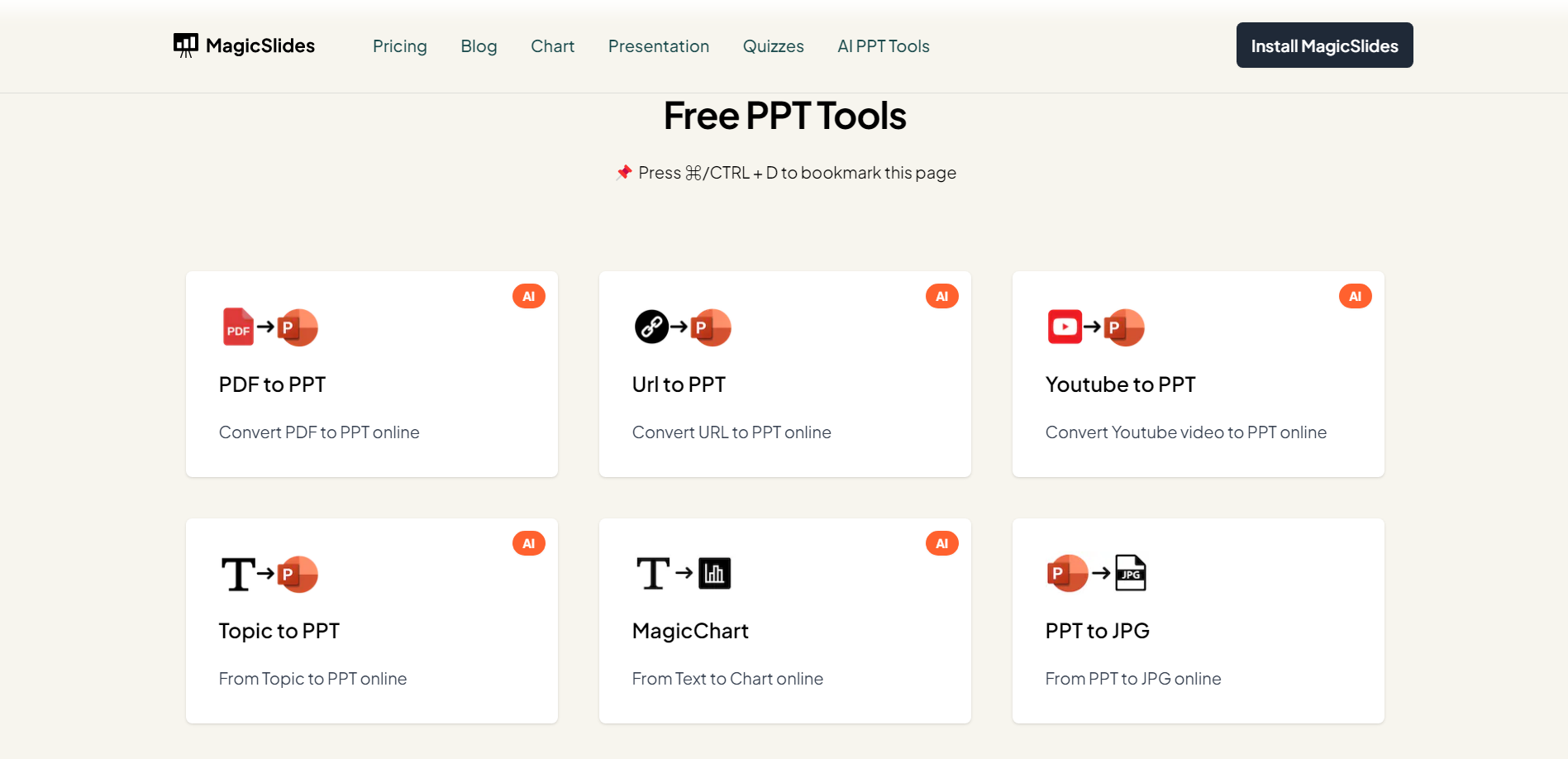
Step 1: Navigate to MagicSlides.app

Commence by visiting https://www.magicslides.app/tools. Select the AI PPT Tool “Topic into PowerPoint presentation” and begin the process.
notion image

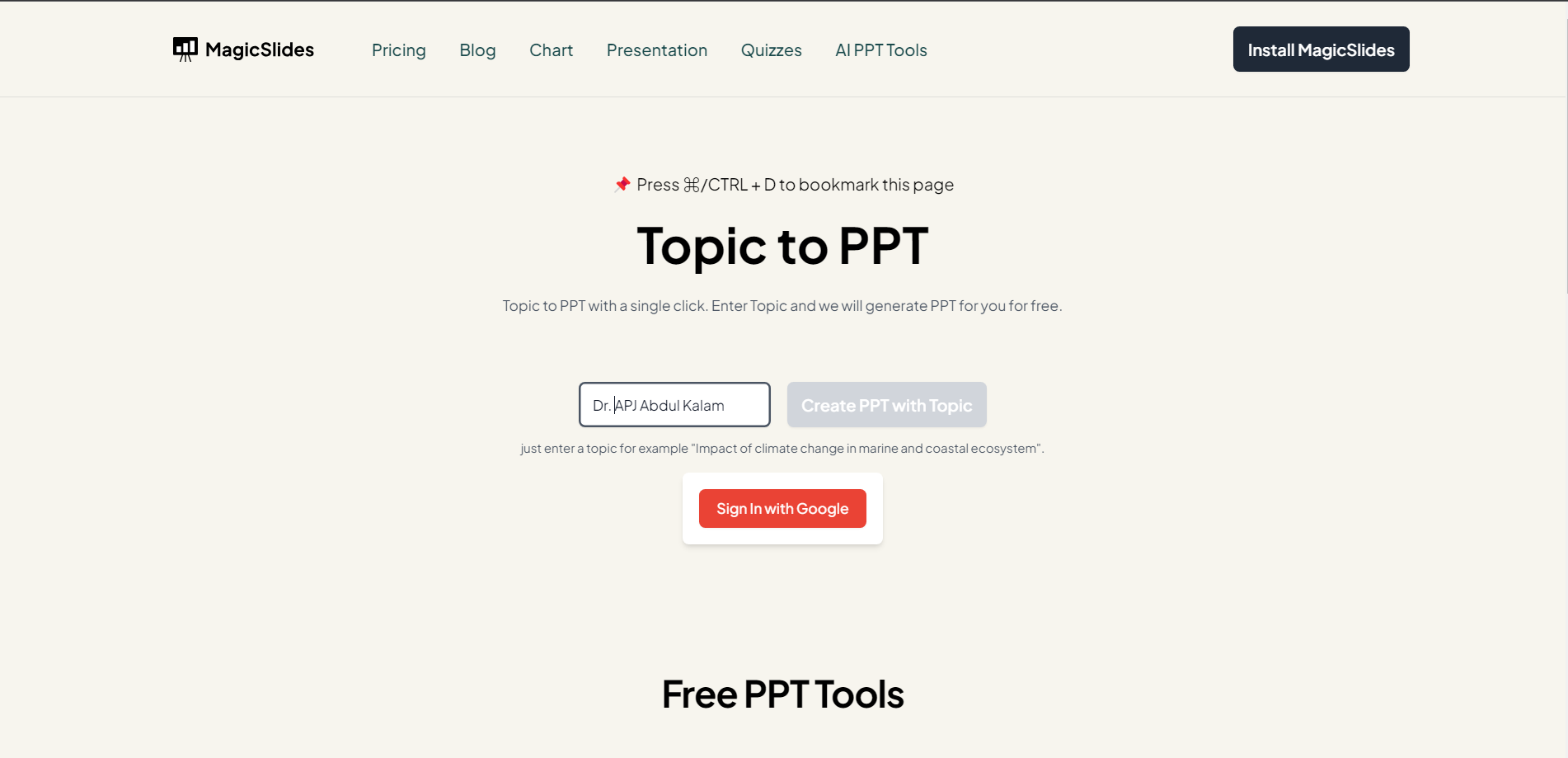
Step 2: Enter Your Topic

Once on the platform, input your chosen topic name. Click on "Create PPT with Topic" to initiate the generation process. MagicSlides.app's intuitive design ensures simplicity in conveying your ideas visually.
notion image

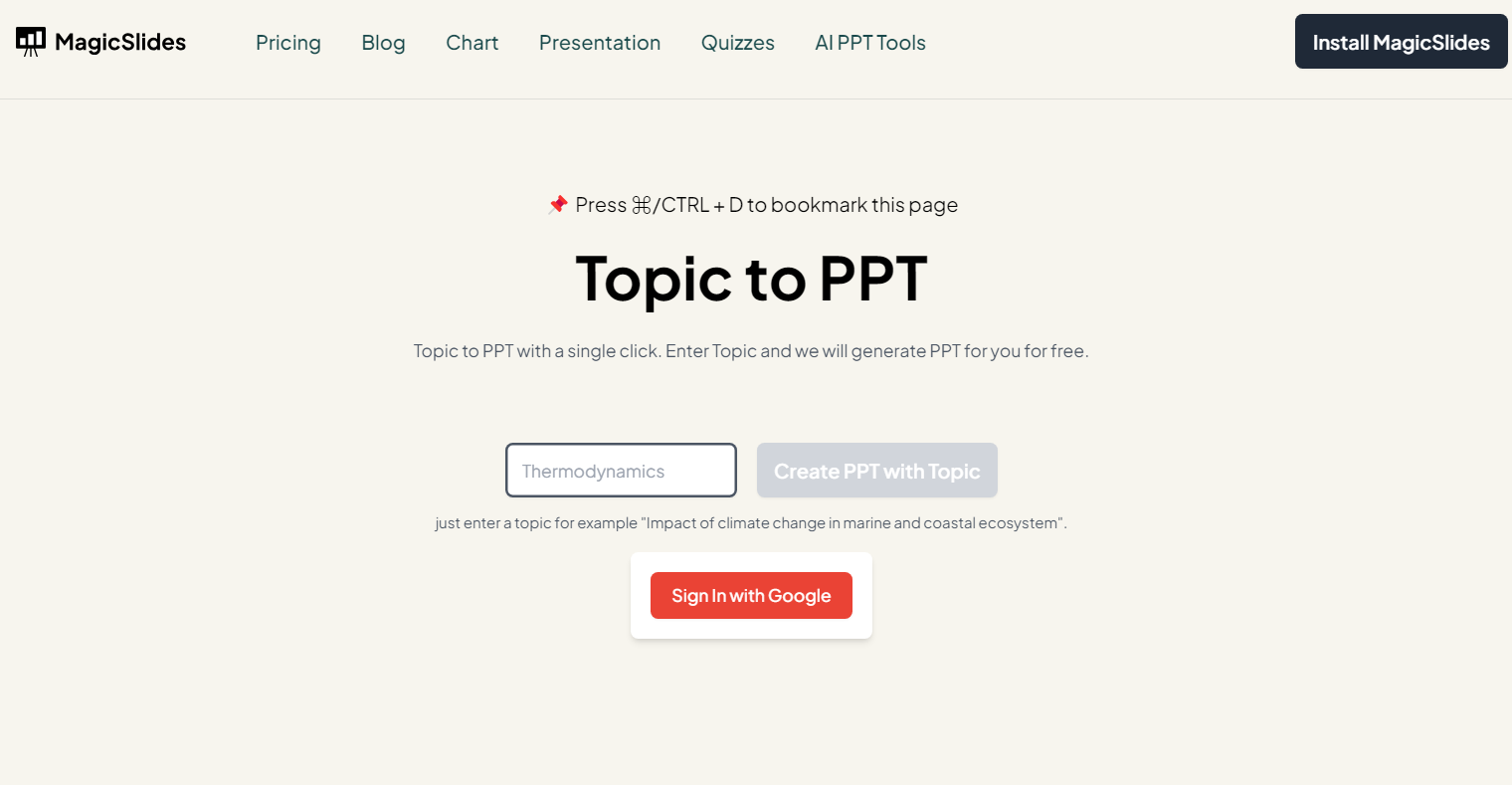
Step 3: Log in (Recommended for better experience)

For a seamless experience and to access additional features, consider logging in with your Google account. Logging in not only enhances user convenience but also enables you to resume the process effortlessly.
notion image

Step 4: Initiate PPT Creation

With your topic entered and your account authenticated, click the designated button to kickstart the creation process. MagicSlides.app utilizes advanced algorithms to transform your topic into a visually appealing and cohesive PowerPoint presentation.

notion image

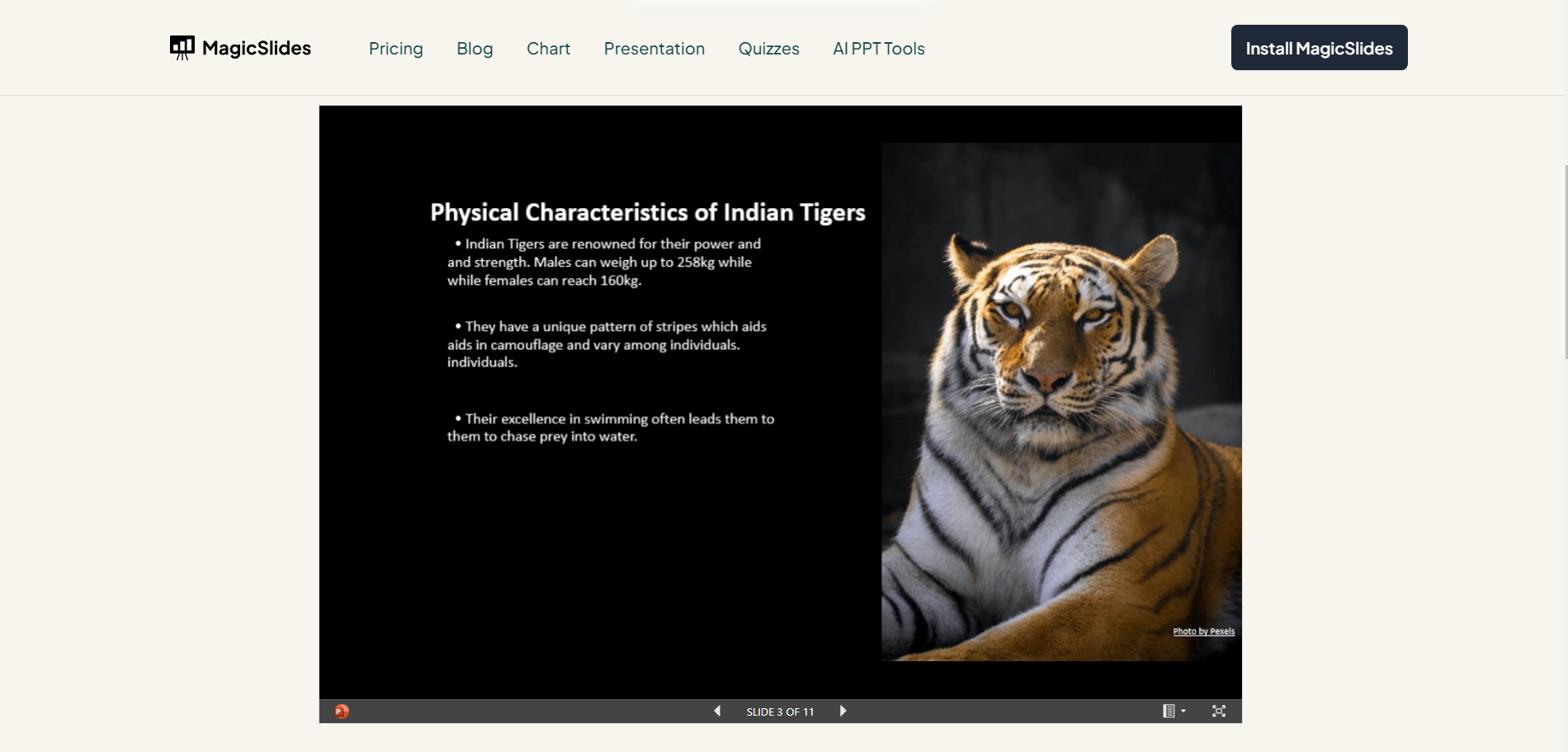
Step 5: Preview and Download

Upon completion, your presentation is ready for preview. Take a moment to review the slides and ensure they align with your expectations. Satisfied? Click on the download button, conveniently located on the platform, to save your presentation directly to your device.
notion image

Conclusion:

MagicSlides.app empowers you to bring your ideas to life with minimal effort. By following these five simple steps, you can effortlessly create a polished PowerPoint presentation with just a topic name. Embrace the efficiency of online tools and elevate your presentation game effortlessly!

Frequently Asked Questions:

Q1: Can I create a PowerPoint presentation with MagicSlides.app using any topic?
A1: Yes, MagicSlides.app allows you to craft presentations with any topic, making it versatile for diverse subjects.

Q2: Is logging in necessary to create a presentation with just a topic name?
A2: Logging in is optional but recommended. It provides a seamless experience and access to additional features.

Q3: Are there limitations on the complexity or length of the topic for this process?
A3: MagicSlides.app is designed for simplicity; however, extremely complex or lengthy topics may impact processing time.

Share on socials

About the author

Sanskar Tiwari profile photo
Sanskar Tiwari— Founder at MagicSlides

Sanskar is Founder at IAG Tech, For the past 3 years sanskar have build more than 24+ products, taught 100k students how to code.

More from Sanskar

More from the blog

    How to Use Designer in PowerPoint (Step-by-Step Guide)

    12 February 2026

    How to Collaborate with Gamma AI Presentation Editor (2026 Guide)

    11 February 2026

    How to Remove Background on Google Slides

    11 February 2026

    How to Use Gemini Canvas to Create Code or Content in Real Time (2026 Step-by-Step Guide)

    11 February 2026

    How to Embed Interactive Blocks like Charts and Polls in Gamma (2026 Tutorial)

    11 February 2026

    Gamma AI PPT and Its Alternatives in 2026

    11 February 2026

    50+ Best AI Topics for Presentation

    6 February 2026

    How to Flip an Image in PowerPoint in 2026

    5 February 2026

    How to Make Text to Presentation Using AI in Few Minutes

    4 February 2026

Table of Contents

Create Presentations in Seconds

Transform your ideas into professional presentations with AI. No design skills needed.

Try MagicSlides Free

Create Stunning Presentations with AI in Seconds ✨

Transform any topic, text, YouTube video, PDF or URL into beautiful presentations instantly with MagicSlides AI.

Try MagicSlides AI Presentation Maker
MagicSlides AI Presentation

Footer

Solutions

  • MagicSlides App
  • Google Slides Add-on
  • MagicSlides in Chrome
  • MagicSlides in Figma
  • MagicSlides in ChatGPT
  • MagicSlides in Telegram
  • MagicSlides in Zapier
  • MagicSlides in Figma Slides

Tools

  • AI PPT Tools
  • QR Code Generator
  • Design Tools
  • PPT Templates
  • Slide Templates
  • PDF Tools

Examples

  • AI Presentations
  • PPT by MagicSlides
  • Quizzes
  • Charts
  • Coloring Pages

Resources

  • Changelog
  • Documentation
  • API Docs

Top Blogs

  • How to Create Presentation Using ChatGPT
  • 100+ Best Seminar Topics for Students in 2025

Company

  • Help
  • MCP
  • Blog
  • Pricing
  • Affiliate Program
  • Manage Subscription
  • Privacy Policy
  • Contact Us
  • Terms & Conditions
  • Refund & Cancellation Policy

We also built

  • SheetAI - GPT For Sheets
  • MagicForm - GPT For Google Forms
  • SecondBrain.fyi
  • BlogBee - Free Blogging Platform

© 2026 IndianAppGuy Tech Pvt Ltd. All rights reserved.