How to Add Bullet Points in Google Slides for an Effective Presentation


Learn to insert and customize bullet points in Google Slides to enhance clarity and engagement in your presentations.
Creating engaging and professional presentations often hinges on the clarity and readability of your slides. Bullet points are essential for listing items, details, locations, pros and cons, making your content easy to scan and digest. This is particularly important in Google Slides, where maintaining audience engagement relies on visual simplicity and directness.
In this blog post, we'll guide you through the steps of adding bullet points in Google Slides and introduce how Magicslides.app can enhance your presentations by generating content for your lists.
Step-by-Step Guide to Adding Bullet Points in Google Slides
1. Open Your Presentation:
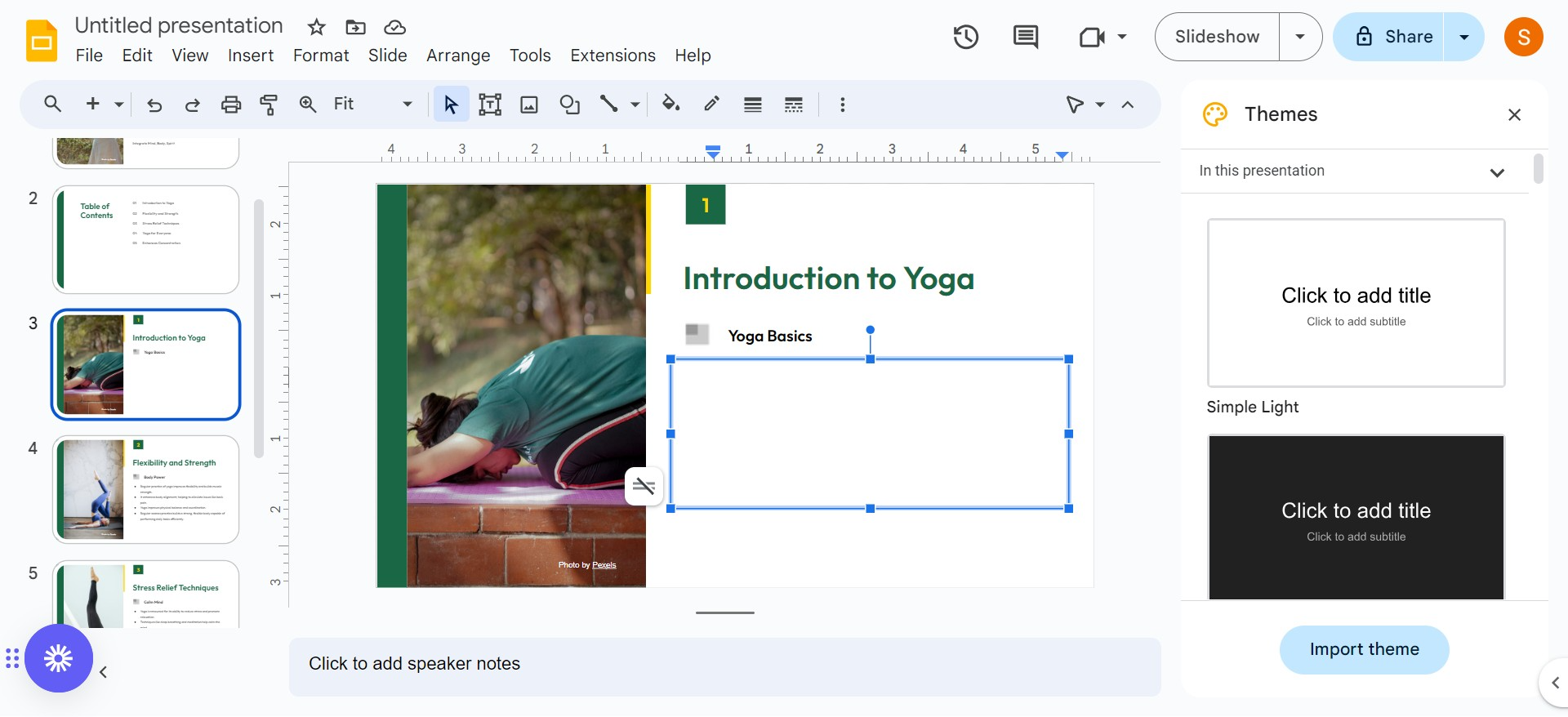
Start by navigating to Google Slides on the web. Sign in and open the presentation you wish to edit.
2. Select Your Text:
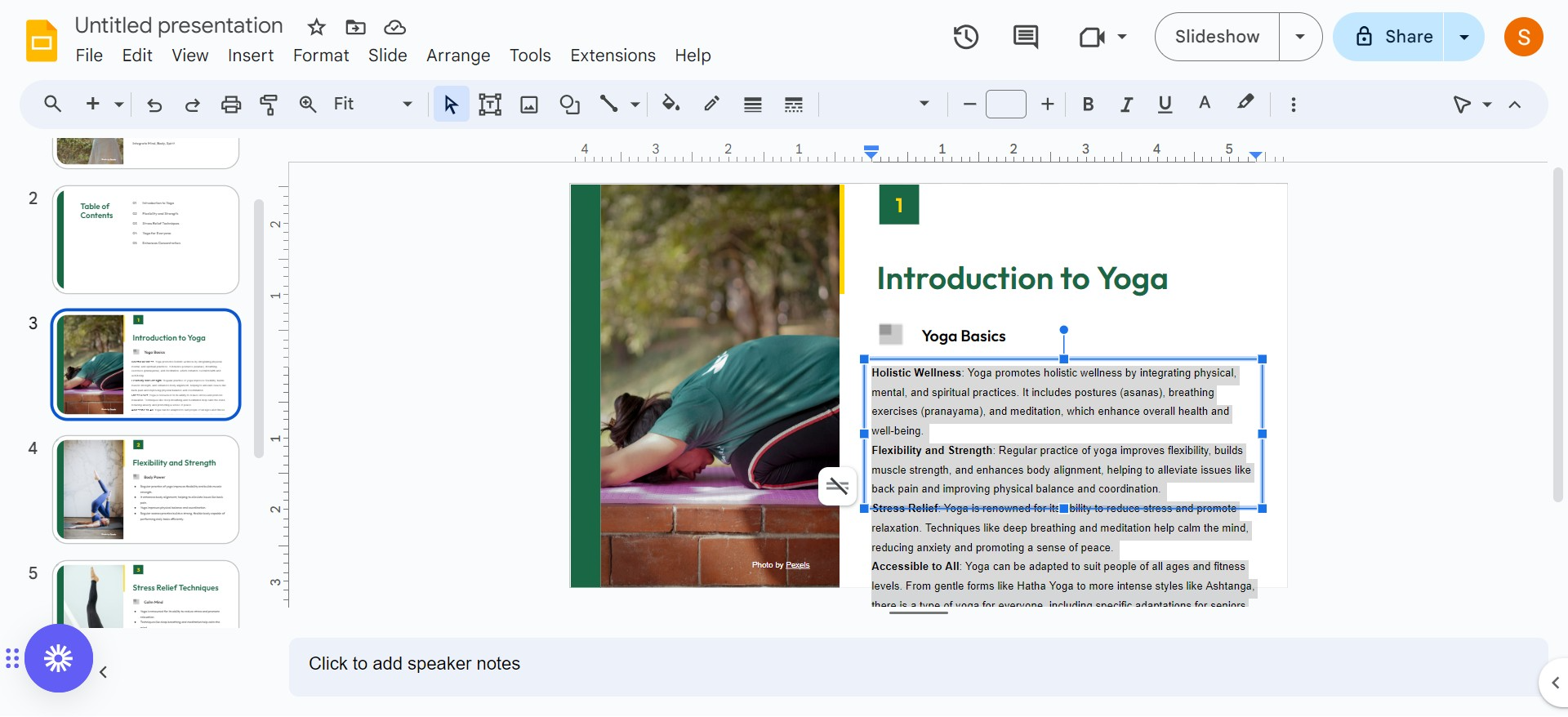
If your slide already contains the text that you want to convert into bullet points, select it by clicking and dragging your cursor over it. If you are starting from scratch, simply click where you want to add the first bullet and start typing.
3. Activate Bullet Points:
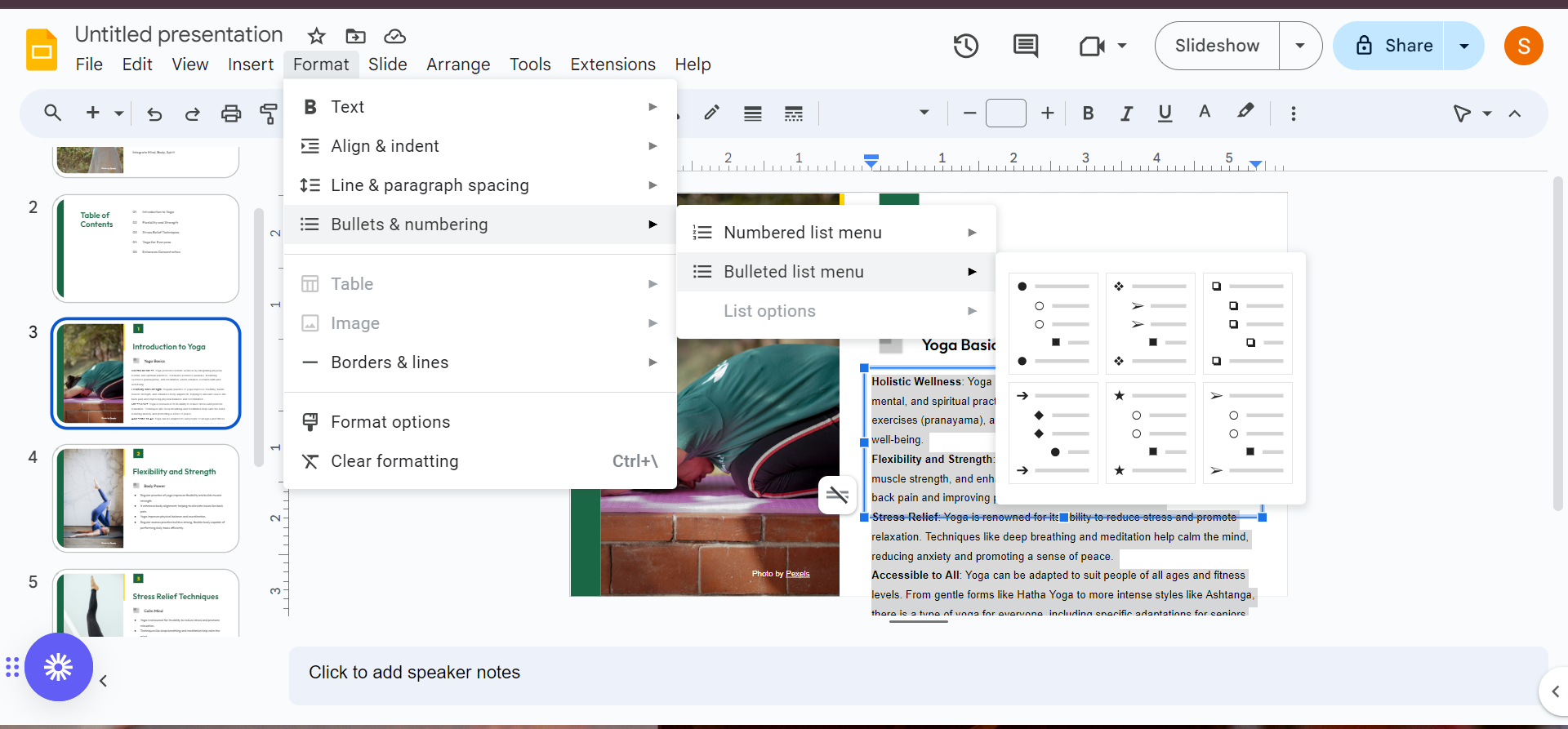
Click on the "Bullets & Numbering" option from the "Format" menu or use the bullet list icon in the top toolbar. Here, you can choose from several bullet styles, including traditional circles, squares, or more unique styles like arrows or checkmarks.
4. Customize Bullet Levels:
For multi-level lists, use the "Tab" key or the "Increase Indent" button in the toolbar to create sublevels. Each press will move the bullet point to the right, setting it apart from the main list items.
Customizing Bullet Points
While Google Slides provides a variety of common bullet symbols, you may want to customize these to better fit your presentation style or theme:
- Access More Bullets: Right-click on an existing bullet or go to
Format > Bullets & numbering > More bulletsto open the "Insert Special Characters" window. - Find or Create Bullets: Use the search box, select from categories, or even draw your desired symbol to find unique bullets such as emojis, special icons, or custom shapes.
Creating Distinctive Bullet Points
To make your presentation stand out, consider using different bullets for each item:
- Select and Replace Bullets Individually: Double-click on a bullet to select it, then choose a new bullet style from the "Insert Special Characters" window to apply it to that specific item.
Leveraging Magicslides for Enhanced Bullet Lists
Magicslides.app is an innovative platform that not only helps in creating visually appealing slide decks but also assists in generating and organizing content efficiently. When you need to quickly compile detailed lists or complex data points, Magicslides can streamline the process:
- Generate Content Automatically: Provide Magicslides with a brief description of what you need, such as a list of fruits with health benefits or strategic business points, and it will generate a comprehensive and accurate bullet list that you can directly insert into your slides.
Conclusion
Bullet points are fundamental for making your slides easy to follow and understand. They help organize information into digestible bits that are crucial for keeping your audience engaged during presentations.
Now that you know how to add and customize bullet points in Google Slides and how Magicslides can assist in content creation, you are well on your way to delivering effective presentations that capture and retain audience interest.
FAQs
Q: How do you make one bullet point appear at a time in Google Slides?
A: Use the animation feature by selecting your text box and choosing Insert > Animation. Set the animation to "Appear" and "By paragraph" to have each bullet point appear with each click.
Q: How do I make bullet points closer to text in Google Slides?
A: Adjust the spacing by using the ruler. Click View > Show ruler, then drag the blue horizontal line closer to your text.
Q: How do you add bullet points in Google Docs?
A: Similar to Google Slides, use the "Bullet list" option in the toolbar or under Format > Bullets & numbering to insert bullets into your document.


