How to transfer Canva to Google Slides in few simple steps


Transfering the designs that we create in Canva to Google Slides could be one of the most important steps, here s a guide.
Step 1: Export from Canva:
- Open your design in Canva.
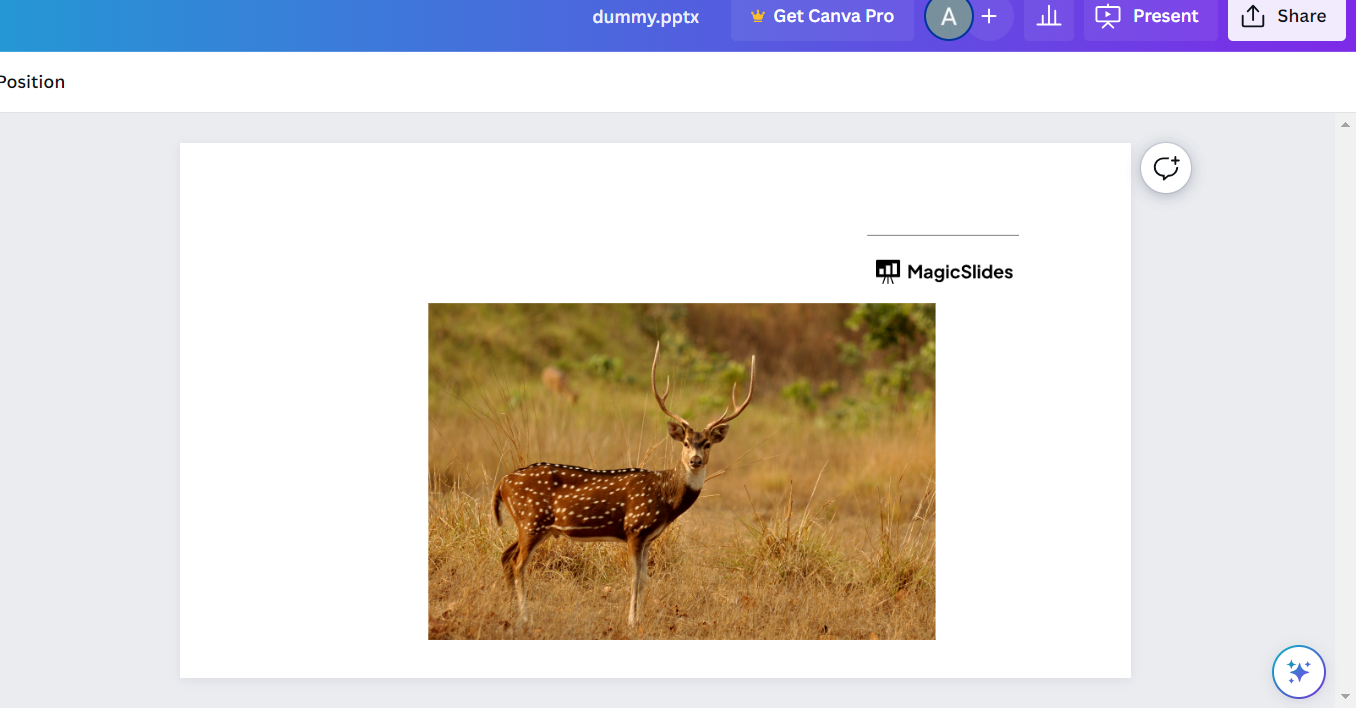
- Click on the "File" menu and select "Download."
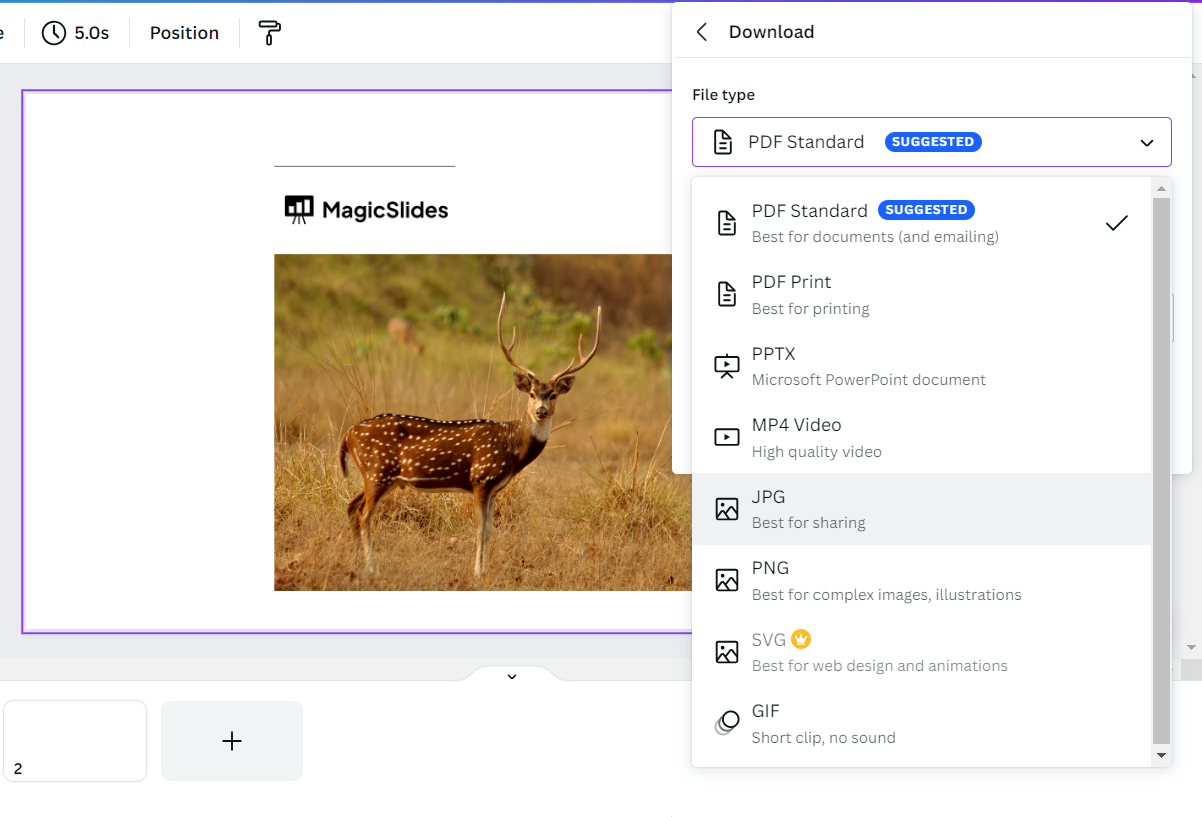
- Choose the appropriate file format for your Google Slides presentation. PDF and PNG formats are commonly used for this purpose.
Step 2: Optional step– Prepare Images :
- If you exported as a PDF, you might need to convert the PDF slides into images before importing them into Google Slides. You can use online tools or software to convert PDF pages into images.
Step 3: Import into Google Slides:
- Click on the "+ New" button and select "Google Slides" from the dropdown menu.
- In the Google Slides interface, click on "File" and then select "Import slides."
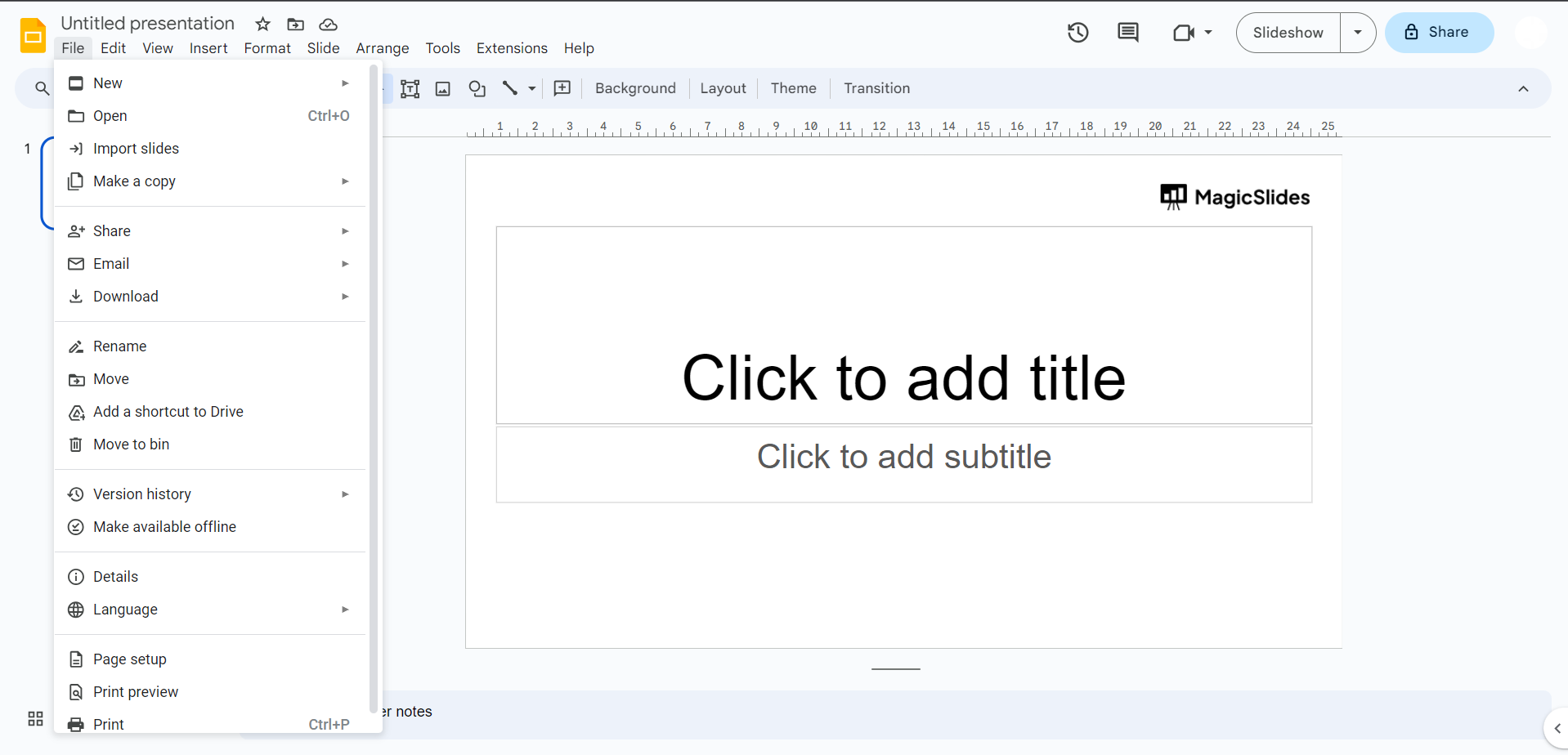
- Choose the image files you exported from Canva or the PDF slides you converted to images.
- Google Slides will import these images as slides into your presentation.
Step 4: Adjust and Edit:
- After importing, you might need to adjust the layout, text, and formatting of the imported slides to make them fit well within Google Slides' framework.