How To Create The Best Presentation For An Onboarding Process


Discover effective strategies and tips on crafting an outstanding onboarding presentation for seamless employee integration.
Onboarding new employees is a critical step in building a strong foundation for long-term success within any organization. It sets the tone for the employee's experience and can greatly influence their productivity and loyalty to the company. A key component of an effective onboarding process is the presentation that introduces new hires to the company culture, expectations, and their roles.
Creating an engaging and informative presentation can seem daunting, but with the right approach, it can be both enjoyable and effective. Here are some strategies to help you craft the best presentation for your onboarding process.
9 Ways To Create The Best Presentation For An Onboarding Process?
1. Know Your Newly Hired Like Your Best Friends
Every new hire brings a unique perspective to the table. Whether they are fresh graduates eager to start their career or seasoned professionals adapting to a new industry, understanding their backgrounds and experiences will help you tailor the presentation to be more relevant and engaging. Consider using simple language and providing glossaries or context for industry-specific terms that might be new to them.
2. Define the Journey’s Milestones
What should your new employees feel, know, and do by the end of this onboarding presentation? Set explicit objectives like embracing the company culture, understanding their specific roles, and knowing whom to approach for help. This clarity helps in crafting content that is direct and purposeful, aligning perfectly with your goals.
3. Turn Information into an Experience
Avoid the pitfall of monotonous lectures. Use multimedia elements like videos, interactive polls, and infographics to keep the energy up. For instance, a welcome video from the CEO can make the experience more personal, while interactive timelines or quizzes about company history inject fun into learning.
If you want to create fun and engaging quizzes instantly to make the onboarding process more fun, use an AI Quiz Maker tool like Magicform.app! This AI Quiz tool helps make quizzes instantly tailored to your specific company and hired employee.
4. Design with Clarity and Brand Identity
The visual aspect of your presentation is your first impression. Use a clean layout and a coherent color scheme that mirrors your brand. Tools like PowerPoint, Google Slides, or Magicslides provide a variety of templates that can help maintain a professional yet appealing design. Keep your slides uncluttered with ample white space to enhance readability.
5. Share Stories That Resonate
Narratives are powerful. Share stories from current employees about their first projects, how they embodied company values, or overcame challenges. This storytelling approach not only makes the session relatable but also illustrates the real impact of assimilating into your company’s culture.
6. Make it a Two-Way Conversation
Interaction shouldn’t be incidental but a core part of your presentation. Encourage live questions, use breakout rooms for small group discussions, or set up role-playing activities that simulate real job scenarios. This interaction fosters a more dynamic learning environment and helps build connections among team members.
7. Equip Them with Tools for Success
After immersing them in your company’s world, arm your new hires with essential resources. Provide access to a digital welcome pack that includes user manuals, key policies, procedural videos, and who’s-who in the company. Having these resources at their fingertips can boost their confidence and autonomy from day one.
8. Invite Feedback and Keep Evolving
The end of your presentation should be the beginning of an improvement cycle. Request feedback via digital surveys or informal discussions to gauge what worked and what didn’t. This continuous input allows you to refine the onboarding experience continually, demonstrating a commitment to employee satisfaction and engagement.
9. Continue the Dialogue
The onboarding presentation is just the starting line. Schedule follow-up meetings to revisit any questions and offer further support. These check-ins help reinforce the information shared and show your new hires that they are supported as they transition into their new roles.
How to Quickly Make Onboarding Presentations?
Creating onboarding presentations can be streamlined and efficient with the help of tools like Magicslides.app. Here’s how you can leverage this AI-powered platform to produce engaging presentations quickly:
Visit the Magicslides.app Website
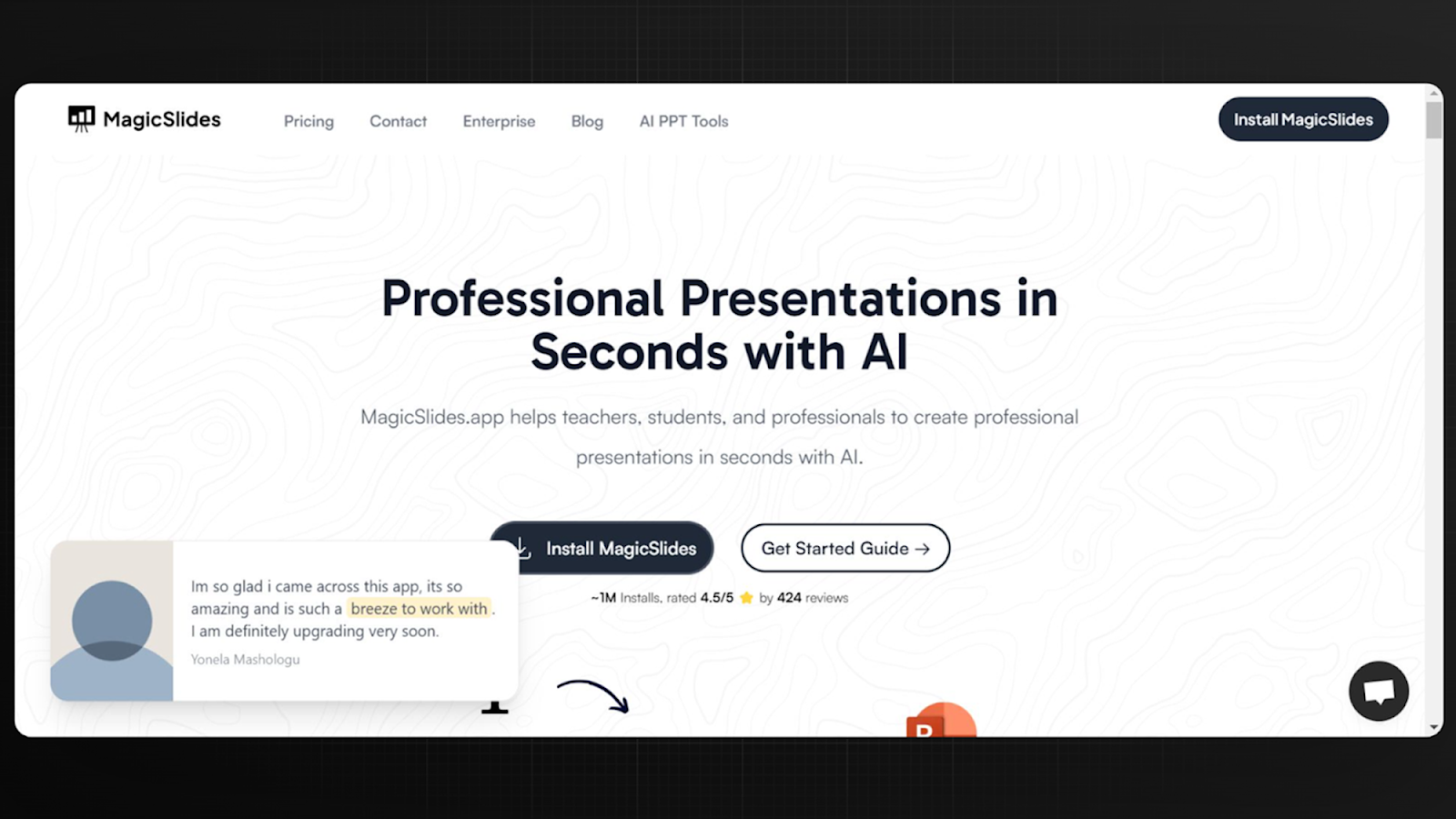
Start by heading to the Magicslides.app website. Spend some time exploring the features offered and how Magicslides can enhance your presentation creation process.
Install the Magicslides Extension
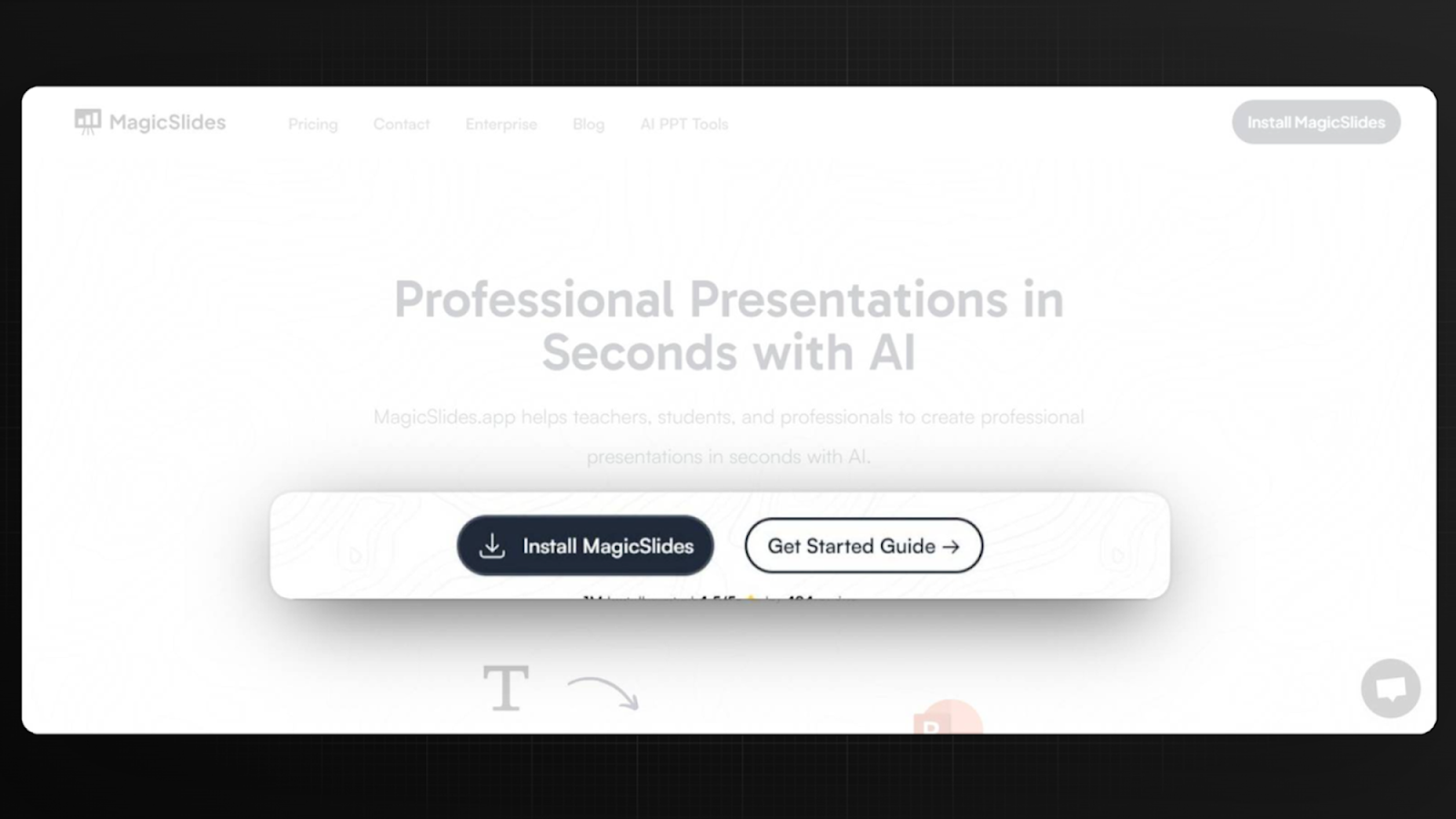
To fully utilize Magicslides with Google Slides, you'll need to install the Magicslides extension. This can be done directly from the website or through the Google Workspace Marketplace. Follow the easy installation instructions provided.
Open Google Slides
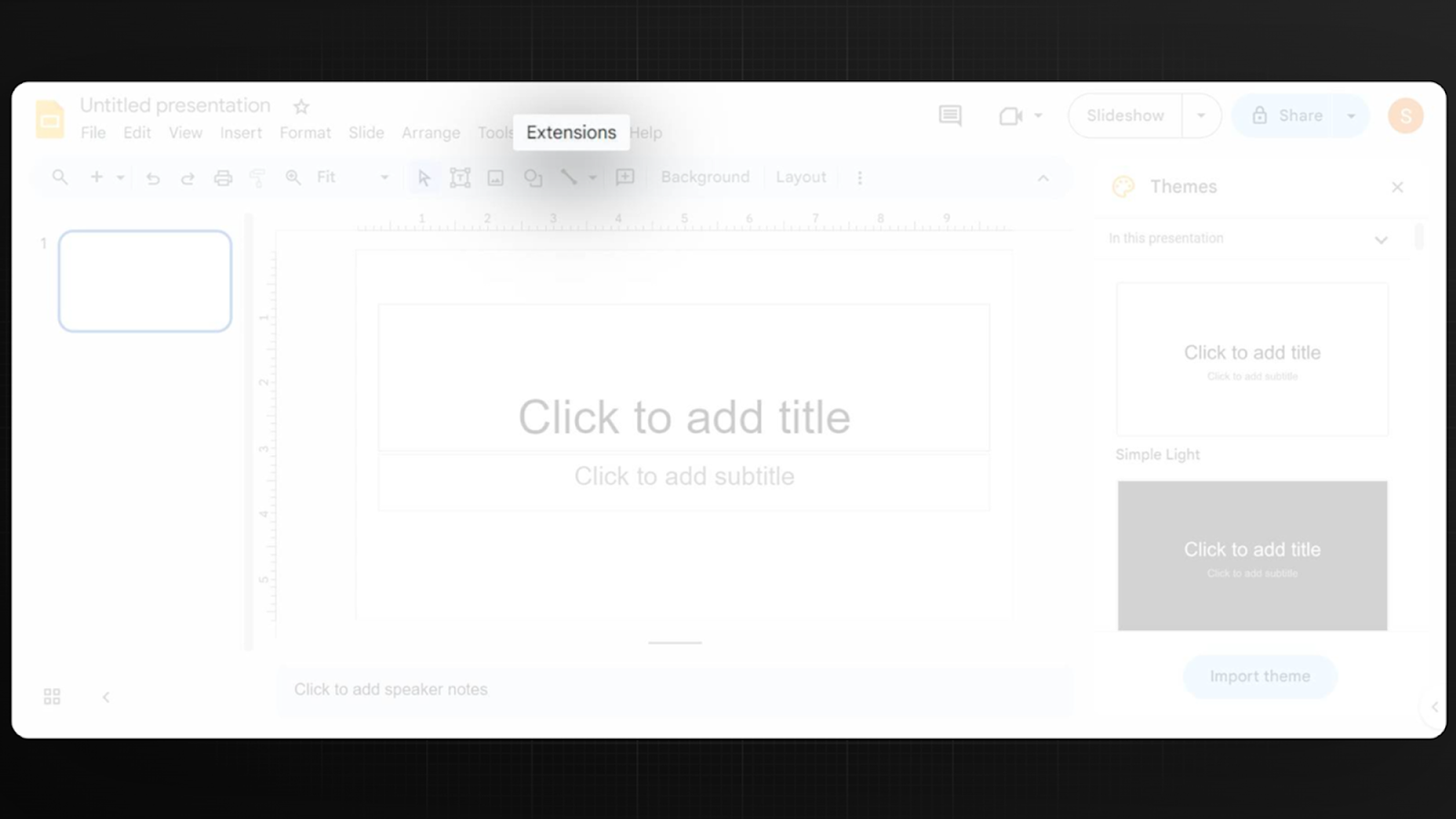
Once the extension is installed, open Google Slides. You will see that Magicslides integrates seamlessly into the Google Slides interface, adding a new toolbar or menu options that are specific to Magicslides.
Generate Your Presentation with Magicslides
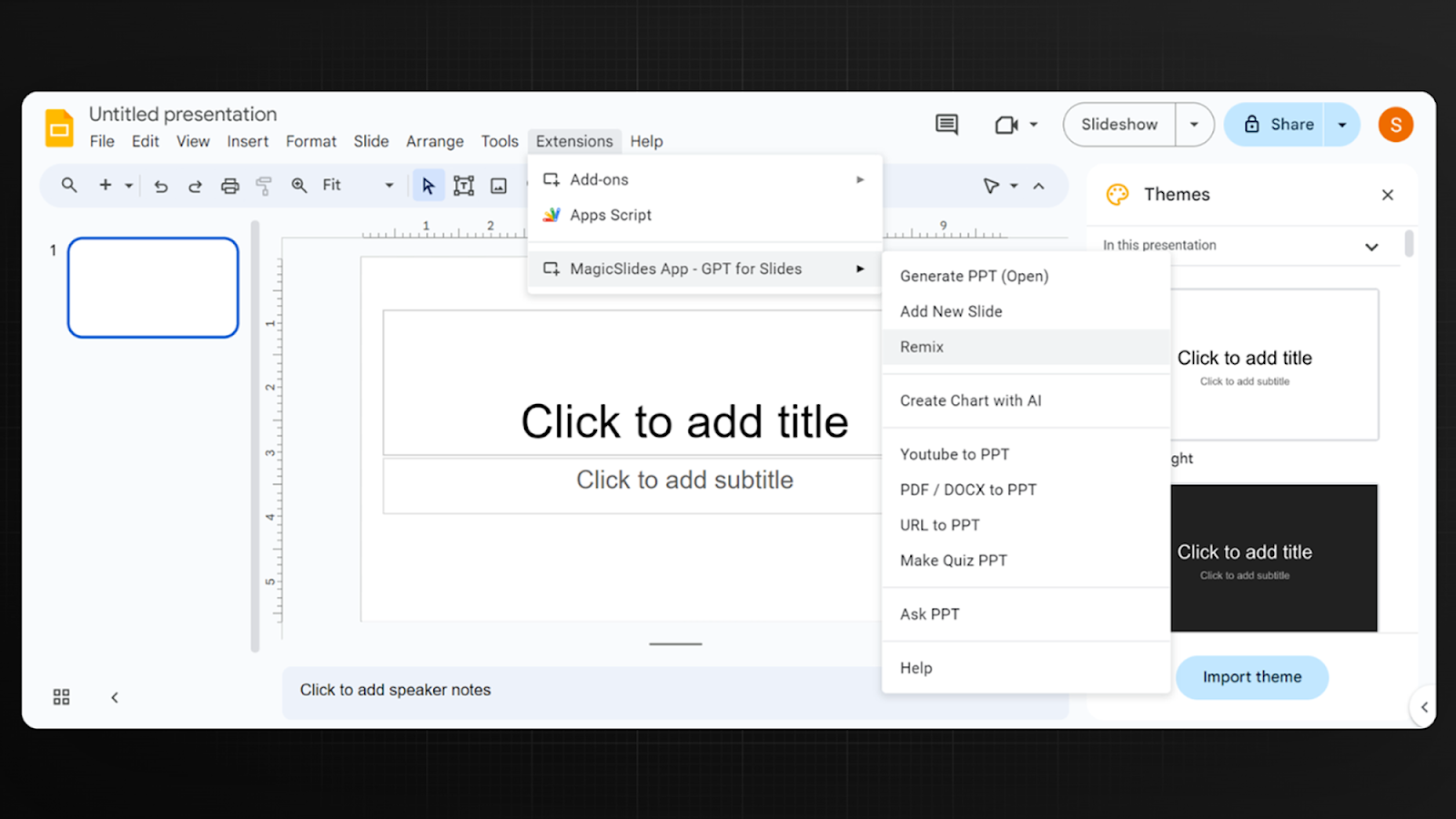
With Magicslides activated, begin creating your presentation. Use the Magicslides tool within Google Slides to generate AI-assisted slides. Simply input your session outline or key points, and Magicslides will assist in designing and populating your slides with appropriate graphics, layouts, and suggested text, ensuring your presentation is both polished and compelling.
By utilizing Magicslides.app, you can significantly reduce the time and effort needed to create professional and captivating onboarding presentations. This allows you to focus more on the content delivery and less on the technicalities of presentation design.
Conclusion
Creating an effective onboarding presentation is a vital step in ensuring the successful integration of new employees into your company. By making the presentation engaging, informative, and responsive to their needs, you can foster a positive start to their journey at your company.
Remember, the goal is to make new hires feel welcomed, valued, and prepared to embark on their new roles. With these tips, you're well on your way to creating an onboarding process that achieves just that.


