How to Create Interactive Presentations for Better Engagement


Learn how to enhance engagement with interactive presentations using tools like MagicSlides.app. Make your message memorable!
Beyond boring speeches and static slides, presenting skills have developed in the digital era. Interactive presentations have become a cornerstone of effective communication, whether in classrooms, boardrooms, or webinars. Engaging your audience with interactive elements not only keeps them interested but also helps in better retention of the information presented. Let’s dive into how you can transform your standard presentations into dynamic interactive experiences.
Understanding the Importance of Interactive Presentations
Interactive presentations are more than just visually appealing; they are tools designed to foster engagement and participation. By integrating interactive elements, presenters can transform passive listeners into active participants. This interaction enhances understanding, facilitates real-time feedback, and makes the entire experience more memorable.
Tools and Software for Creating Interactive Presentations
Several tools and platforms can help you create interactive presentations. Choosing the right one depends on your specific needs, such as ease of use, compatibility with other tools, and the level of interactivity required. One such tool that balances these aspects well is MagicSlides.app. It offers a variety of features to enhance your presentations without overwhelming you or your audience.
Key Features to Look For:
- User-friendly Interface: You don’t need advanced technical skills to create engaging presentations.
- Integration Capabilities: Easily integrates with other tools and platforms, enhancing its utility.
- Variety of Templates: Offers a range of templates that can be customized to fit your presentation needs.
- Analytics: Some tools provide analytics to gauge audience engagement and effectiveness of the presentation.
Step-by-Step Guide to Creating Interactive Presentations
1. Plan Your Content
Before diving into any tool, outline your presentation. Define the key messages and decide where interactive elements will be most effective.
2. Choose the Right Tool
Based on your needs, select a presentation tool that supports interactive features like quizzes, polls, and animations. For instance, MagicSlides.app offers an intuitive platform to create and manage interactive elements seamlessly.
3. Design Your Slides
Use high-quality images, concise text, and consistent fonts. Remember, the design should aid the communication of your message, not distract from it.
4. Incorporate Interactive Elements
- Polls and Surveys: Engage your audience by asking for their opinions or feedback.
- Quizzes: These are great for educational presentations to reinforce learning or summarize key points.
- Clickable Tabs: Allow the audience to control what content they view, making the experience more interactive.
5. Integrate Multimedia
Videos, GIFs, and sound clips can make your presentation more engaging. Ensure they are integrated smoothly to maintain flow and coherence.
6. Test Your Presentation
Always preview your presentation to ensure all interactive elements work as intended. This step is crucial to avoid any technical glitches during your actual presentation.
7. Gather Feedback
Use built-in analytics tools to measure engagement levels and gather feedback. This information can be invaluable for refining future presentations.
How To Generate PPT Using AI?
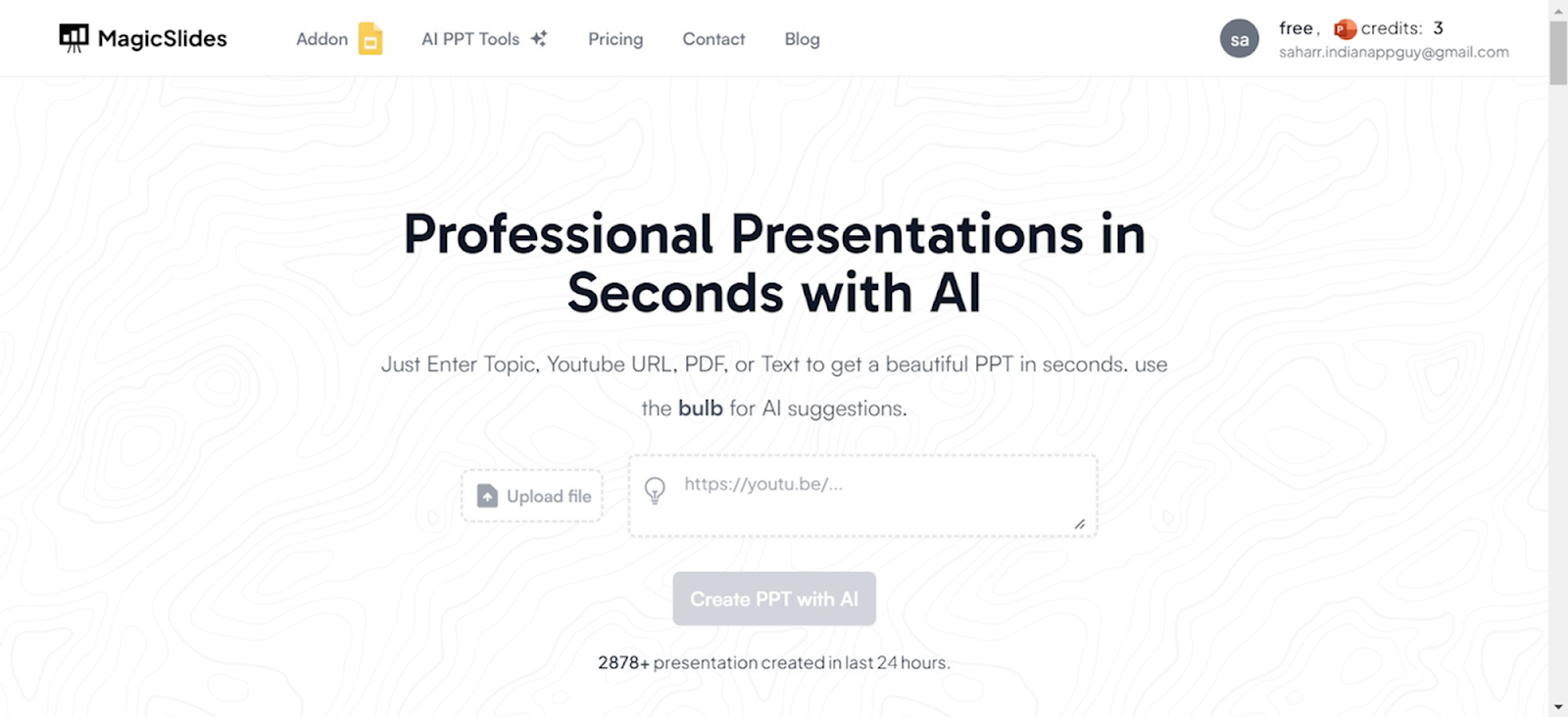
Visit a Reliable AI PowerPoint Maker
Start by navigating to a trusted AI-powered presentation tool like Magicslides.app.
Access AI PowerPoint Tools
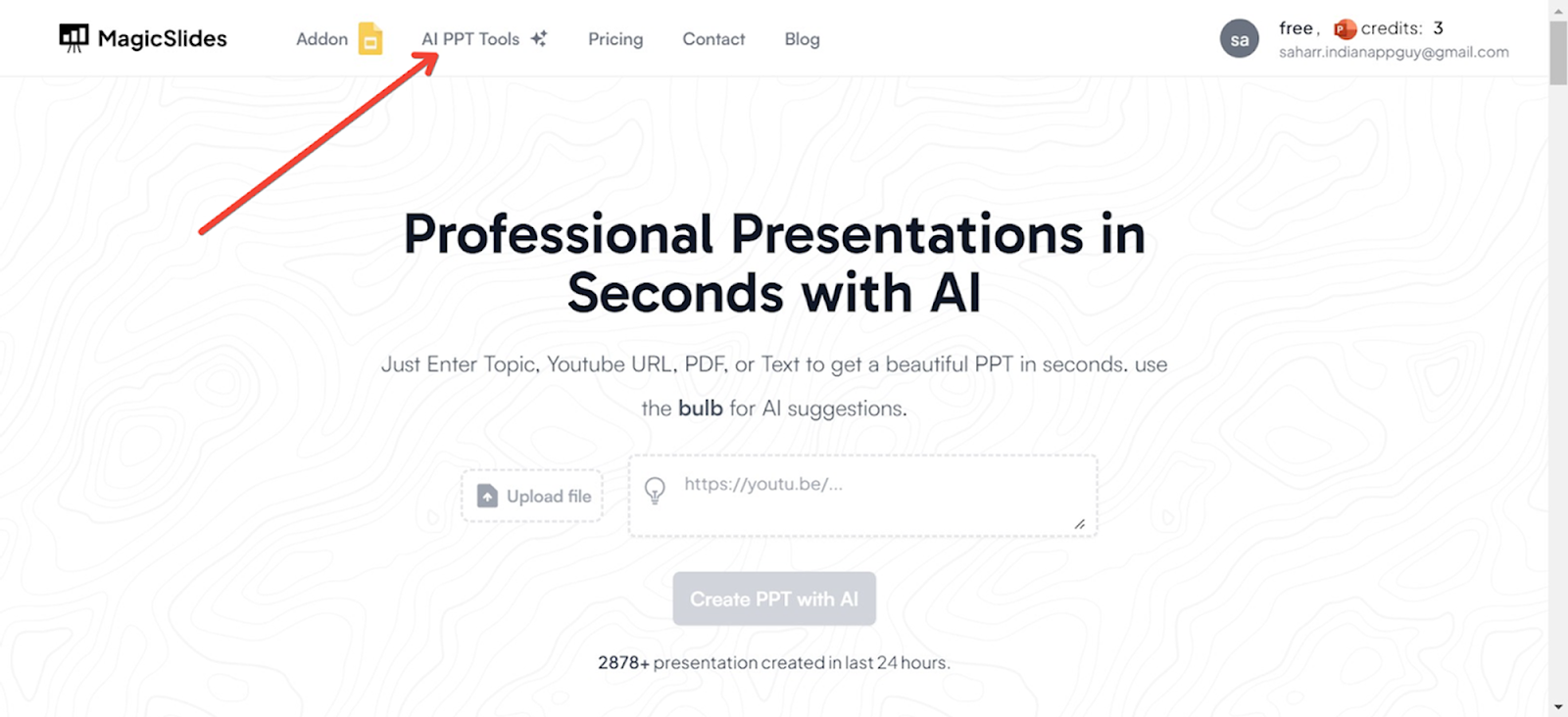
On the Magicslides.app homepage, locate and click on the ‘AI PPT Tools’ section.
Choose Your Creation Method
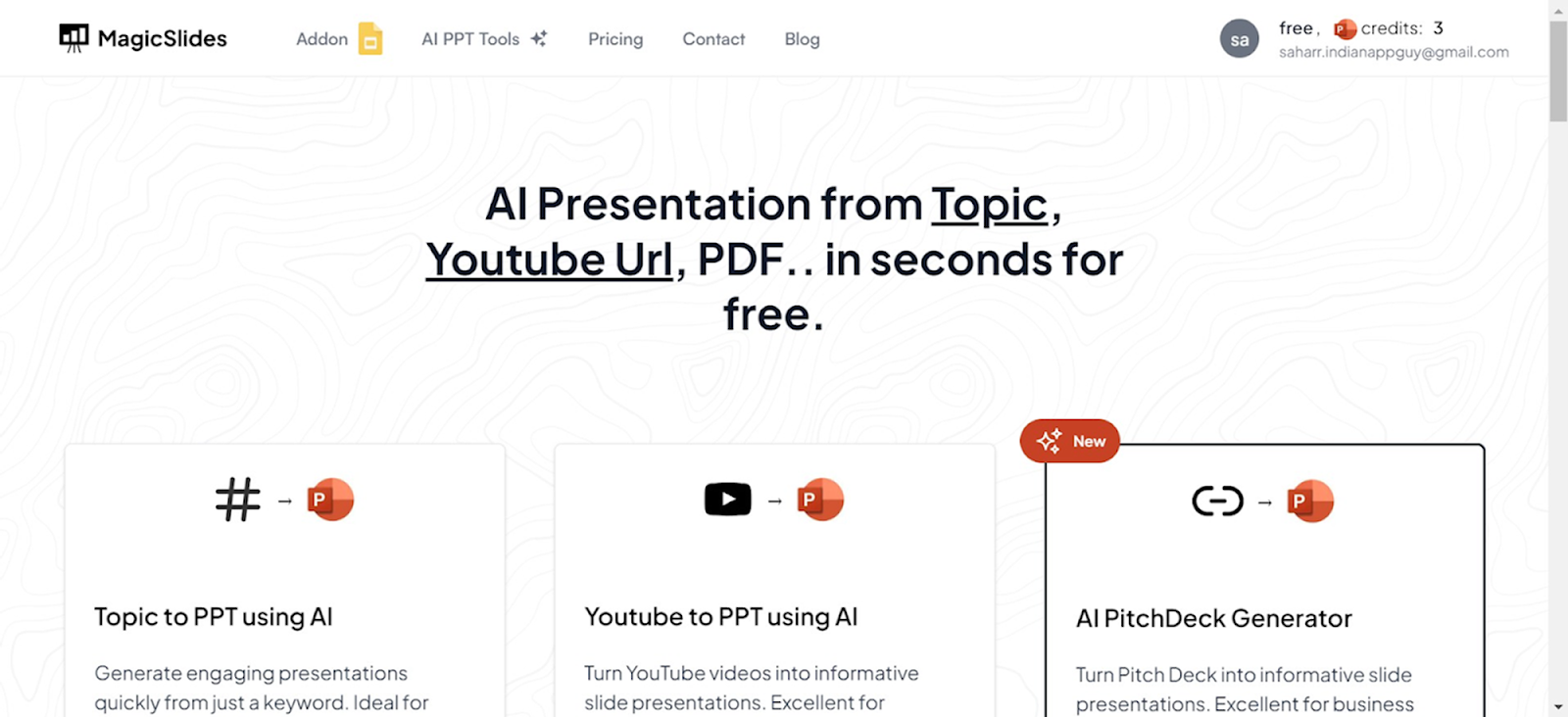
Magicslides.app offers several innovative options to create your PowerPoint:
- Topic to PPT: Generate slides based on a specific subject.
- YouTube to PPT: Convert video content into a presentation.
- URL to PPT: Turn web content into a visually appealing PowerPoint.
- Additional features include a pitch deck generator and enhancements for existing presentations.
Using URL to PPT for This Guide
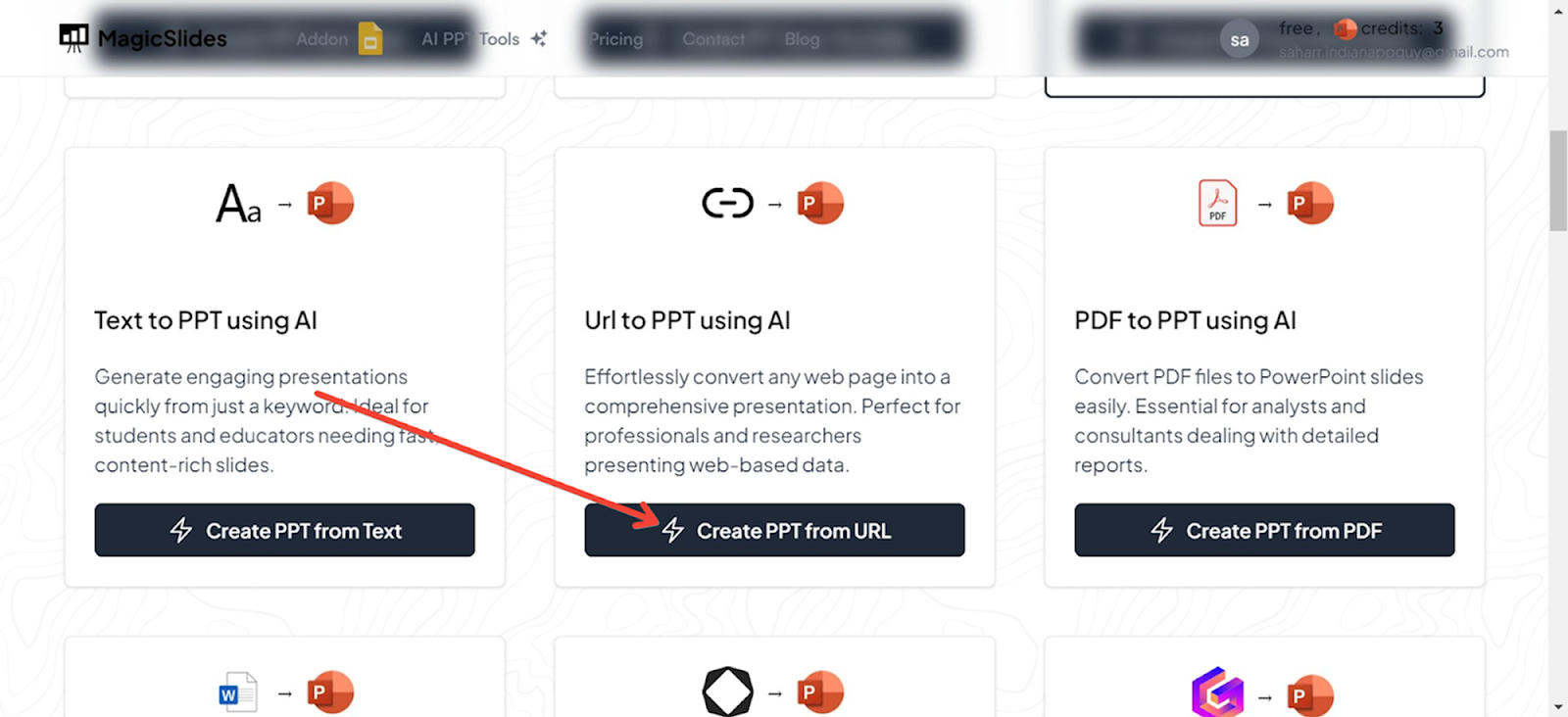
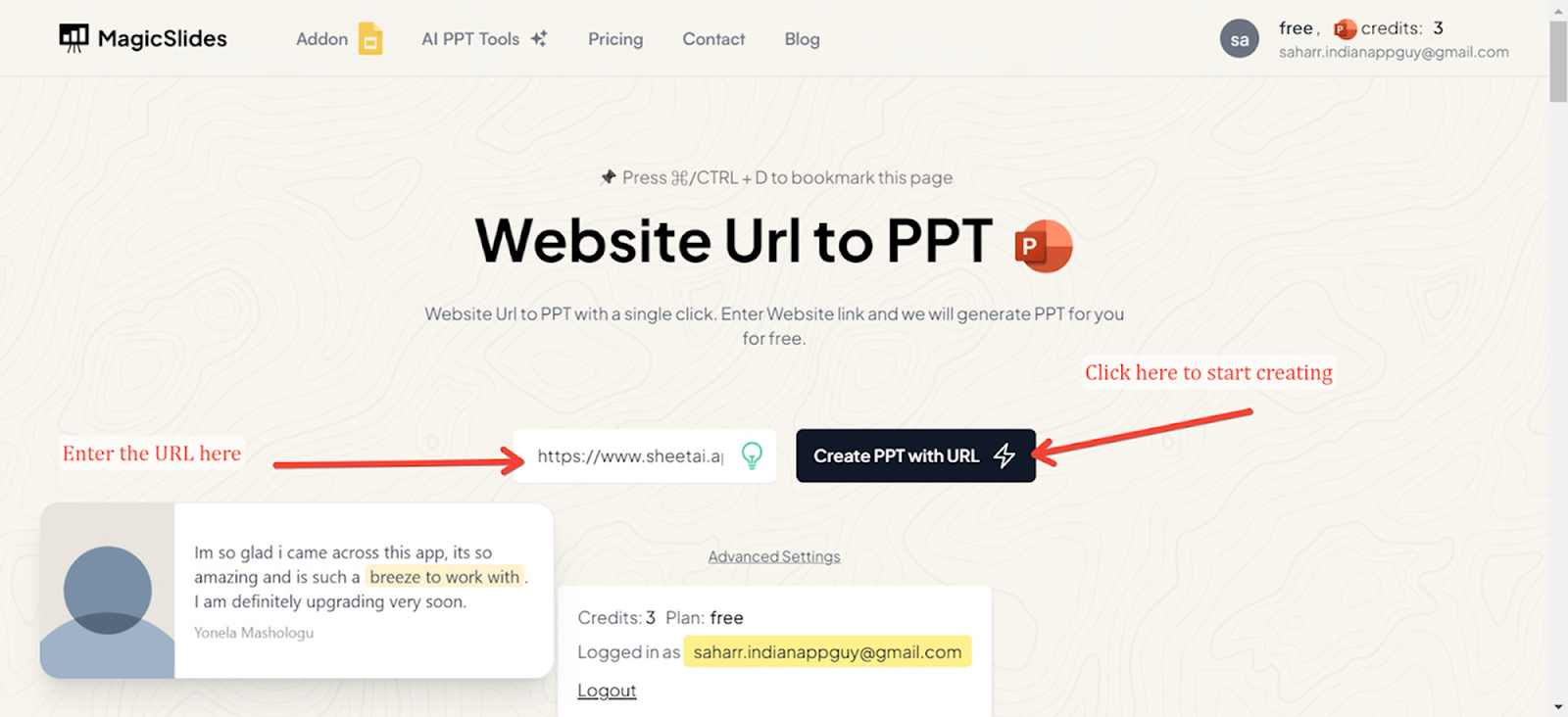
For this demonstration, we will use the URL to PPT feature. This option is particularly useful for converting articles, blog posts, and other web content directly into PowerPoint slides.
Enter the URL
Input the URL of the web page you want to convert into a PowerPoint presentation in the designated field.
Generate Your Presentation
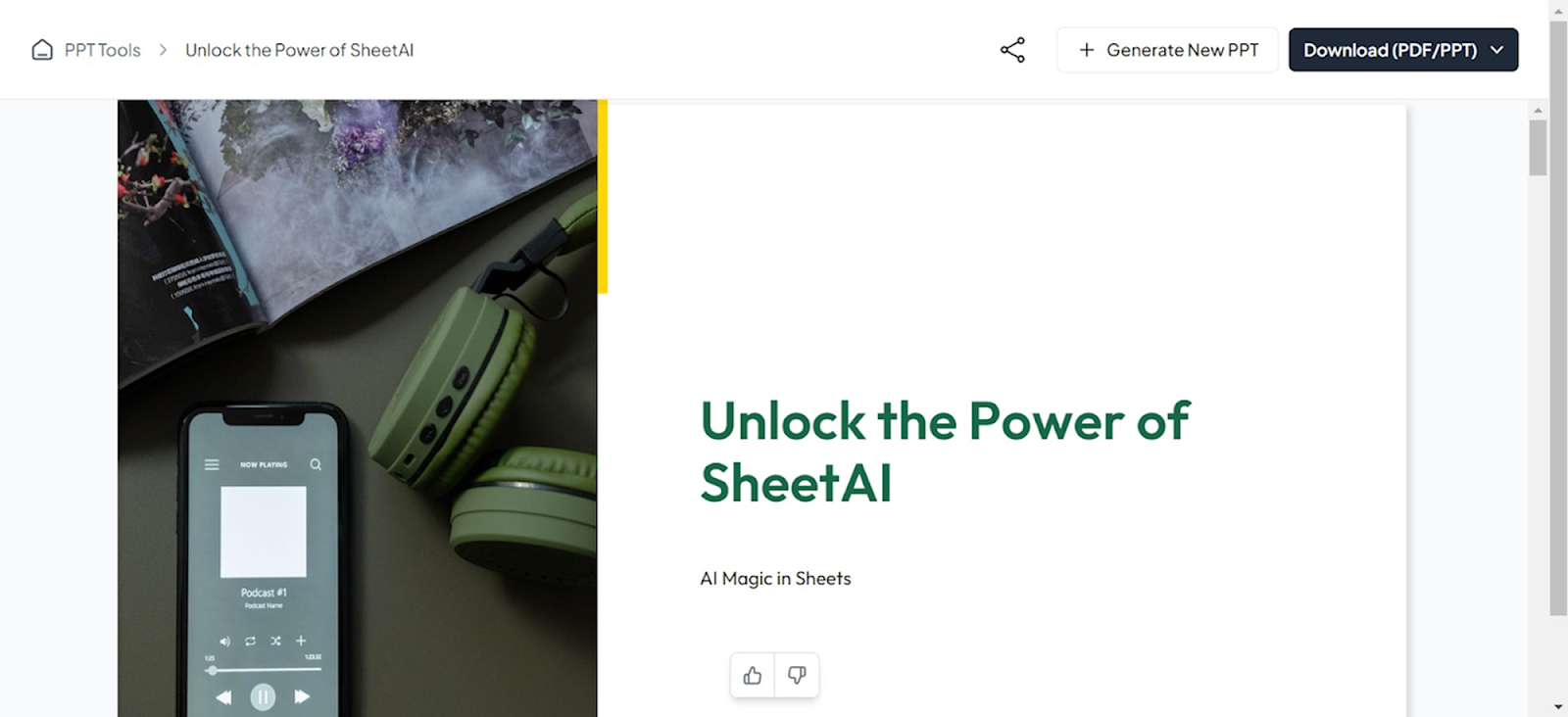
Click the generate button, and Magicslides.app will process the URL, extracting key information and organizing it into a beautifully designed PowerPoint presentation. The result is a ready-to-use slide deck that you can edit further if needed.
Best Practices for Interactive Presentations
- Keep It Simple: Too many interactive elements can be overwhelming. Aim for a balance between traditional content and interactive segments.
- Focus on Audience Needs: Understand the expectations and background of your audience to tailor the content appropriately.
- Encourage Participation: Make it clear that audience involvement is welcome and important. This can be through direct prompts or by creating a conducive environment for interaction.
Conclusion
Interactive presentations are transforming the way we communicate and learn. They offer an exciting way to engage audiences and make your message stand out. By using tools like MagicSlides.app and following best practices, anyone can create presentations that are not only informative but also engaging and memorable. Start exploring these tools and techniques to bring your presentations to the next level!


