How Do You See Speaker Notes When Presenting On Google Slides


Enhance your Google Slides presentation by discovering how to view speaker notes during your delivery.
Speaker notes in Google Slides serve as the presenter's secret weapon, providing essential cues and insights for each slide. Discover the effortless process of adding speaker notes to elevate your presentation game.
How do you see speaker notes when presenting on google slides
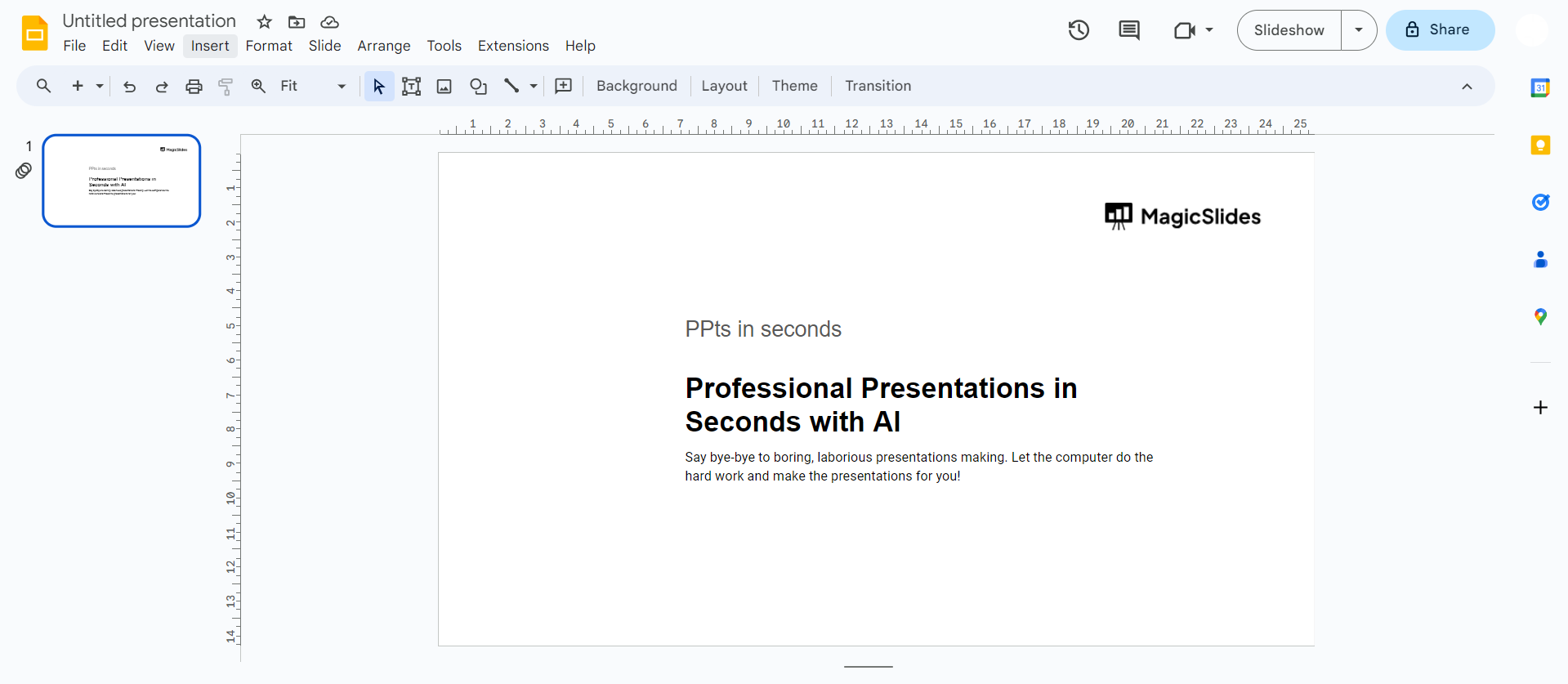
Step 1: Open Your Google Slides Presentation
Begin by opening the Google Slides presentation where you wish to incorporate speaker notes. Each slide can have its unique set of notes, offering a personalized touch.
Step 2: Locate the Speaker Notes Text Field
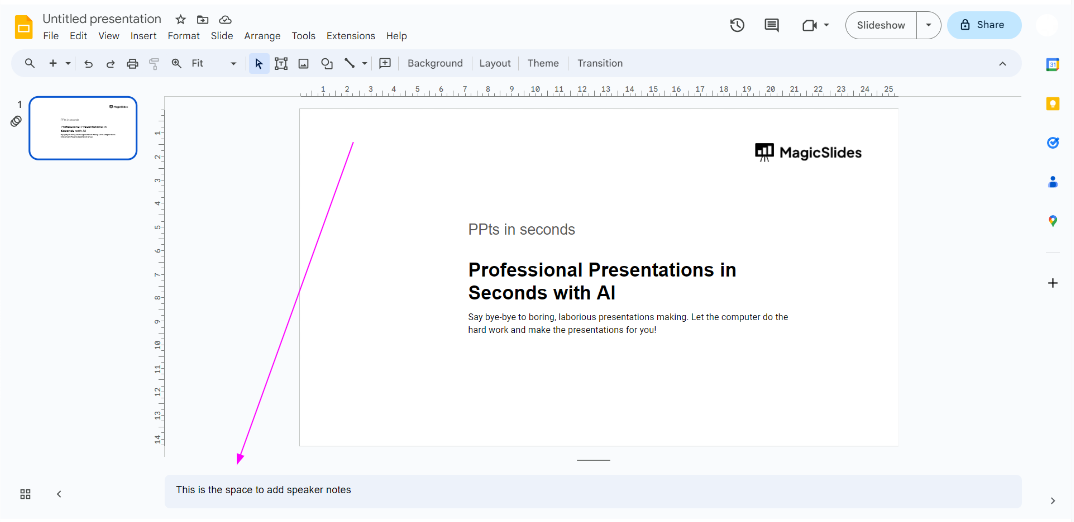
At the bottom of your screen, you'll find a text field with a prompt: "Click to add speaker notes." This field is where you'll input your valuable speaker notes. This information is for your eyes only and won't be visible to the audience during the presentation.
Step 3: Show Speaker Notes (If Necessary)
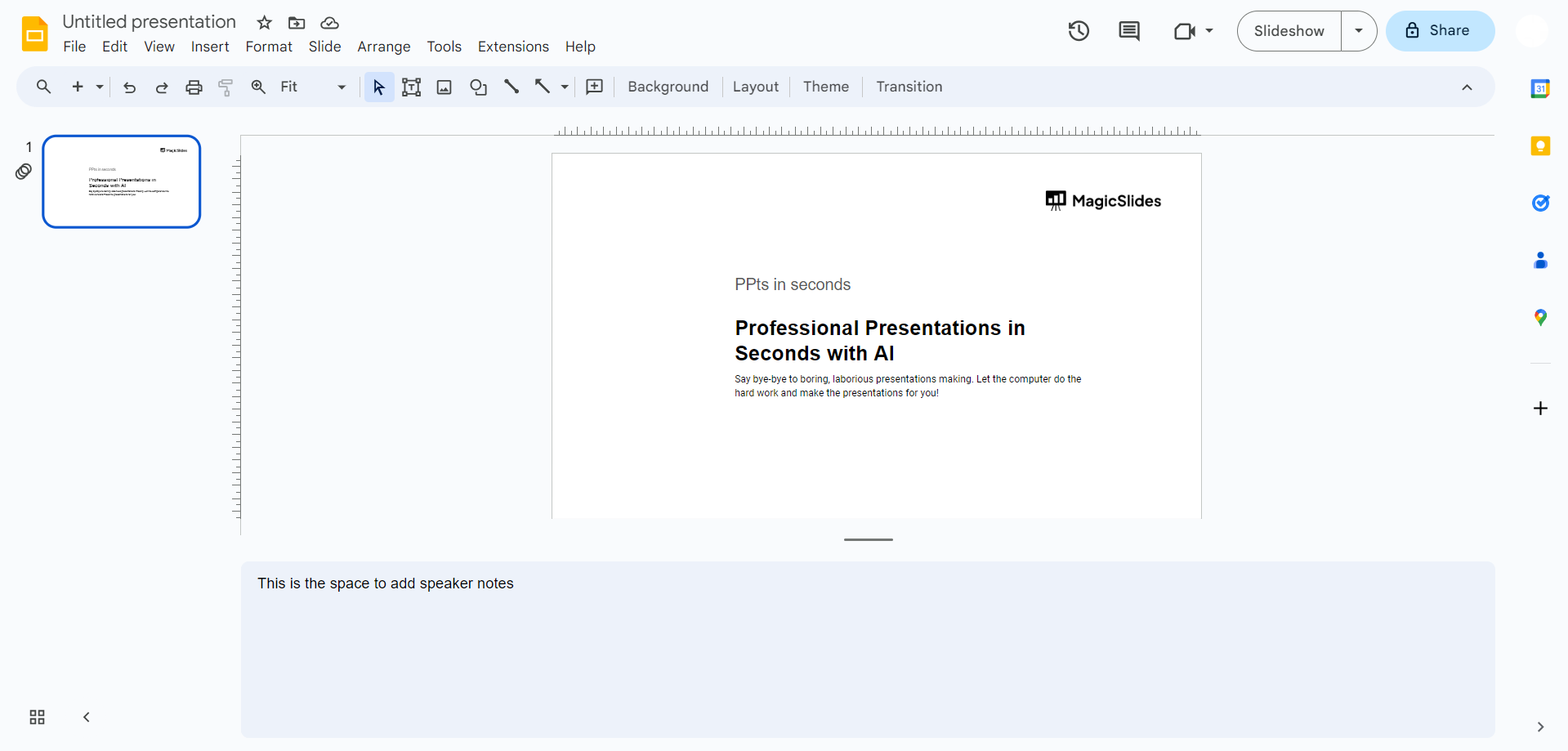
If the message box isn't visible, click on the "View" menu and select "Show Speaker Notes." This action will reveal the message box, allowing you to seamlessly add and edit your speaker notes.
Step 4: Write Your Speaker Notes
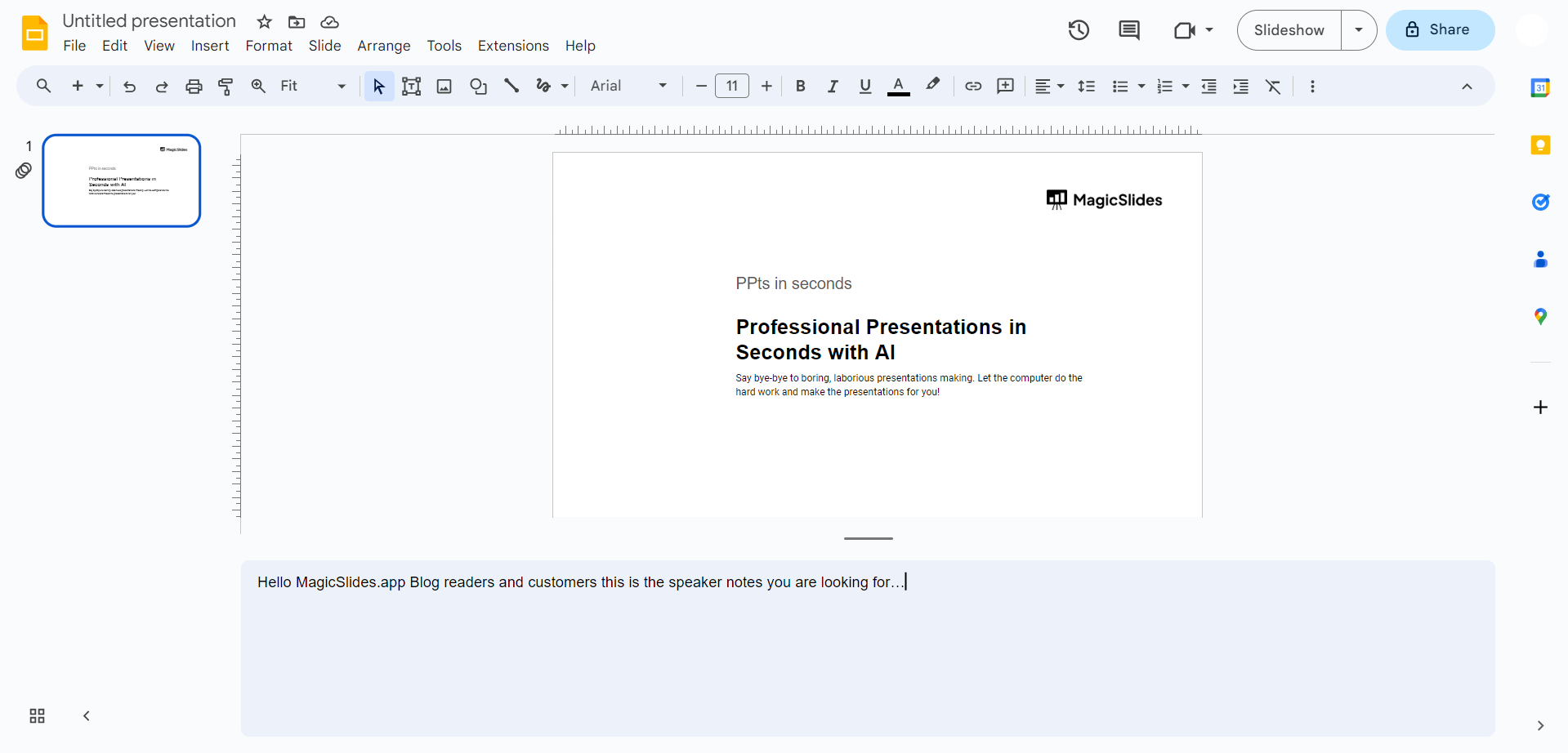
With the message box visible, write your speaker notes for the respective slide. These notes should encapsulate key points, reminders, or additional information that enhances your presentation. Remember, clarity and conciseness are key.
Conclusion:
Speaker notes in Google Slides empower presenters to deliver impactful presentations with precision. By following these straightforward steps, you can effortlessly add speaker notes to each slide, ensuring a seamless and well-prepared delivery. Elevate your presentations, captivate your audience, and master the art of public speaking with Google Slides speaker notes.
Frequently Asked Questions:
Q1: Can I add speaker notes to all slides at once in Google Slides?
A: Unfortunately, Google Slides doesn't provide a feature to add speaker notes to all slides simultaneously. You need to input notes individually for each slide.
Q2: Are speaker notes visible to the audience during a presentation?
A: No, speaker notes are for the presenter's reference only. They remain invisible to the audience, ensuring a clean and professional presentation.
Q3: Can I format or style my speaker notes in Google Slides?
A: Currently, Google Slides offers limited formatting options for speaker notes. You can add basic text but cannot apply elaborate formatting.
Q4: Is there a character limit for speaker notes in Google Slides?
A: While Google Slides doesn't specify a character limit for speaker notes, it's advisable to keep them concise for optimal presenter-readability during the presentation.
Have a look @these info blogs:
- How To Mirror Images In Powerpoint: https://www.magicslides.app/blog/How-to-mirror-images-in-powerpoint
- How To Add Gif In Google Slides: https://www.magicslides.app/blog/How-to-add-gif-in-google-slides
- How To Turn A Powerpoint Into Google Slides: https://www.magicslides.app/blog/How-to-turn-a-powerpoint-into-google-slides
- How To Group Objects In Powerpoint: https://www.magicslides.app/blog/How-to-group-objects-in-powerpoint


