How to change all of the Colors on Canva


Easily update your Canva design by changing all colors at once for a consistent, cohesive look
Canva makes it simple to adjust the color scheme of your designs, allowing you to achieve the perfect look and feel for your project.
Whether you’re creating a presentation, flyer, or social media post, modifying all the colors at once ensures your design stays consistent and visually appealing.
Follow this guide to learn how to change all colors efficiently in Canva.
How to Change All of the Colors on Canva | Steps to Change All Colors in Canva
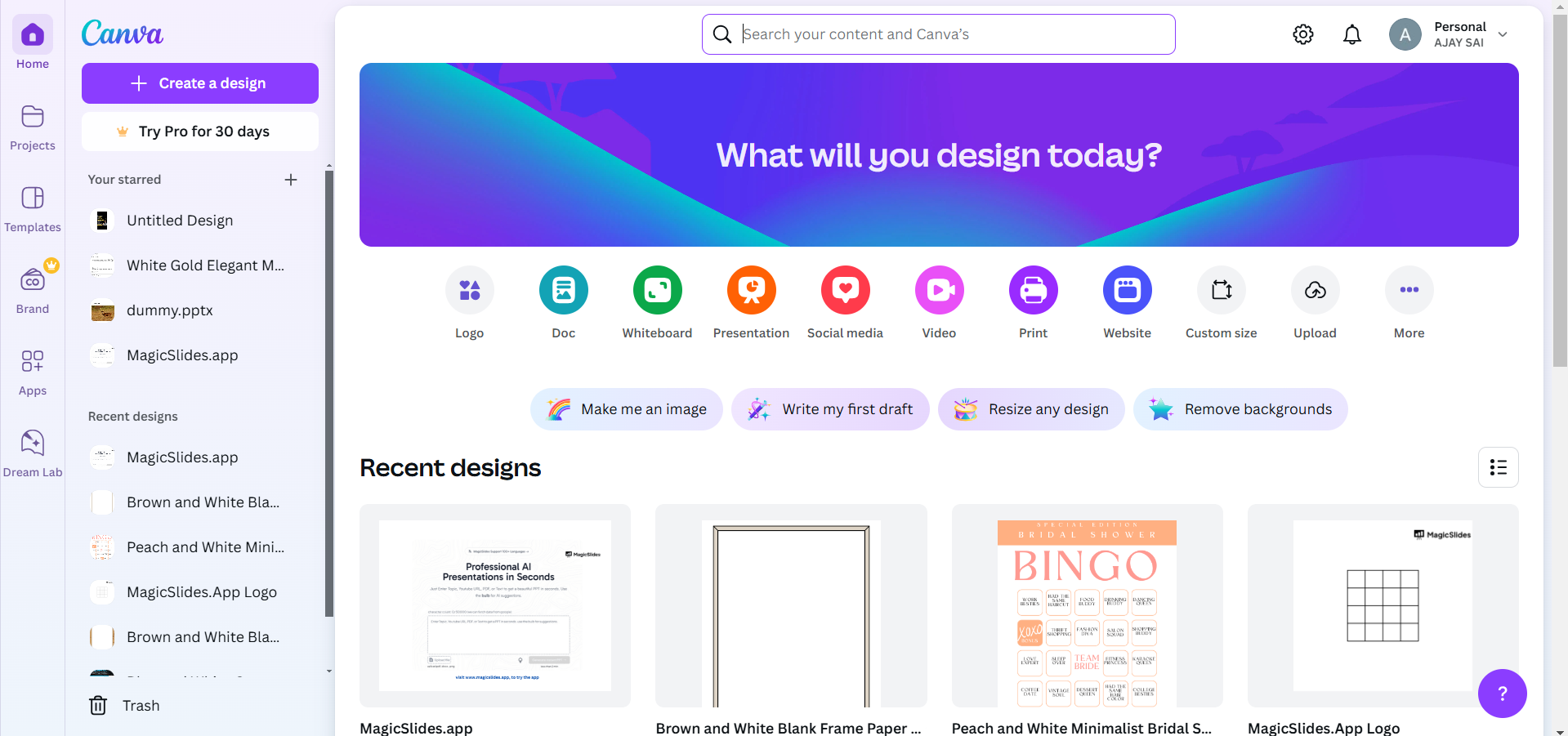
Step 1: Open Your Canva Design
Log in to your Canva account and open the design you wish to edit. Ensure all elements are properly grouped or layered for easier color adjustments.
Step 2: Access the Color Palette
Click on any element (text, shapes, or images) within your design to activate editing options.
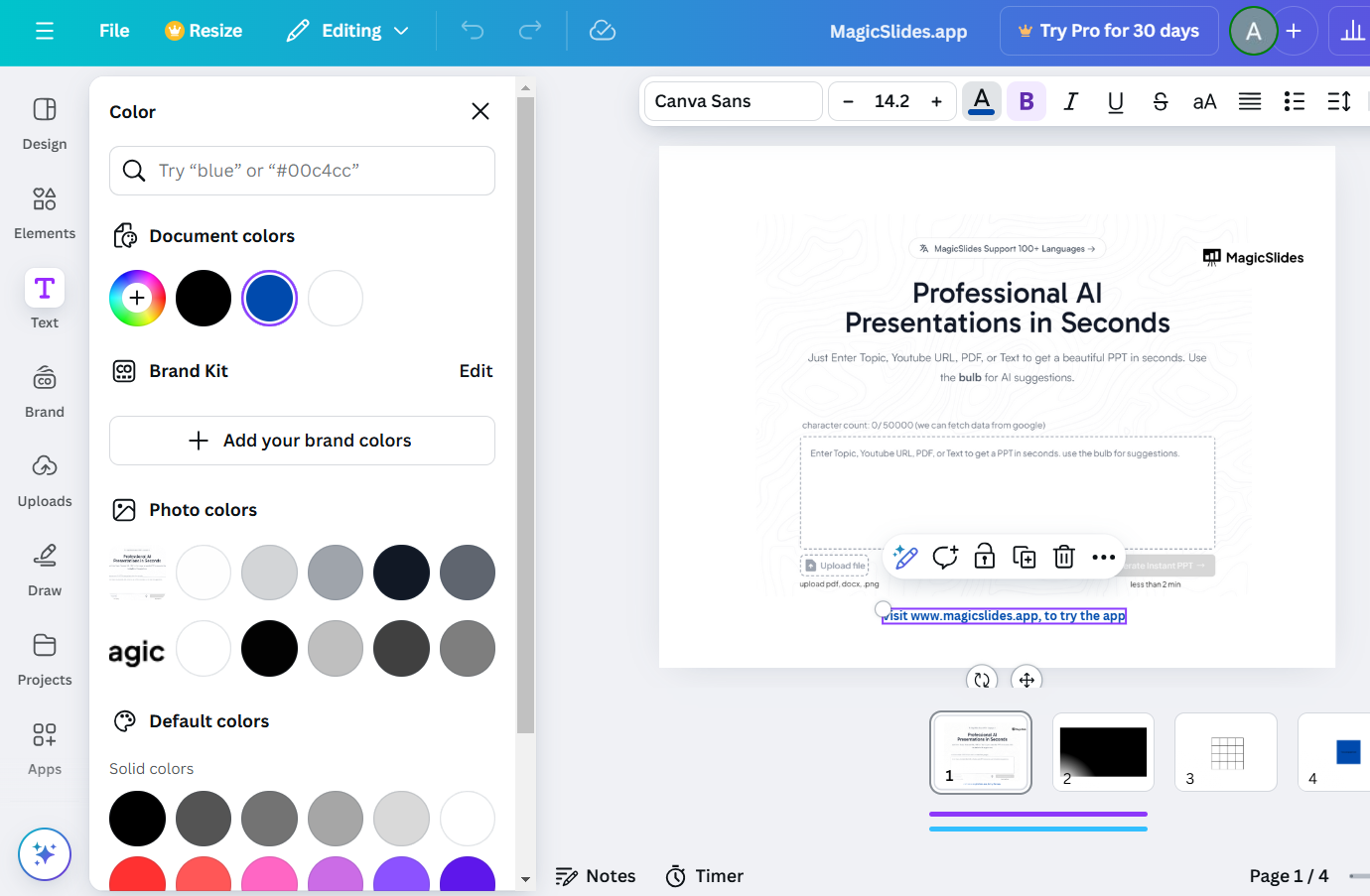
In the toolbar above, click the Color Picker to view the current colors applied.
Step 3: Modify a Single Element Color
Select an element and choose a new color from the Color Picker or Custom Colors.
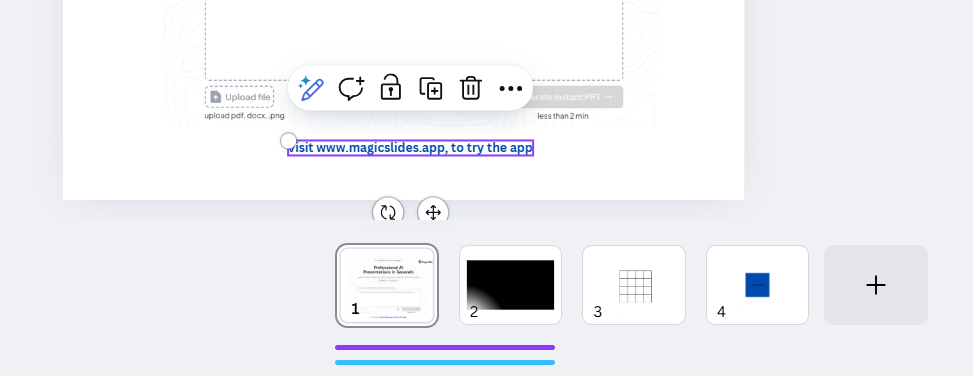
Adjust the opacity or shade as needed to match your design.
Step 4: Use the “Change All” Feature
After changing one element’s color, a Change All option will appear in the toolbar.
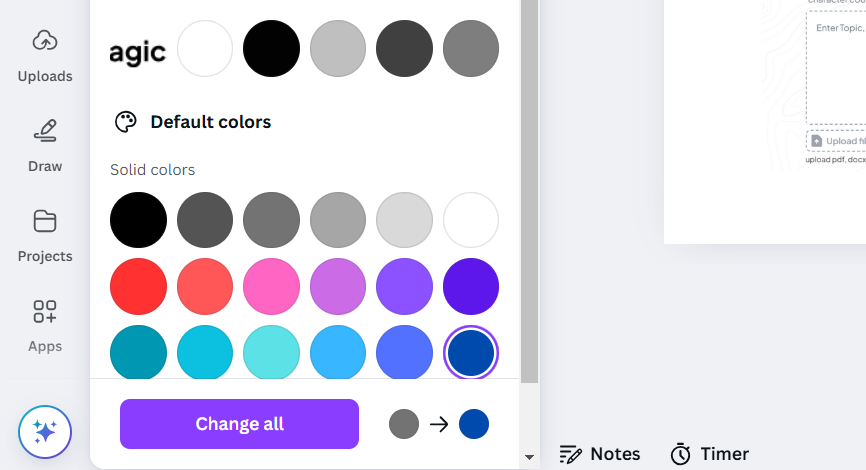
Click this option to replace all instances of that specific color throughout your design with the new color.
Step 5: Review and Adjust
Scroll through your design to ensure all changes look consistent and align with your desired theme.
Manually adjust any elements where the colors didn’t automatically update.
Now that you’ve changed all the colors on Canva, discover how to add borders to graphics in Canva to make your designs stand out.
Conclusion
Changing all the colors in Canva is an efficient way to maintain consistency and elevate your design.
Whether you’re updating an existing project or creating something new, the ability to apply changes across all elements saves time and ensures your design remains cohesive.
Experiment with different palettes and styles to find what works best for your project.
FAQs on Changing All Colors in Canva
Can I save a custom color palette for future designs?
Yes, Canva allows you to save custom palettes, which you can reuse in other projects.
Why didn’t all elements change after using the “Change All” feature?
Some elements, like uploaded images or certain templates, may not respond to the “Change All” feature. These must be adjusted manually.
Can I revert to the original colors after making changes?
Yes, Canva has an Undo button that allows you to revert to previous changes or restore the original colors.
By mastering these steps, you can effectively customize your Canva projects to match your creative vision, making them visually stunning and on-brand.


