How to change border color in PowerPoint


Enhance your PowerPoint slides with a pop of color! Learn how to change border colors effortlessly.
Customizing the appearance of shapes, text boxes, and other elements in your PowerPoint presentation can significantly enhance visual appeal and clarity. One such customization is changing the border color of shapes or text boxes. In this step-by-step guide, we'll explore how you can easily change the border color in PowerPoint to better suit your design needs and create impactful presentations.
How to change border color in PowerPoint
Step 1: Open Your PowerPoint Presentation
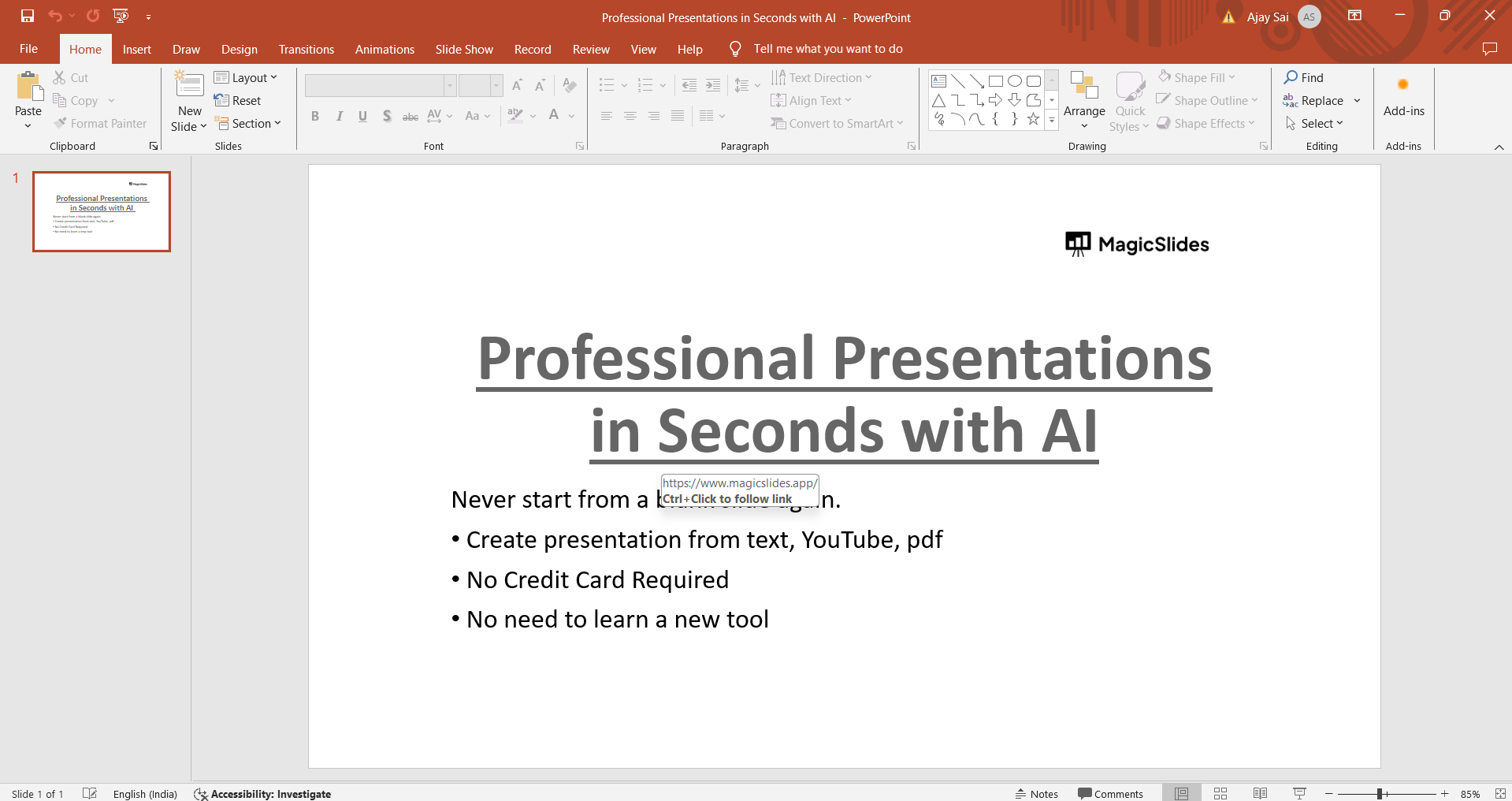
Start by opening the PowerPoint presentation containing the slide or element whose border color you want to change. Navigate to the specific slide where the element is located.
Step 2: Select the Element
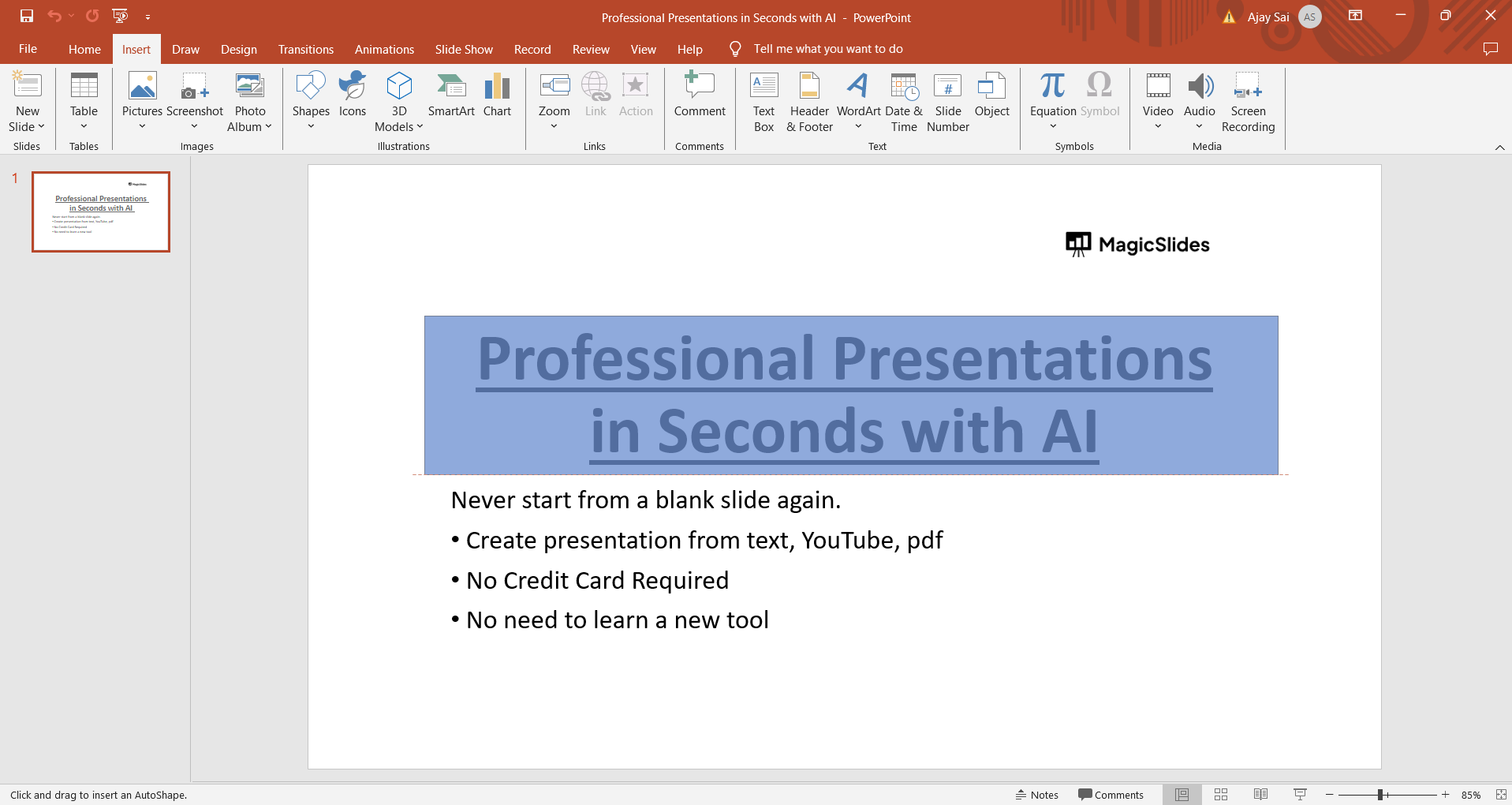
Click on the shape or text box for which you want to modify the border color. This action will ensure that the formatting changes you make will apply to the selected element.
Step 3: Access the Format Shape or Format Text Box Pane
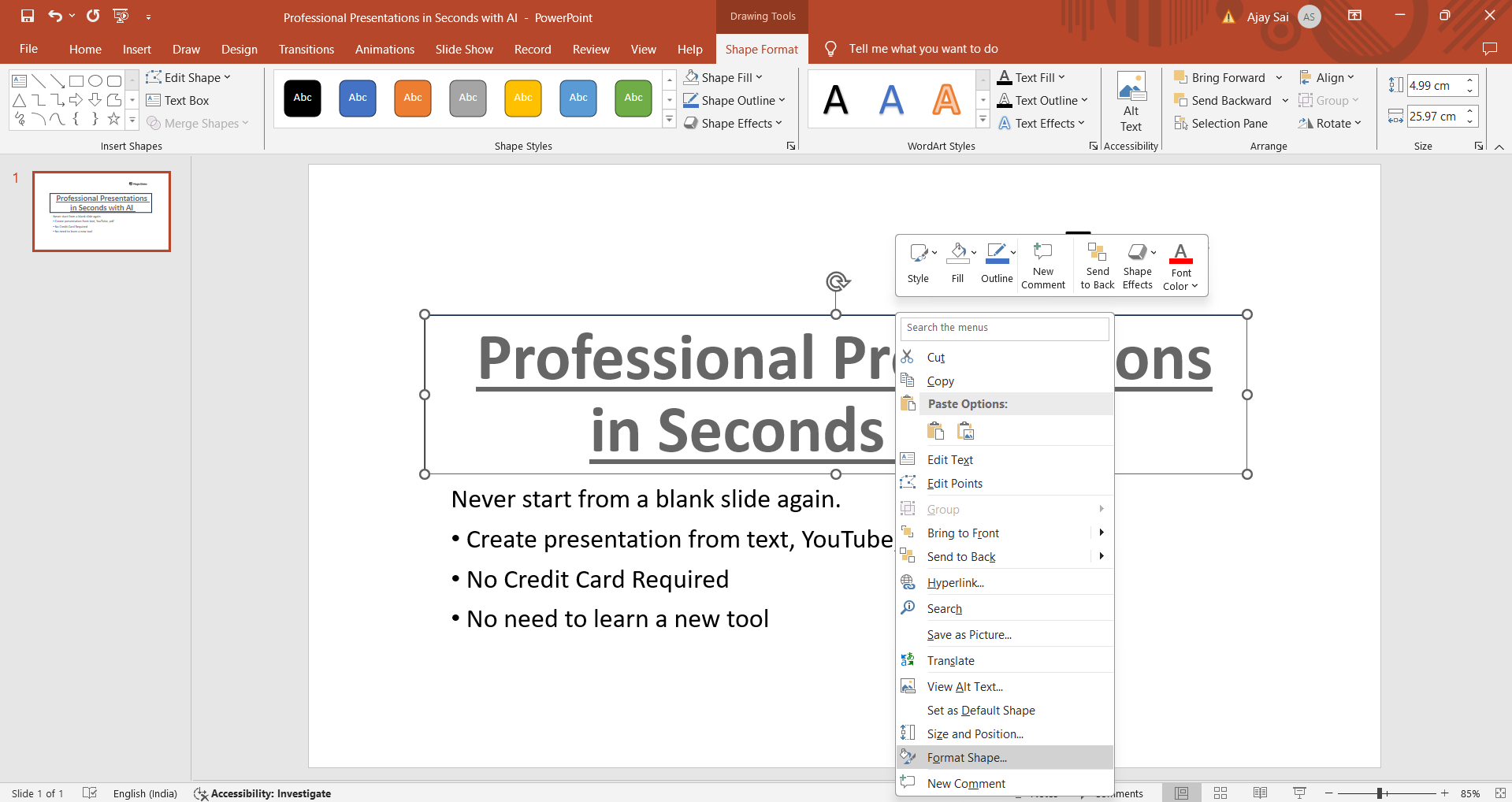
Right-click on the selected element to open a contextual menu. From the menu, choose "Format Shape" if you're modifying a shape or "Format Text Box" if it's a text box. Alternatively, you can also access these options from the Ribbon by selecting the element and then navigating to the "Format" tab.
Step 4: Navigate to the Line or Border Options
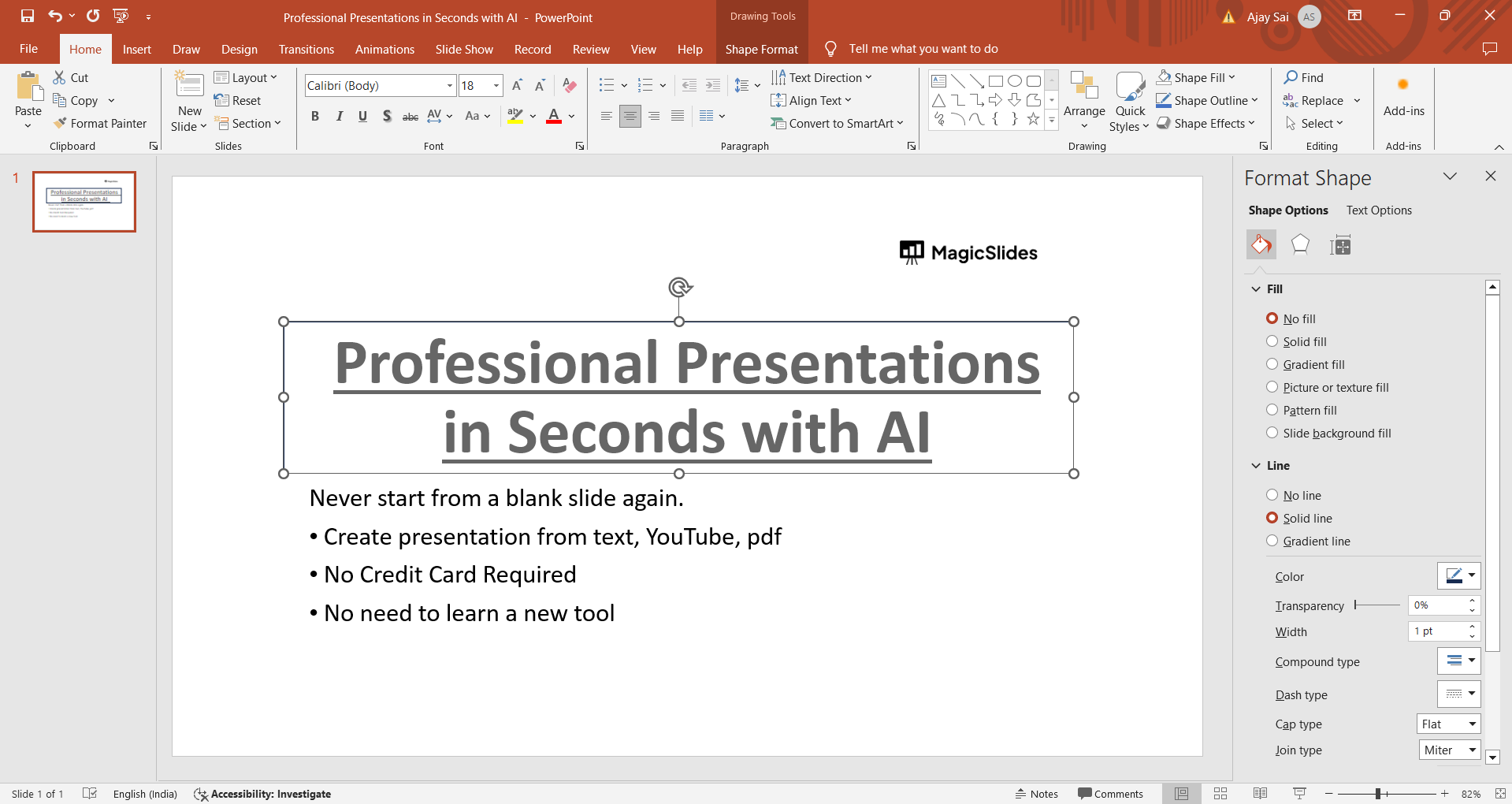
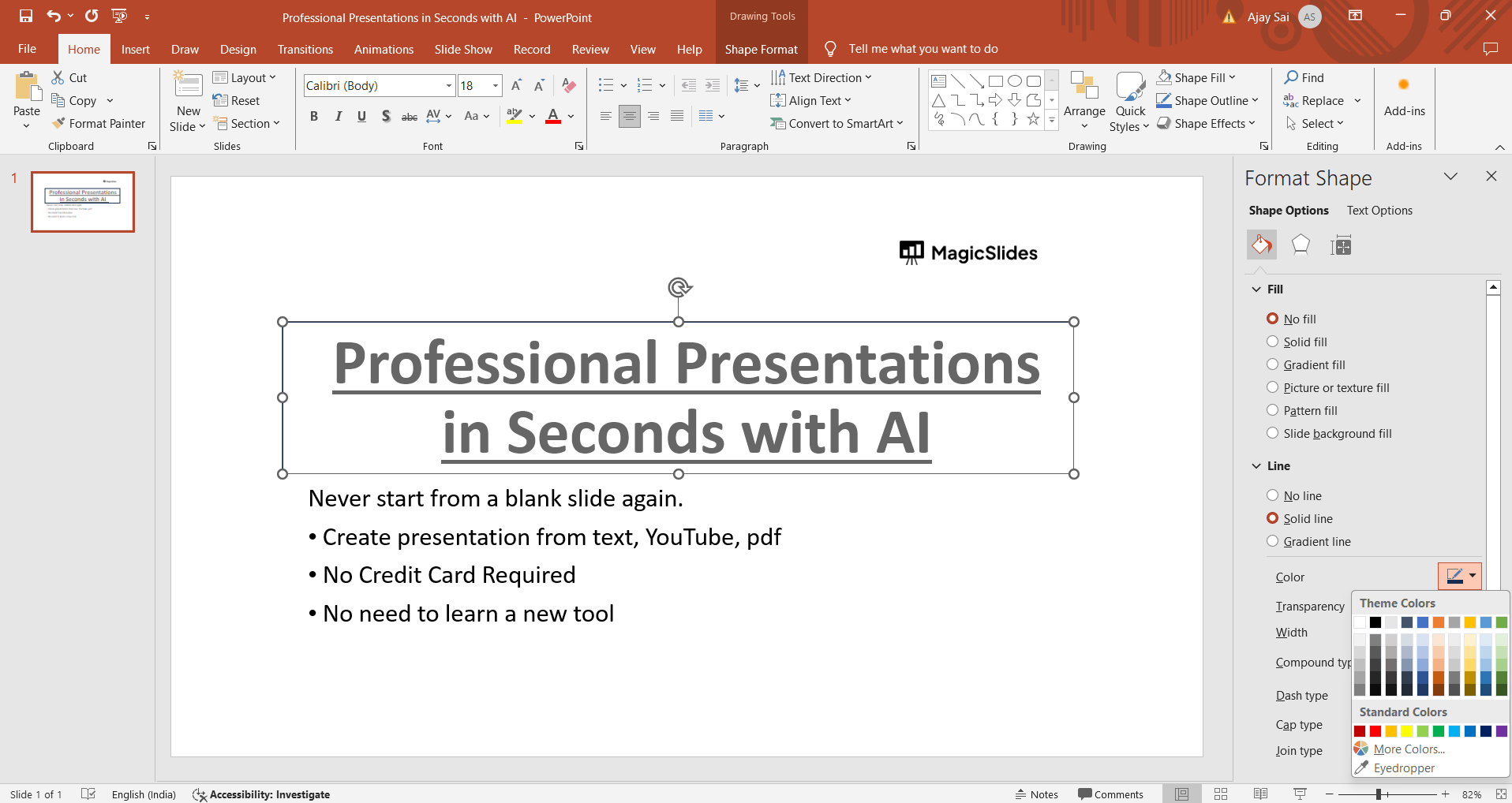
In the Format Shape or Format Text Box pane that appears on the right side of the PowerPoint window, look for the "Line" or "Border" options. These options control the appearance of the border around the selected element.
Step 5: Choose a New Border Color
Within the Line or Border options, you'll find settings for color, style, and thickness of the border. Click on the color swatch or dropdown menu next to "Color" to choose a new border color. You can select from theme colors, standard colors, or even define a custom color using the color picker.
Step 6: Apply the Changes
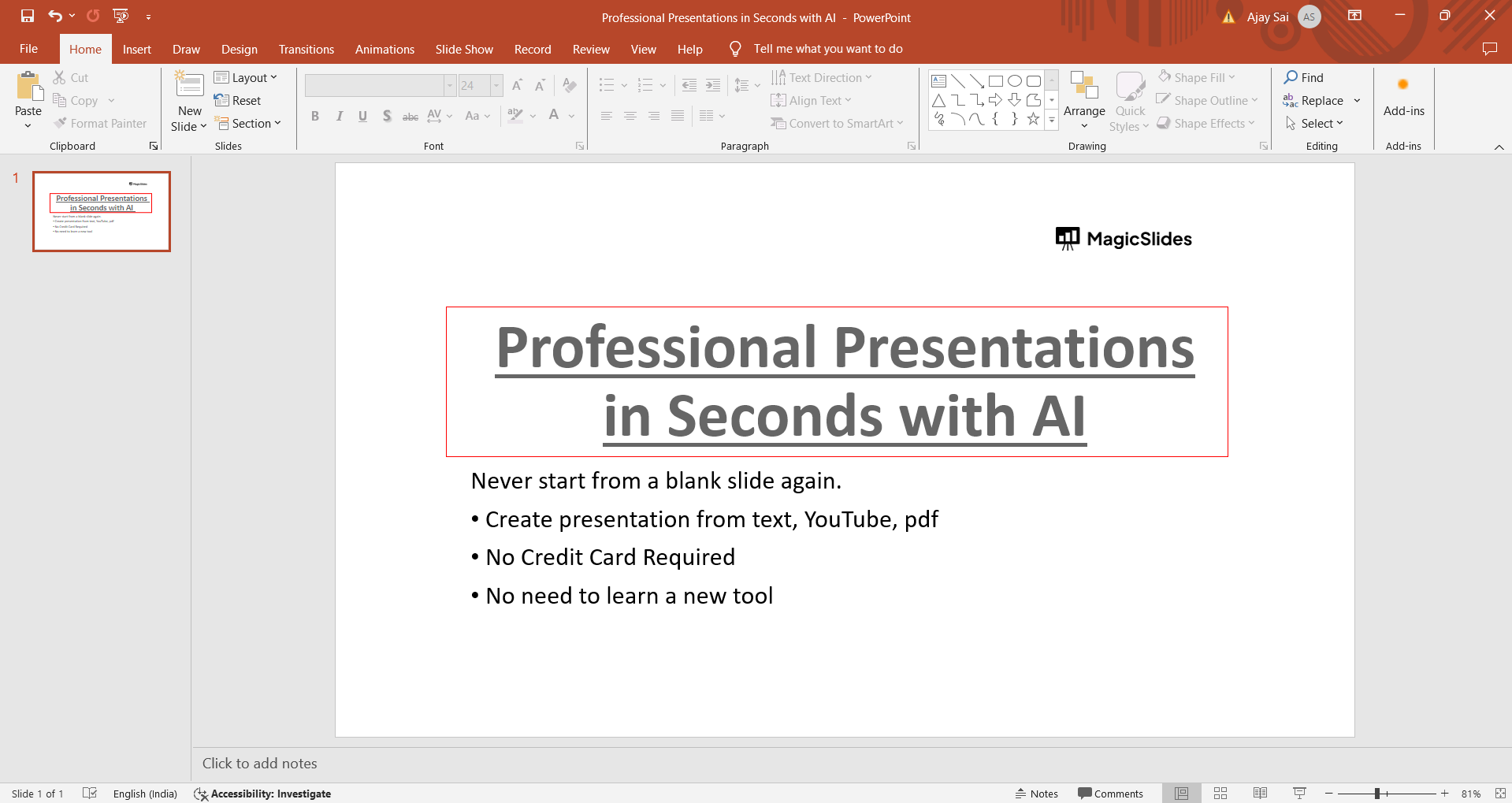
After selecting your desired border color, review the other border settings such as line style and thickness if needed. Once you're satisfied with the changes, close the Format Shape or Format Text Box pane to apply the new border color to the selected element.
Conclusion:
Changing the border color in PowerPoint is a straightforward process that allows you to customize the appearance of shapes and text boxes in your presentations. Whether you're aiming for a cohesive color scheme or need to highlight specific elements, knowing how to modify border colors can significantly improve the visual impact of your slides. By following this step-by-step guide, you can easily navigate PowerPoint's formatting options and create professional-looking presentations tailored to your design preferences.
→ Forgot to save an important presentation? recover unsaved PowerPoint files in seconds with this simple tutorial: https://www.magicslides.app/blog/how-to-see-unsaved-powerpoint-files
Frequently Asked Questions:
Can I change the border color of any element in PowerPoint?
Yes, you can change the border color of shapes, text boxes, and other graphical elements.
Are there predefined border colors to choose from in PowerPoint?
PowerPoint offers a range of predefined colors, including theme colors and standard colors.
Can I create custom border colors in PowerPoint?
Absolutely! You can define custom border colors using the color picker tool in PowerPoint.
Will changing border colors affect the overall look of my presentation?
Yes, changing border colors can enhance the visual appeal and help emphasize key elements in your slides.


