How to edit responses in Google forms


Effortlessly manage your Google Forms data by mastering the art of editing responses. Explore step-by-step!
Google Forms is a powerful tool for collecting information, and being able to edit responses adds a layer of flexibility. In this comprehensive guide, we'll walk you through the step-by-step process of editing responses in Google Forms, ensuring you can effortlessly manage and refine the data collected.
How to edit responses in Google forms
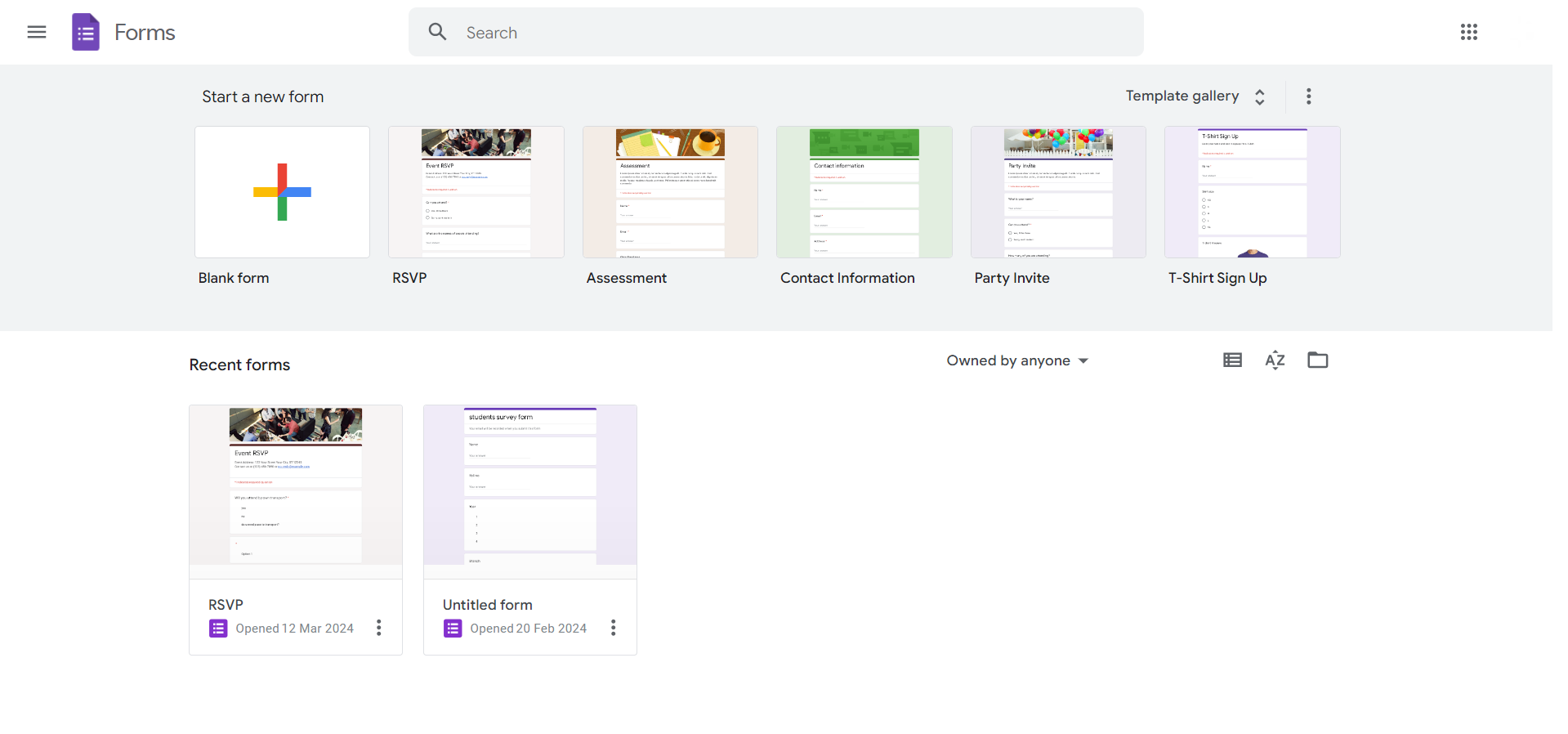
Step 1: Open Your Google Forms
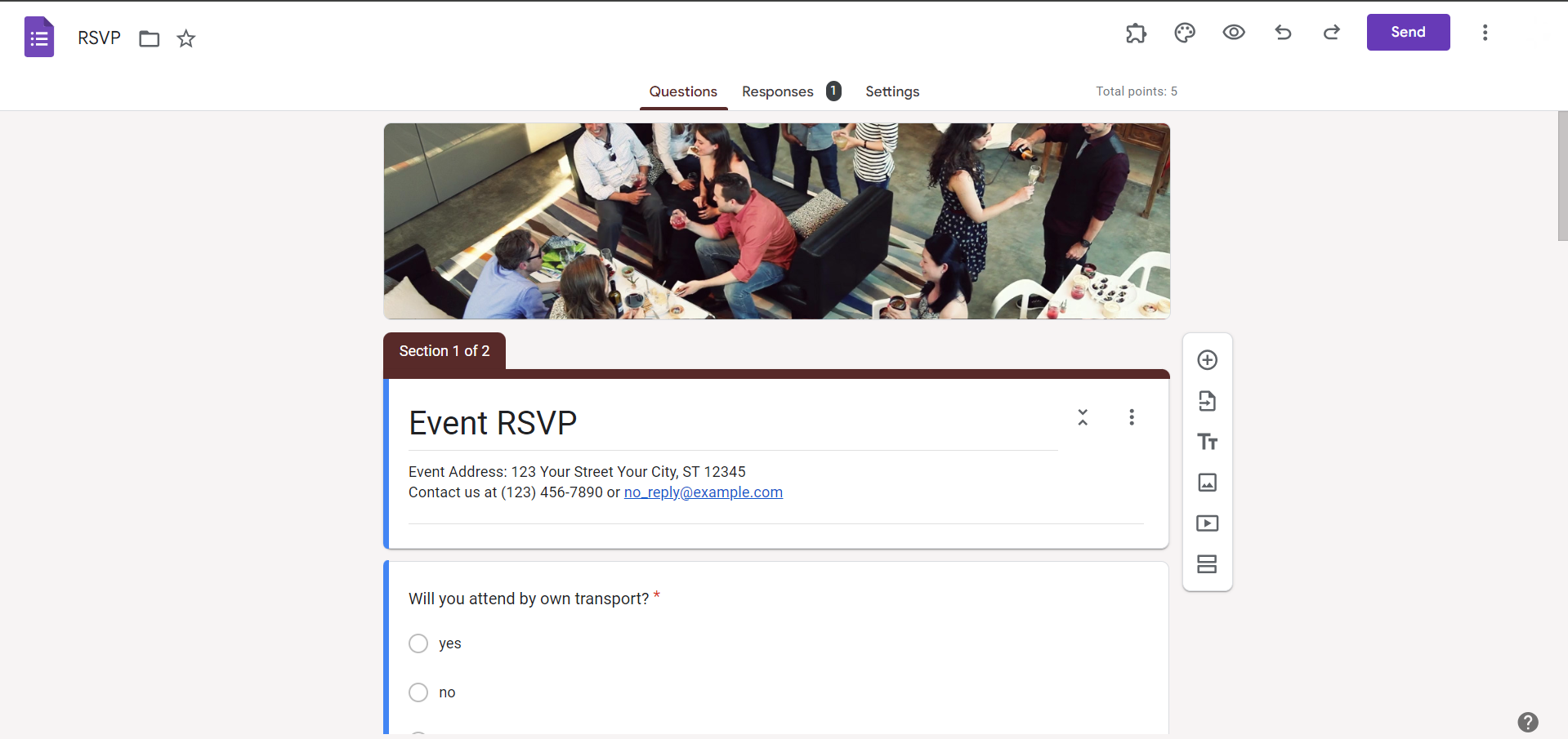
Start by opening the Google Form for which you want to edit responses. If you haven't created one yet, design your form and collect responses.
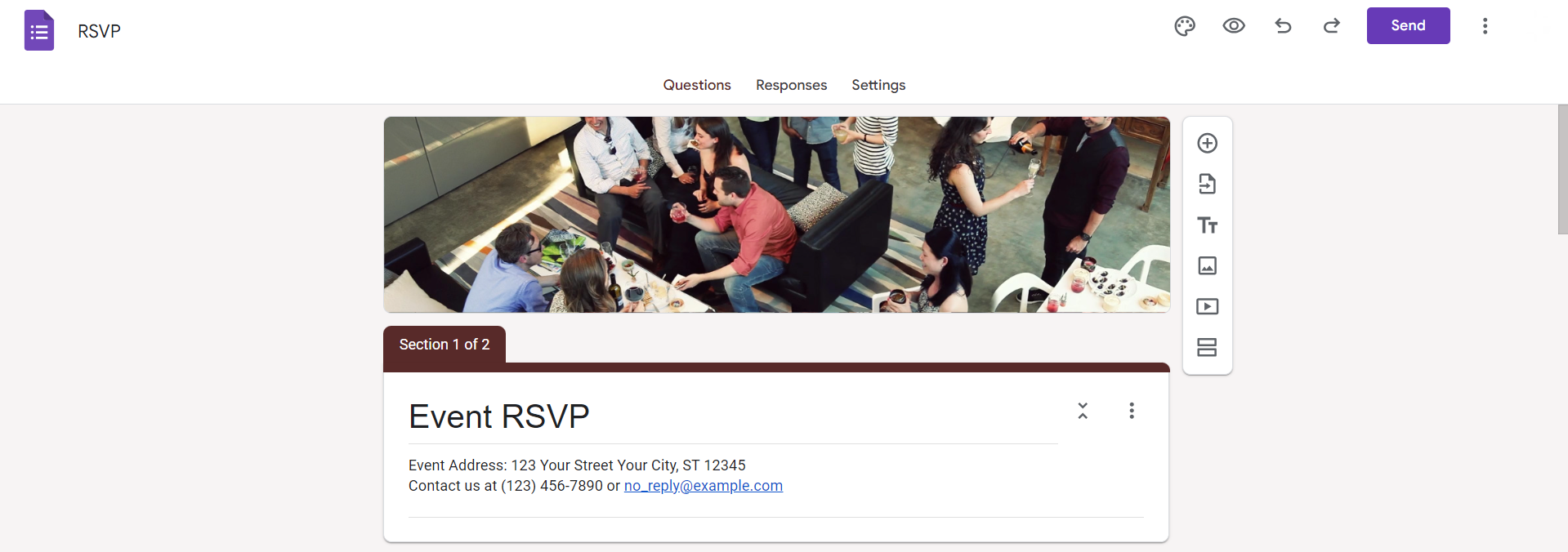
Step 2: Access the 'Responses' Tab
Within your Google Form, navigate to the 'Responses' tab. Here, you'll find a summary of the collected responses.
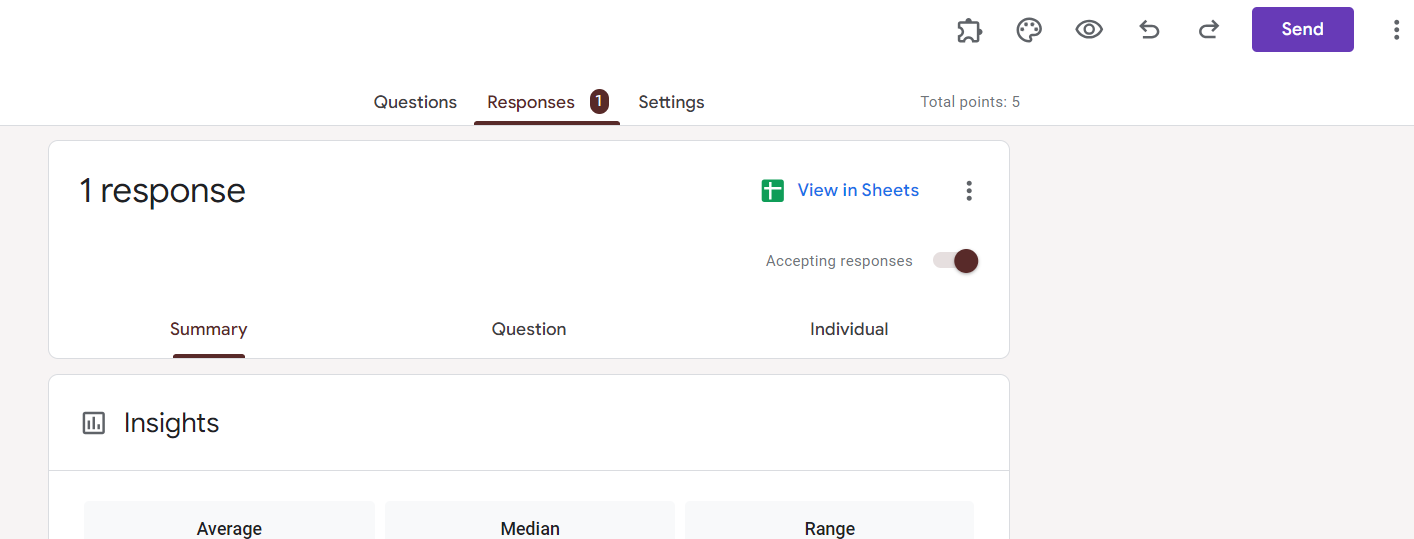
Step 3: Click on the Spreadsheet Icon
Click on the spreadsheet icon located at the top of the 'Responses' tab. This directs you to the connected Google Sheets document containing your responses.
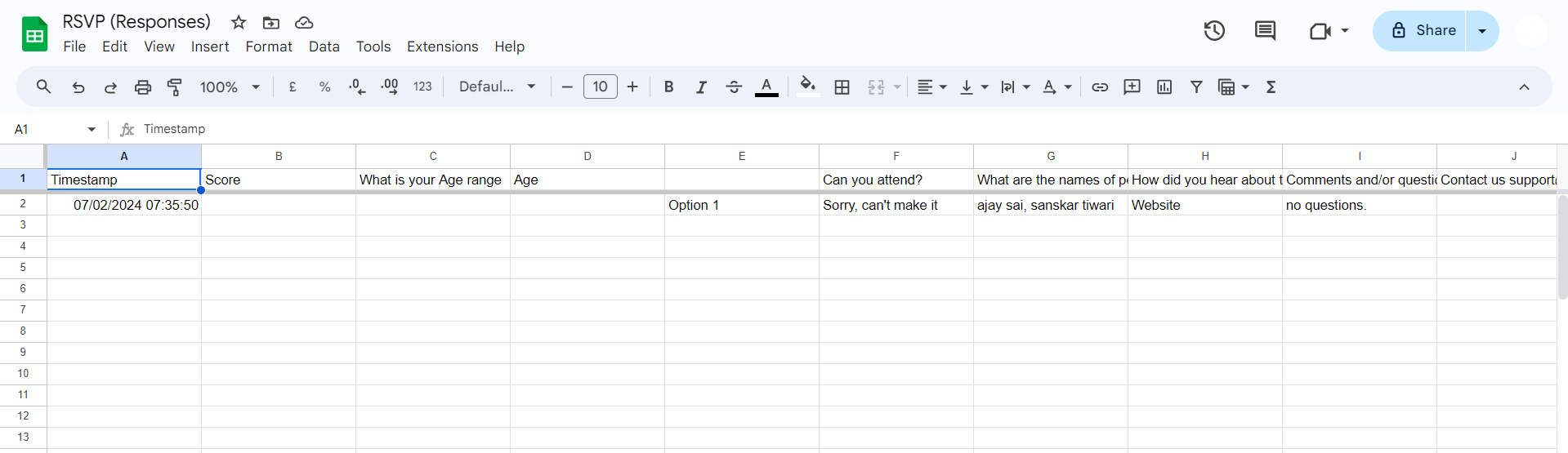
Step 4: Edit Responses in Google Sheets
Once in Google Sheets, locate the specific response you want to edit. Make your changes directly in the spreadsheet.
Step 5: Return to Google Forms
After editing the responses in Google Sheets, return to your Google Form. The changes made in the spreadsheet will automatically reflect in the form.
Conclusion:
Editing responses in Google Forms provides a valuable opportunity to refine and update collected data. By following these straightforward steps, you can seamlessly navigate between Google Forms and Google Sheets, ensuring that your information is accurate and up-to-date. Enhance your data management skills with this essential guide, allowing you to maintain precision and relevance in your Google Forms responses.
Frequently Asked Questions:
Can I edit responses in Google Forms after participants have submitted their answers?
Yes, responses can be edited in Google Sheets, the connected spreadsheet, even after submission.
Will participants be notified if I edit their responses in Google Forms?
No, participants won't receive notifications about edits made to their responses after submission.
Are there limitations to the types of questions I can edit in Google Forms responses?
You can edit all types of questions in Google Forms, including multiple-choice, short answer, and more.
Can I restrict editing access to certain responses in Google Forms?
Google Forms doesn't have built-in access restrictions; anyone with editing access to the spreadsheet can modify responses.


