How to Extract Video from Google Slides
If you've inserted a video into your Google Slides presentation and need to extract or download it separately, there are a few ways to do it.
Whether it's a YouTube video or a video file from Google Drive, this guide will walk you through the step-by-step process to extract videos from Google Slides easily.
Steps to Extract a Video from Google Slides
Method 1: Extracting a YouTube Video Link
If the video is a YouTube video embedded in the slide, you can retrieve its link and access it outside Google Slides.
Open Your Google Slides Presentation
- Go to Google Slides and open your presentation.
Select the Video
- Click on the video embedded in your slide to select it.
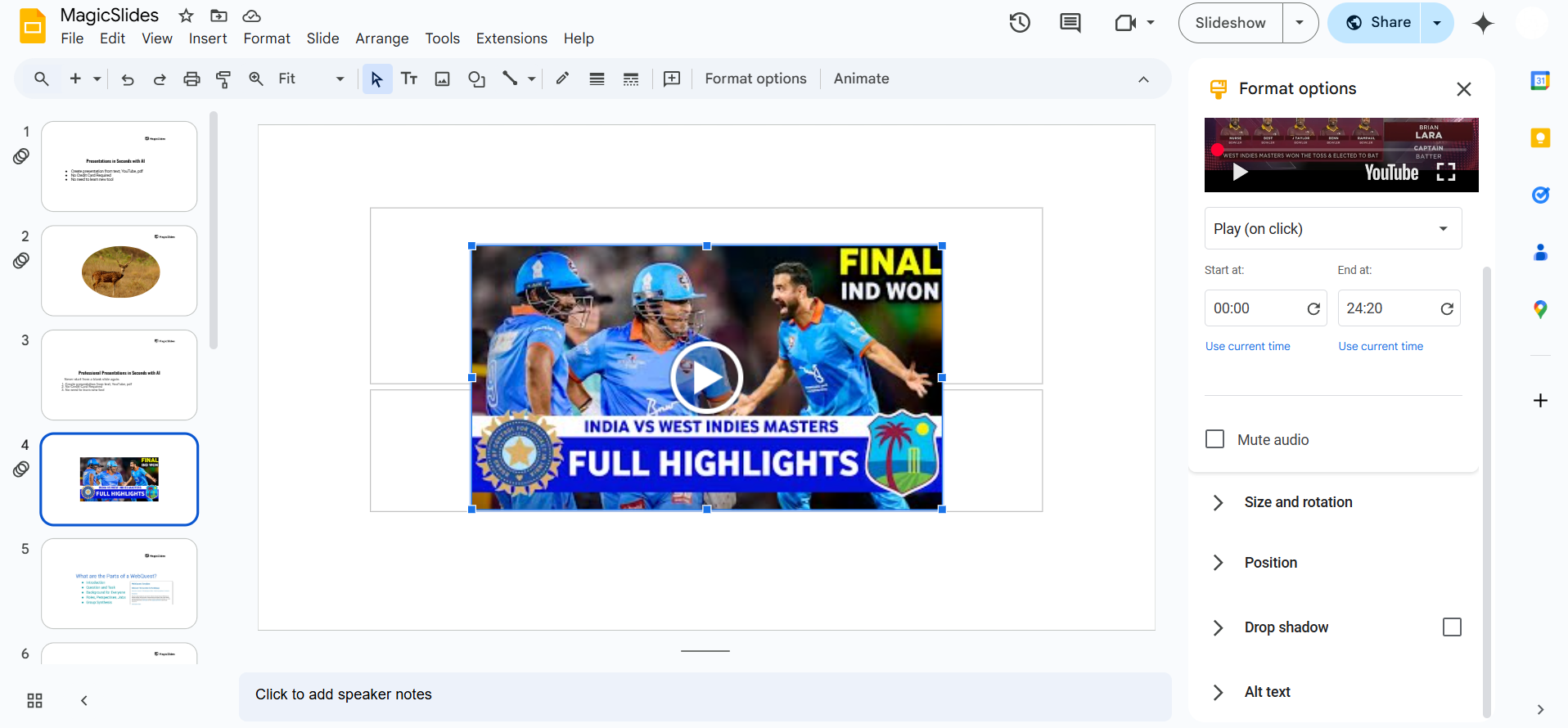
Open Format Options
- In the toolbar, click Format Options or right-click the video and choose Format Options.
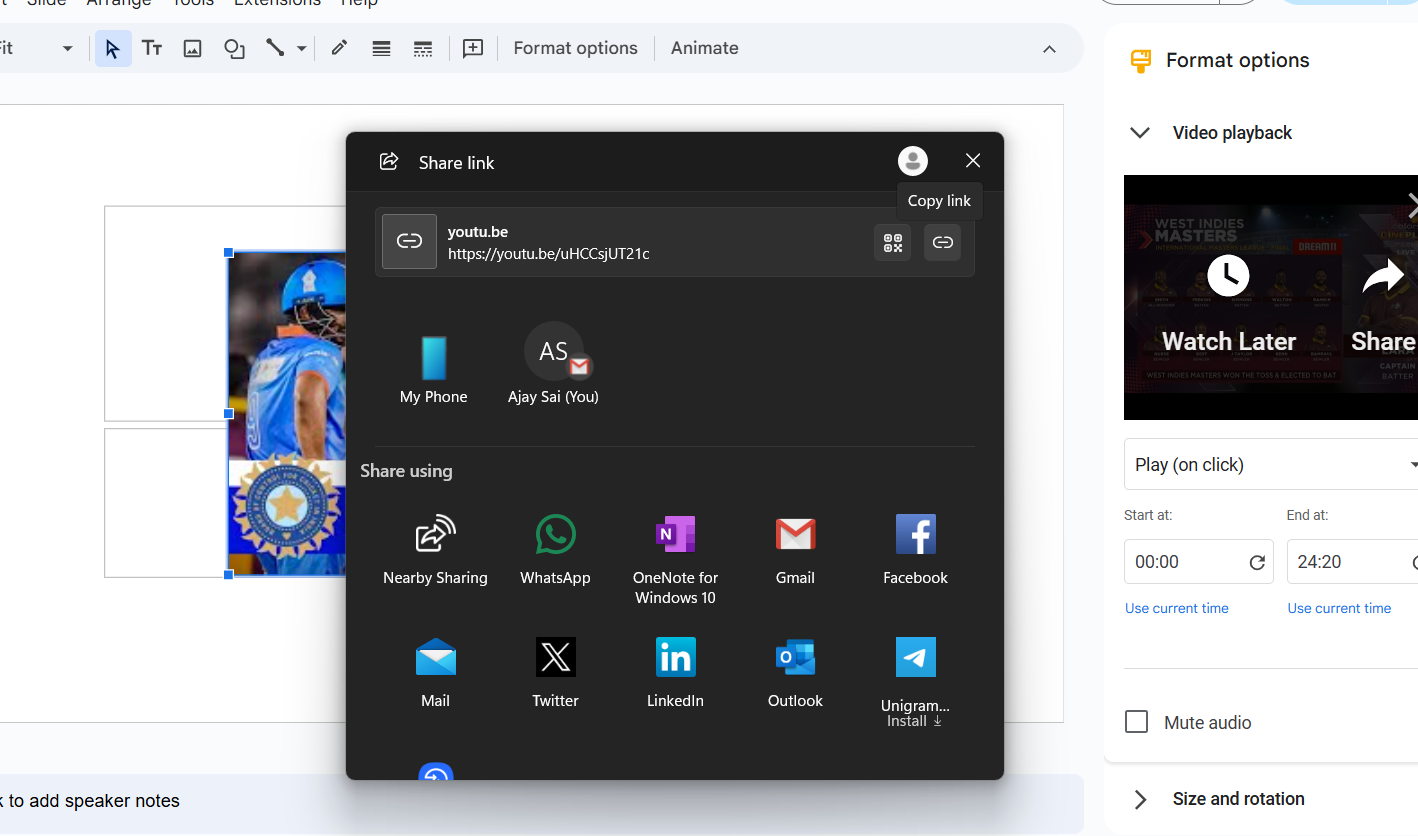
Copy the Video URL
- Expand the Video playback section.
- Copy the YouTube link displayed in the settings.
Open the Video in a Browser
- Paste the copied URL into your browser’s address bar and press Enter to watch the video.
- You can now download it using a third-party YouTube downloader (if permitted by copyright rules).
Method 2: Extracting a Video from Google Drive
If the video was inserted from Google Drive, you can download it directly.
Open Google Drive
- Go to Google Drive.
Locate the Video File
- Find the video that was inserted into your Google Slides.
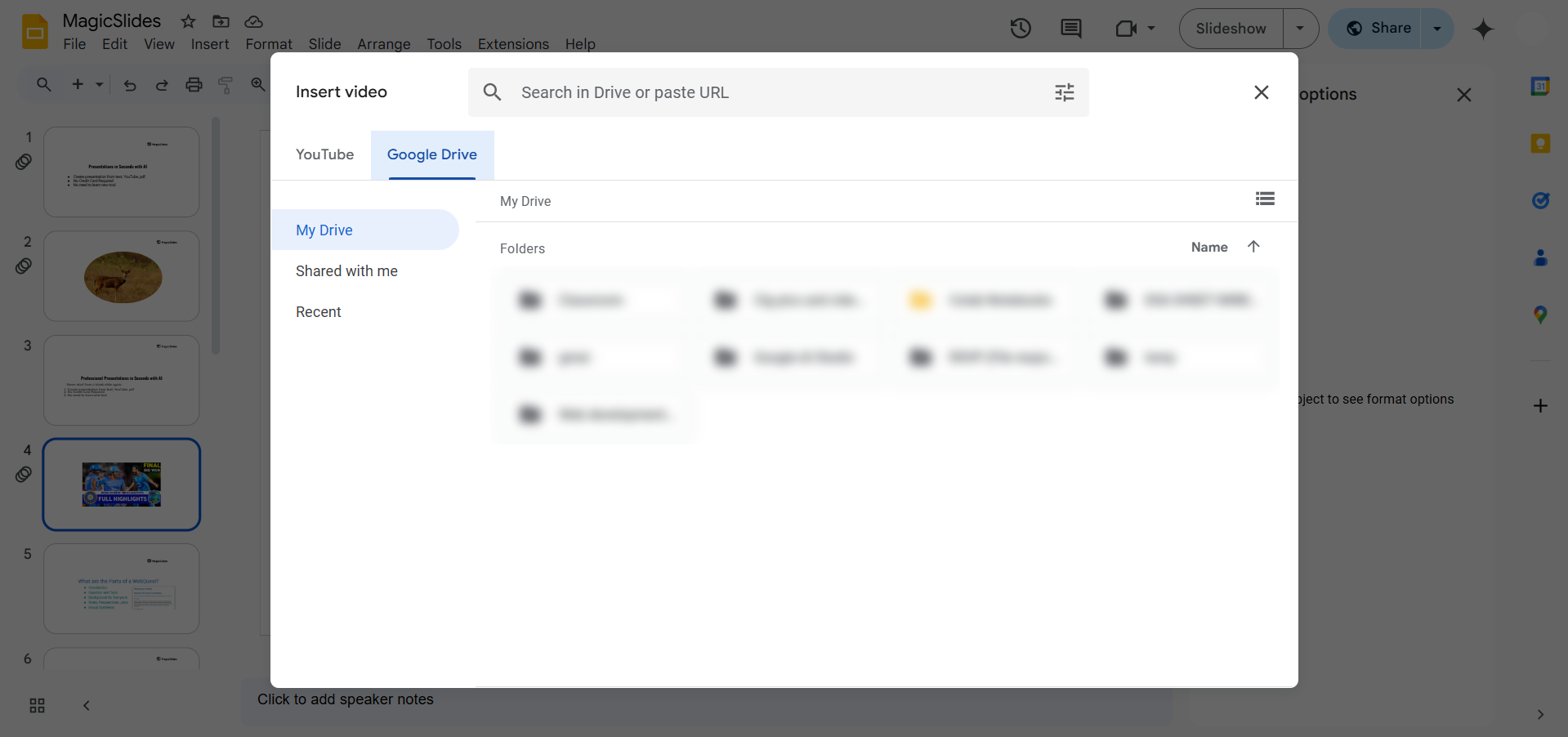
- If you don’t know the location, right-click the video in Google Slides and choose Open in Drive.
Download the Video
- Right-click the video file in Google Drive and select Download.
- The video will be saved to your computer in its original format.
Method 3: Screen Recording the Video
If you cannot extract the video directly, you can record your screen while playing the video.
Use a Screen Recorder
- Open a screen recording tool like OBS Studio, Loom, or your device’s built-in screen recorder.
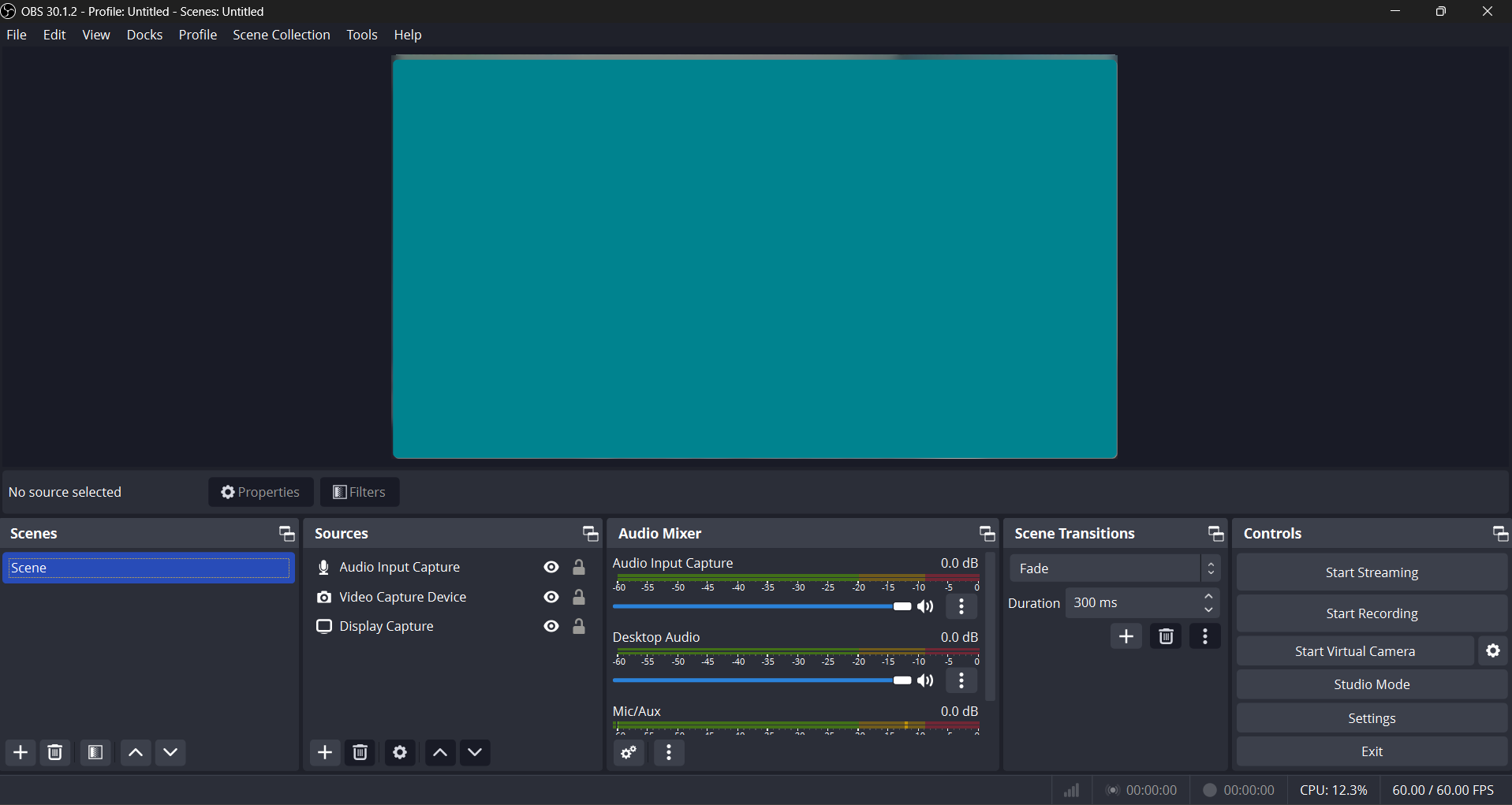
Start Recording
- Play the video in Google Slides in full-screen mode.
- Record the screen while the video plays.
Save the Video
- Stop the recording and save the file to your device.
- Trim or edit the video as needed.
Need to extract a video from Google Slides? While you manage your media, let MagicSlides.app handle your slide creation AI-powered presentations generated effortlessly from YouTube links, PDFs, and more!
Conclusion
Extracting a video from Google Slides depends on how the video was inserted. If it's a YouTube video, you can copy the link and watch it outside Google Slides.
If it’s a file from Google Drive, you can download it directly. As a last resort, you can use screen recording to capture the video.
Use these methods to get the video you need quickly and efficiently!
FAQs can come handy!
Can I download a video directly from Google Slides?
No, Google Slides doesn’t provide a direct download option for embedded videos. You need to extract them via YouTube, Google Drive, or screen recording.
What if the video is from YouTube but doesn’t show a link?
Right-click the video, select Format Options, and check the Video playback section for the URL. If it’s still unavailable, try searching for the video on YouTube manually.
Can I download a video from Google Drive if I’m not the owner?
Only if the file owner has given you permission to download the video. If you don’t have access, request permission from the owner.
Share on socials
More from the blog
100+ Best Seminar Topics for Students in 2026
7 April 2026
How to edit a PowerPoint template
7 April 2026
Best Fonts for PPT: Top PowerPoint Fonts for Readability & Engagement
7 April 2026
How to Improve Slide Design for Presentations?
6 April 2026
How to Use Google Form Autofill Bot? Step-By-Step Guide
6 April 2026
How to Download Presentation from Gamma App: Easy Ways to Export, Convert & Save Slides
5 April 2026
How to Check Word Count in Google Docs: A Complete Guide
5 April 2026
How to Insert Bitmoji into Google Slides? Complete Guide
3 April 2026
How to Create a Timeline Slide for Presentation with AI
3 April 2026
