How to group different objects together in PowerPoint Application


Master PowerPoint design efficiency learn the art of grouping and ungrouping objects for seamless presentations.
Elevate your PowerPoint prowess by mastering the art of grouping and ungrouping objects. In this comprehensive guide, discover how these fundamental techniques can enhance efficiency, organization, and overall design consistency in your presentations. Here's a comprehensive guide on how to group and ungroup different objects:
How to group different objects together in PowerPoint Application
Selecting Objects:
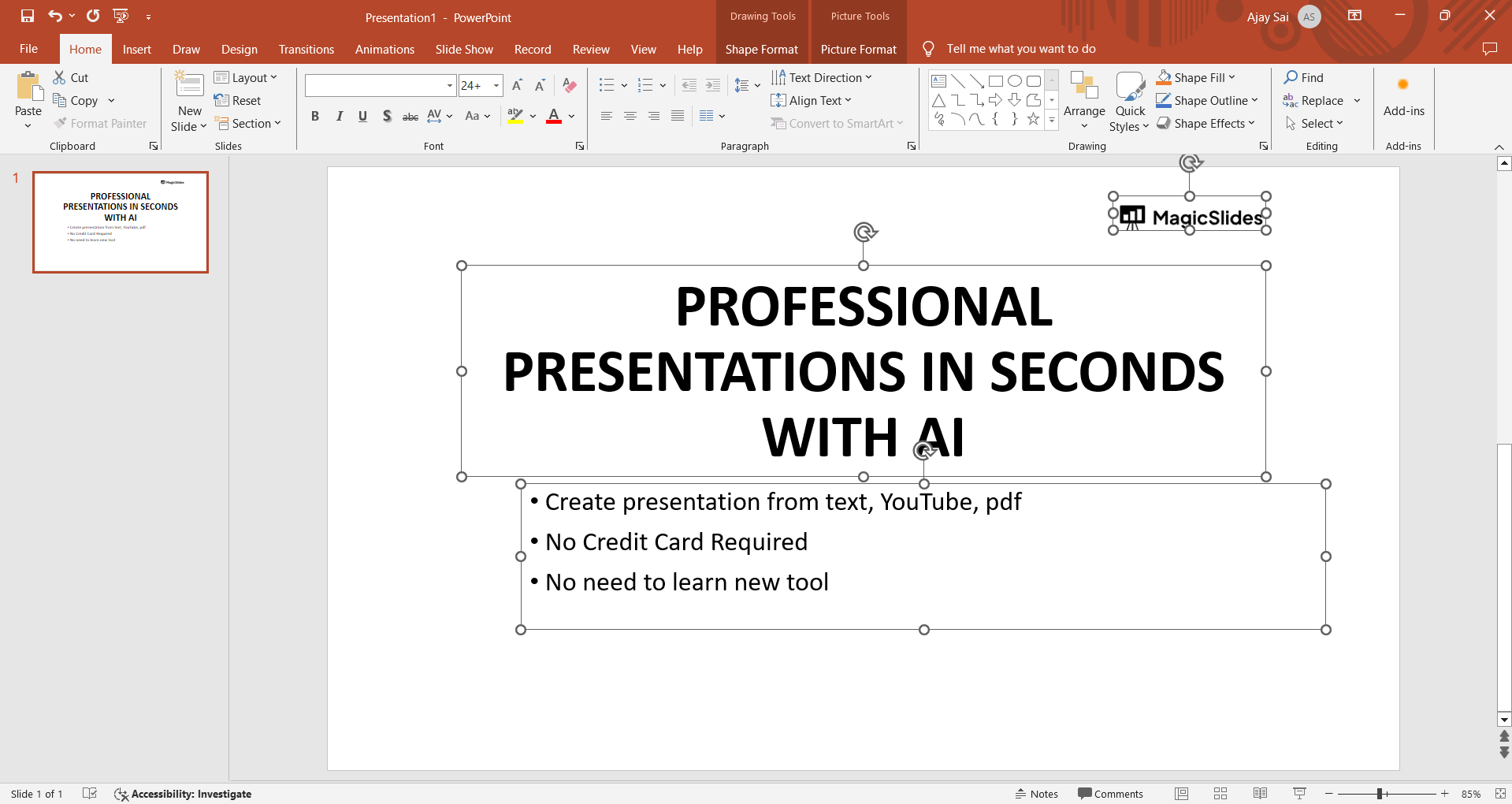
Start by holding the "Shift" key and clicking on each object you want to group together. This ensures that multiple items are selected simultaneously.
Access the "Format" Tab:
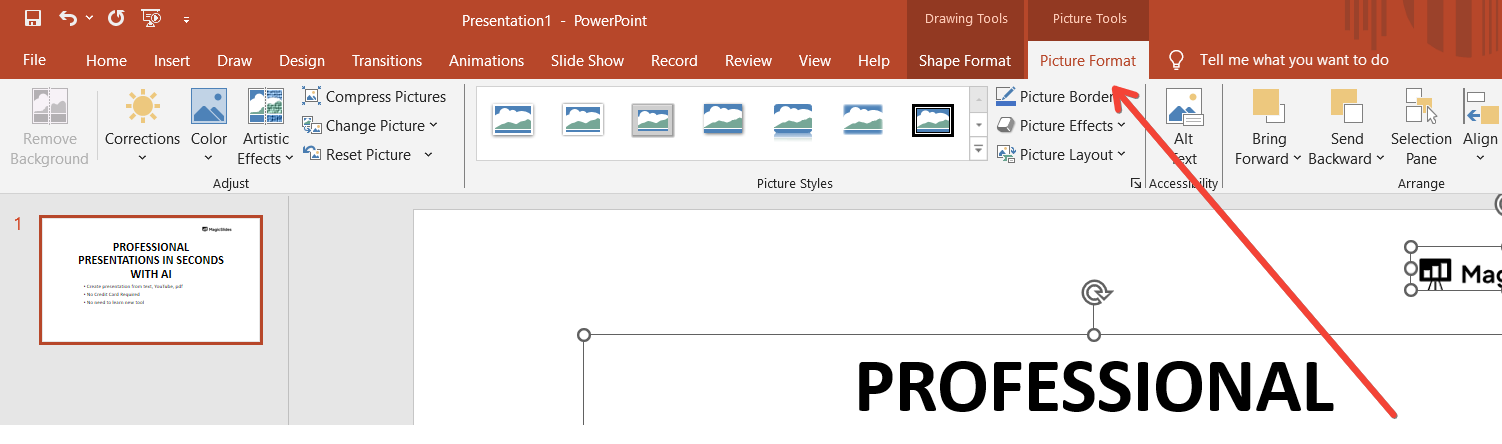
Once your objects are selected, navigate to the "Format" tab on the PowerPoint ribbon. This tab houses various tools for formatting and arranging objects.
Locate the "Group" Option:
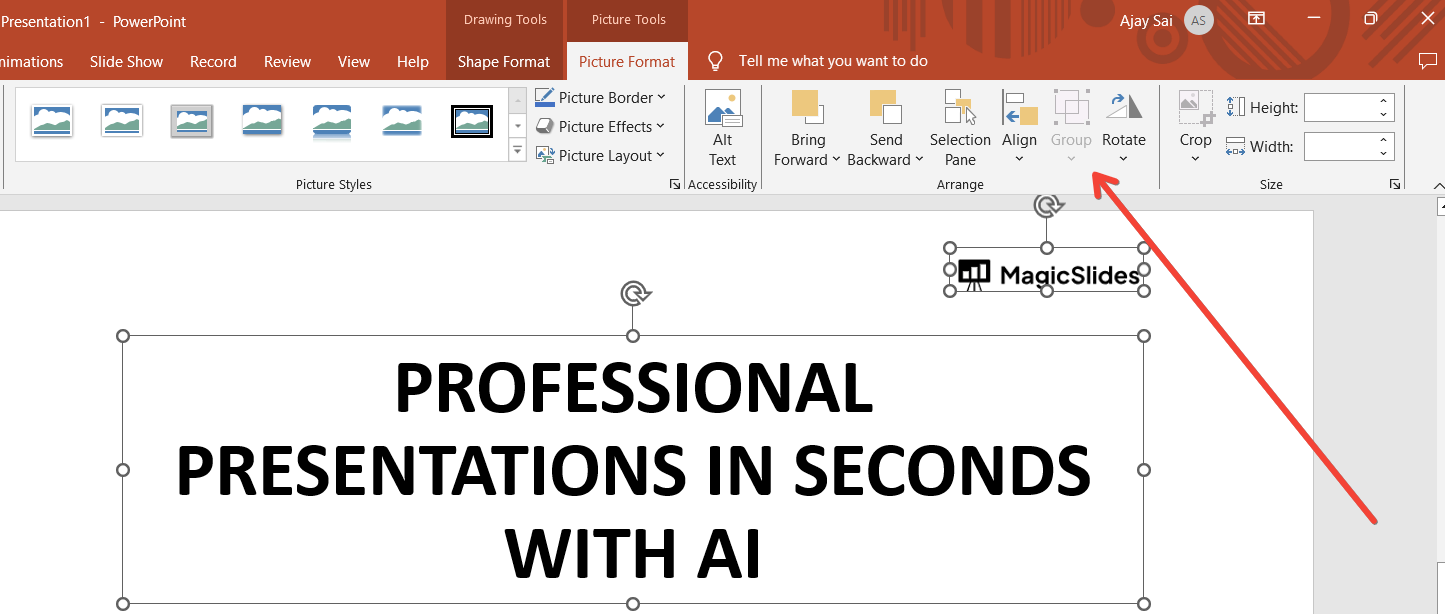
Within the "Format" tab, you'll find the "Group" option, typically located in the Arrange or Drawing Tools section. Click on "Group" to merge the selected objects into a single entity.
Verification of Grouping:
After grouping, test the cohesion by attempting to move or resize the objects. A successfully grouped set will behave as a single unit, simplifying adjustments.
Incorporate Keyboard Shortcuts:
For efficiency, learn keyboard shortcuts. Use "Ctrl" + "G" to group and "Ctrl" + "Shift" + "G" to ungroup selected objects.
Conclusion:
By mastering the art of grouping and ungrouping objects in PowerPoint, you gain control over your presentation's visual elements, allowing for efficient editing and a polished final result. As you delve into the power of grouping and ungrouping in PowerPoint, you unlock a world of design possibilities. Whether streamlining edits, orchestrating synchronized animations, or maintaining consistency, these techniques are indispensable for crafting visually stunning and professionally polished presentations. Empower your slides with the mastery of object grouping.
Frequently Asked Questions:
Why is grouping objects important in PowerPoint?
Grouping enhances design efficiency, allowing cohesive edits and synchronized animations for polished presentations.
Can I edit individual elements after grouping in PowerPoint?
Yes, ungroup selected objects to access and edit individual elements while maintaining overall organization.
How does grouping contribute to design consistency in presentations?
Grouping ensures related elements stay together, promoting a cohesive and professional look across all slides.
Are there keyboard shortcuts for grouping and ungrouping objects in PowerPoint?
Yes, use "Ctrl" + "G" to group and "Ctrl" + "Shift" + "G" to ungroup selected objects efficiently.


