How to make google forms


Unlock the potential of data collection with this step-by-step guide on creating effective Google Forms.
In today's digital age, collecting and organizing information has never been easier, thanks to the plethora of online tools available. Google Forms stands out as a user-friendly and versatile solution for creating surveys, quizzes, and feedback forms. In this step-by-step guide, we'll walk you through the process of creating your own Google Form, empowering you to gather valuable data effortlessly.
How to make google forms
Step 1: Access Google Forms
Begin by logging into your Google account. Navigate to Google Drive, and click on the "+ New" button. Select "Google Forms" from the drop-down menu. This will open a new window where you can start building your form.
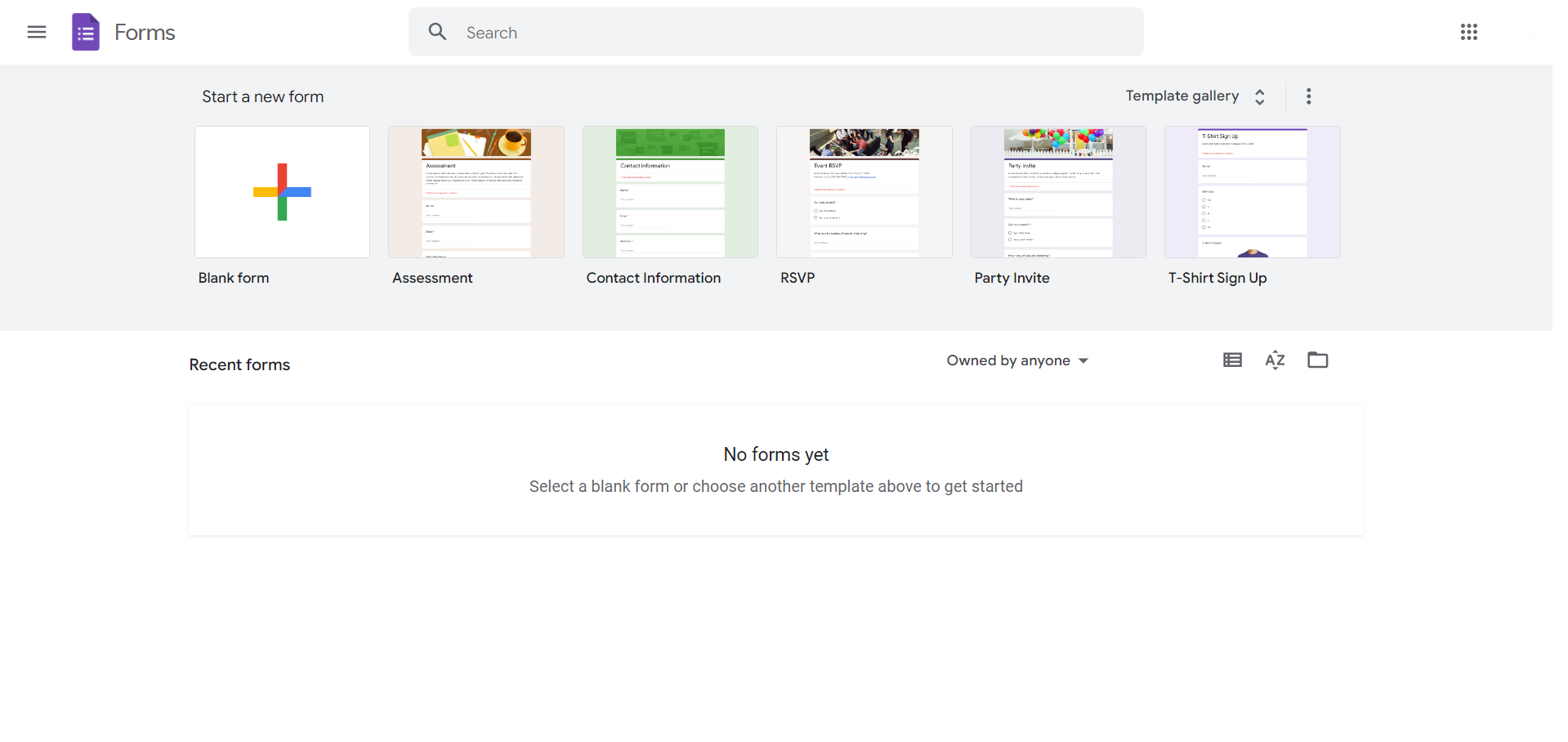
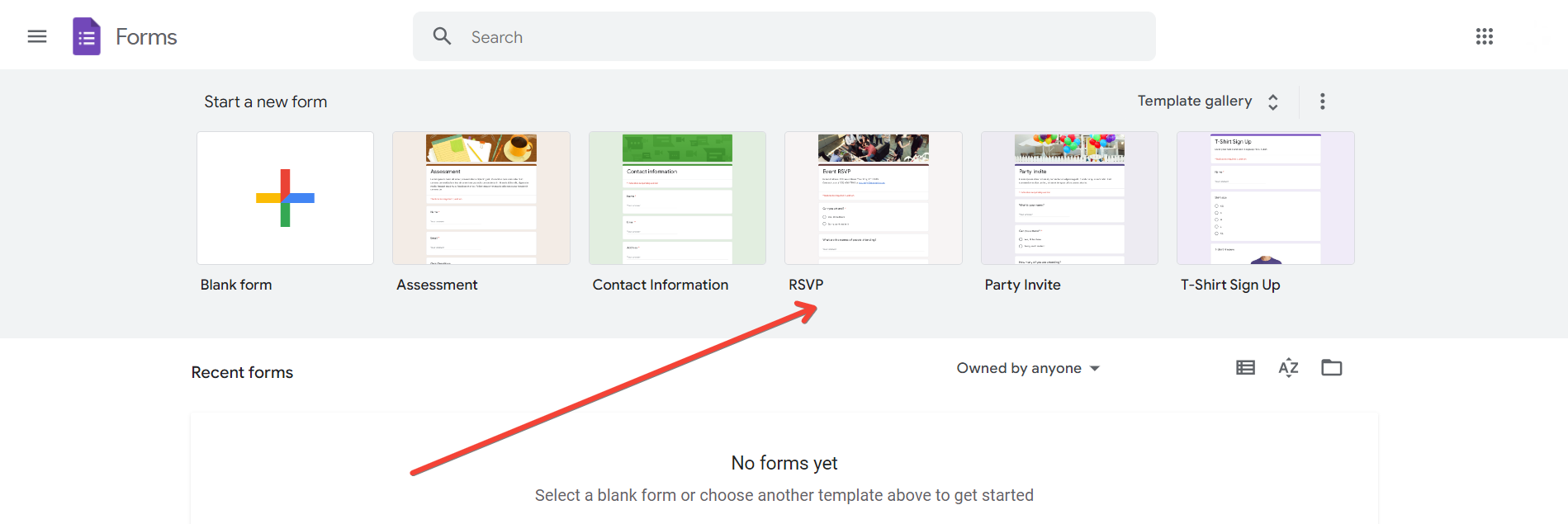
Step 2: Choose a Form Template or Start Blank
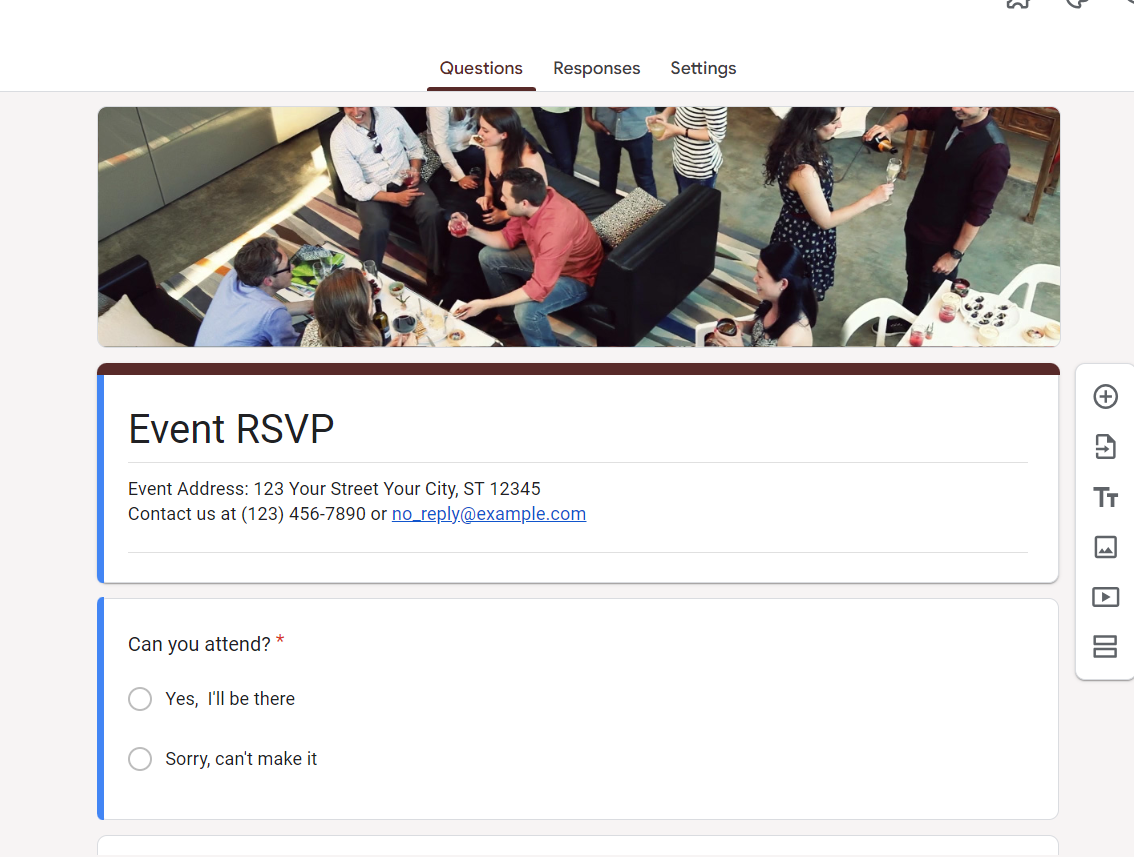
Google Forms offers various templates to streamline the form creation process. You can choose a template that suits your needs or start with a blank form to customize every aspect according to your preferences.
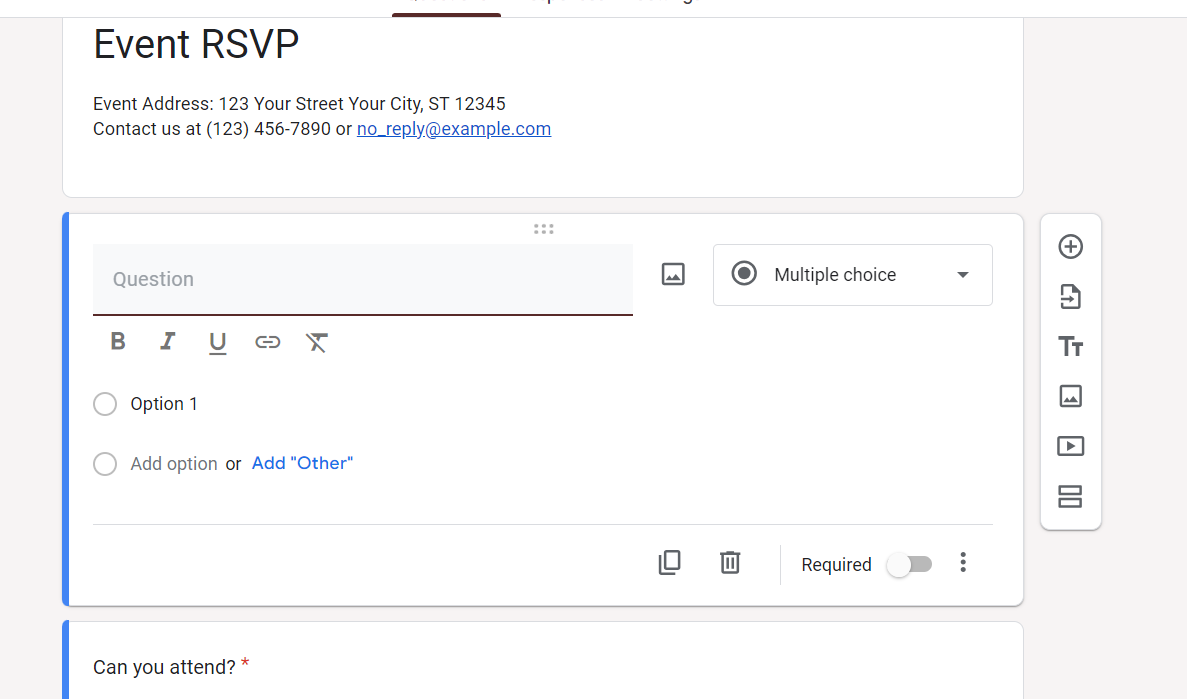
Step 3: Create Form Questions
Compose your form questions by clicking on the "+," adding a question title, and choosing the question type (multiple-choice, short answer, etc.). Customize options and settings for each question to tailor the form to your requirements.
Step 4: Organize and Structure Your Form
Drag and drop questions to rearrange their order. Utilize sections to group related questions and create a logical flow within your form. This ensures a seamless experience for respondents as they progress through the survey.
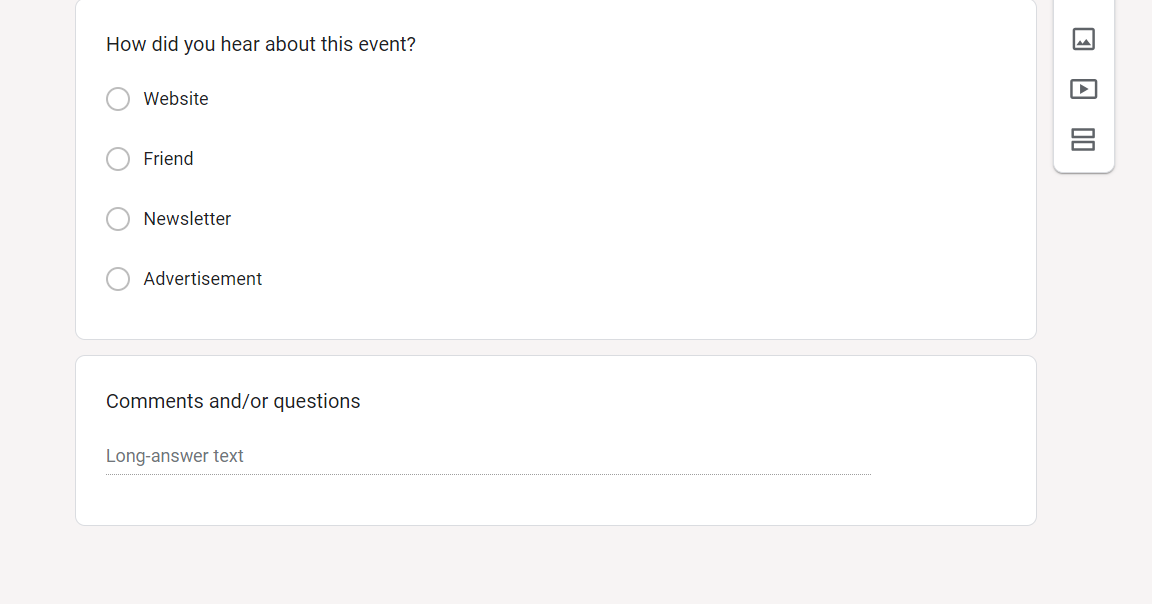
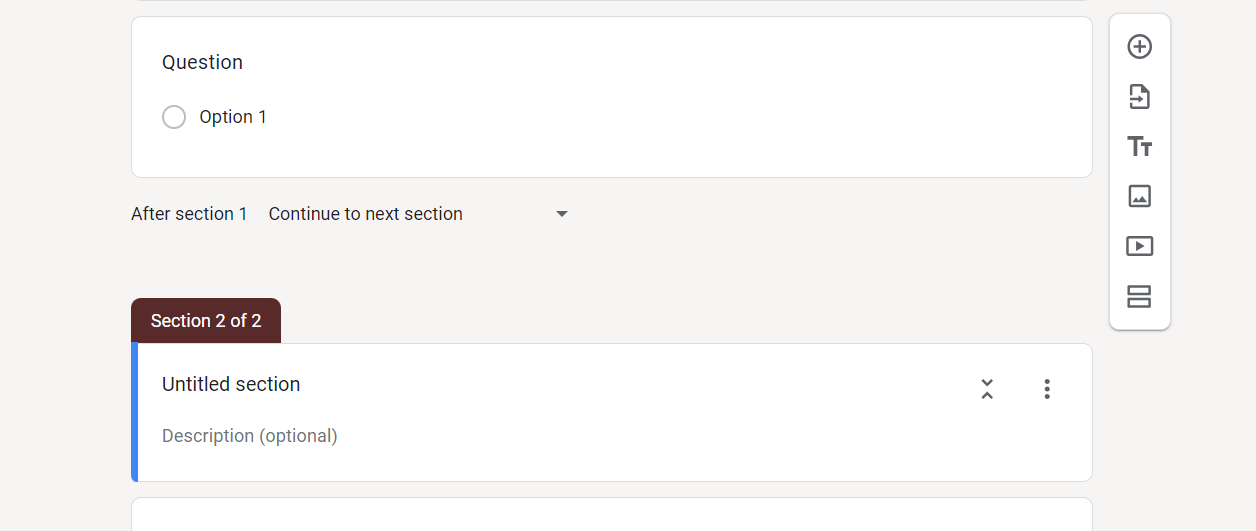
Step 5: Add Sections and Page Breaks
Divide your form into sections or pages to break down complex surveys into manageable parts. This enhances the overall user experience and makes it easier for respondents to navigate through the form.
Step 6: Configure Form Settings
Access the settings menu to adjust preferences such as collecting email addresses, limiting responses, or enabling response notifications. Tailor these settings to match the specific requirements of your data collection.
Conclusion:
Creating a Google Form is a straightforward yet powerful process that empowers individuals and organizations to collect data efficiently. From customizable questions to personalized appearances and advanced settings, Google Forms provides a comprehensive platform for crafting surveys, quizzes, and feedback forms tailored to diverse needs. By following this step-by-step guide, you can harness the full potential of Google Forms and streamline your data collection process.
Frequently Asked Questions:
Can I customize the appearance of my Google Form to match my brand?
Absolutely! Google Forms offers various customization options, allowing you to personalize themes and visuals.
Is it possible to organize lengthy surveys effectively in Google Forms?
Yes, you can use sections and page breaks to structure your form, ensuring a seamless user experience.
Can I limit the number of responses or collect email addresses through Google Forms?
Certainly! Google Forms provides advanced settings, allowing you to control response limits and collect email addresses if needed.
Are there any notification features to keep me informed about new form responses?
Yes, you can enable response notifications in the form settings, ensuring you stay updated on respondent submissions.


