How to put bullet points in google slides to text


Unlock the power of clarity in your Google Slides with our guide on adding bullet points.
Google Slides is a powerful tool for creating visually engaging presentations, and one key element that can enhance the clarity and organization of your slides is the use of bullet points. Bullet points help break down information into digestible chunks, making it easier for your audience to follow along. In this guide, we'll walk you through the steps to add bullet points to text in your Google Slides presentation.
How to Add Bullet Points to Text in Google Slides:
Open Your Google Slides Presentation:
Start by opening the Google Slides presentation where you want to add bullet points.
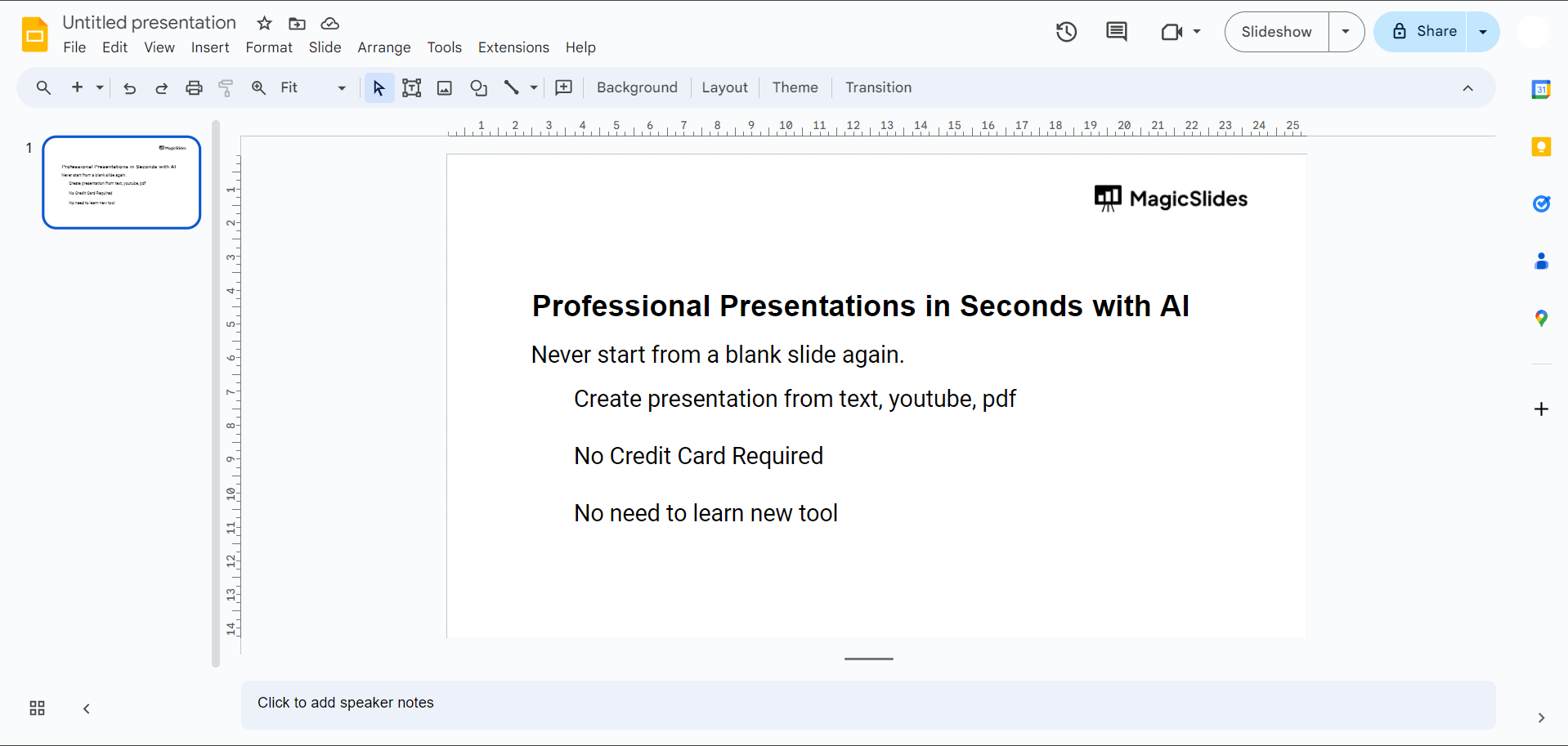
Select the Text Box:
Identify the text box where you want to insert bullet points. Click on the text box to select it.
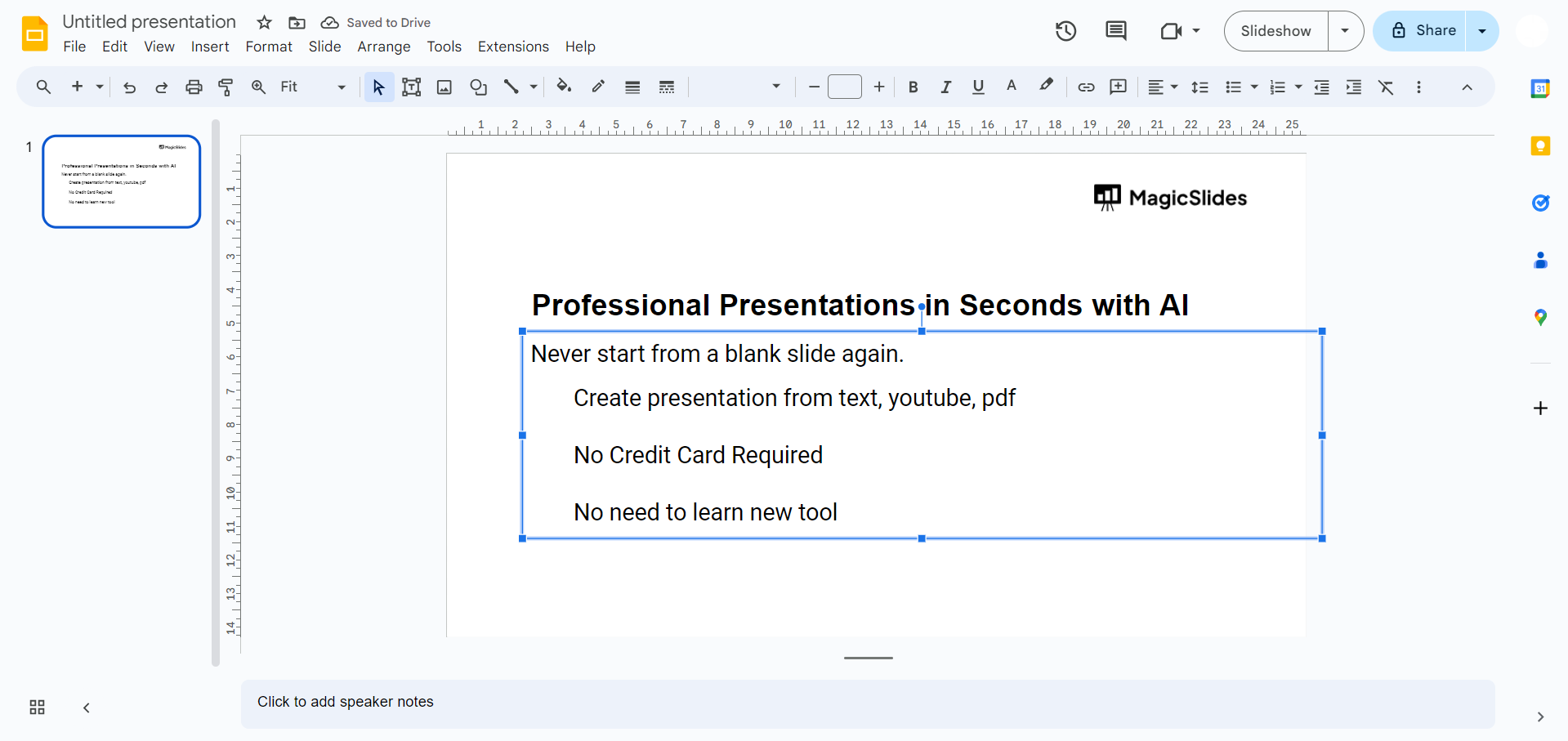
Access the Bulleted List Option:
Once the text box is selected, go to the toolbar at the top of the screen. Look for the "Bulleted list" icon, typically represented by three dots and lines.
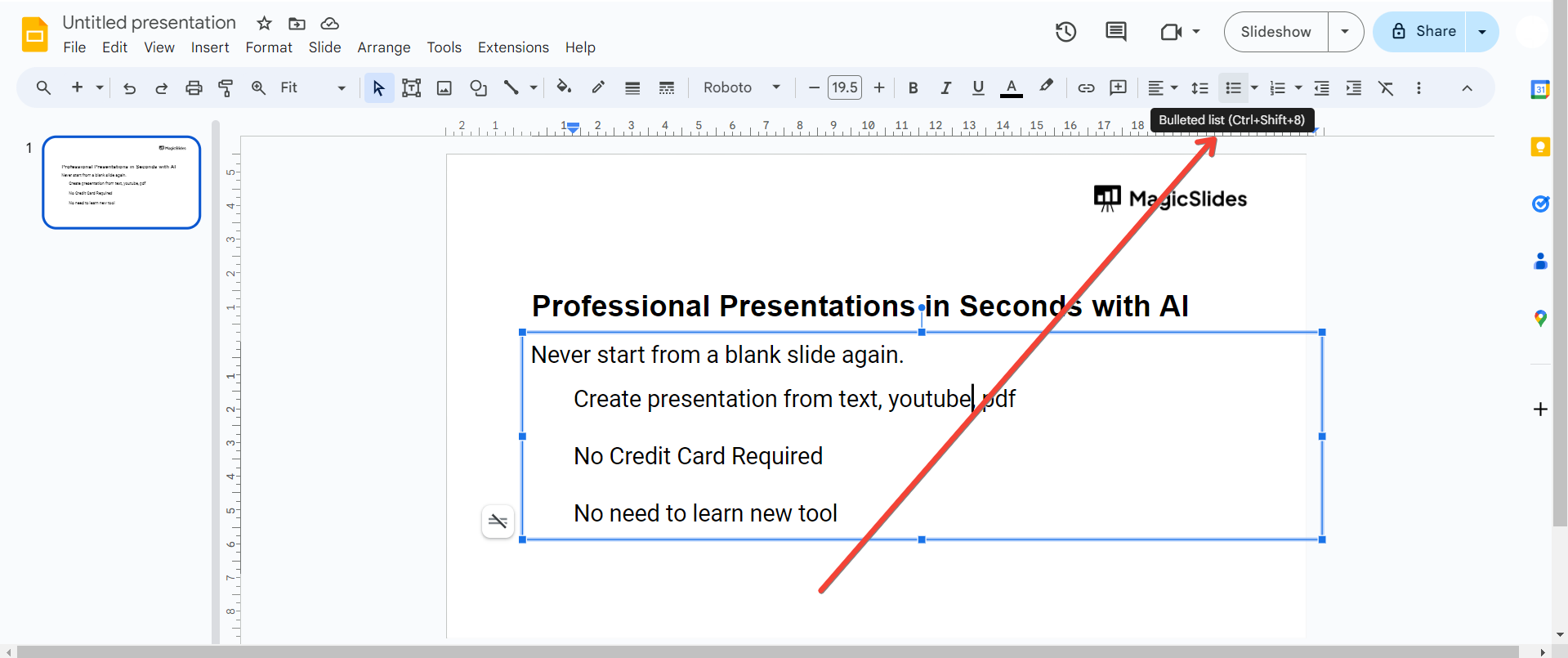
Click on the Bulleted List Icon:
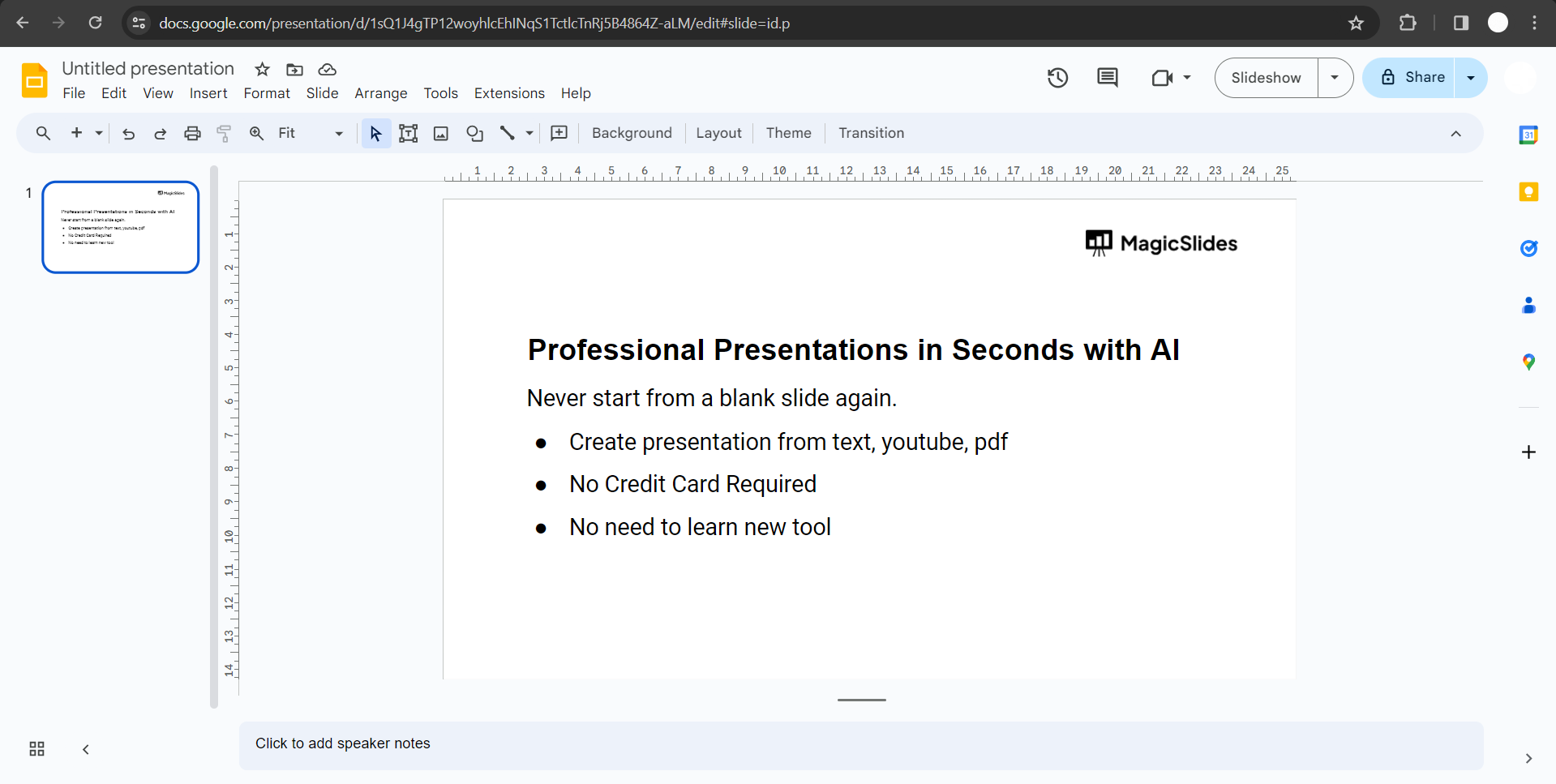
Click on the "Bulleted list" icon to apply bullet points to the selected text box. This action will automatically format your text into a bulleted list.
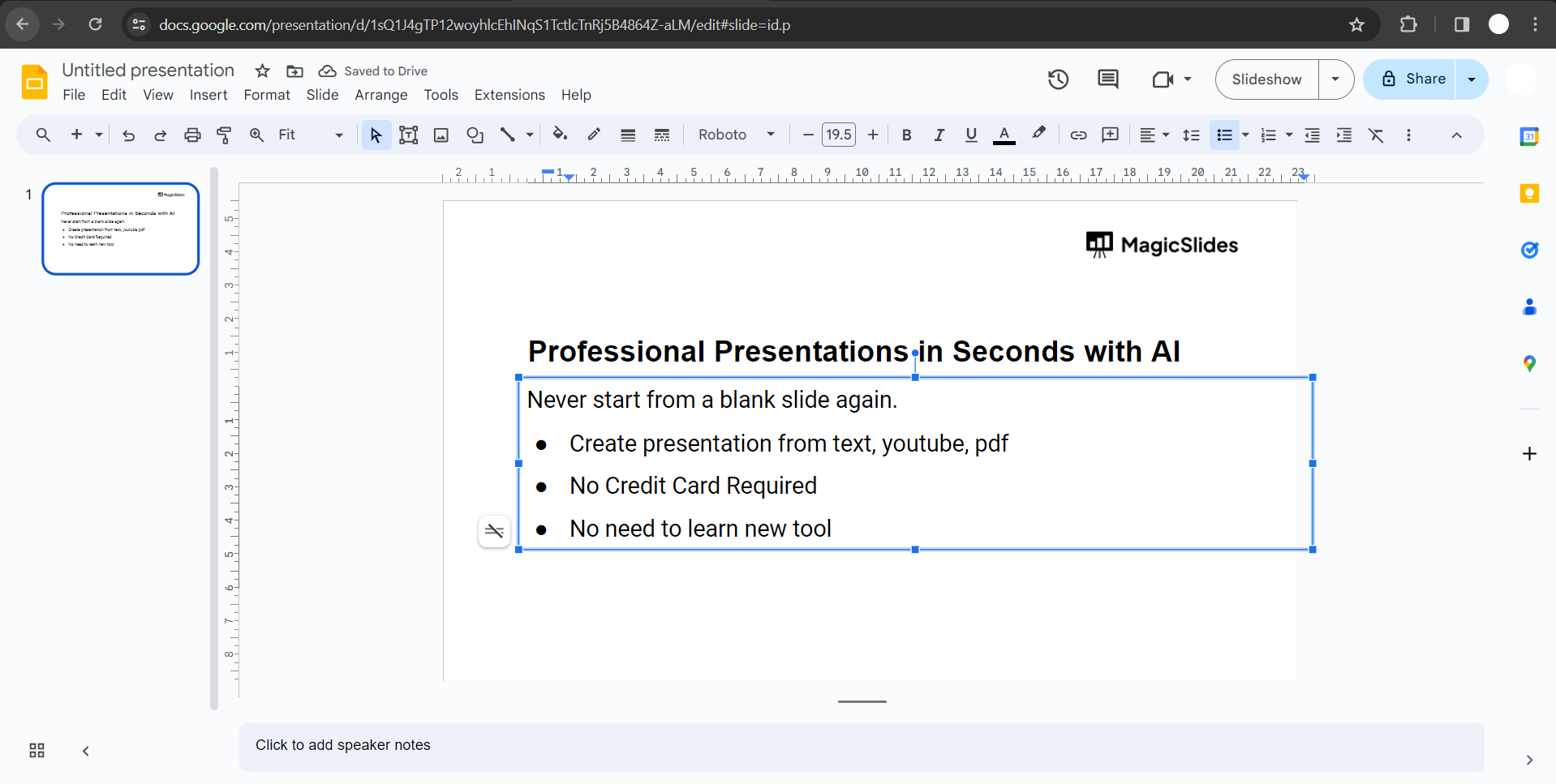
Customize Bullet Points (Optional):
To customize the bullet points, click on the drop-down arrow next to the "Bulleted list" icon. Here, you can choose different bullet point styles or even add numbering if you prefer.
Conclusion:
Incorporating bullet points into your Google Slides presentations is a simple yet effective way to organize information and engage your audience. Whether you're highlighting key points or breaking down complex ideas, the use of bullet points enhances the visual appeal of your slides. By following the steps outlined in this guide, you can easily integrate bullet points into your text, making your presentations more professional and accessible to your audience. Elevate your Google Slides game and convey your message with clarity through the strategic use of bullet points.
Frequently Asked Questions:
Why use bullet points in Google Slides?
Bullet points enhance clarity, making information digestible and presentations more engaging for your audience.
Can I customize the appearance of bullet points?
Absolutely! Google Slides offers customization options, allowing you to choose styles and adjust indentation easily.
Is it possible to create subpoints within a bulleted list?
Yes, you can create subpoints by using the Increase Indent and Decrease Indent options in the toolbar.
How can I add bullet points to existing text in a presentation?
Simply select the text box, click on the "Bulleted list" icon, and format as needed for clarity.


