How to share responses from Google forms


Unlock the power of collaboration with our guide on effortlessly sharing and managing Google Forms responses.
Efficiently sharing responses from Google Forms is crucial for collaboration and analysis. In this step-by-step guide, we'll explore how to seamlessly share and manage the valuable data collected through Google Forms. Whether it's for team collaboration or presenting survey results, this tutorial ensures a smooth and collaborative experience.
How to share responses from Google forms
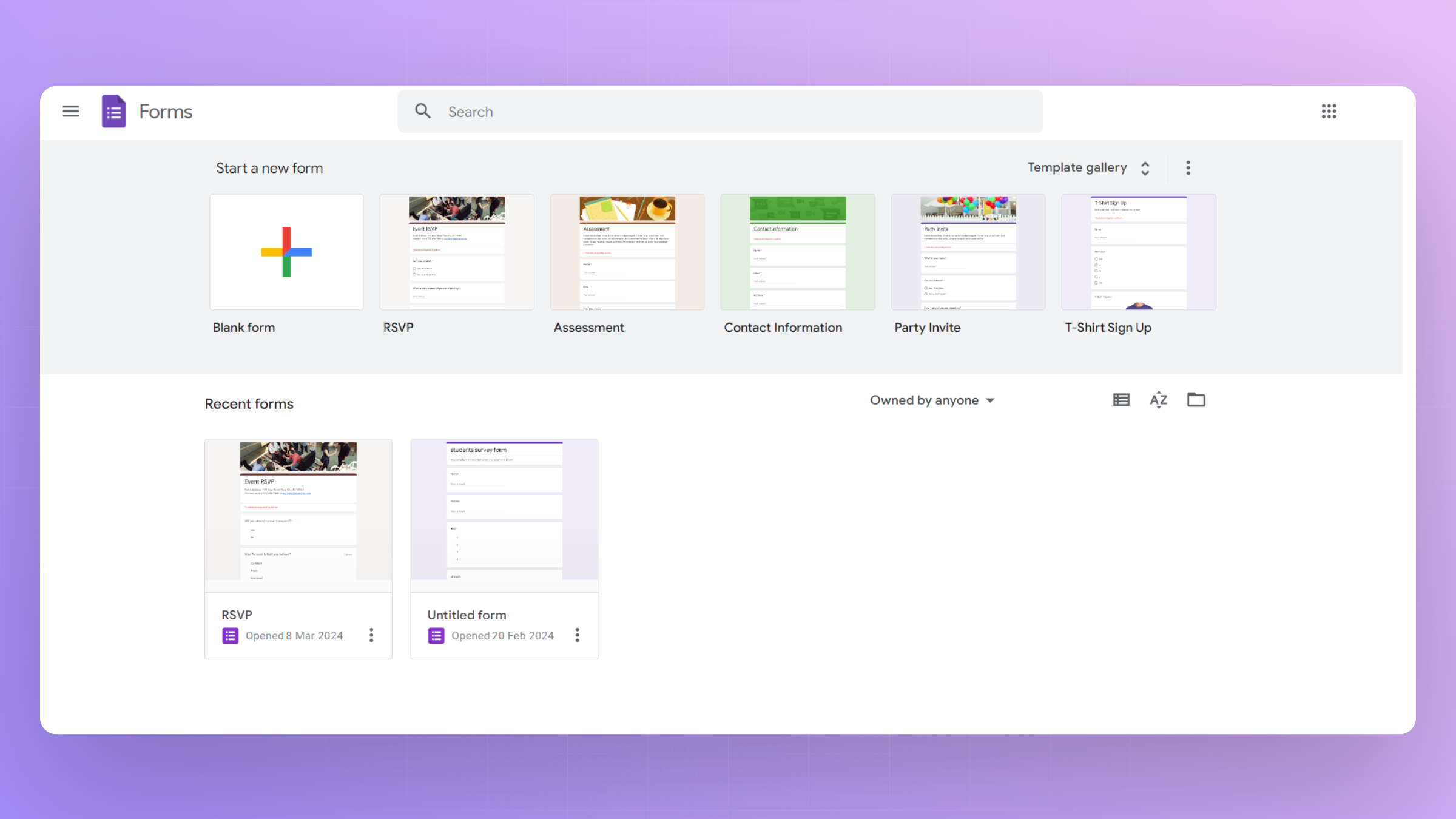
Step 1: Create a Google Form
Begin by creating a Google Form to collect responses. Design your survey or questionnaire according to your needs and preferences.
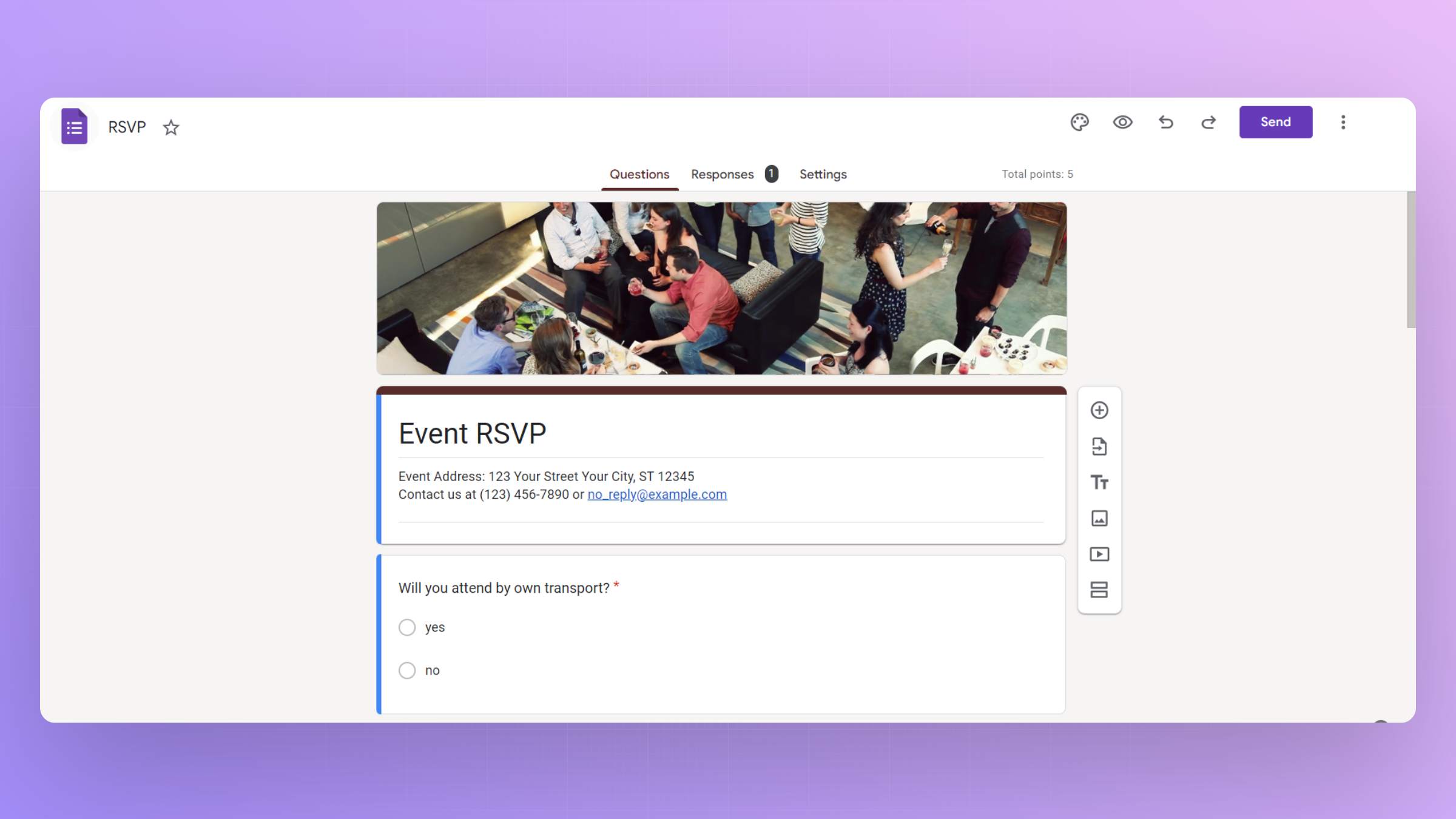
Step 2: Collect Responses
Once your form is ready, share it with your audience and gather the responses you need for your project, survey, or data collection.
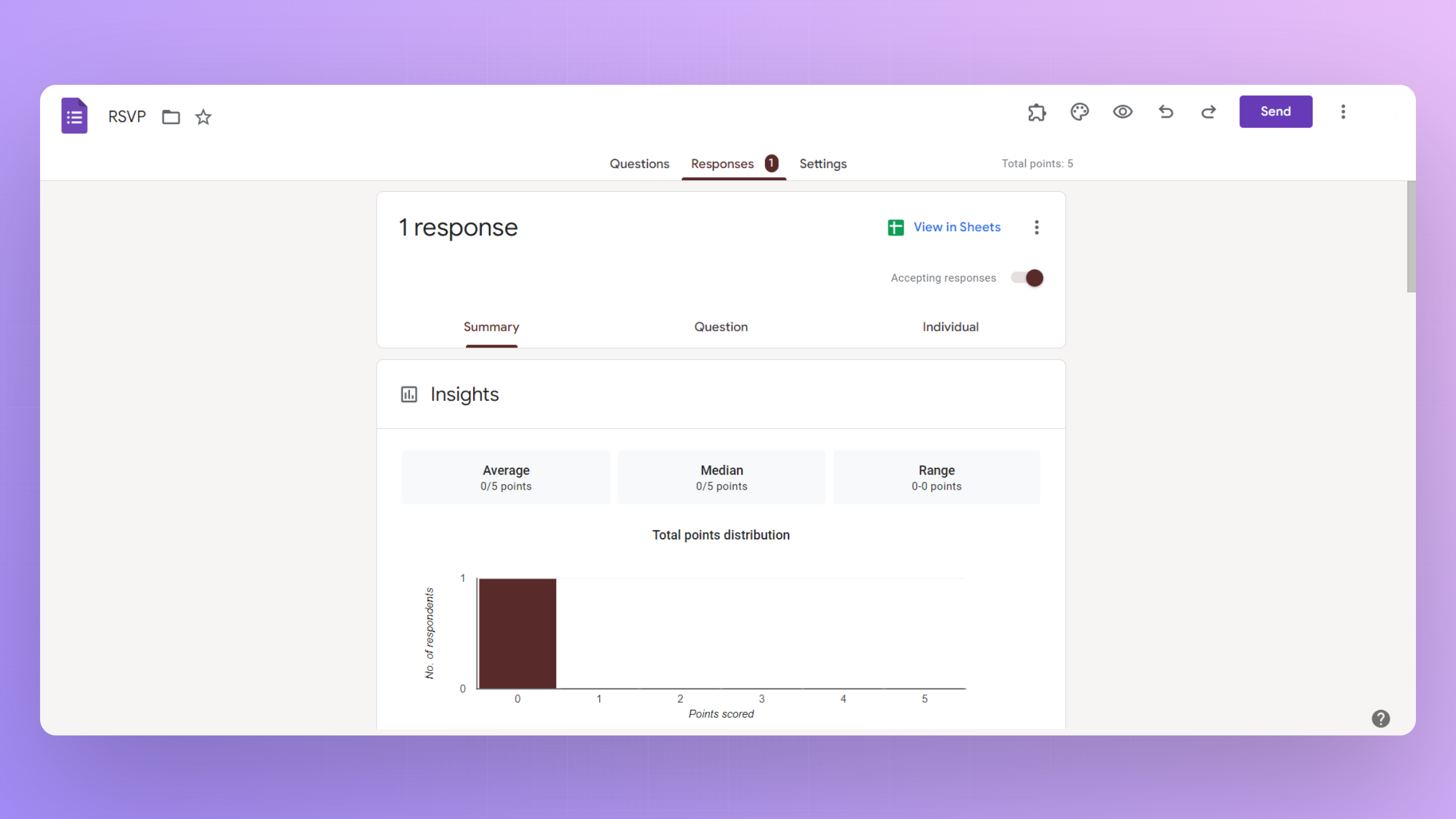
Step 3: Access Form Responses
Open your Google Form and navigate to the "Responses" tab. Here, you can view a summary of responses or click on "Individual" to see each response in detail.
Step 4: Share Responses
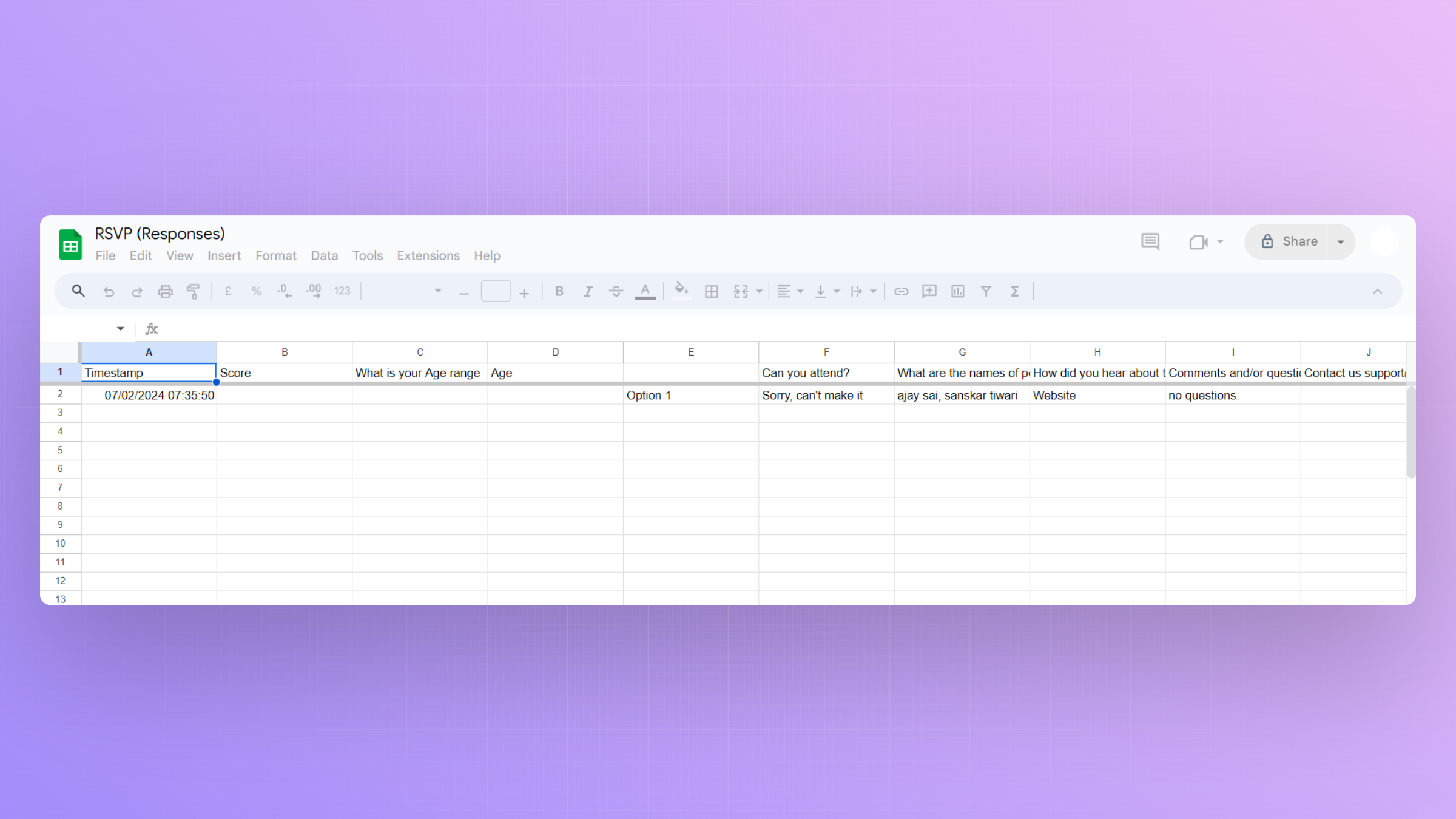
Click on the Sheets icon to transfer your responses to Google Sheets.
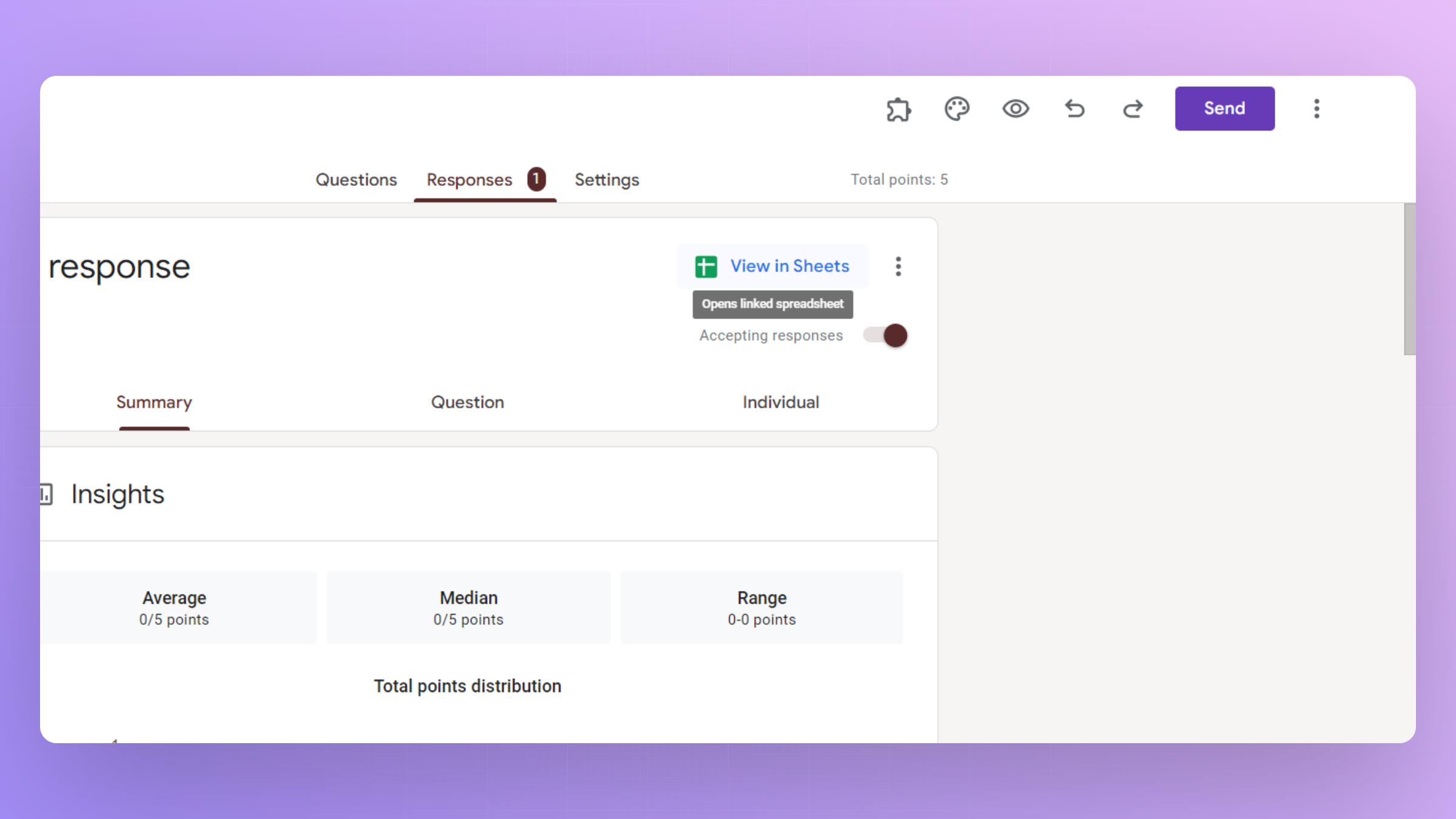
Once in Google Sheets, you can easily share the sheet with collaborators or export it in various formats.
Conclusion:
Sharing responses from Google Forms is a straightforward process that empowers you to collaborate effectively and analyze collected data. By following these steps, you can seamlessly manage and distribute valuable insights obtained through your forms. From team projects to survey analysis, Google Forms provides a user-friendly platform for efficient data collection and collaboration. Maximize the potential of your responses by integrating these simple sharing techniques into your workflow.
Frequently Asked Questions:
Can I share responses directly from Google Forms?
No, responses are typically shared through the connected Google Sheets. Share the Sheets link.
Is there a limit to the number of collaborators for shared responses?
Google Sheets allows multiple collaborators, enhancing teamwork and real-time data access for analysis.
Can I control the level of access collaborators have to the response data?
Yes, Google Sheets provides customizable sharing settings, allowing you to control viewing and editing permissions.
Are shared responses automatically updated in real-time?
Yes, collaborators can see responses in real-time as they are submitted, fostering seamless and efficient collaboration.


