How to Open a Google Slides Presentation in 4 Steps


Learn how to open a Google Slides presentation step by step. Easily access, view, and edit your slides from any device with this simple guide.
Open a Google Slides Presentation in 4 Steps
Opening a Google Slides presentation is quick and easy, whether you're accessing an existing file or starting a new one. In this guide, you'll learn step-by-step how to open Google Slides, sign in to your account, and access your presentations from any device.
Step-by-Step Guide to Opening a Google Slides Presentation
Step 1: Open a Web Browser:
To open Google Slides, begin by launching a web browser on your computer. Popular web browsers include Google Chrome, Mozilla Firefox, Safari (commonly used on Macs), and Microsoft Edge (previously known as Internet Explorer).
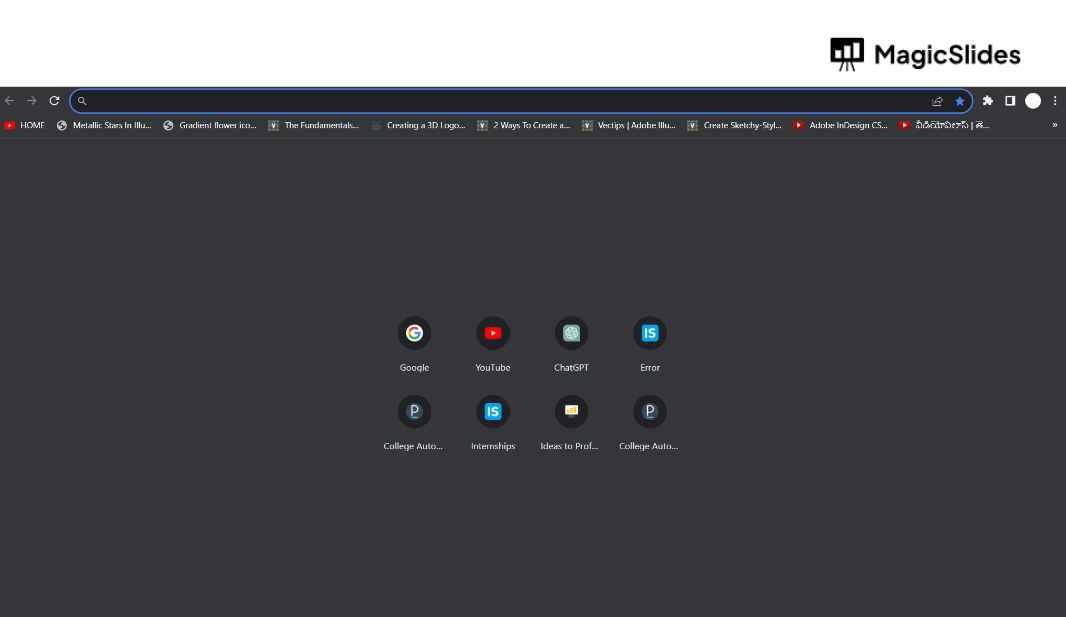
Step 2: Visit Google Slides:
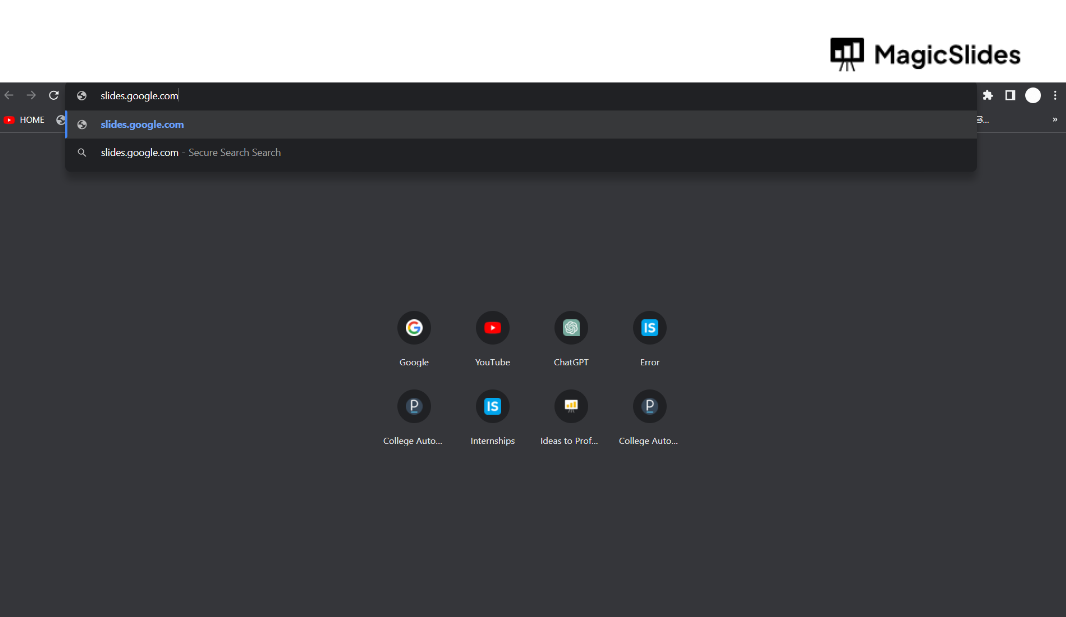
In the address bar of your web browser, you'll need to navigate to the Google Slides website. Follow these steps:
- Click your cursor into the address bar, which is typically located at the top of the browser window.
- Type "slides.google.com" without the quotation marks.
- Press "Enter" or "Return" on your keyboard. This action will take you to the Google Slides homepage.
Step 3: Sign In:
If you're not already signed in to your Google account, you'll need to do so to access Google Slides. Here's how:
- On the Google Slides homepage, look for the "Sign In" button, usually found in the top-right corner.
- Click on "Sign In."
- A new window or tab will open, prompting you to enter your Google account credentials. This typically includes your Gmail email address and password.
- If you're using a public or shared computer, be sure to sign out when you're finished to maintain the security of your account.
Step 4: Access Existing Presentations:
Once you've successfully signed in, you'll be taken to the Google Slides homepage, where you can access your existing presentations. Here's how:
- You'll typically see a list of your recent presentations displayed on the homepage. These are the presentations you've worked on or accessed most recently.
- To open an existing presentation, simply click on its thumbnail image or title in the list. This action will take you to the editing view of that presentation, where you can continue working on it or present it to others.
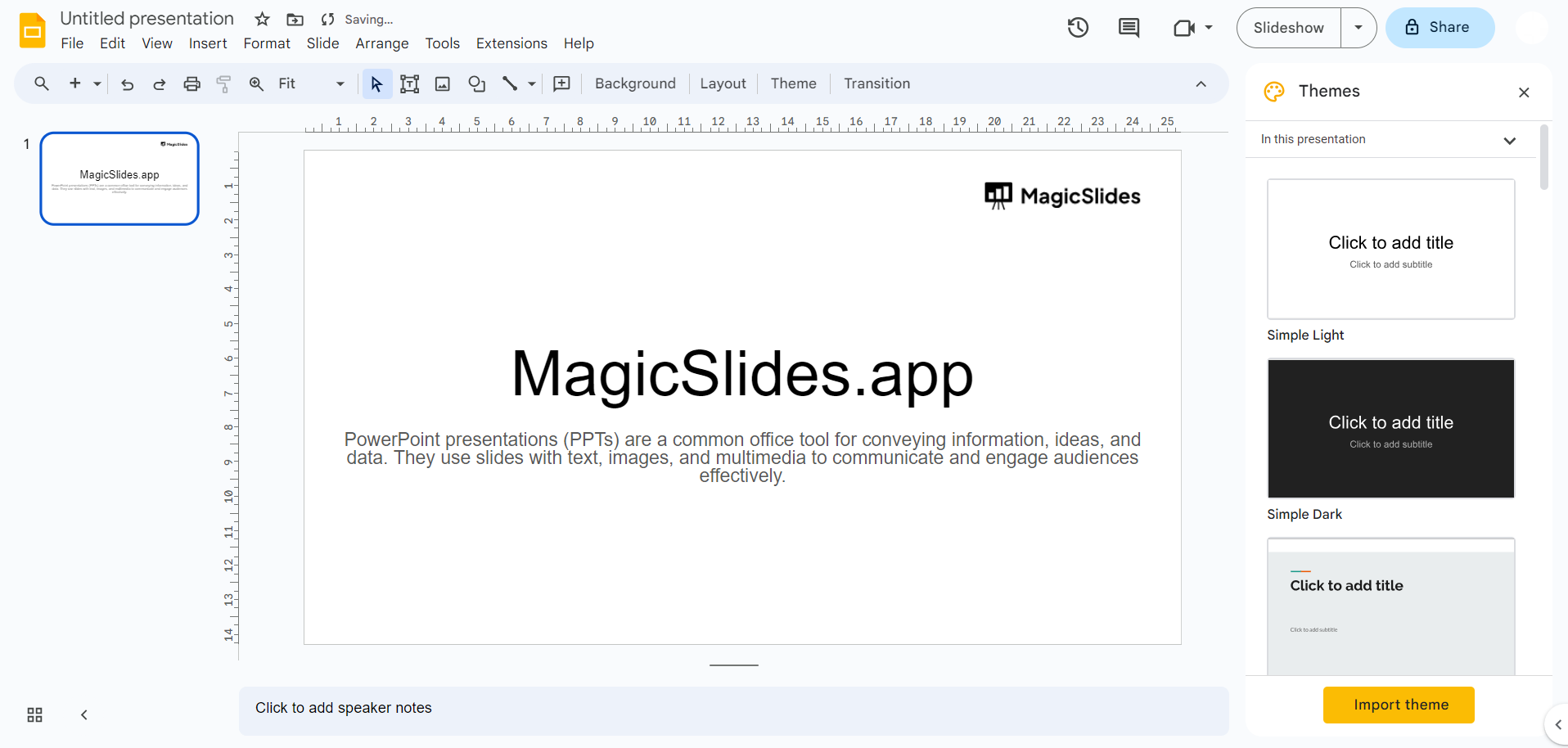
That's it! By following these steps, you'll be able to open Google Slides and access your presentations with ease.
Step 5: Create a New Presentation (Optional)
If you want to start a new presentation:
- Click on the “Blank” presentation option or choose a template
- A new slide deck will open where you can start creating your presentation
This is helpful if you're not opening an existing file.
Troubleshooting Common Issues When Opening Google Slides
Sometimes, you may face issues while trying to open Google Slides. Here are a few quick fixes:
- Unable to access Google Slides: Check your internet connection and try refreshing the page.
- Login issues: Make sure you're entering the correct email and password. You can reset your password if needed.
- Presentation not opening: Ensure you have permission to view or edit the file. Request access if required.
- Slow loading: Try clearing your browser cache or switching to another browser.
Create Presentations Faster Inside Google Slides with MagicSlides Add-on
Once you’ve opened your presentation in Google Slides, the next step is creating or editing your slides. However, building a presentation from scratch can take a lot of time and effort.
This is where the MagicSlides Google Slides add-on can help.
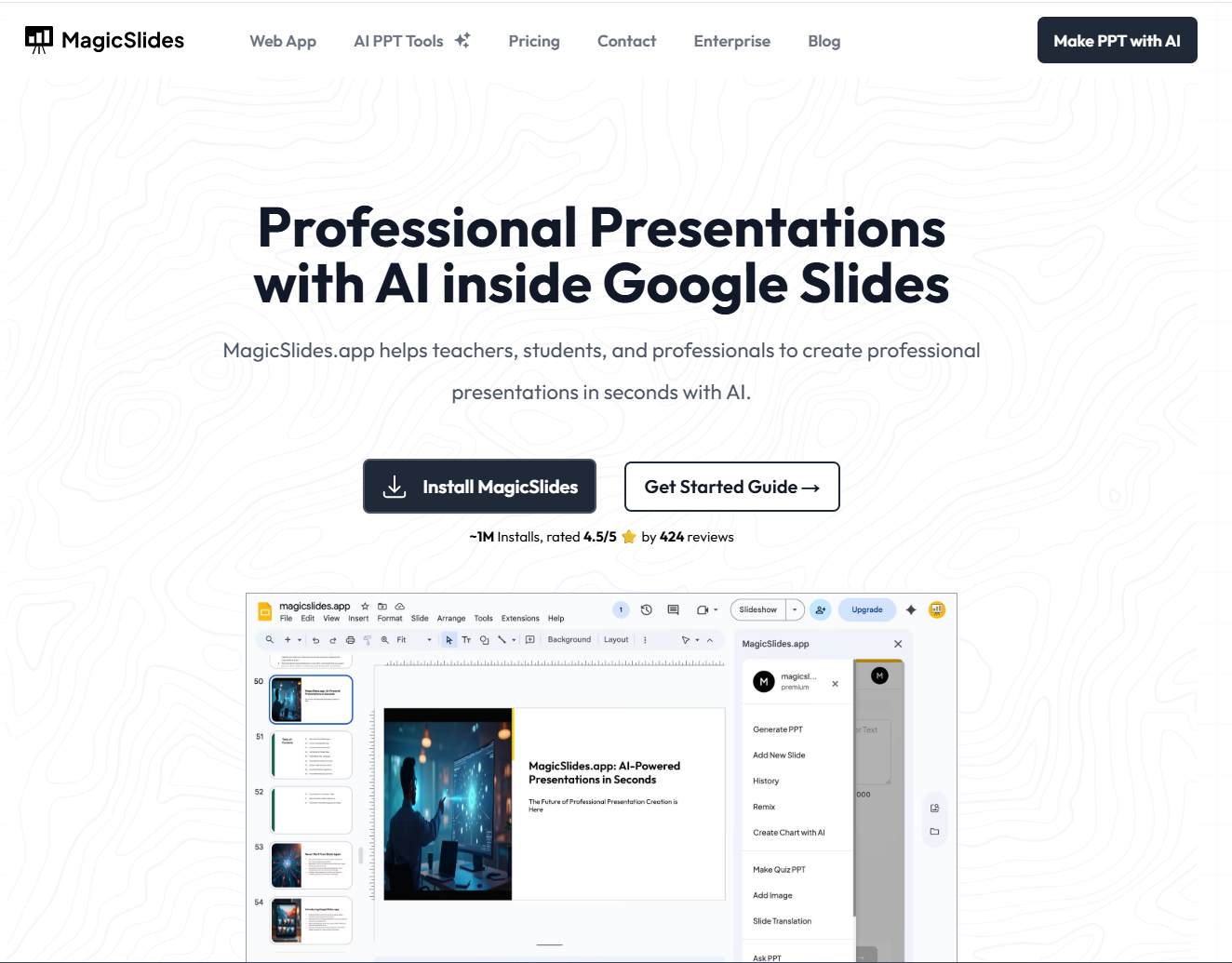
MagicSlides works directly inside Google Slides, allowing you to create complete presentations without leaving the platform.
With the MagicSlides add-on, you can:
- Generate full presentations from a single topic
- Convert text, PDFs, or YouTube videos into slides
- Instantly create structured, well-designed slides
- Work directly within Google Slides without switching tools
Instead of manually designing each slide, you can simply enter your topic and let MagicSlides generate a ready-to-use presentation in seconds.
If you want to speed up your workflow and create professional slides effortlessly, the MagicSlides add-on is a powerful solution built specifically for Google Slides users.
Also read: How to Convert Canva to PowerPoint (.PPTX) in Minutes – Step Guide
Conclusion
Opening a Google Slides presentation is simple and takes just a few steps. Once you're in, creating slides can take time, but tools like the MagicSlides AI PPT Maker help you generate and design presentations directly within Google Slides, making the process faster and easier.
Frequently Asked Questions (FAQs)
Q1. Do I need a Google account to open Google Slides?
Yes, you need a Google account to create, edit, or access presentations on Google Slides.
Q2. Can I open Google Slides without internet?
Yes, but you must enable offline mode in advance using Google Drive settings.
Q3. How do I open a shared Google Slides presentation?
Click on the shared link and sign in to your Google account. Make sure you have permission to view or edit the file.
Q4. Can I open PowerPoint files in Google Slides?
Yes, you can upload PowerPoint (.pptx) files to Google Slides and open them directly.
Q5. Is Google Slides free to use?
Yes, Google Slides is completely free with a Google account.


