What Tools Integrate Seamlessly with Google Slides for Enhanced Productivity?


Explore tools that enhance Google Slides productivity, including Zapier, Slido, Canva, and MagicSlides for better collaboration and design.
Google Slides has become a cornerstone in the toolkit of educators, marketers, and business professionals who rely on effective presentation tools to convey their ideas. However, to truly leverage the power of Google Slides, integrating it with other tools can significantly enhance productivity and streamline workflows. This blog post explores various tools that integrate seamlessly with Google Slides, each offering unique functionalities that can transform how you create, collaborate, and present your slideshows.
1. MagicSlides.app: Enhancing Collaboration and Productivity
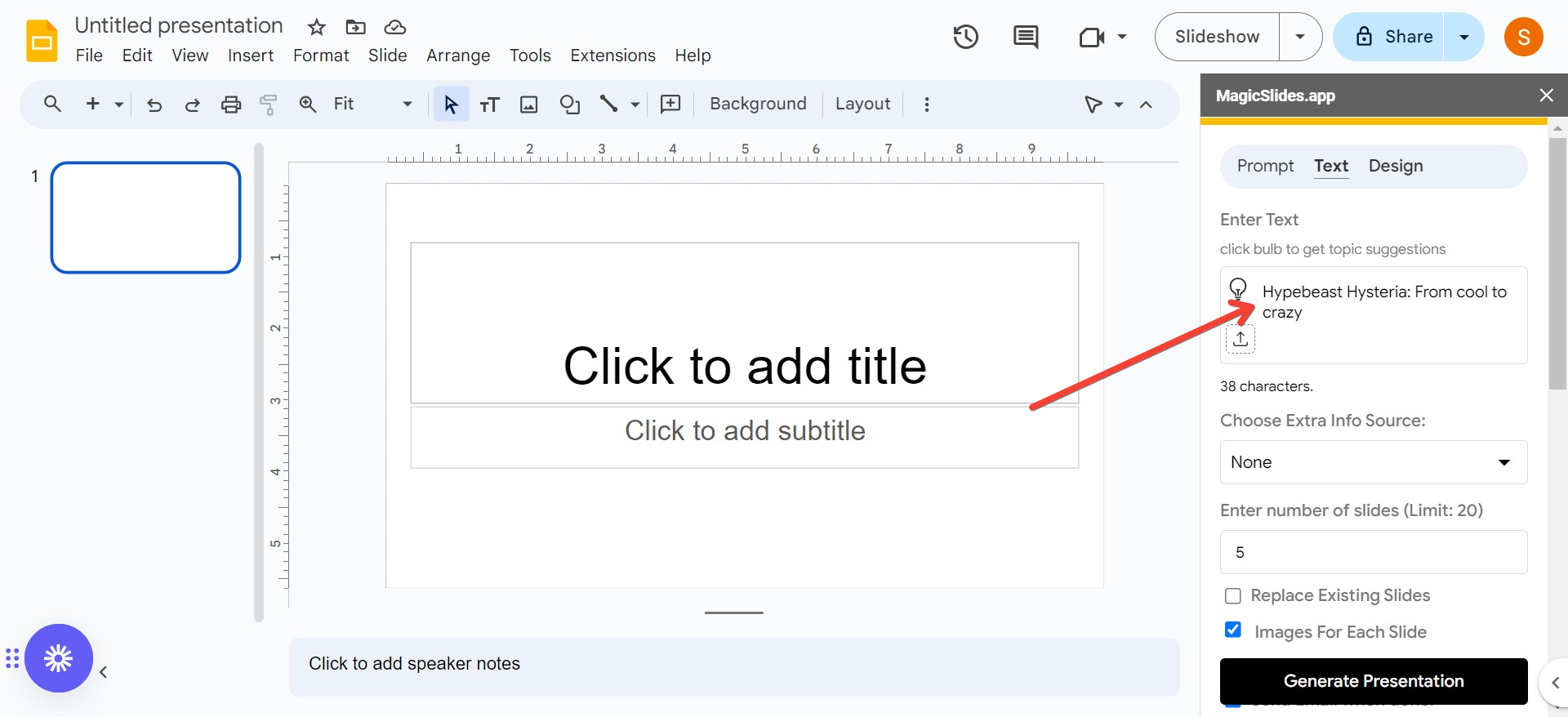
MagicSlides.app is designed to complement Google Slides by offering features that streamline collaboration and enhance productivity. It integrates smoothly, allowing teams to work together on presentations in real-time, providing features such as comment tracking, version control, and simultaneous editing.
MagicSlides.app also offers analytics tools to gauge the effectiveness of your presentations, helping you make data-driven decisions to improve future slideshows. While not overtly promotional, the practicality and efficiency that MagicSlides.app adds can significantly elevate the quality of any presentation.

2. Slido: Engaging Your Audience
Slido is an audience interaction tool that integrates directly into Google Slides, allowing presenters to engage with their audience through live polls, Q&A sessions, and quizzes.
By embedding Slido into your presentations, you can gather real-time feedback, test audience knowledge, and encourage participation, all without leaving the slide show.
This tool is particularly useful for educators and trainers looking to make their sessions more interactive and responsive to the audience's needs.

3. Pear Deck: Interactive Teaching
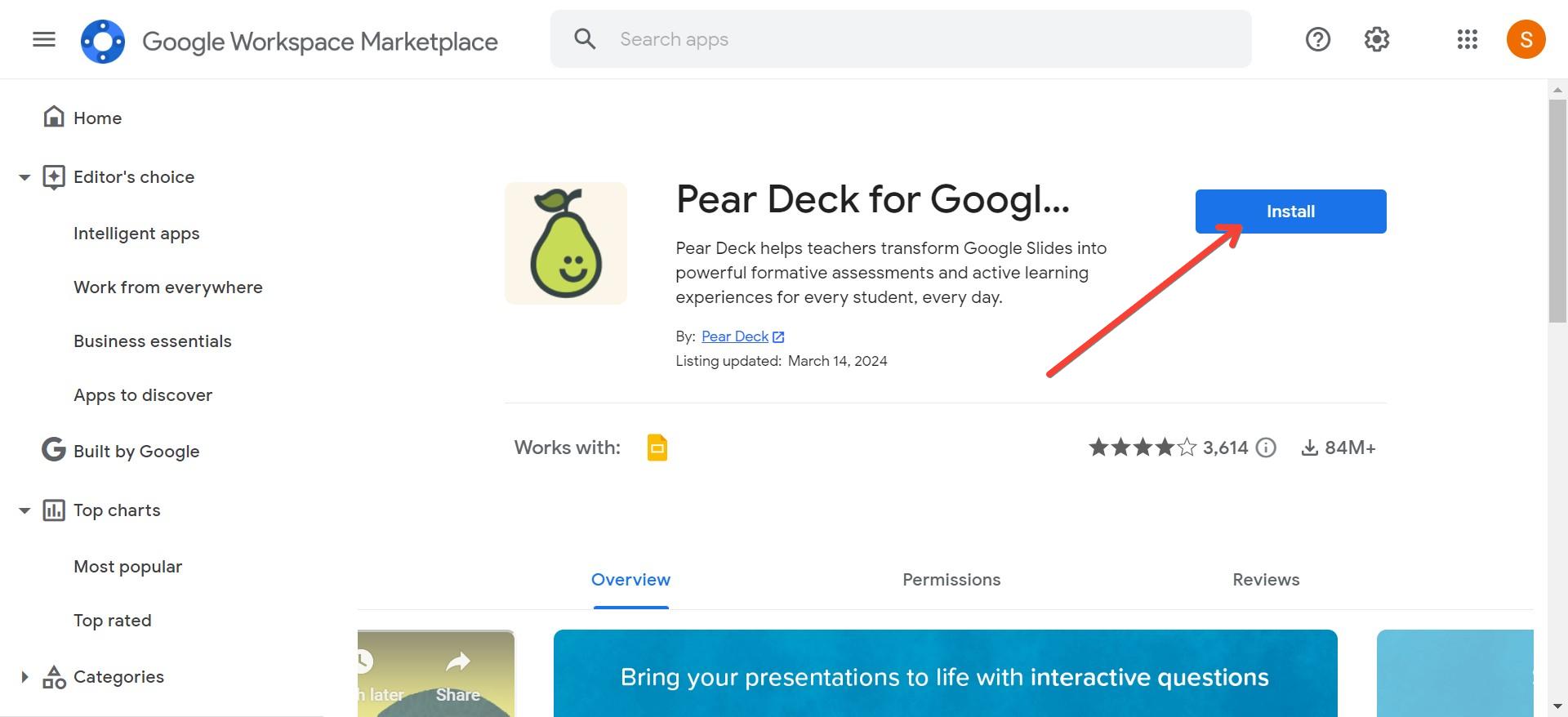
Designed with educators in mind, Pear Deck is an add-on that transforms Google Slides into interactive lessons where students can participate directly from their own devices.
Teachers can add questions, polls, and formative assessments directly into their presentations, which students can respond to in real-time.
This immediate interaction helps keep students engaged and allows teachers to assess understanding and adjust their instruction accordingly.
4. Zapier: Automating Workflows
Zapier is a powerful tool for automating tasks between Google Slides and other apps you use daily. With Zapier, you can create automated workflows (called Zaps) that trigger actions in Google Slides based on events in other apps.
For example, you can set up a Zap to automatically update a slide when a new entry is added to a Google Sheet or to create a new presentation when a new project is set up in your project management tool. This integration simplifies repetitive tasks and ensures your presentations always have the latest data.

5. Lucidchart: Incorporating Diagrams and Flowcharts
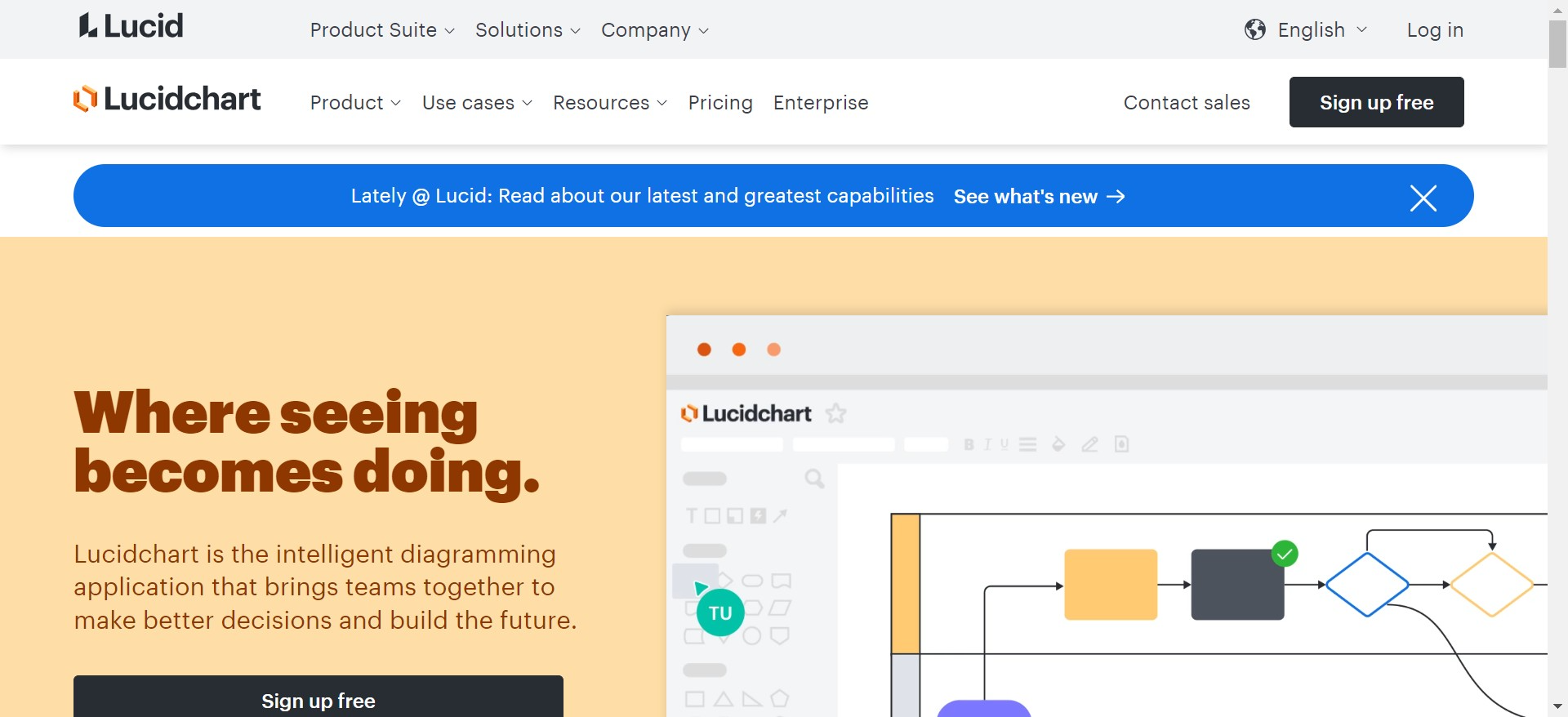
Lucidchart is a visual workspace that includes diagramming, data visualization, and collaboration tools. By integrating Lucidchart with Google Slides, users can easily insert complex diagrams and flowcharts into their presentations.
This is especially useful for users who need to present technical processes or complex data structures in a visually digestible format.
6. Keep: Streamlining Note-taking
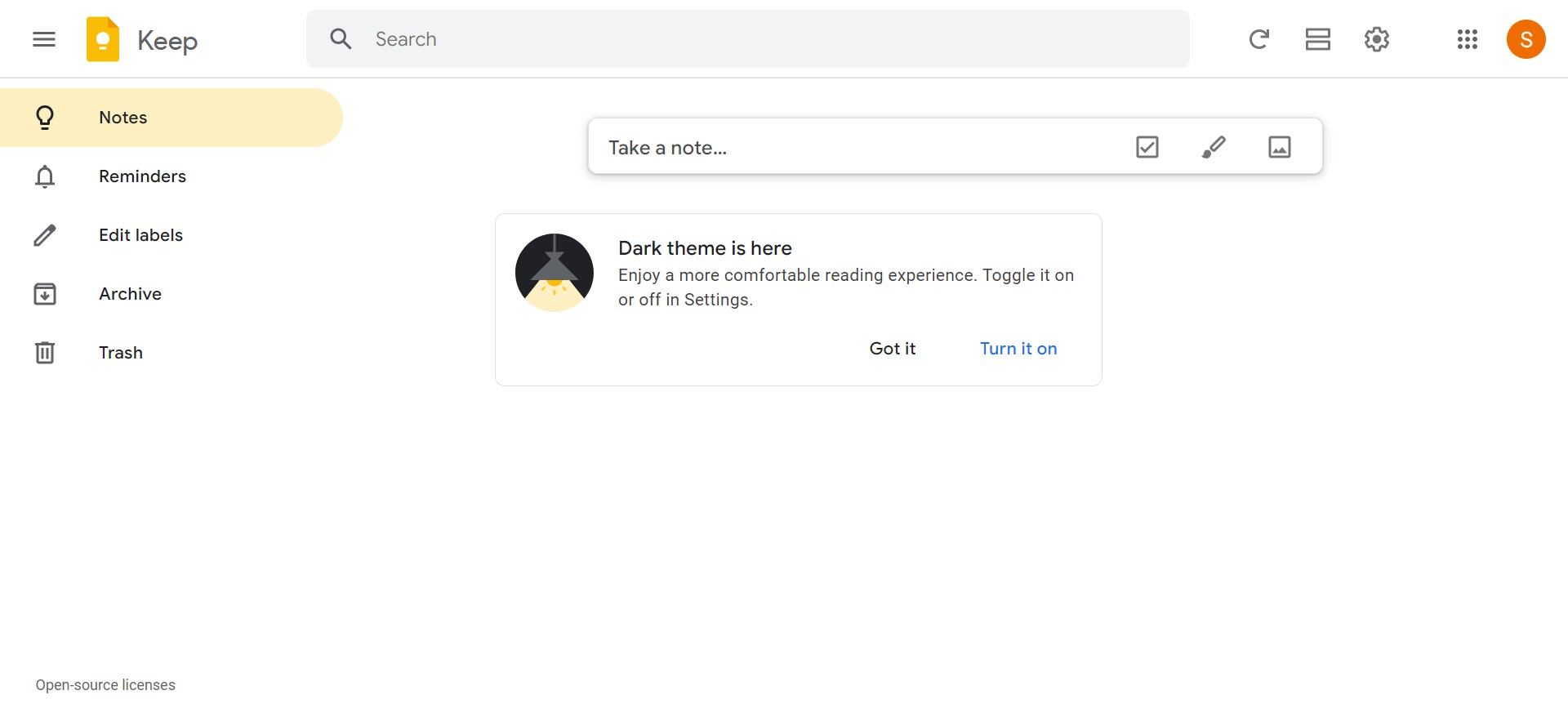
Google Keep, another product from the Google ecosystem, integrates neatly with Google Slides. This integration allows users to drag and drop notes from Google Keep directly into their slides.
It's particularly useful for organizing research, jotting down ideas for slides, or compiling feedback all in one place. This seamless integration ensures that all your notes and reminders can be easily accessed and incorporated into your presentations.
Conclusion
Integrating Google Slides with these tools can transform your presentations from static slideshows to dynamic, interactive, and visually appealing experiences that captivate your audience. Whether you're automating data updates with Zapier, engaging your audience with Slido, designing beautiful slides with Canva, or enhancing teamwork with MagicSlides, these integrations are designed to boost your productivity and make your presentations more effective. Explore these tools to find the perfect mix that suits your presentation needs and elevates your productivity to new heights.


