Where to Sell Canva Templates


Turn your creativity into income by selling Canva templates with these tips for success
If you’re a Canva enthusiast who creates beautiful and functional templates, you can turn your creativity into a source of income.
Selling Canva templates online is a fantastic way to monetize your skills, as templates are in high demand for marketing, business, and personal use.
This guide explores the best platforms and strategies for selling your Canva templates effectively.
Where to Sell Canva Templates
Step 1: Choose the Right Platform
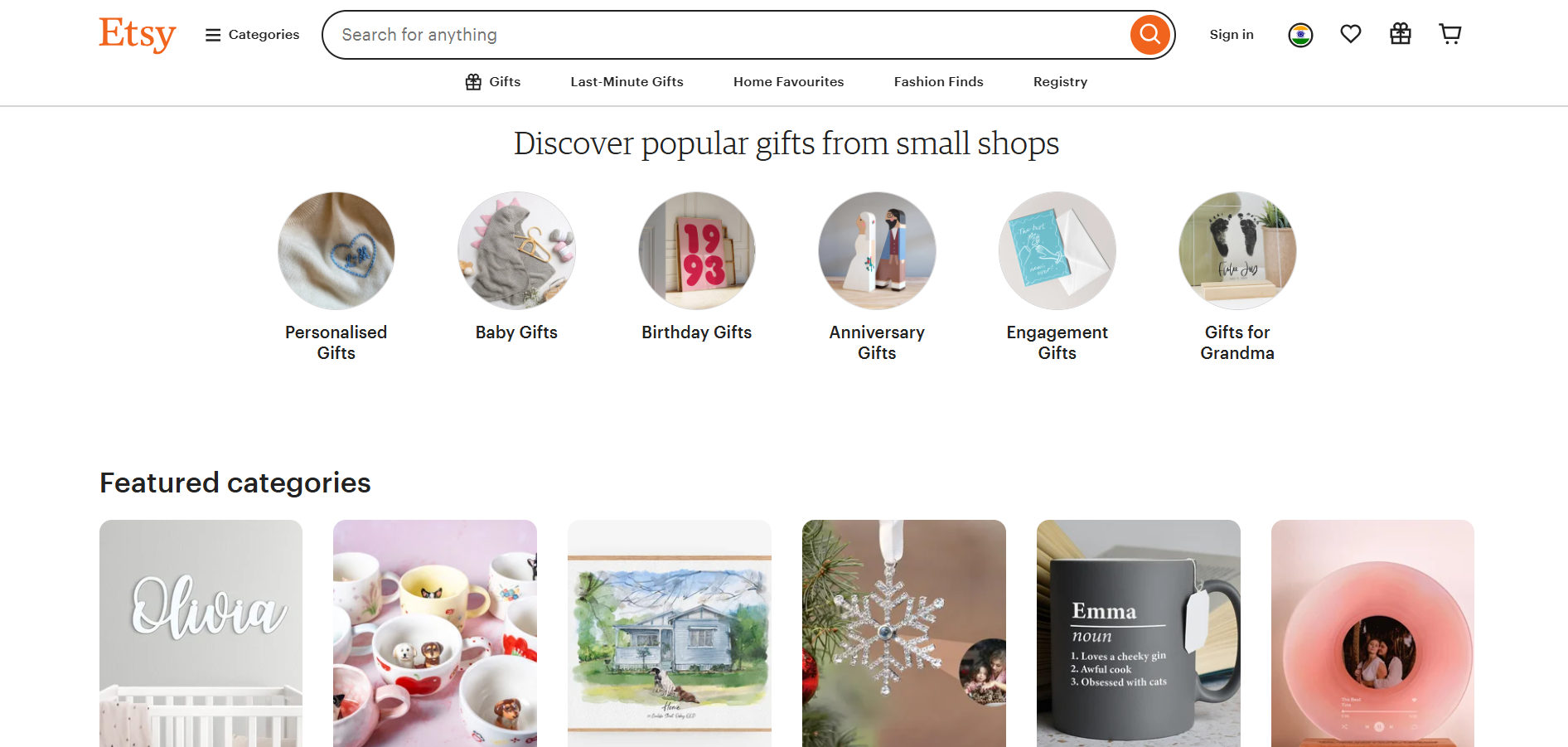
Etsy:
- Ideal for selling creative digital products.
- Offers a wide audience of buyers looking for customizable templates like social media kits and planners.
Creative Market:
- A marketplace specifically for designers, offering high visibility for your Canva templates.
- Requires high-quality designs to get approved.
Your Own Website:
- Use platforms like Shopify, Wix, or WordPress to sell directly to customers.
- Allows you to keep 100% of the profits.
Social Media Platforms:
- Use Instagram, Pinterest, and TikTok to showcase and link your templates for sale.
Step 2: Create High-Quality Templates
Research popular designs and trending themes that are in demand (e.g., business planners, social media graphics).
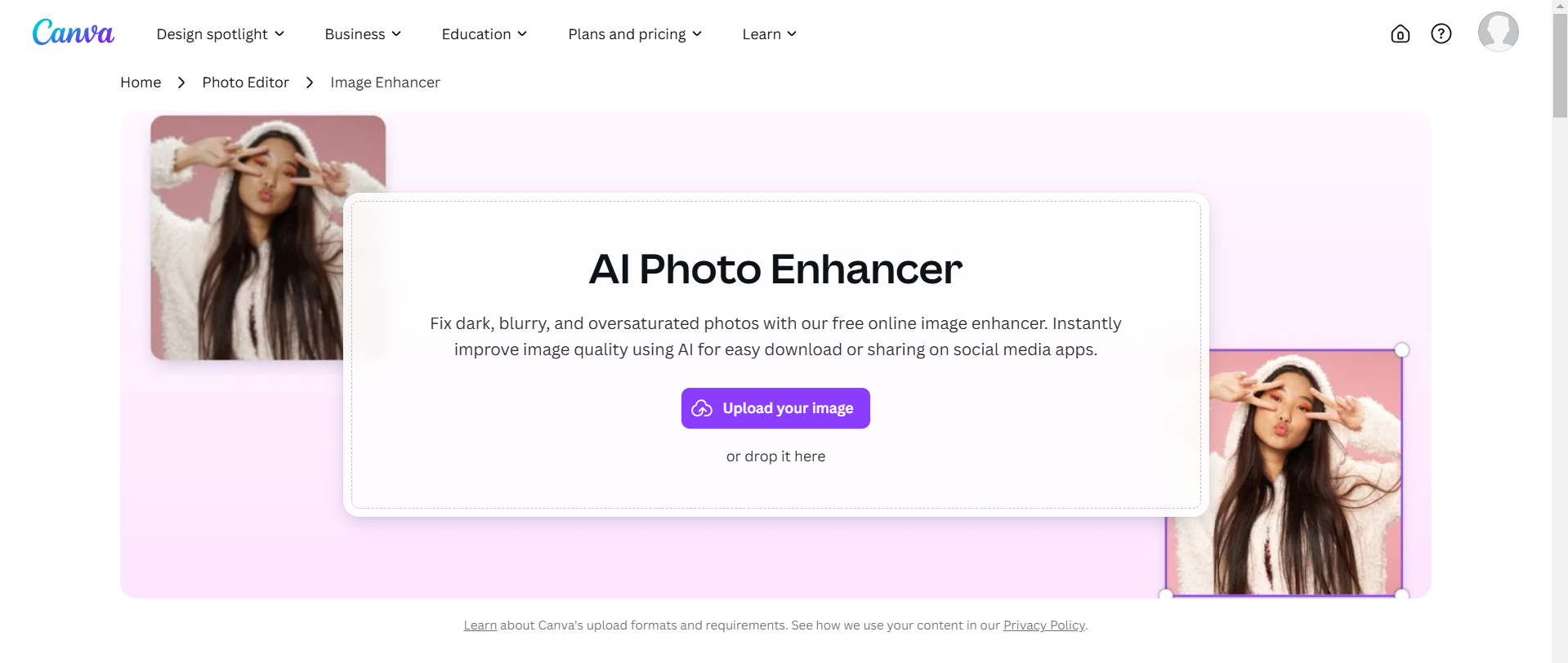
Ensure your templates are visually appealing, easy to edit, and versatile for various purposes.
Include clear instructions for buyers on how to use or edit your templates in Canva.
Step 3: Price Your Templates Strategically
Research competitors' pricing on your chosen platform to set a competitive price. Checkout this article from MailChimp to know more about pricing.
Consider bundling multiple templates together to increase perceived value.
Offer introductory discounts or seasonal sales to attract new customers.
Step 4: Promote Your Templates
Leverage Pinterest: Create pins showcasing your templates with a call-to-action to purchase.
Use Social Proof: Share testimonials, reviews, or success stories from customers using your templates.
Collaborate with Influencers: Partner with influencers in your niche to promote your designs.

Run Ads: Use Facebook and Instagram ads to drive traffic to your templates.
Step 5: Optimize Your Listings
Write compelling product descriptions that highlight the features and benefits of your templates.
Use high-quality mockups to showcase how your templates will look in use.
Include relevant keywords to make your templates easier to find in search results.
Step 6: Provide Excellent Customer Support
Respond quickly to inquiries or issues from buyers.
Offer revisions or customizations to improve customer satisfaction and earn positive reviews.
Create a FAQ or tutorial section to guide buyers in editing the templates.
→ After discovering where to sell Canva templates, learn how to remove Canva watermarks to ensure your designs are fully professional before showcasing them.
Conclusion
Selling Canva templates can be a lucrative online business with the right approach.
By selecting the right platform, creating top-notch designs, and promoting your work effectively, you can reach a wide audience and turn your creativity into a profitable venture.
Start today and build a steady income stream from your design skills!
FAQs on Selling Canva Templates
Can I sell templates created using Canva’s free version?
Yes, but make sure to use only free elements or your original designs to avoid licensing issues.
How much can I earn selling Canva templates?
Earnings vary based on the platform, pricing, and demand. Successful sellers earn hundreds to thousands monthly.
Can I resell Canva templates purchased from others?
No, reselling Canva templates created by others without permission violates copyright and licensing terms. Always create your original designs.
By following these steps, you can tap into the growing market for Canva templates and achieve success!


