MagicSlides パワポ AI ― アイデアからスライドまで、たった1クリック
次世代のプレゼン資料 AI ツール MagicSlides なら、プロンプト・トピック・あらゆる資料が数秒でプロ品質の PPT に変わります。入力するだけで、136言語以上に対応した AI プレゼン資料がすぐに手に入ります。
13.6k PPTs created in the last 30 days
Trusted by 2.6M+ professionals and teams worldwide
- Google
- Amazon
- Netflix
- LinkedIn
- Salesforce
- HubSpot
- Shopify
- Stripe
- ByteDance
- Cisco
- IBM
- Red Hat
- NVIDIA
- SpaceX


Not one slide. The whole deck.
Every slide designed to match, from the cover to the last page. Hover to flip through.
パワポ AI での AI スライド 作成は、3つの簡単ステップ
無料で試す ― 最初のプレゼン資料を作成1. アイデアを入力
トピックを入力する、文章を貼り付ける、ファイルをアップロードする、YouTube のリンクを貼るだけ。テンプレートを選ぶかカスタマイズすれば、あとはパワポ AI にお任せです。
1枚のスライドを生成中…
2. AI が魔法をかけます
AI プレゼン作成ツールが、洗練された構成のきれいなスライドを瞬時に生成する様子をご覧ください。




3. ダウンロードして印象づける
できあがったプレゼン資料は、PowerPoint や Google Slides、MagicSlides のパワポ AI 上でそのまま発表・編集できます。
パワーポイント AI で、数秒でプロ級のプレゼンを
MagicSlides のパワポ AI なら、アイデア・プロンプト・文書・動画が、すぐに使える AI PowerPoint スライドに瞬時に変わります。
テキストから PPT への変換ツール
- PPT を生成するプロンプトを入力または貼り付けます。
- MagicSlides の AI が瞬時に処理します。
- わずか数秒で、すぐ使えるデッキが完成!
A teacher pastes Sunday night's lesson notes and walks into Monday's class with 12 slides, instead of building them one by one.
トピックから PPT への変換ツール
- 作りたいトピックを入力または貼り付けます。
- パワポ AI がご希望どおりの PPT を生成します。
- プロ品質のスライドがすぐ手に入ります!
A student types "Impact of social media on teens", picks 10 slides, and has a first draft for tomorrow's seminar in under a minute.
AI ピッチデッキ作成ツール
- ピッチの内容を入力または貼り付けます。
- AI PowerPoint スライド作成ツールが瞬時にピッチデッキをデザインします。
- 投資家にそのまま見せられるプロ品質!
A founder pastes the one-page memo they already sent to investors and gets the deck: problem, market, traction, the ask.
YouTube から PPT への変換ツール
- YouTube 動画のリンクをコピーして貼り付けます。
- AI が洗練された AI PowerPoint スライドに変換します。
- 1分もかからずにお望みの PPT が手に入ります!
A sales team drops in the link to a 40-minute product webinar and sends a recap deck to everyone who missed it.
PDF から PPT への変換ツール
- PDF ファイルをクリックしてアップロードします。
- パワポ AI がプレゼン資料として生成します。
- 見栄えのするスライドの完成です!
A consultant uploads a 50-page industry report and walks into the client call with a 10-slide summary.
パワポ AI で、魅力的な PowerPoint スライドを瞬時に AI スライド 作成
アイデアを数秒で洗練されたプロ品質のプレゼン資料に変え、どんな聴衆も惹きつけましょう
Hello everyone, in this video I'll show you how to generate a pros and cons slide using AI.
メリット/デメリットの PowerPoint スライド
AI が作るメリット/デメリットの PowerPoint スライドで、バランスの取れた意思決定を簡単に。AI プレゼンツールが論点を自動で整理し、期待どおりの結果を出します。
A team lead lays out "build in-house or buy?" side by side, so the Friday decision meeting starts on the same page.
箇条書き+画像のスライド
内容も見た目も優れたプレゼン資料を作成。MagicSlides のパワポ AI が要点と画像を組み合わせ、プロ品質のスライドを瞬時に生成します。
A marketer turns a product's five key features into slides with a matching visual each, for the customer webinar.
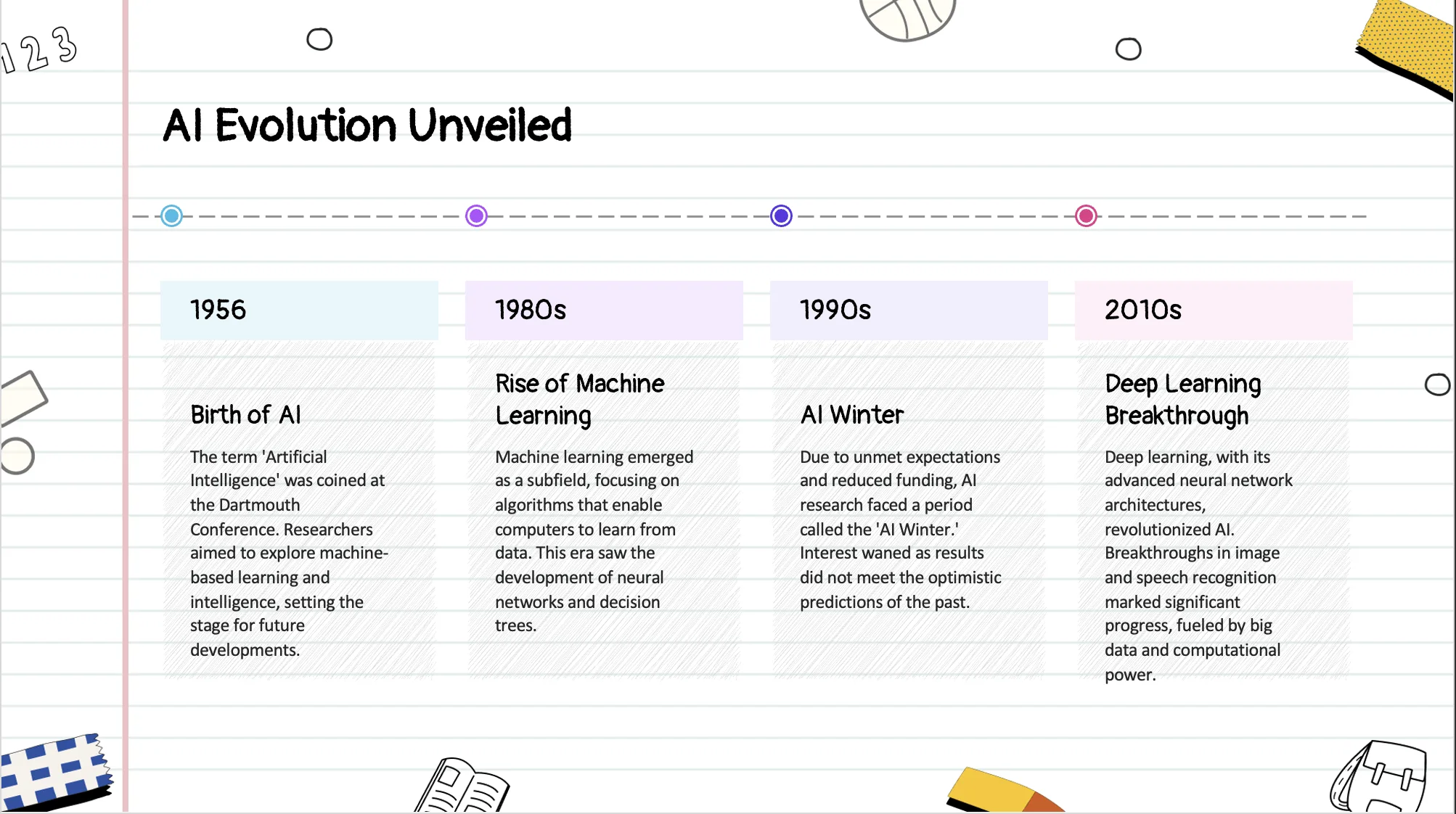
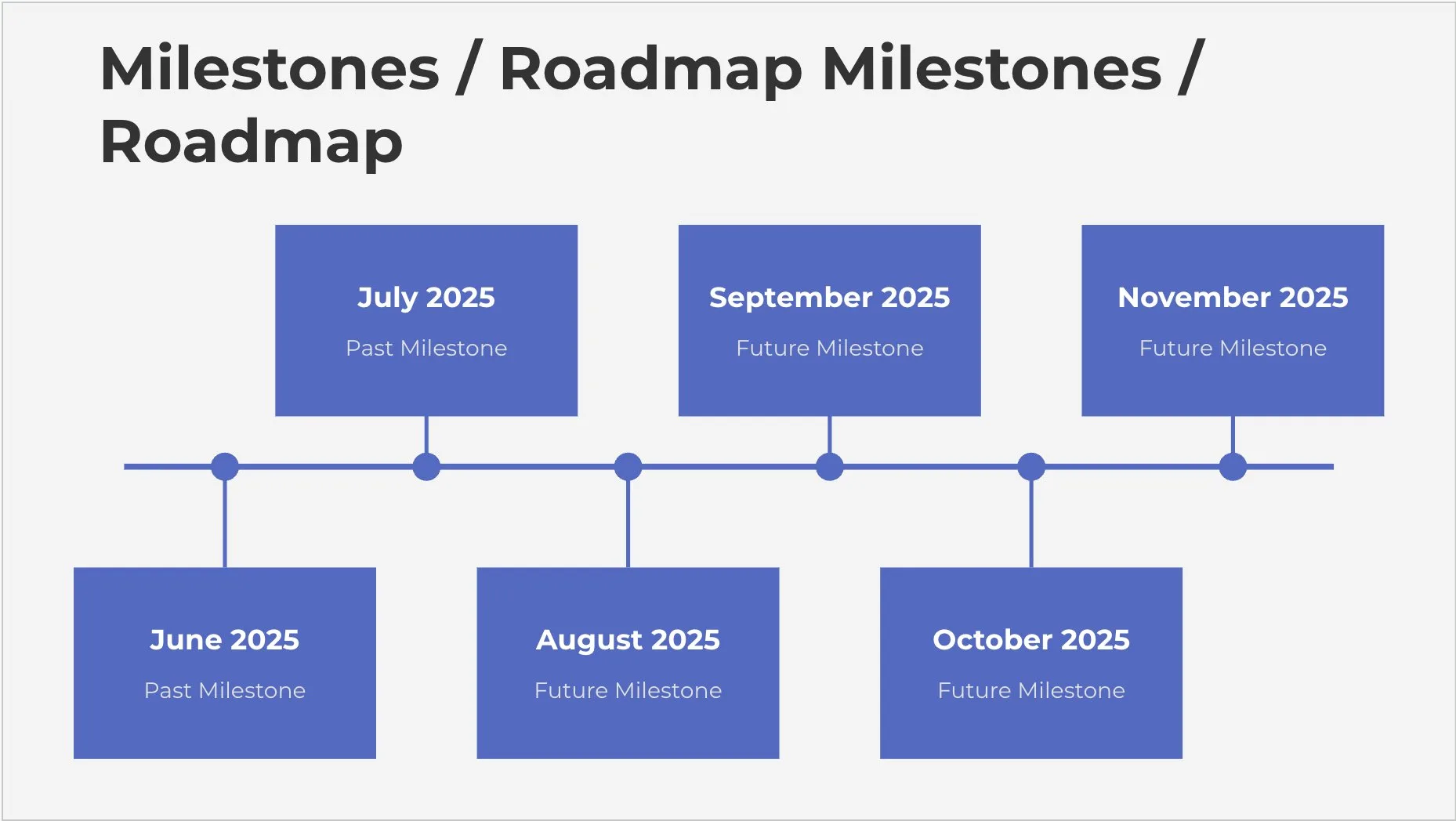
タイムラインの PowerPoint スライド
視覚的に伝わるタイムラインのスライドを、思いどおりの時間で簡単に作成。パワポ AI が出来事を自動で整理し、洗練されたスライドをデザインします。
A project manager turns a messy launch plan into one timeline slide the client can read in ten seconds.
SWOT 分析の PowerPoint スライド
SWOT 分析のスライドをすばやく作成。パワポ AI が強みと弱みを整理し、見やすくプロ品質のスライドをデザインします。
An MBA student pastes notes on a company case and gets a clean SWOT slide for the group presentation.
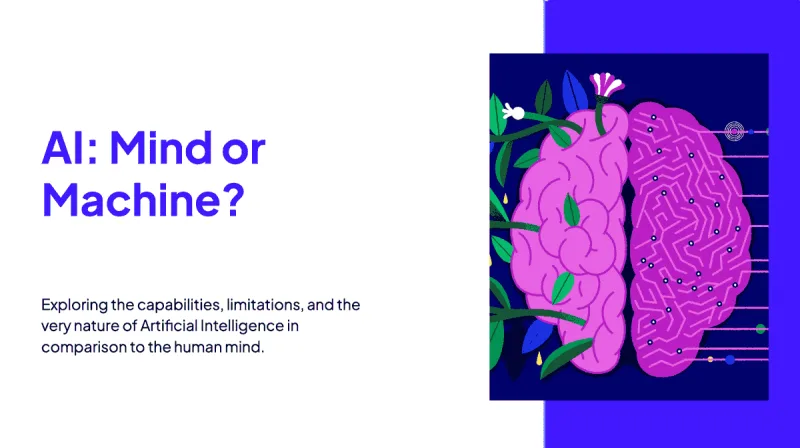



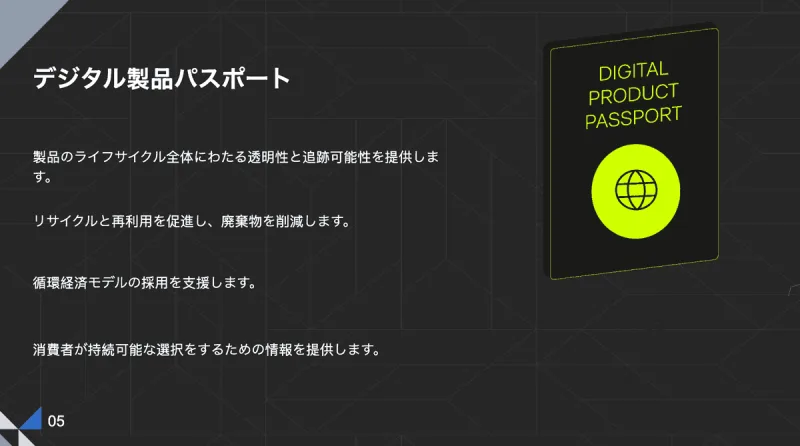
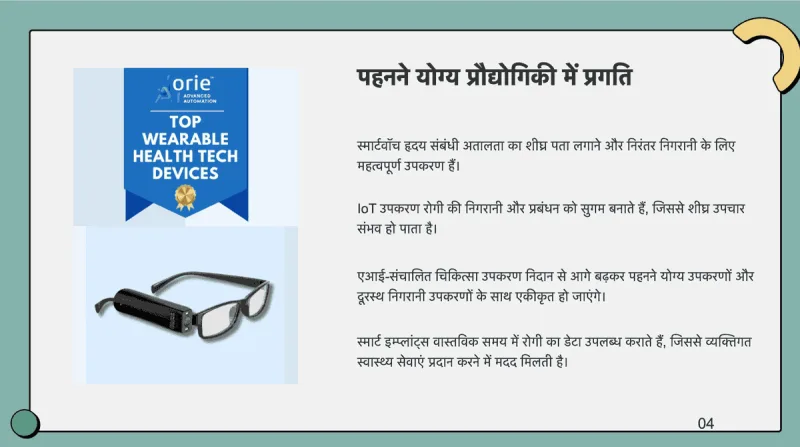
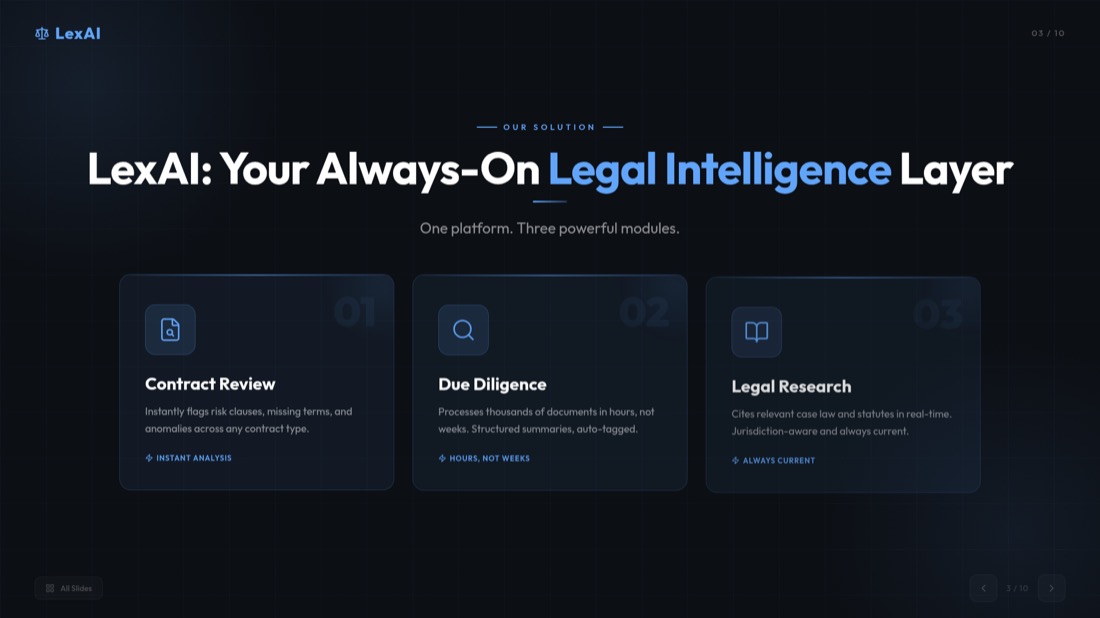
Presentations in 136+ languages
- Type your topic in any language.
- Get the whole deck in that language, or pick another one.
- Works in 136+ languages, including Hindi, Arabic and Japanese.
A school in Jakarta builds its parent-meeting deck in Bahasa Indonesia, then makes an English copy for the international families.
Let your AI agent make the presentation
Connect MagicSlides to Claude, ChatGPT, Grok or any agent that speaks MCP. Ask in chat, get a designed deck back with editor, PPTX and PDF links.
 ClaudeOpens Claude with MagicSlides filled in, click Add
 ChatGPTOpens Settings → Apps, paste the copied link
- Claude DesktopDownloads the extension, double-click to install
 CursorOpens Cursor and installs the server
 VS CodeOpens VS Code and installs the server
- Official MCP Registryio.github.theindianappguy/magicslides-mcp
Step-by-step for every app: Learn more
 Used MagicSlides · create_presentation_from_slots

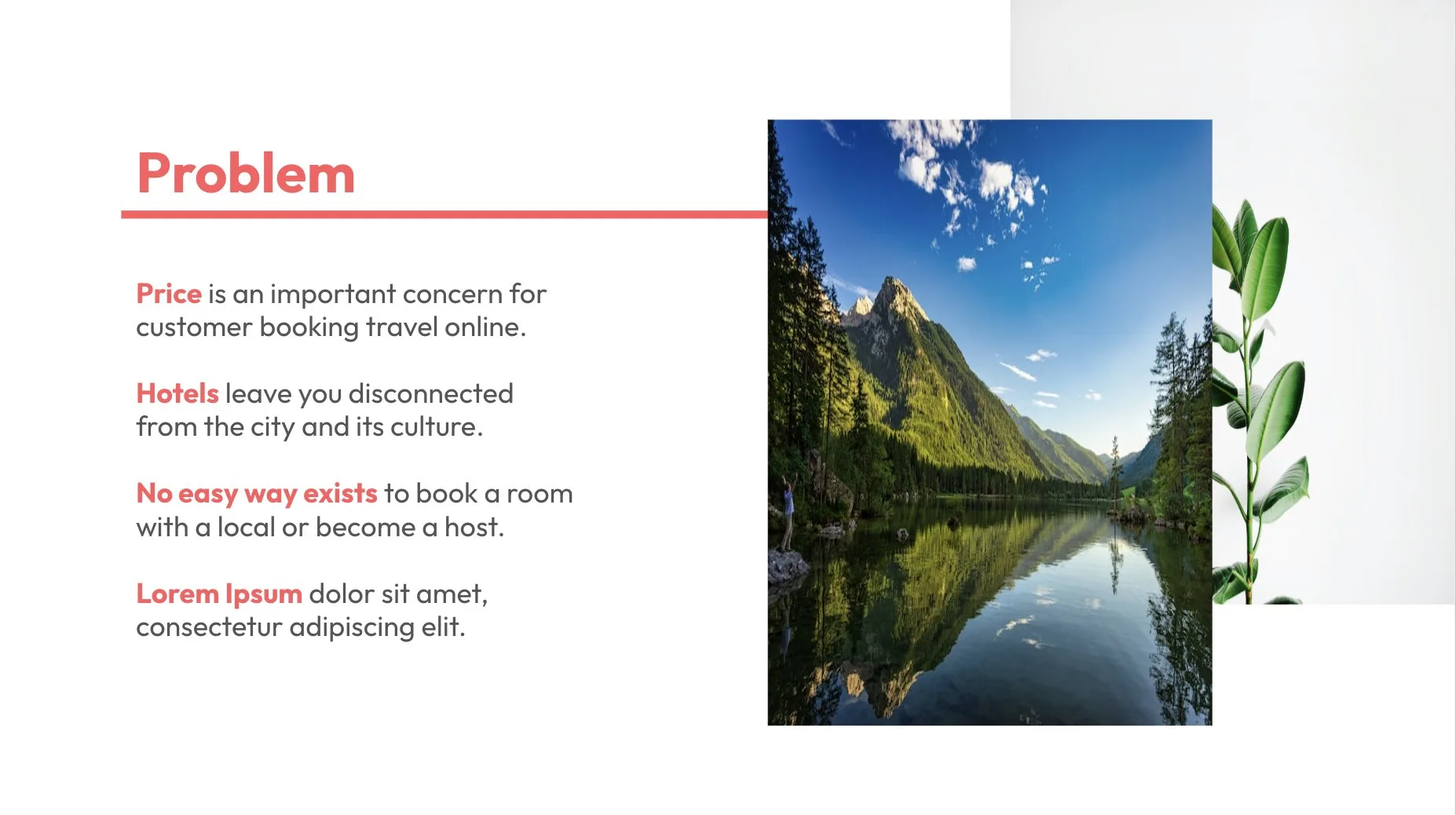

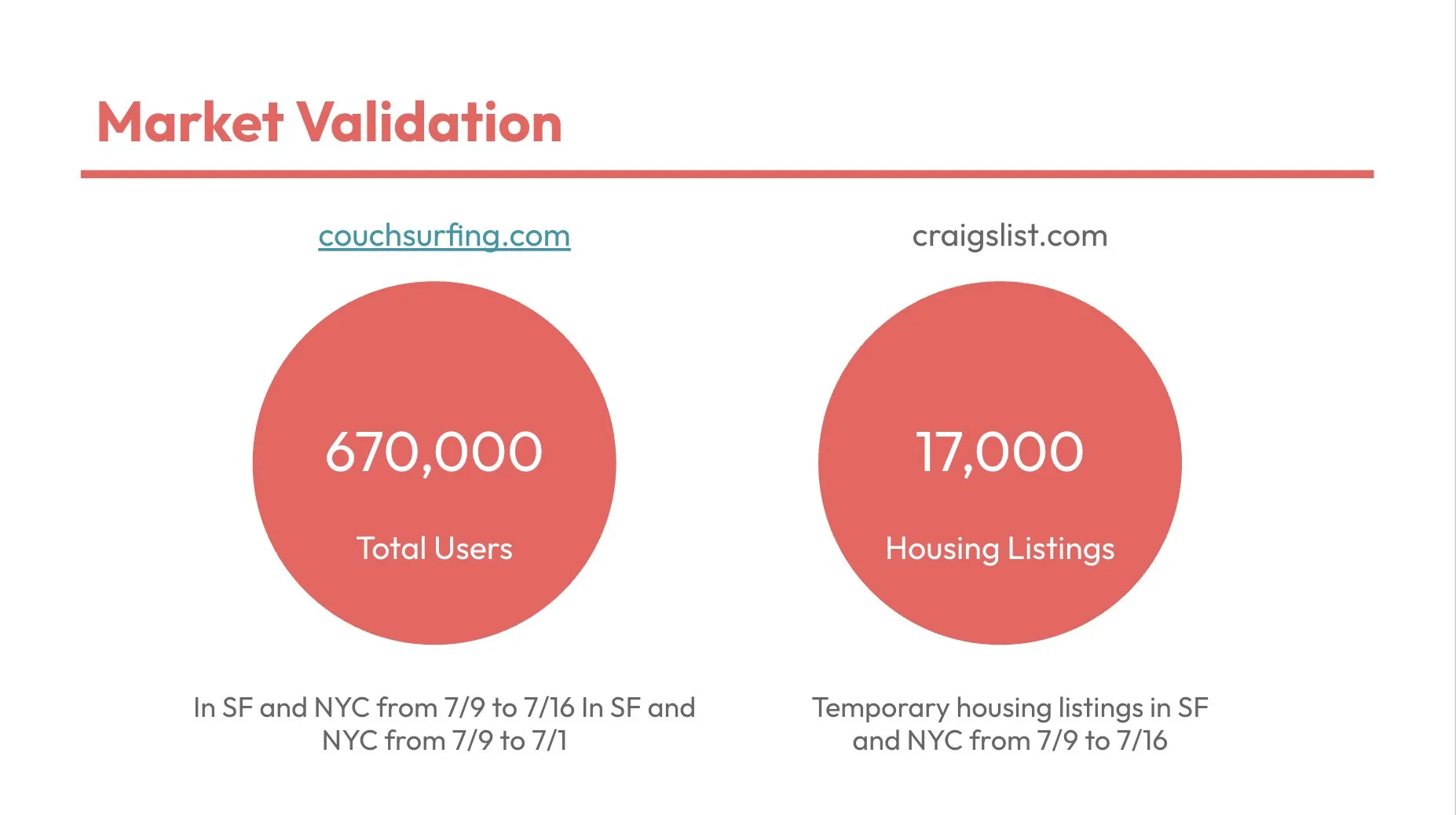
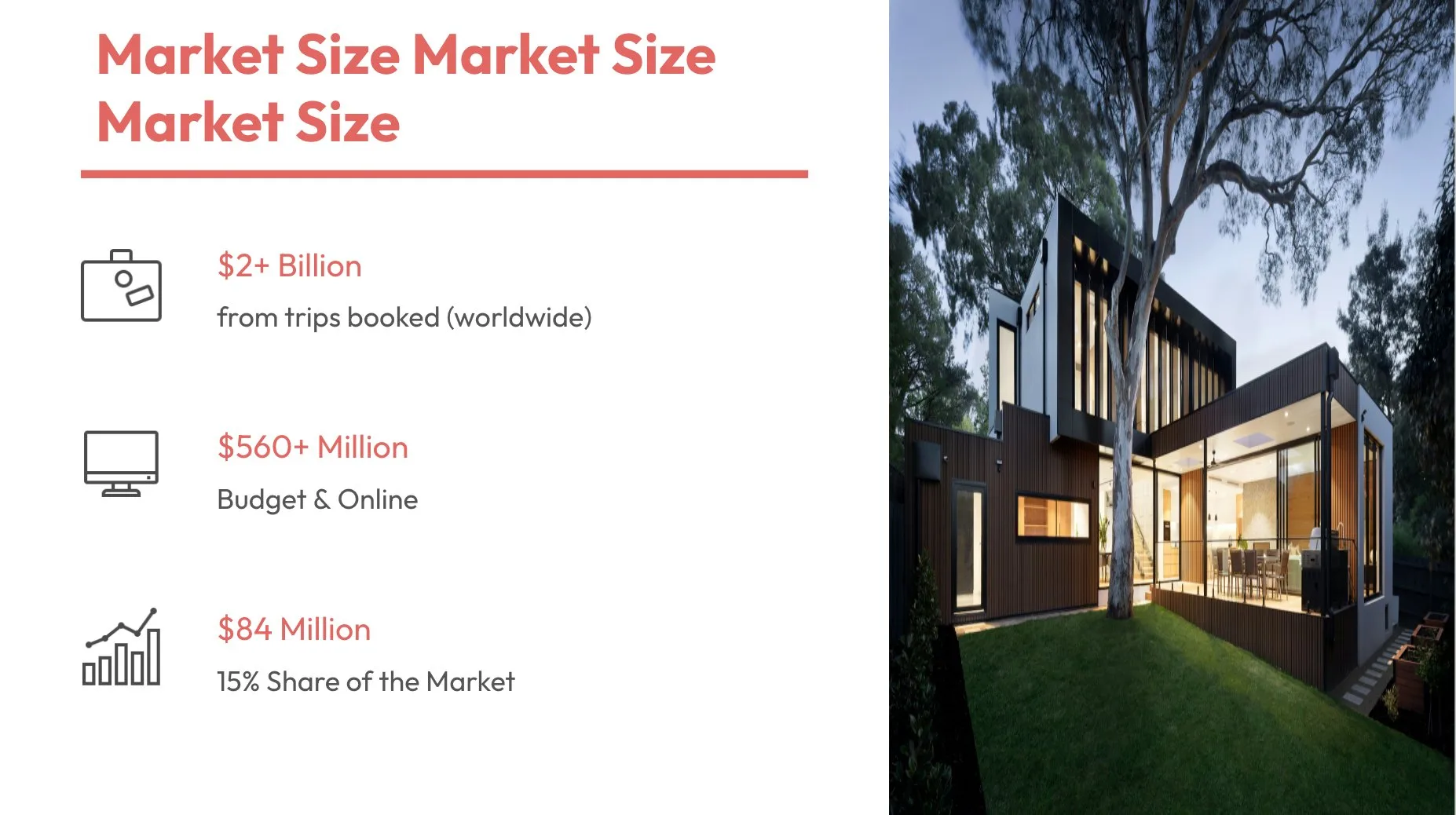
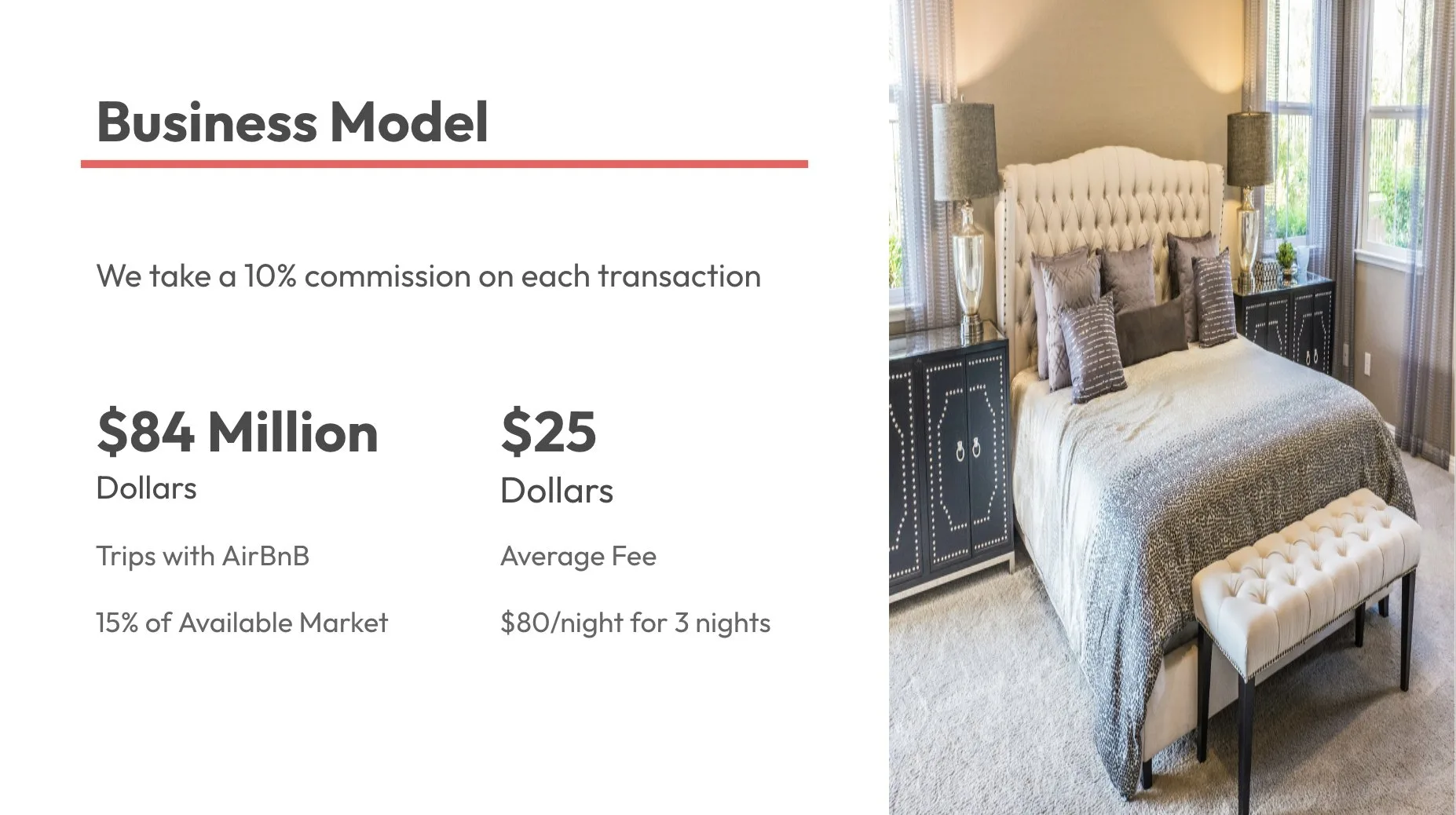
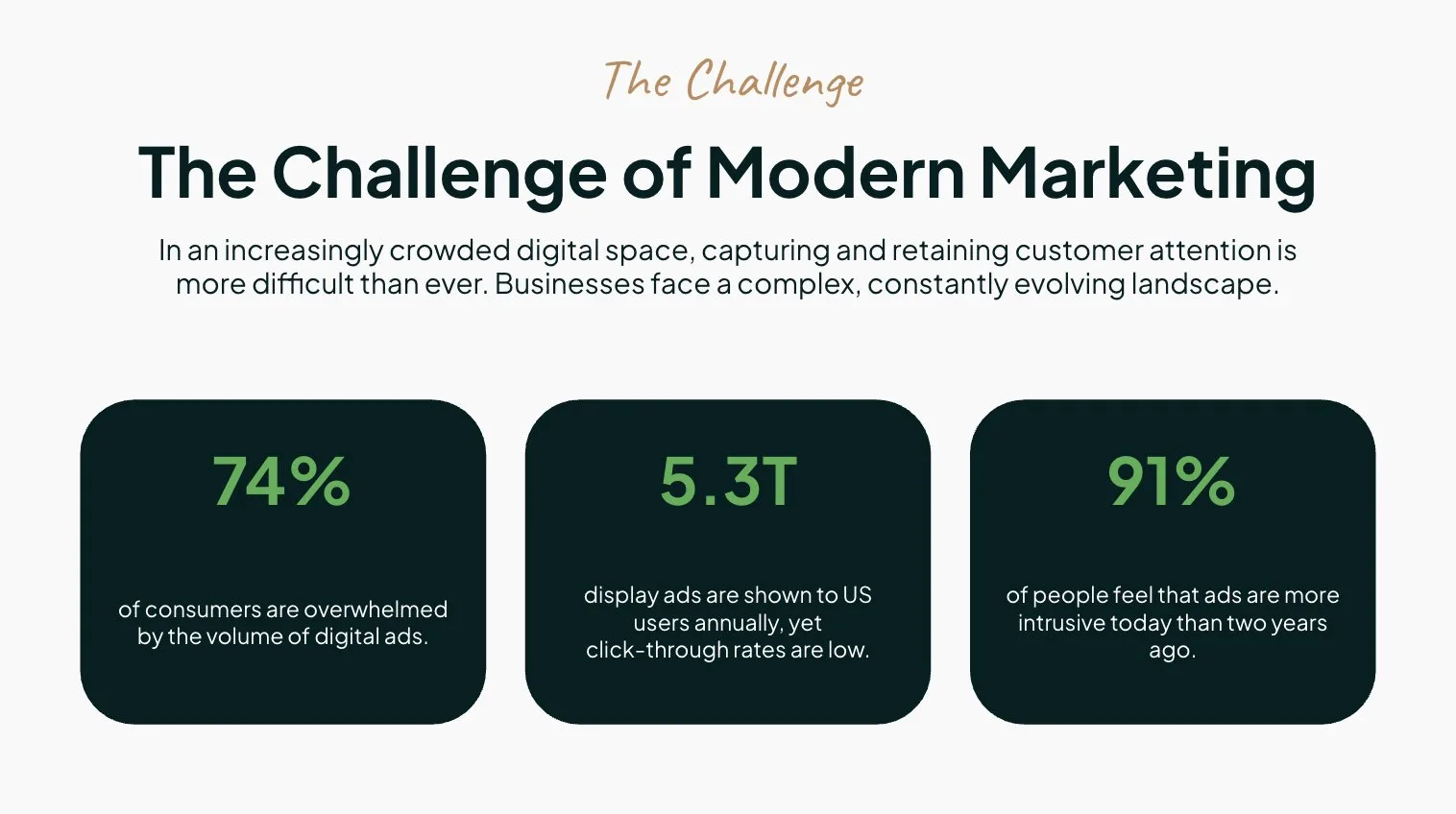
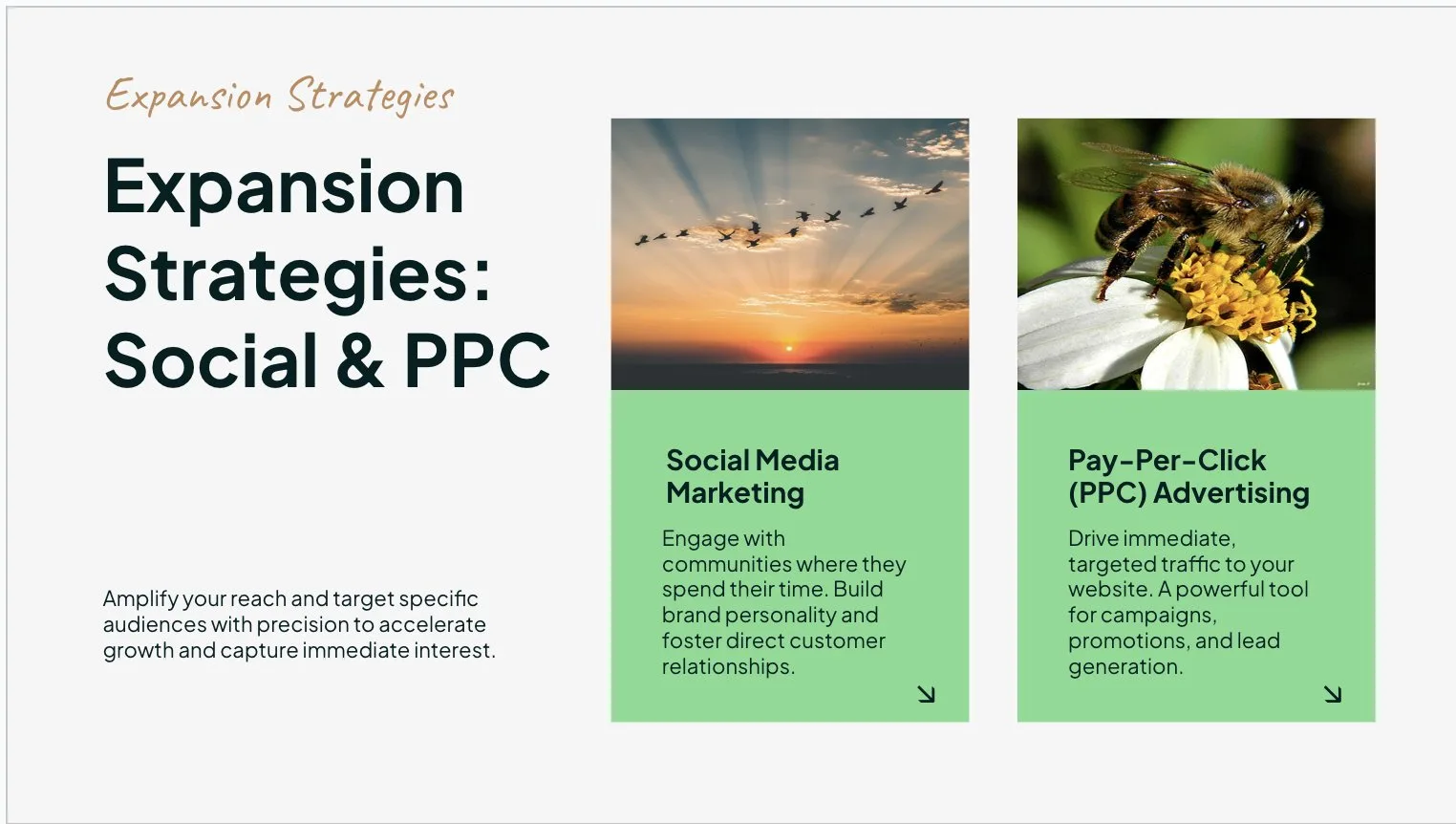
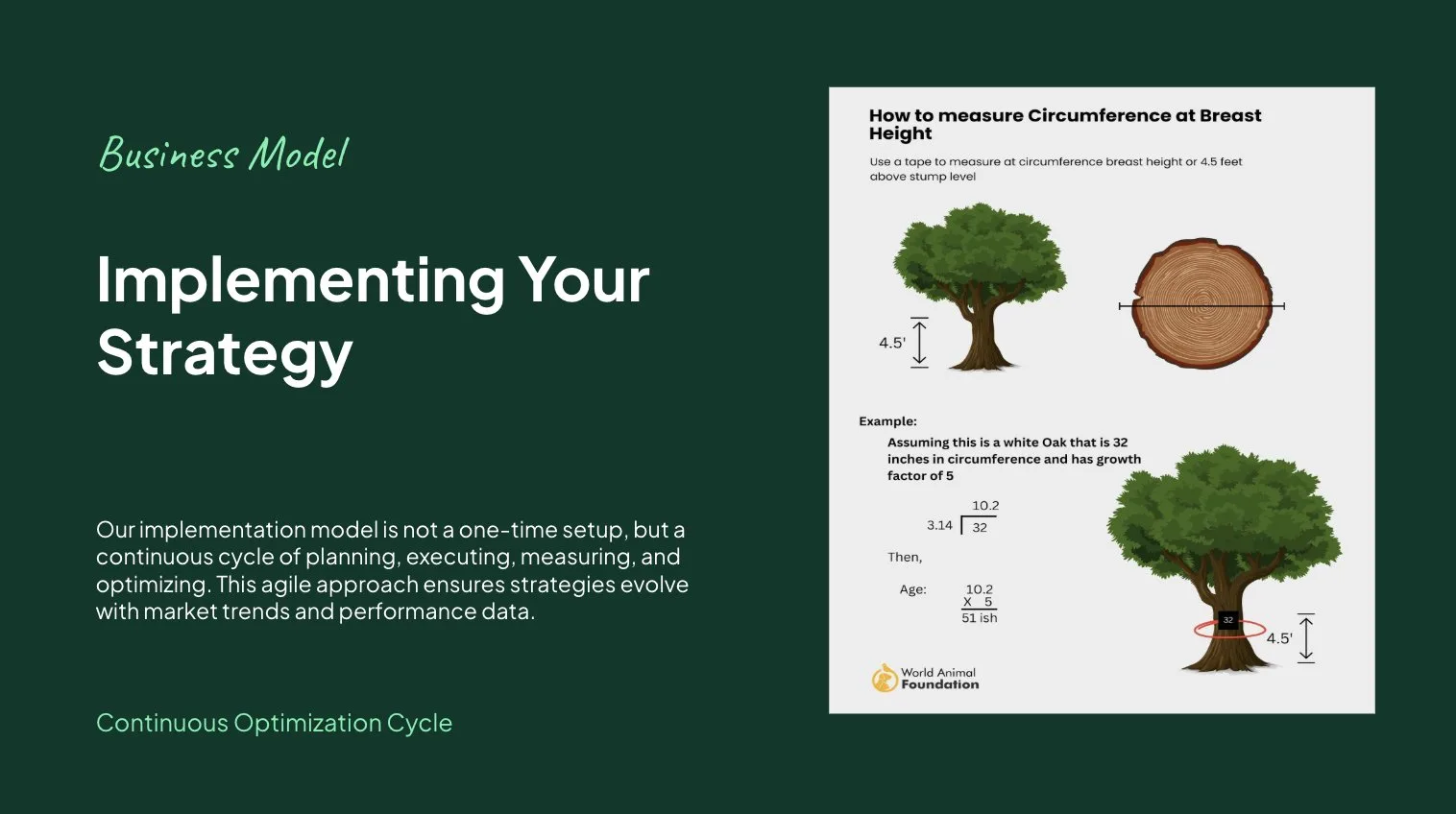
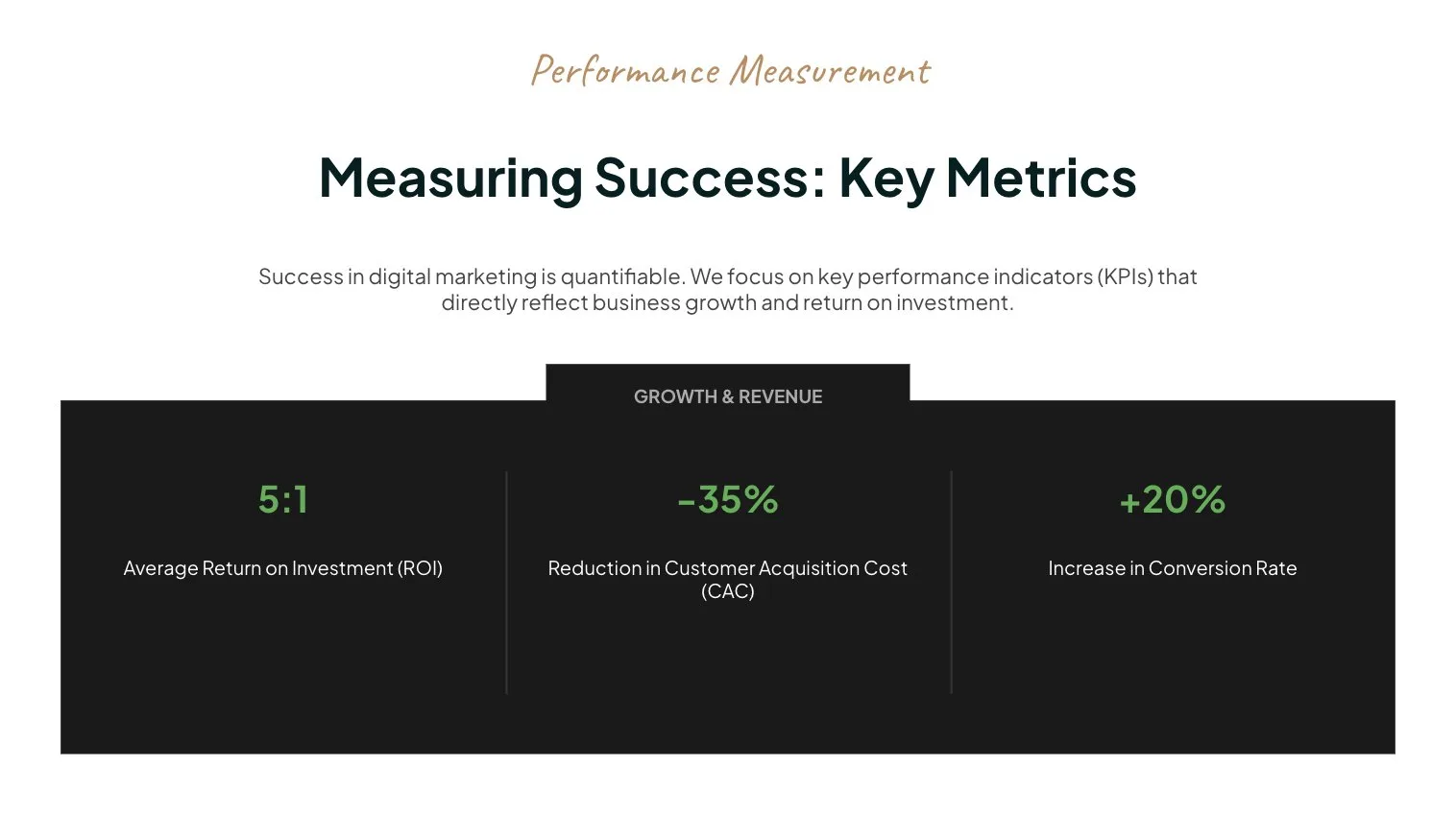
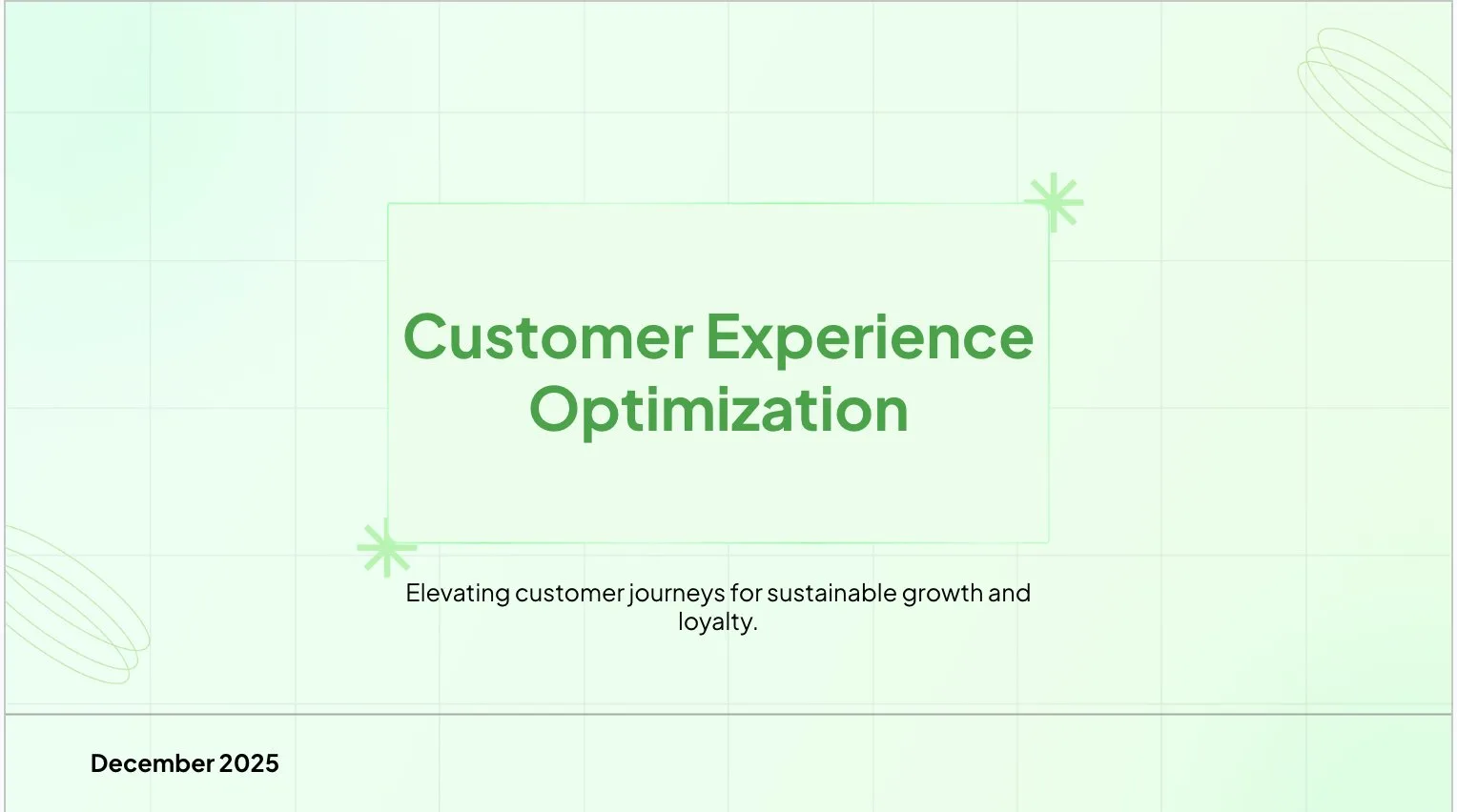
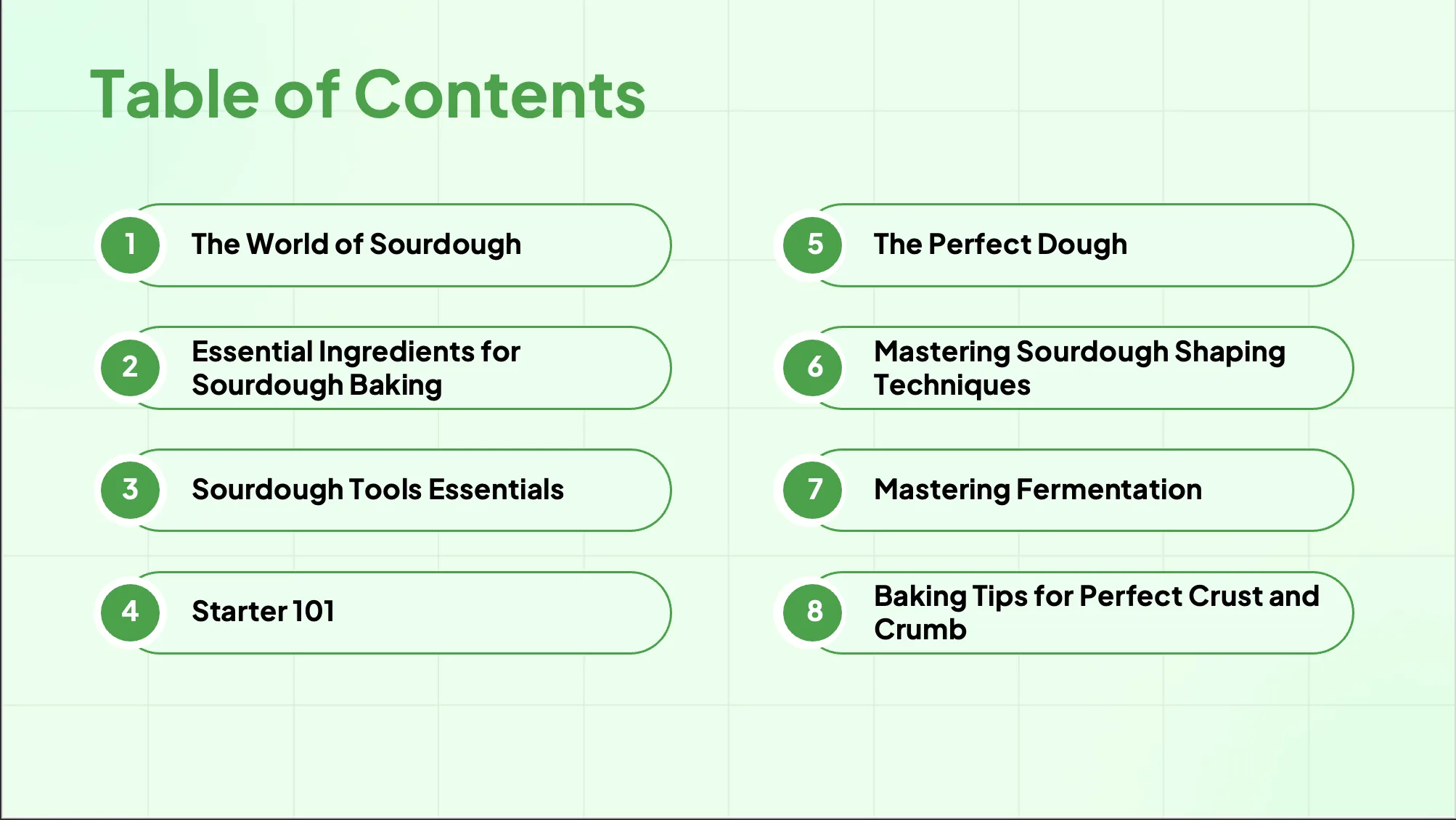
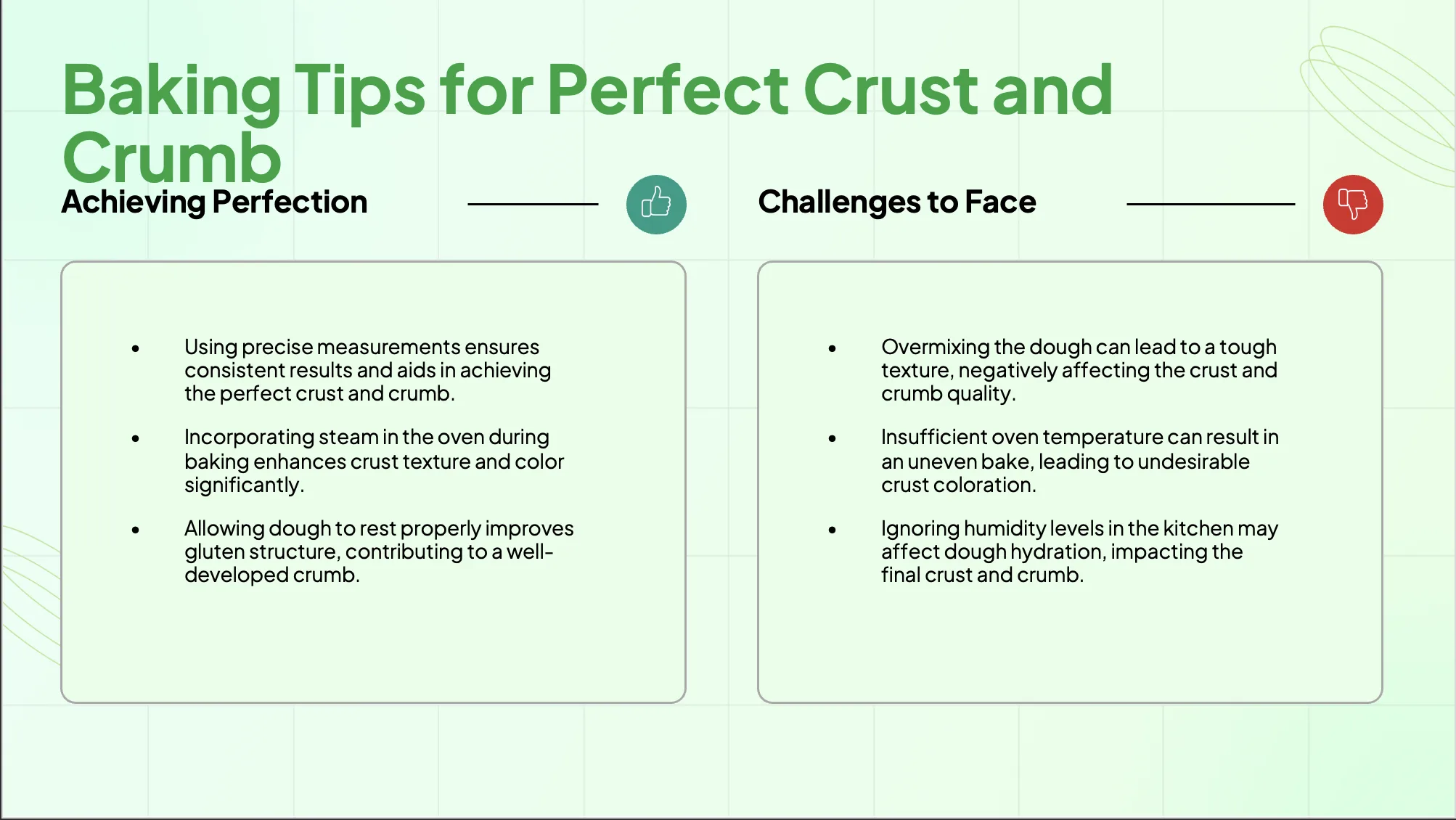
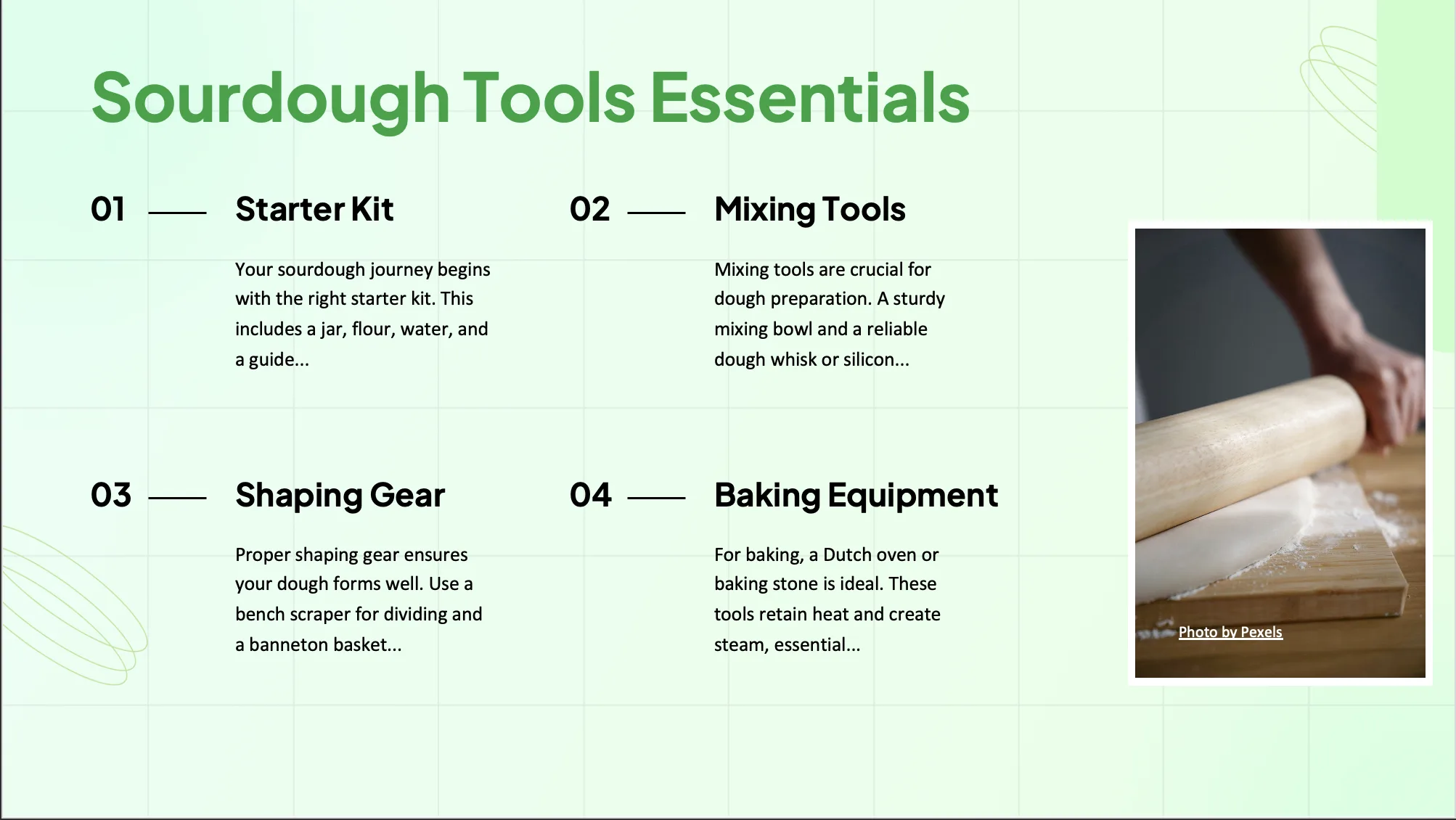
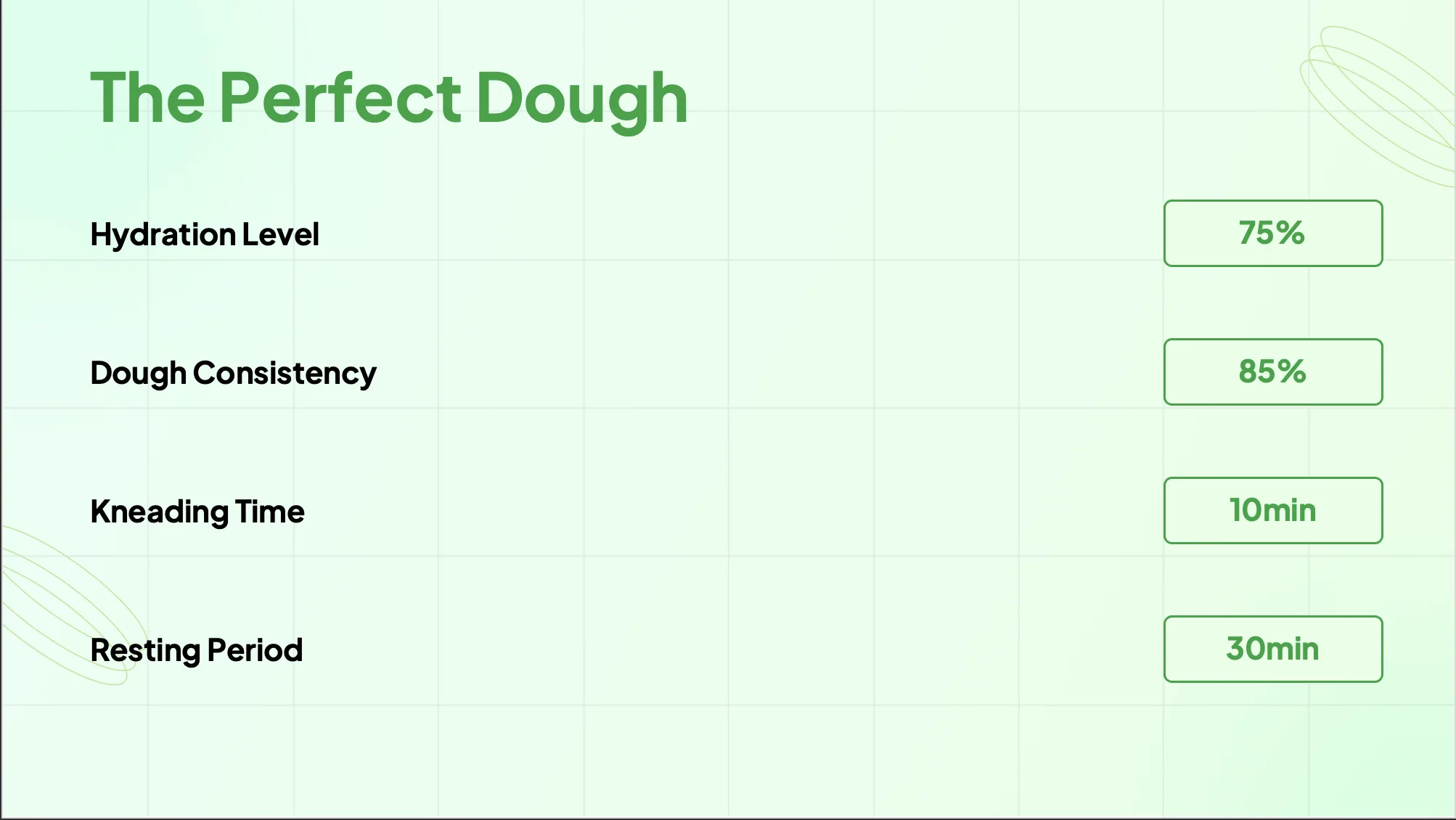
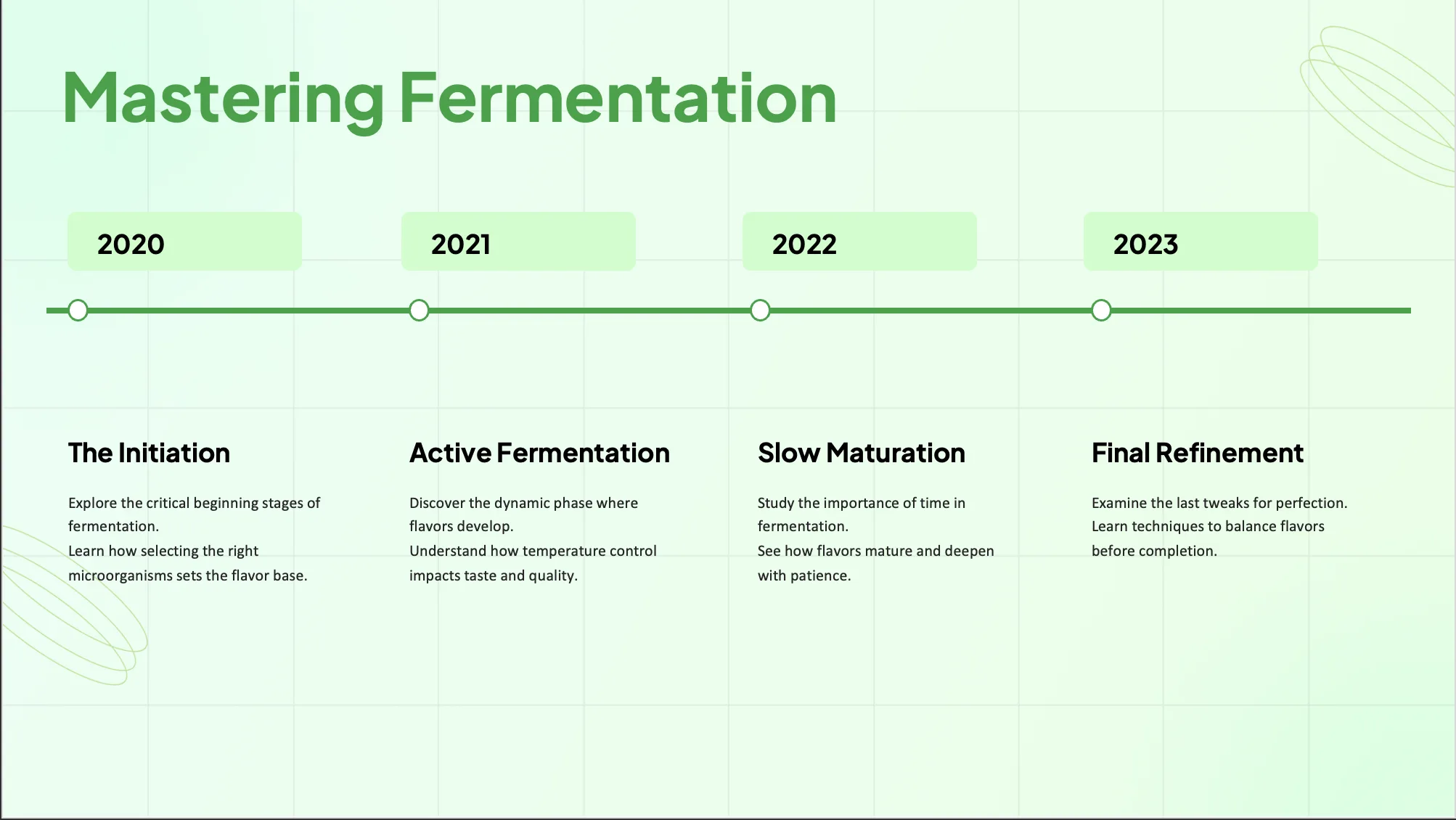
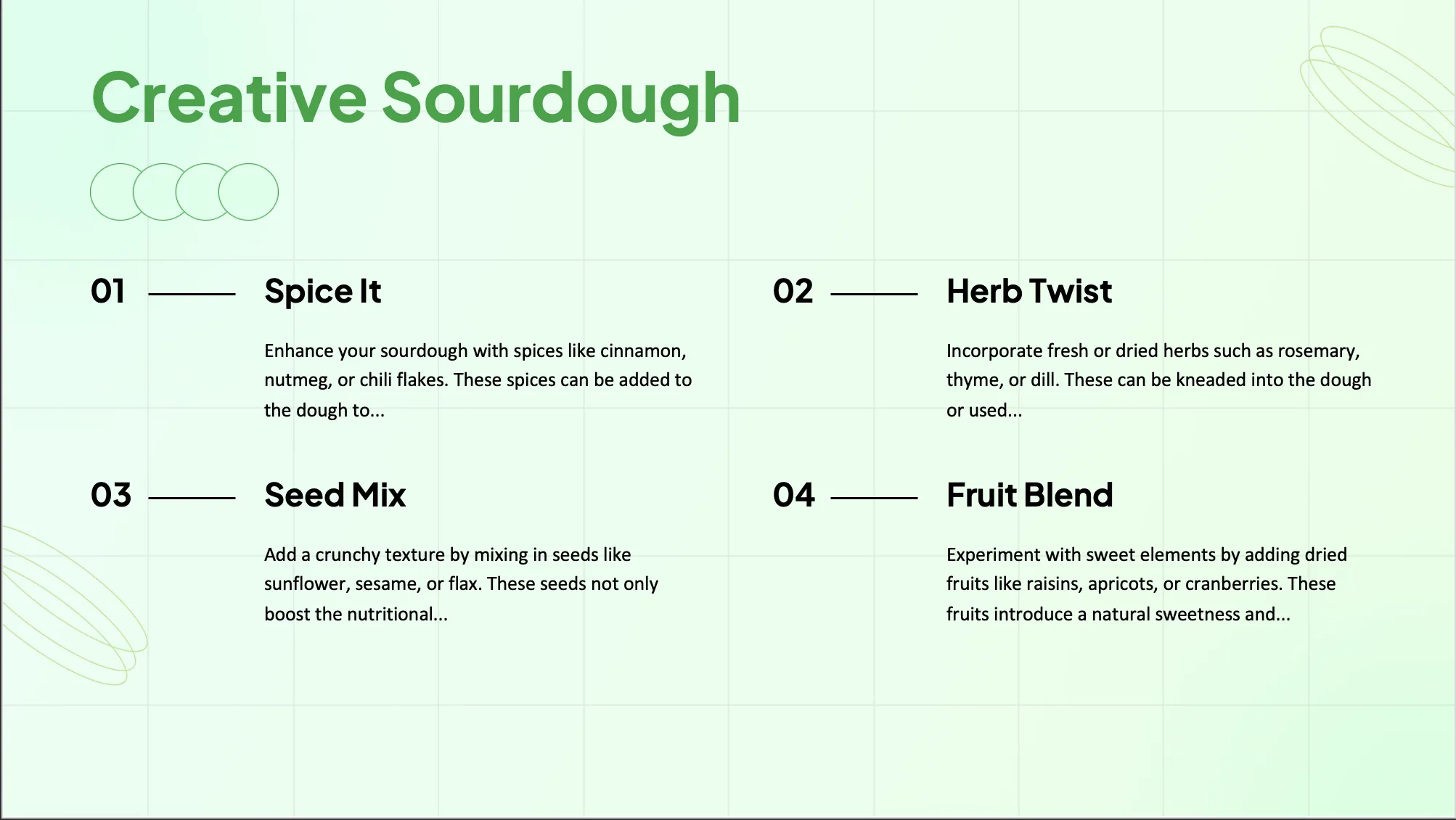
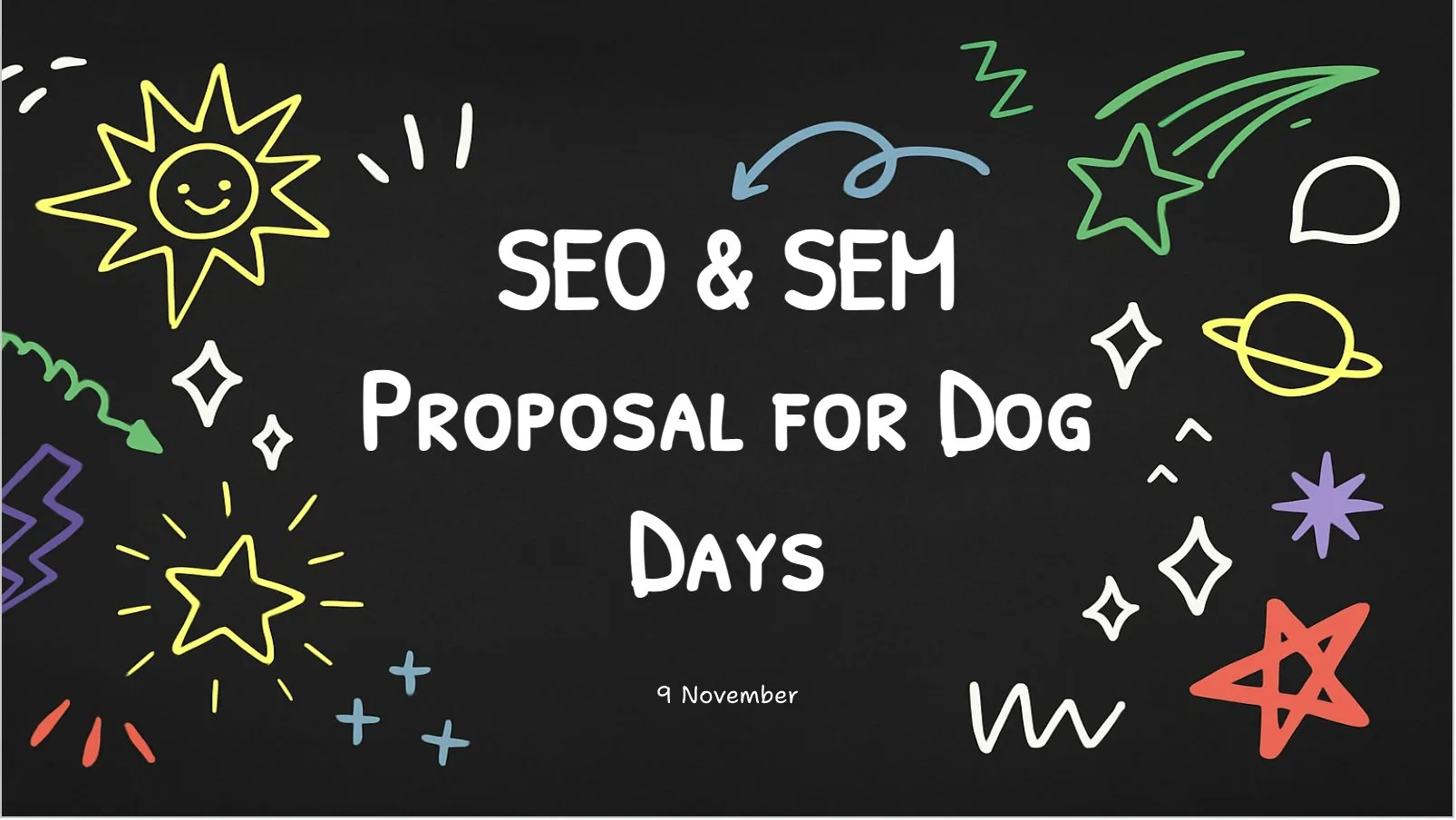
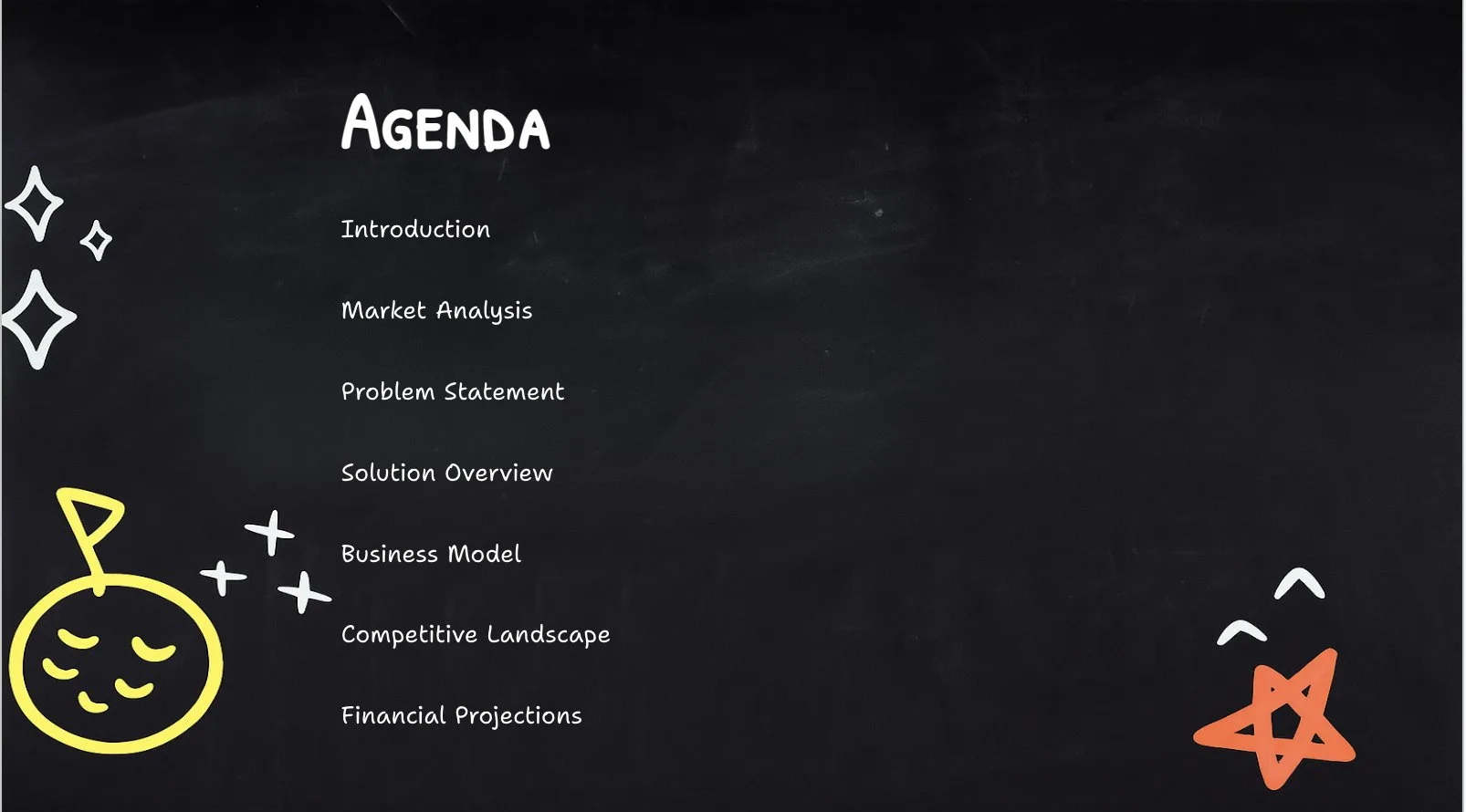
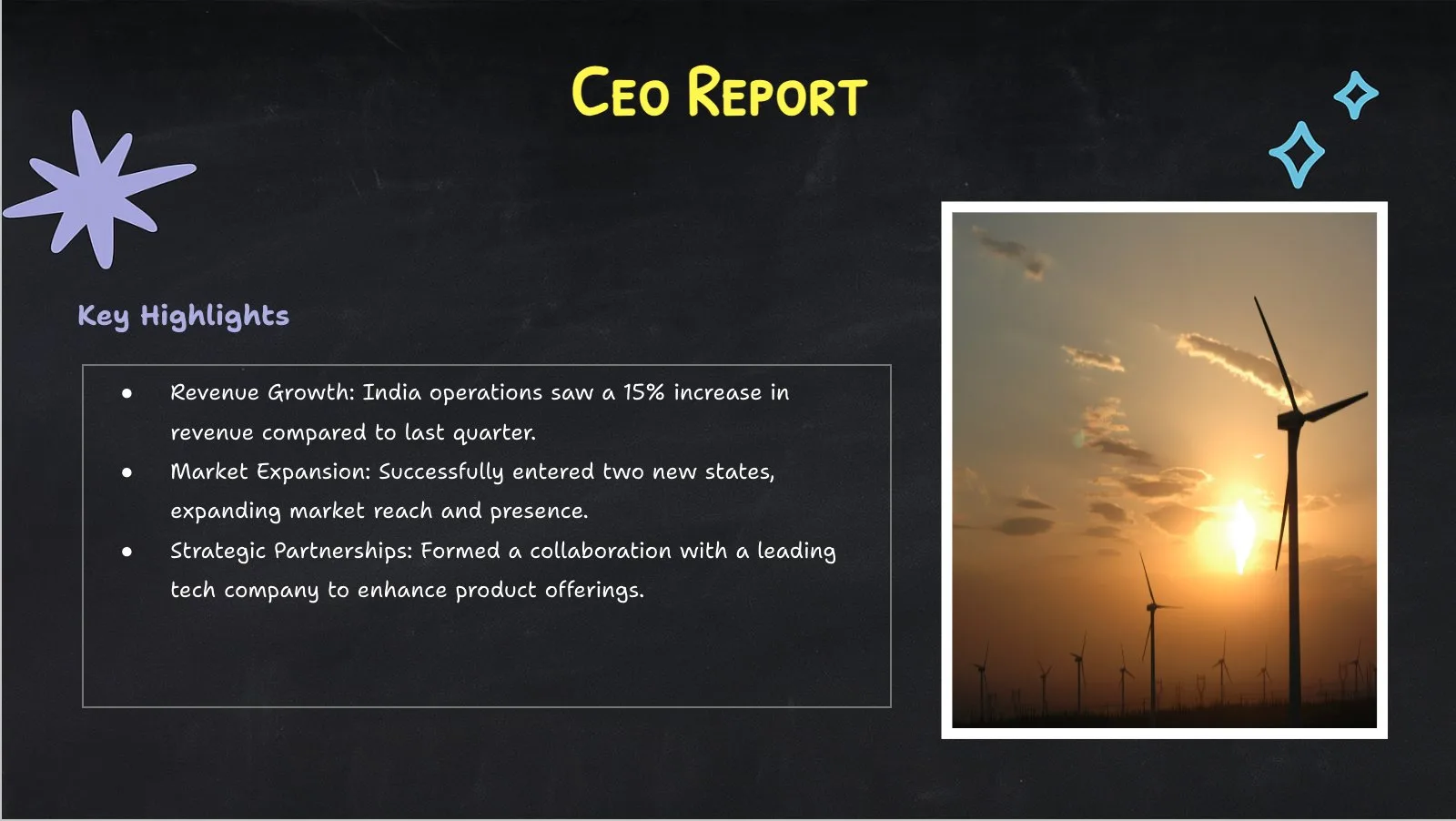
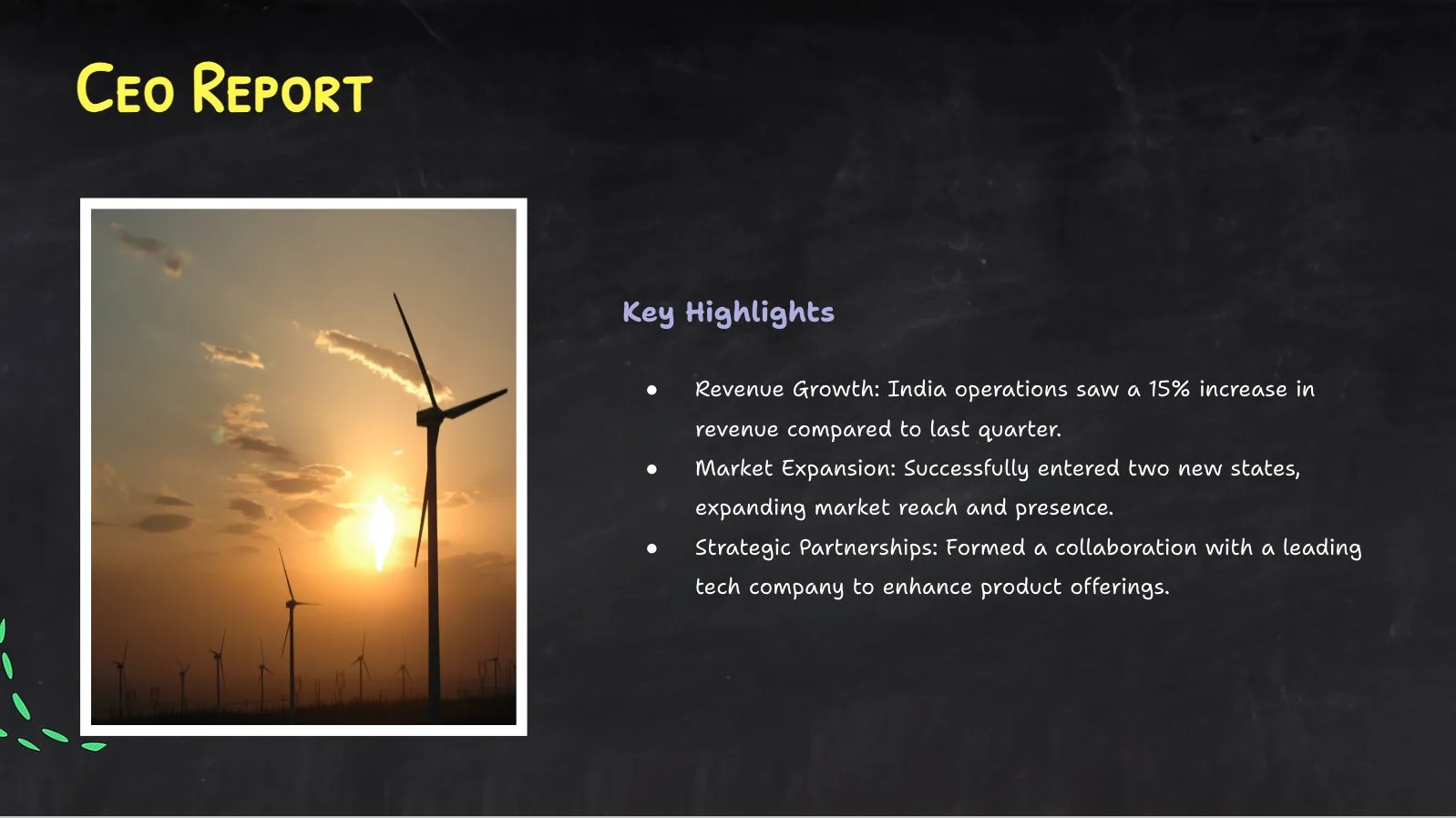
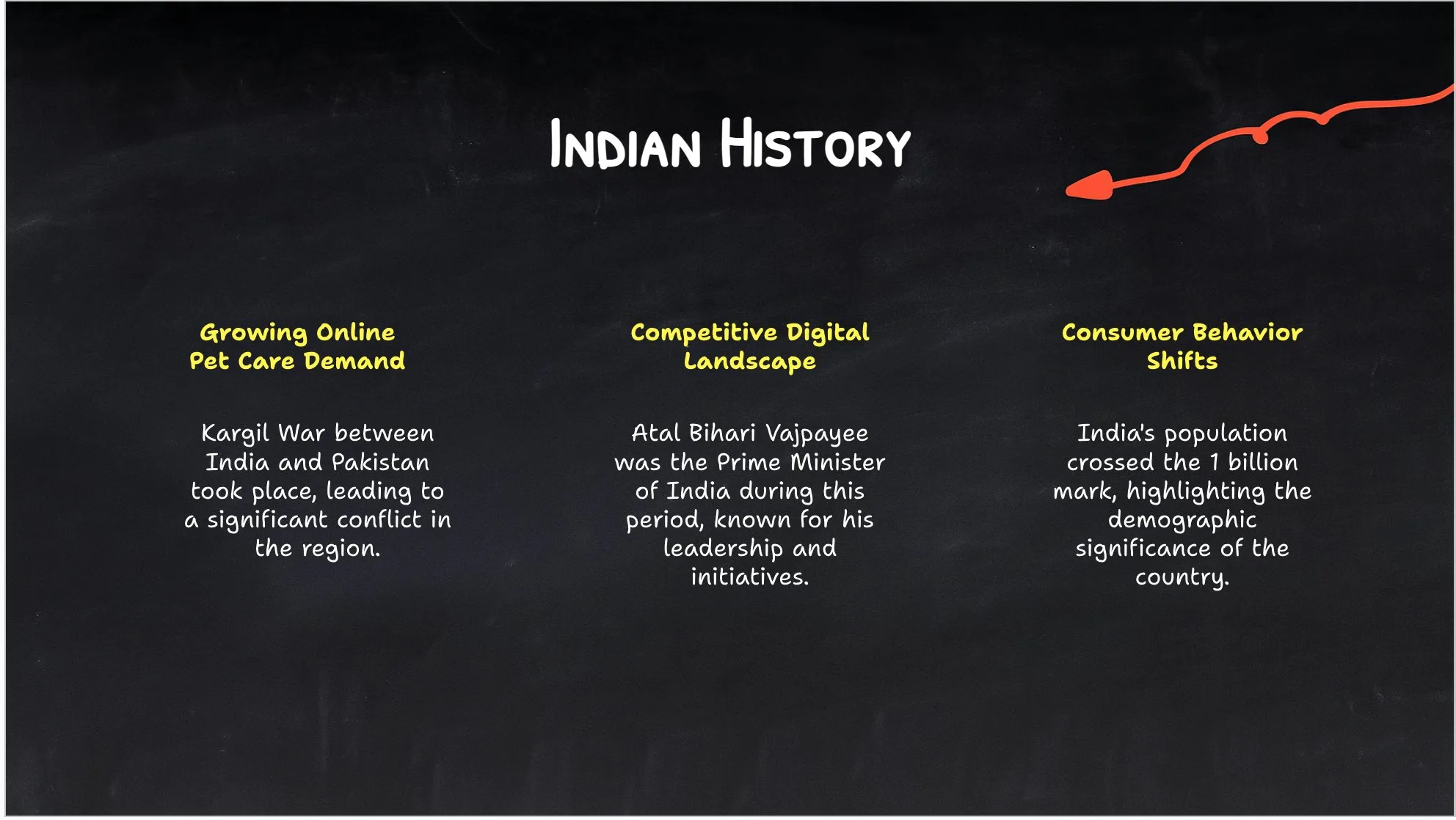
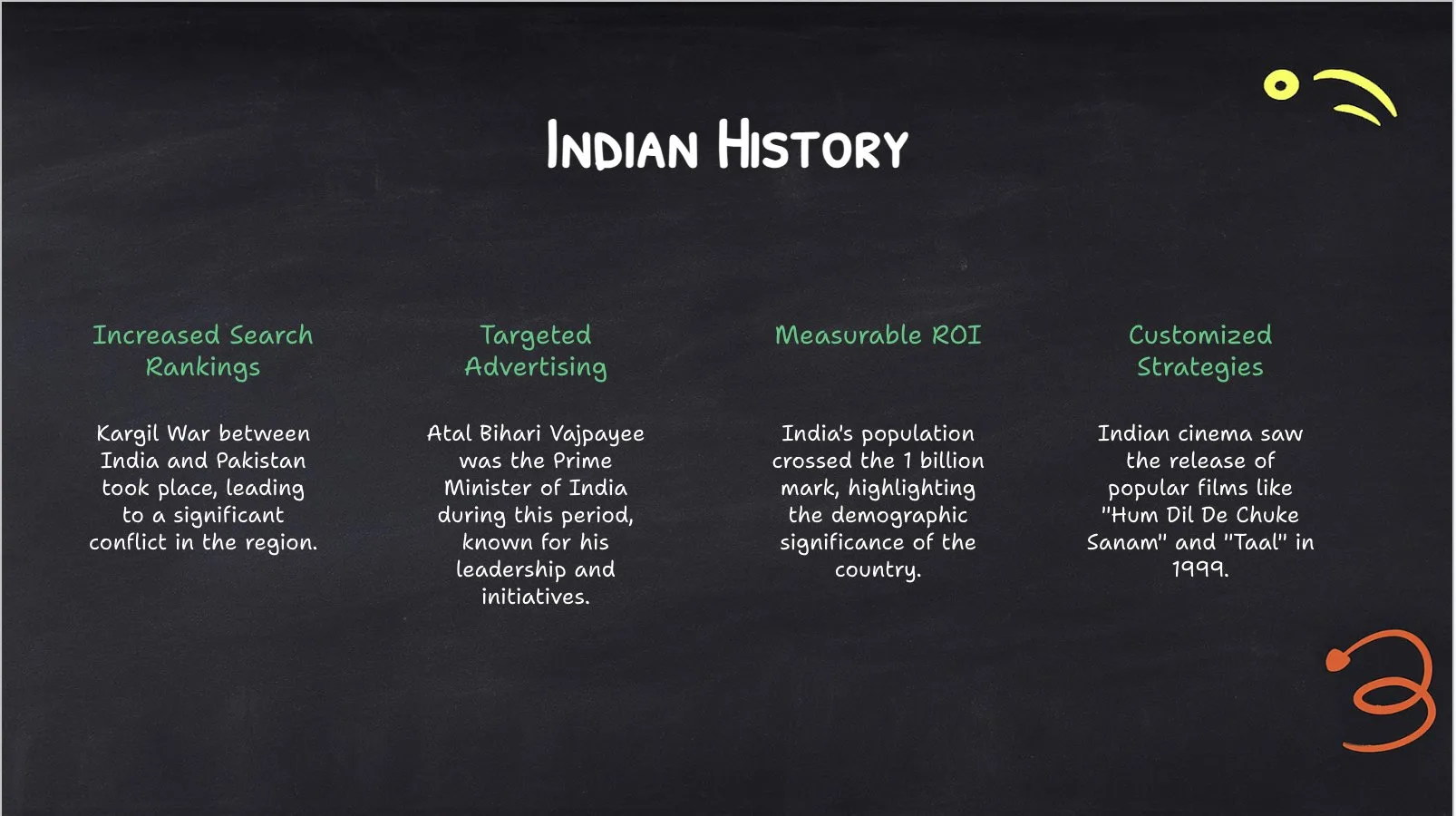
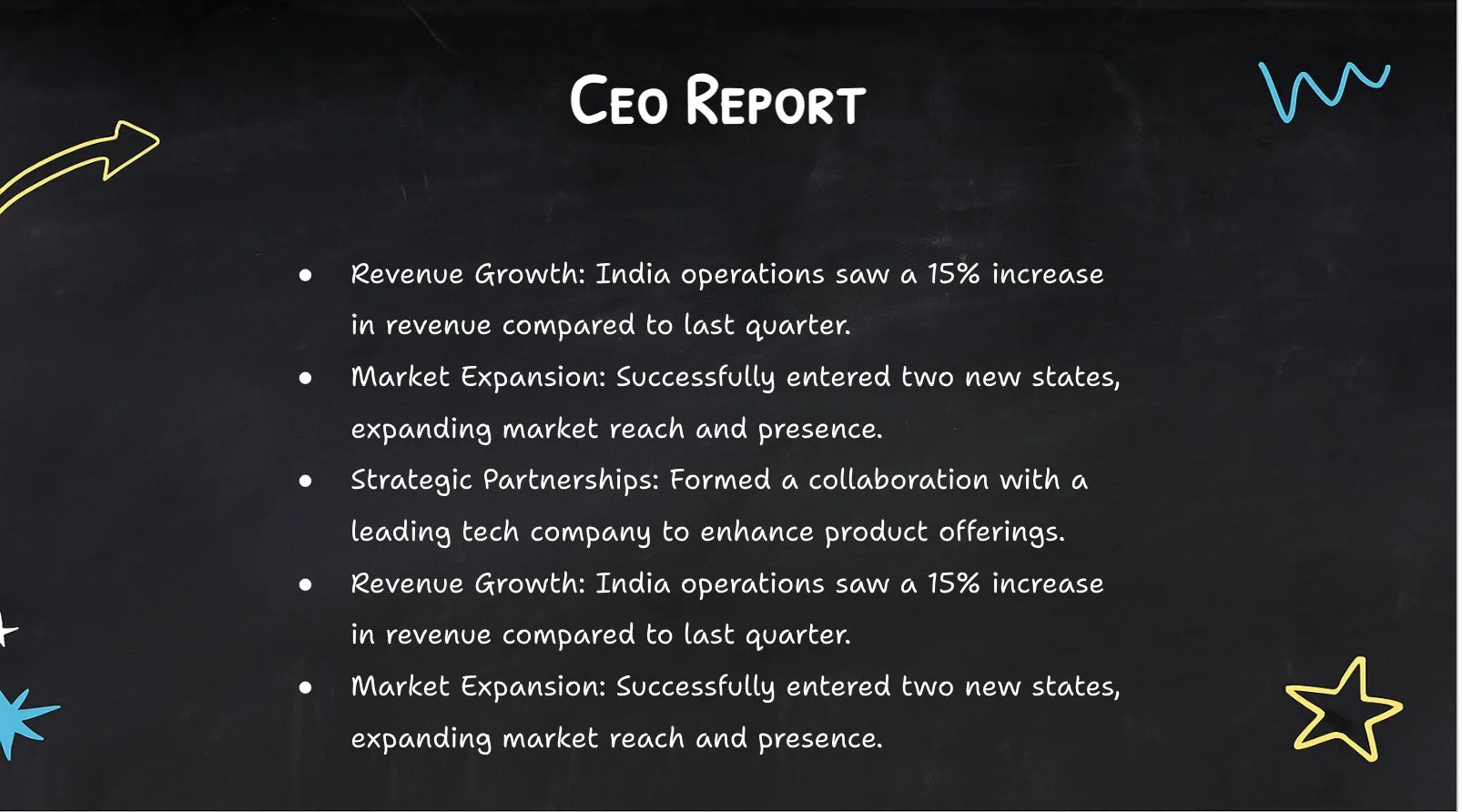
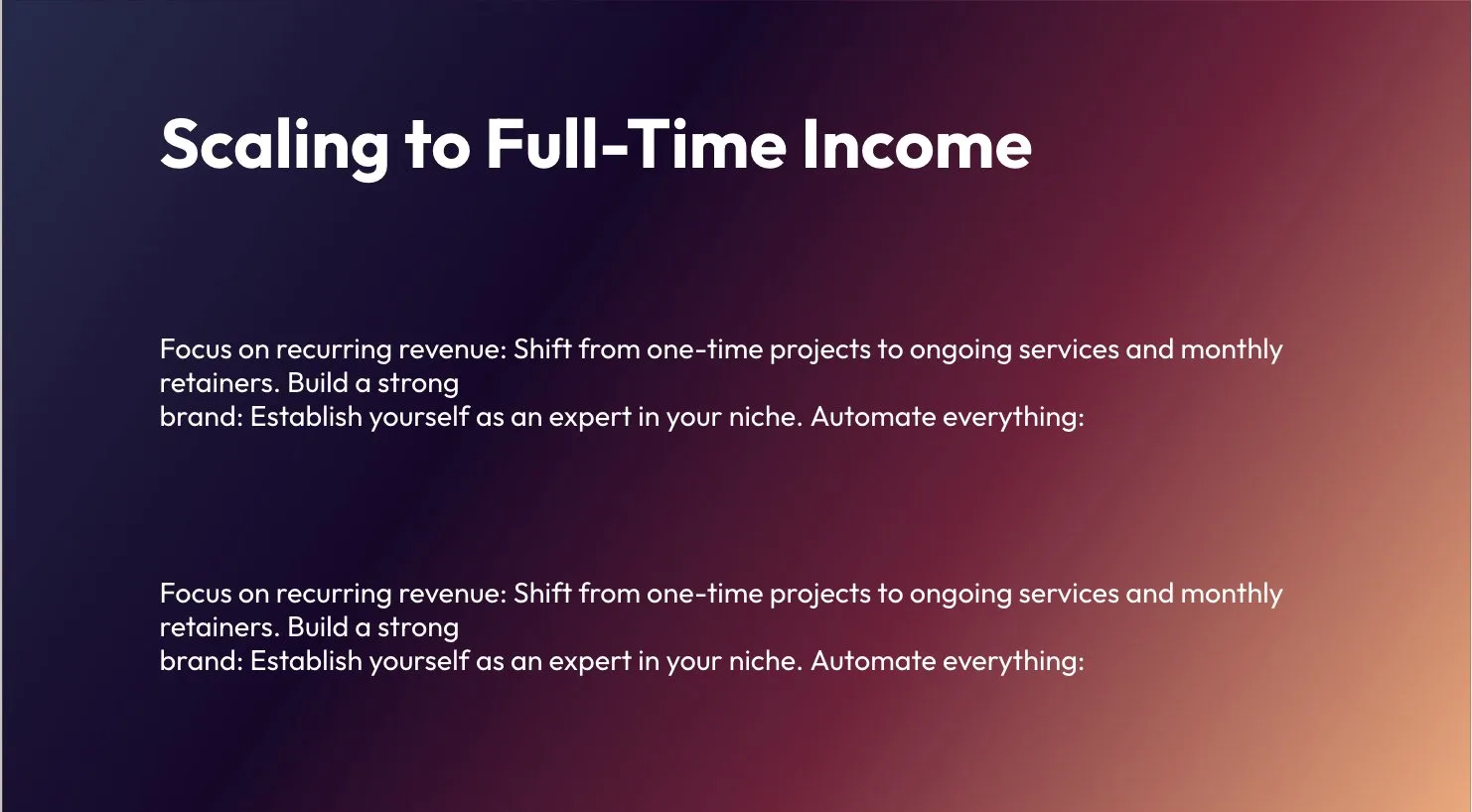
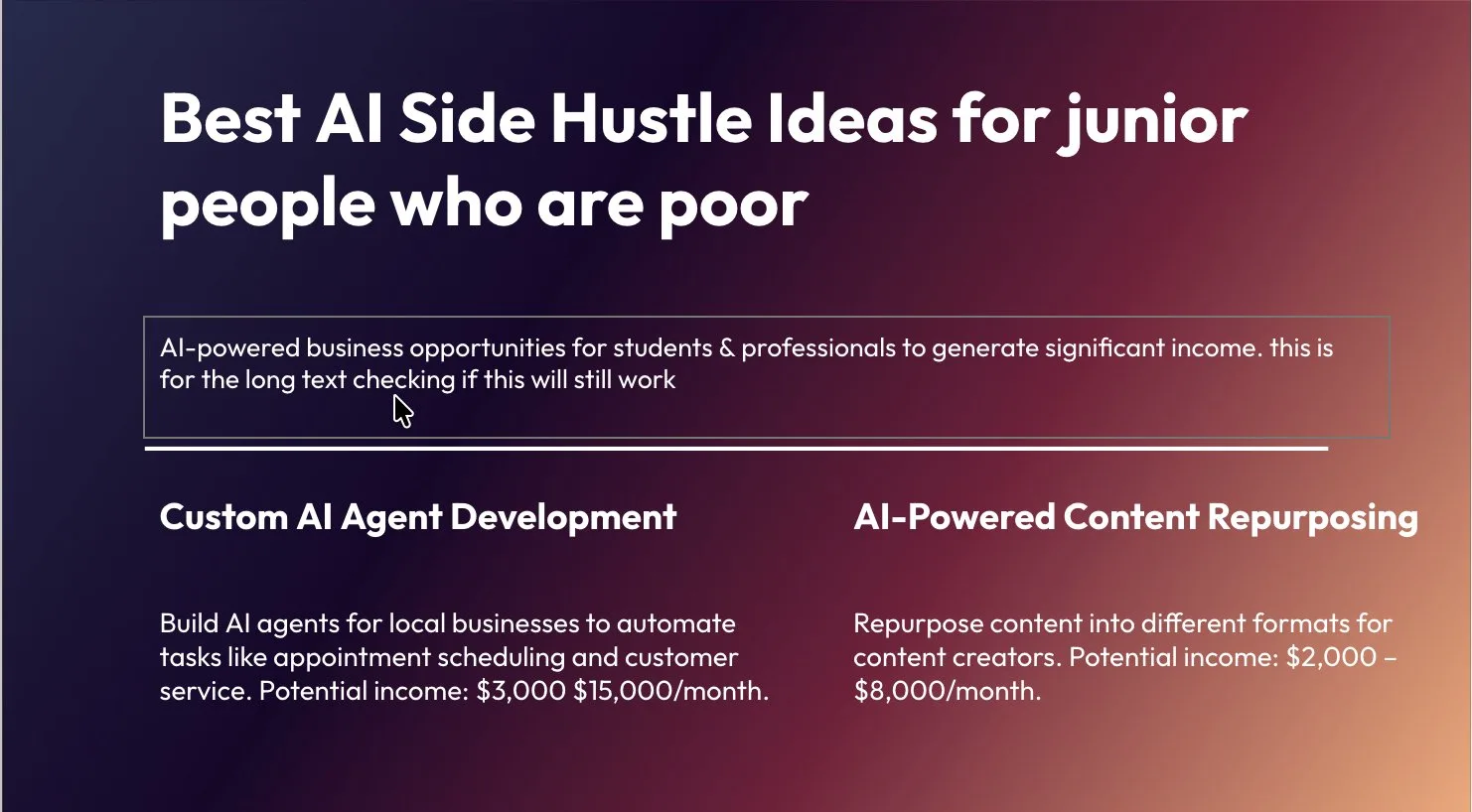
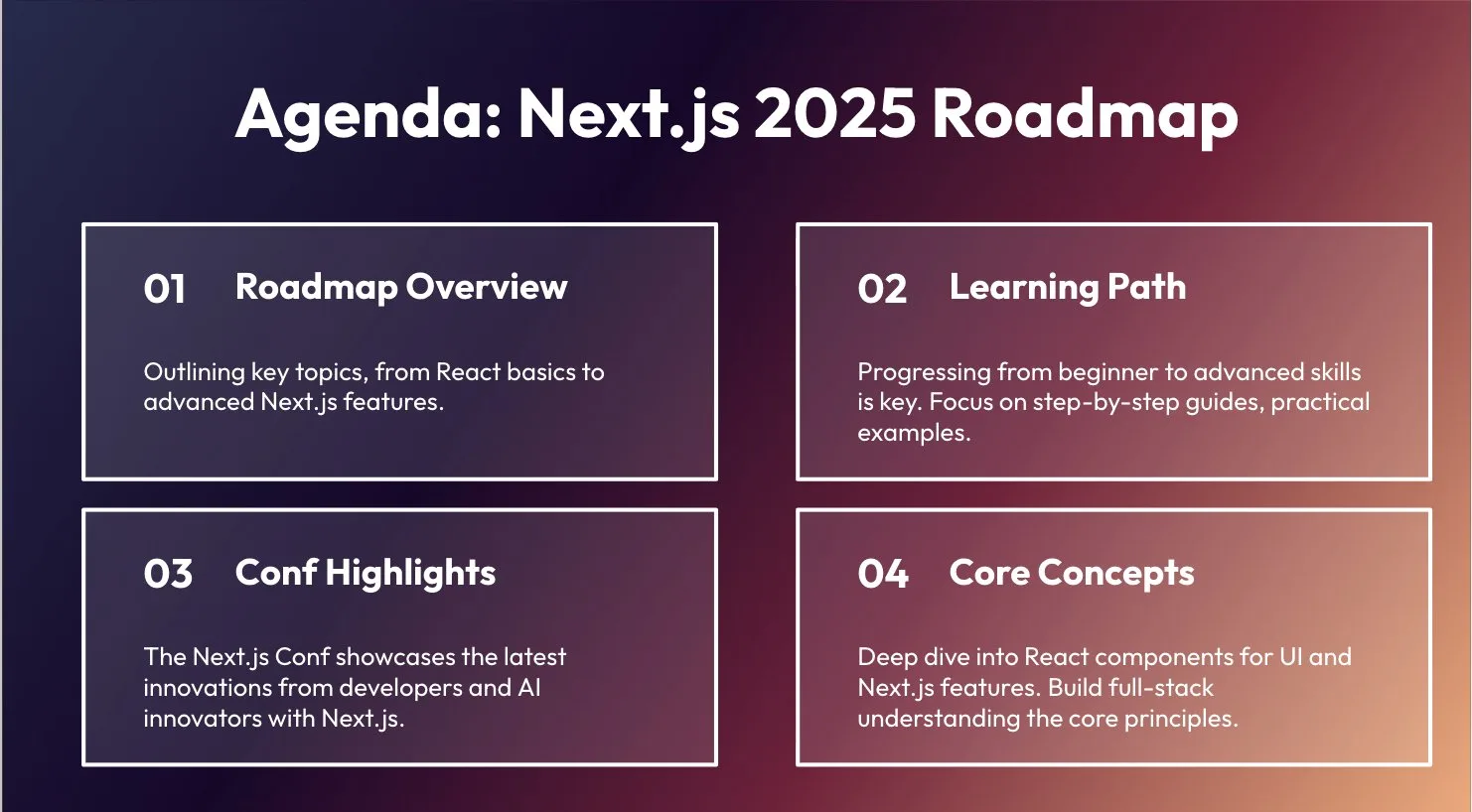
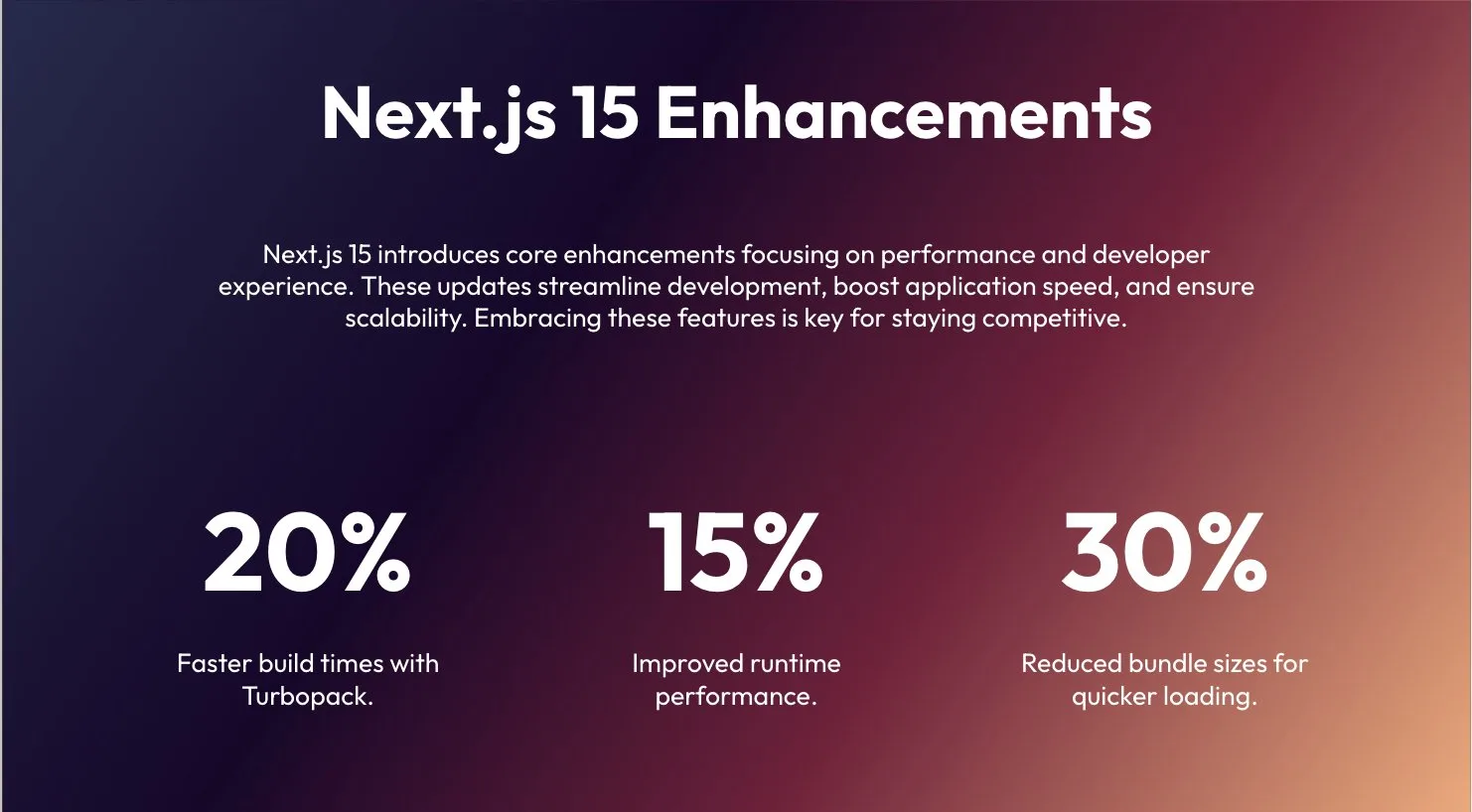
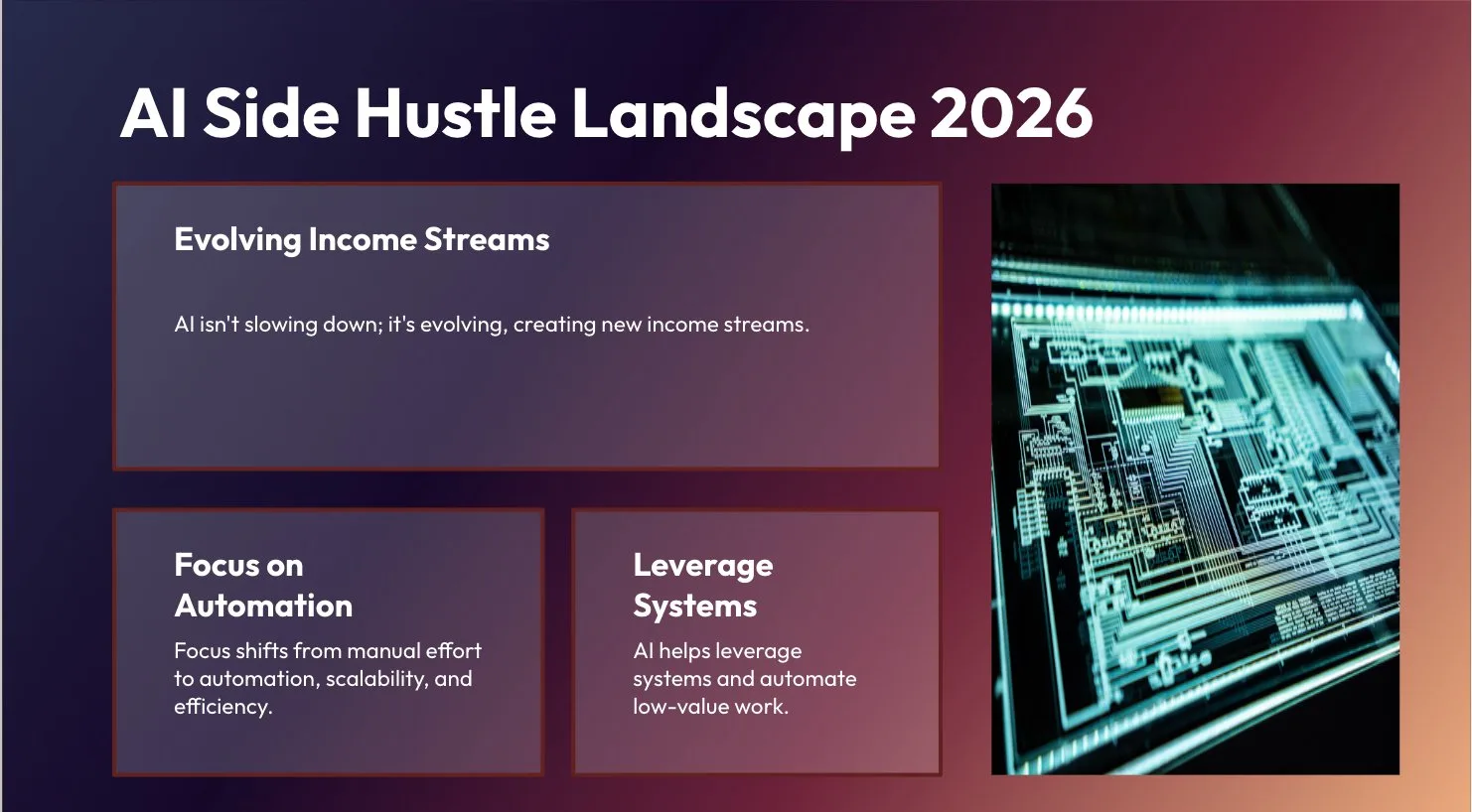
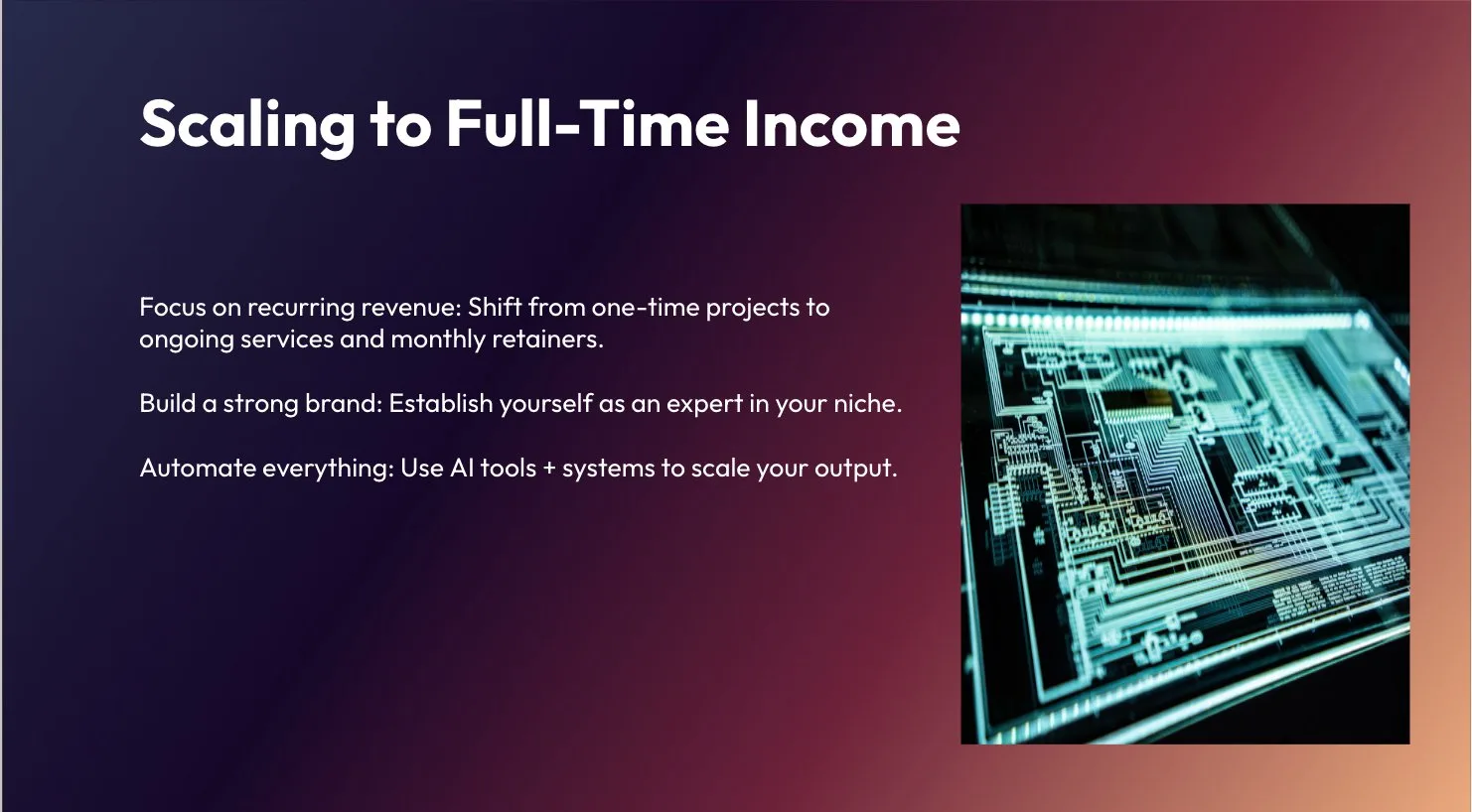
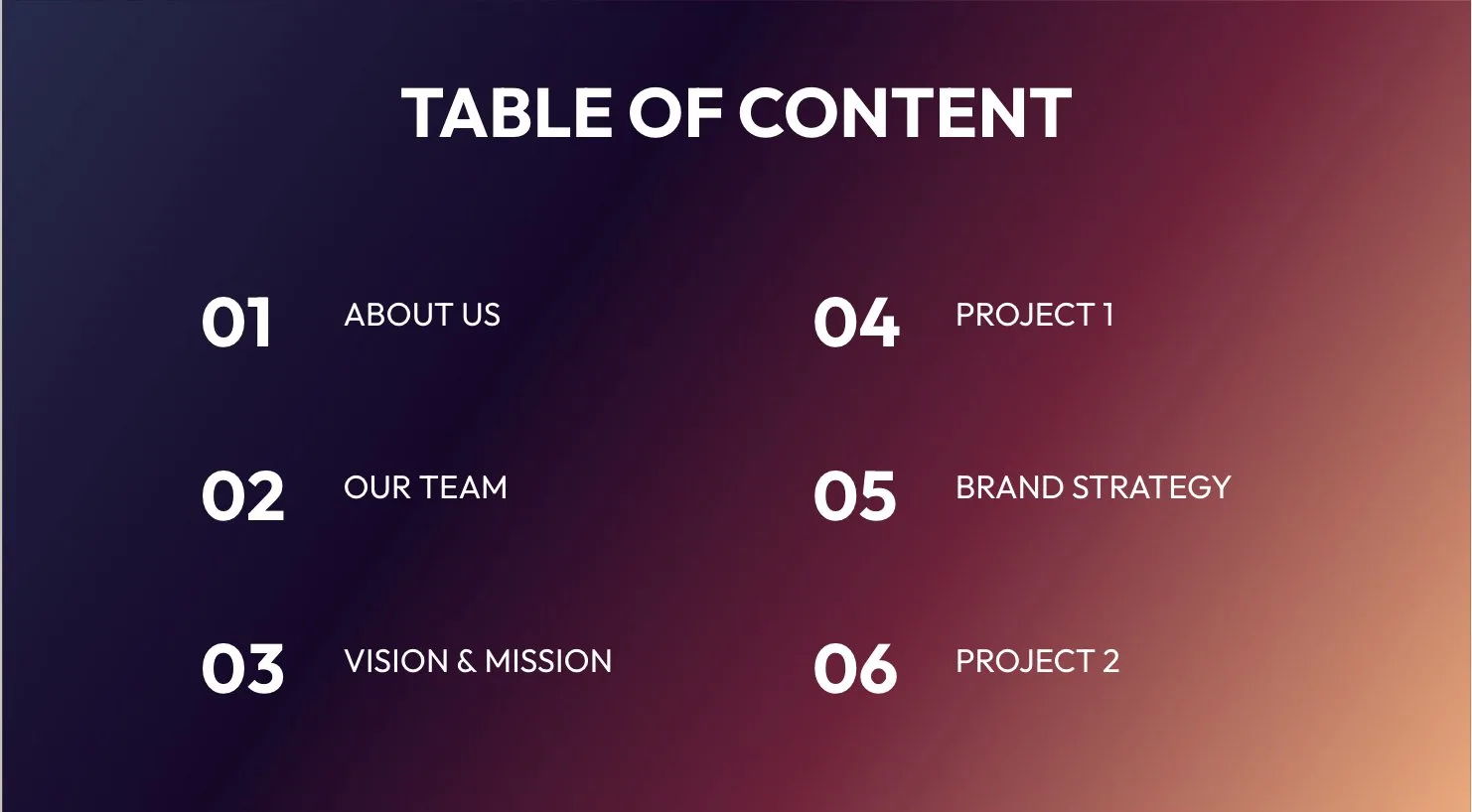
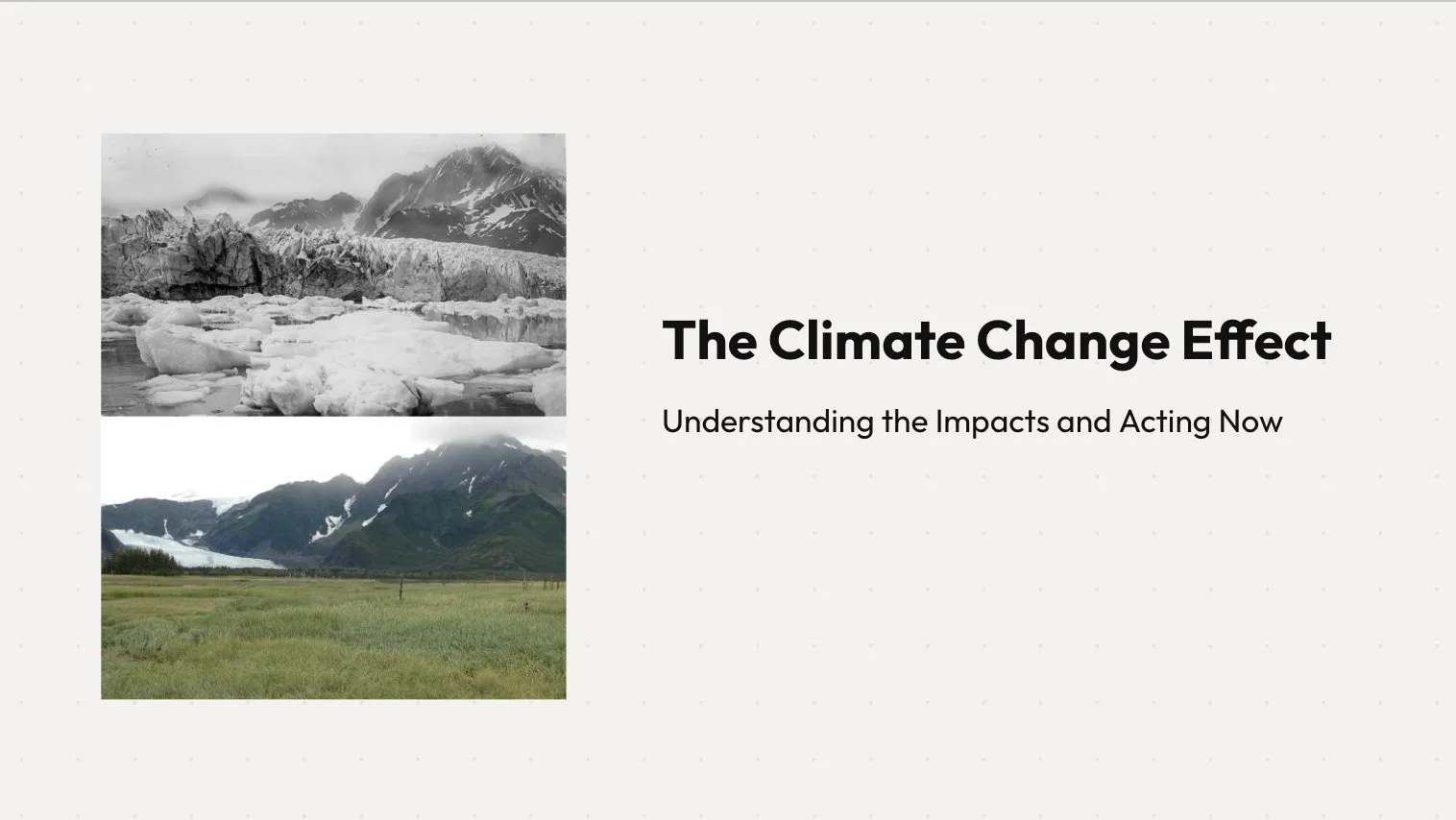
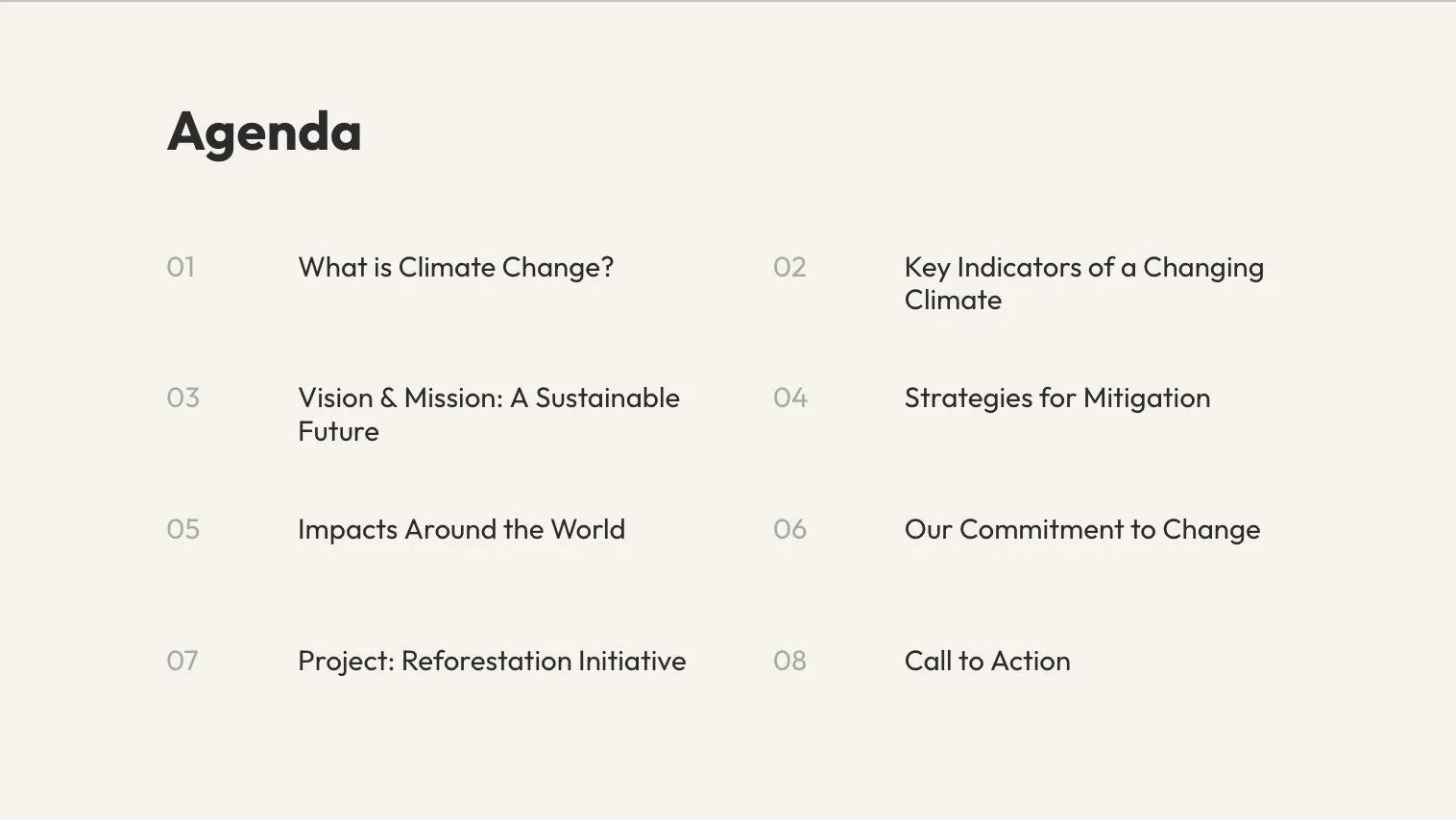
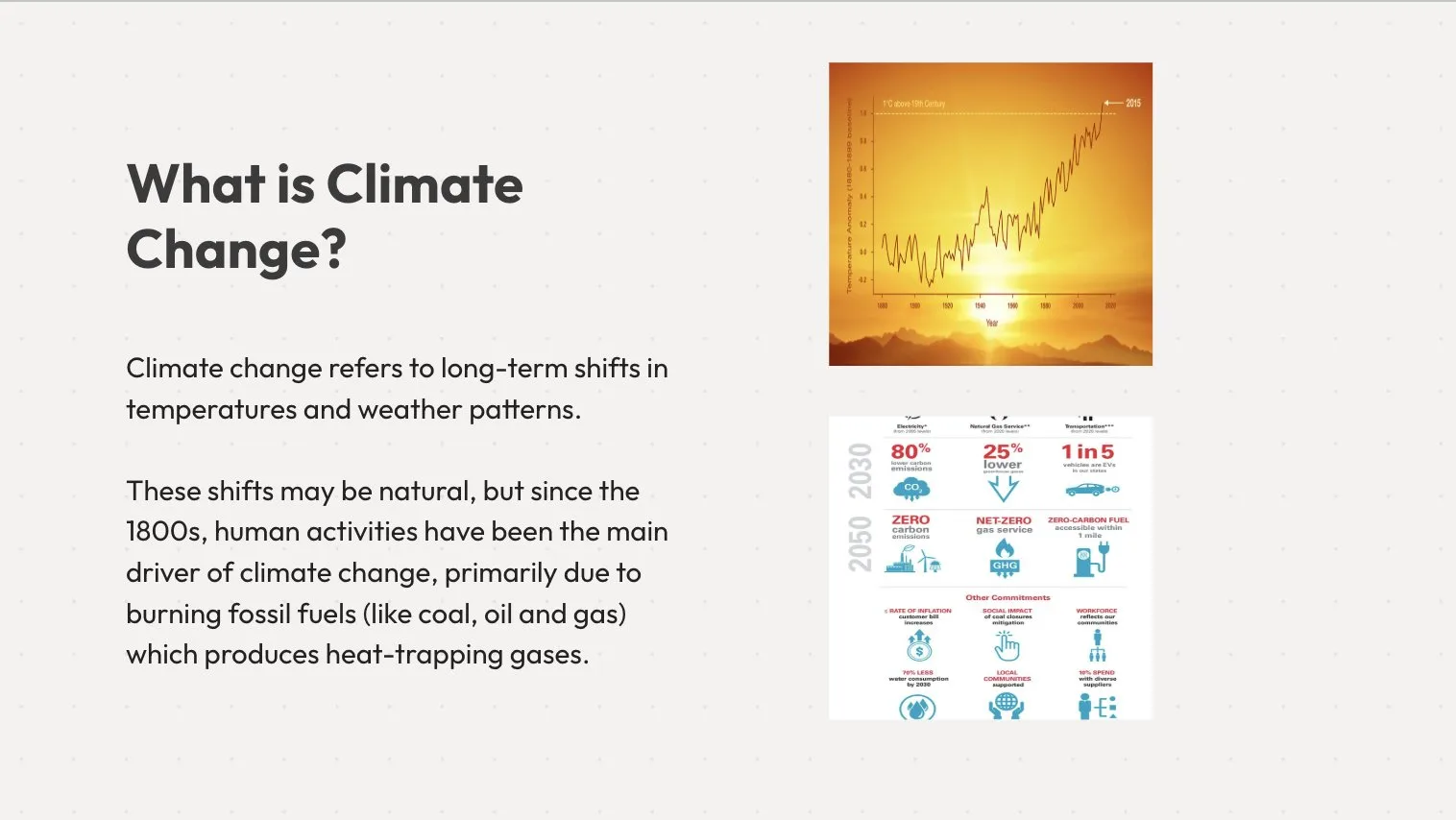
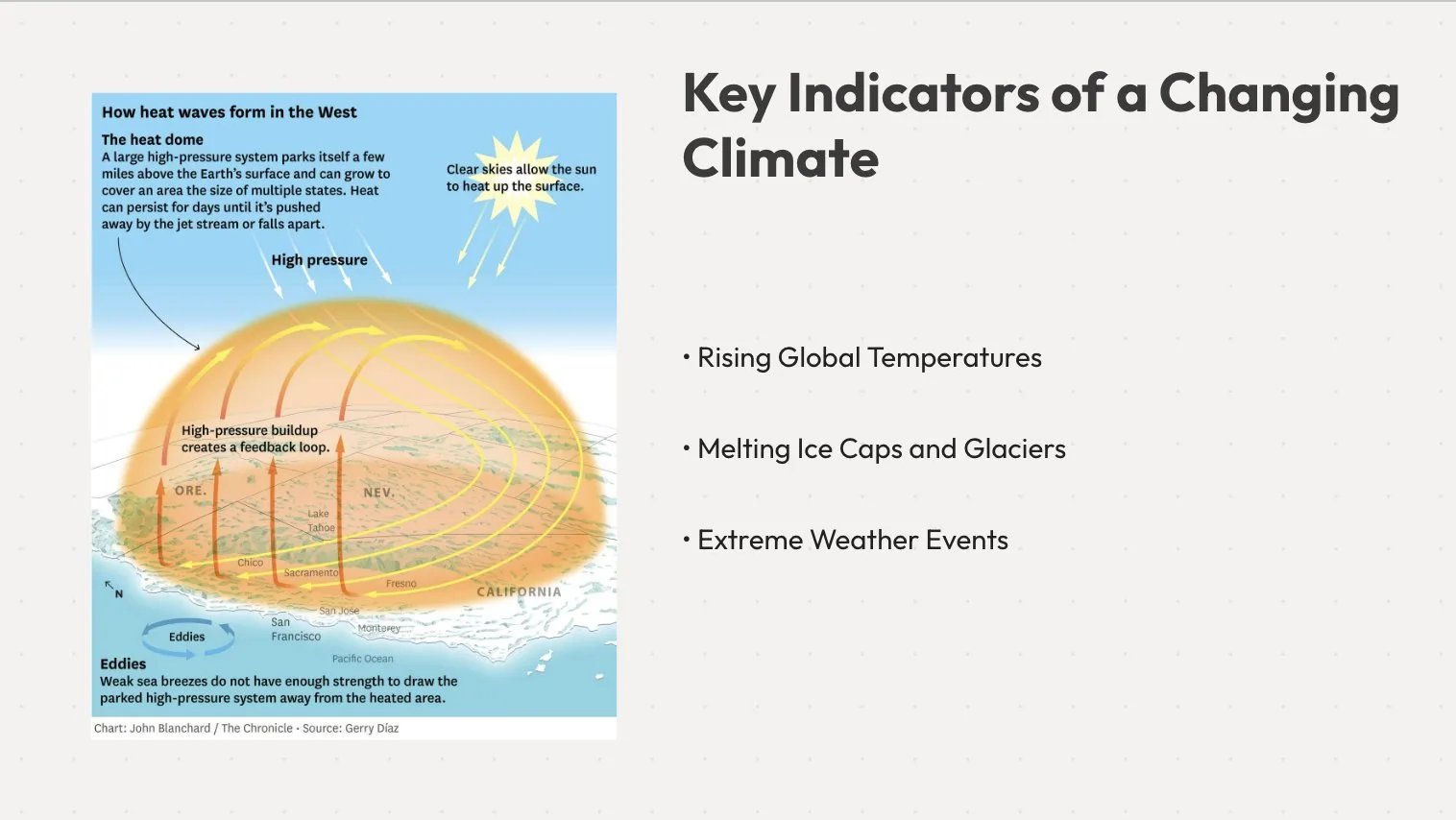
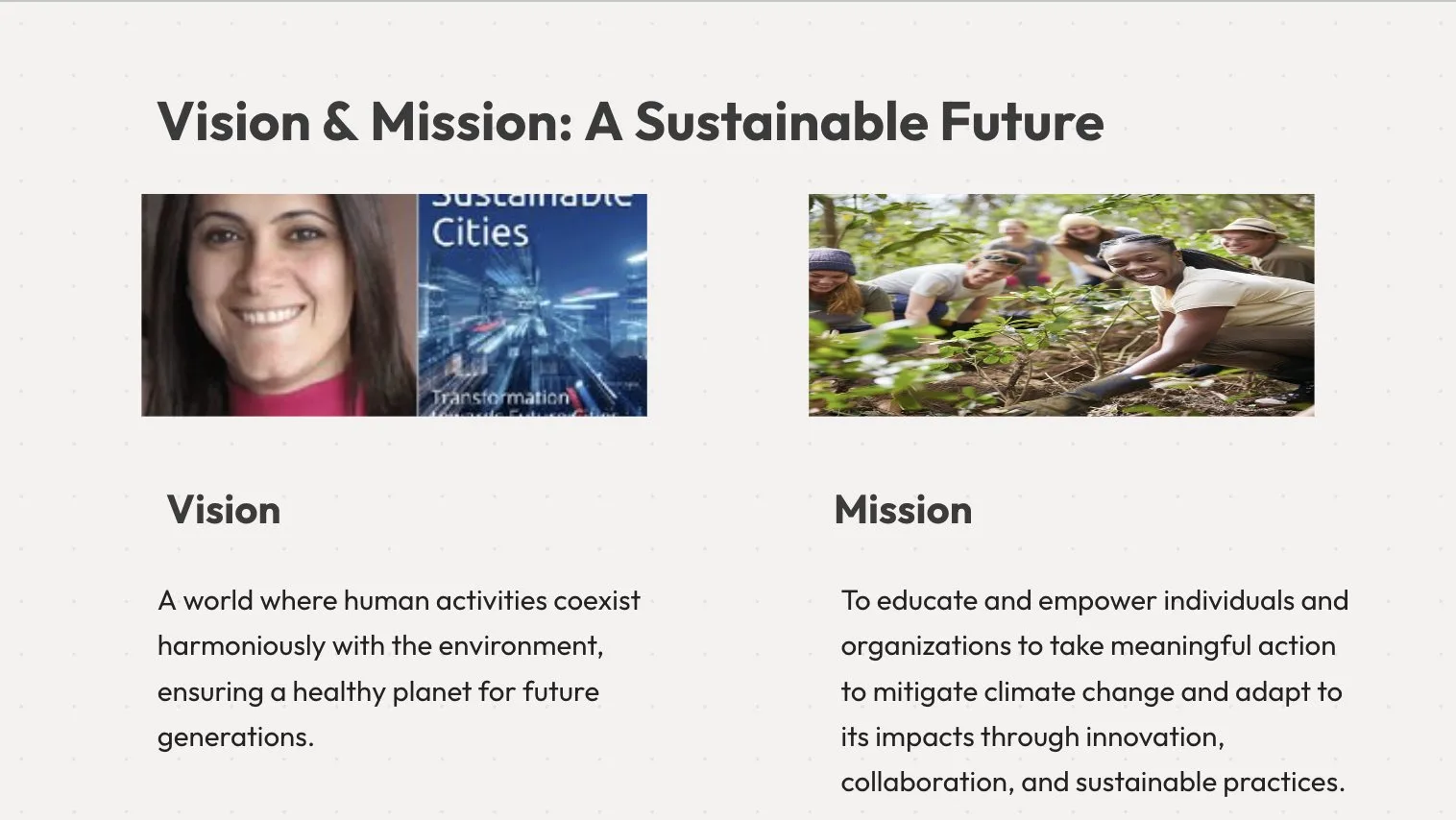
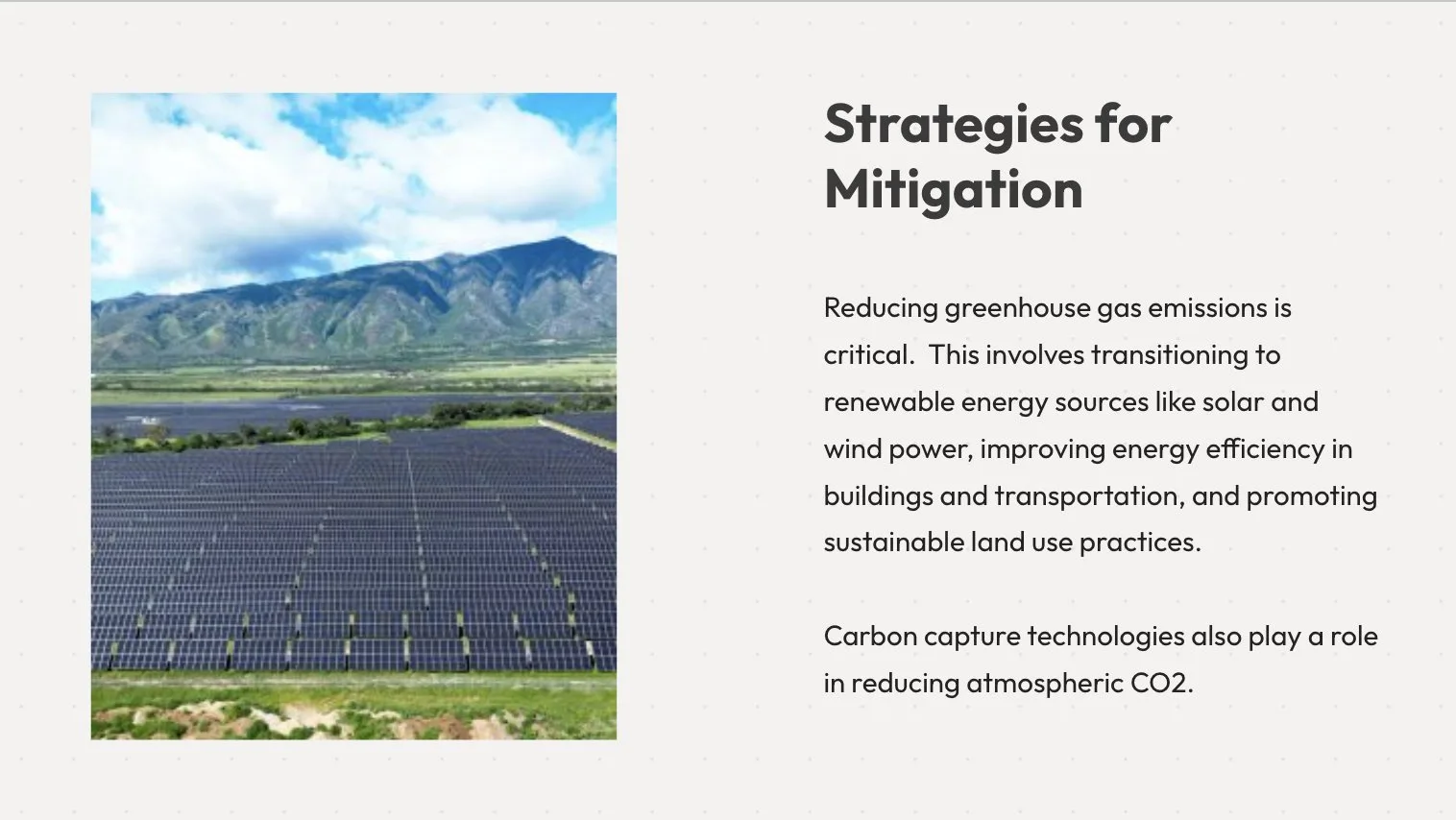
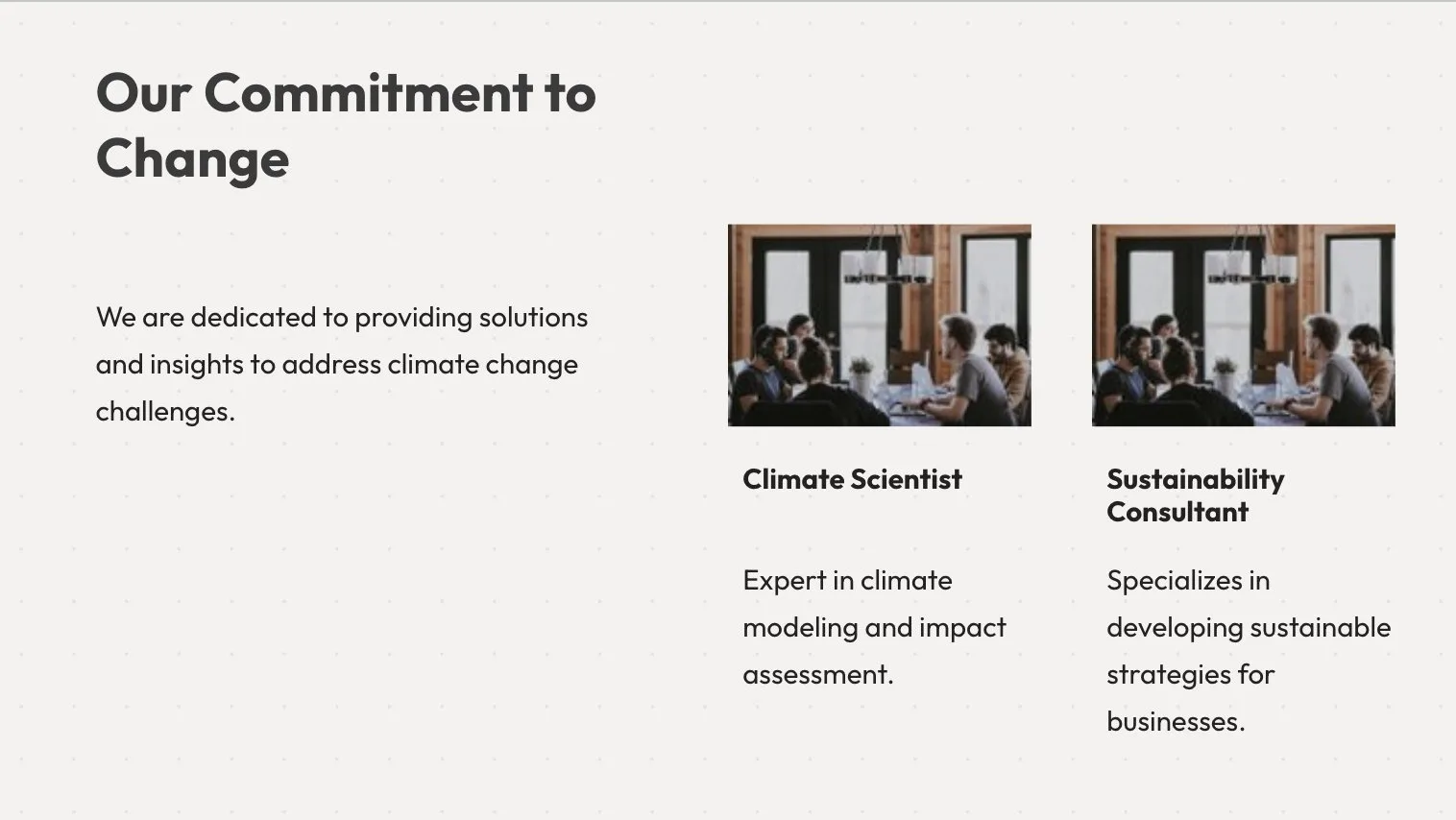
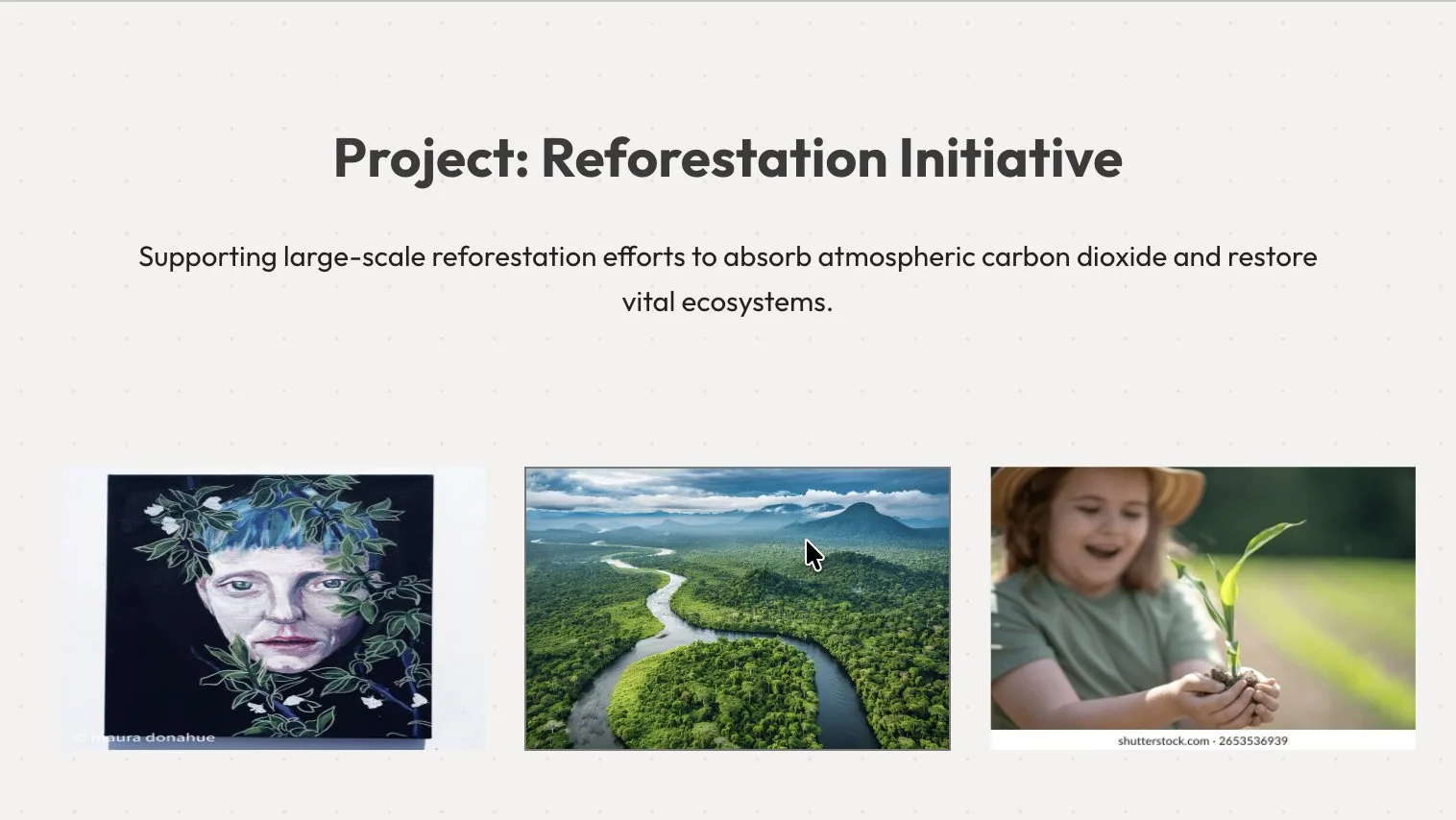
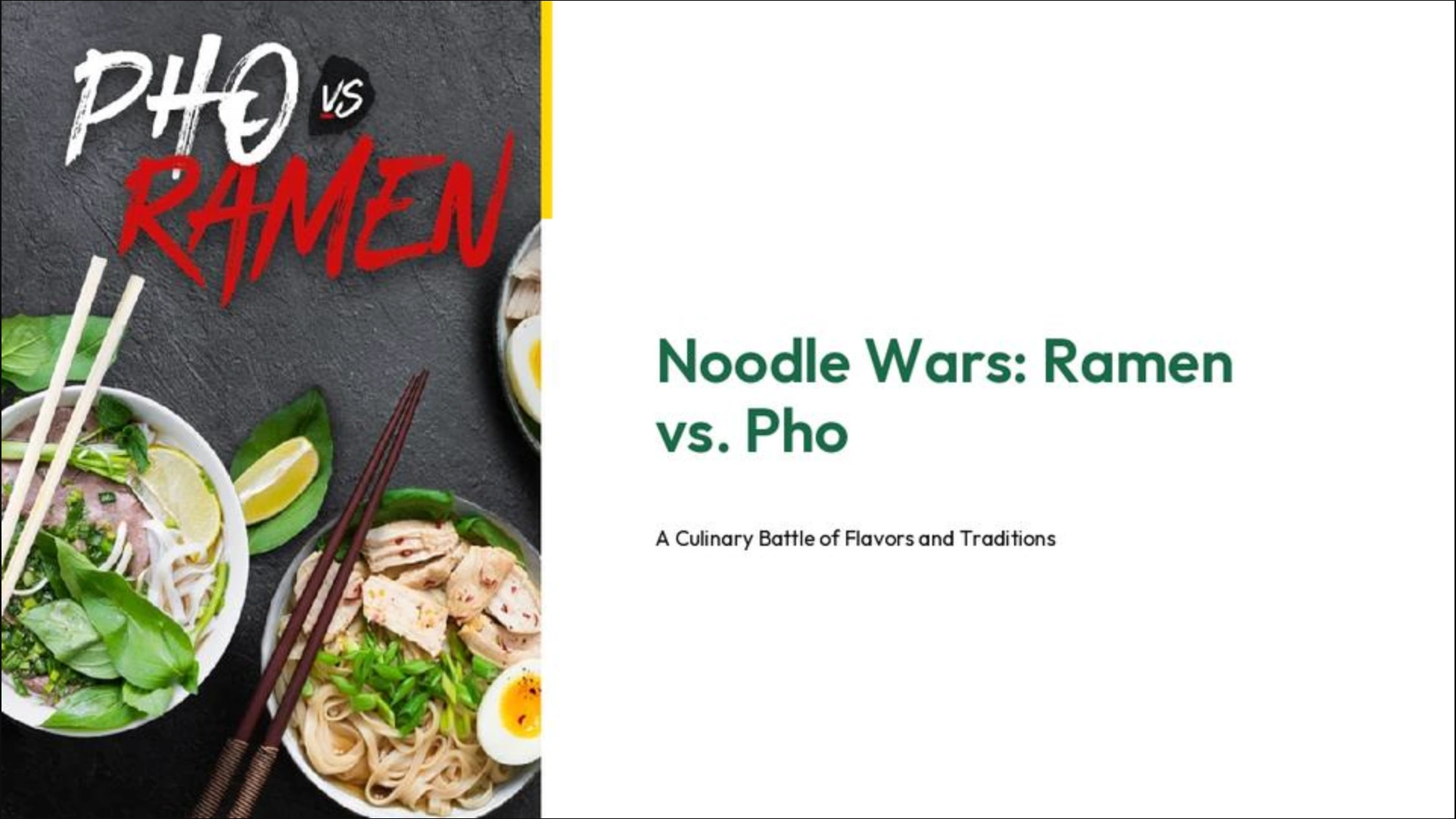
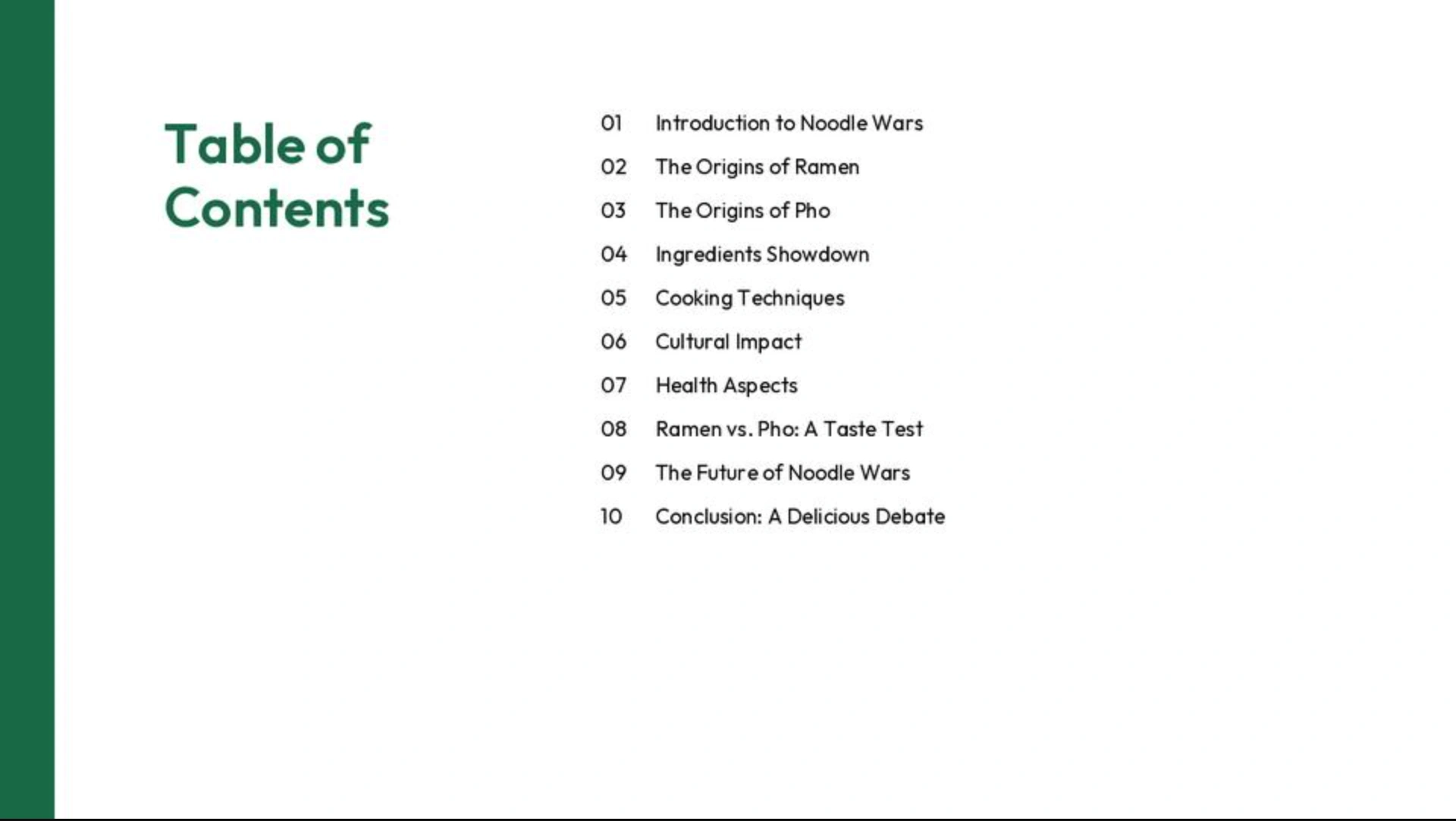
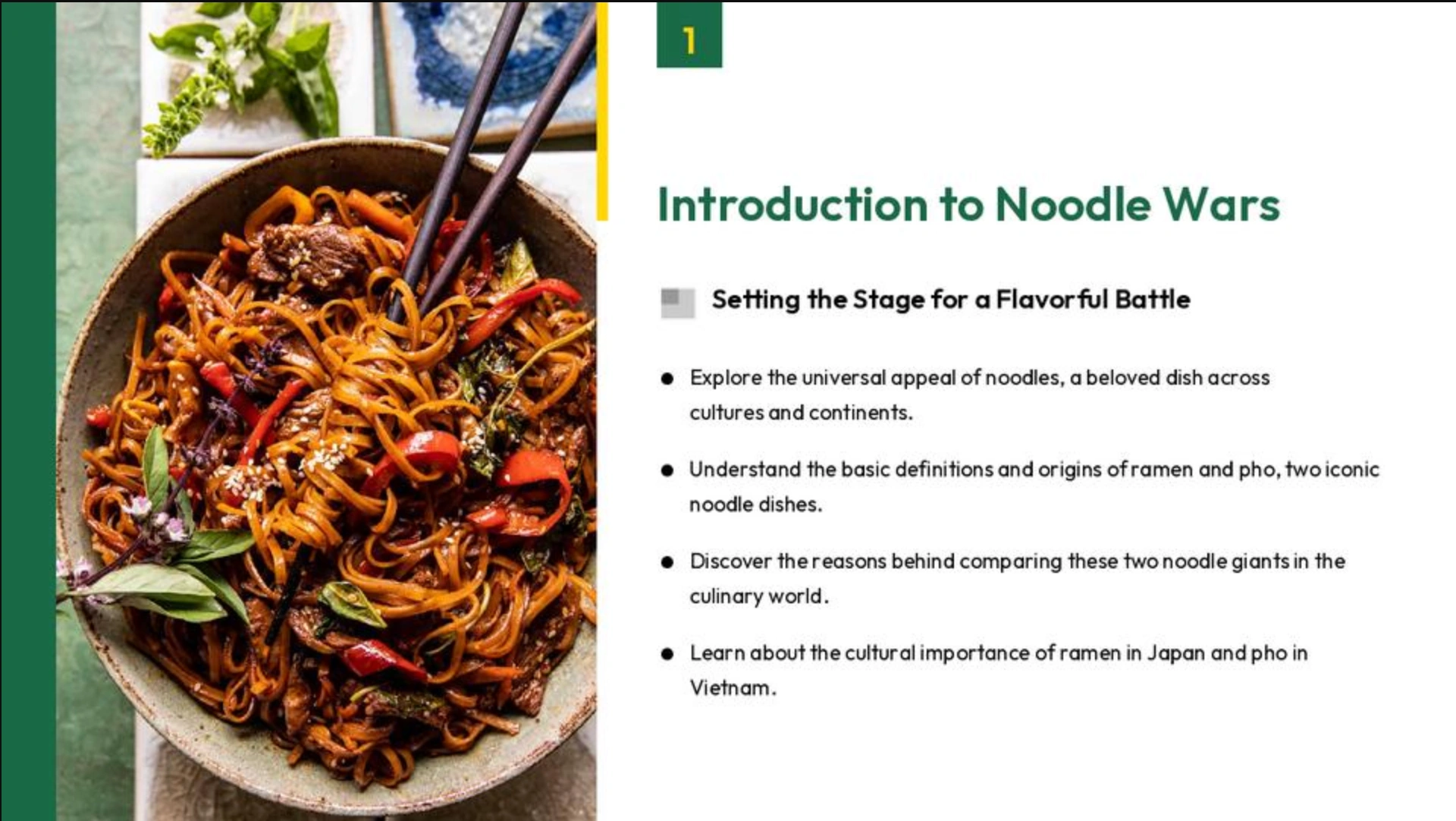
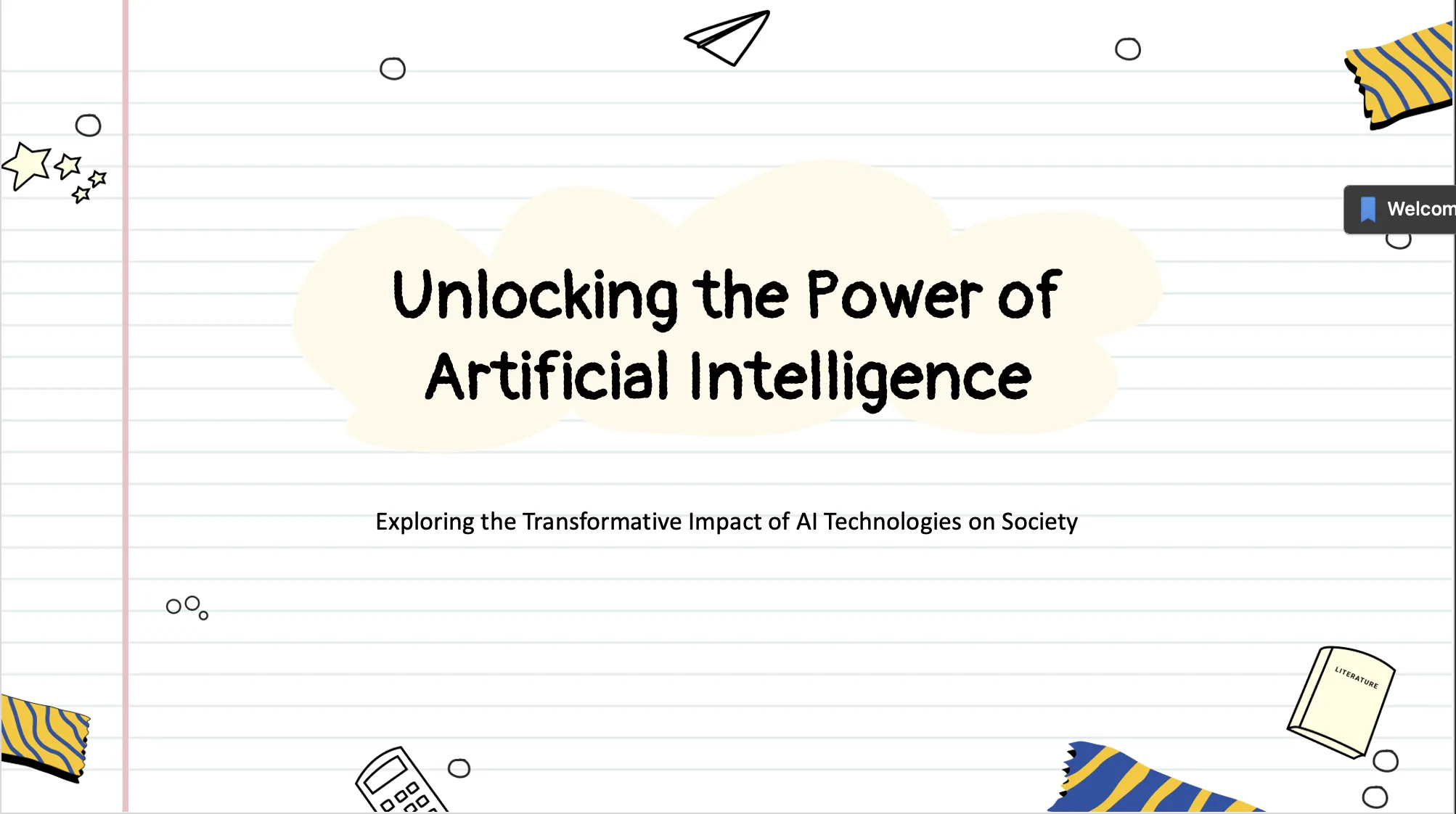
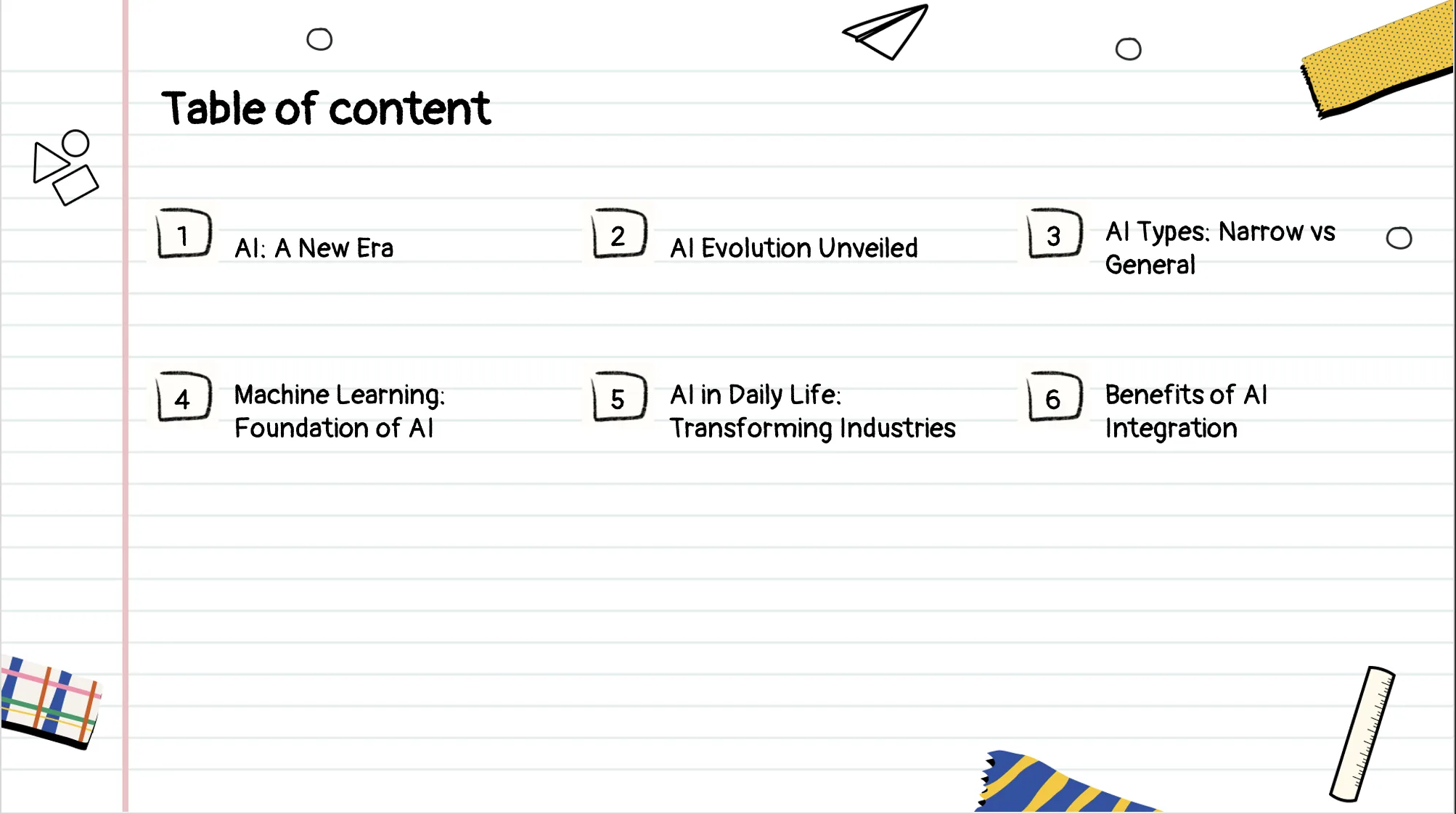
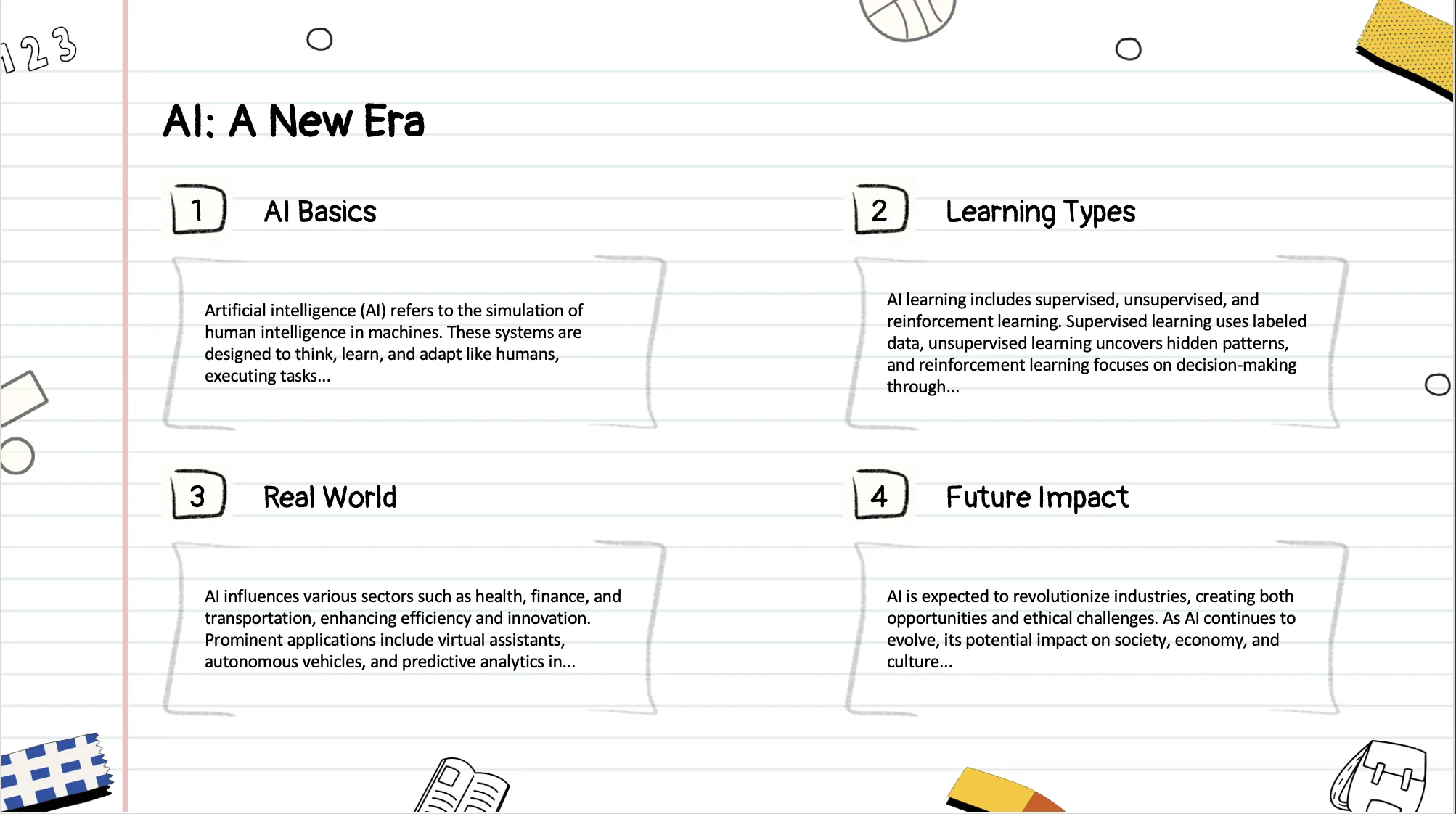
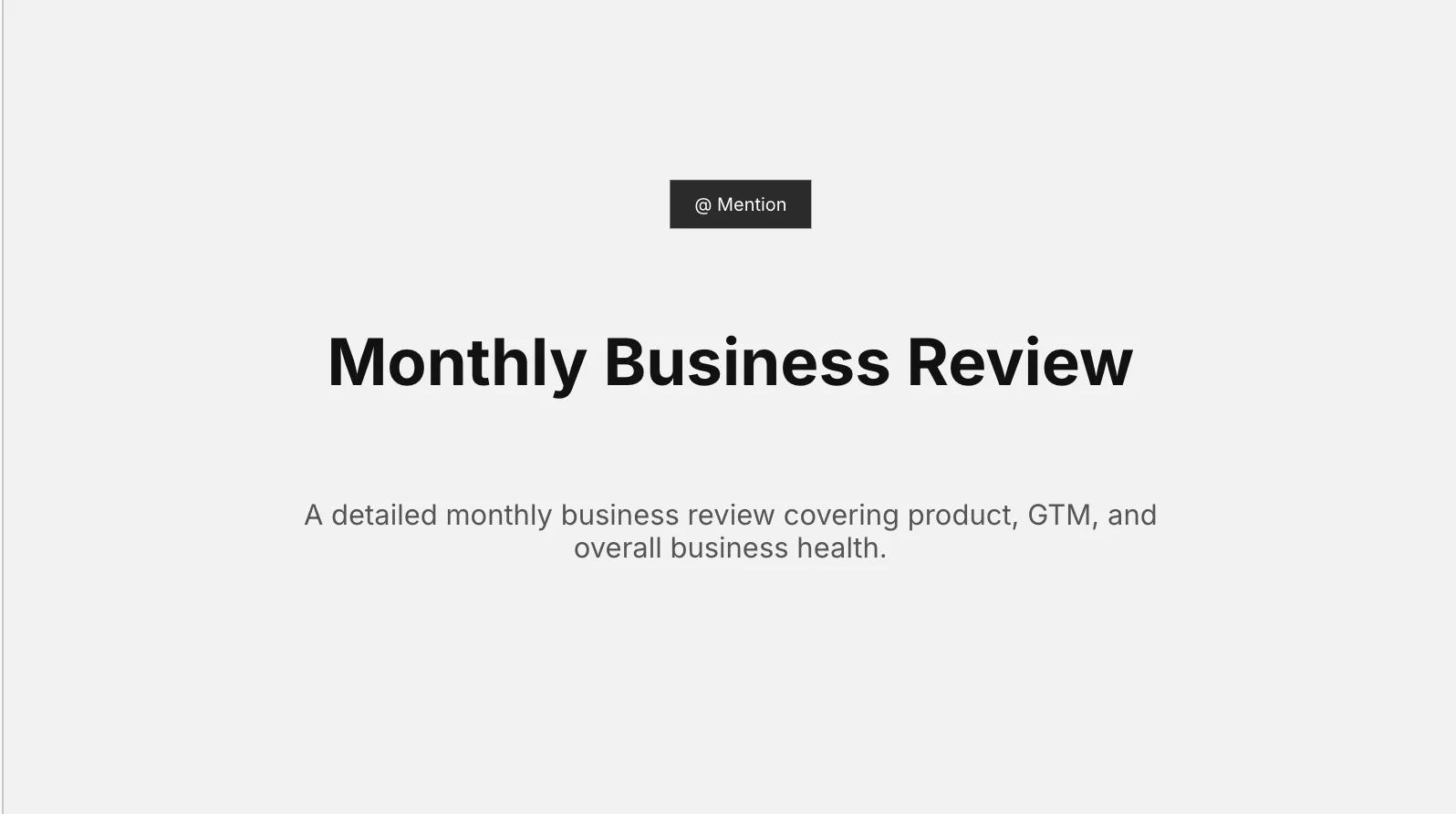
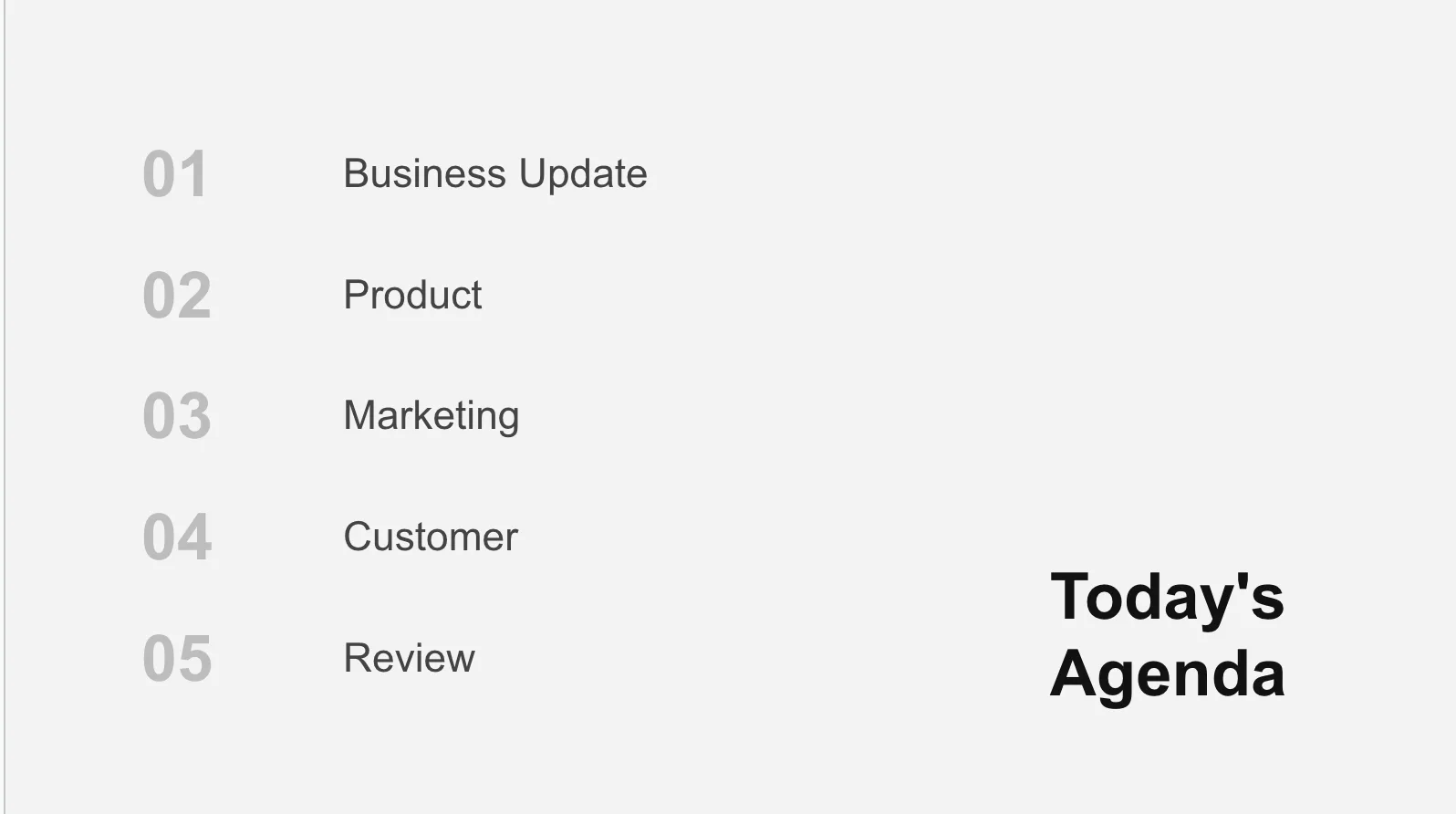
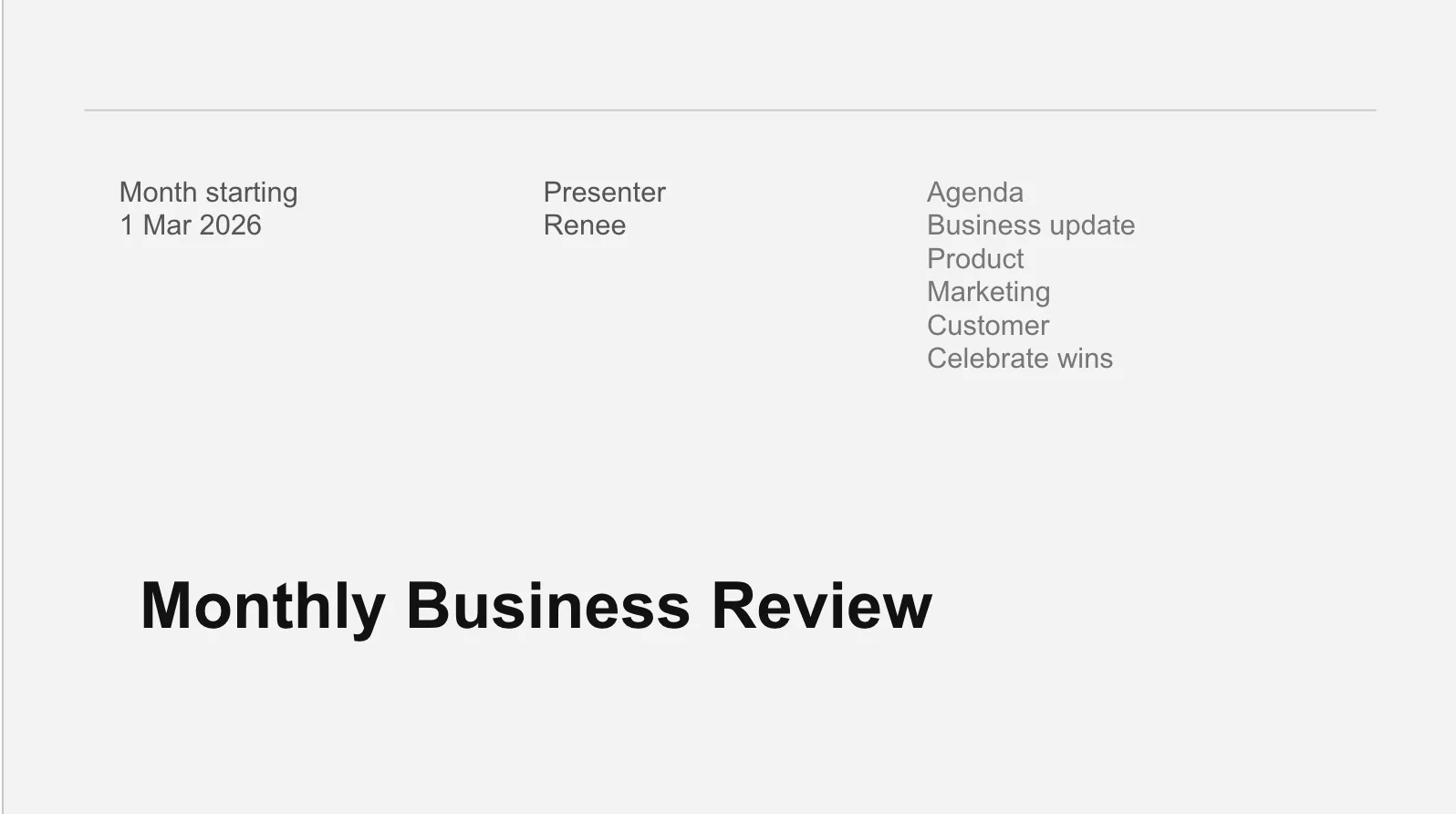
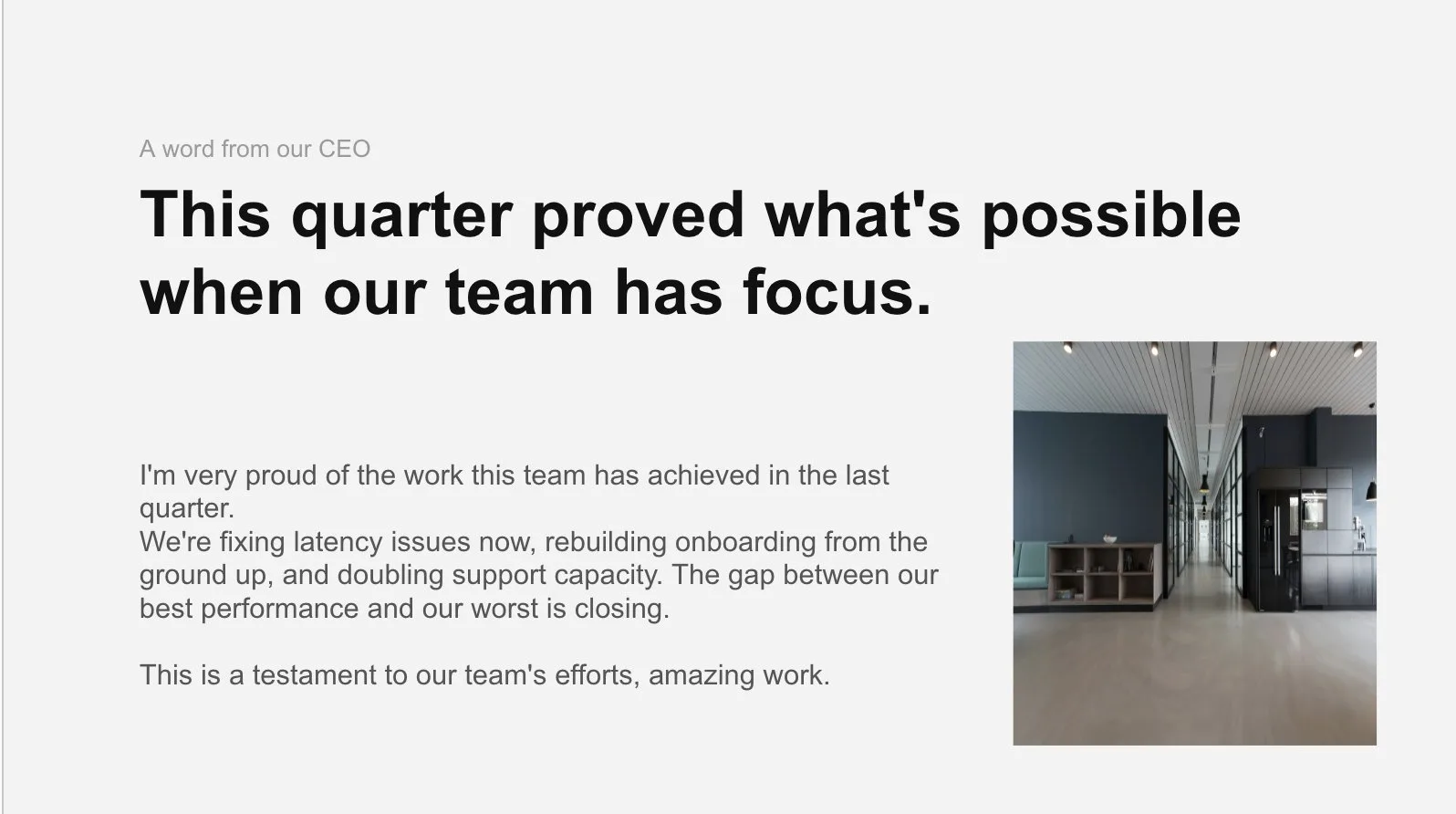
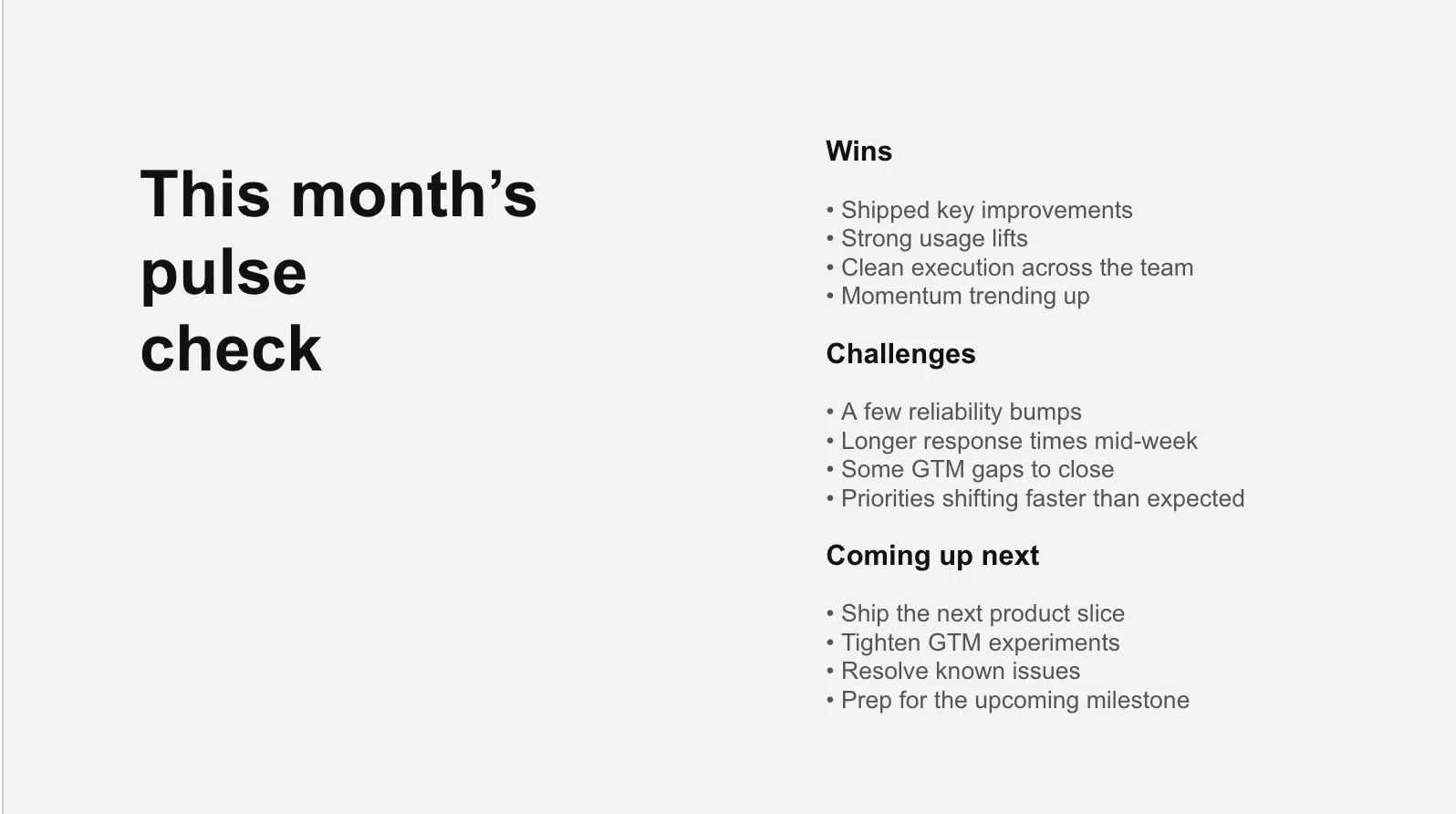
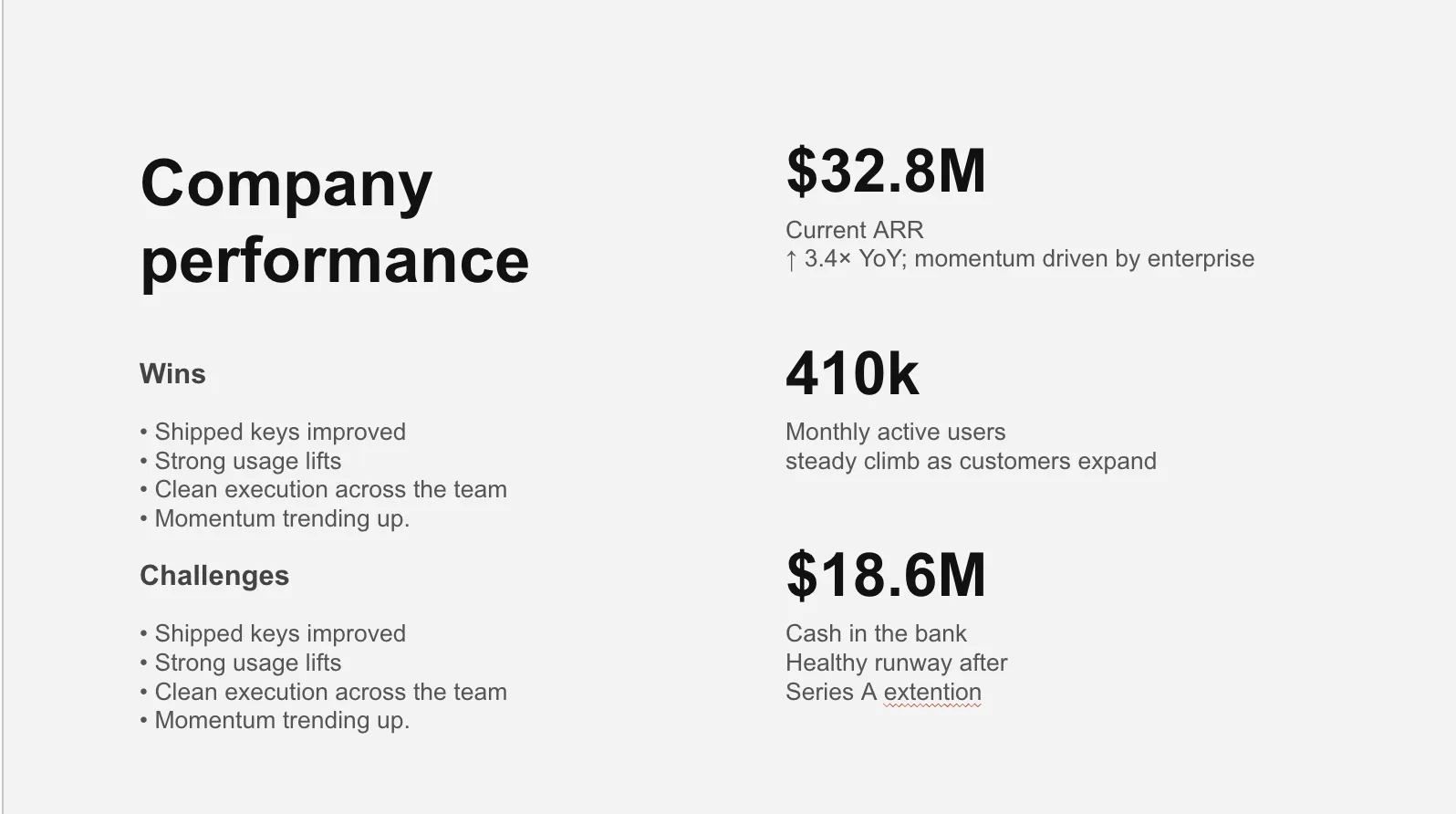
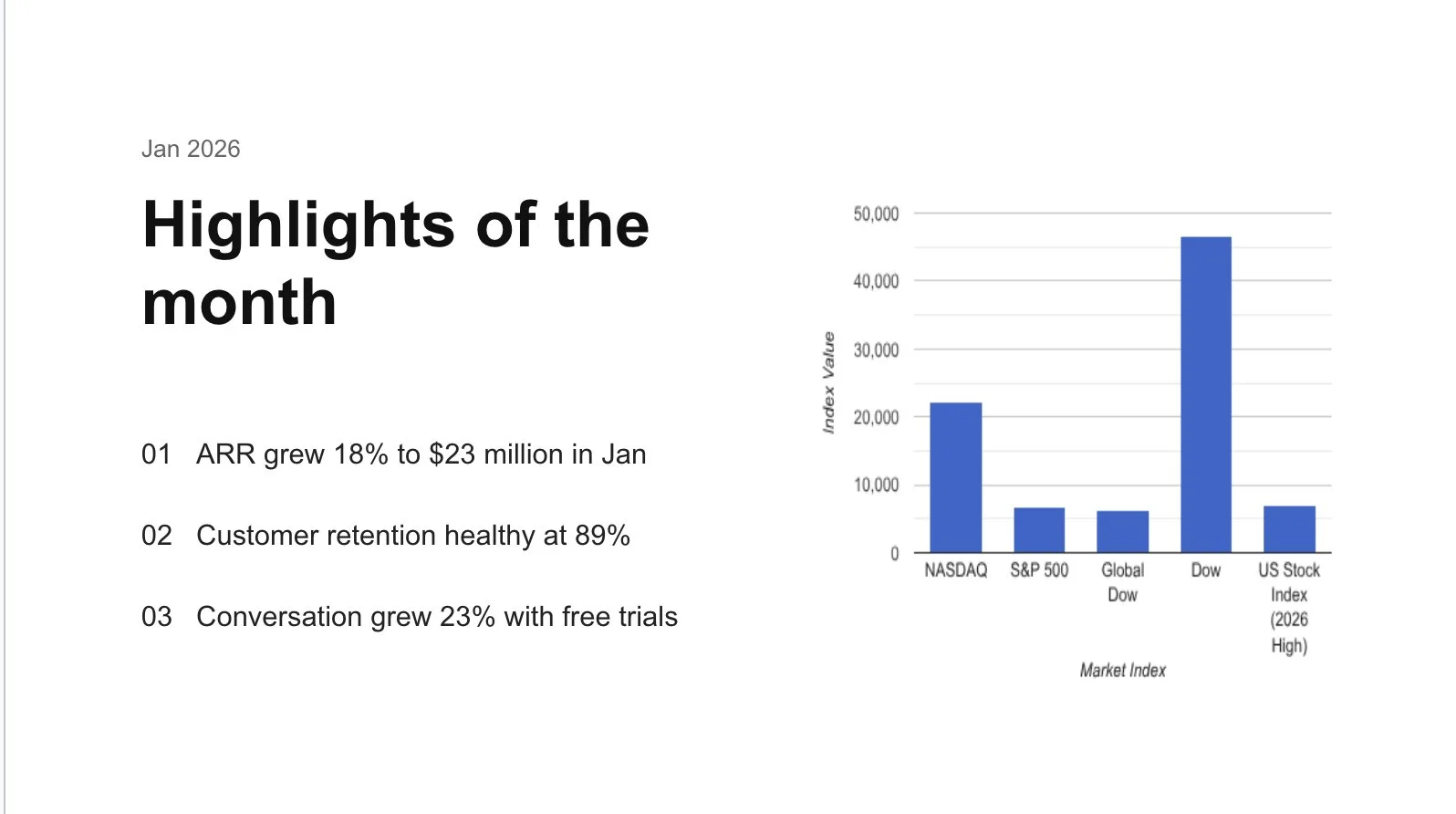
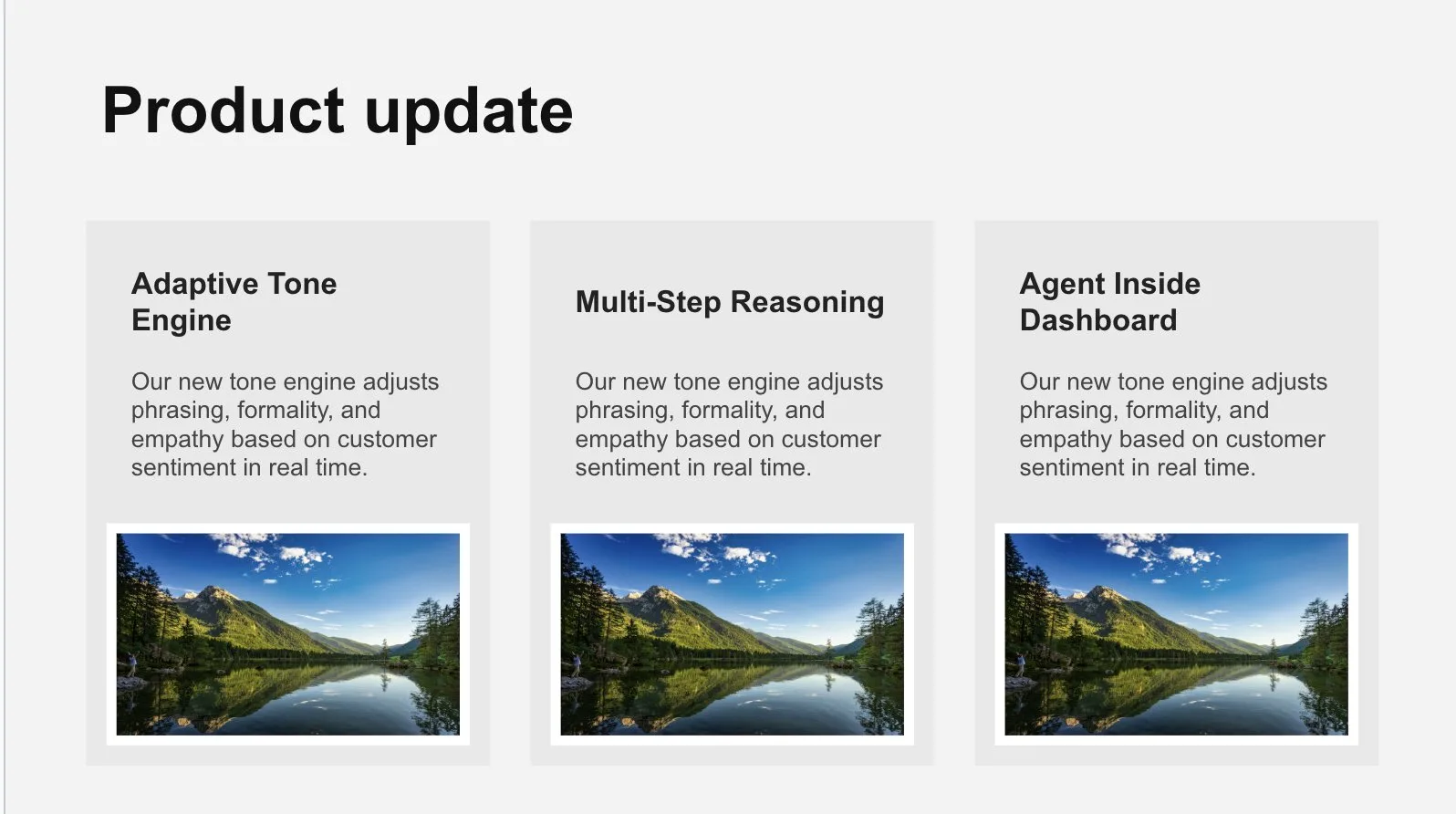
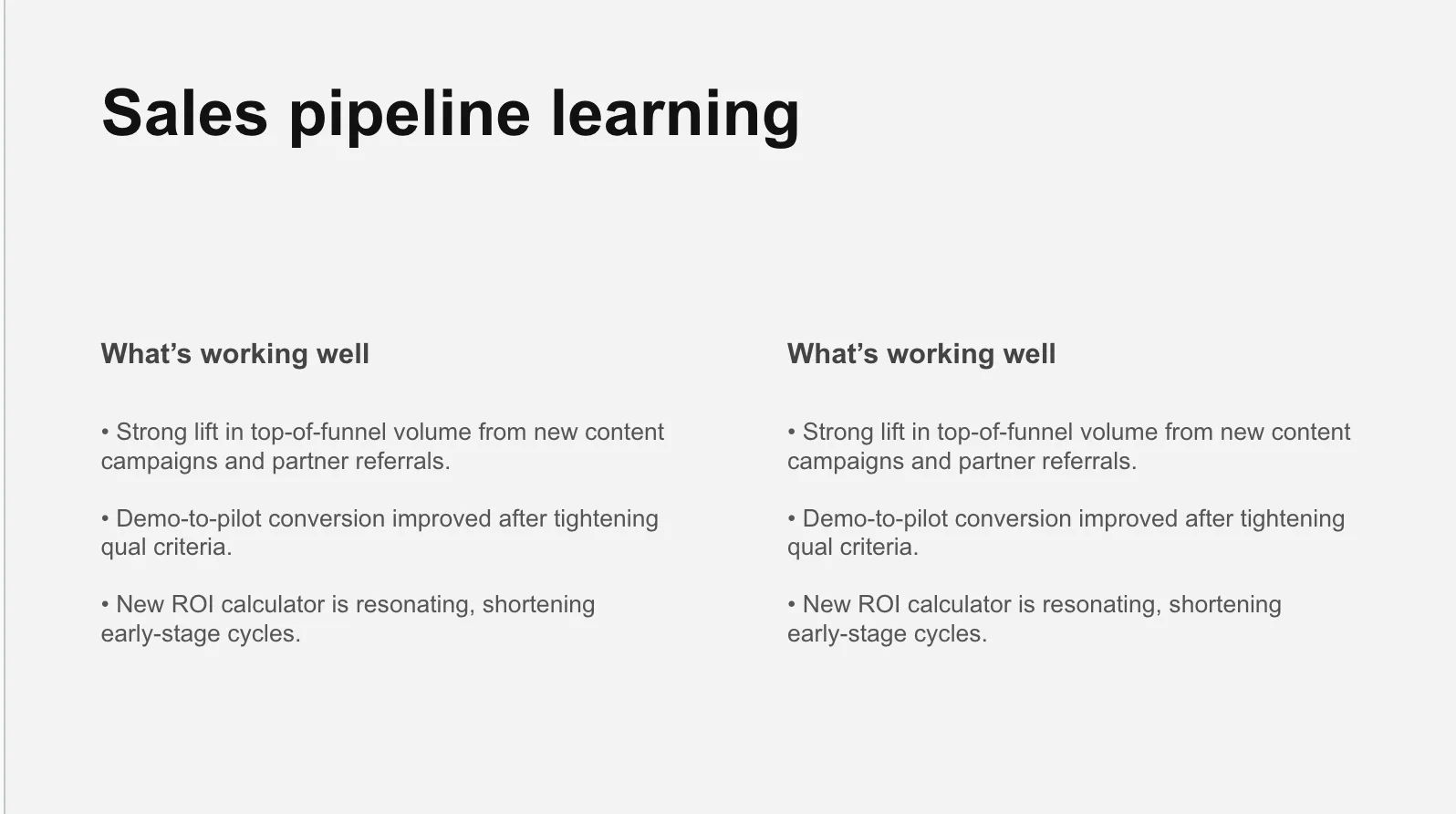
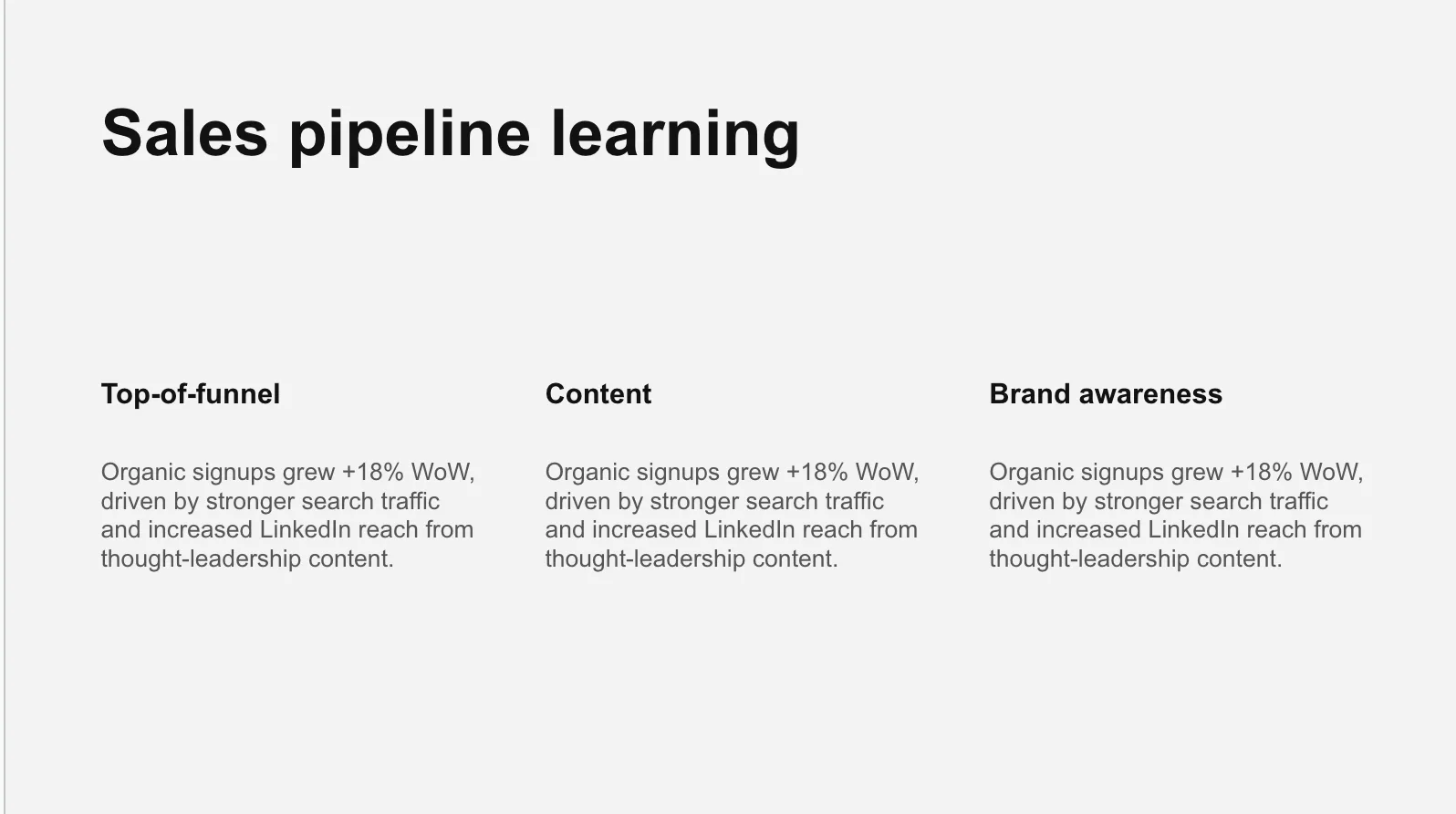
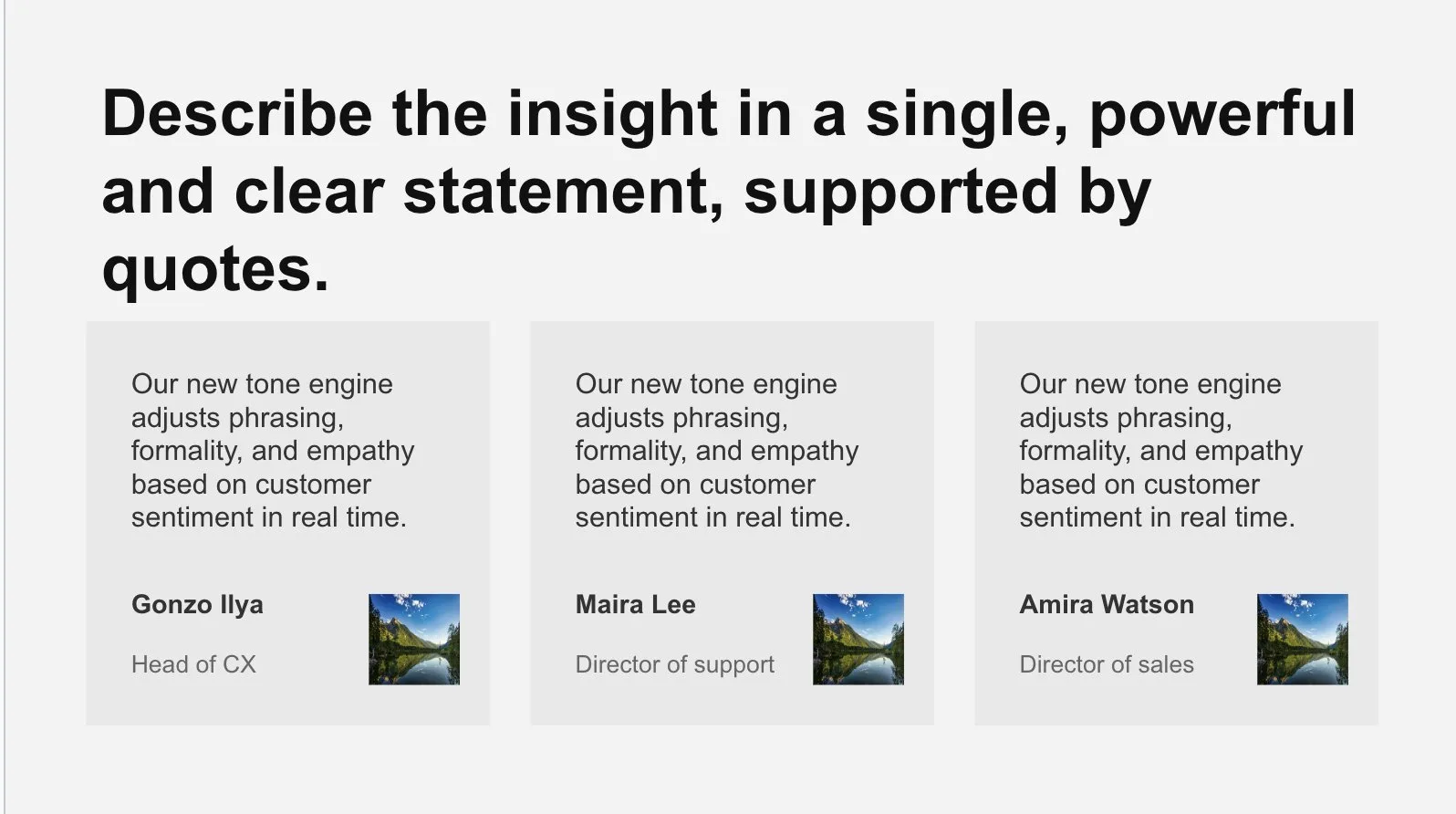
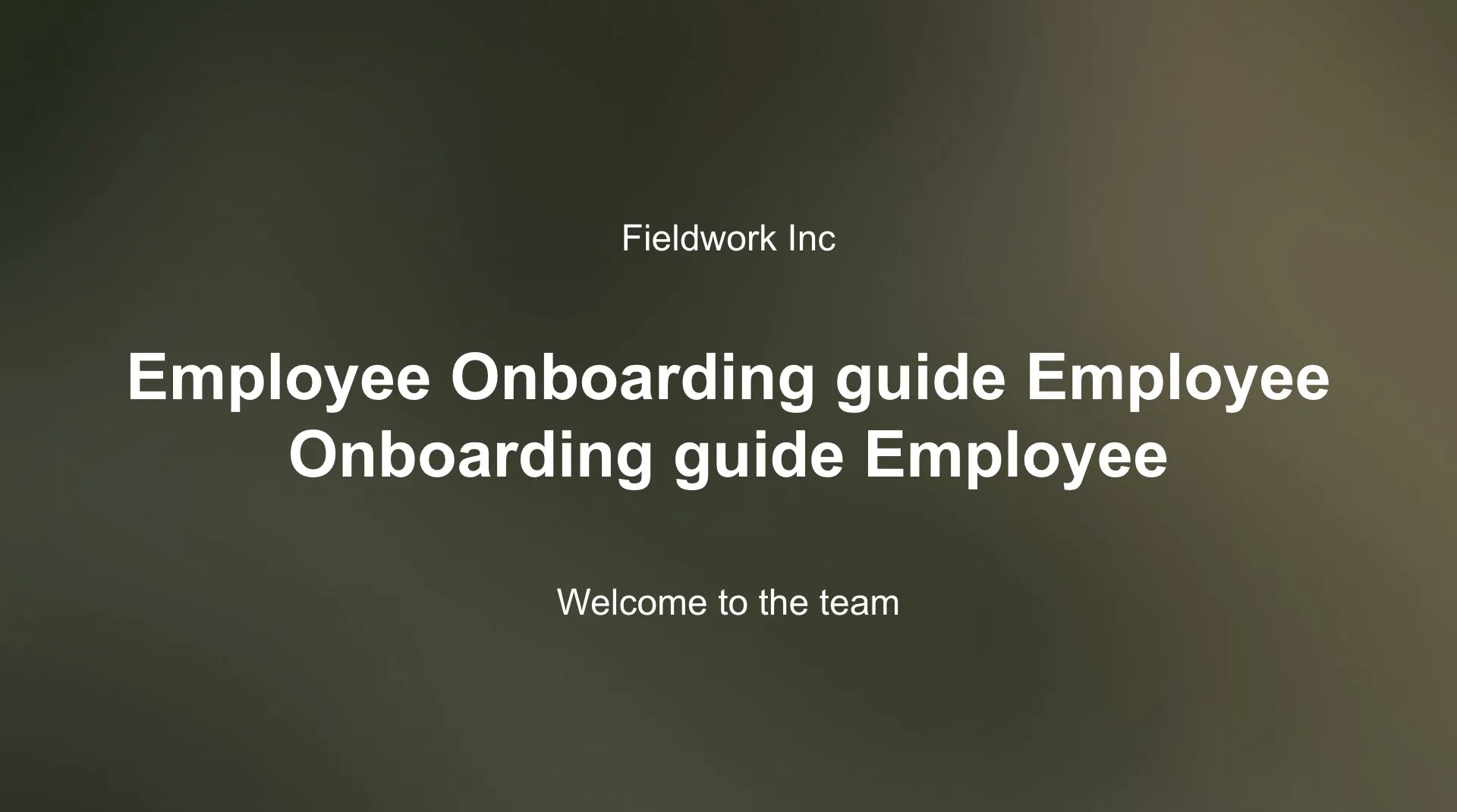
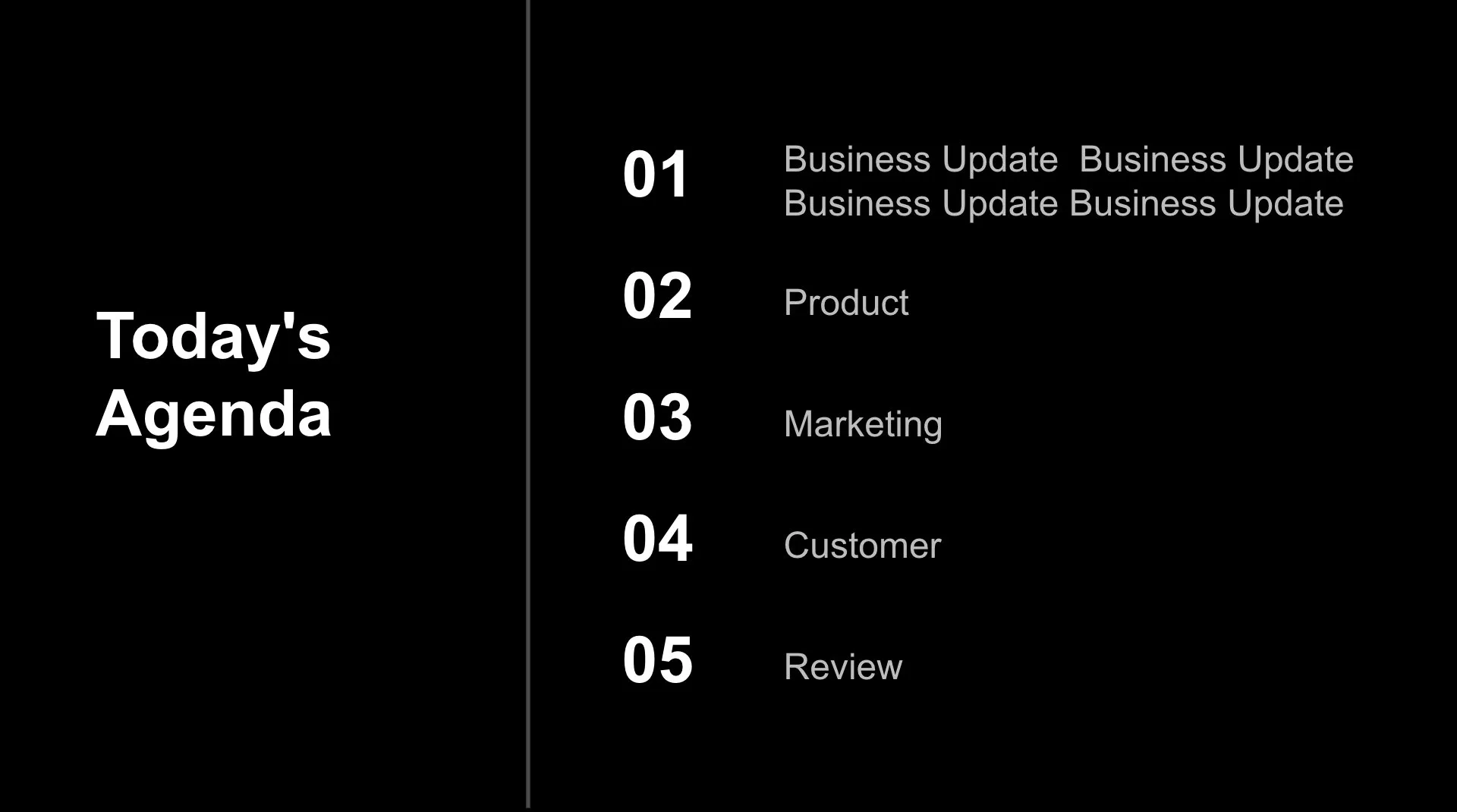
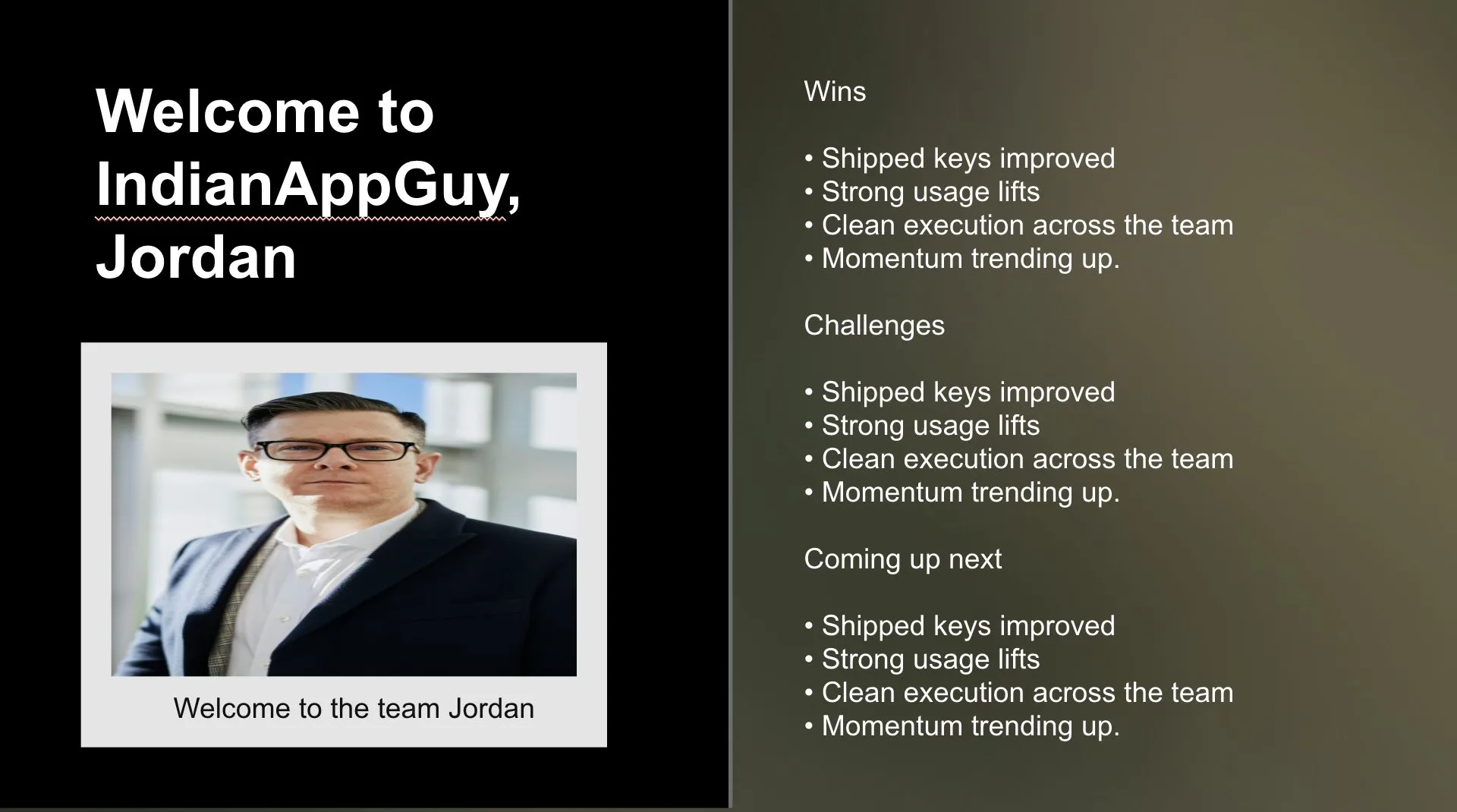
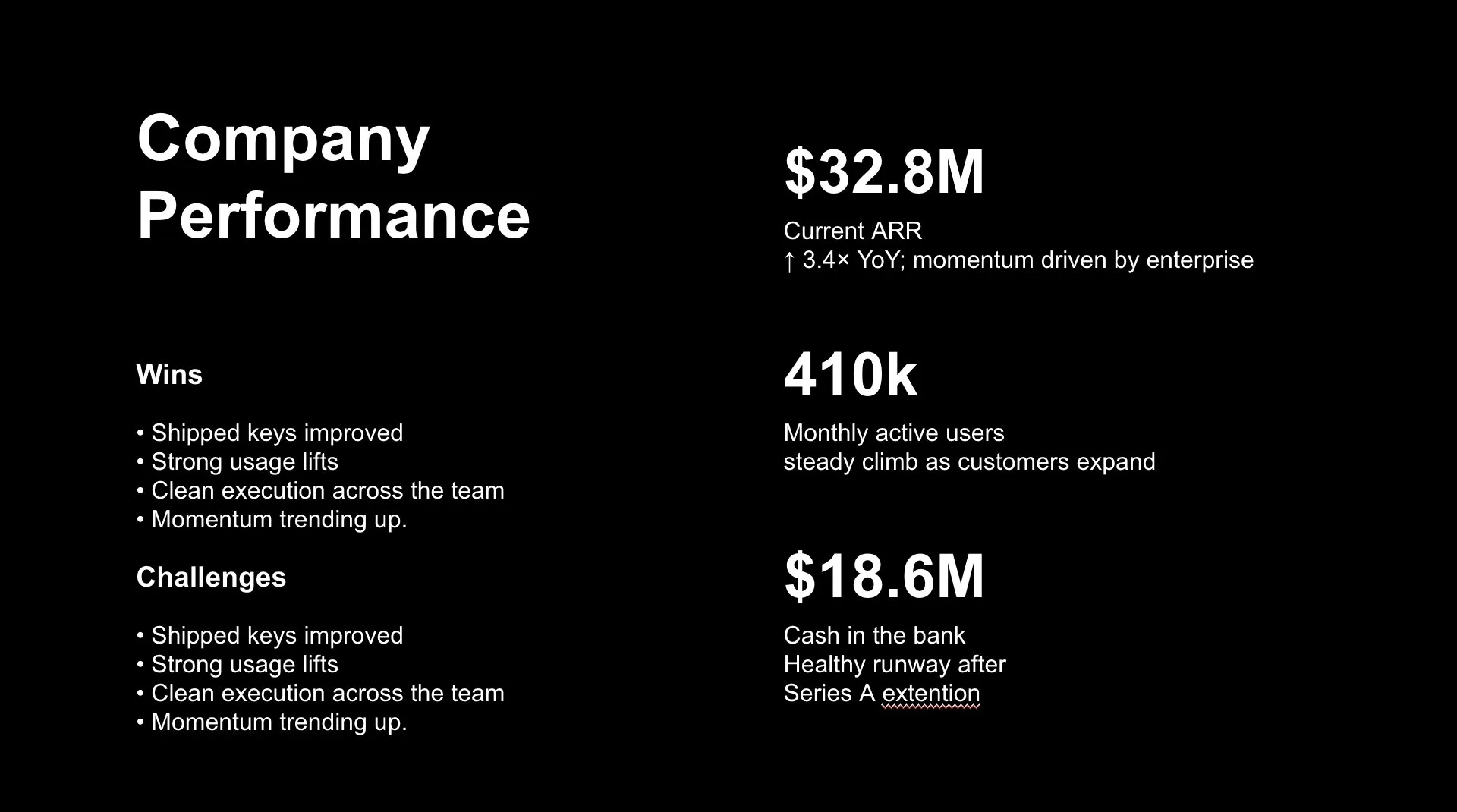
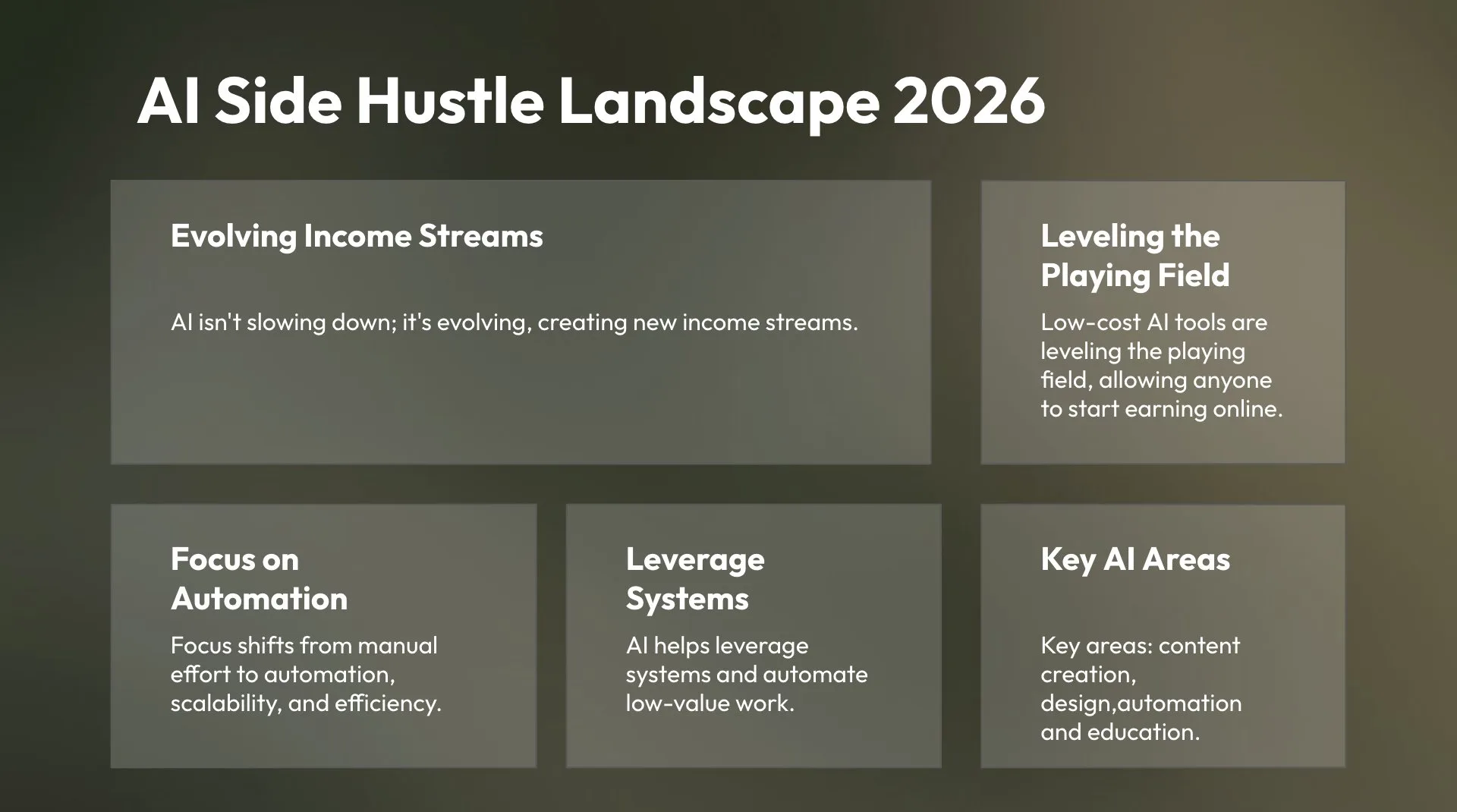
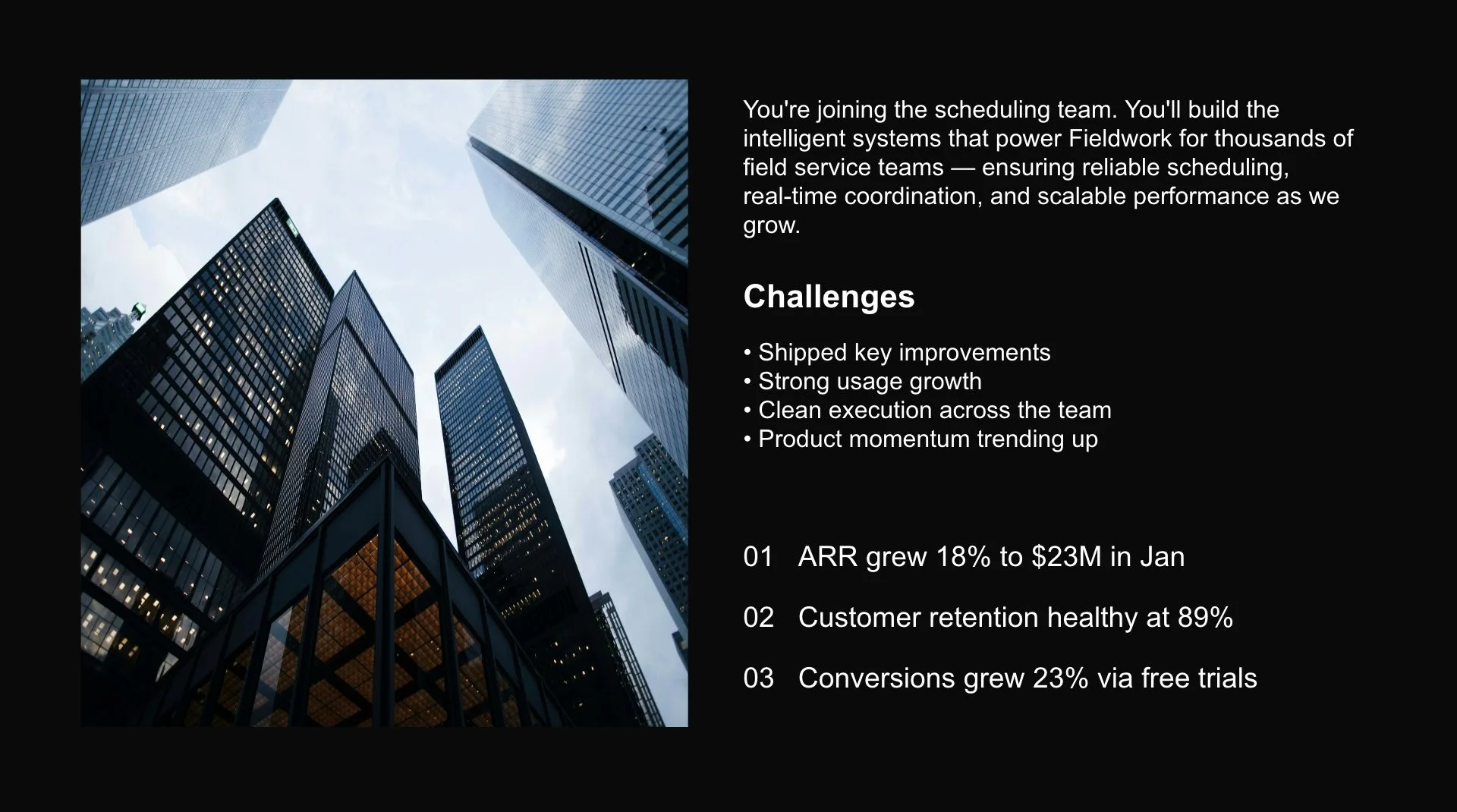
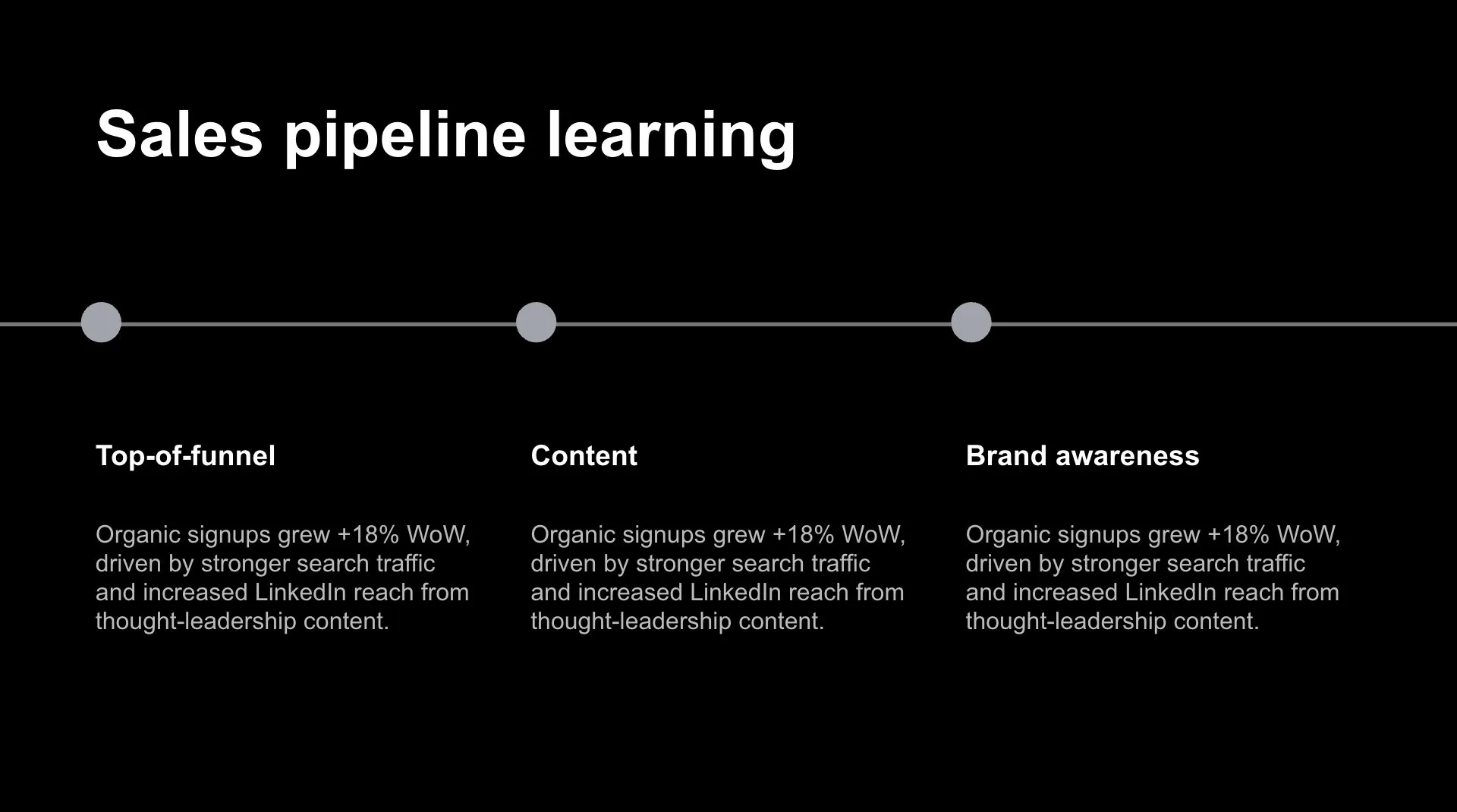
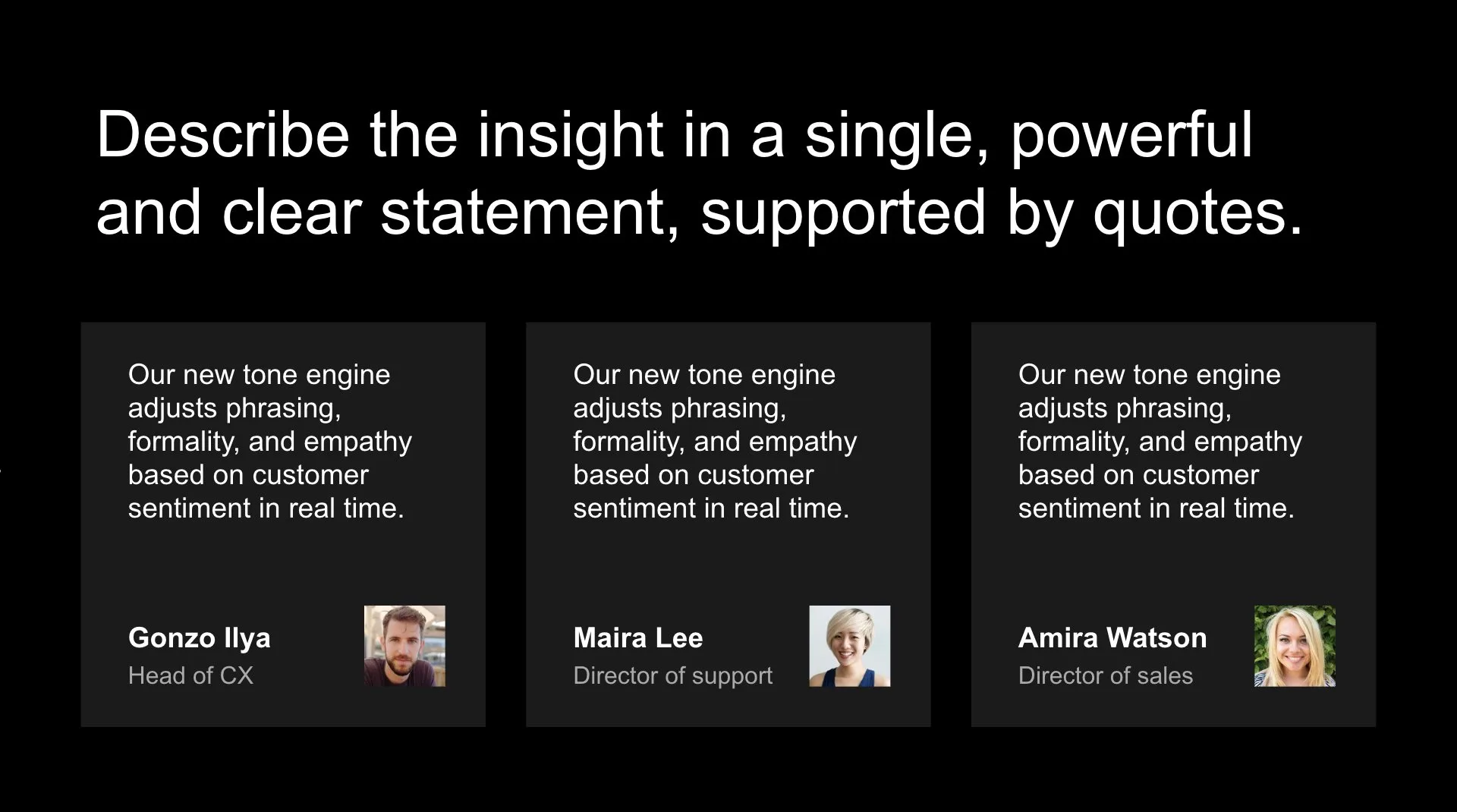
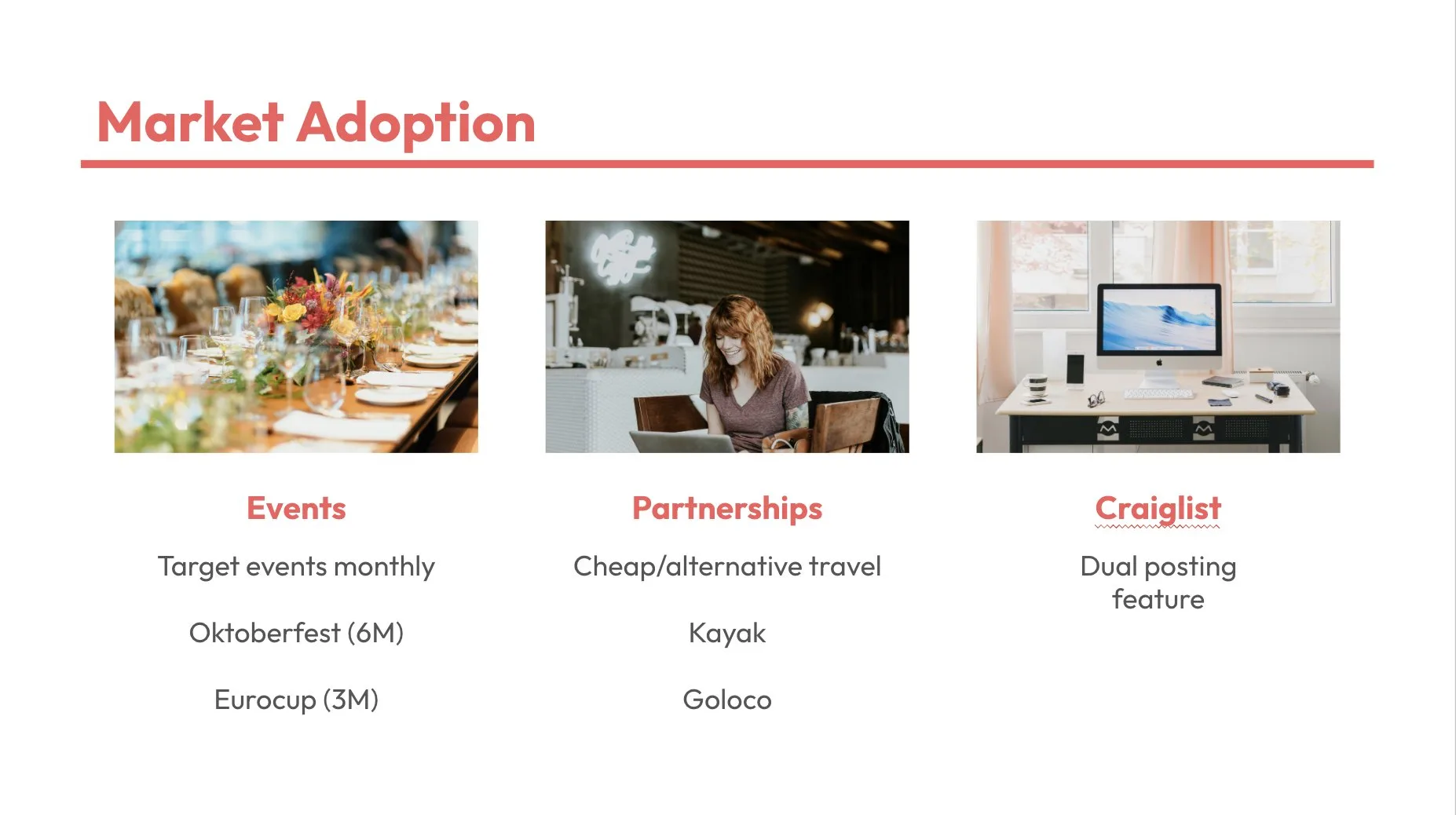
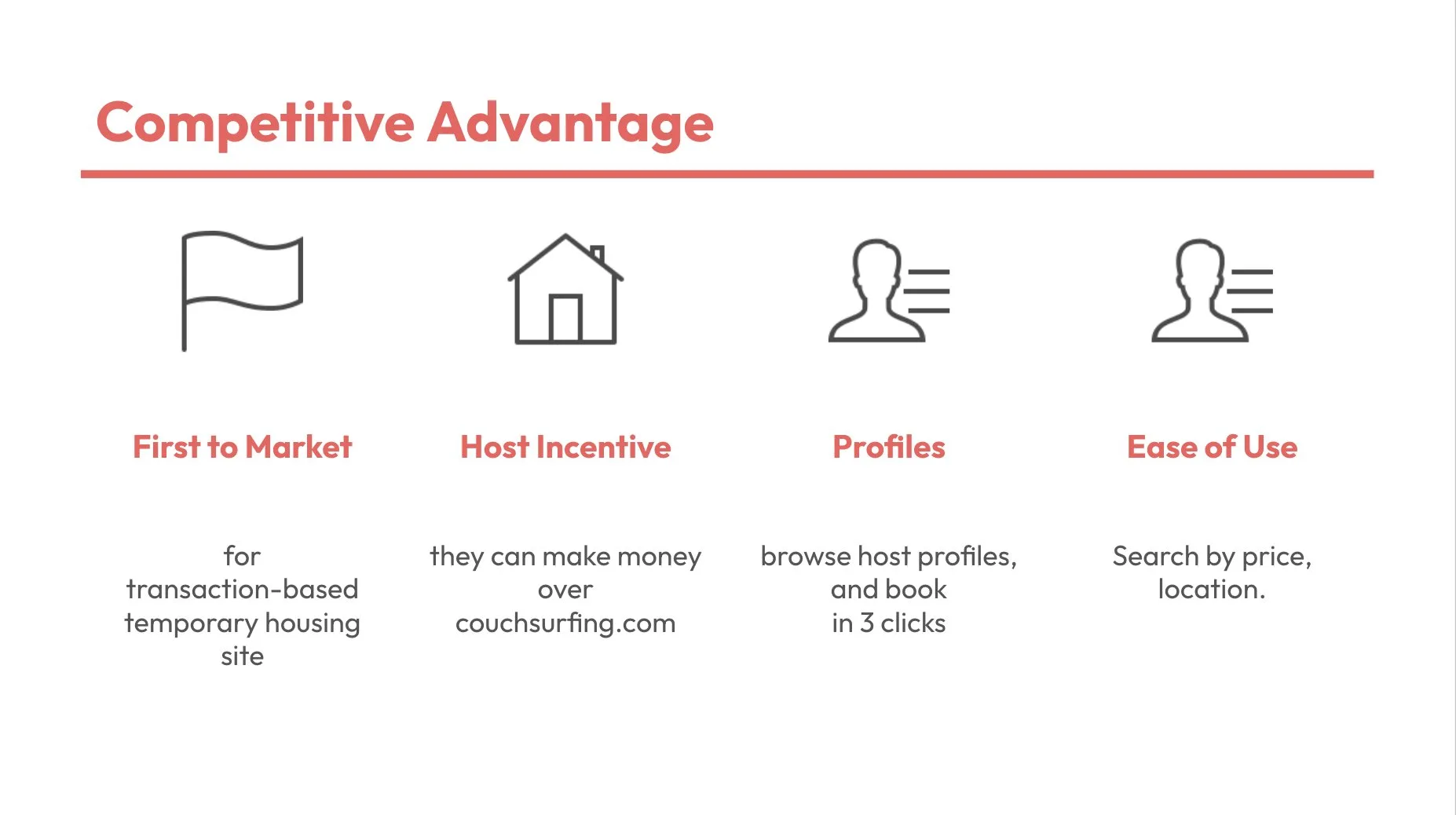
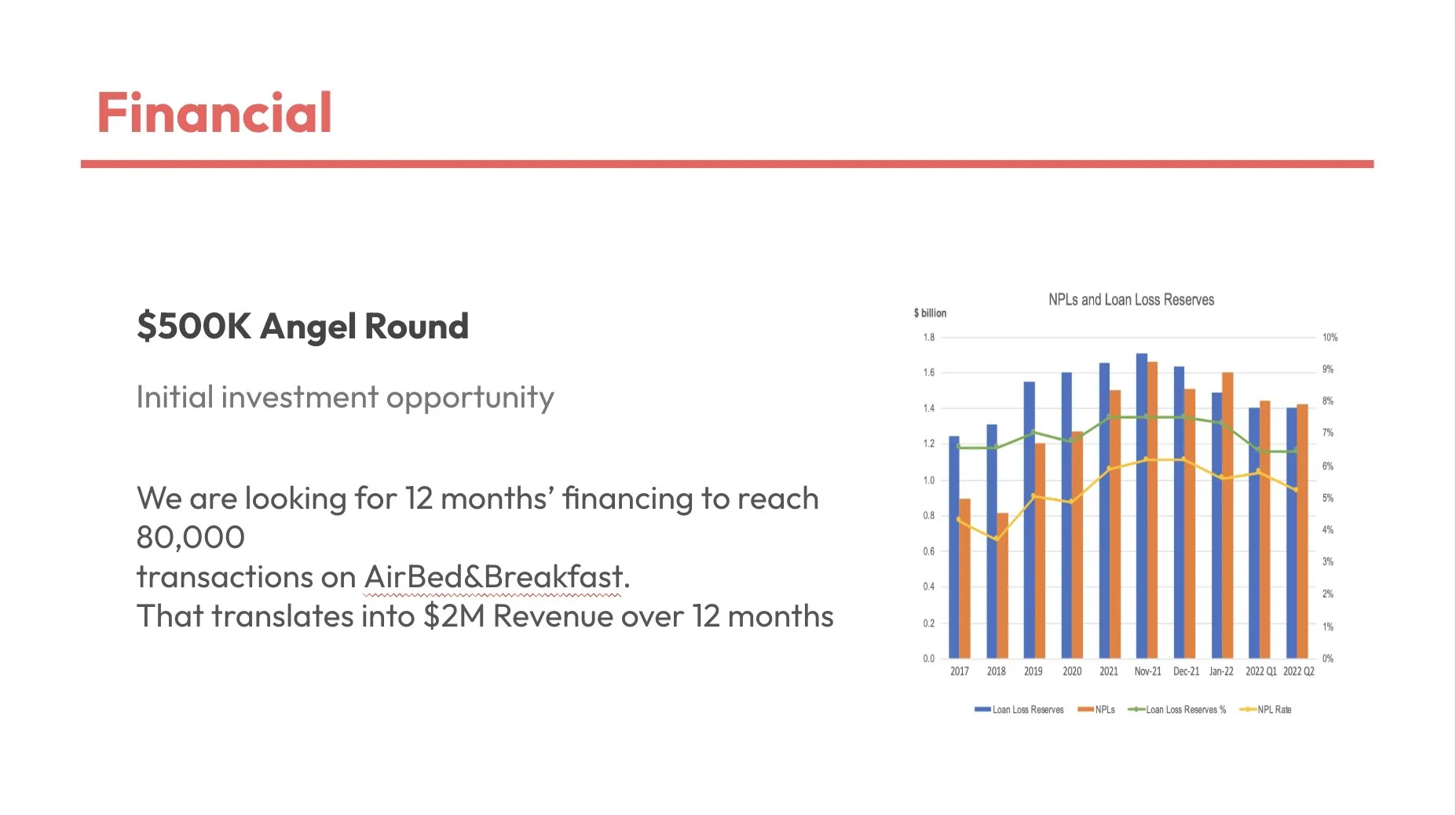
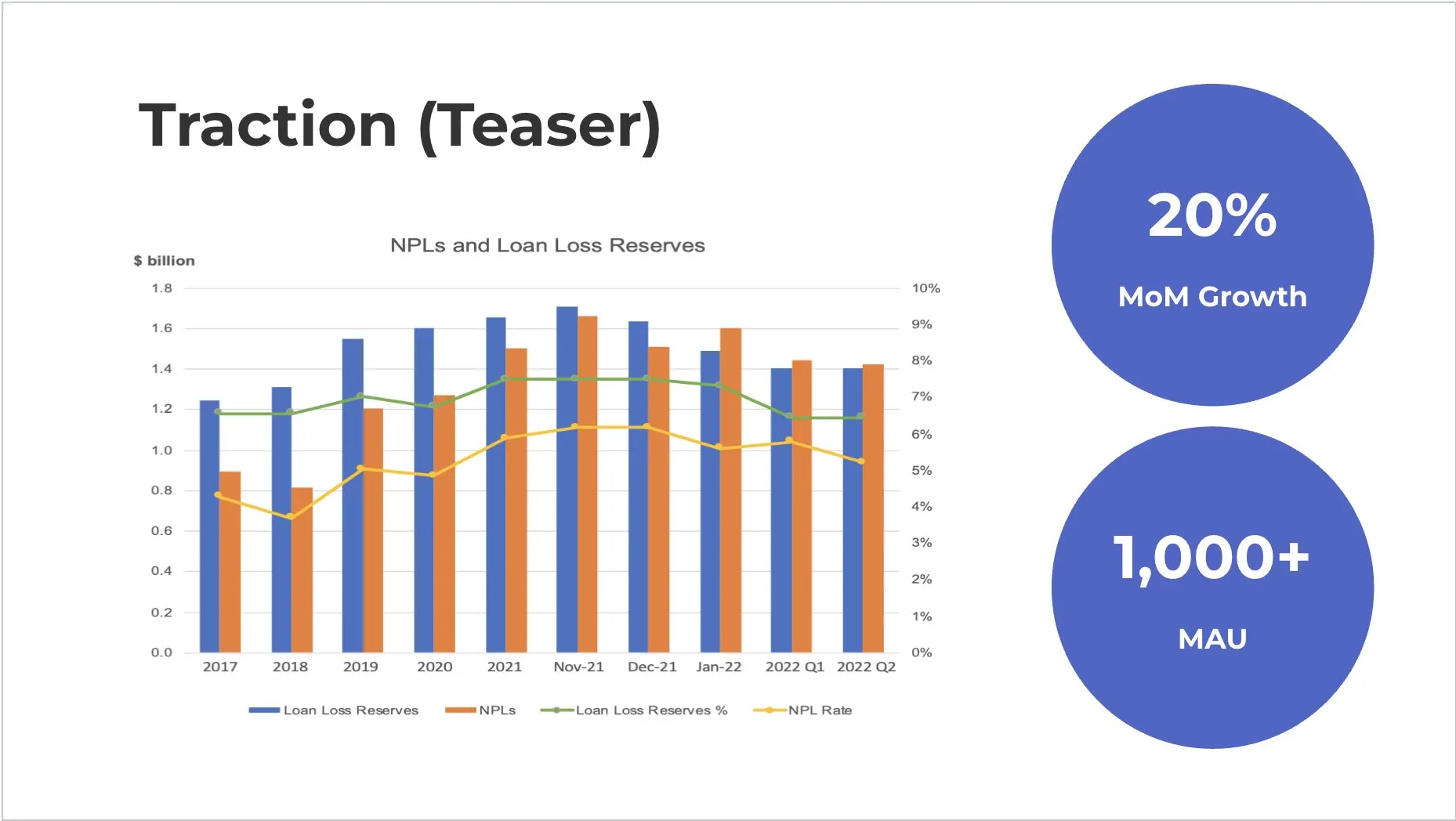
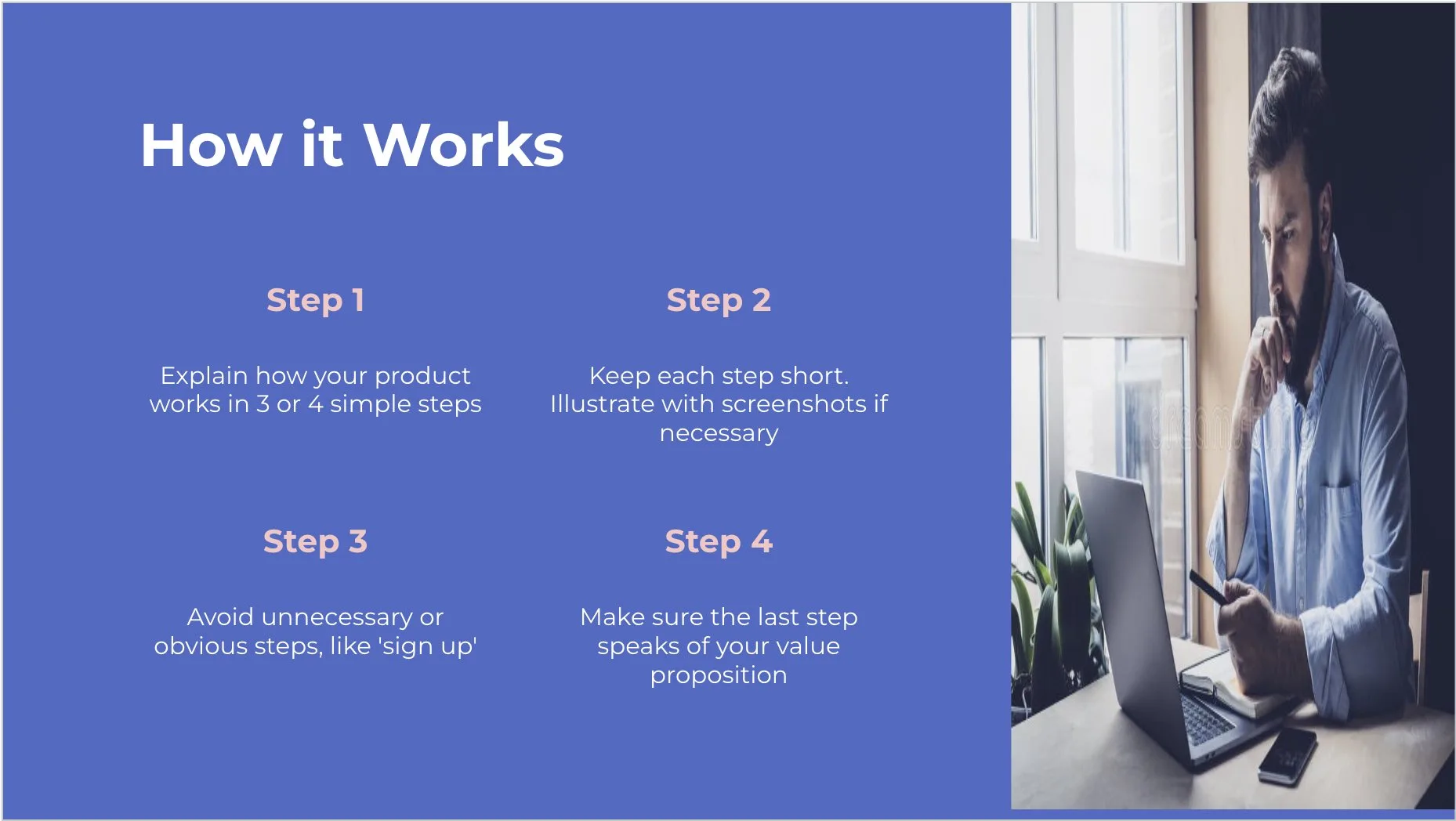
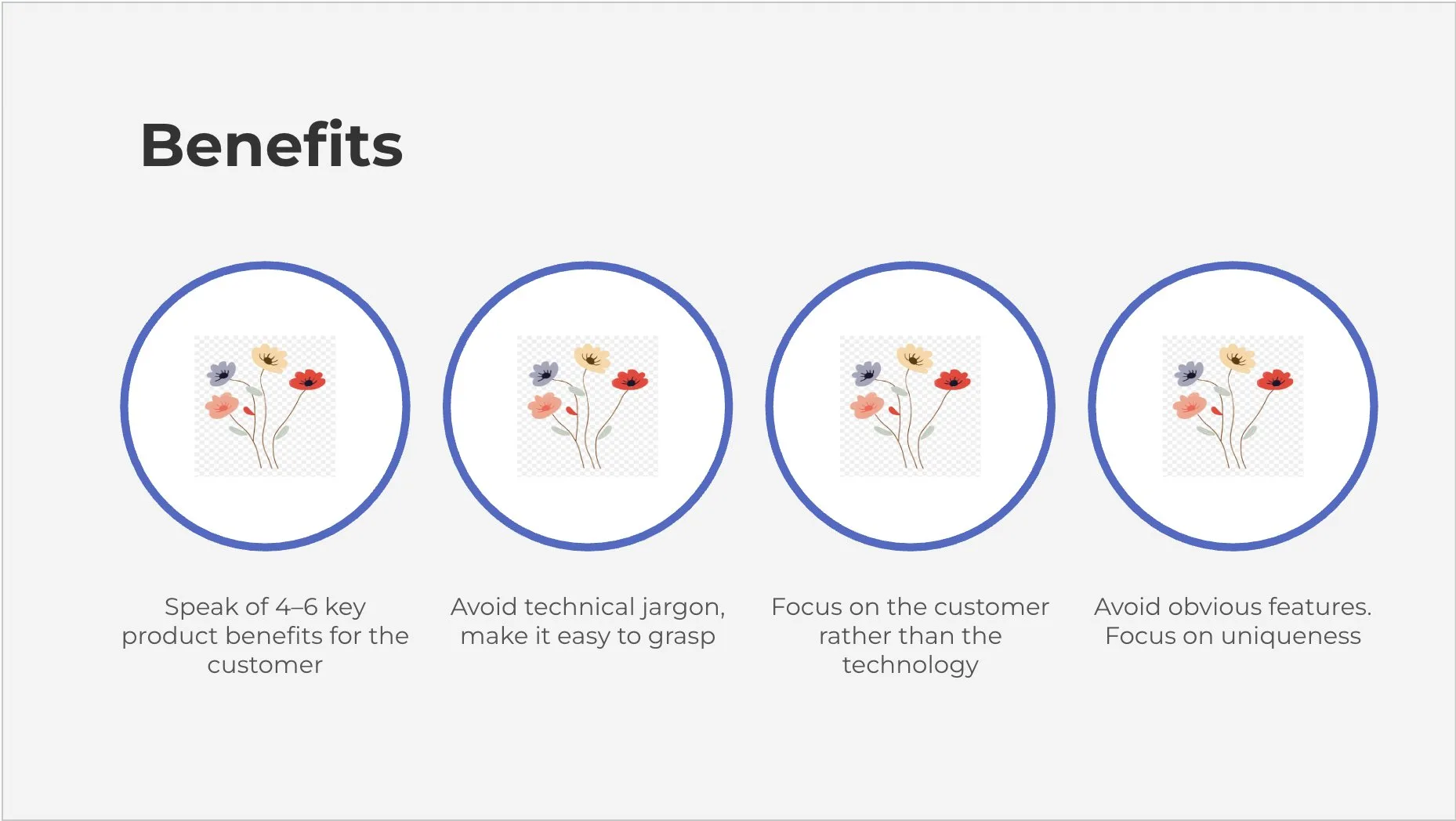
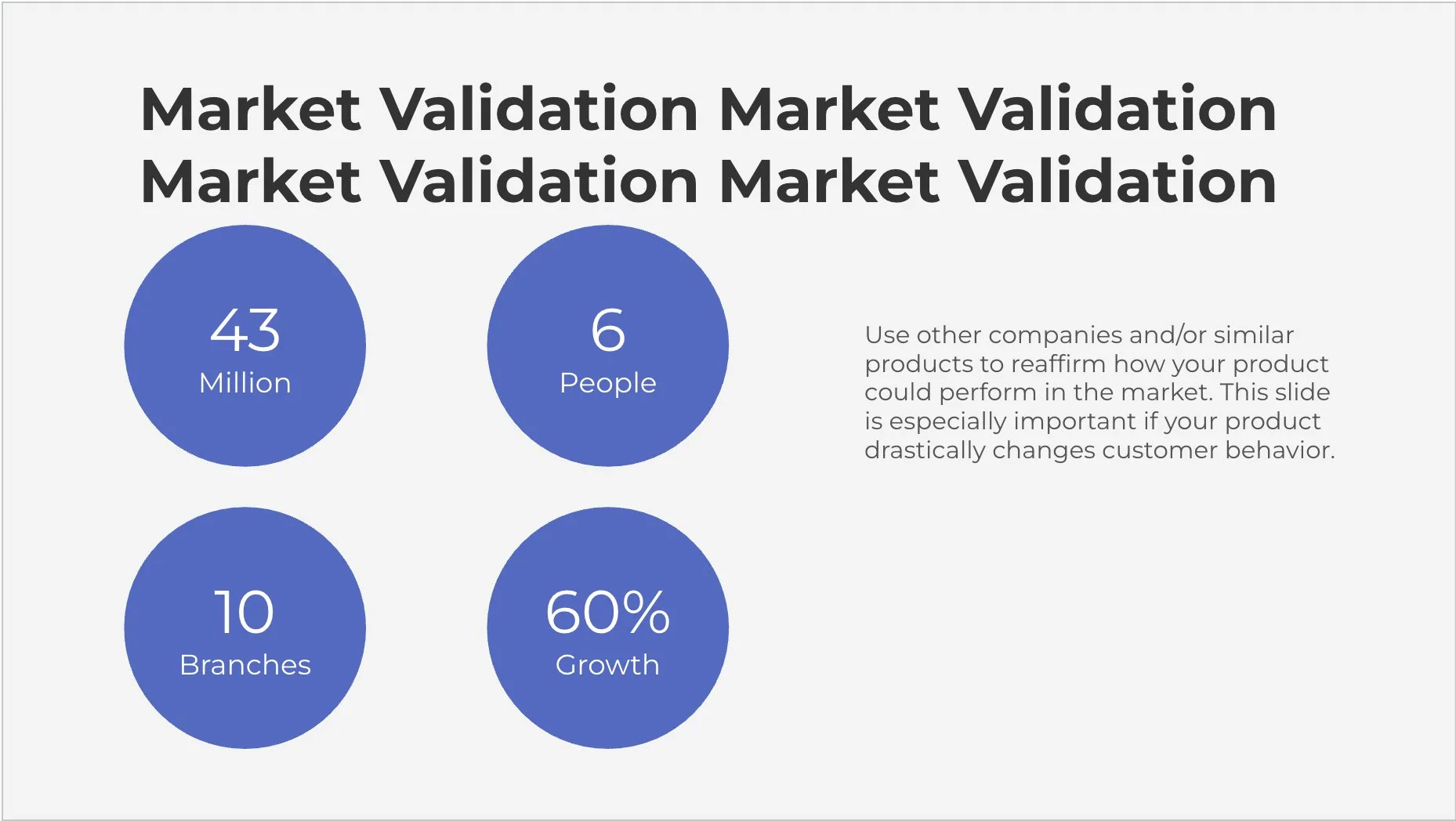
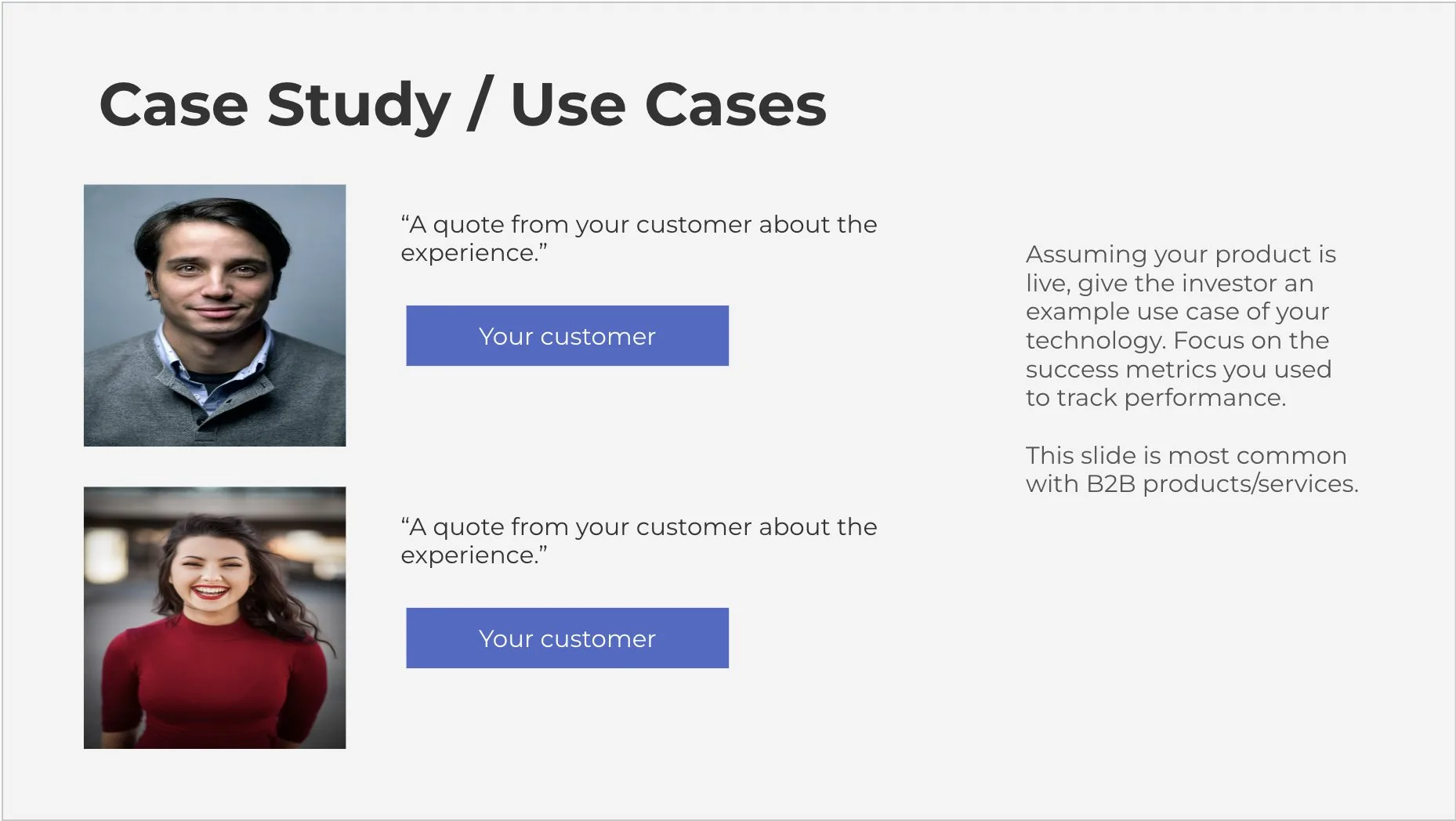
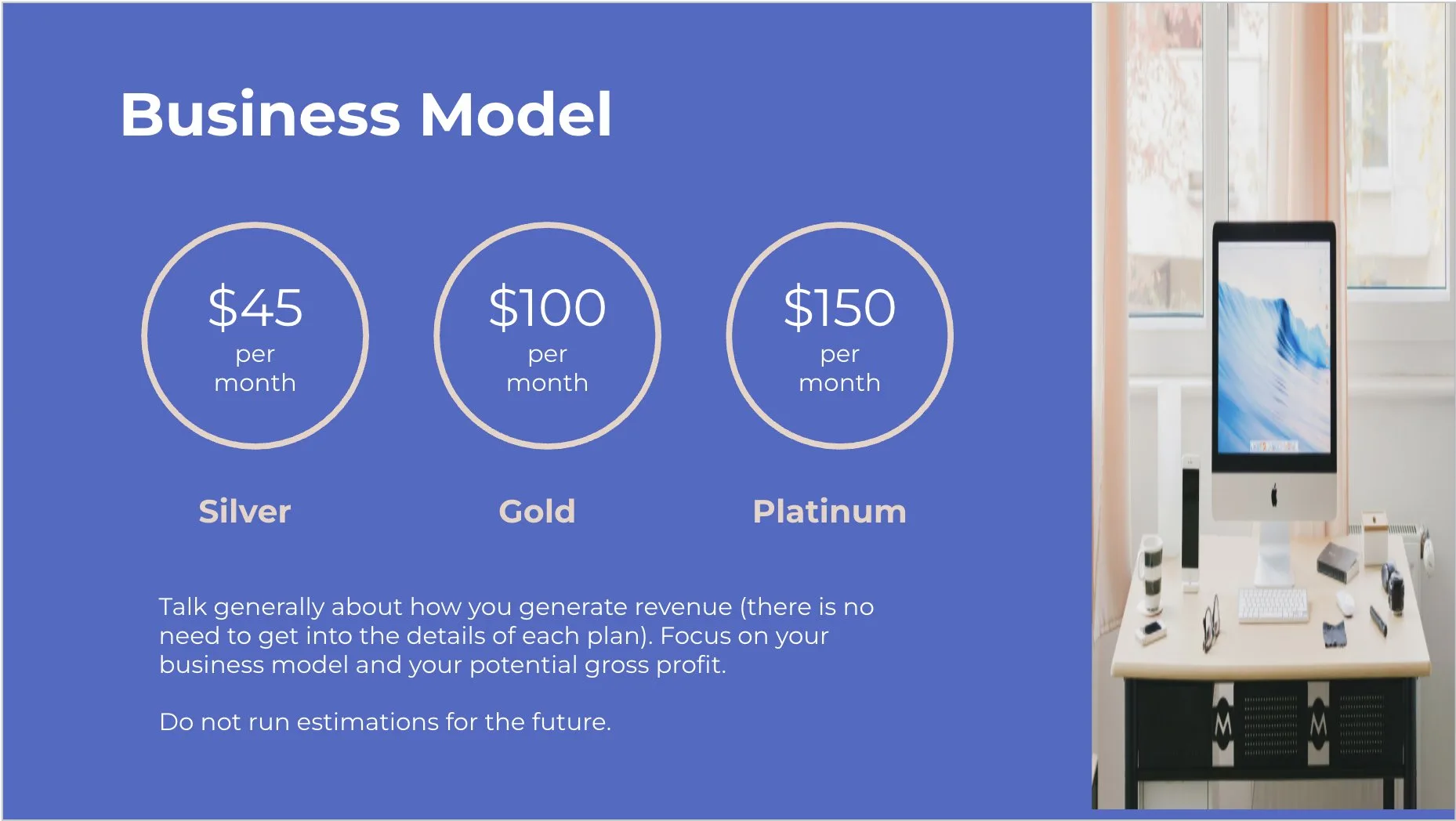
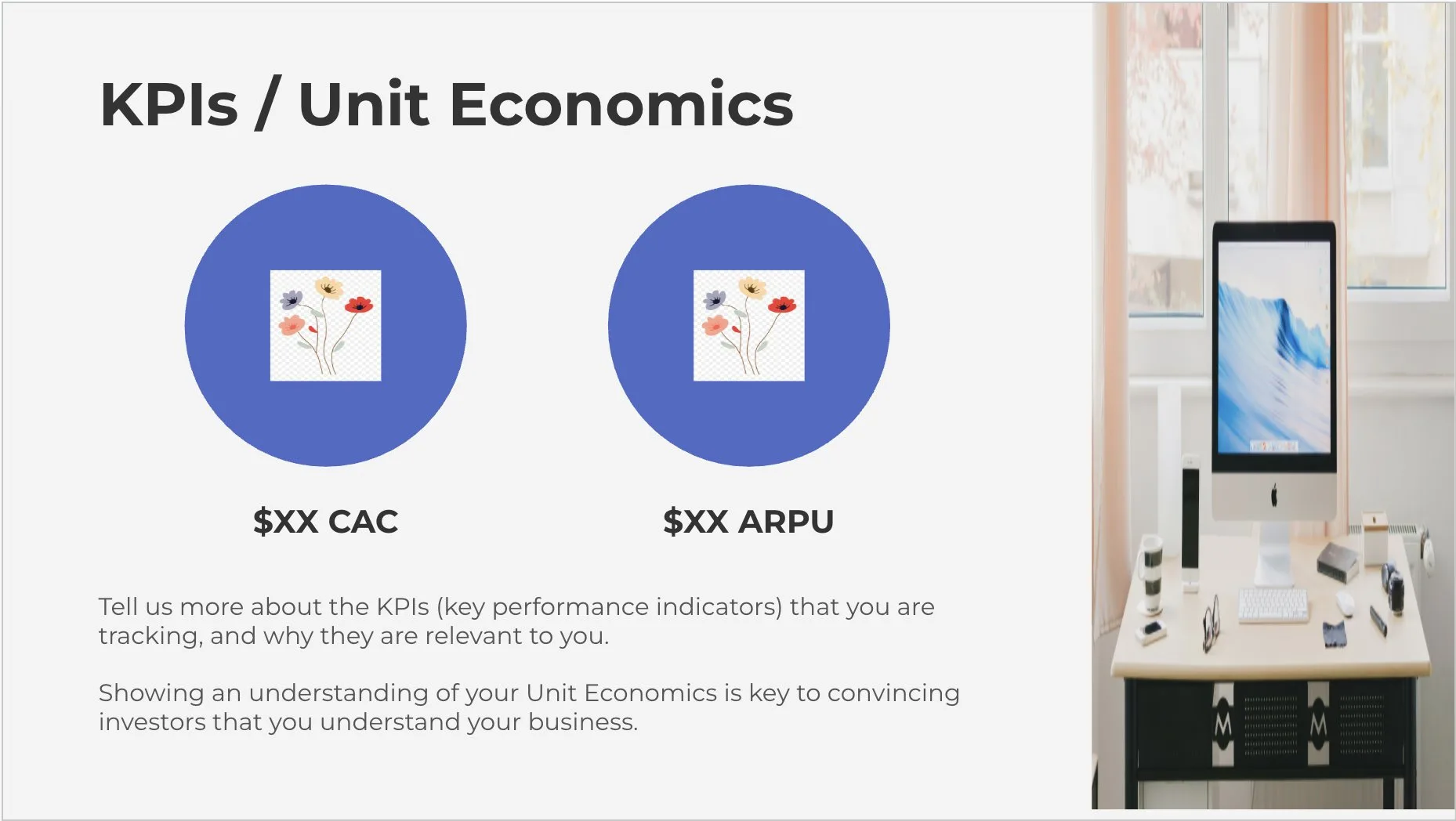
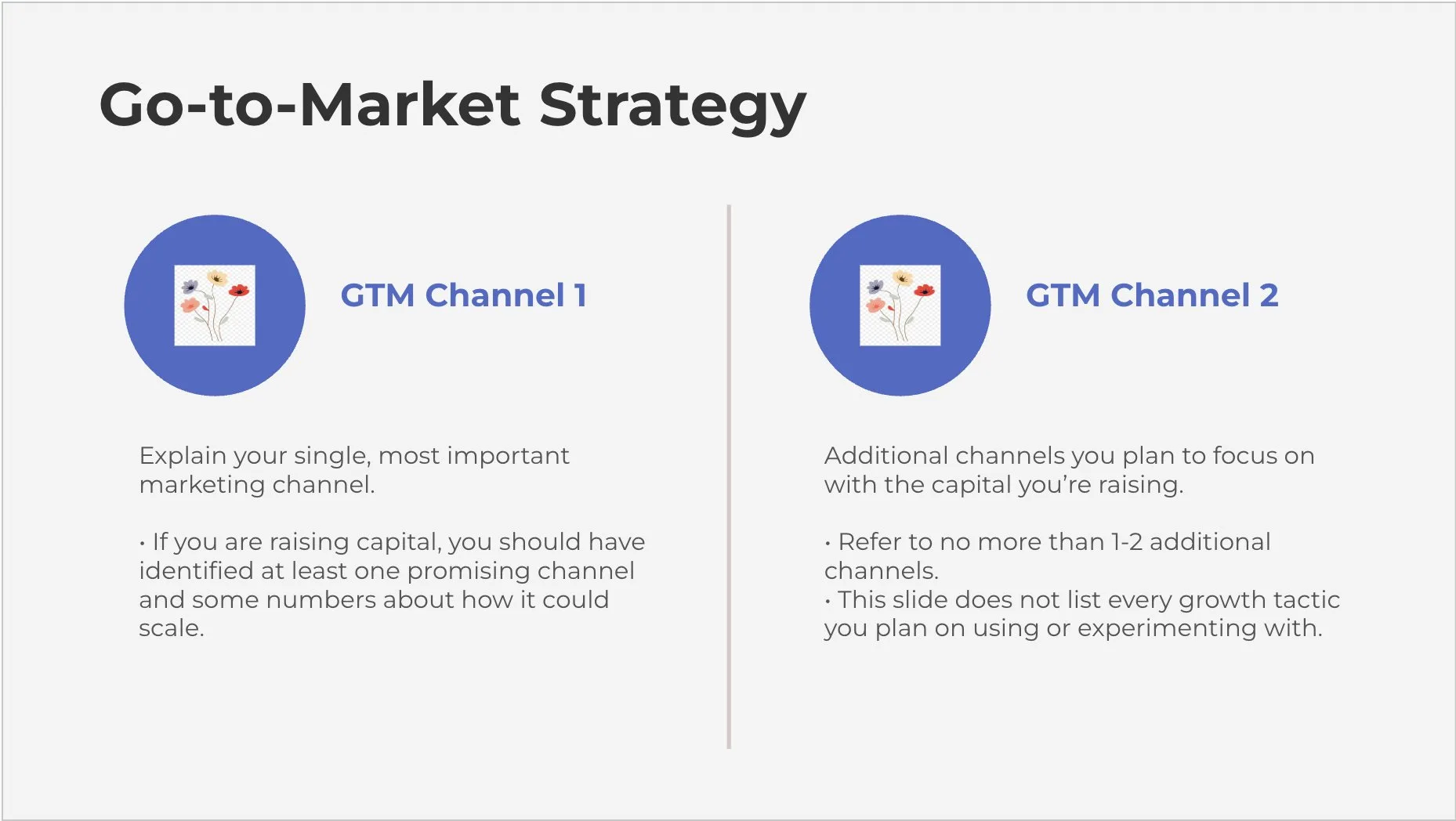
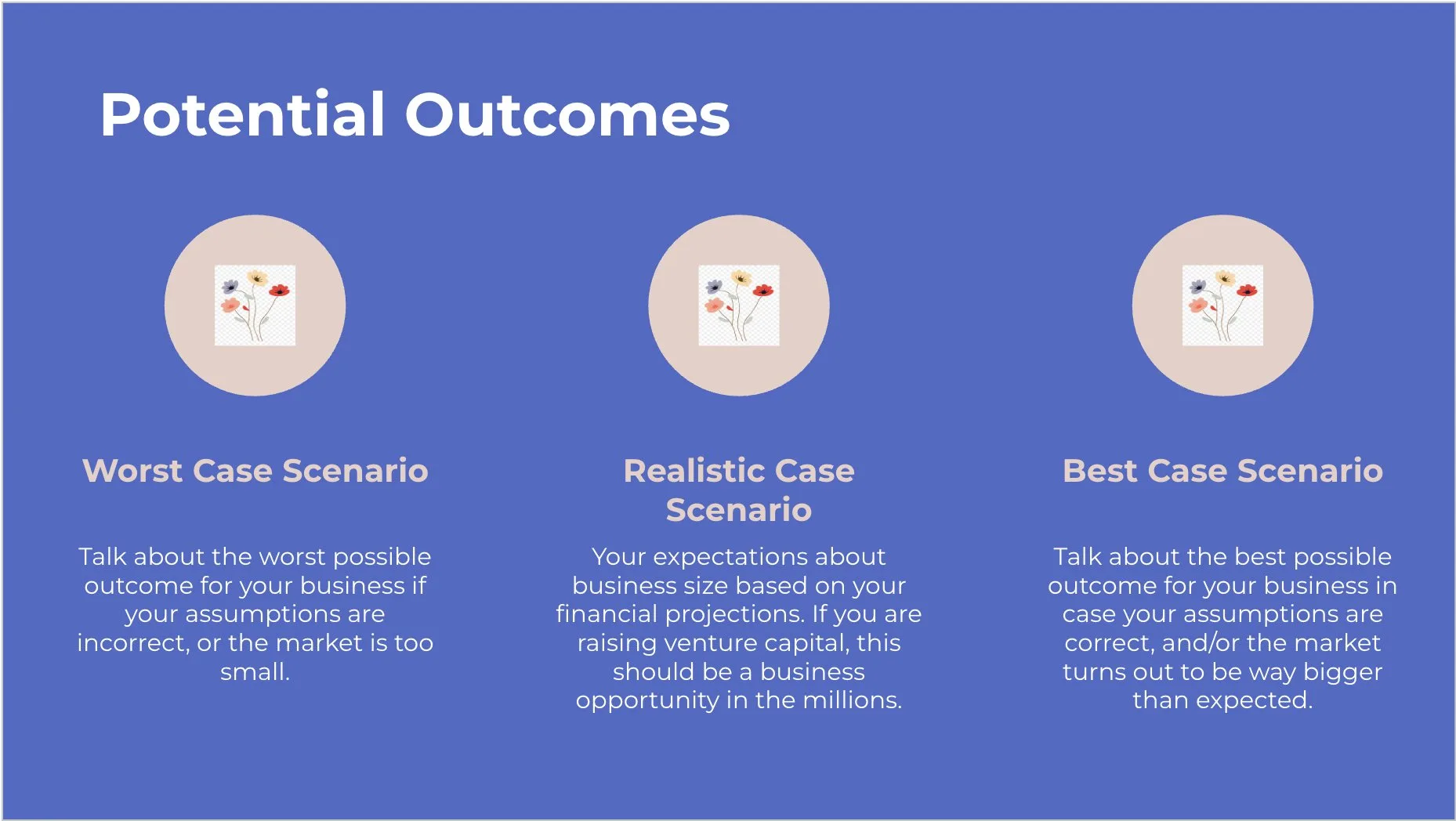
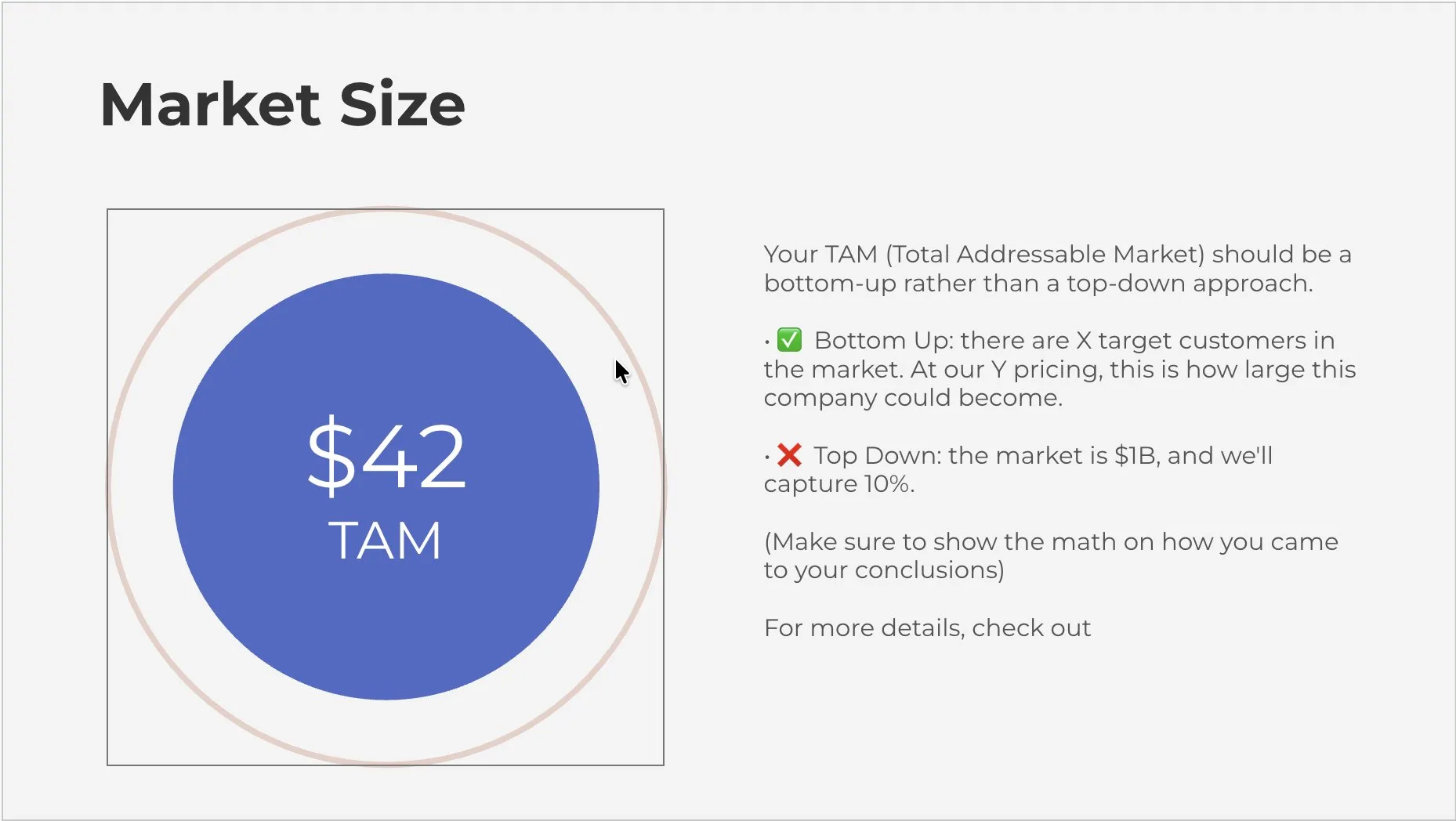
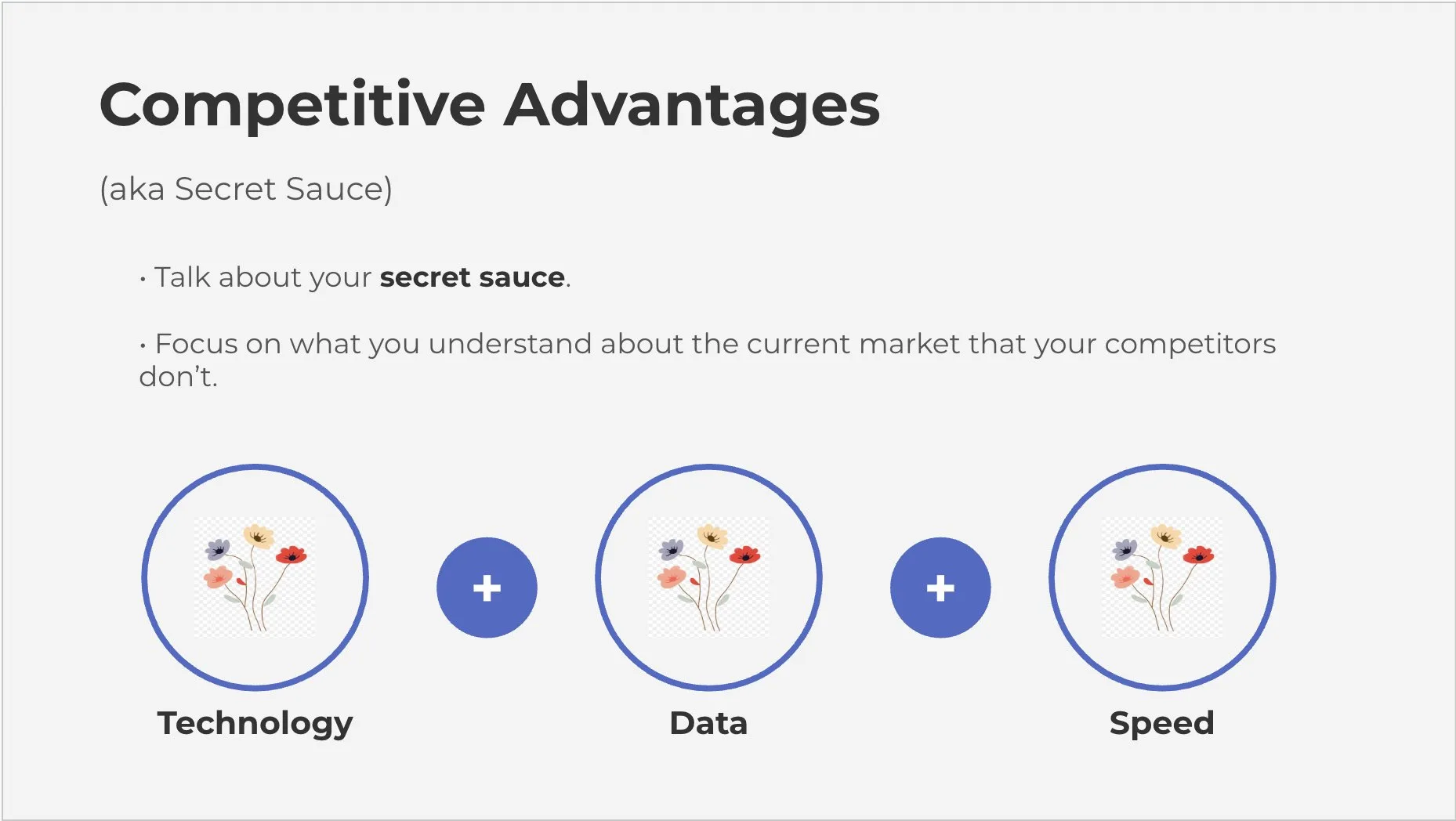
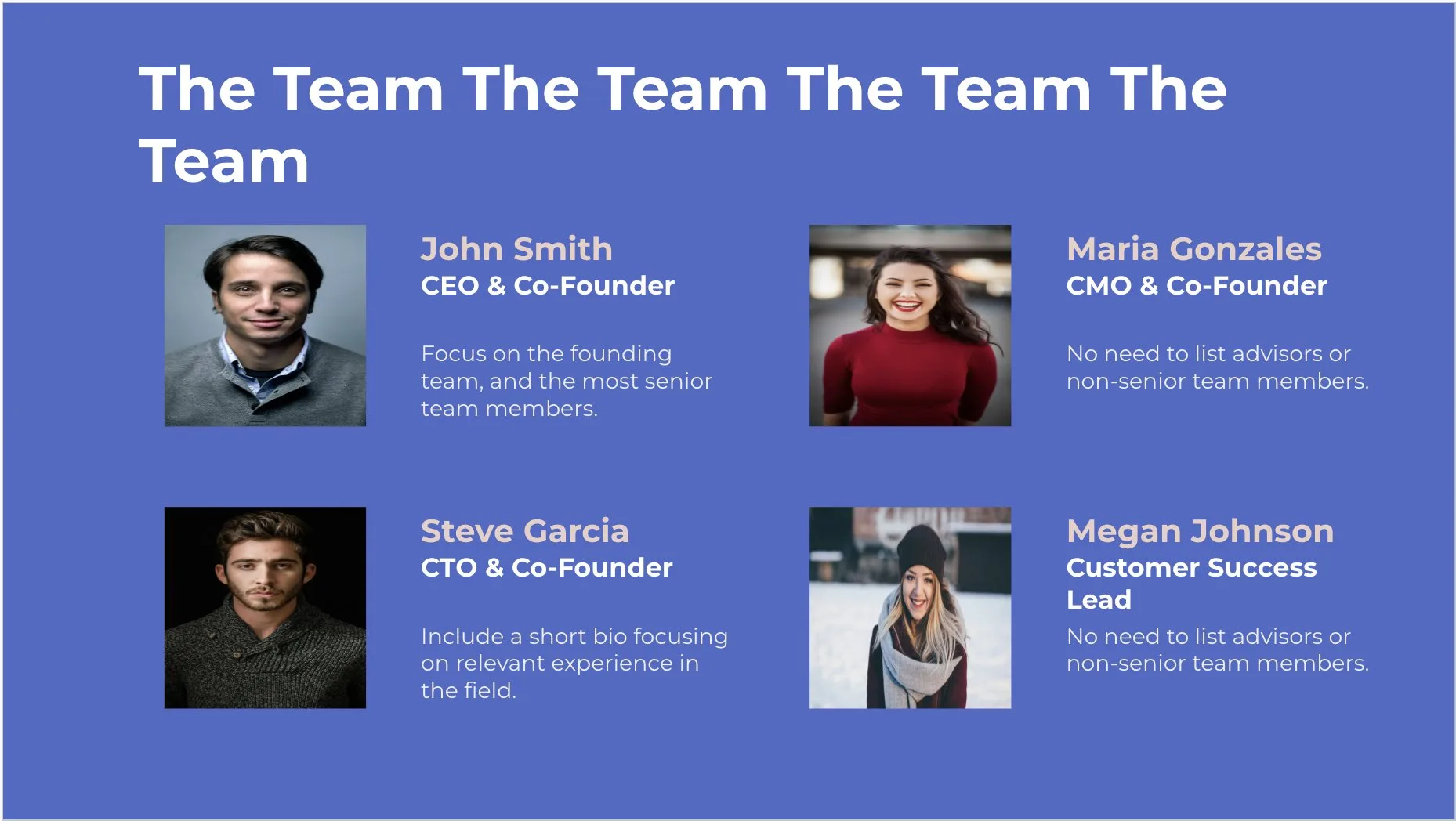
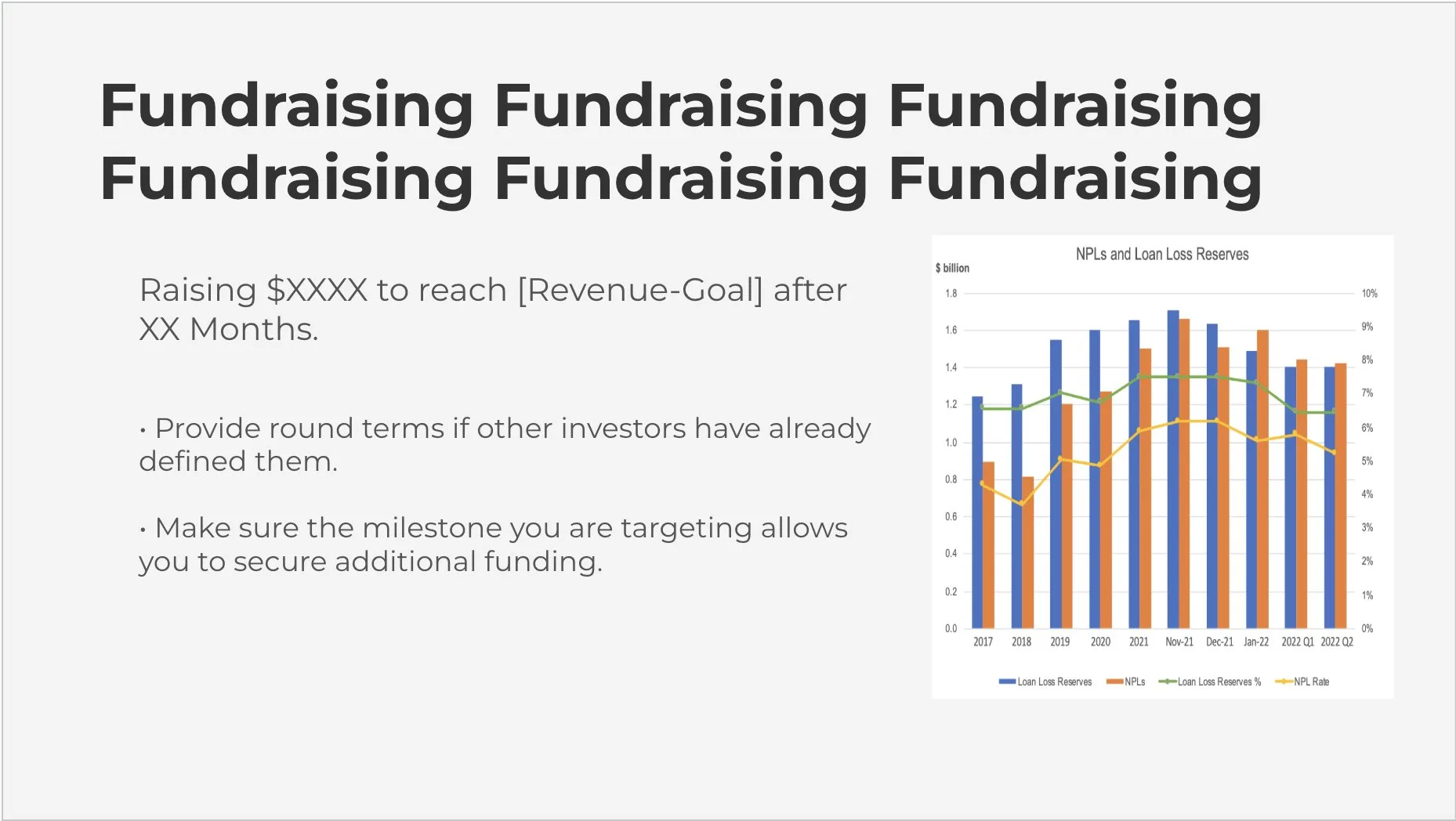
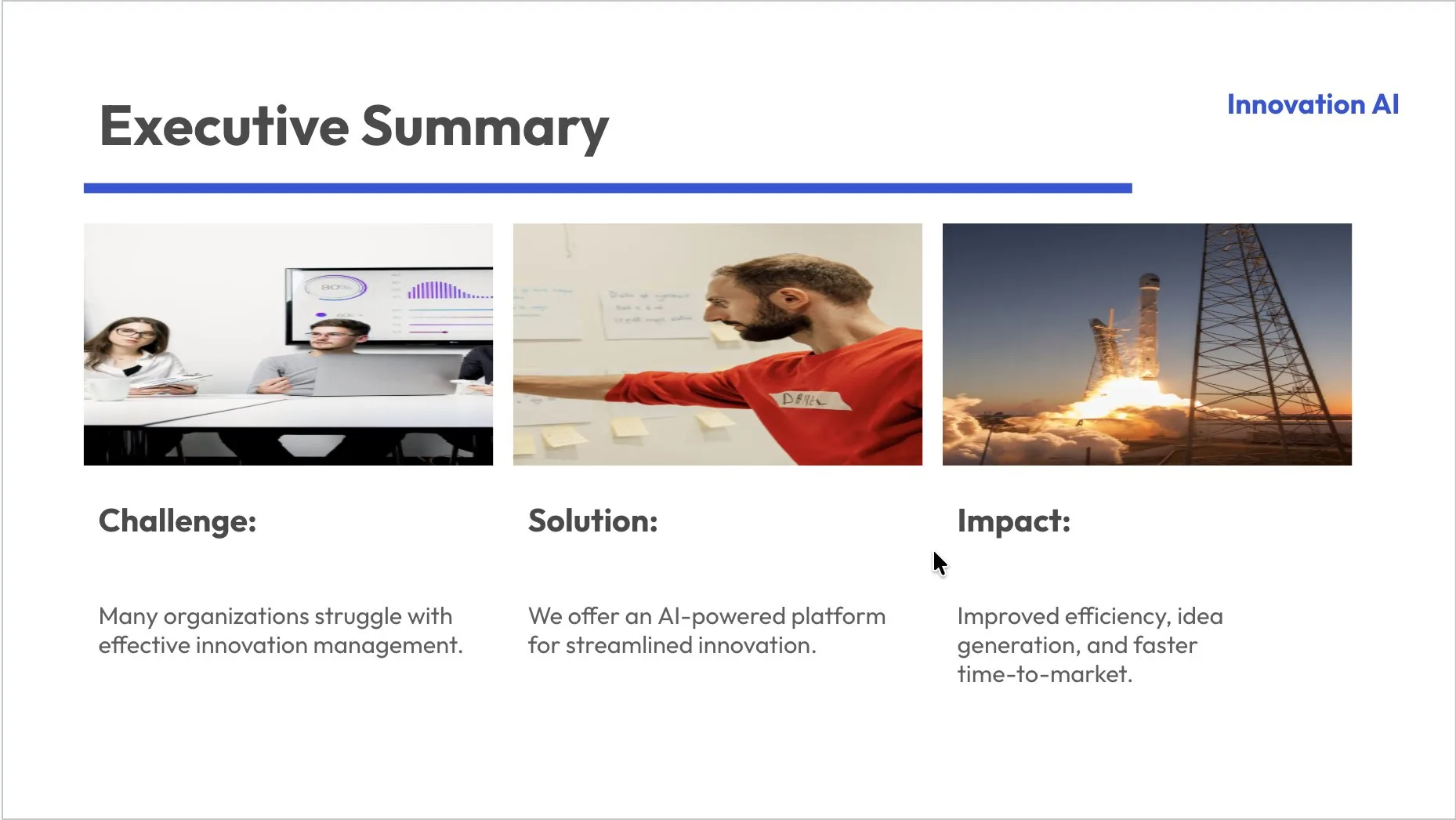
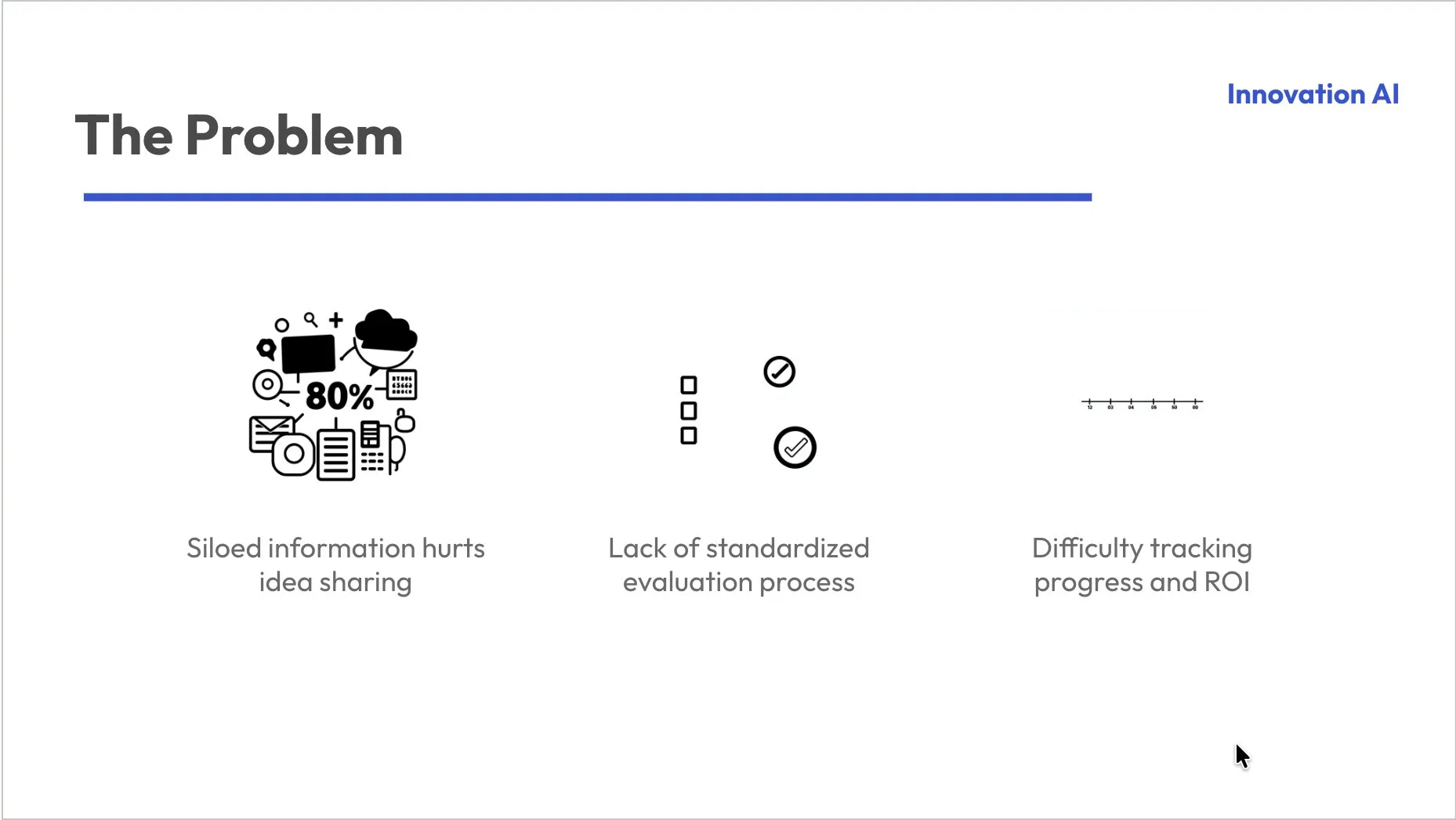
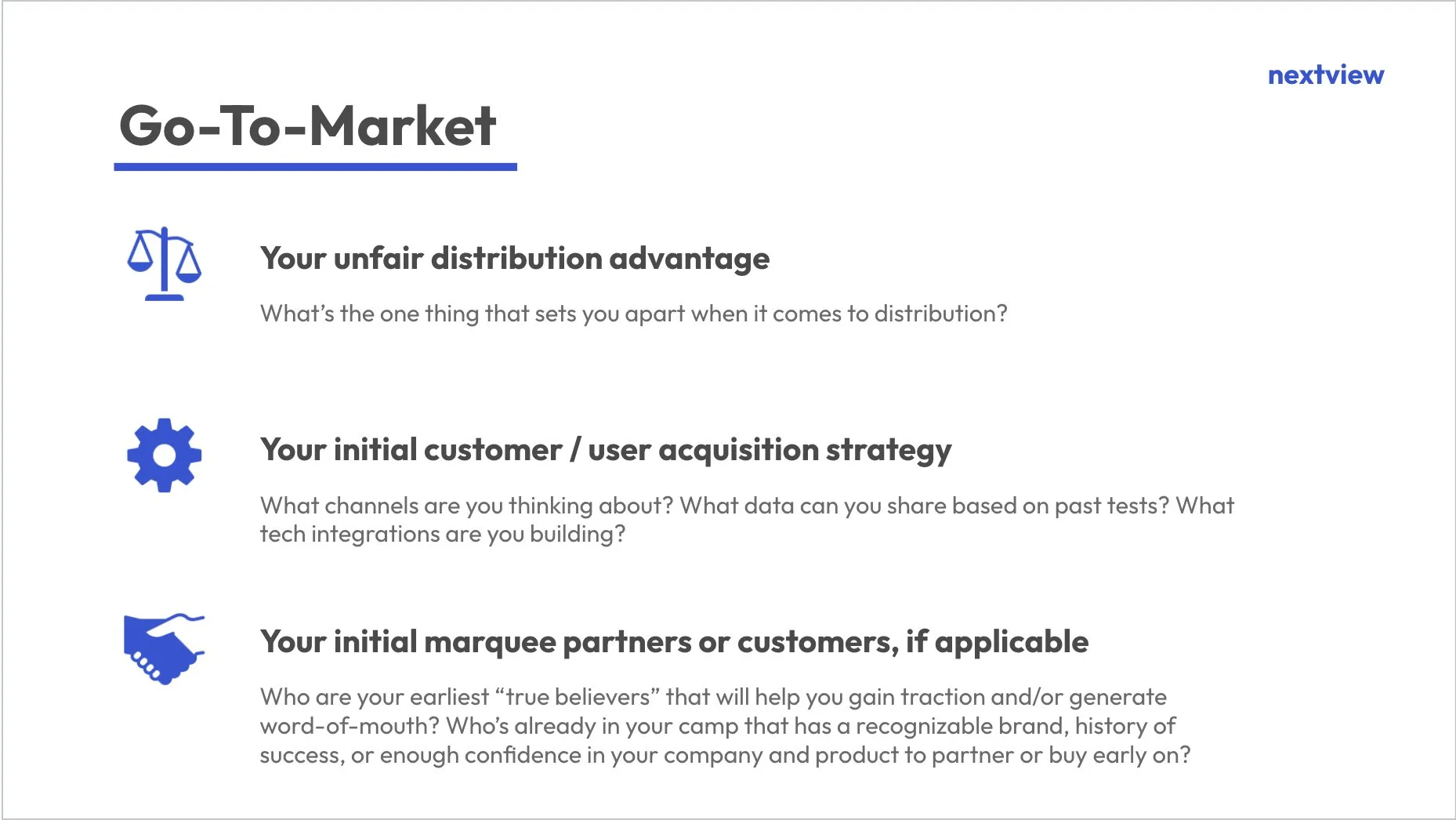
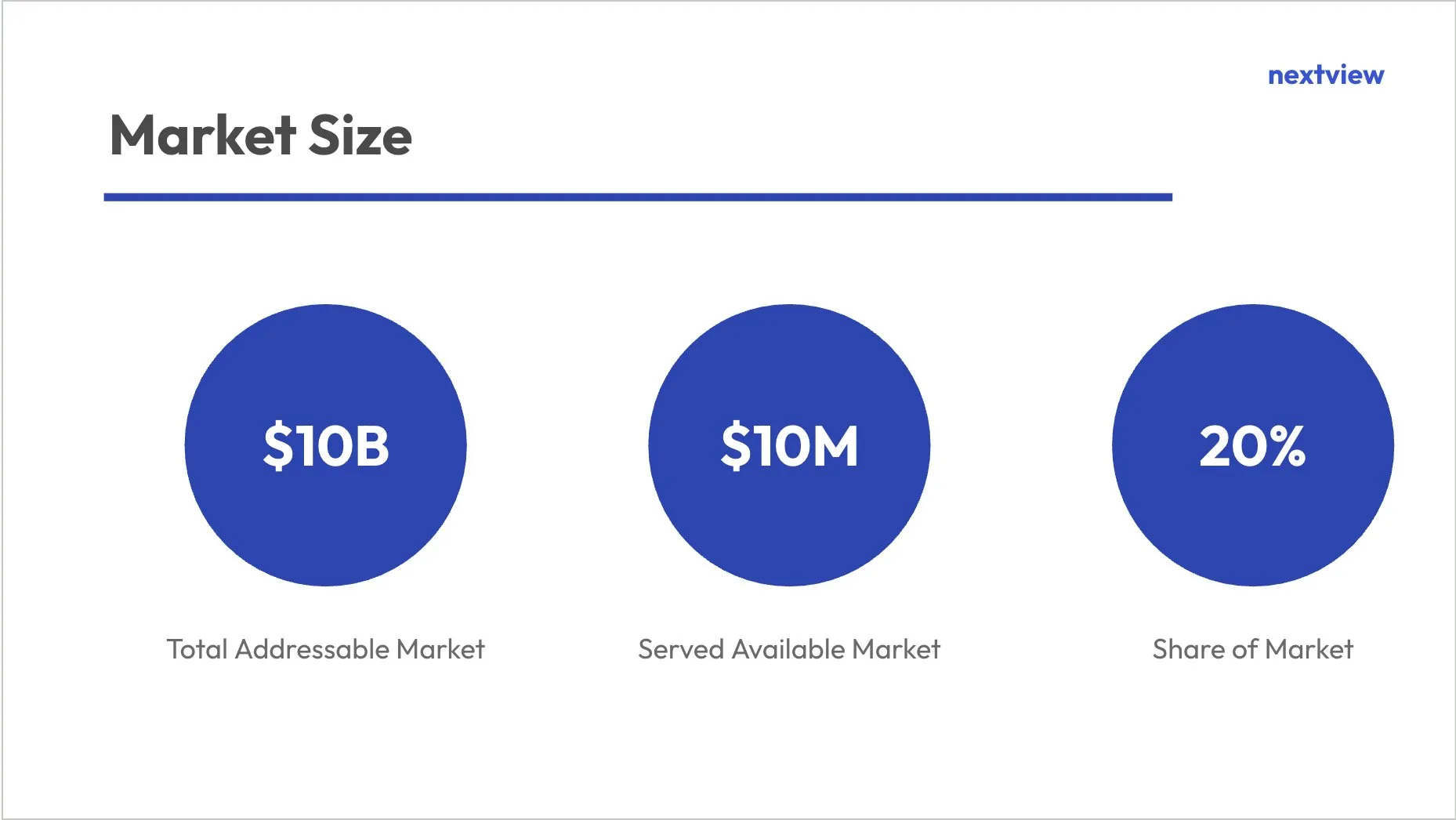
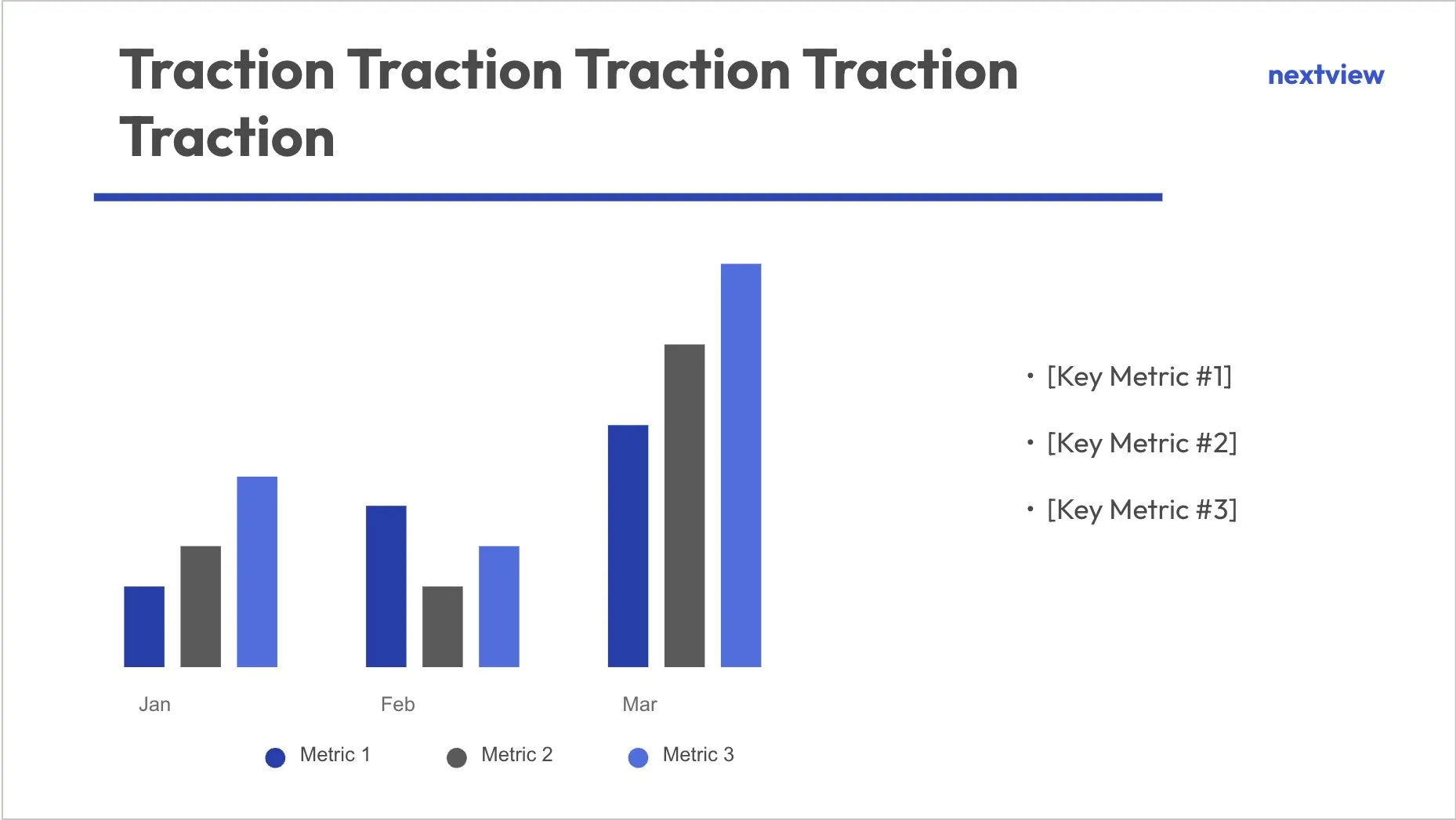
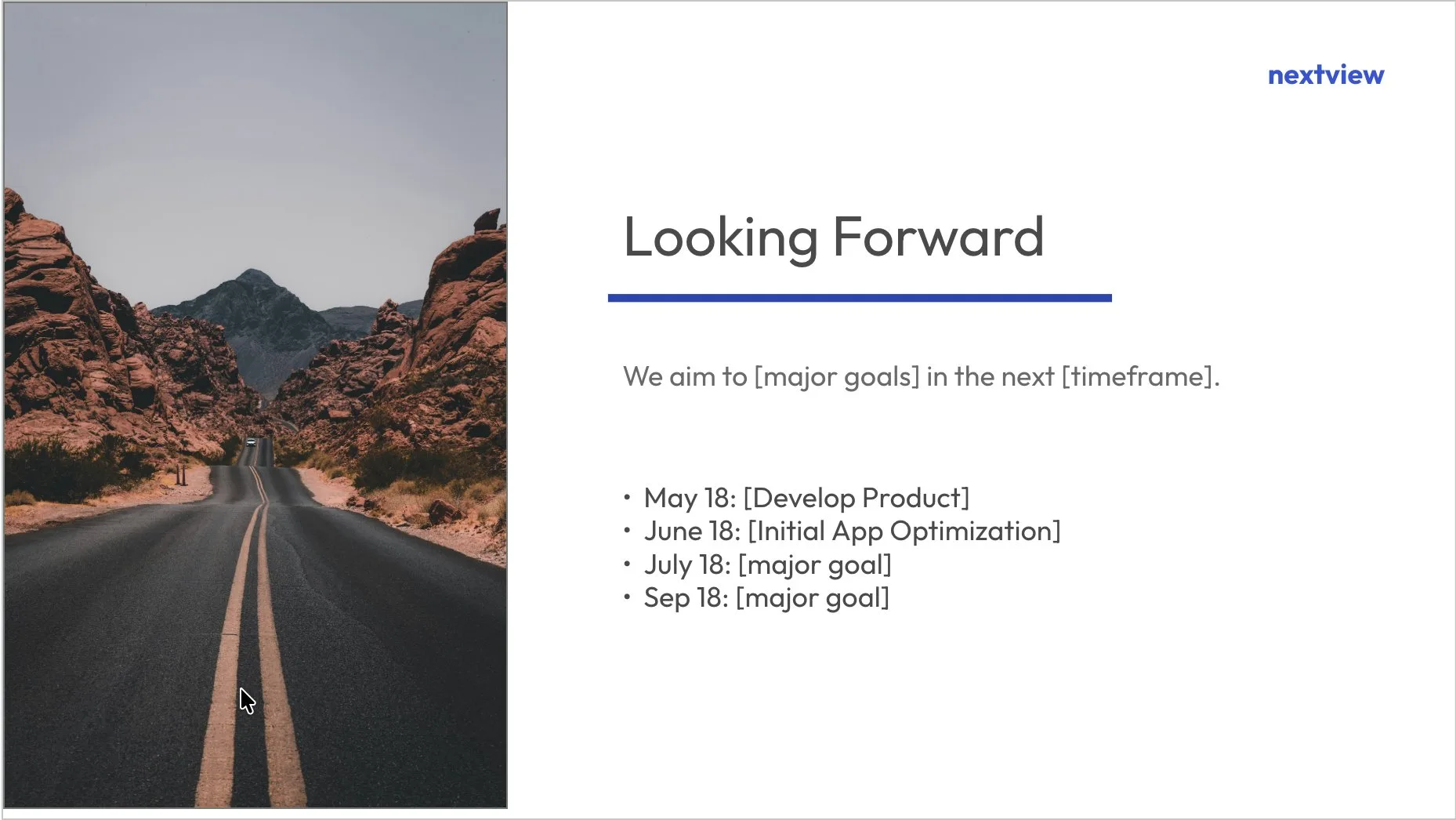
Start from a design you like
Pick a look, type your topic, and MagicSlides fills it in. Edit anything after.















Pricing
For students and occasional decks
For professionals who present weekly
For heavy, everyday use
よくある質問
MagicSlides のパワポ AI はどの言語に対応していますか?
ライセンスを購入すると、実際には何が受け取れますか?
自分の代わりに他の人が AI プレゼン作成ツールのライセンスを購入できますか?
サポートはどのように提供され、何が含まれますか?
料金における「ユーザー」とは何を指しますか?
MagicSlides の AI プレゼン作成ツールは Google Slides と PowerPoint の両方で使えますか?
AI プレゼン作成ツールを使うとき、データの安全性は保たれますか?
AI が生成したあとにスライドをカスタマイズできますか?
パワポ AI で既存のプレゼン資料を更新・改善できますか?
AI プレゼン作成ツールについて、お探しの答えが見つかりませんか? こちらまでメールをお送りください: support@magicslides.app, 喜んでサポートいたします。