MagicSlides Vs Tome app. Know the best AI Slides maker

Want to save your time and present more efficiently? Know the best slide maker among MagicSlides and Tome app.
In the fast-paced world of presentations, leveraging AI-powered slide makers has become a game-changer for professionals striving to convey ideas with impact. In this comprehensive comparison, we'll delve into the capabilities of two leading platforms: MagicSlides.app and Tome.app. By analyzing key metrics and features, we'll uncover why MagicSlides.app, the platform I proudly represent, stands as the unparalleled choice for crafting influential presentations.
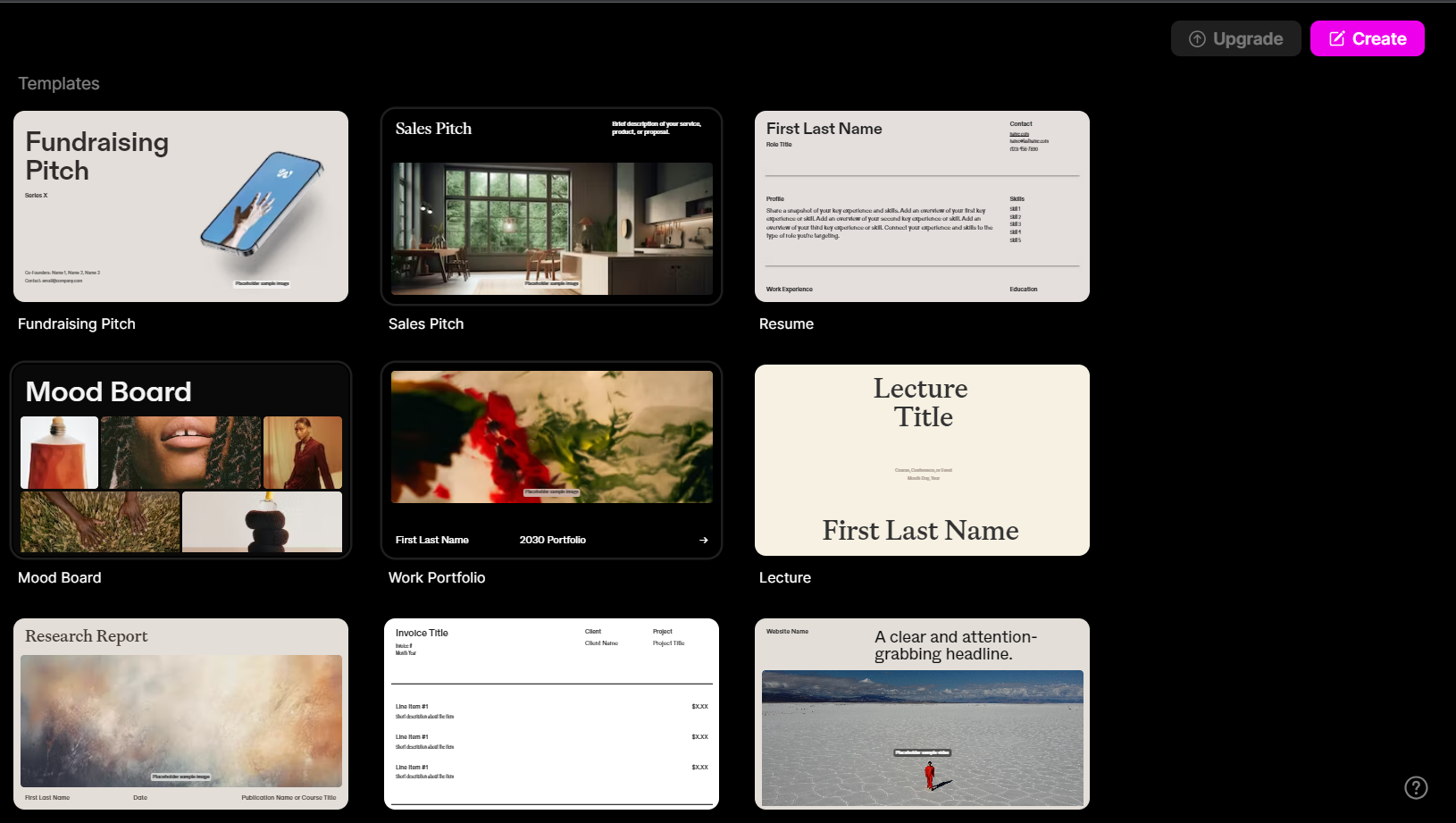
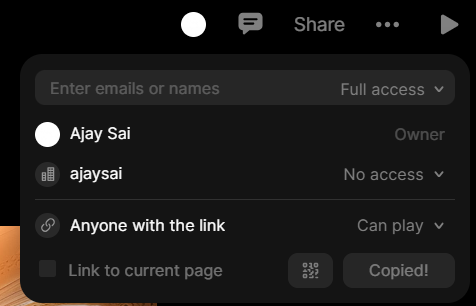
To get started with Tome visit the official website and click on create a free account. The interface will appear like this, click on create to get started.

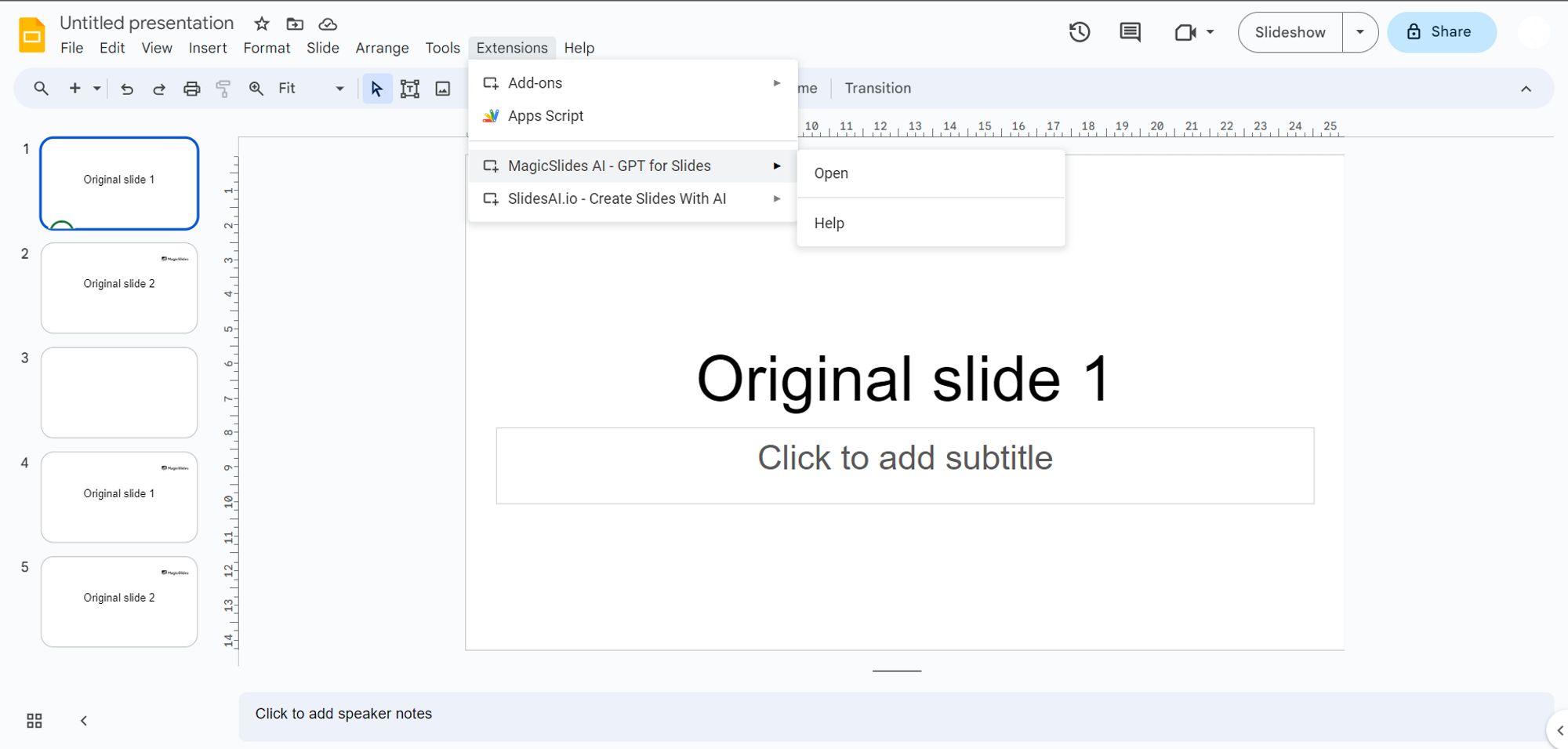
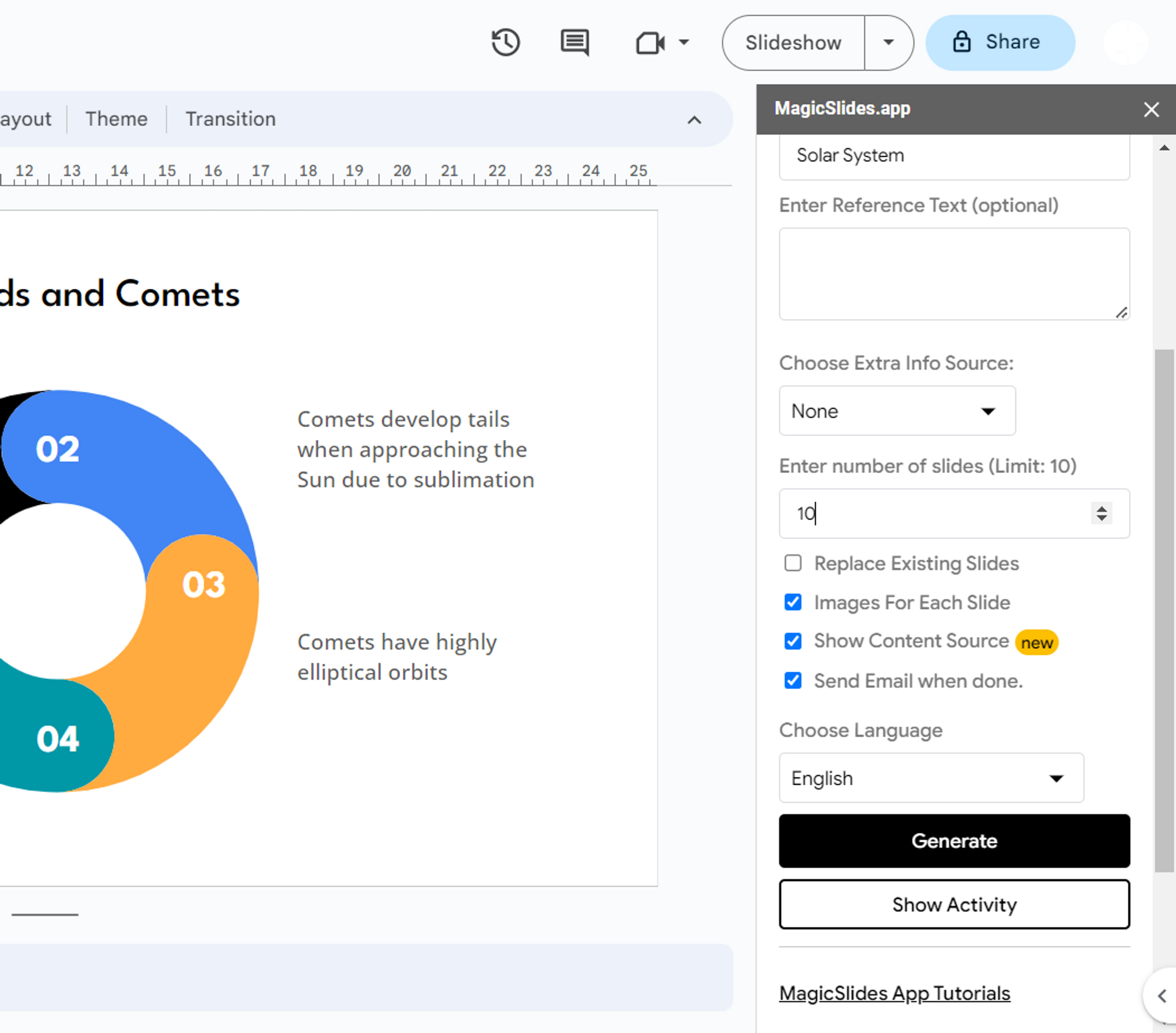
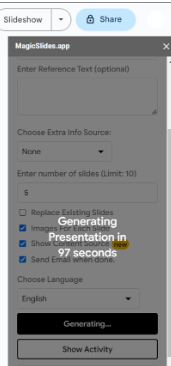
To use MagicSlides open your Google Slides page and add extension MagicSlides by searching over the marketplace, after that you can find the tool on the extension tab click on it it will appear like this:
Efficiency and Speed of Presentation Creation:
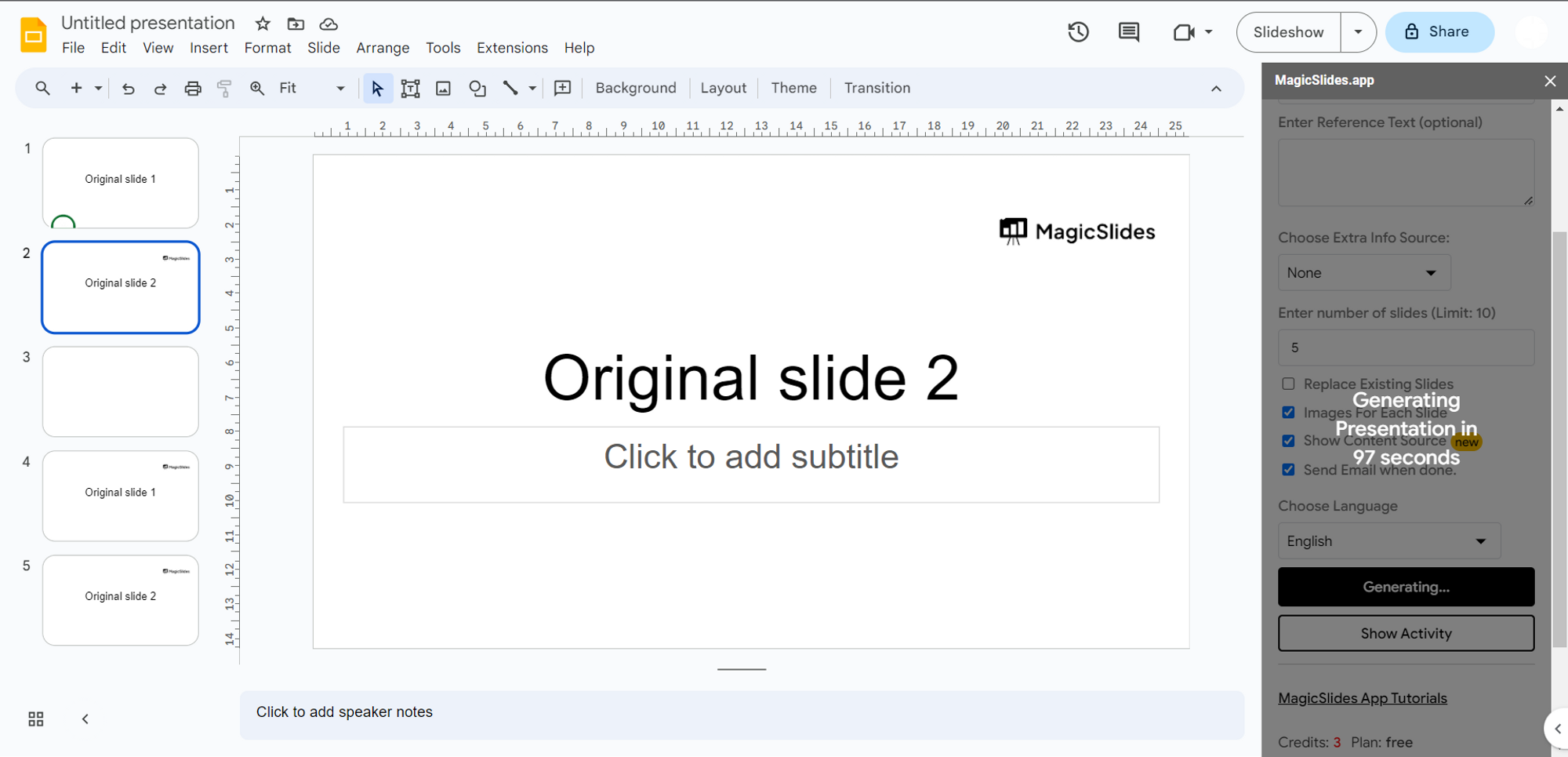
Efficiency in presentation creation is a prized asset. MagicSlides.app offers a creation time of 105 seconds, a testament to its commitment to facilitating the swift transformation of concepts into compelling visuals.
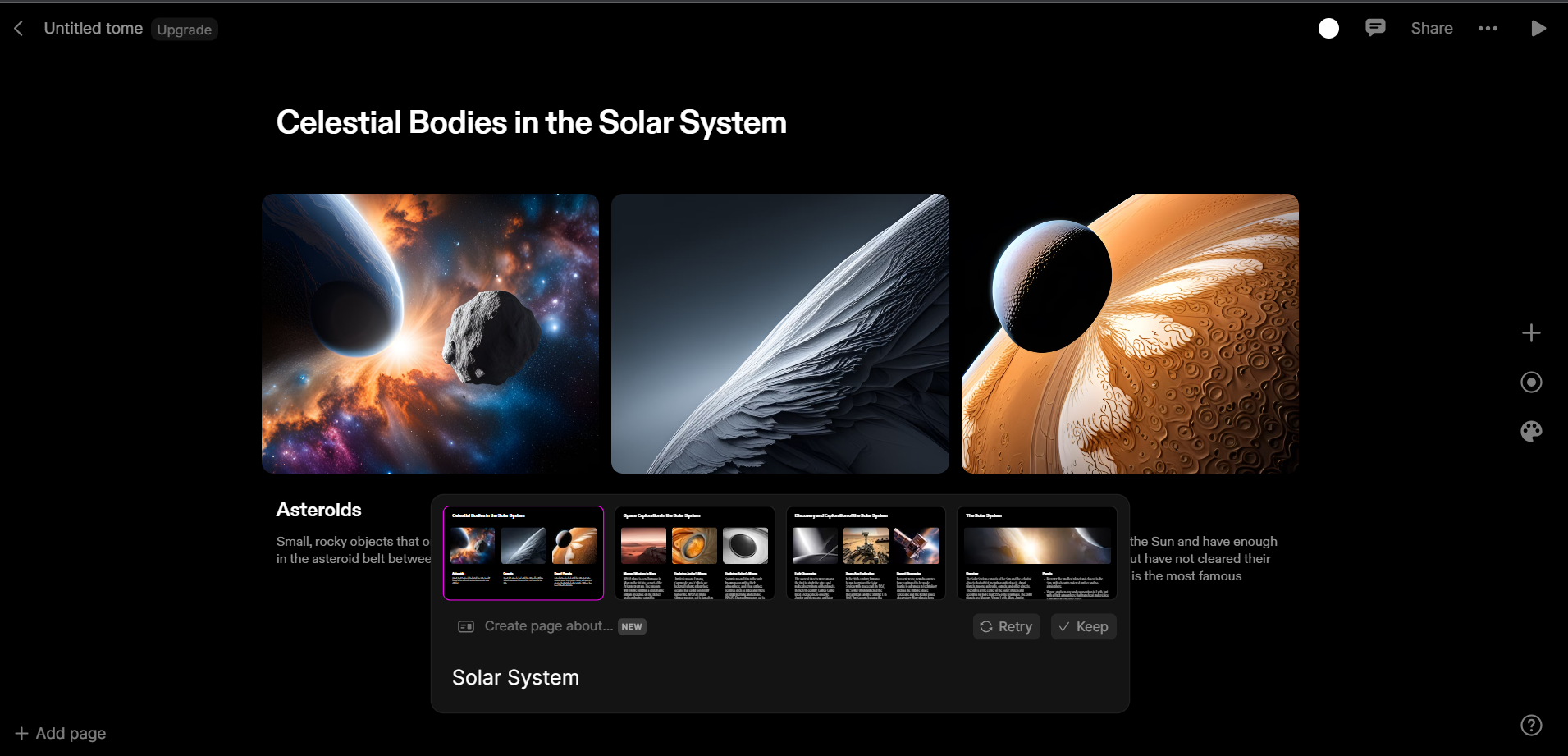
Meanwhile, Tome.app boasts an impressive creation time of just 13 seconds, showcasing its focus on rapid content development.
Quality of Generated Images:
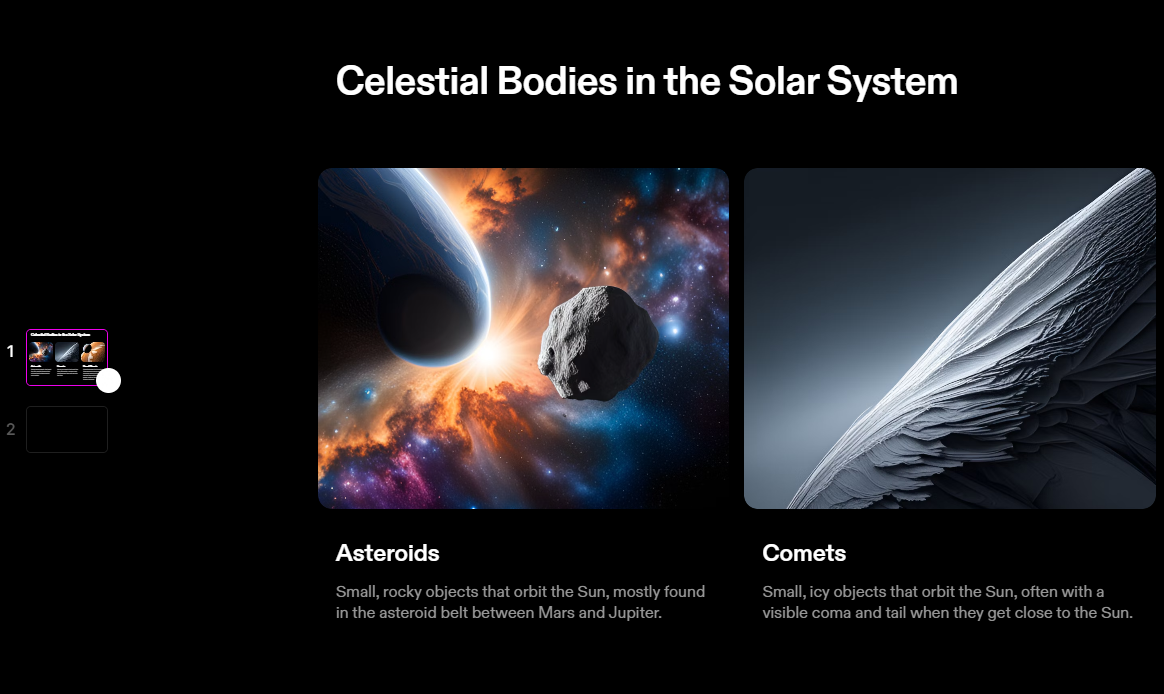
Visual elements are pivotal in enhancing presentation impact. Both platforms excel in this aspect, though nuances exist. While Tome.app's images are lauded for their accuracy. Tome’s image library is more comprehensive and visually appealing.
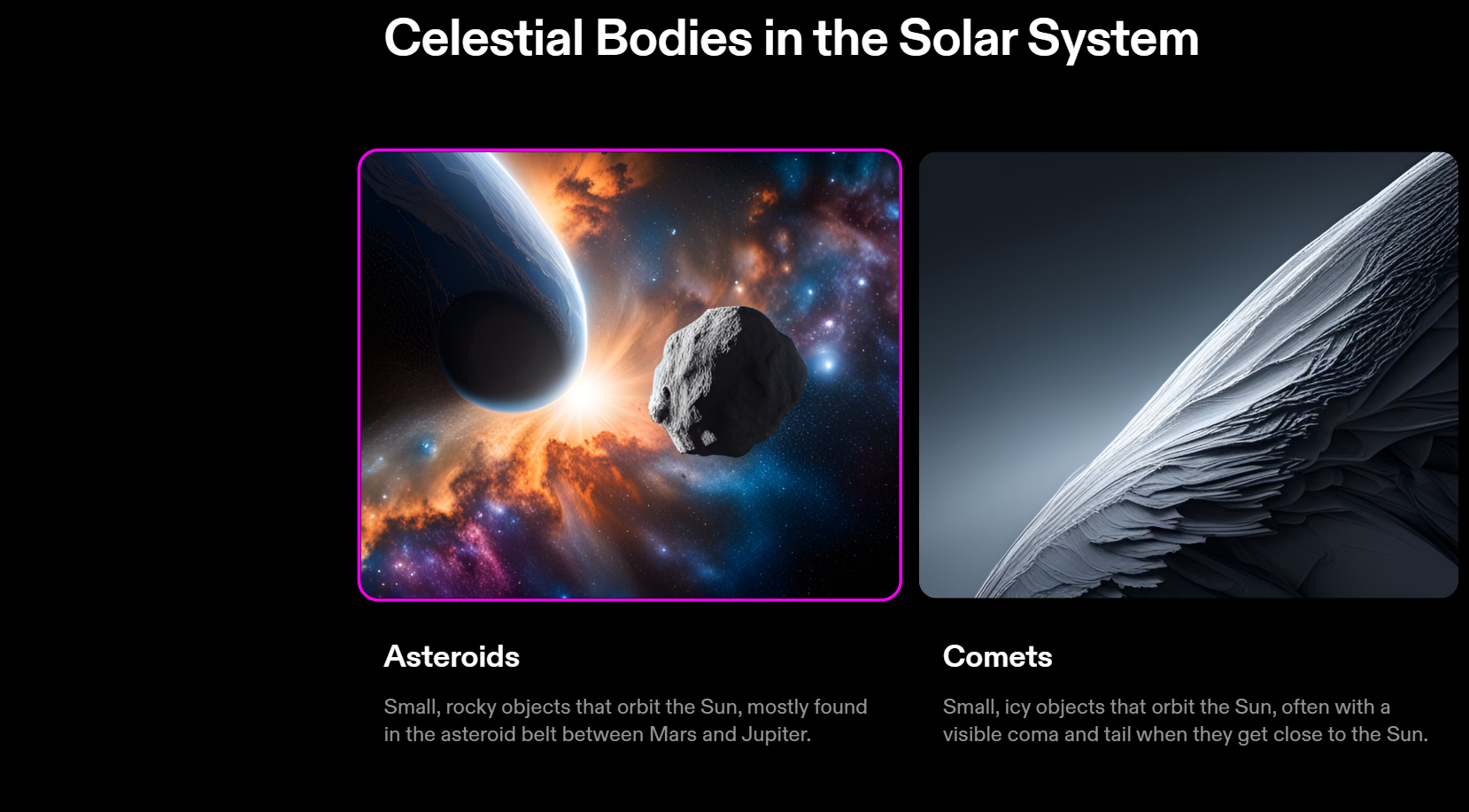
MagicSlides.app's image quality varies, with select images standing out for their excellence. This variance indicates room for growth, though MagicSlides.app remains competitive.
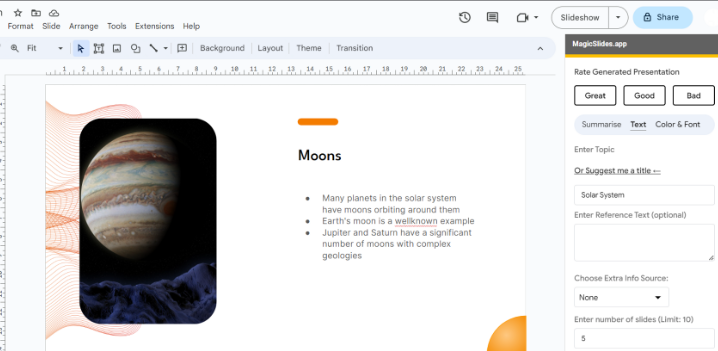
Information Depth and Detail:
The value of a presentation hinges on the depth of information shared. MagicSlides.app excels by providing comprehensive insights, enabling effective communication of complex concepts.
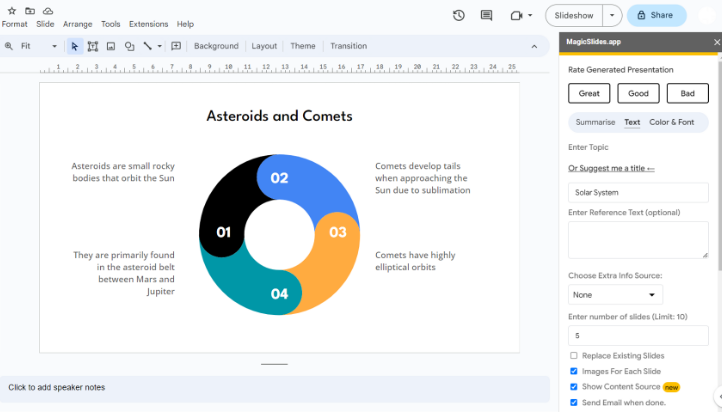
Conversely, Tome.app lags behind, offering limited information. MagicSlides.app's ability to convey detailed insights ensures presentations are not only visually engaging but also informative and influential.
Flexibility in Number of Slides:
Adaptability in slide count is pivotal for tailoring presentations. MagicSlides.app offers this flexibility, empowering users to create presentations of varying lengths, accommodating diverse content needs.
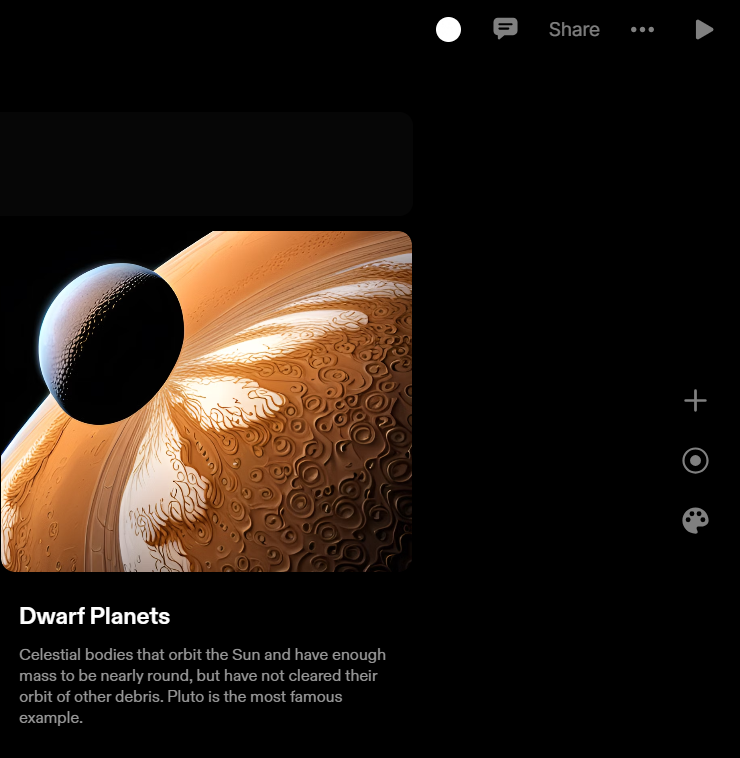
Tome.app, in contrast, imposes a fixed slide count limitation. This rigidity might hamper elaborate or extensive presentations. By default we only get one slide in the free version of Tome app though the images may feel appealing it lags behing creating more content and slides in tailoring users needs, MagicSlides wins this metric.
Selection of Themes:
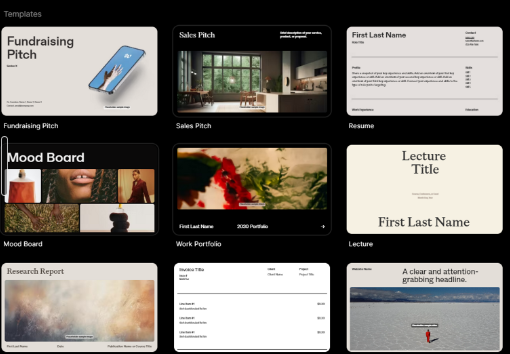
Visual consistency elevates presentations. Tome.app provides an expansive theme selection, enabling alignment of aesthetics with content.
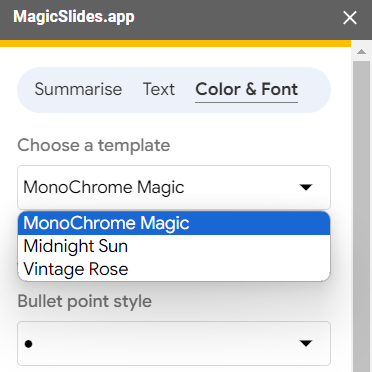
MagicSlides.app offers standard themes for a polished look, promoting coherence in presentation design.
Downsides and Additional Features:
Tome.app offers a free version to it’s Dall-E engine presentation but cannot be downloaded, a potential disadvantage as it could impact its premium features and overall functionality.
MagicSlides.app, on the other hand, allows users to estimate the time required for presentation generation, adding a thoughtful feature that enhances user experience.
Conclusion:
In the domain of AI-driven slide makers, MagicSlides.app and Tome.app both offer strengths to streamline presentation creation. While Tome.app impresses with a lightning-fast creation time and image accuracy, MagicSlides.app offers a more holistic approach. Despite its slightly extended creation time, MagicSlides.app compensates with comprehensive information delivery, adaptable slide counts, and visual coherence.
It's clear that MagicSlides.app is the superior choice for professionals seeking impactful presentations beyond aesthetics. Its dedication to delivering insightful and persuasive presentations, coupled with user-centric features, positions it as an indispensable tool for educators, presenters, and business leaders. Elevate your presentation prowess with MagicSlides.app and harness the power of seamless communication.