Google Slides vs PowerPoint: Which Presentation Software Is Better in 2026?


Compare Google Slides vs PowerPoint in terms of features, pricing, collaboration, offline access, AI, and performance to choose the best presentation software.
When it comes to creating presentations, Google Slides and Microsoft PowerPoint are the two most popular tools available today. Whether you’re a student preparing a class presentation, a marketer pitching a client, or a business executive delivering quarterly reports, choosing the right presentation software can significantly impact your productivity and presentation quality.
Although both applications serve the same purpose, they are built with different priorities. Google Slides focuses on cloud collaboration, simplicity, and accessibility, while Microsoft PowerPoint emphasizes advanced design capabilities, offline performance, and professional-grade presentation features.
So, which one is better?
The answer depends entirely on how you work, who you collaborate with, and the type of presentations you create.
In this detailed comparison, we’ll evaluate Google Slides and PowerPoint across features, collaboration, design capabilities, performance, pricing, security, and real-world use cases to help you make the right choice.
Google Slides vs PowerPoint: Quick Comparison
| Feature | Google Slides | Microsoft PowerPoint |
|---|---|---|
| Best For | Collaboration & online work | Professional presentations |
| Platform | Web-based | Desktop + Web |
| Offline Support | Limited | Excellent |
| Real-Time Collaboration | Excellent | Very Good |
| Templates | Basic | Extensive |
| Animations | Basic | Advanced |
| Multimedia Support | Moderate | Excellent |
| AI Features | Gemini integration | Microsoft Copilot |
| Cost | Free | Paid (Microsoft 365) |
| Learning Curve | Easy | Moderate |
Bottom Line
- Choose Google Slides if collaboration, accessibility, and simplicity matter most.
- Choose PowerPoint if you need advanced design tools, animations, and enterprise-level presentation capabilities.
What Is Google Slides?
Google Slides is Google’s cloud-based presentation software included with Google Workspace. Since it runs directly in your browser, there’s nothing to install, and every presentation is automatically saved to Google Drive.
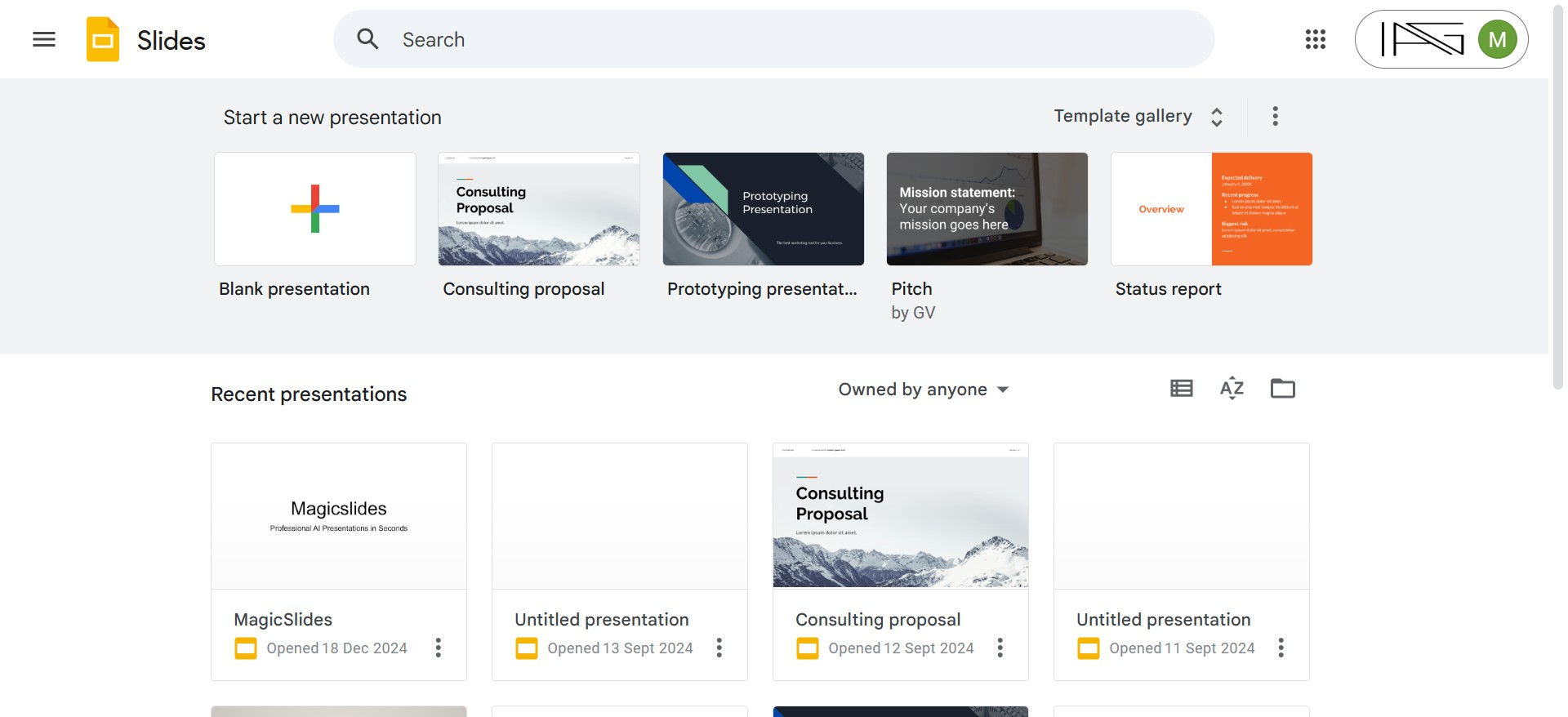
Its biggest strength is collaboration. Multiple users can edit the same presentation simultaneously, leave comments, assign tasks, and see changes happen in real time.
For remote teams, educators, startups, and students, Google Slides has become the preferred presentation tool because everyone works from a single shared file.
Key Features
- Cloud-based editing
- Automatic saving
- Version history
- Real-time collaboration
- Google Drive integration
- Easy sharing with permissions
- Cross-device accessibility
What Is Microsoft PowerPoint?
Microsoft PowerPoint is the world’s most established presentation software. Introduced decades ago, it remains the industry standard for businesses, enterprises, and professional presenters.
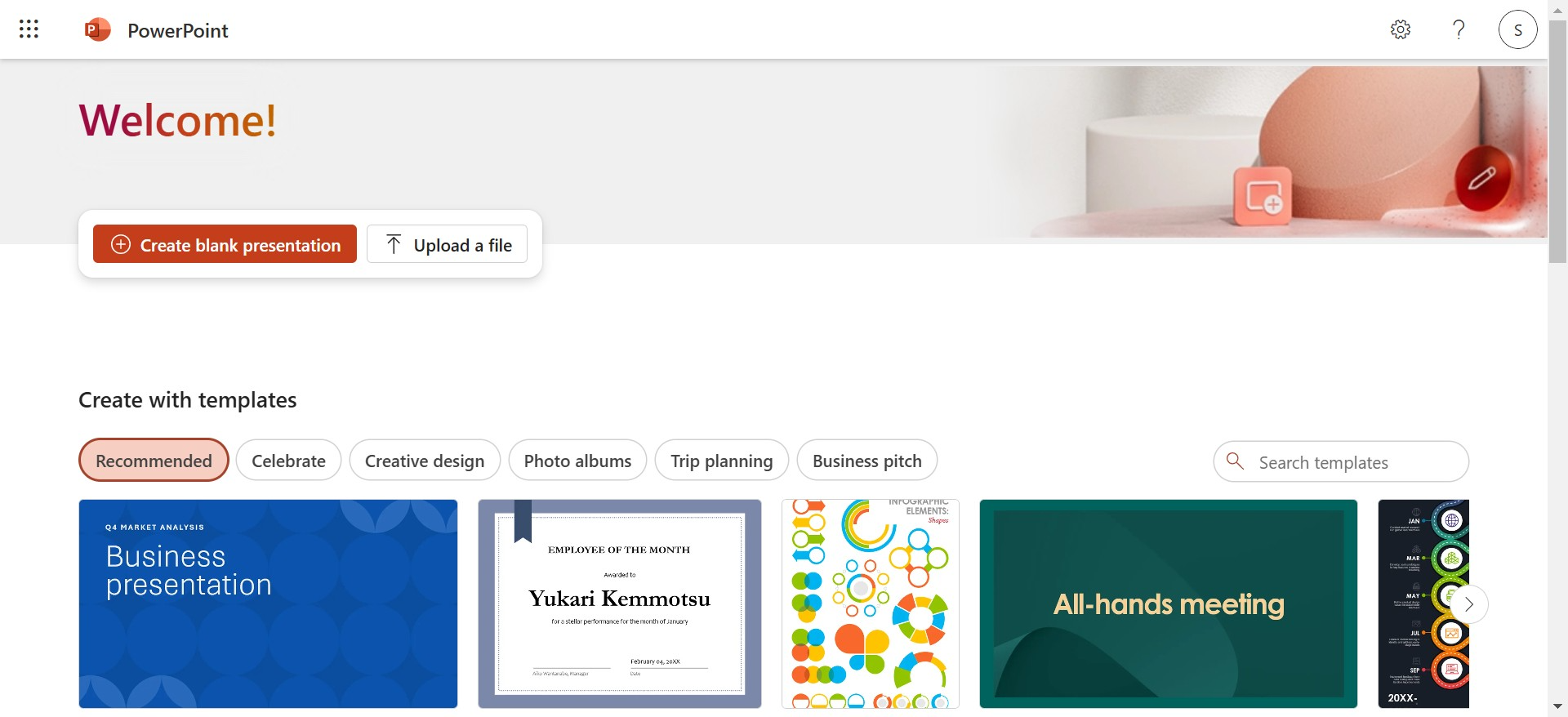
PowerPoint offers significantly more creative control than Google Slides. Users can create sophisticated animations, interactive presentations, custom slide transitions, data visualizations, and multimedia-rich presentations.
Unlike Google Slides, PowerPoint works exceptionally well offline, making it ideal for conferences, client meetings, and business environments where internet access may be unreliable.
Key Features
- Advanced animations
- Professional templates
- Presenter Coach
- Recording presentations
- Screen recording
- Morph transition
- SmartArt graphics
- Advanced charts
- AI-powered Copilot assistance
Collaboration: Which Tool Works Better for Teams?
Collaboration is where Google Slides truly shines.
Every team member works on the same presentation simultaneously. Changes appear almost instantly, comments can be resolved inside the document, and version history makes it easy to restore previous edits.
Since presentations are stored in Google Drive, there’s no need to email multiple versions of the same file.
PowerPoint has improved dramatically through Microsoft 365 and OneDrive. Users can collaborate online, leave comments, and co-author presentations. However, the experience still feels more desktop-oriented compared to Google’s cloud-first approach.
Winner: Google Slides
For remote teams, agencies, classrooms, and distributed workplaces, Google Slides offers the smoother collaborative experience.
Design and Presentation Features
If presentation design is your priority, Microsoft PowerPoint clearly leads.
PowerPoint provides hundreds of professionally designed templates, customizable themes, advanced typography controls, icons, SVG graphics, 3D models, SmartArt, and sophisticated animation tools.
Designers can fine-tune nearly every visual element on a slide.
Google Slides intentionally keeps its design tools simple.
While it supports themes, fonts, shapes, and images, users may find themselves limited when creating highly polished corporate presentations.
PowerPoint Advantages
- Morph transitions
- Motion paths
- Advanced animations
- Layer management
- Master Slides
- Slide Zoom
- Designer suggestions
- Custom templates
Google Slides Advantages
- Faster editing
- Simpler interface
- Less overwhelming for beginners
- Easier consistency across teams
Winner: PowerPoint
Ease of Use
Not everyone needs dozens of animation settings.
Google Slides offers one of the cleanest interfaces available. Most users can start building presentations without watching tutorials or reading documentation.
PowerPoint includes many more features, but this also creates a steeper learning curve.
Beginners often find PowerPoint overwhelming because many advanced tools remain hidden inside multiple menus.
Winner
- Beginners → Google Slides
- Advanced users → PowerPoint
Performance and Reliability
Performance depends on your workflow.
Google Slides performs exceptionally well for presentations with standard text, charts, and images.
However, presentations containing hundreds of slides, embedded videos, high-resolution graphics, or complex diagrams may begin to lag inside the browser.
PowerPoint runs locally on your computer and generally handles large presentations much more efficiently.
It also performs better during live presentations where reliability matters.
Winner: PowerPoint
Offline Access
This is one of the biggest differences.
Google Slides is primarily designed for online work.
Although Google offers offline mode, users must enable it beforehand, and some cloud-based functionality becomes unavailable.
PowerPoint was originally built as desktop software.
Every feature works offline, making it ideal for travel, conferences, and client meetings.
Winner: PowerPoint
Templates and Customization
Templates can dramatically reduce presentation creation time.
PowerPoint offers thousands of professionally designed templates, layouts, icons, animations, and design assets.
Corporate branding is also easier because organizations can distribute custom PowerPoint templates company-wide.
Google Slides provides templates, but the selection is considerably smaller.
Many users rely on third-party template marketplaces to expand their options.
Winner: PowerPoint
AI Features
Artificial intelligence is changing how presentations are created.
Google Slides integrates with Gemini, allowing users to generate content, summarize information, and receive writing assistance.
Microsoft PowerPoint integrates with Copilot, which can generate complete presentations from prompts, rewrite slides, create speaker notes, and suggest layouts.
Both AI assistants continue to evolve, but Microsoft’s implementation currently offers deeper presentation-focused capabilities.
Winner: PowerPoint (slight edge)
File Compatibility
PowerPoint remains the industry standard file format.
Google Slides can open and edit PowerPoint (.pptx) files, but complex animations, fonts, transitions, and layouts may not transfer perfectly.
PowerPoint, meanwhile, handles its native files without formatting issues.
If your organization regularly exchanges presentation files with clients, PowerPoint provides greater compatibility.
Winner: PowerPoint
Pricing Comparison
Google Slides
Google Slides is completely free for personal users.
Businesses can upgrade to Google Workspace for additional storage, security, and administrative controls.
Microsoft PowerPoint
PowerPoint requires either:
- Microsoft 365 subscription
- One-time Office purchase
Although it costs more, users receive Word, Excel, Outlook, OneDrive, and other Microsoft applications.
Winner
Budget-conscious users → Google Slides
Professionals → PowerPoint
Security
Both companies invest heavily in security.
Google protects presentations using encrypted cloud storage, account permissions, two-factor authentication, and enterprise-grade security through Google Workspace.
Microsoft provides similar protections through Microsoft 365, Azure Active Directory, ransomware protection, compliance certifications, and advanced enterprise management.
For most users, both platforms offer excellent security.
Winner: Tie
Pros and Cons
Google Slides
Pros
- Completely free
- Excellent collaboration
- Automatic cloud saving
- Easy sharing
- Beginner-friendly
- Accessible from any browser
Cons
- Limited templates
- Basic animations
- Internet-dependent
- Weaker multimedia support
- Limited advanced design tools
Microsoft PowerPoint
Pros
- Professional-grade design tools
- Excellent offline performance
- Rich animations
- Better multimedia support
- Large template library
- Superior compatibility
Cons
- Subscription cost
- More complex interface
- Collaboration isn’t as seamless as Google Slides
Which Tool Should You Choose?
Choose Google Slides if:
- You collaborate frequently with remote teams.
- You primarily work online.
- You want a free presentation tool.
- You need quick, simple presentations.
- You already use Google Workspace.
Choose PowerPoint if:
- You create business or corporate presentations.
- You need advanced animations and graphics.
- You often work offline.
- You deliver presentations to clients or executives.
- You require maximum creative control.
Also read: How to Flip an Image in Canva (Horizontally or Vertically)?
Frequently Asked Questions
Is Google Slides better than PowerPoint?
Not necessarily. Google Slides is better for collaboration and cloud-based workflows, while PowerPoint is superior for advanced design, multimedia, and offline presentations.
Can Google Slides open PowerPoint files?
Yes. Google Slides supports PowerPoint (.pptx) files, although advanced animations, transitions, and formatting may not always transfer perfectly.
Which is better for students?
Google Slides is often the better choice for students because it’s free, easy to use, and allows seamless collaboration on group projects.
Which presentation software do businesses use?
Large organizations generally rely on Microsoft PowerPoint because of its advanced capabilities, compatibility with Microsoft Office, and enterprise features. However, many startups and remote teams prefer Google Slides for its collaboration features.
Final Verdict
There isn’t a one-size-fits-all winner in the Google Slides vs. PowerPoint debate. The right choice depends on your workflow, collaboration needs, design requirements, and preferred ecosystem.
If you prioritize real-time collaboration, cloud accessibility, and ease of use, Google Slides is an excellent option for teams, educators, students, and remote professionals. On the other hand, if you require advanced design tools, rich animations, robust offline functionality, and enterprise-level features, Microsoft PowerPoint remains the preferred choice for creating highly polished presentations.
The good news is that you don’t have to spend hours building presentations from scratch regardless of which platform you use.
With MagicSlides, you can generate professional, well-structured presentations in minutes using AI. Whether you’re creating slides from a prompt, a document, a PDF, a YouTube video, a website, or other content sources, MagicSlides AI Presentation Tool helps you turn ideas into engaging presentations and export or edit them in both Google Slides and Microsoft PowerPoint.
Instead of choosing between speed and quality, you can use the presentation platform that best fits your workflow and let MagicSlides handle the time-consuming work of creating impactful slides.
Also read: How to Flip Text in Canva (Step-by-Step Guide)?


